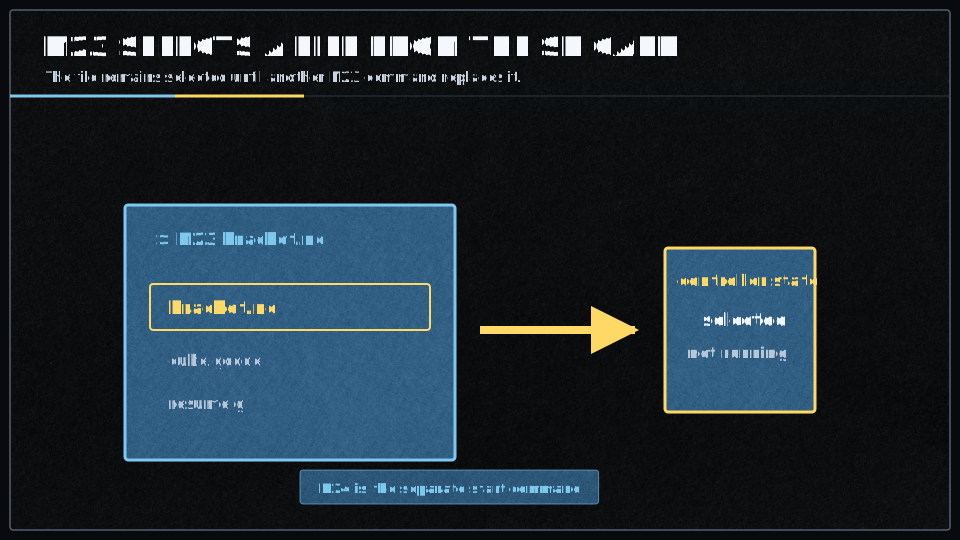
M23 : Select File
Issuing an
The file will remain “selected” and all subsequent
Error Handling
If the file does not exist on the SD card, an error will be returned (ERROR?).
Restarting Files
The
Use
Format
The command is used as such:
M23 filename.gco
Which means: Select the file to be used in the subsequent
When the file is selected, the system verifies that the file exists and is accessible on the SD card. In V2, if the file cannot be opened, an error will be returned with details about why the selection failed.
Parameters
| Parameter | Usage | Example |
|---|---|---|
filename |
The file, on the SD card, will be printed in the subsequent M24 command | M20 myGcodeFile.gco |
Filename Support
The filename parameter identifies the file to be used by subsequent
Smoothie supports both long filenames and 8.3 format.
Example
If your SD card contents were:
- config.txt
- firmware.cur
- Readme.txt
- myGcode.gco
This means if you command:
M23 myGcode.gco
The file myGcode.gco would be queued for subsequent printing with the
To actually start printing, you would then issue:
M24
Configuration
The
The SD card must be properly inserted and contain the file you’re trying to select.
Macro Files Integration
When using
- resume.g: Executed when resuming a paused print (via
M24 after pause). Useful for extruder priming or other resume procedures. - suspend.g: May be executed during suspend operations for custom handling.
Place these macro files in the root directory of the SD card if you want to use them.
Further reading
These resources are used as references: