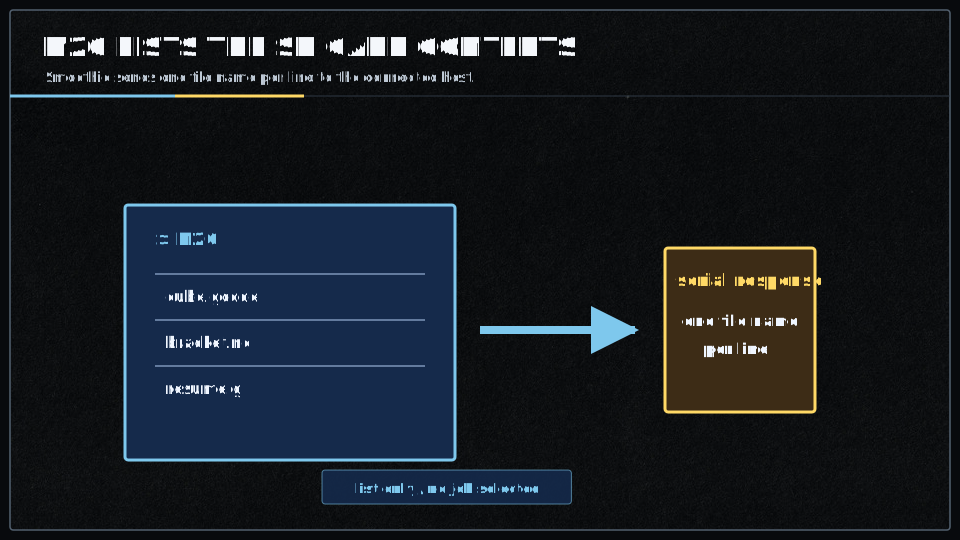
M20 : List SD card
When you issue an
A properly connected host will receive and display the Smoothie’s SD card directory to its console.
V2 uses modern SDIO drivers for faster SD card access. When you issue an
A properly connected host will receive and display the Smoothie’s SD card directory to its console.
Troubleshooting
To verify and debug your Smoothie’s serial connection, try the troubleshooting guide in the debug section.
Format
The command is used as such:
M20 [S] [P]
Which means: output the contents of SD card to serial port while using S to define the format and P defines the directory to list.
Parameters
| Parameter | Usage | Example |
|---|---|---|
S |
Style: Defines the format used to present the output | M20 S0 |
P |
Directory: Defines the directory that will be listed | M20 |
Smoothie Implementation
The S parameter when used with Smoothie supports Style 0 only, which is the default.
If you do not include S, it will assume S0.
The P parameter is not supported by Smoothie.
Smoothie always lists the SD card’s root directory.
Example
If your SD card contents were:
- config.txt
- firmware.cur
- Readme.txt
- myGcode.gcode
This means if you command:
M20 S0
or
M20 S0 P1
or
M20 S1 P1
or
M20 P2
…they will all print the following to the connected console:
Ok
config.txt
firmware.cur
Readme.txt
myGcode.gcode
Configuration
The
It works as long as the SD card is properly inserted and recognized by Smoothieboard.
Ensure your SD card is:
- Properly formatted (FAT32 recommended)
- Inserted fully into the SD card slot
- Not experiencing read errors
It works as long as the SD card is properly inserted and recognized by the Smoothie controller.
V2 provides improved SD card stability through modern SDIO drivers. Ensure your SD card is:
- Properly formatted (FAT32 recommended)
- Inserted fully into the microSD card slot
- High-quality and not corrupted
- Using modern microSD cards for best compatibility
Further reading
These resources are used as references: