SPI PT100 interface
The MAX31865_SSOP20 converts a platinum resistance sensor into a digital SPI measurement. A PT100 is a resistance sensor, not a thermocouple; a MAX31855 configuration cannot read it. This board is intended for accurate resistance-temperature measurement with an appropriately selected reference resistor.
Documented source and compatibility
This guide describes the retained original Smoothieboard2 source, not a modern board with a similar purpose. The original host generation predates Smoothieboard V2 Prime. Connector compatibility must be established contact by contact. Production, assembly availability and physical testing are not established by these files.
Power, signals and controls
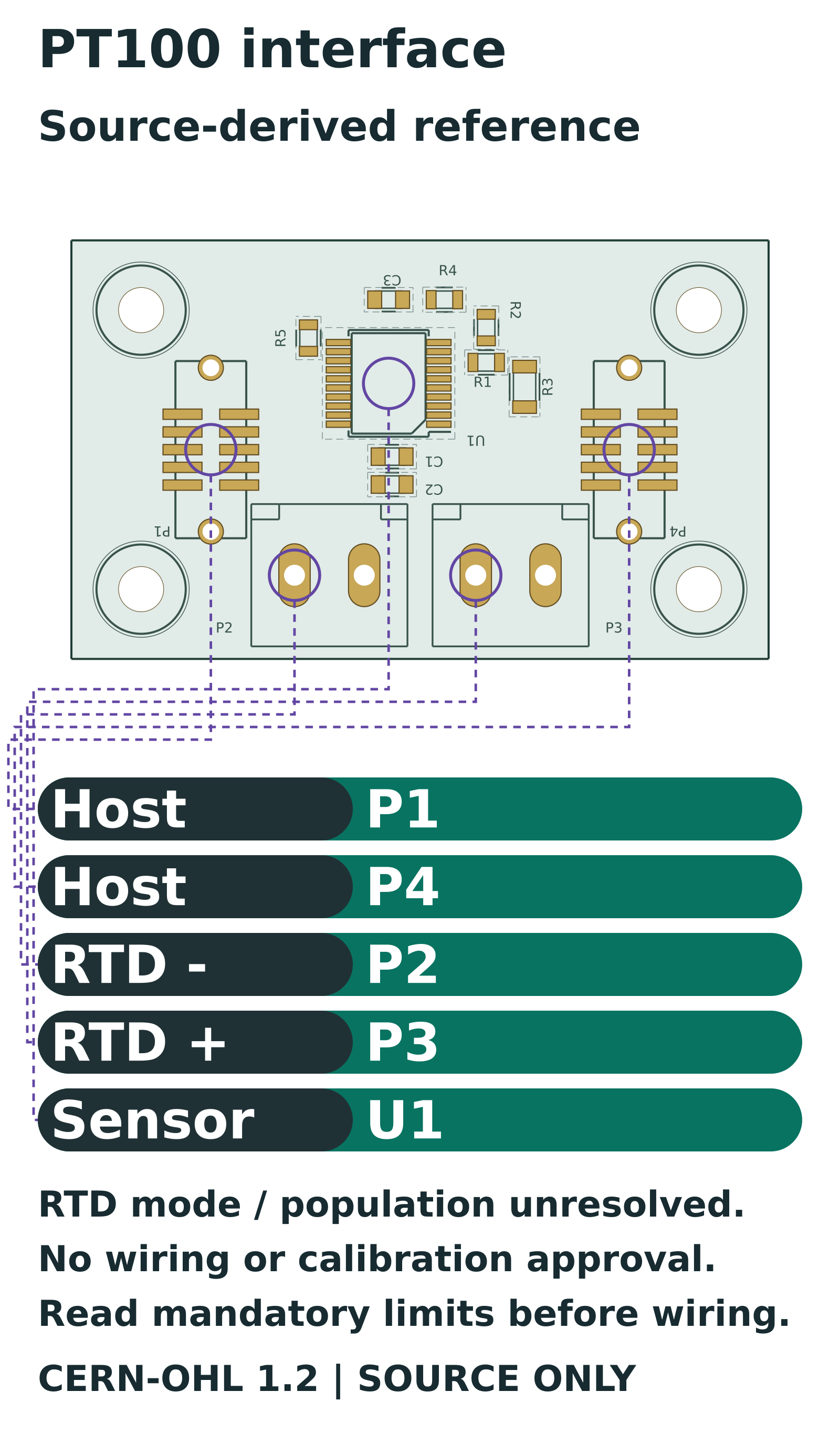
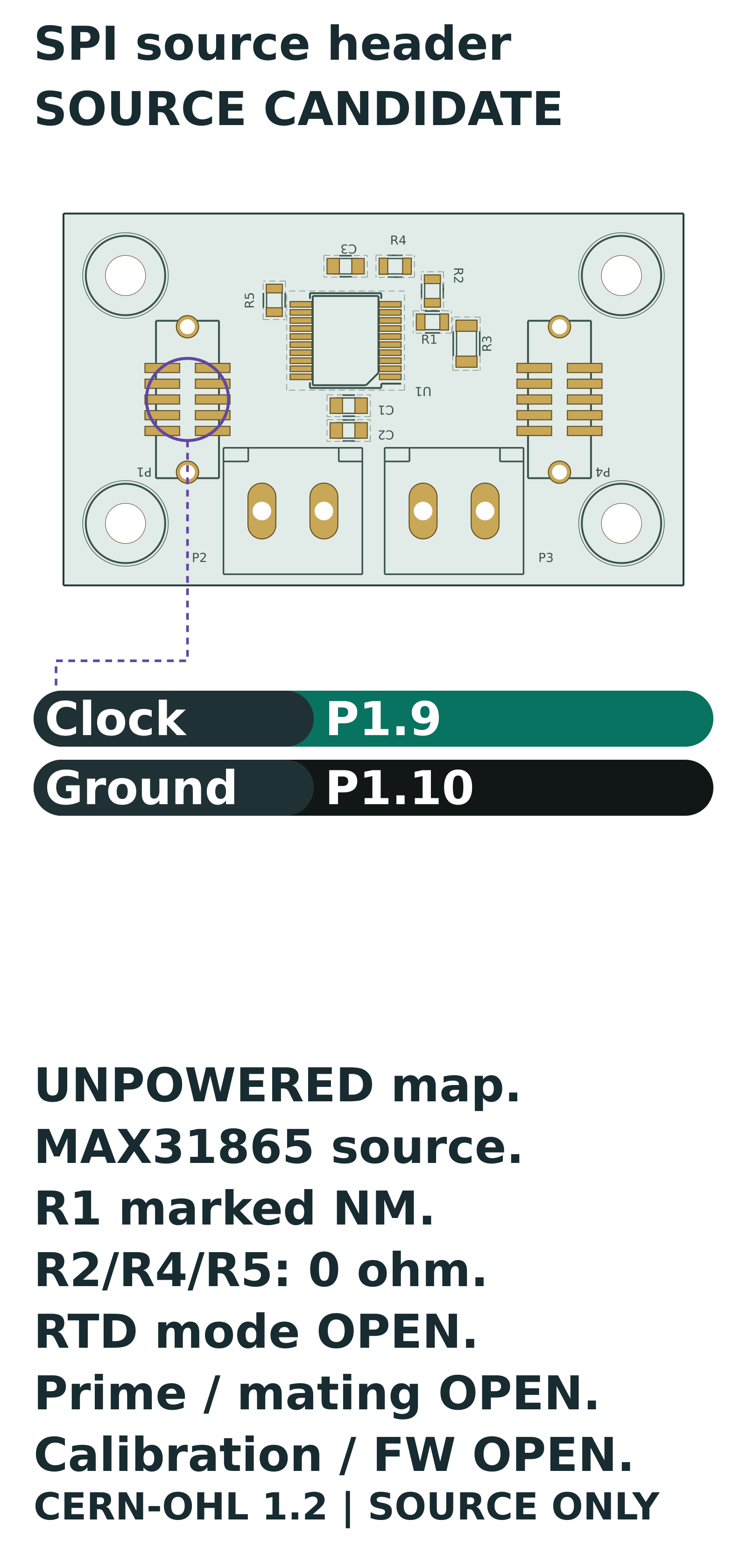
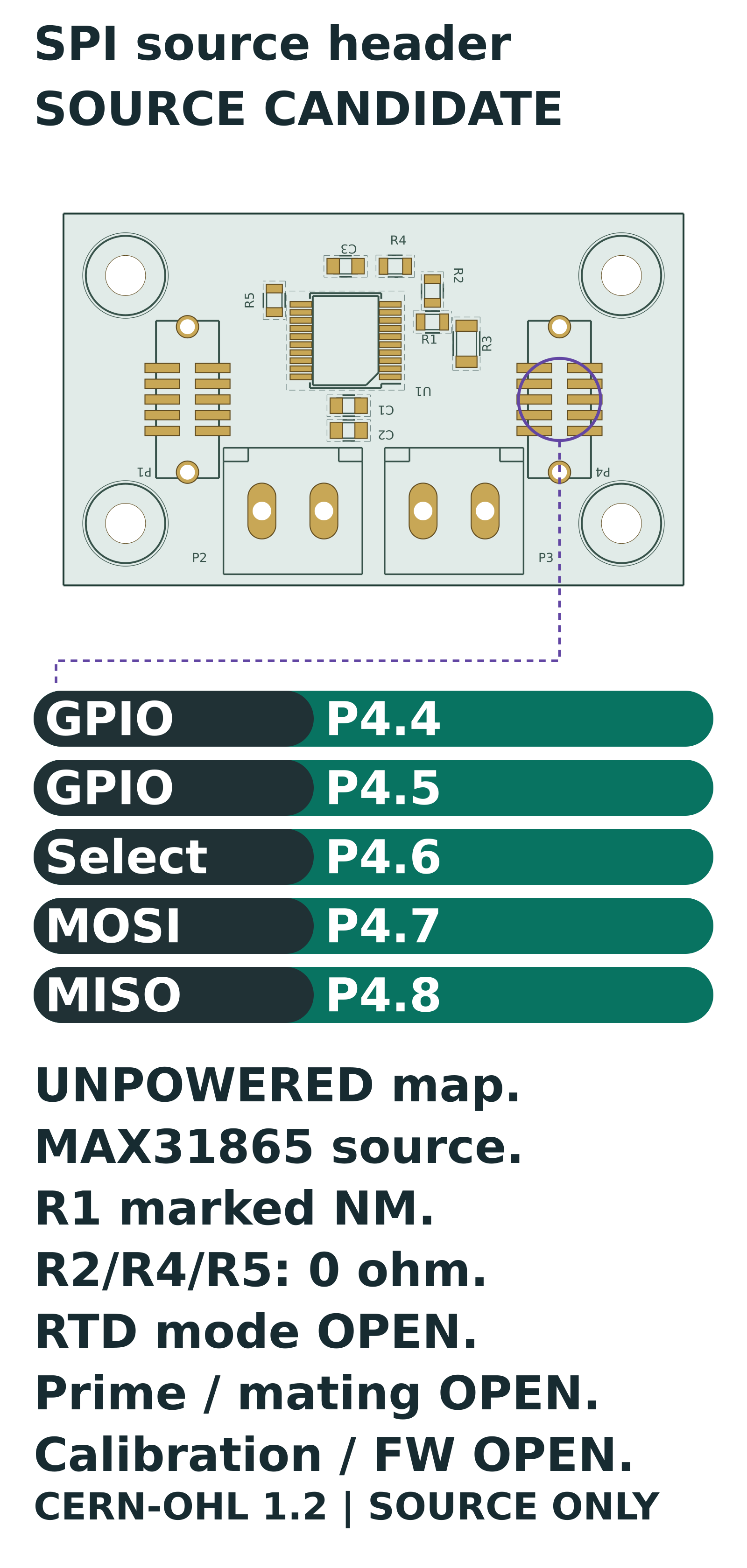
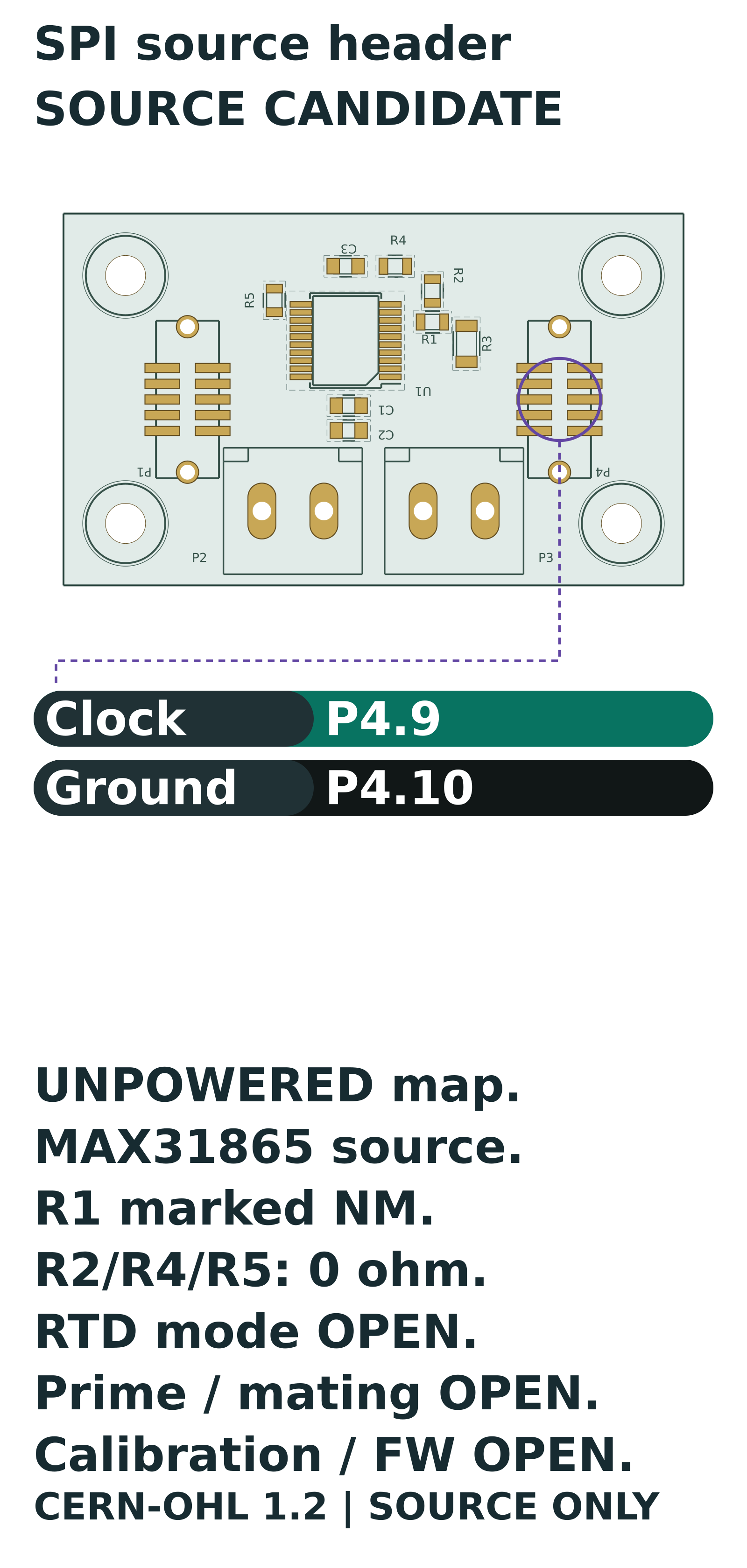
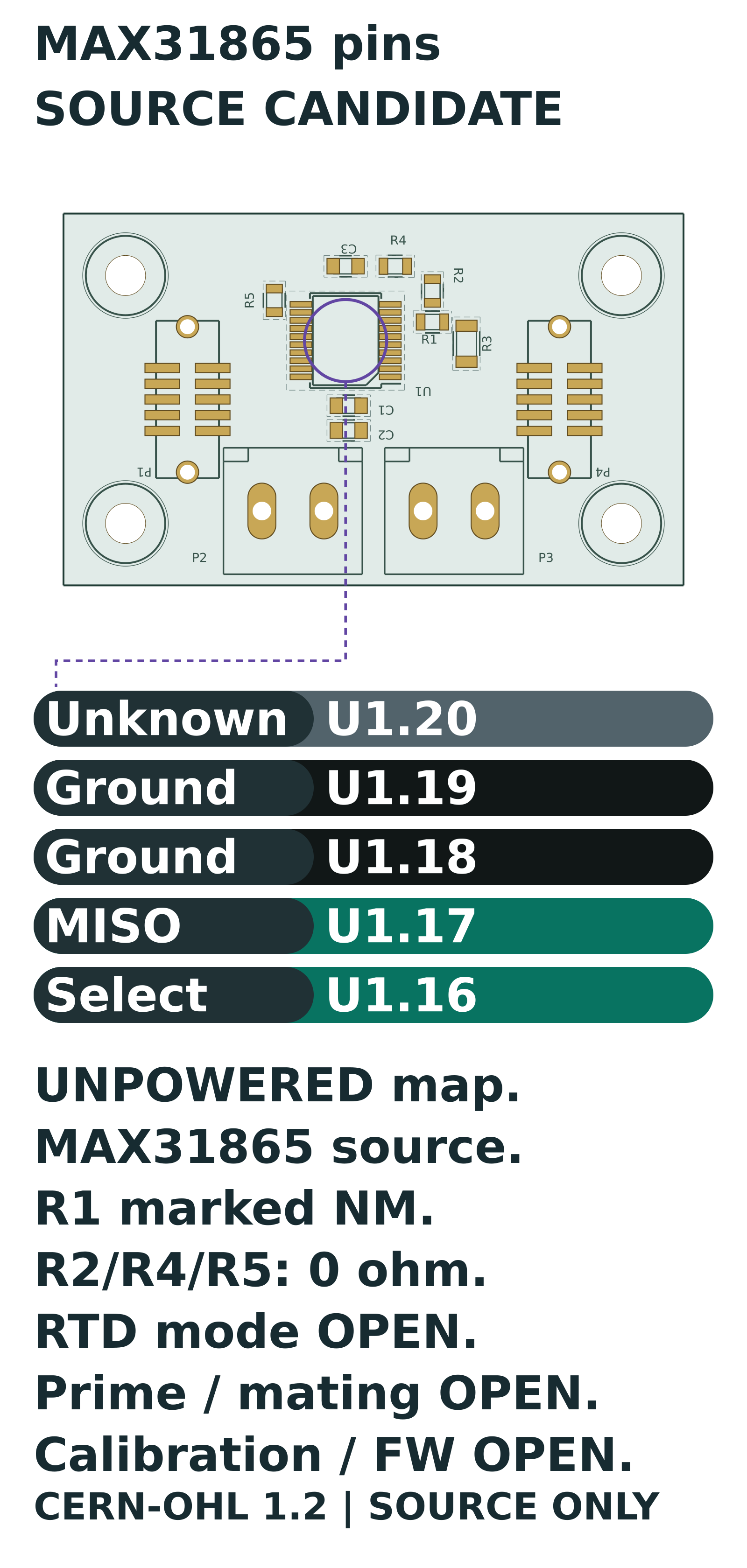
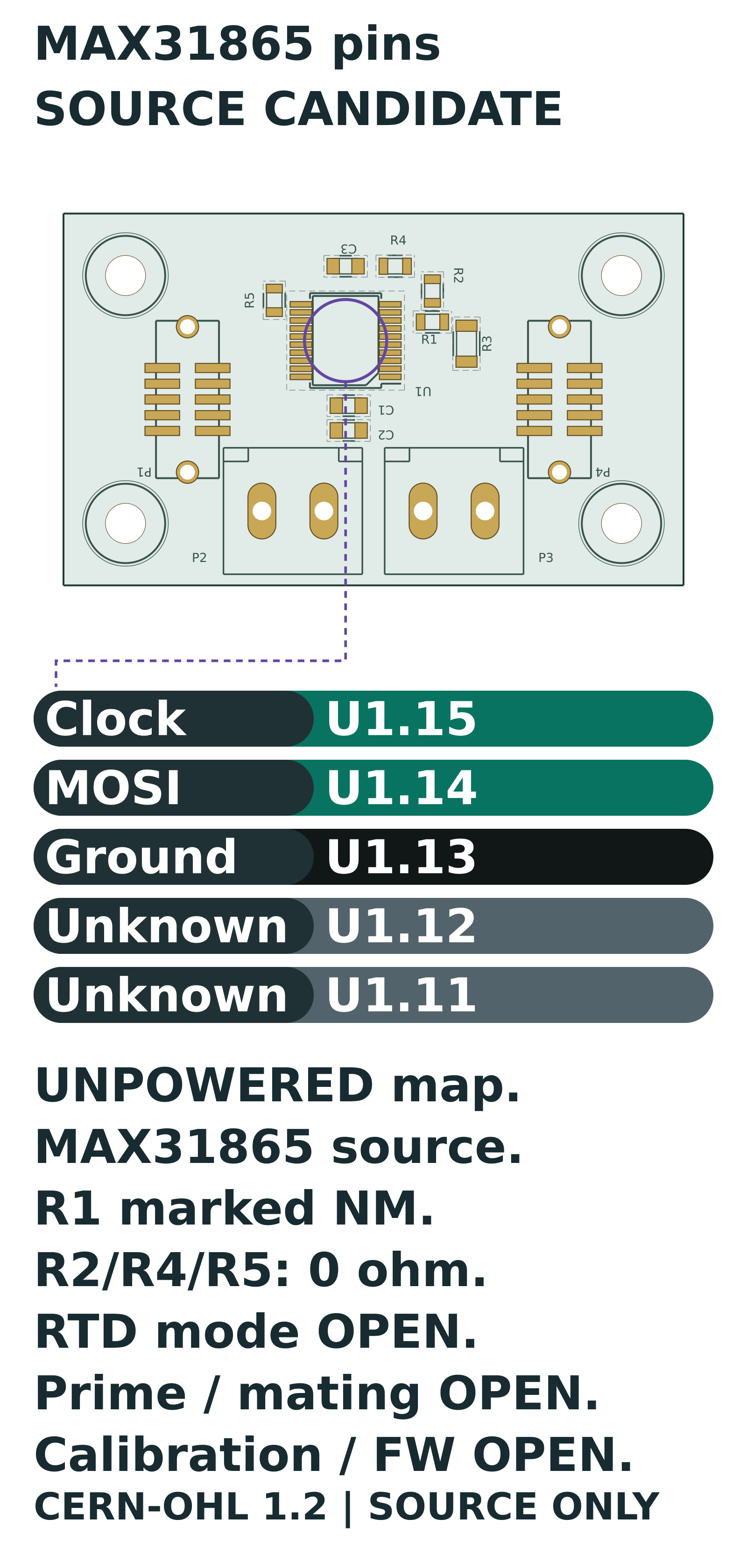
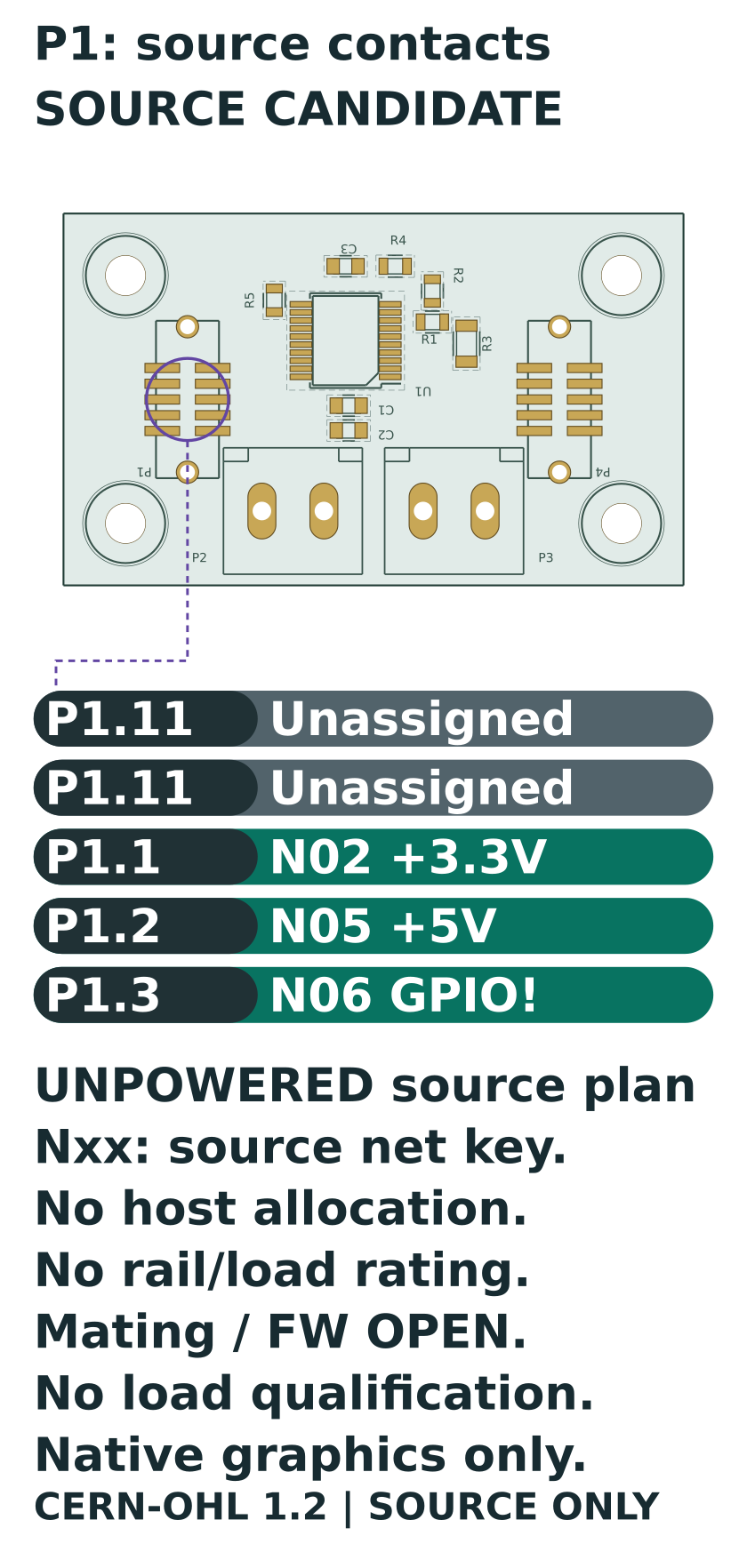
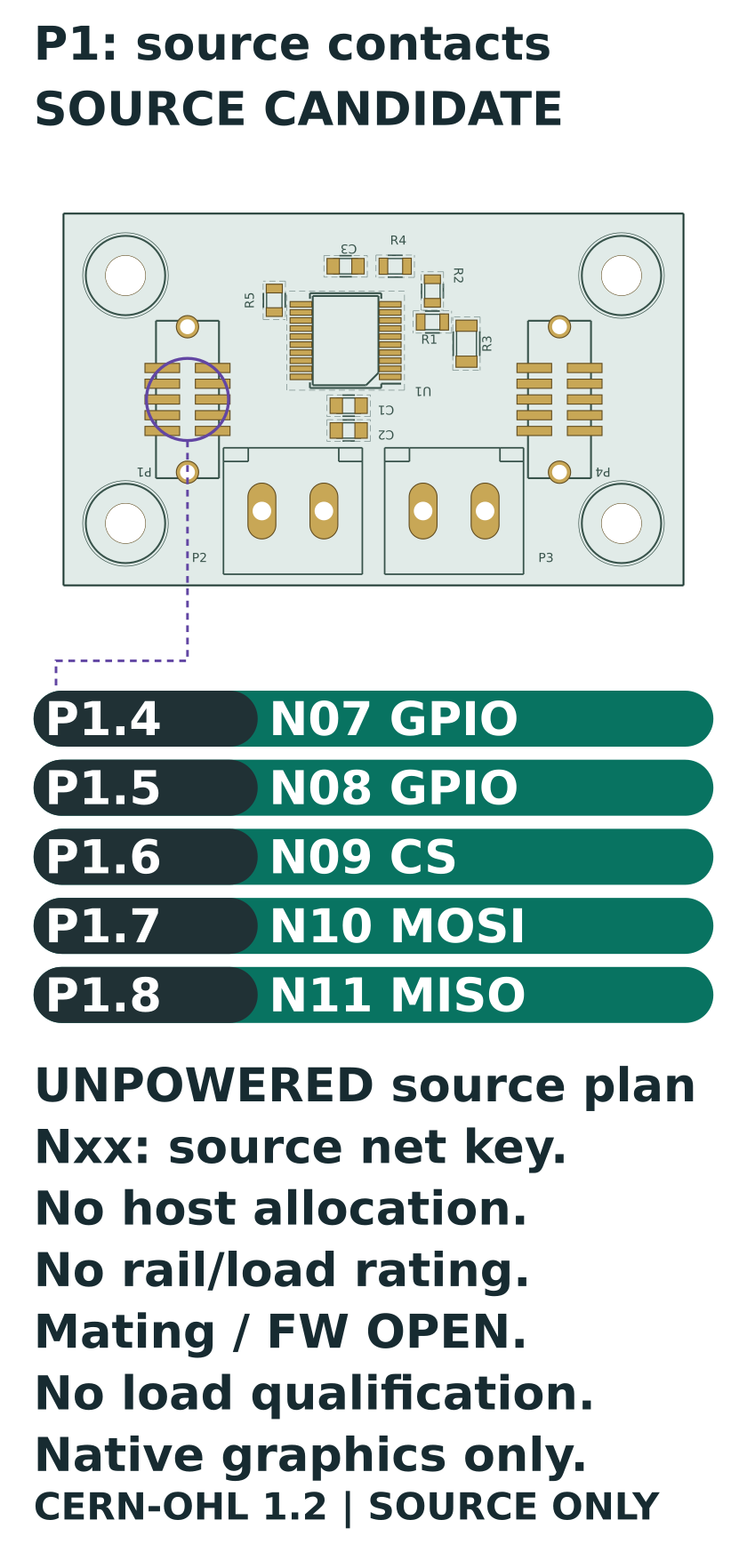
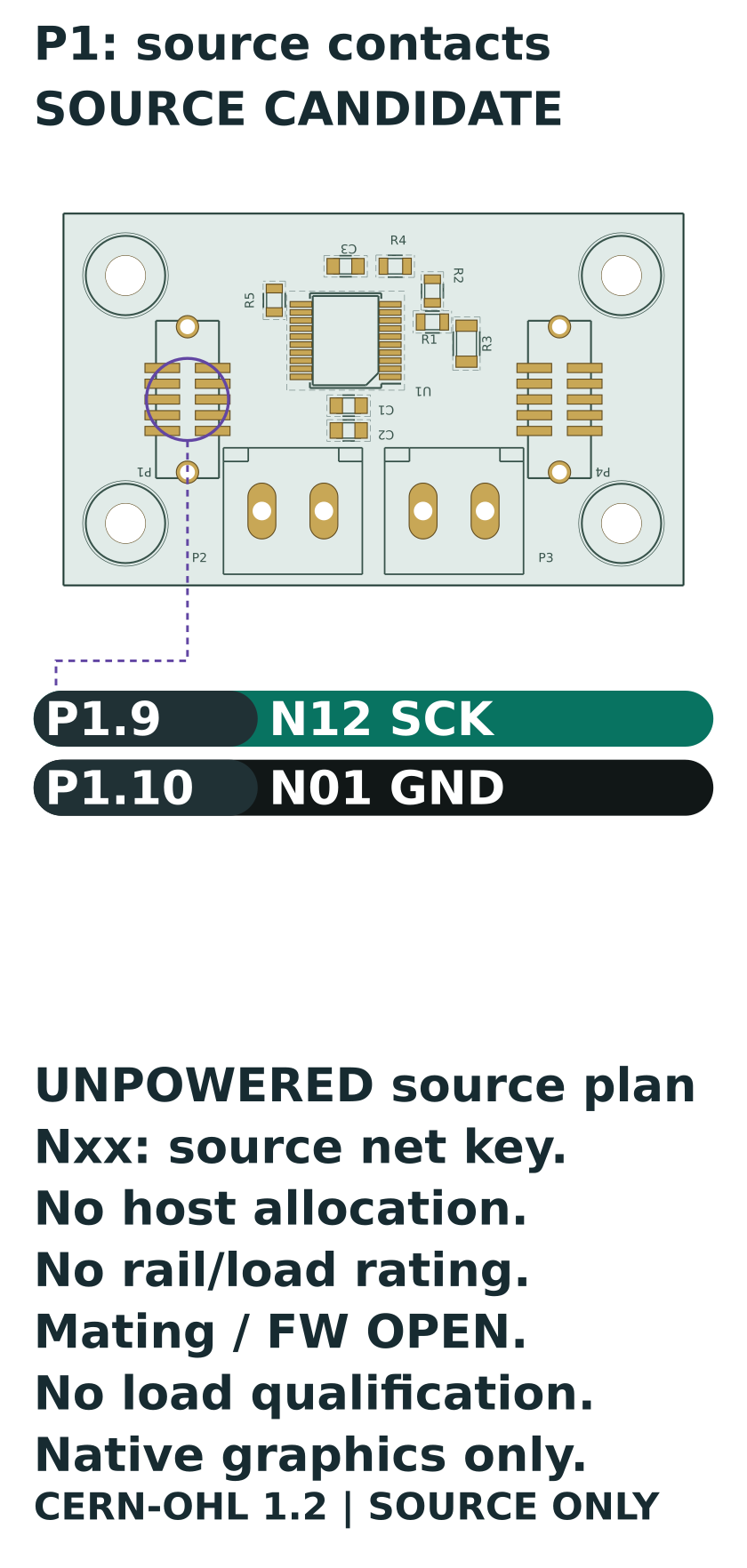
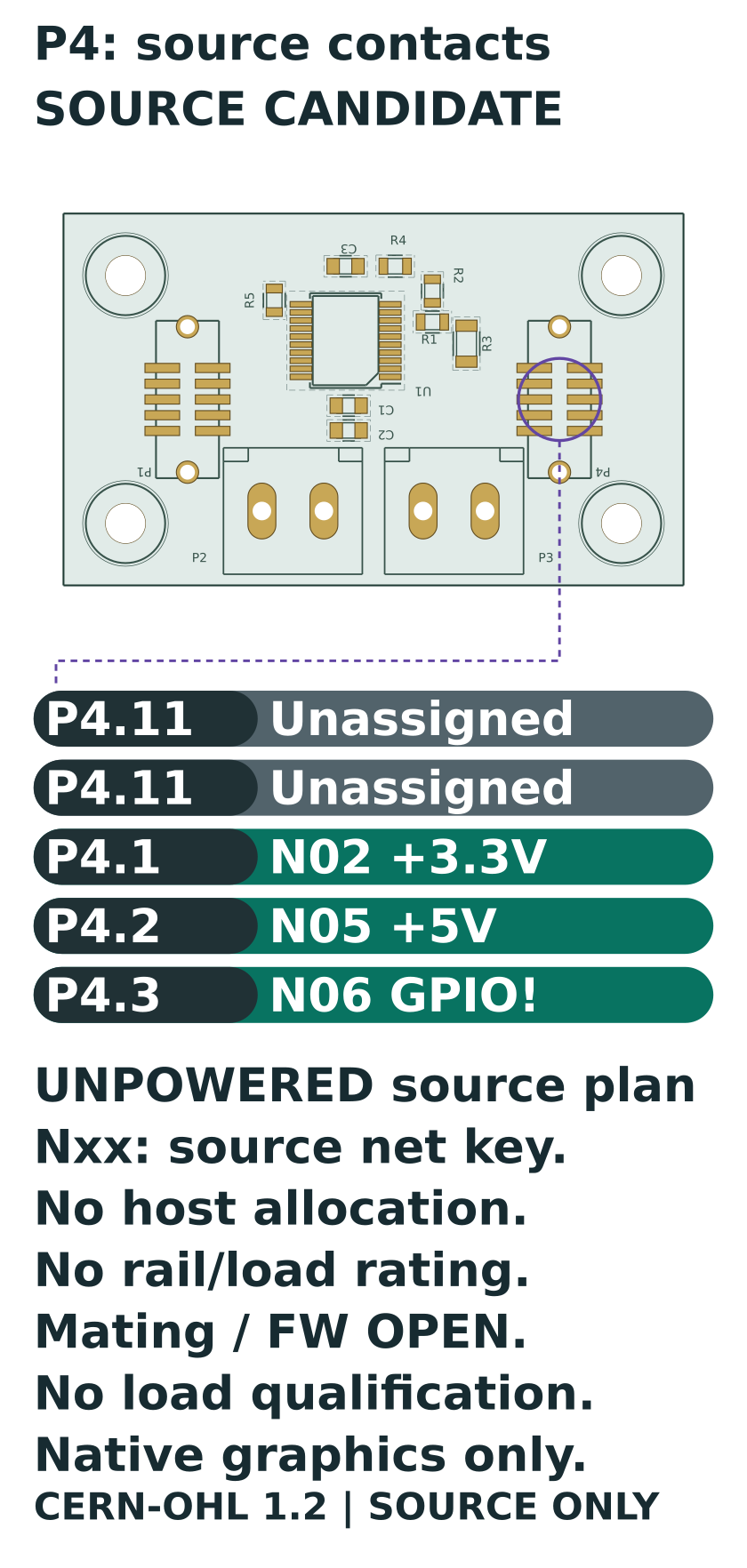
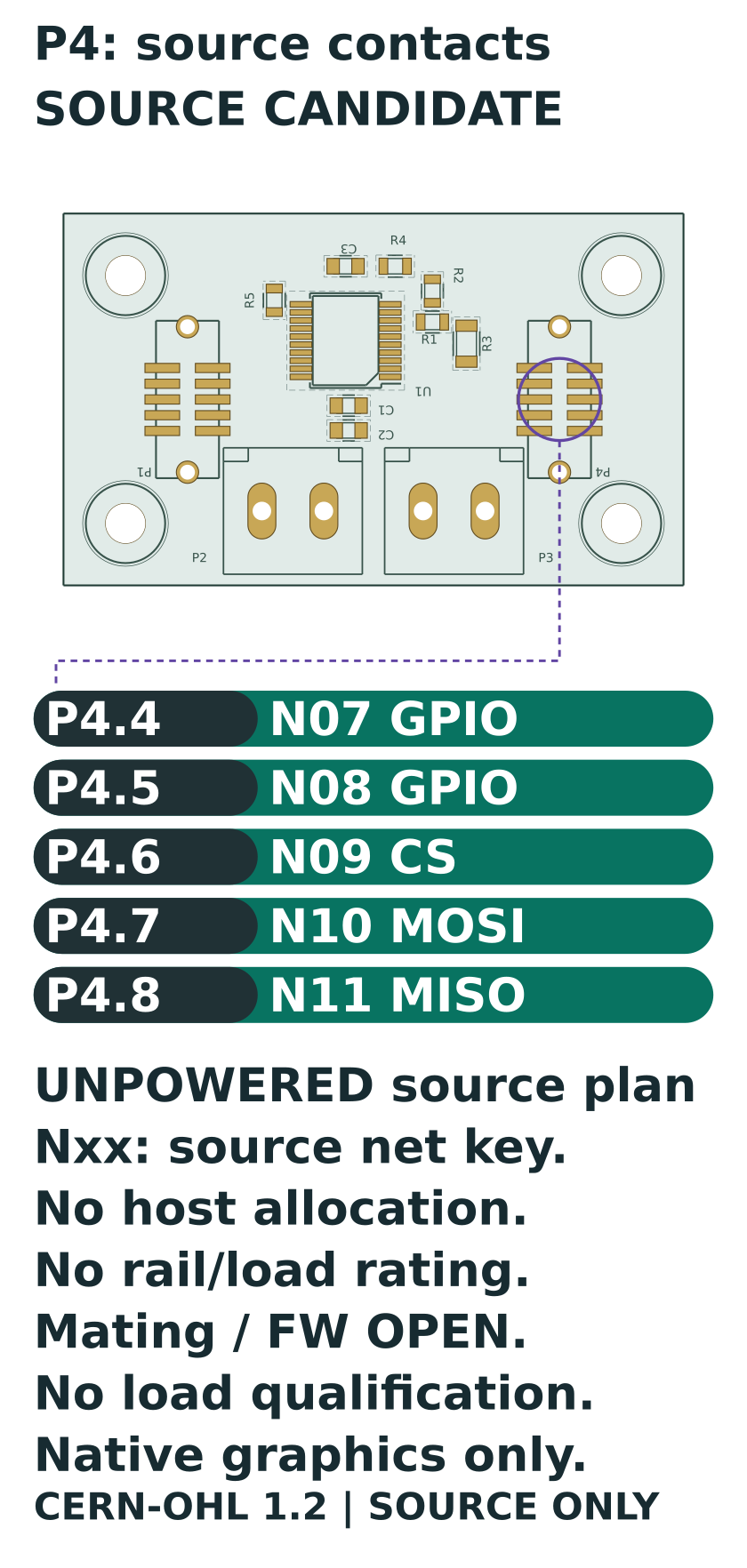
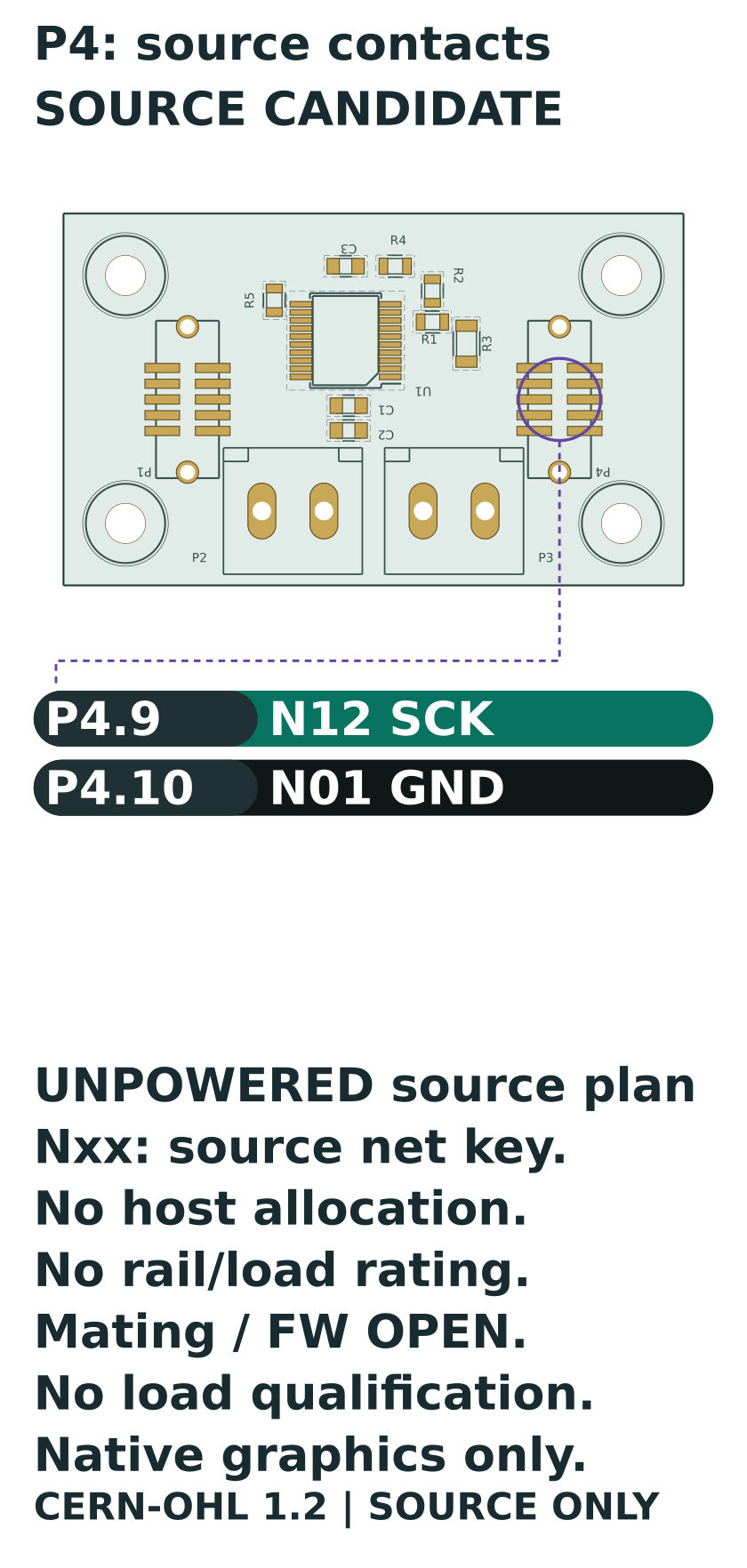
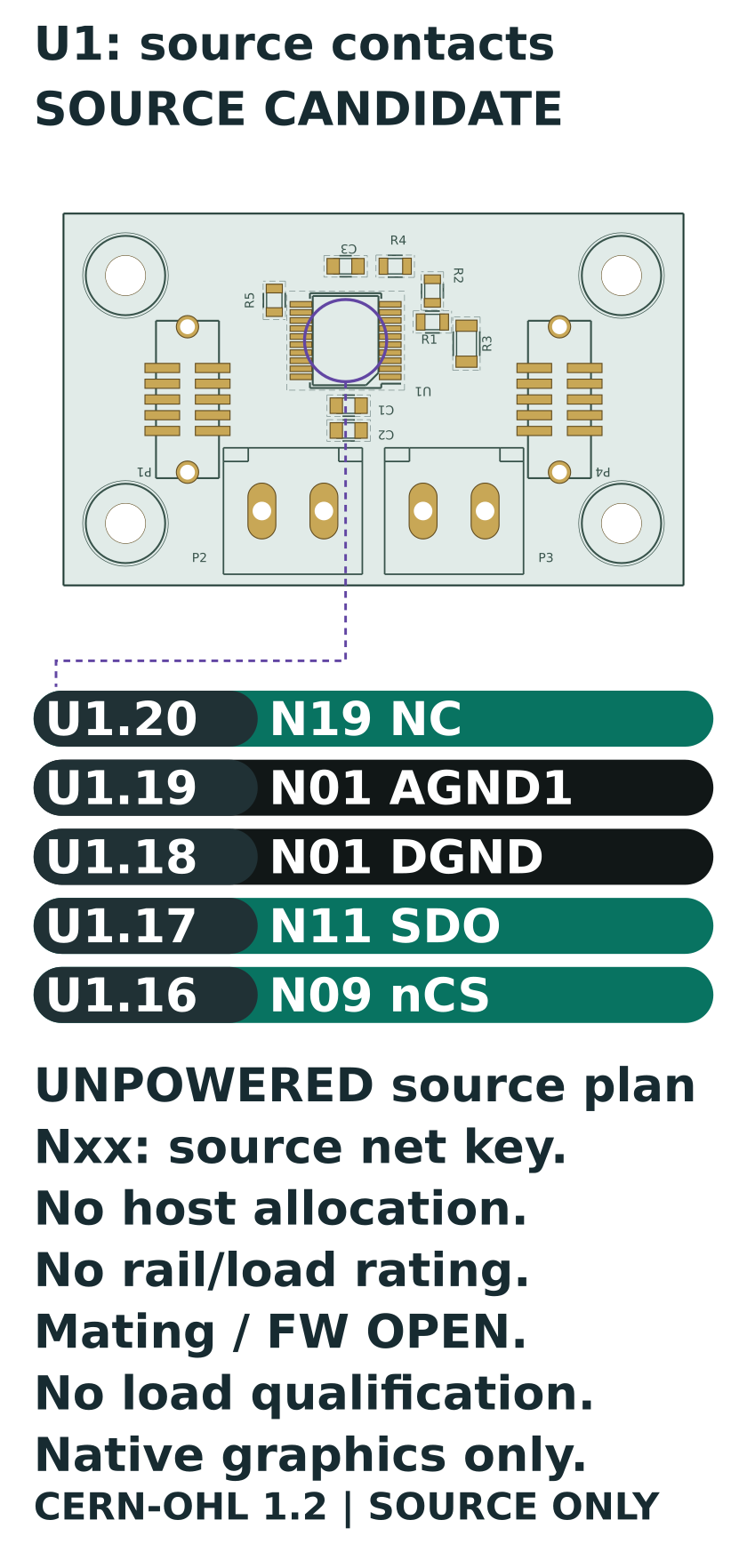
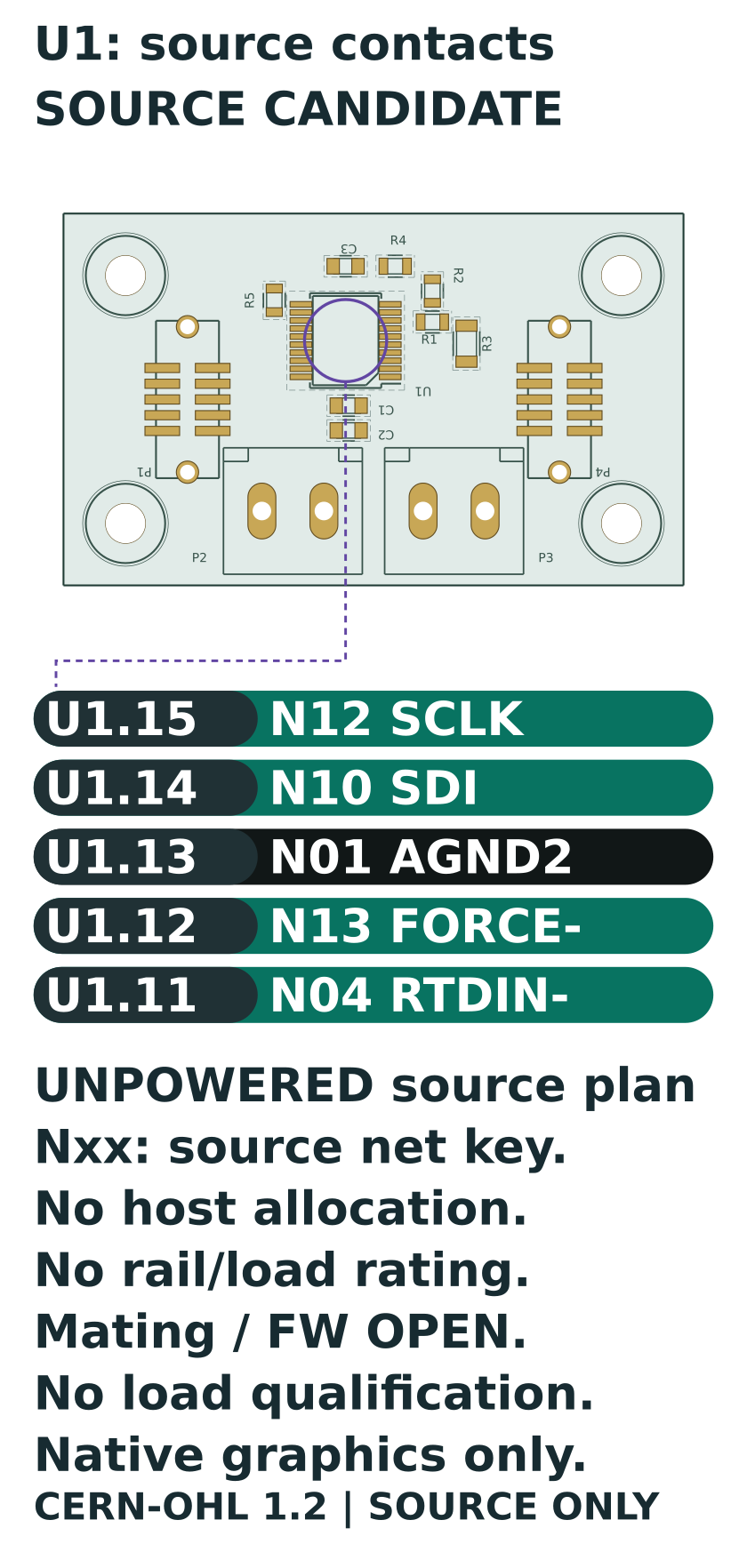
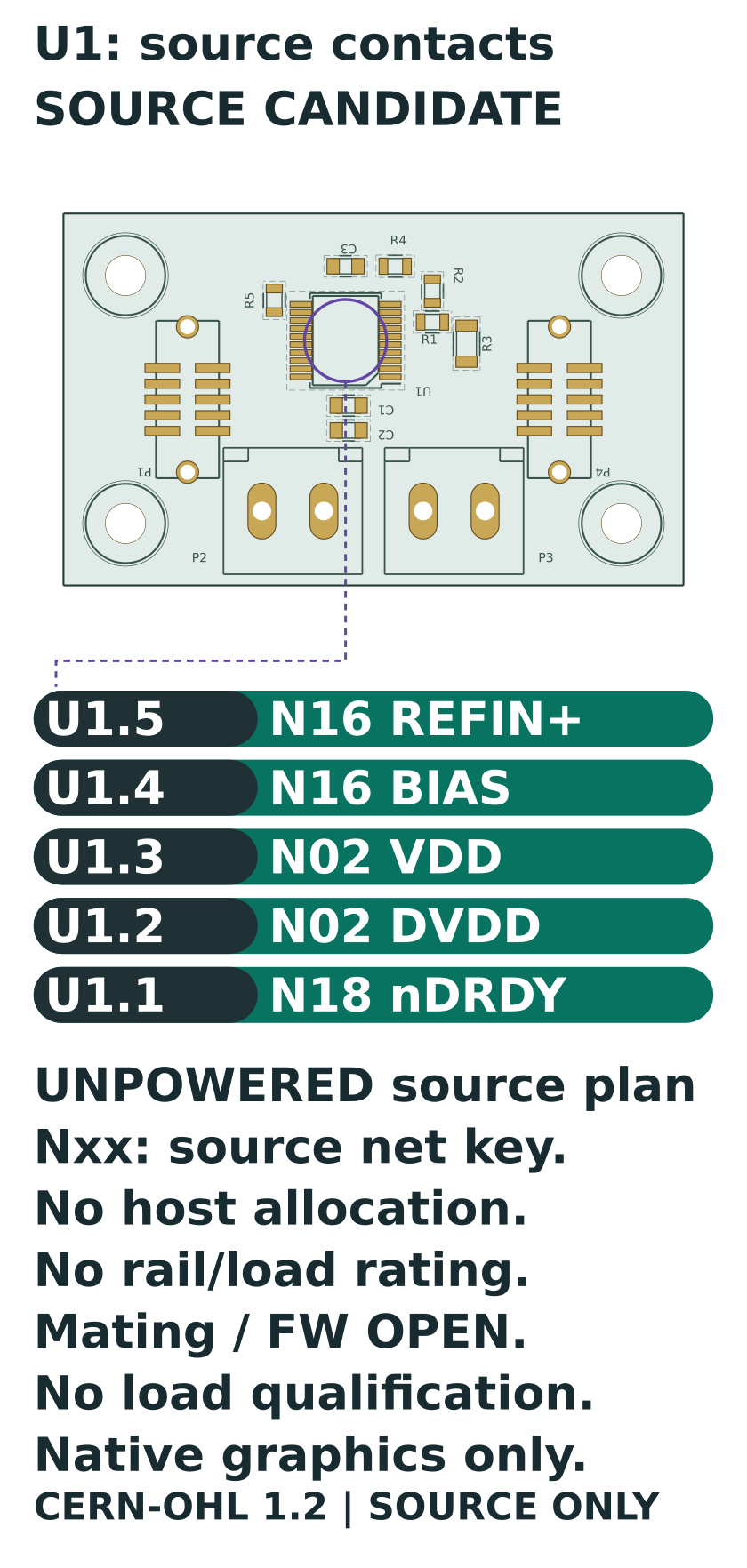
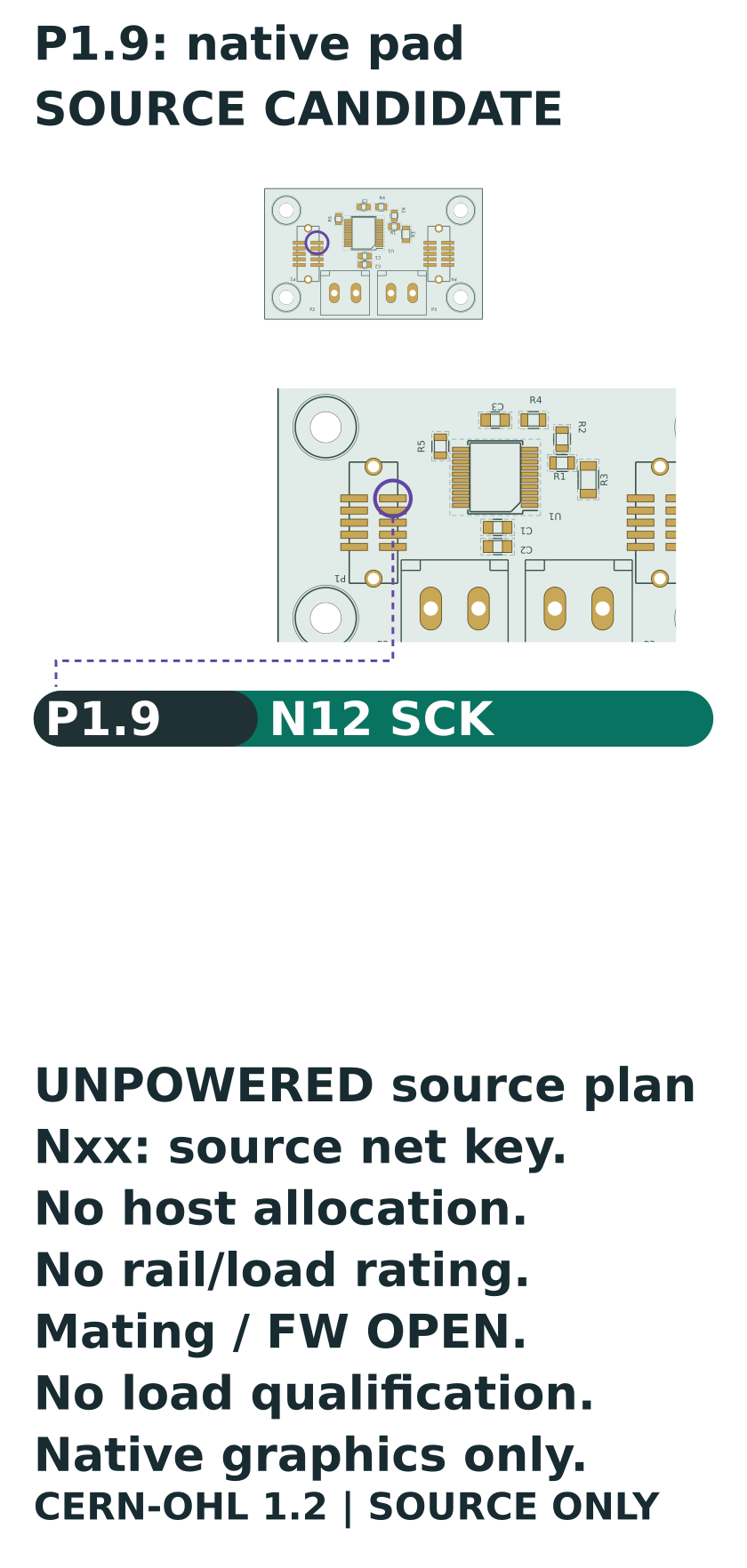
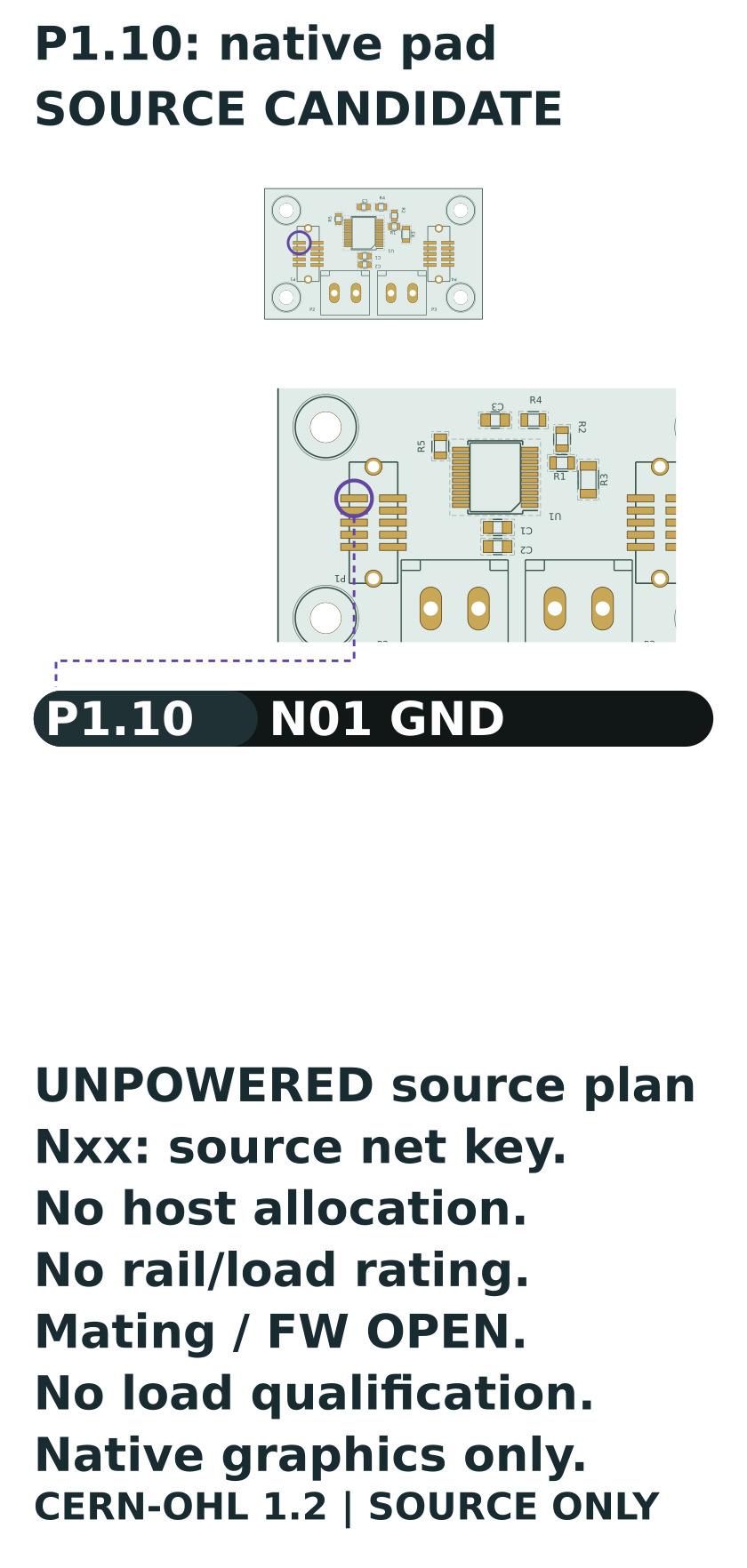
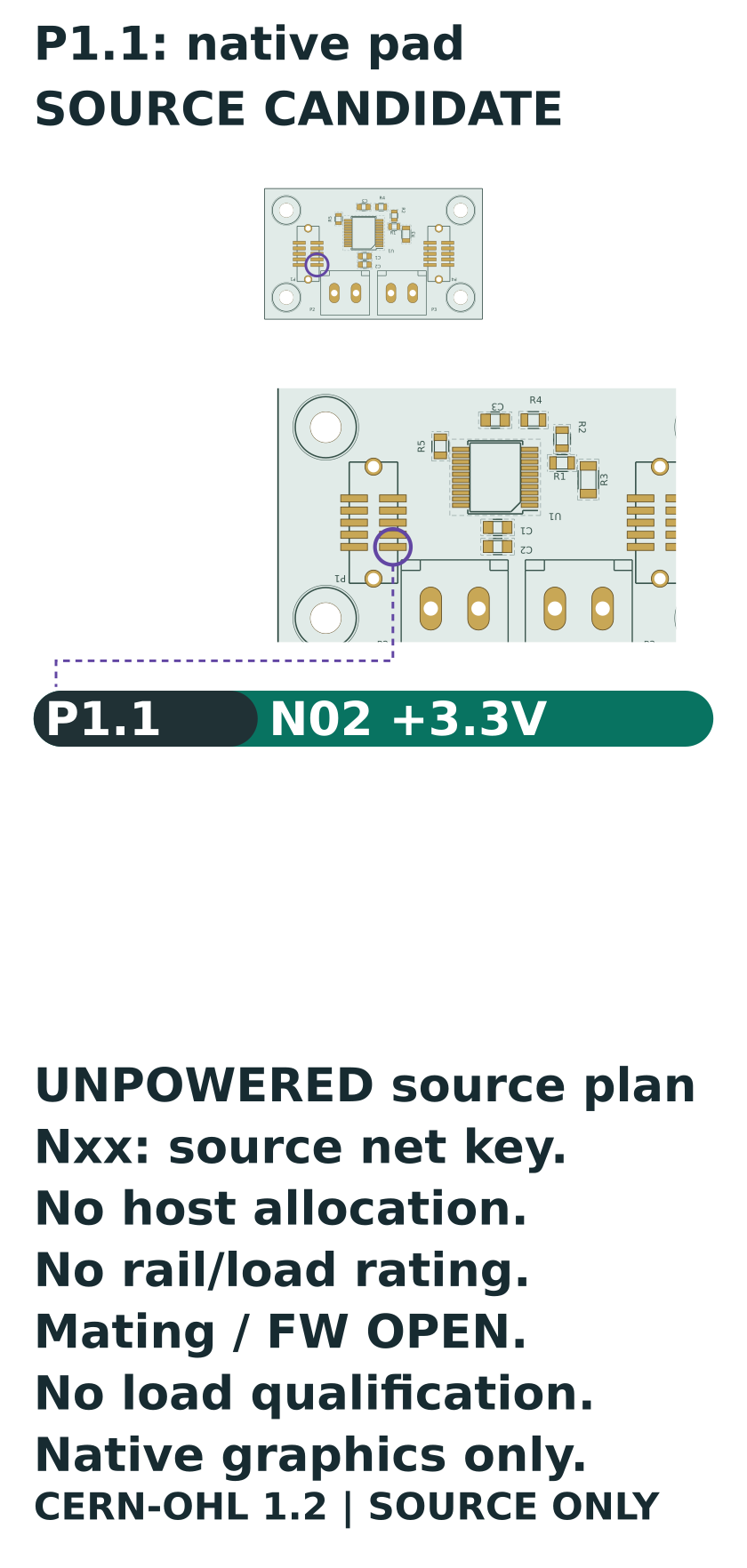
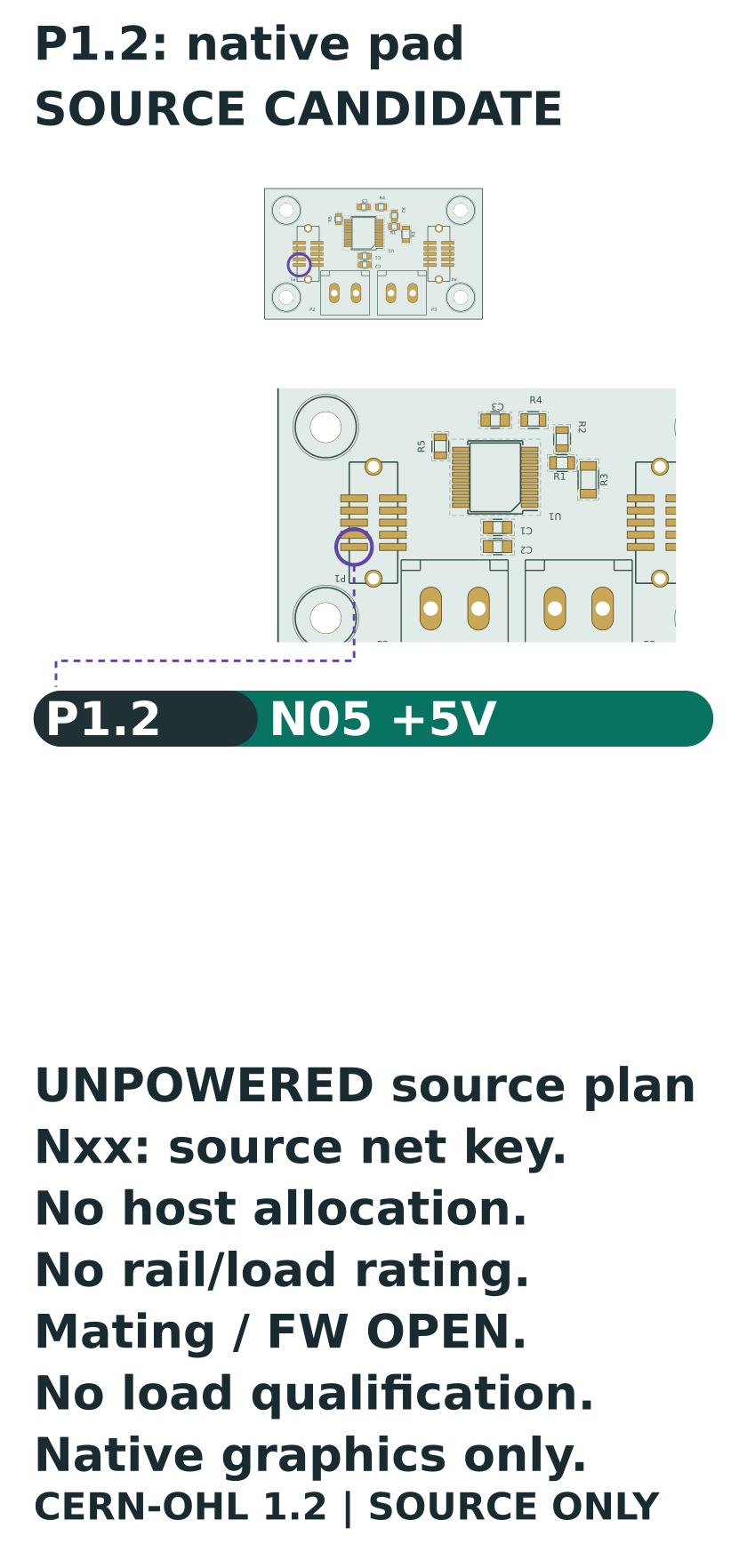
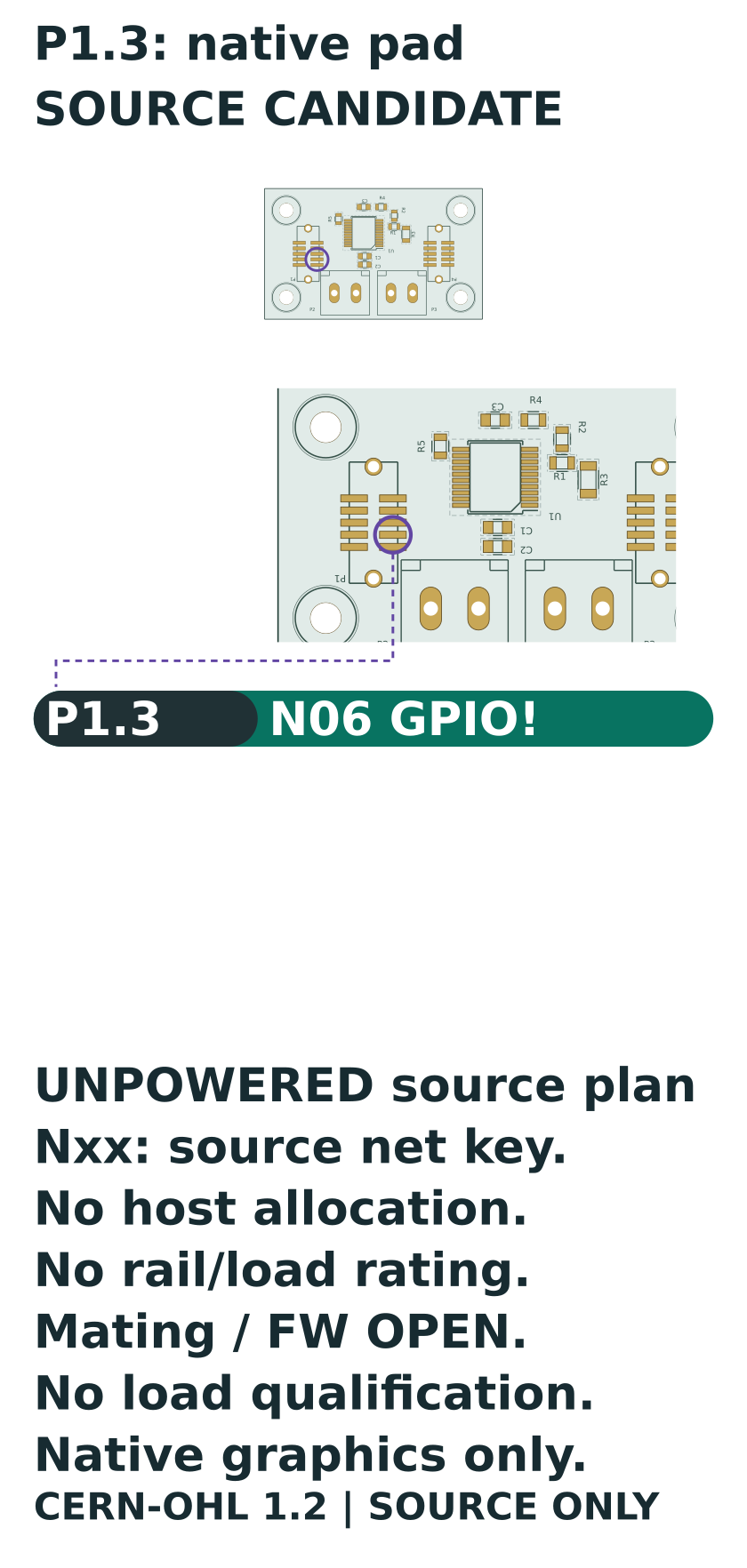
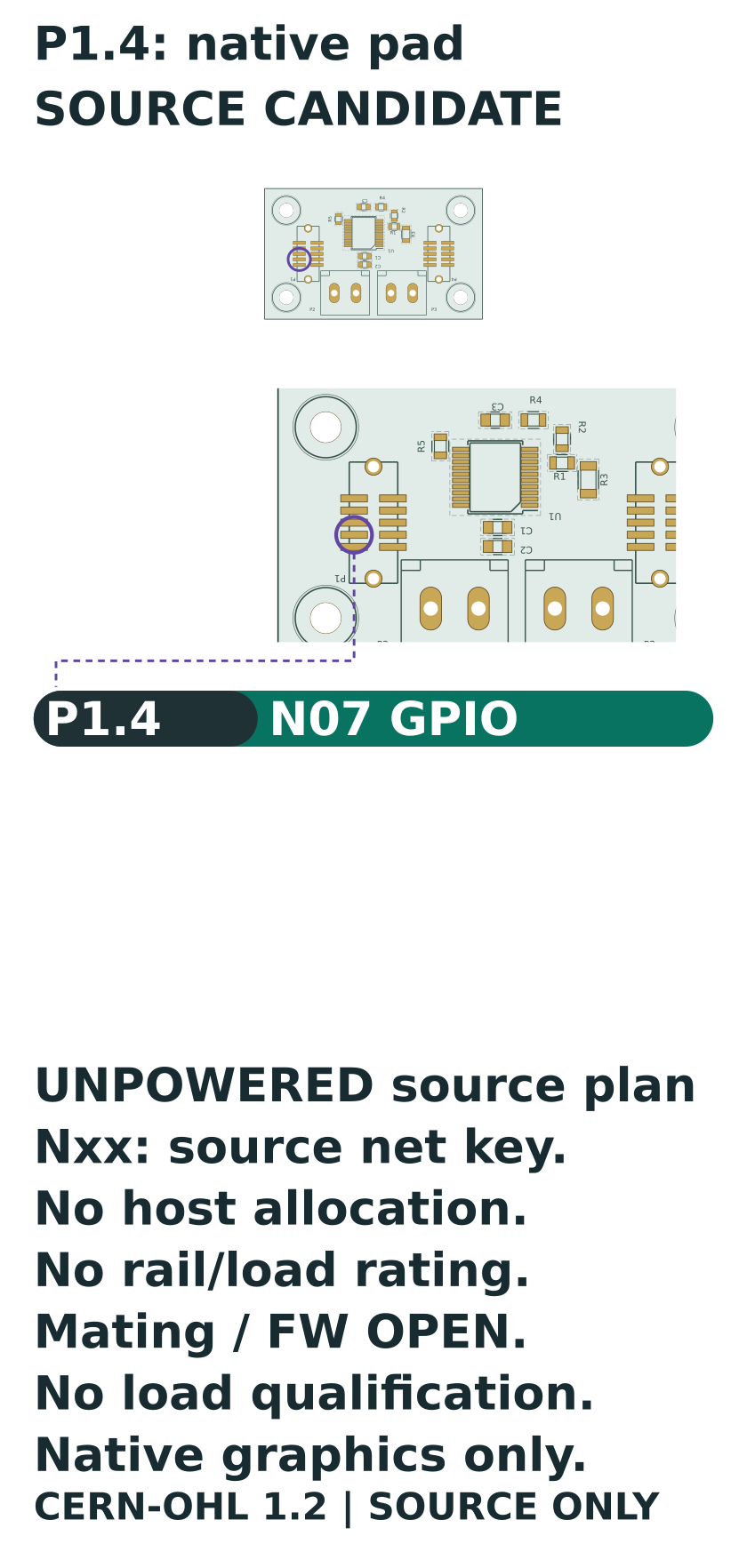
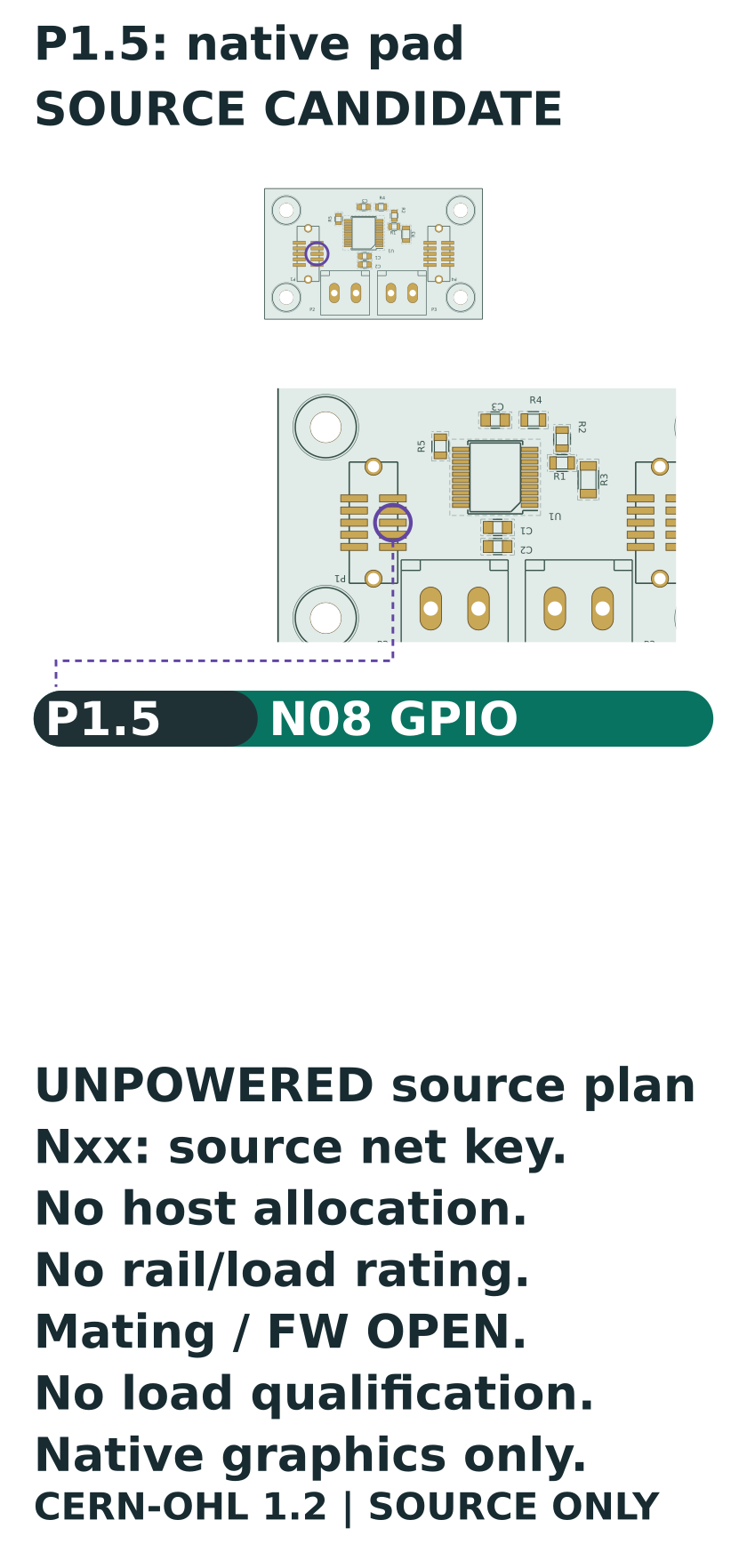
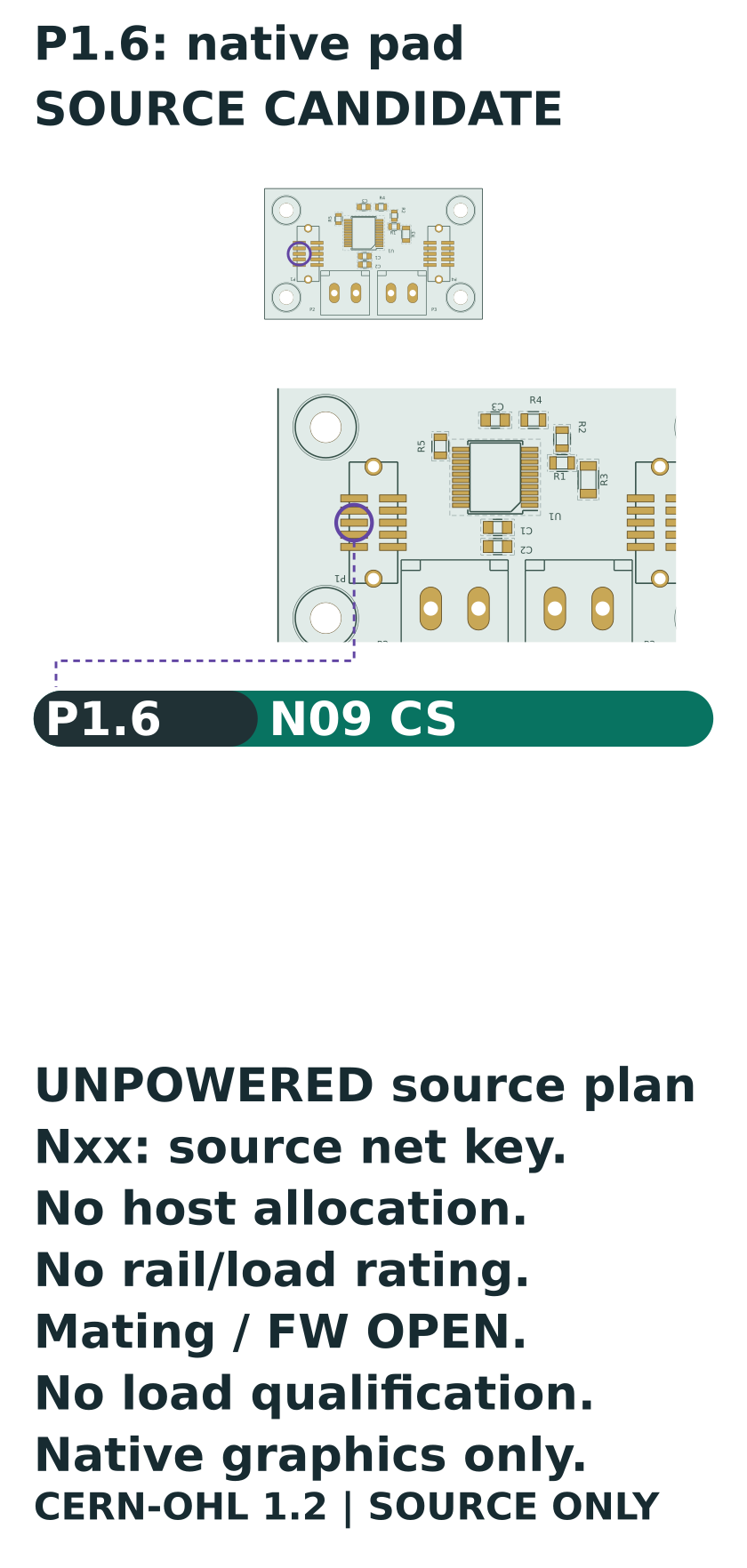
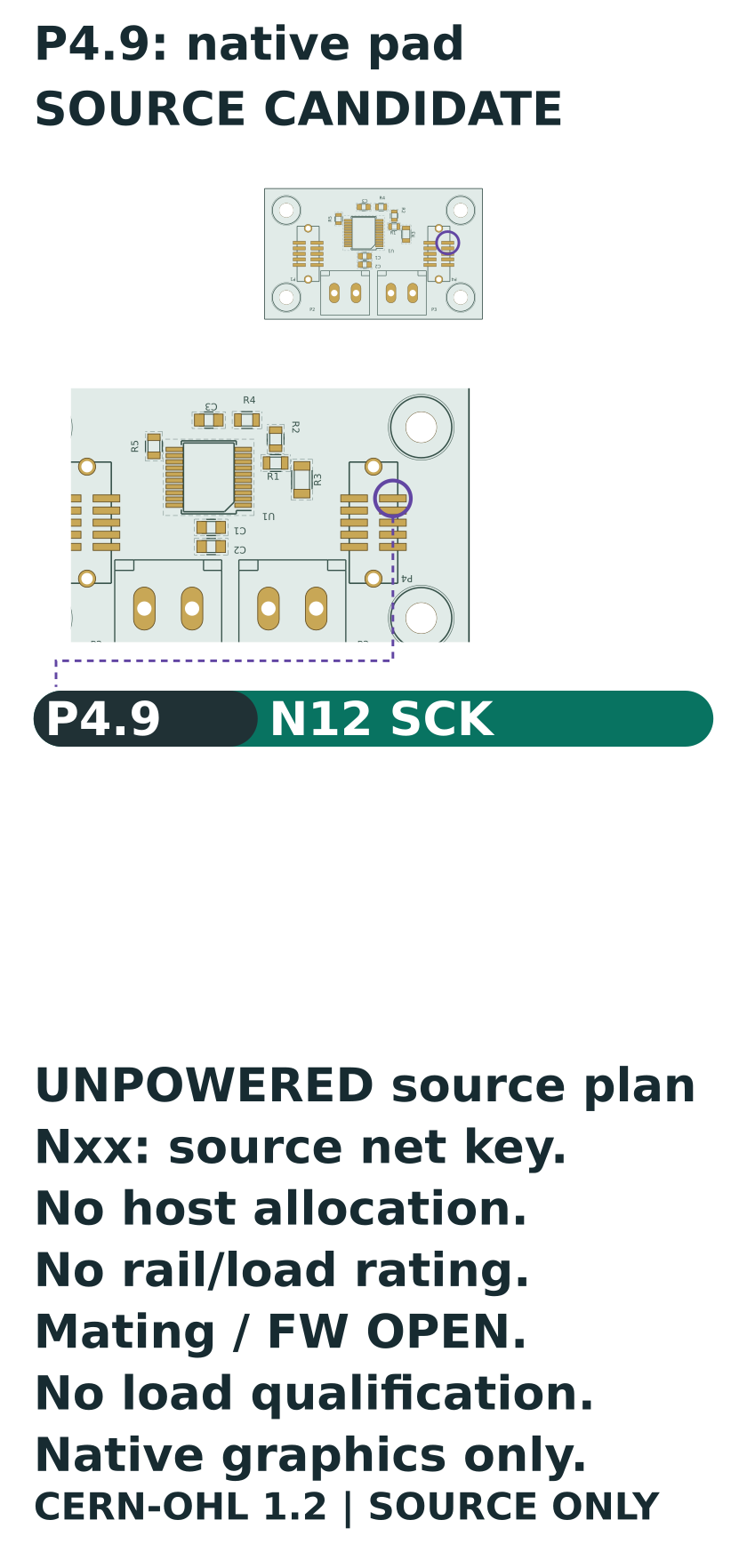
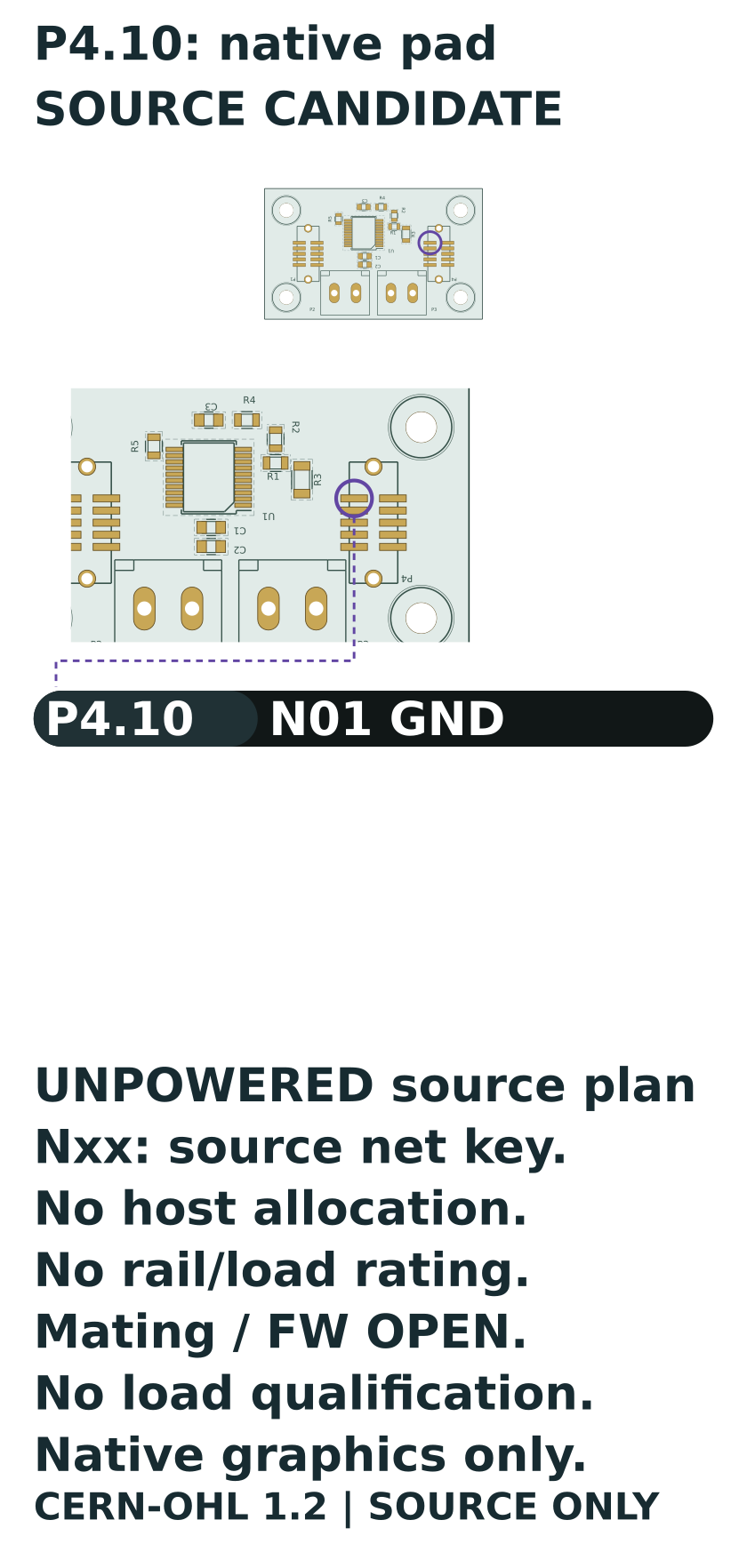
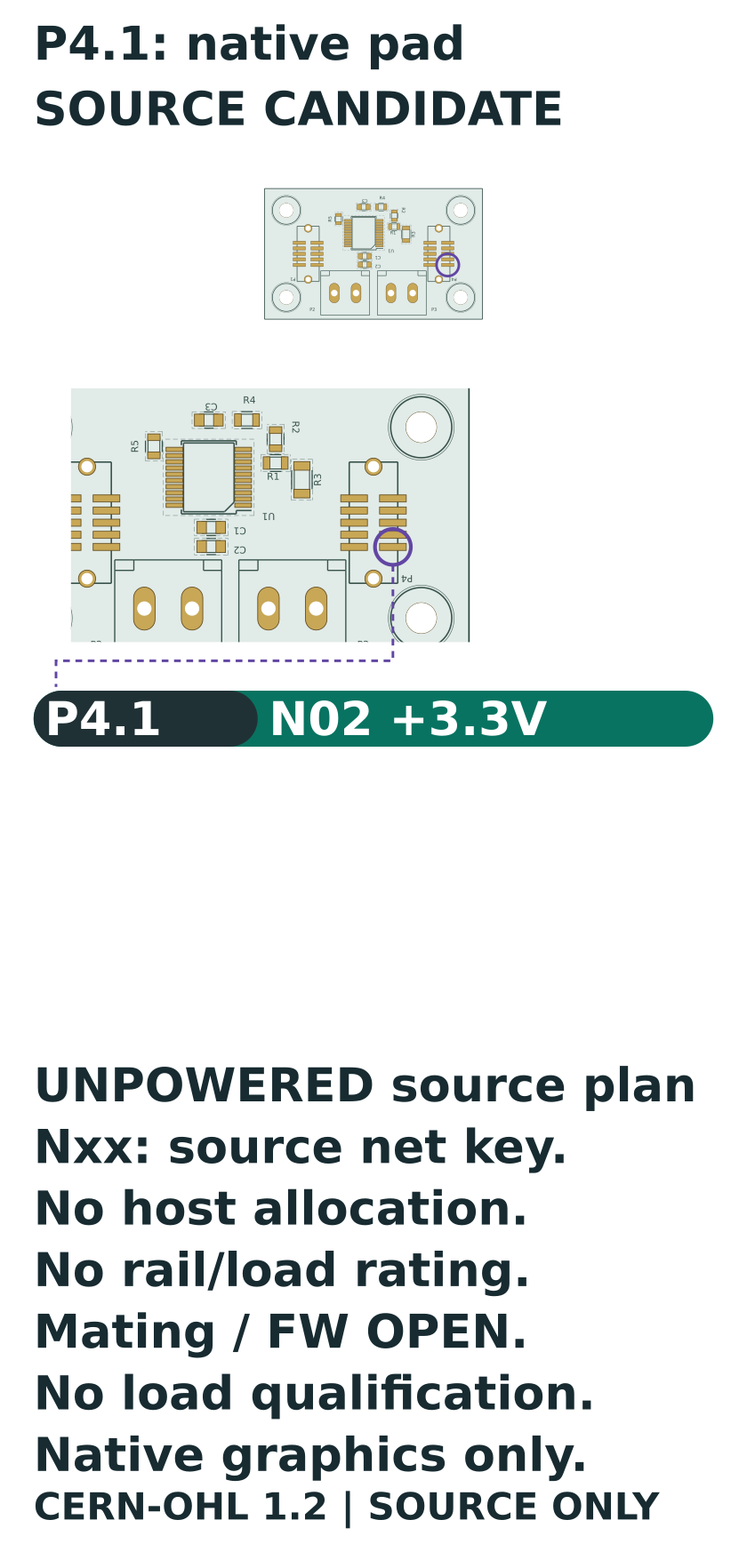
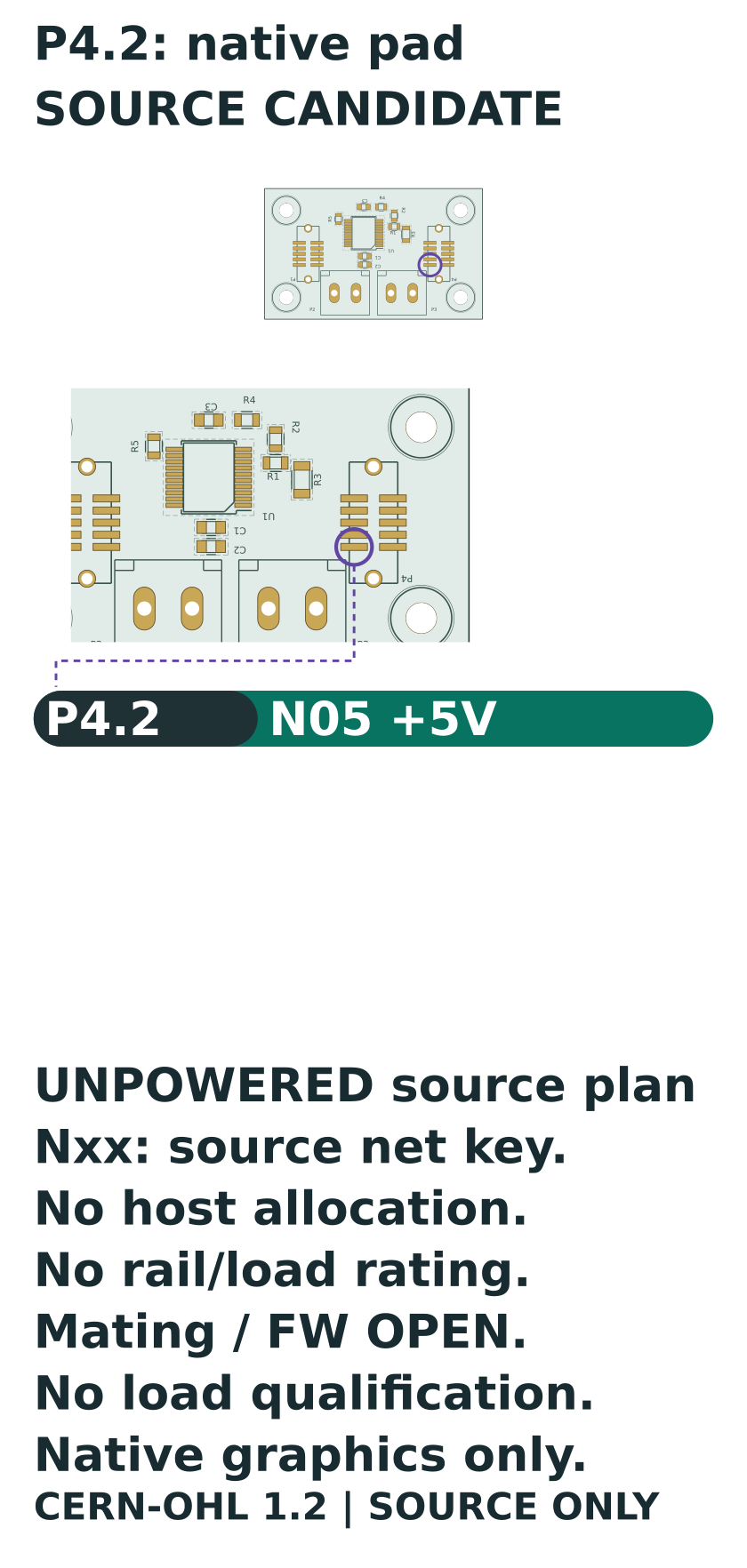
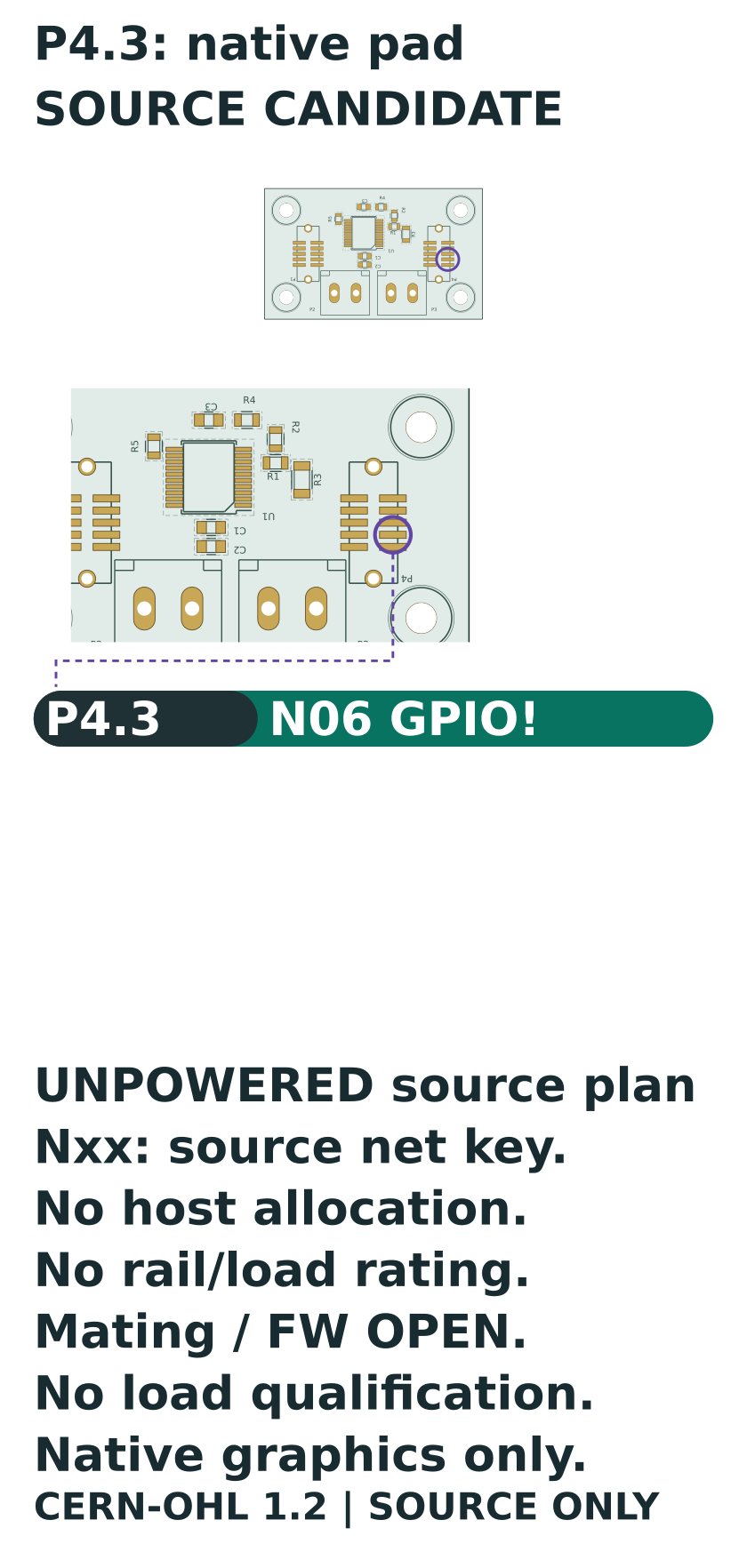
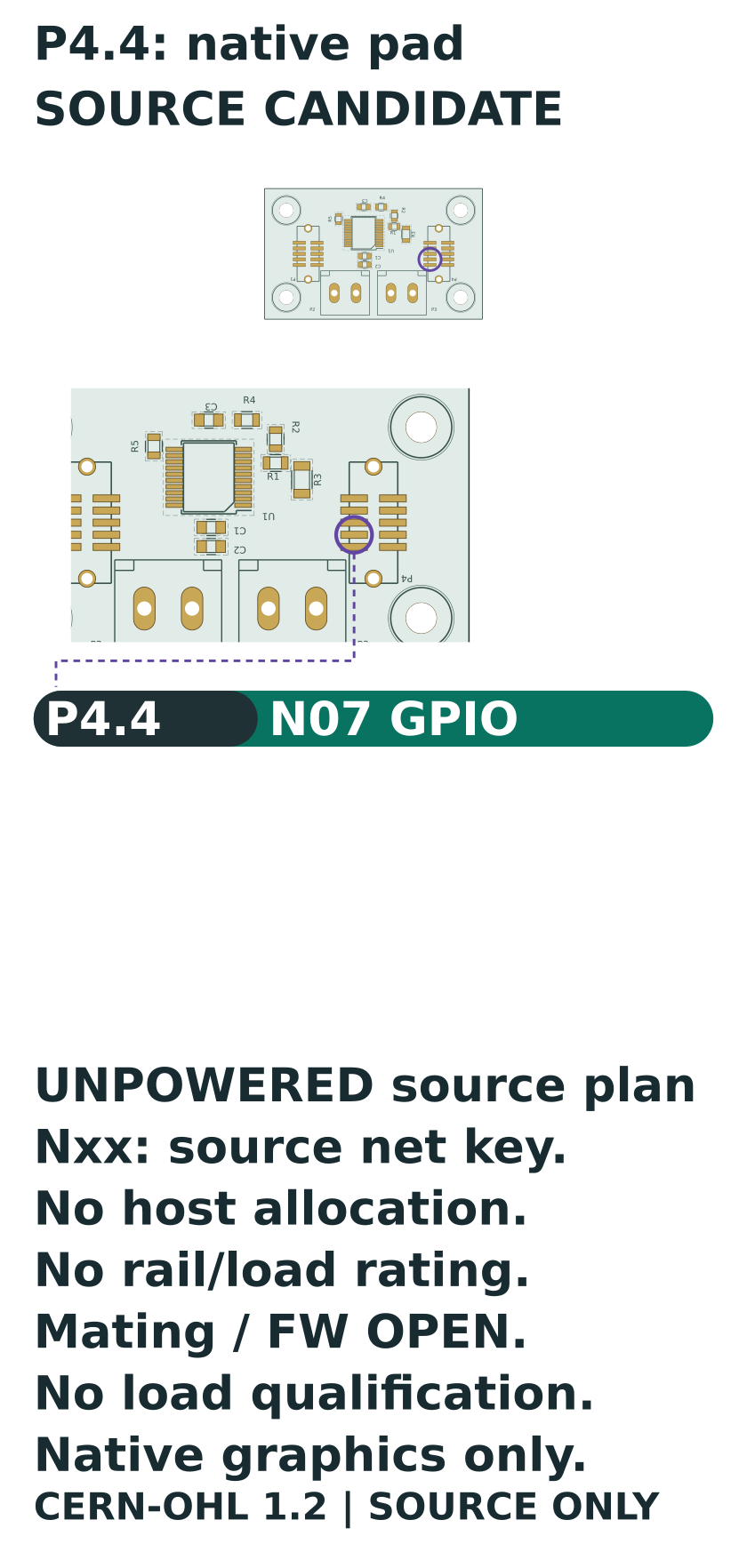
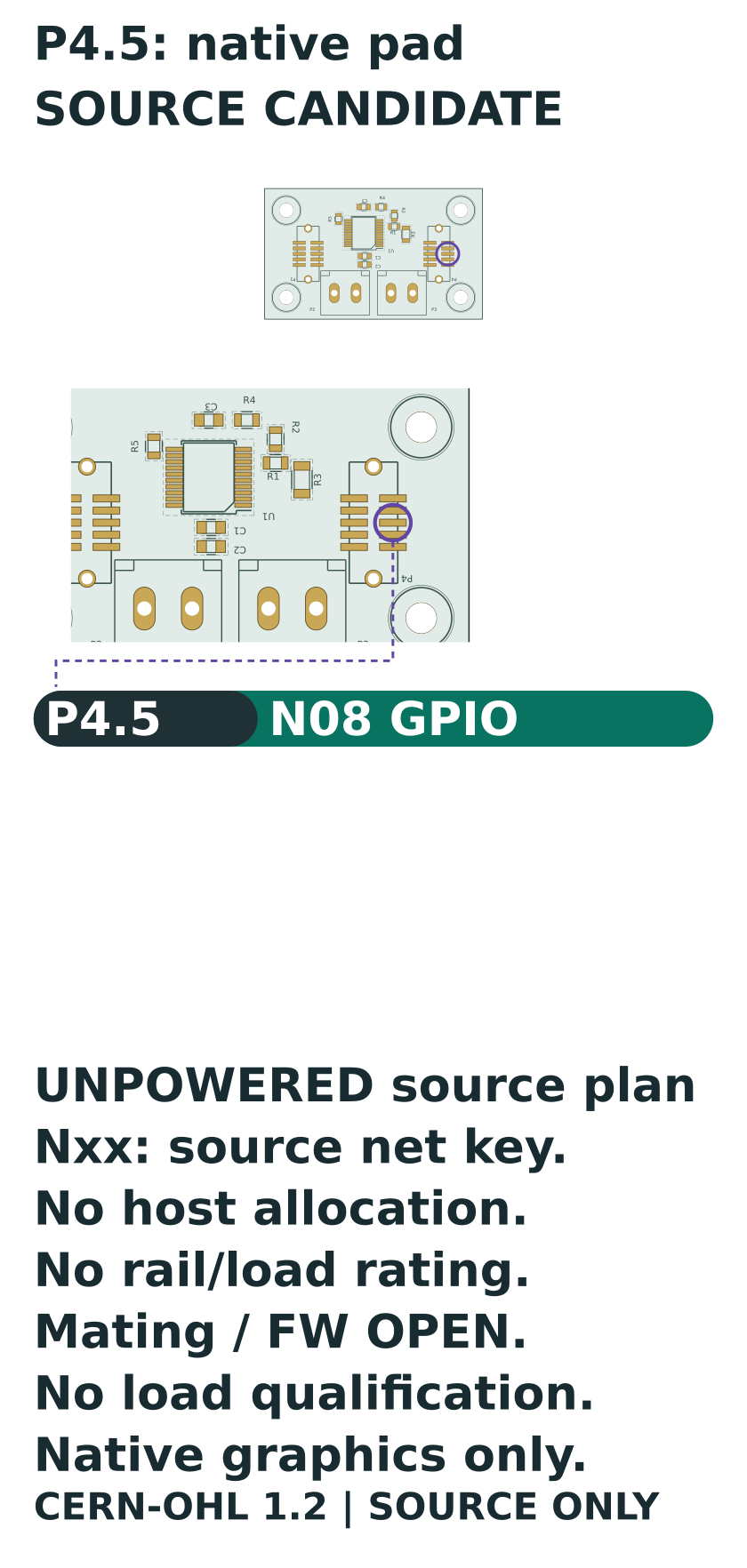
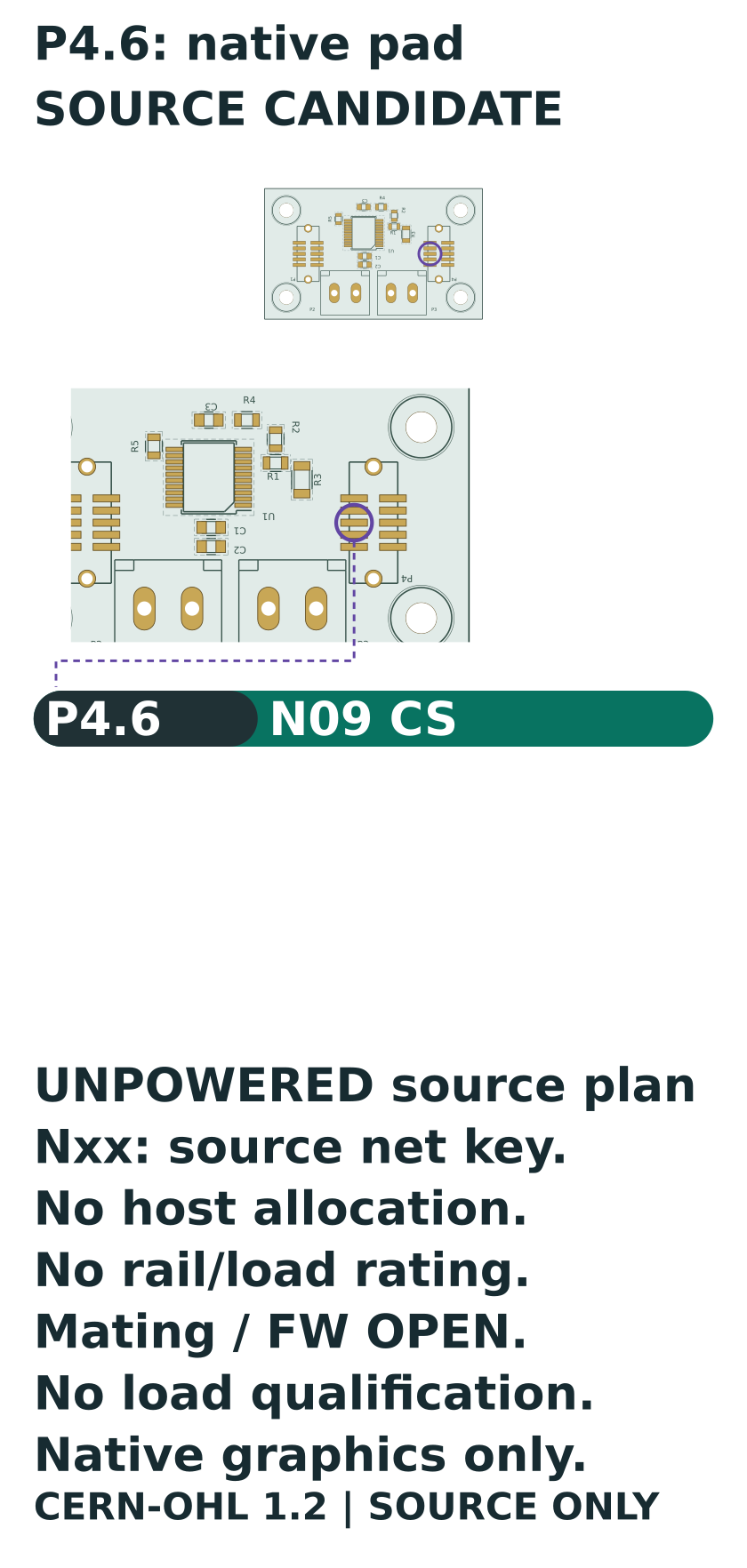
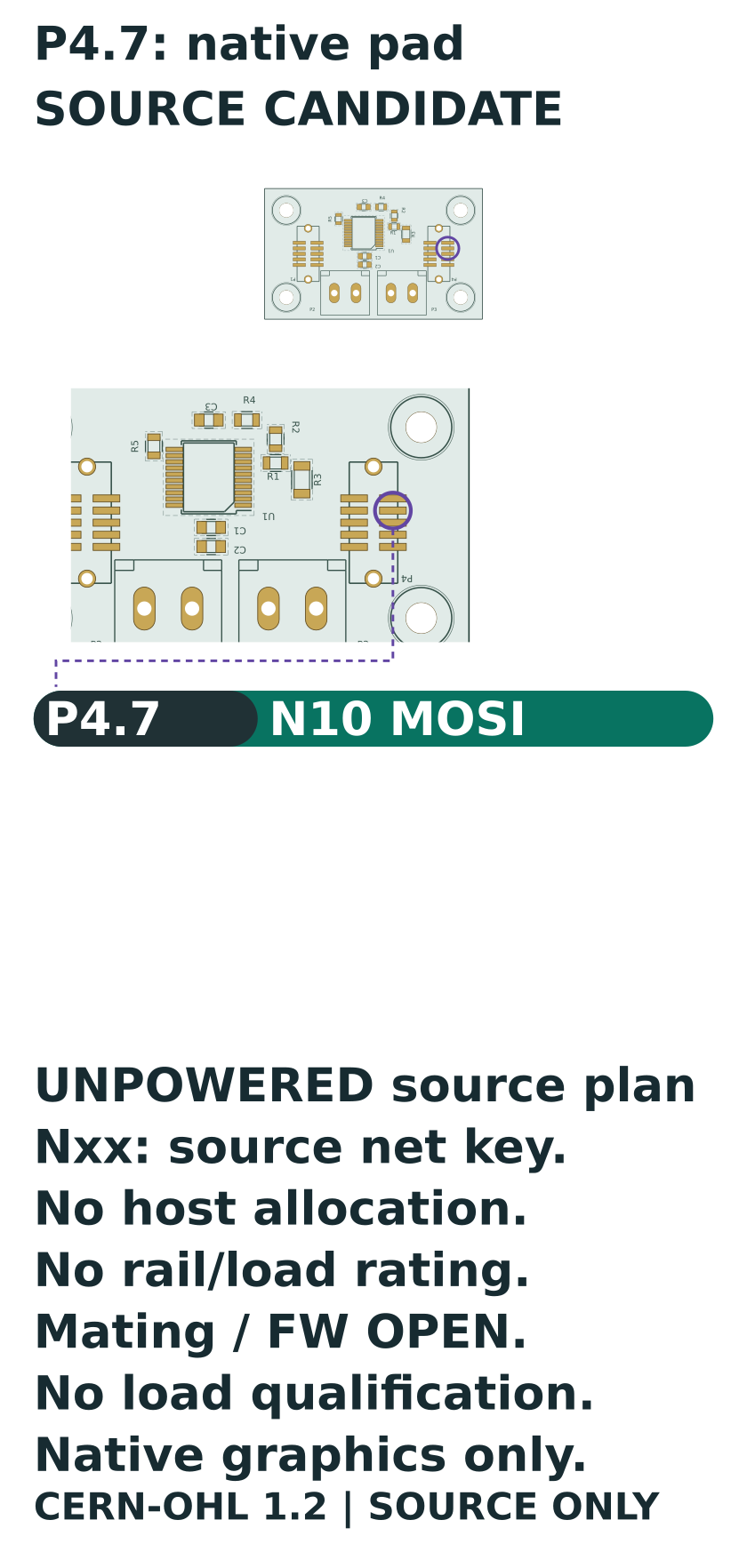
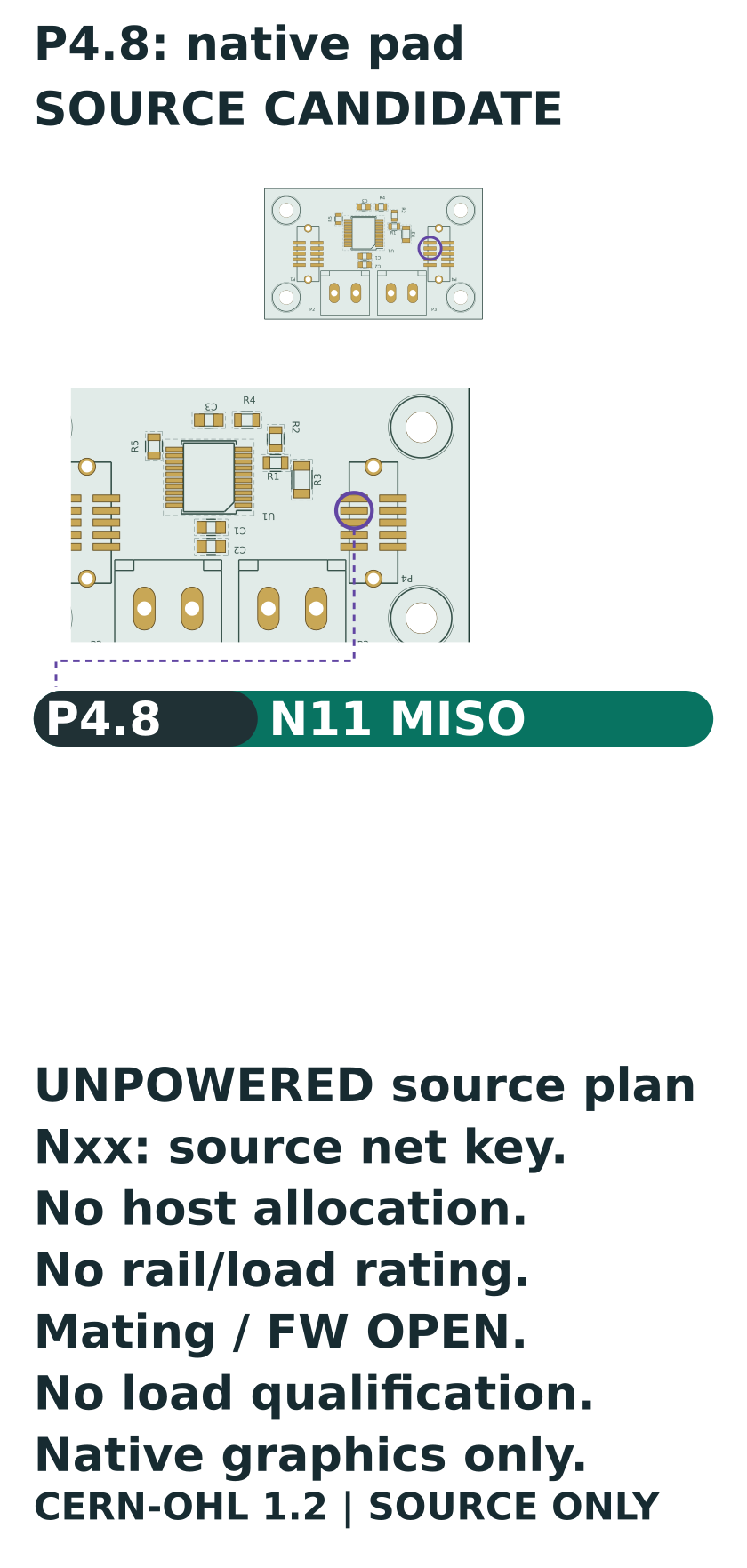
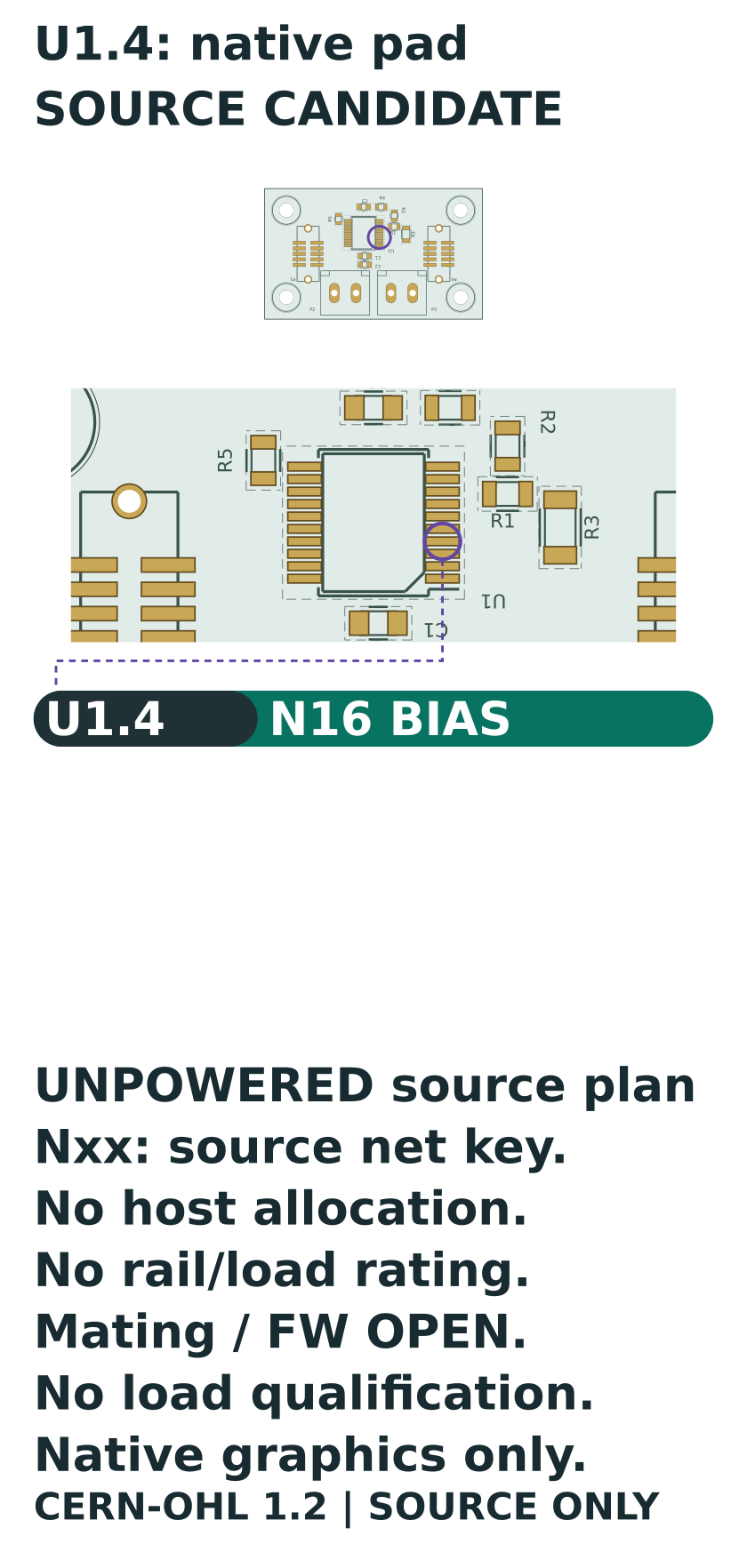
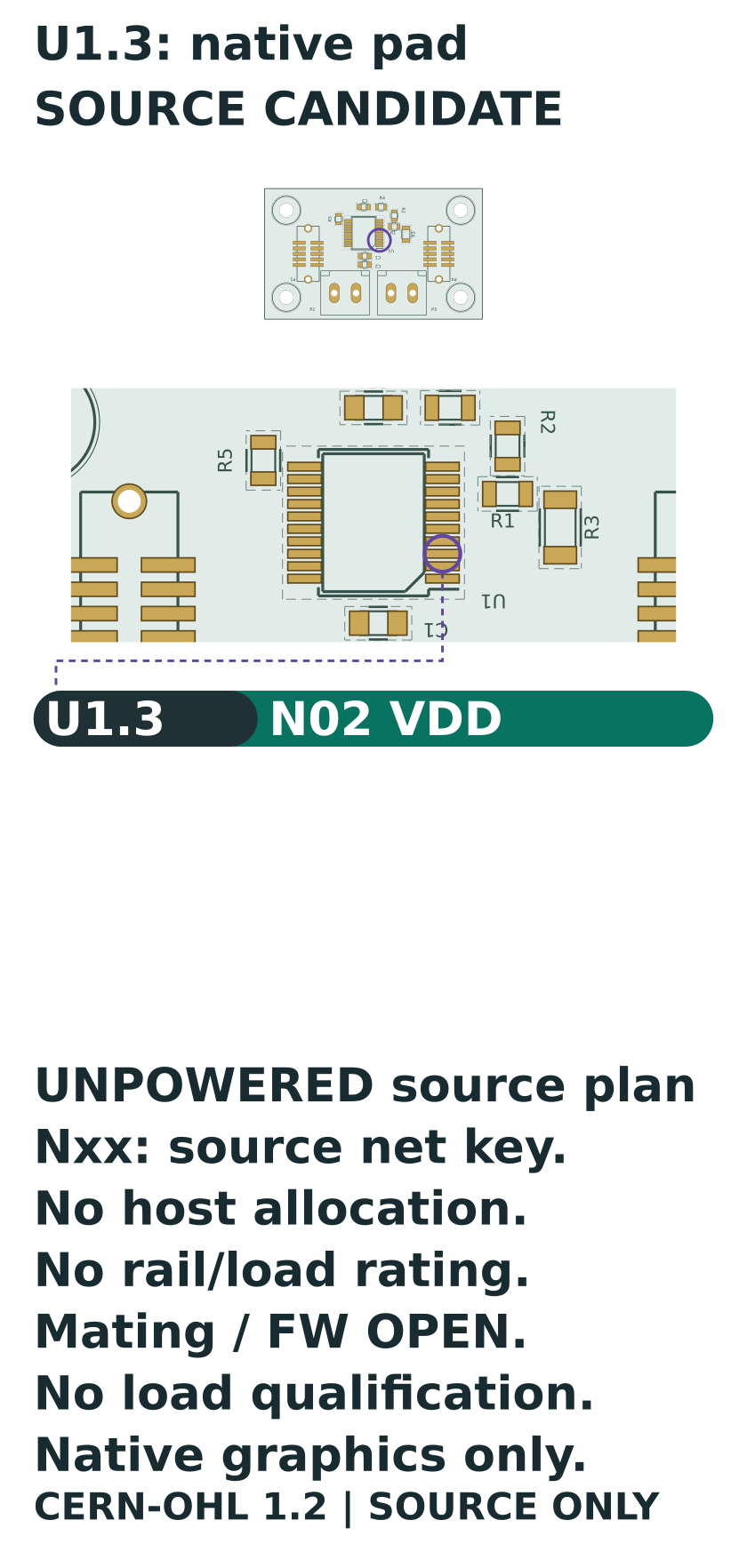
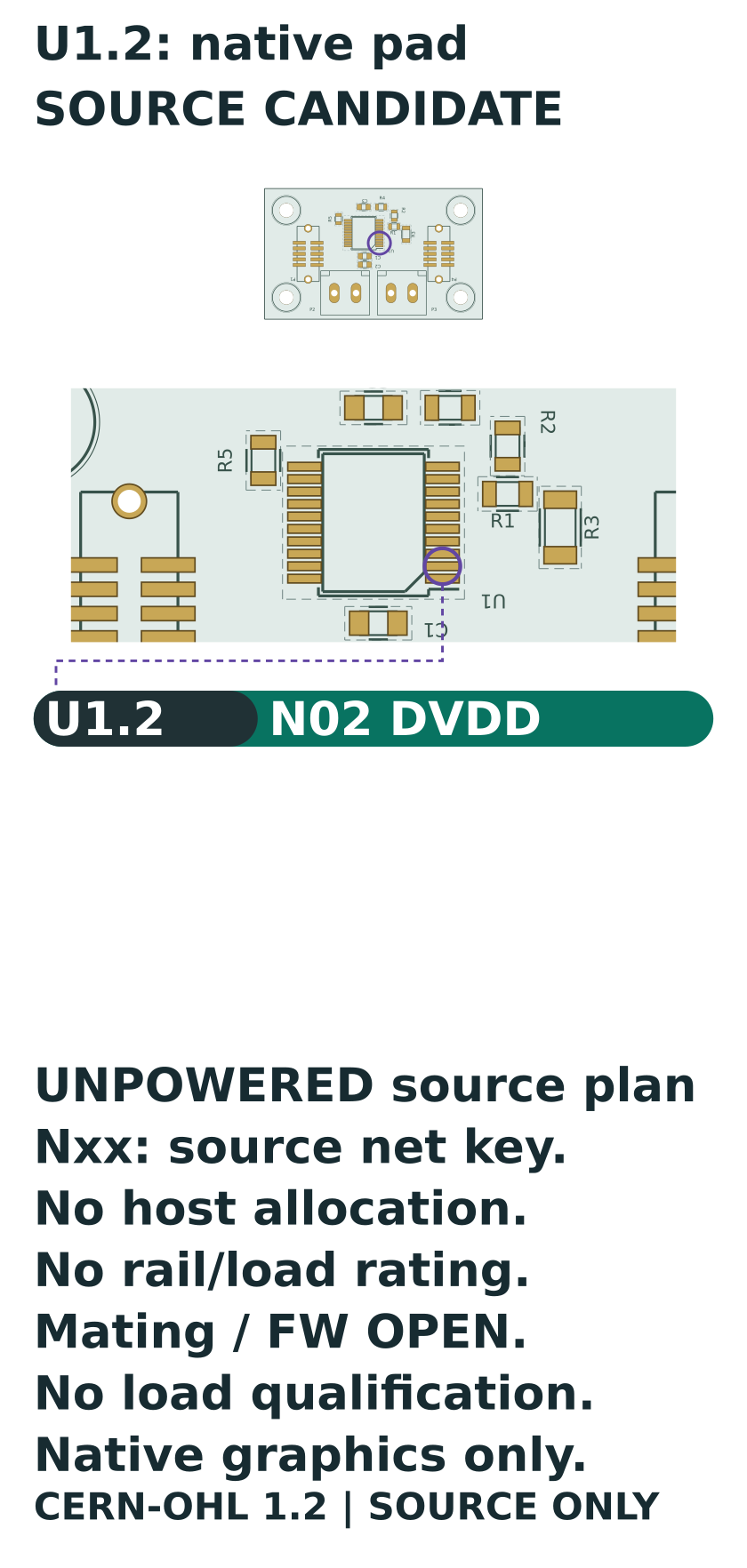
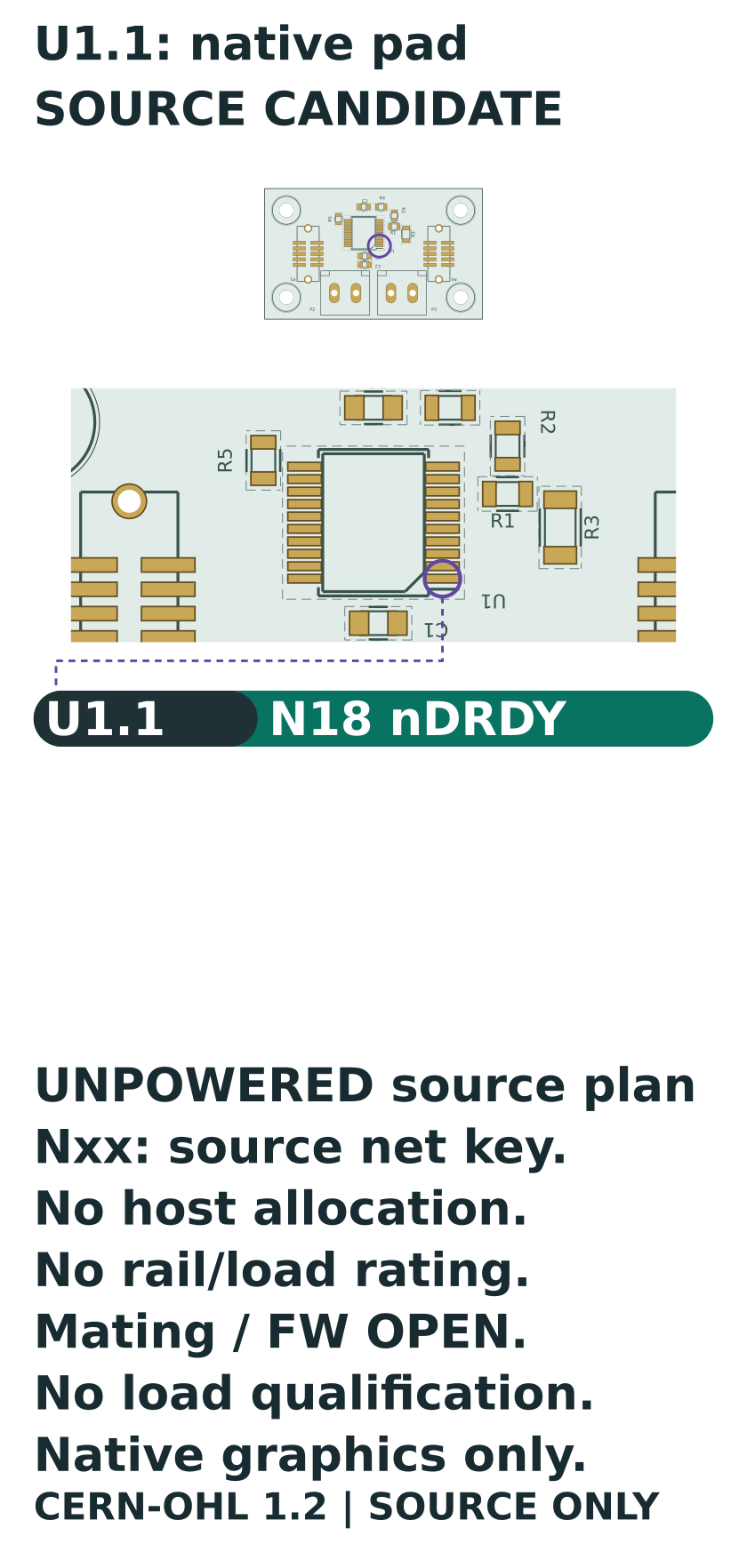
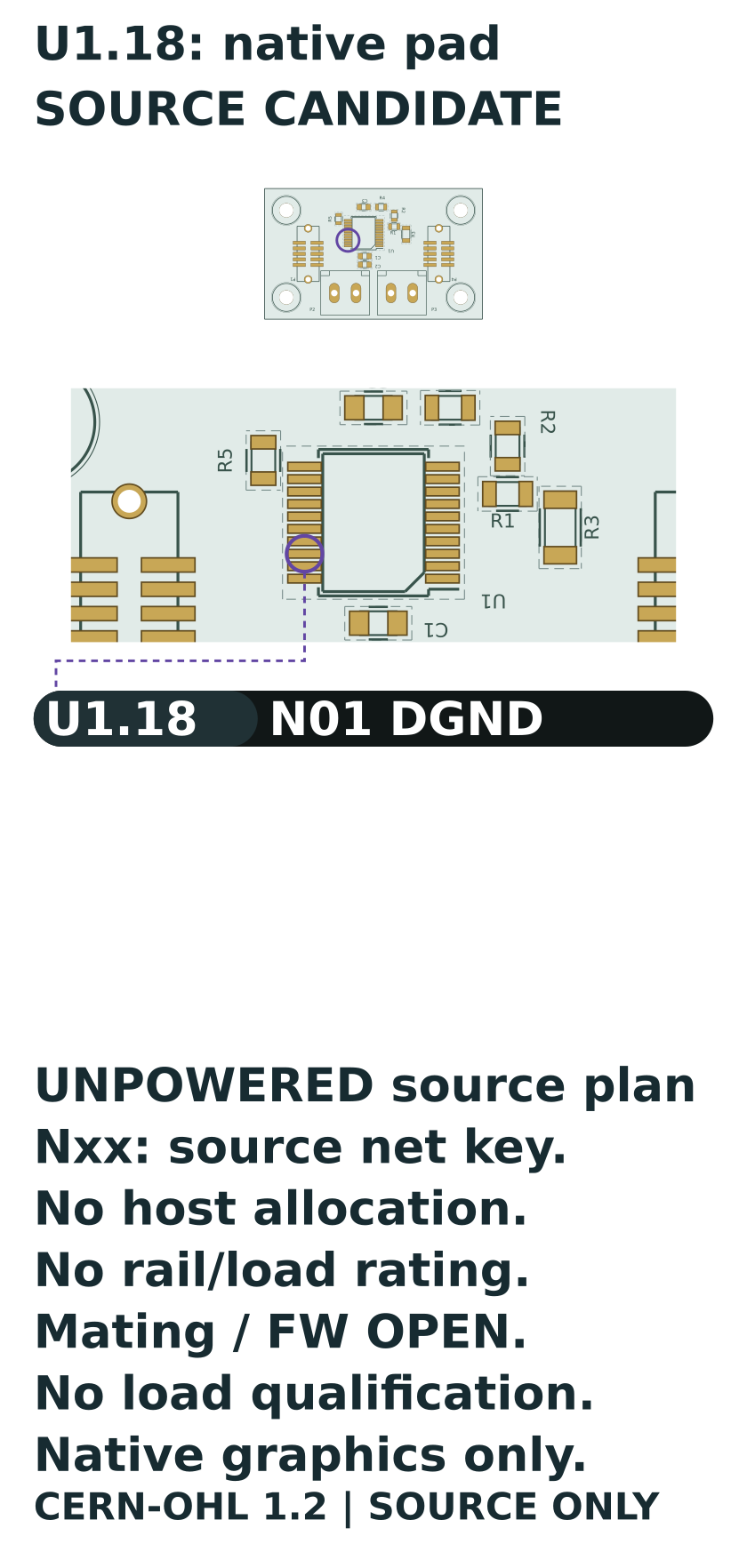
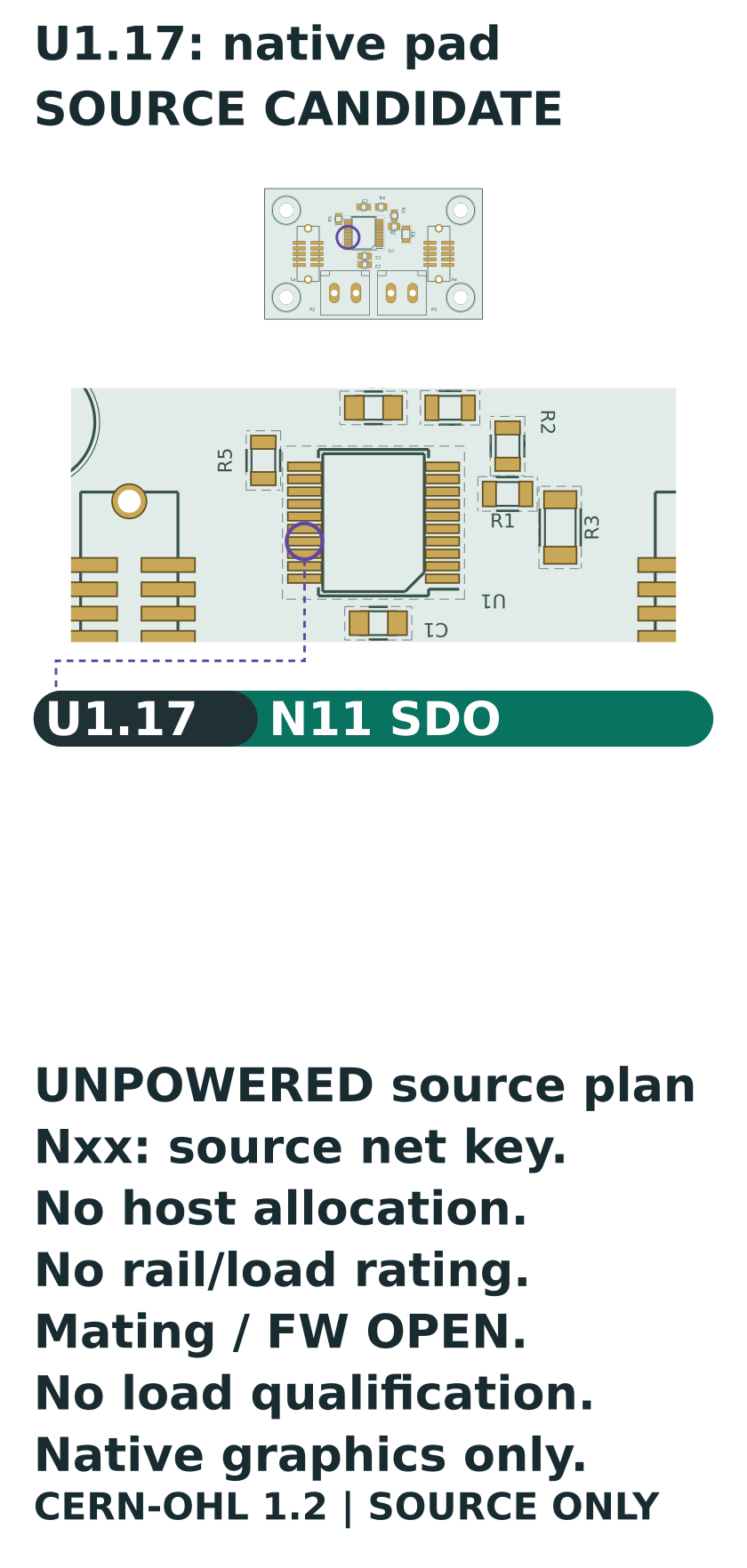
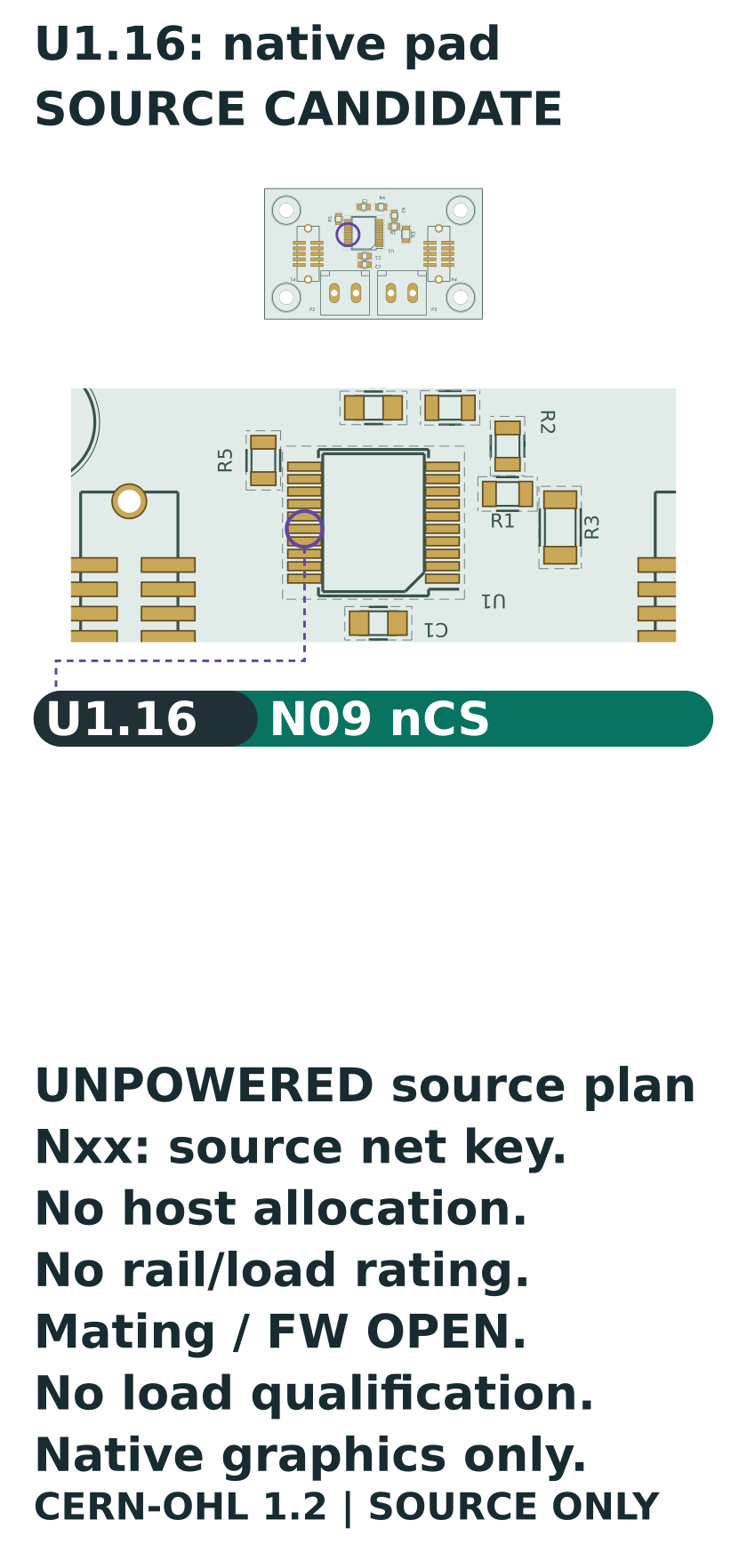
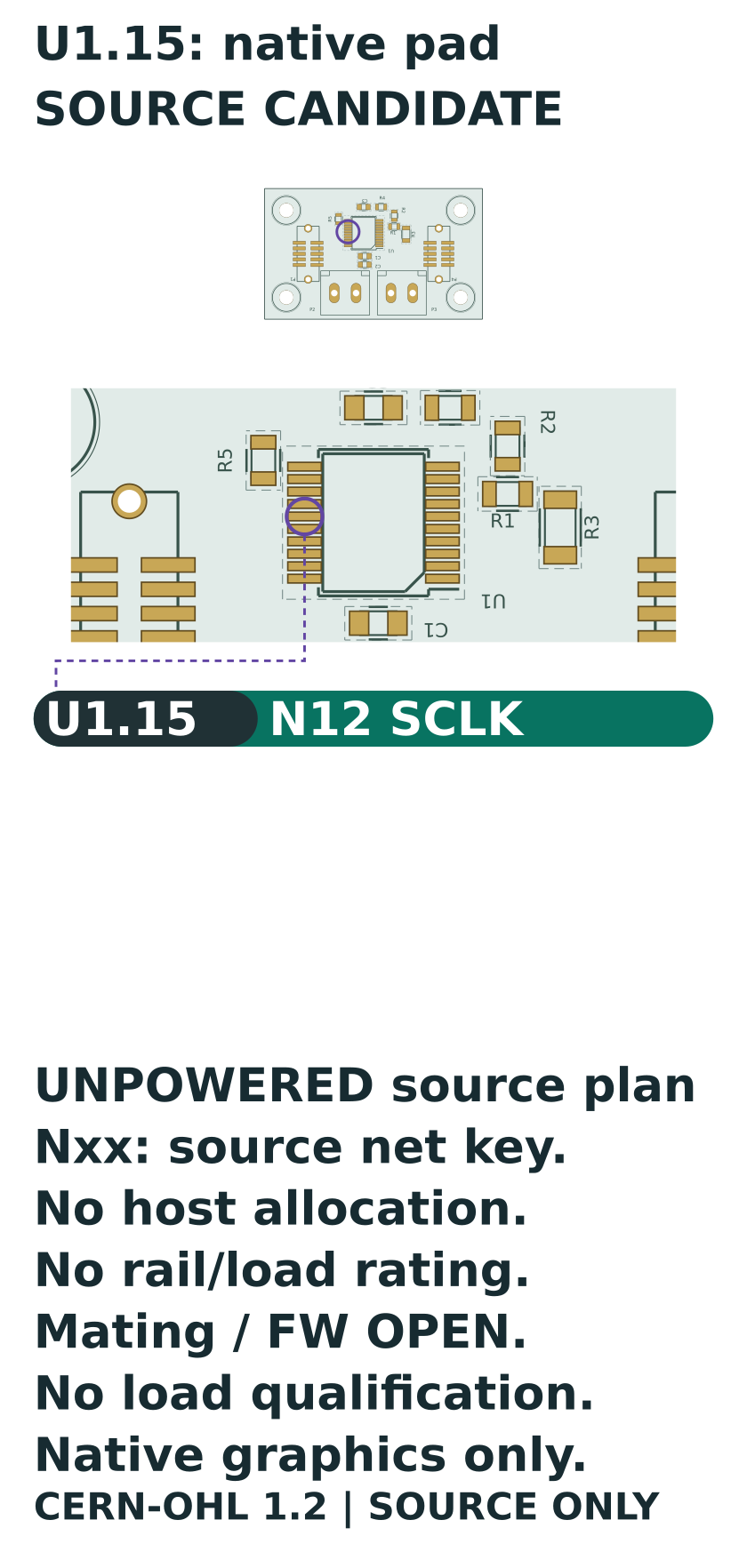
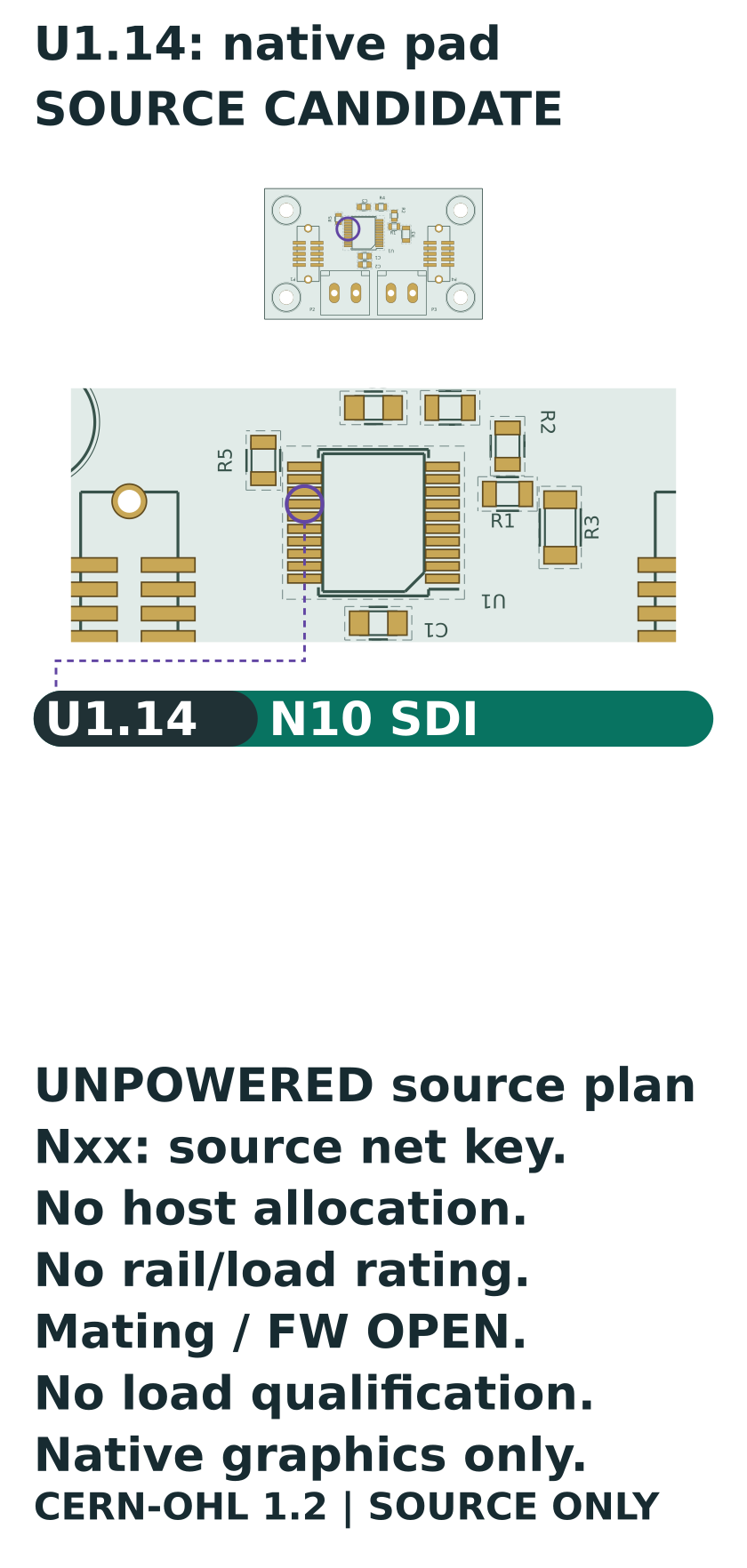
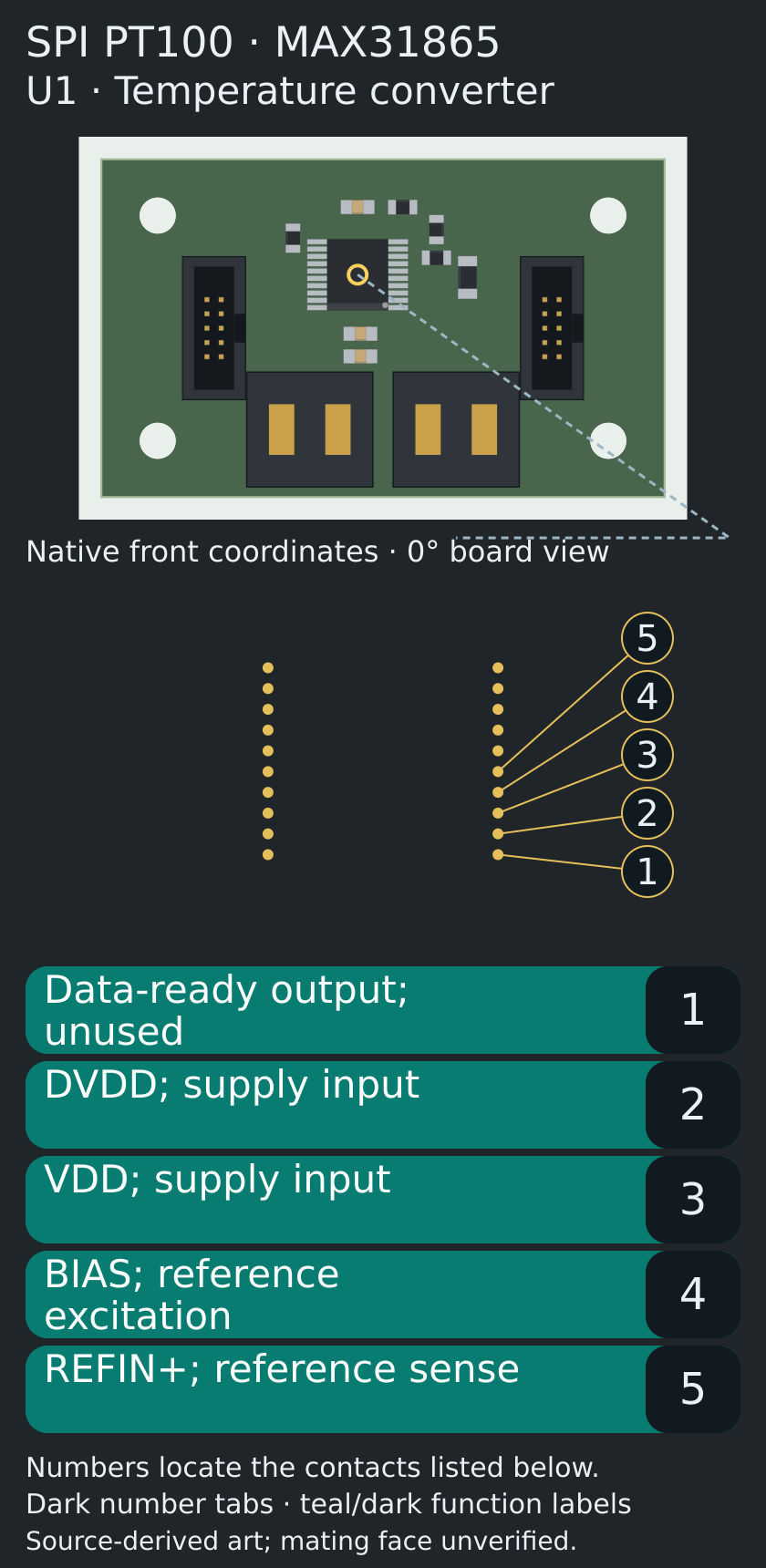
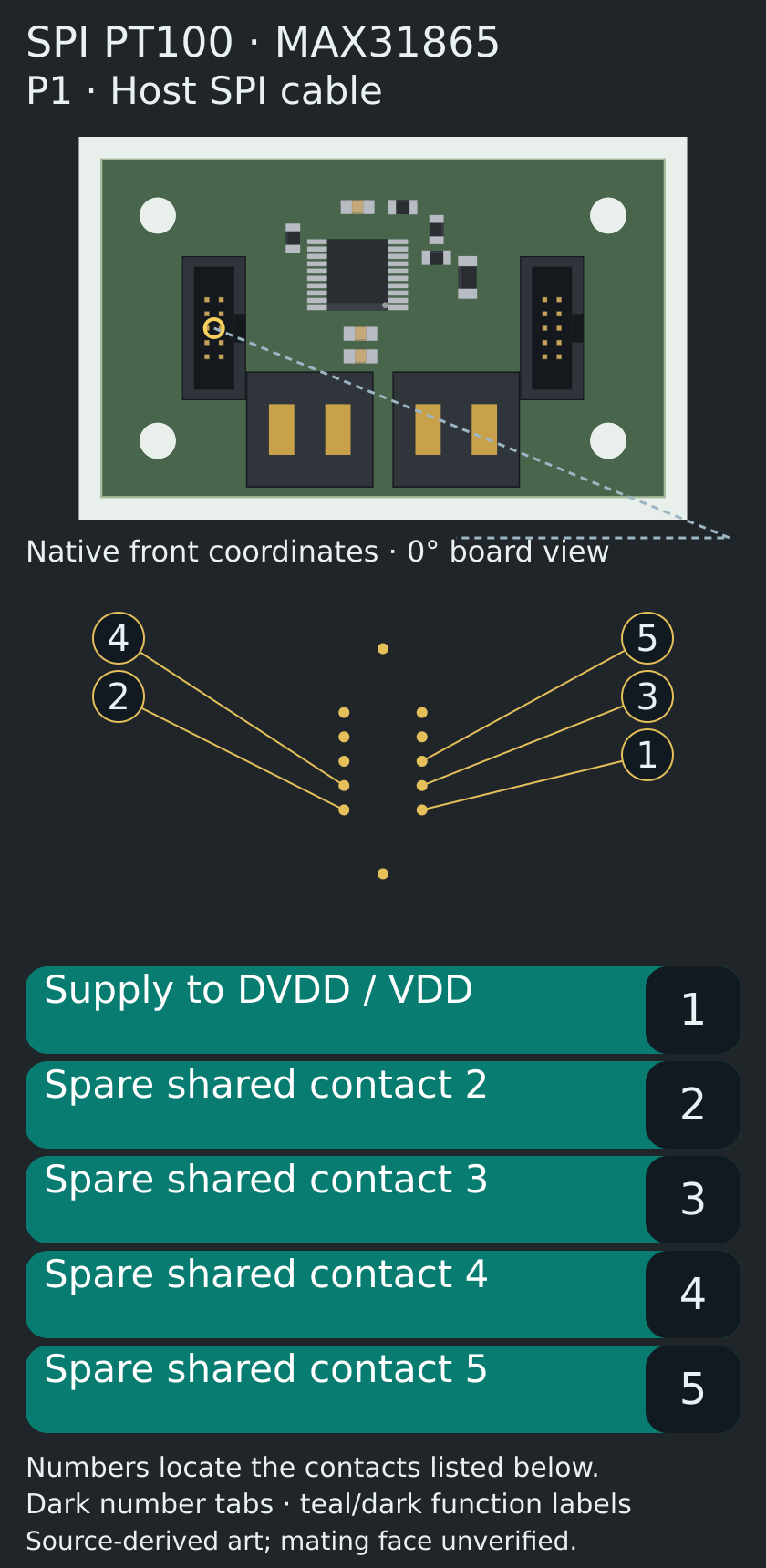
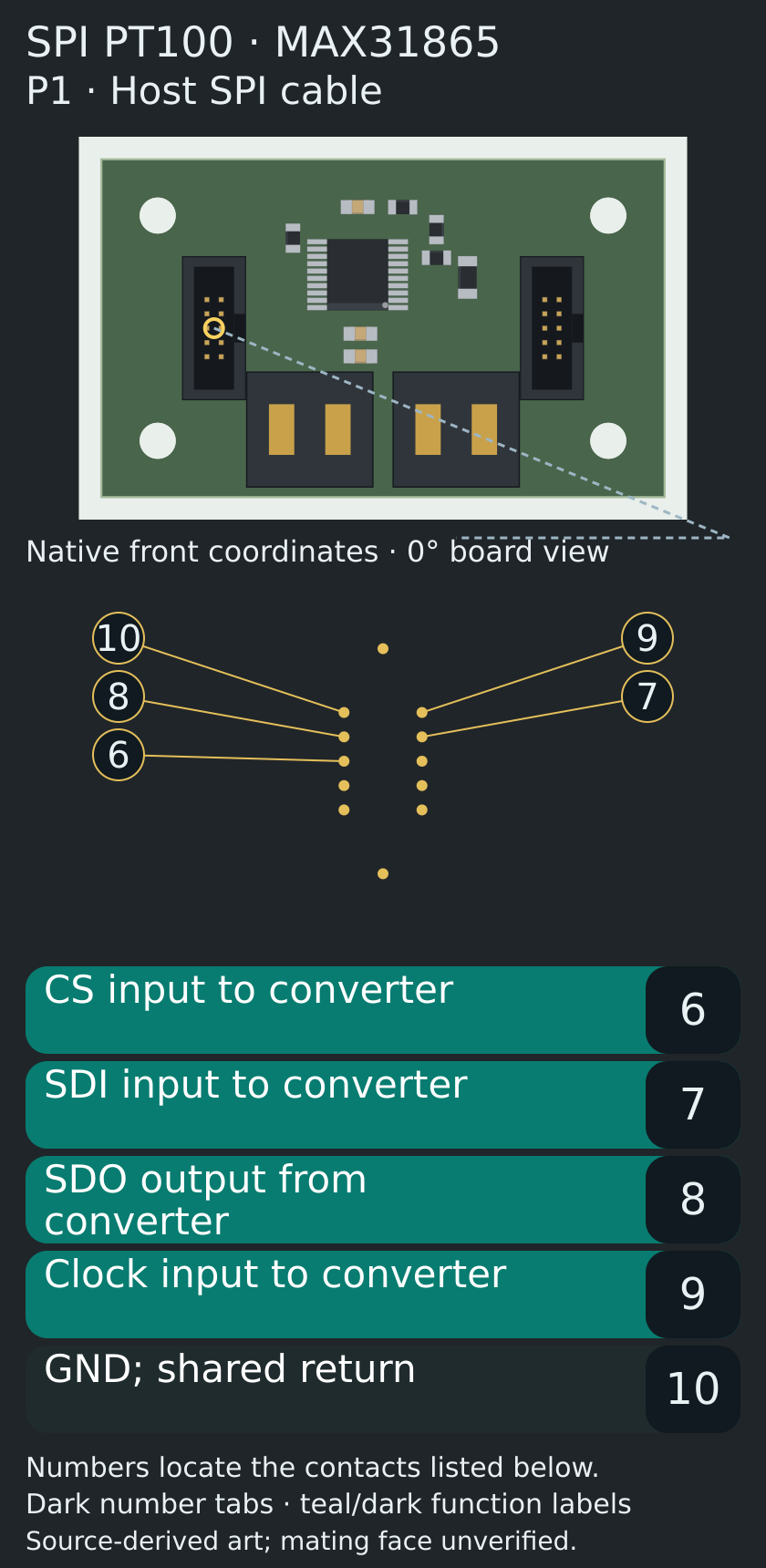
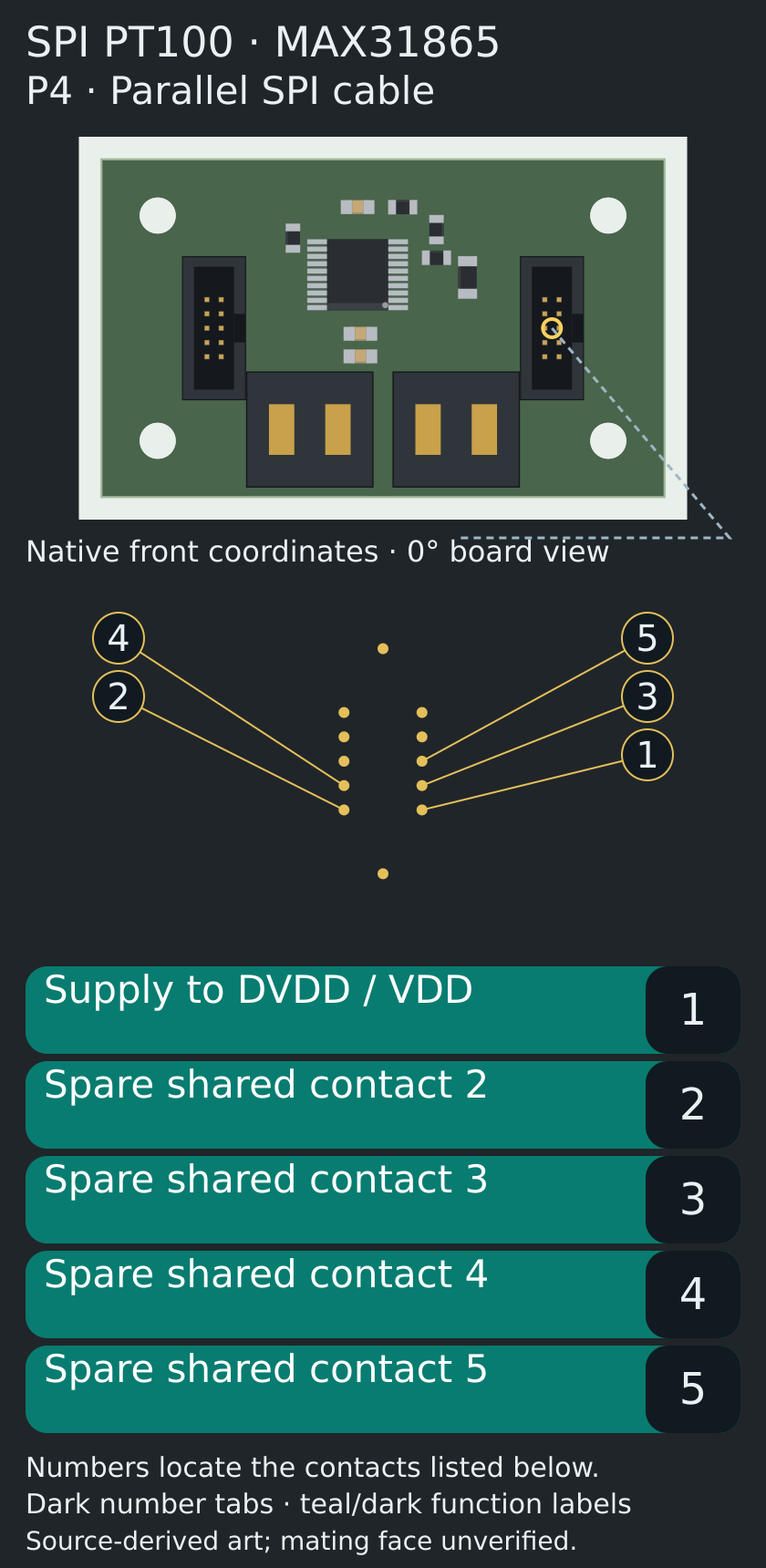
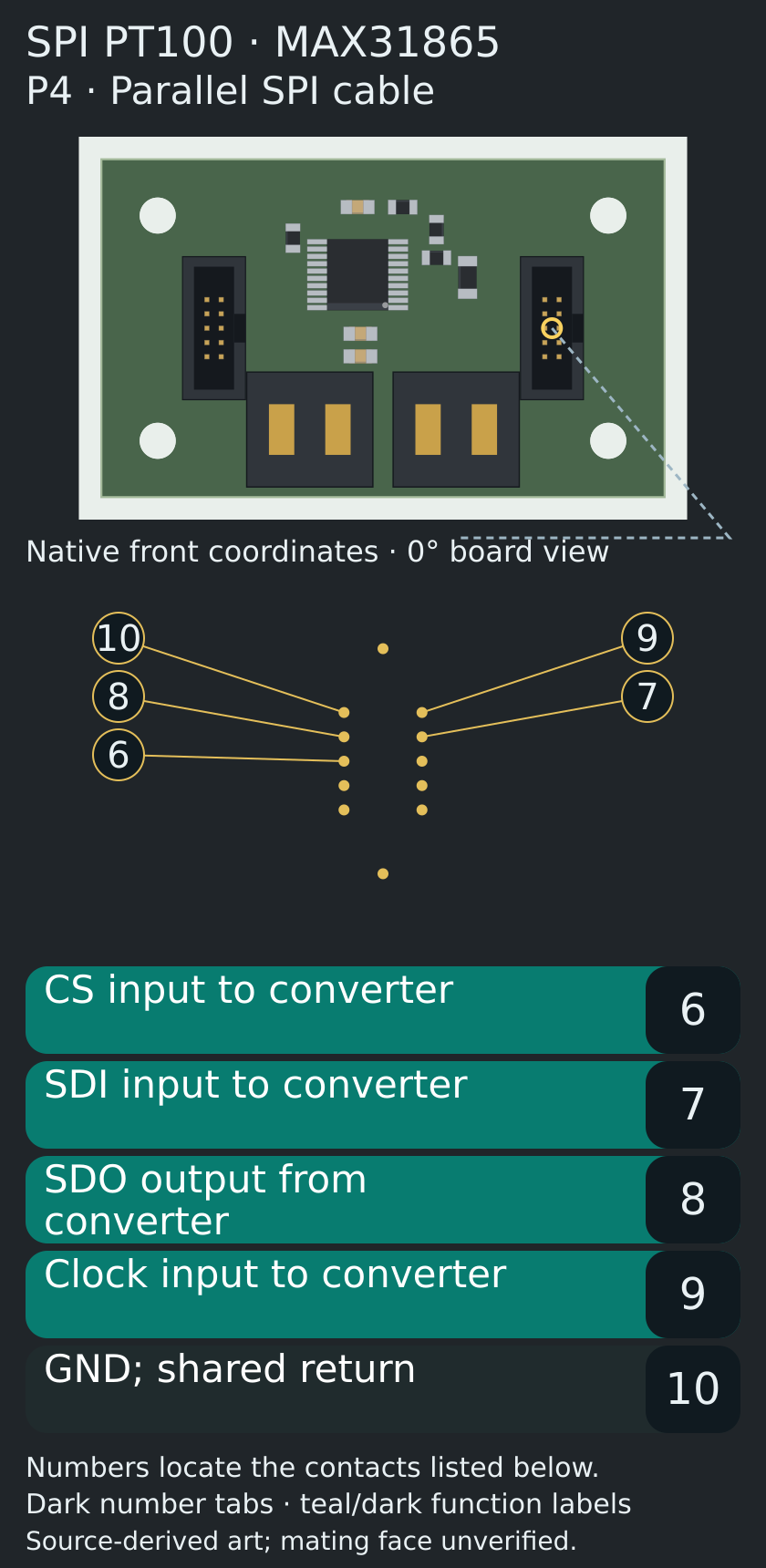
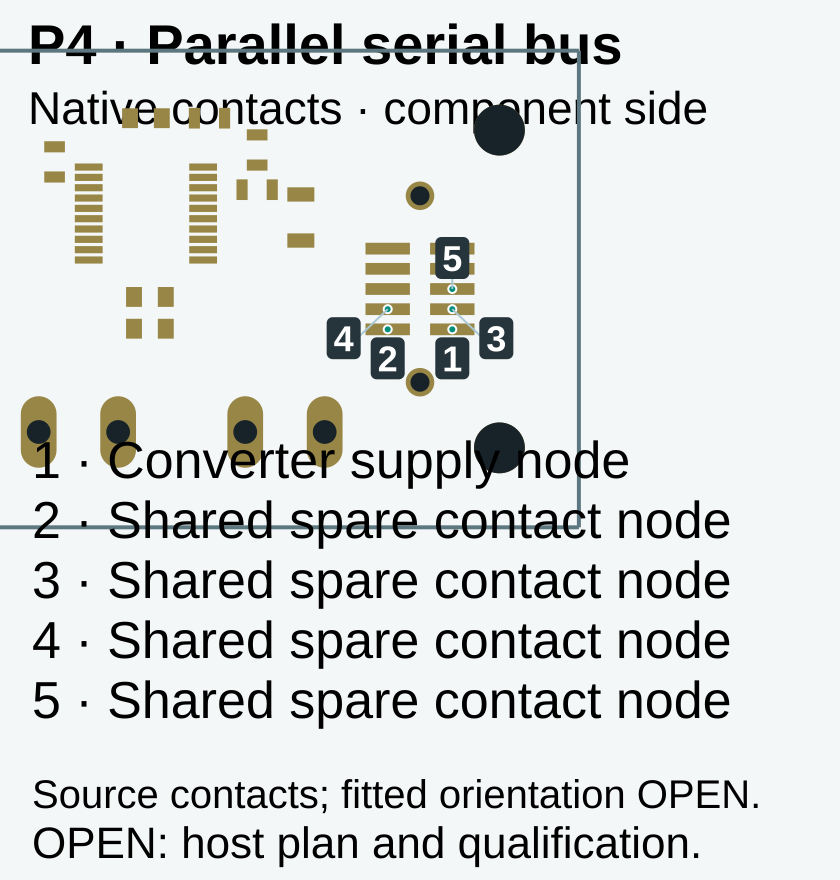
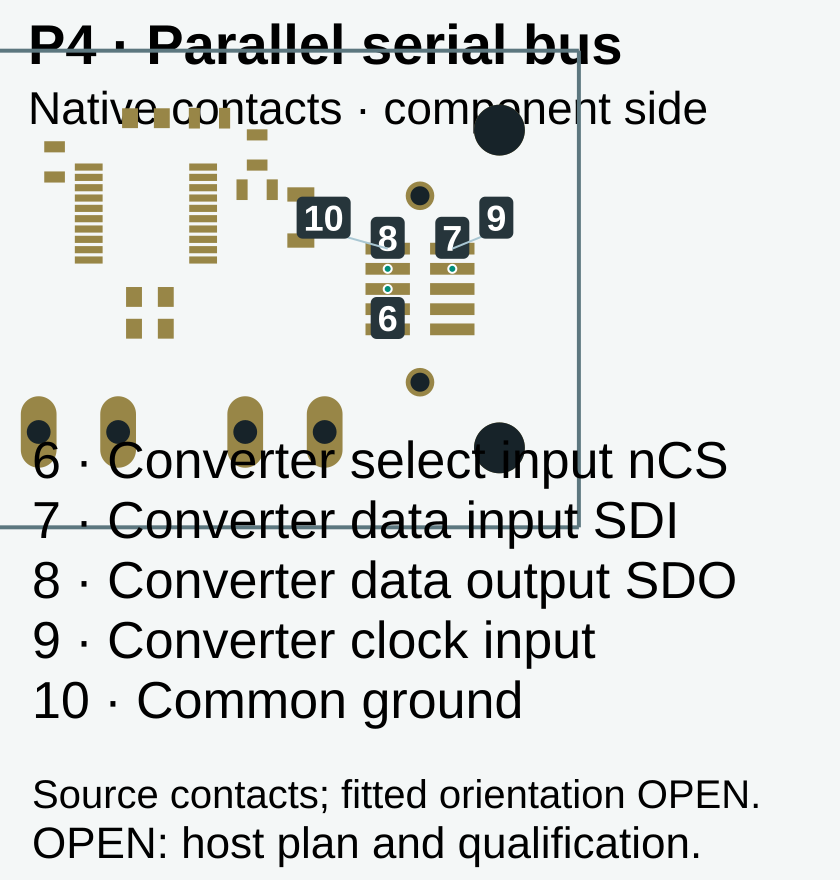
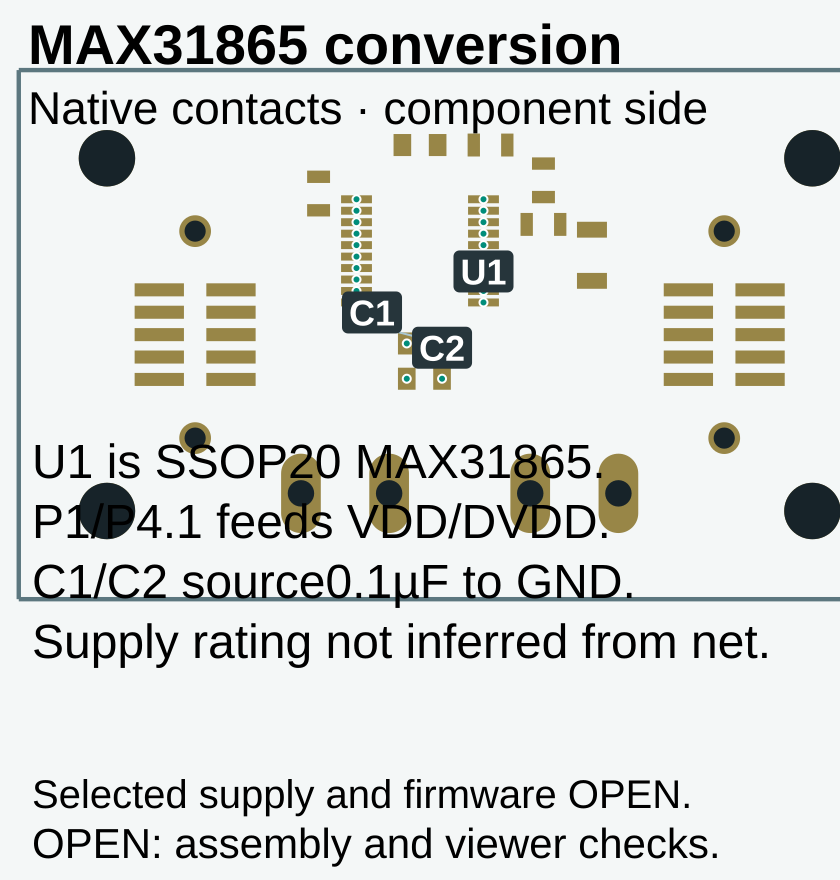
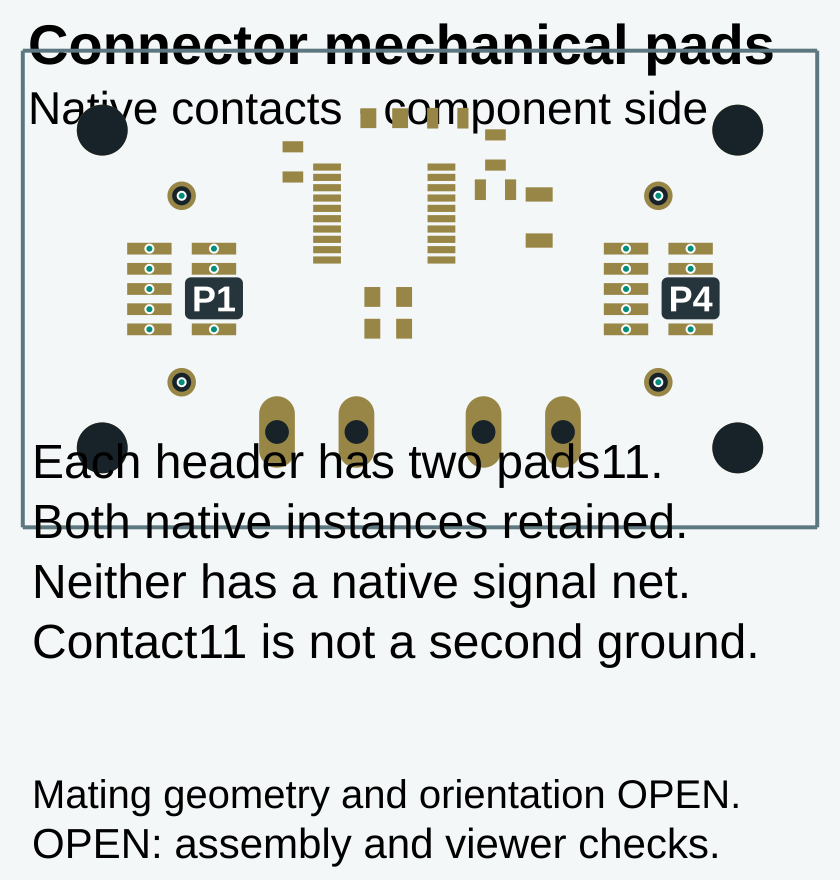
P1/P4 are parallel host connectors. Contact 1 supplies U1’s VDD/DVDD; contact 10 is ground. The matching SSOP20 symbol and retained netlist identify these SPI contacts:
| P1 and P4 contact | Converter connection | Signal direction |
|---|---|---|
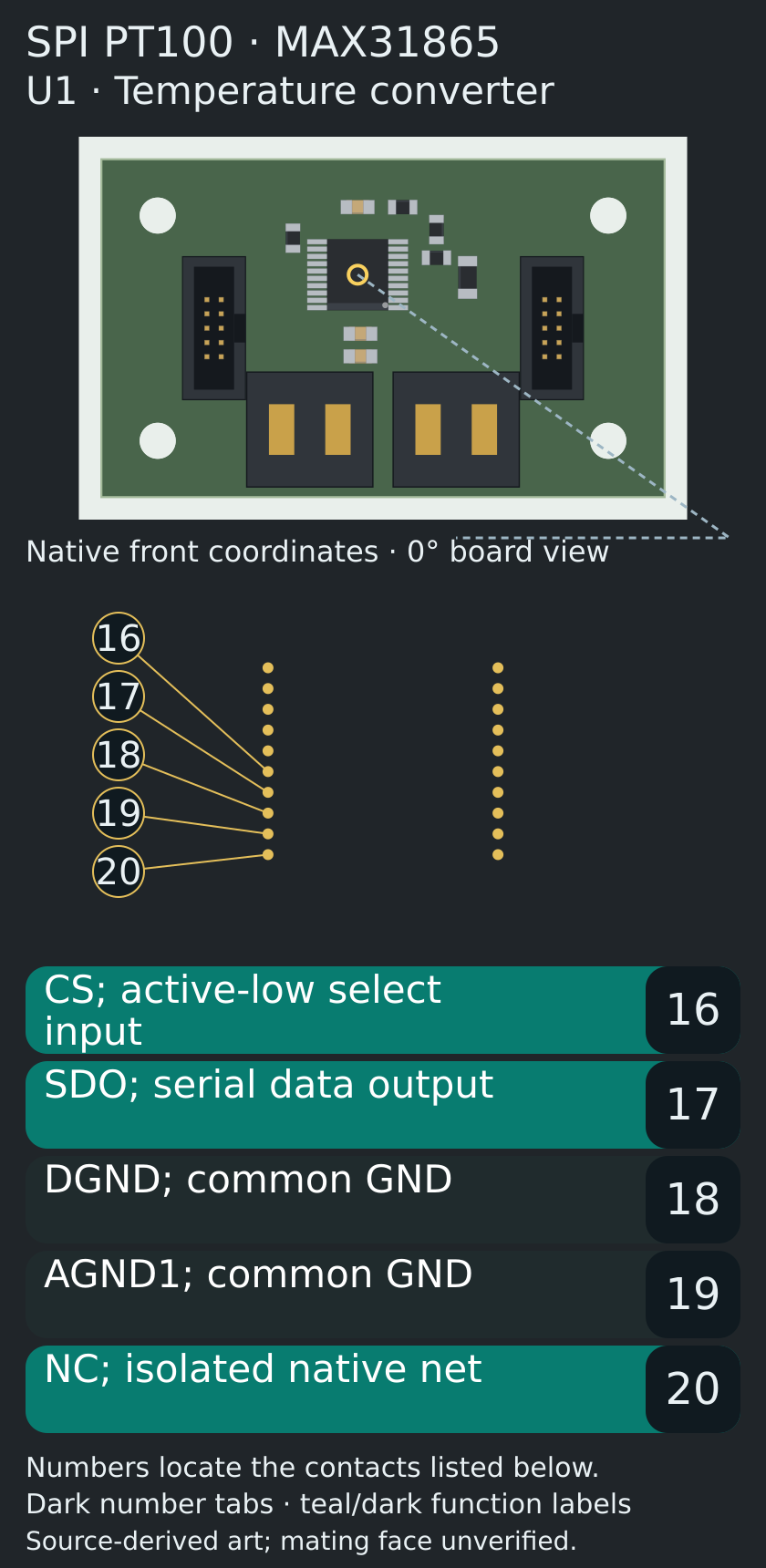
| 6 | U1.16, active-low chip select (nCS) |
Host → converter |
| 7 | U1.14, serial data input (SDI / host MOSI) |
Host → converter |
| 8 | U1.17, serial data output (SDO / host MISO) |
Converter → host |
| 9 | U1.15, serial clock (SCLK) |
Host → converter |
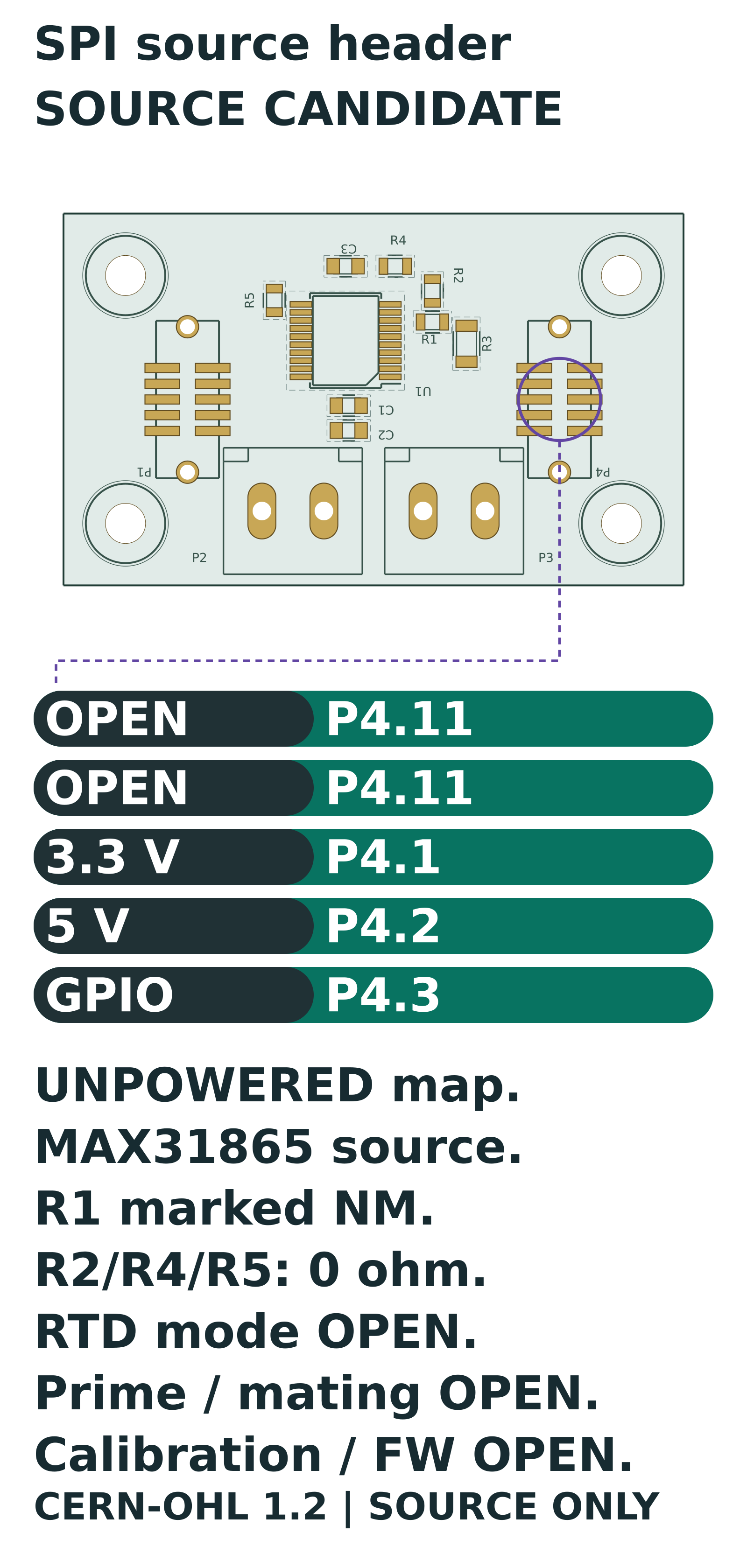
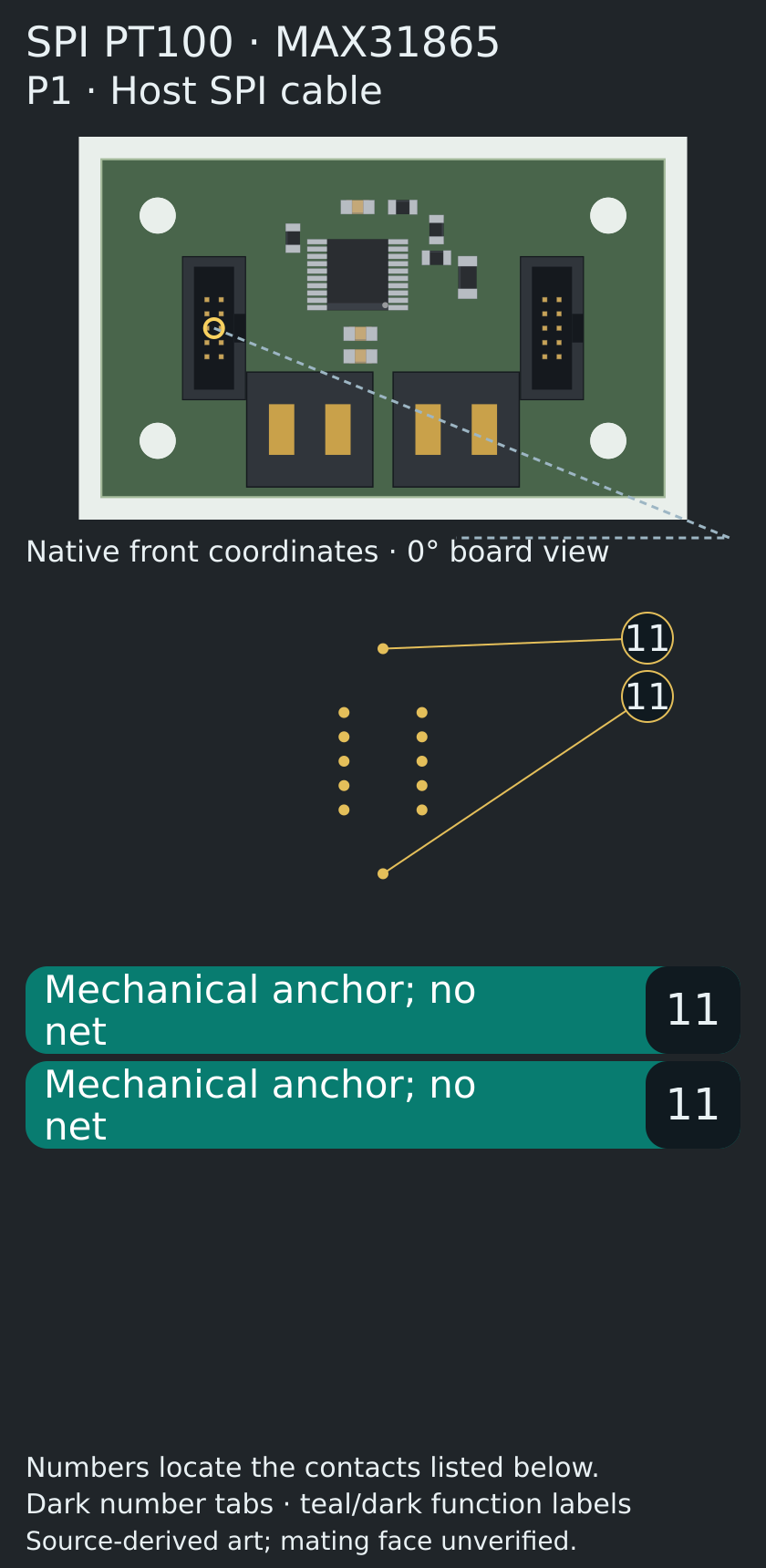
Contacts 2–5 have no assigned converter function. These are module contact numbers, not an allocation to the same-numbered Prime socket contacts.
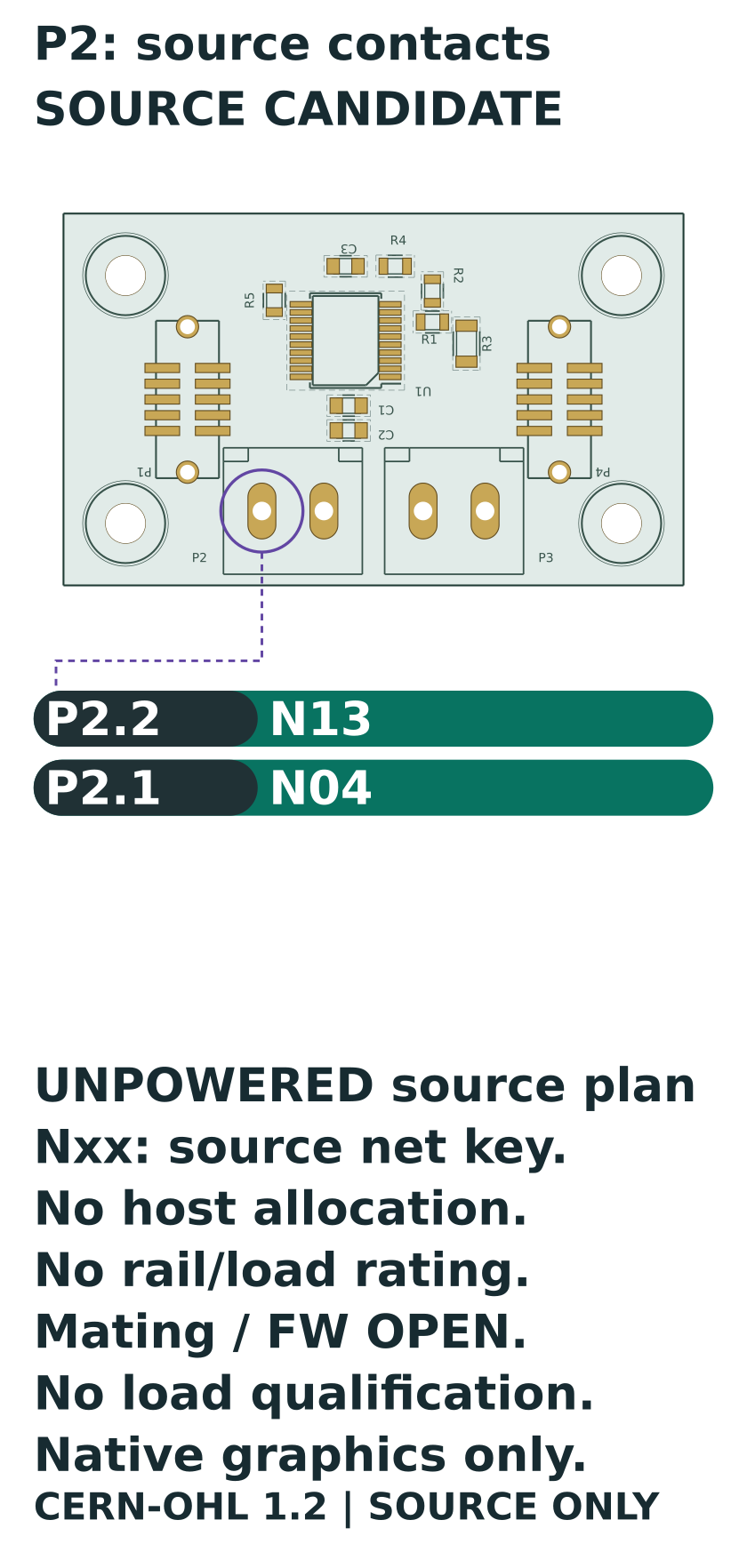
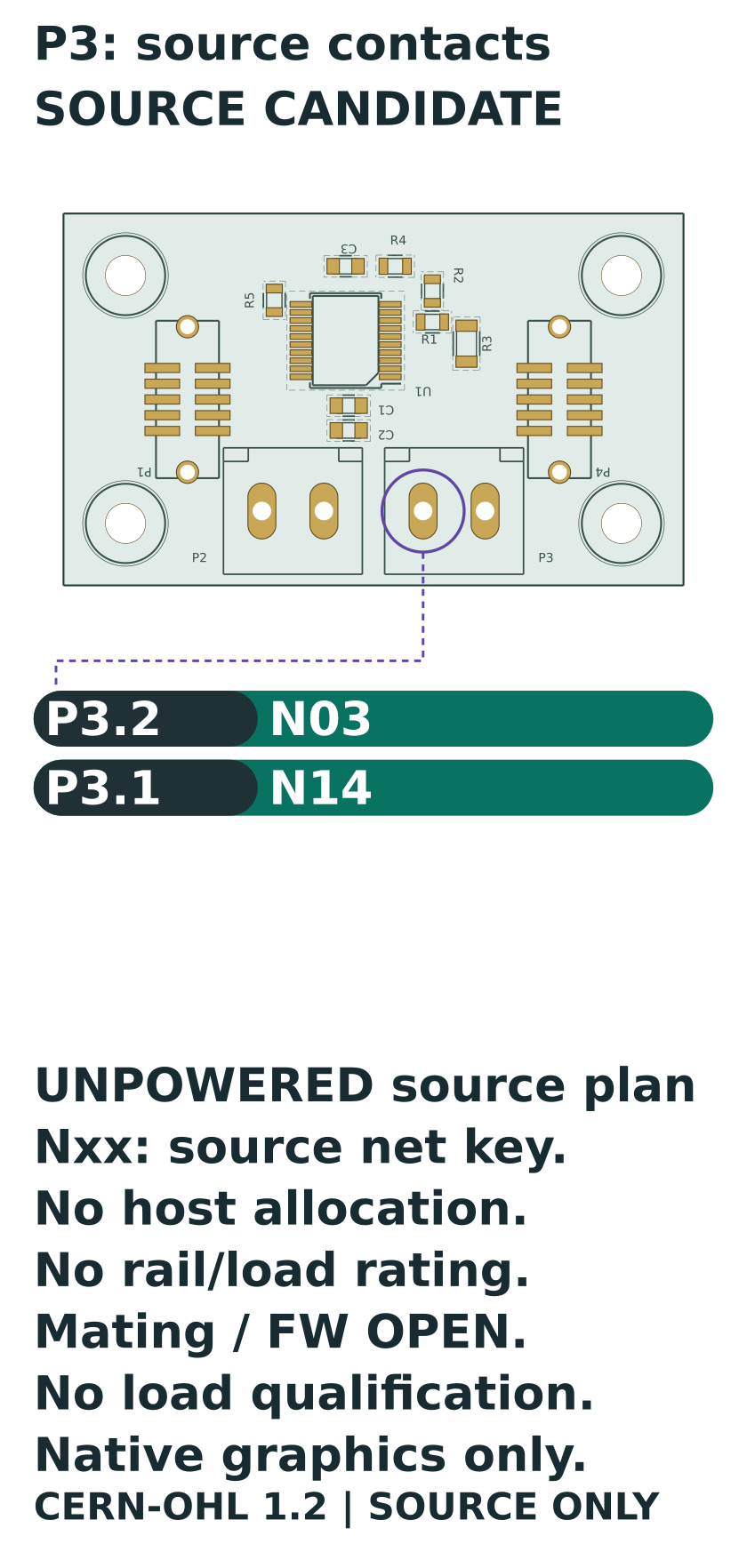
| Probe terminal | Converter connection |
|---|---|
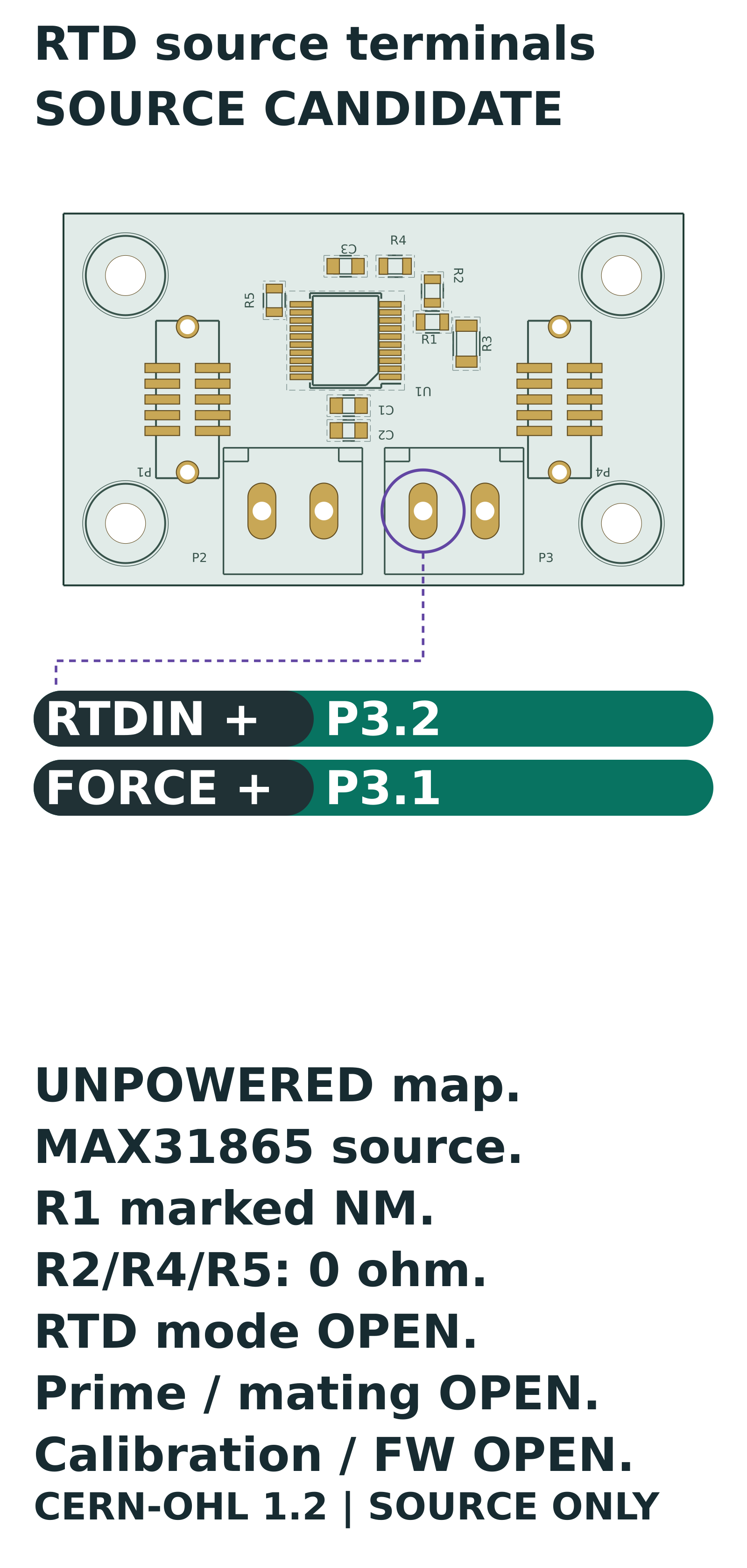
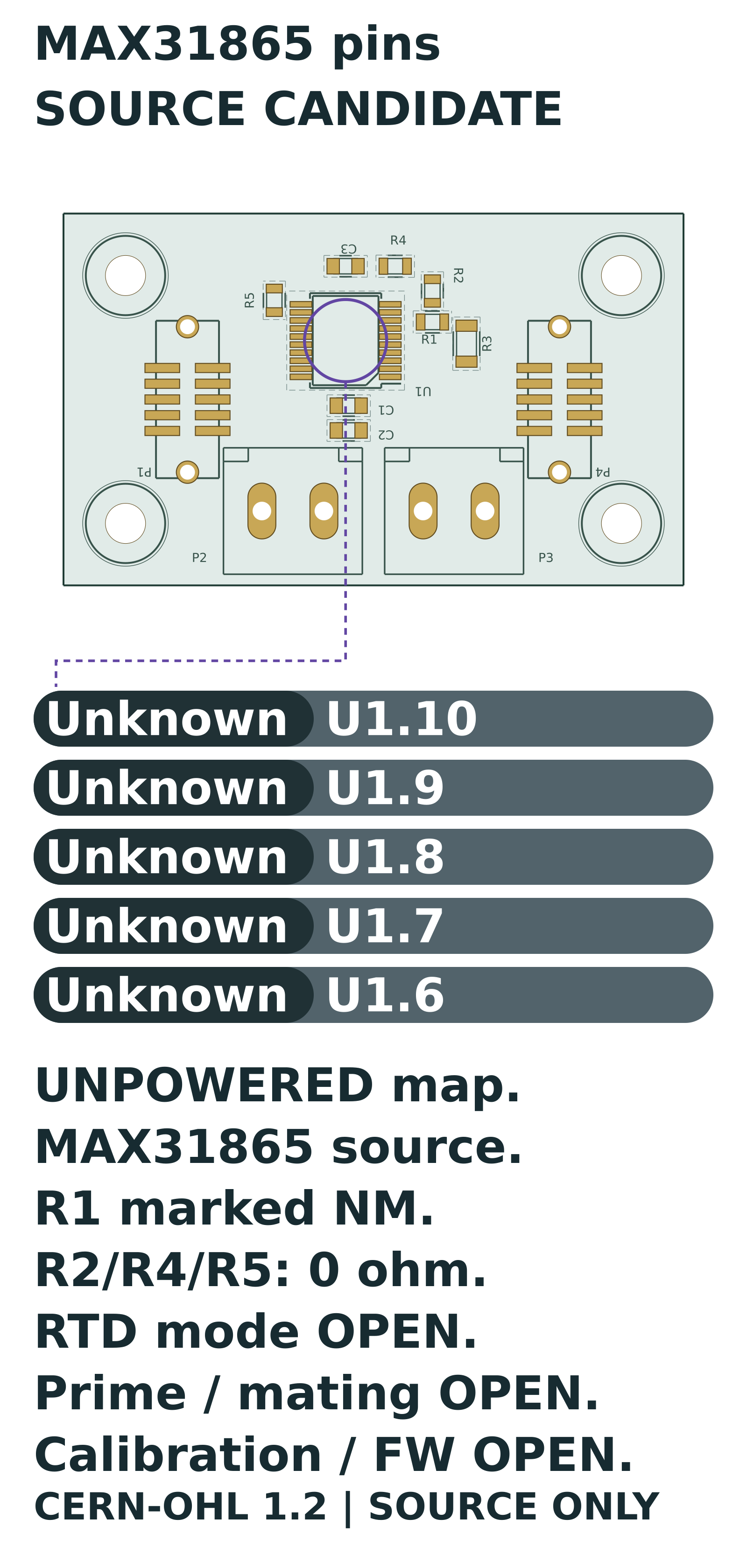
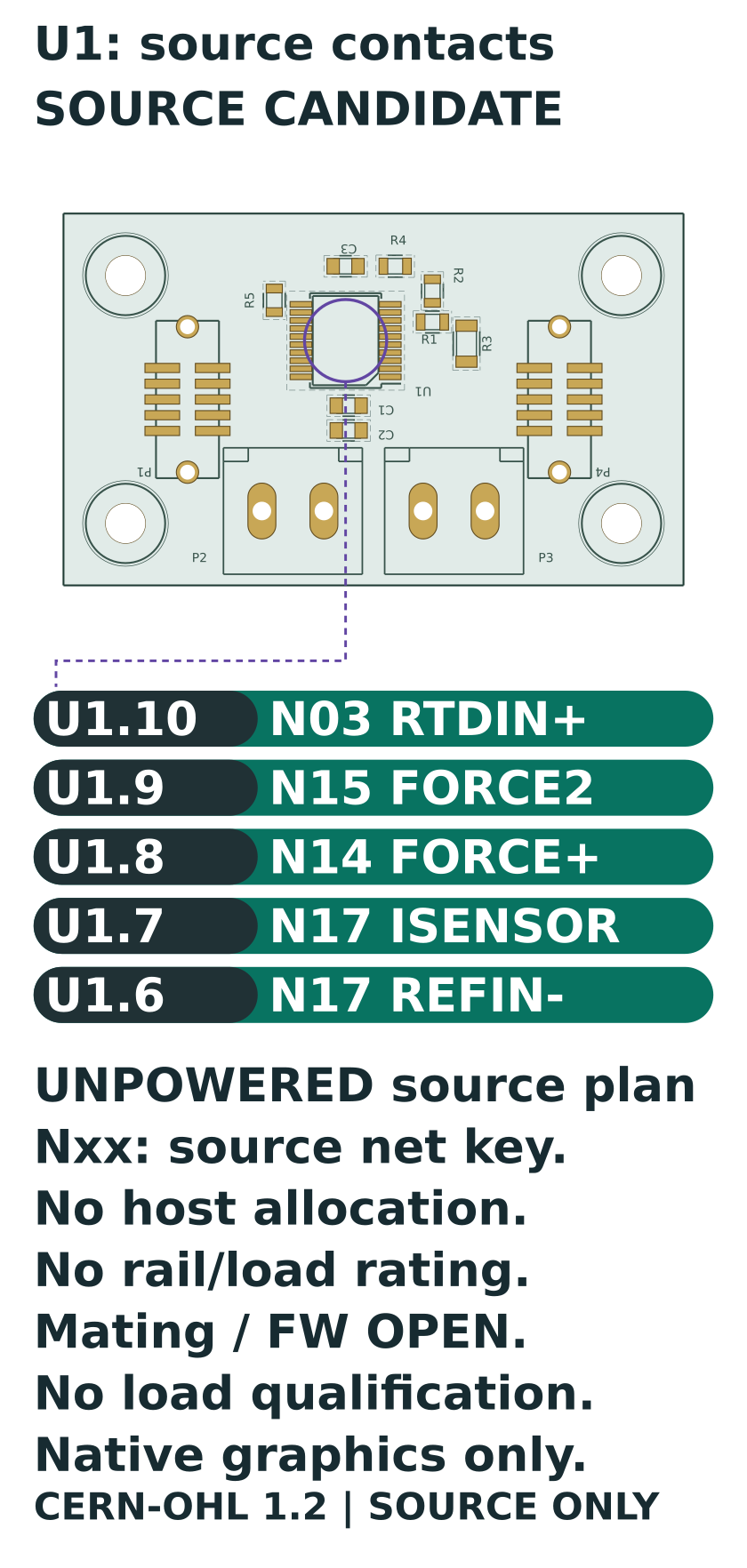
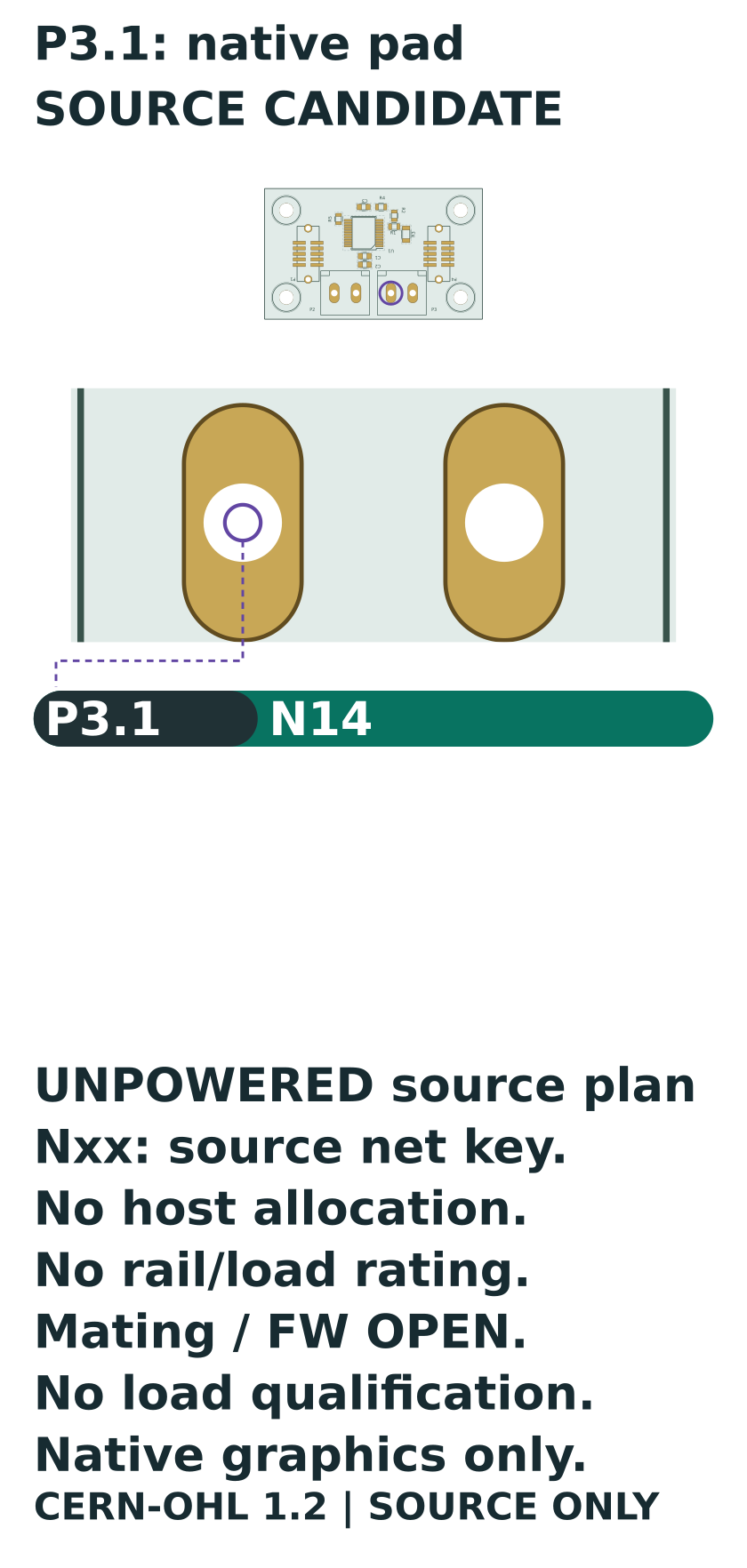
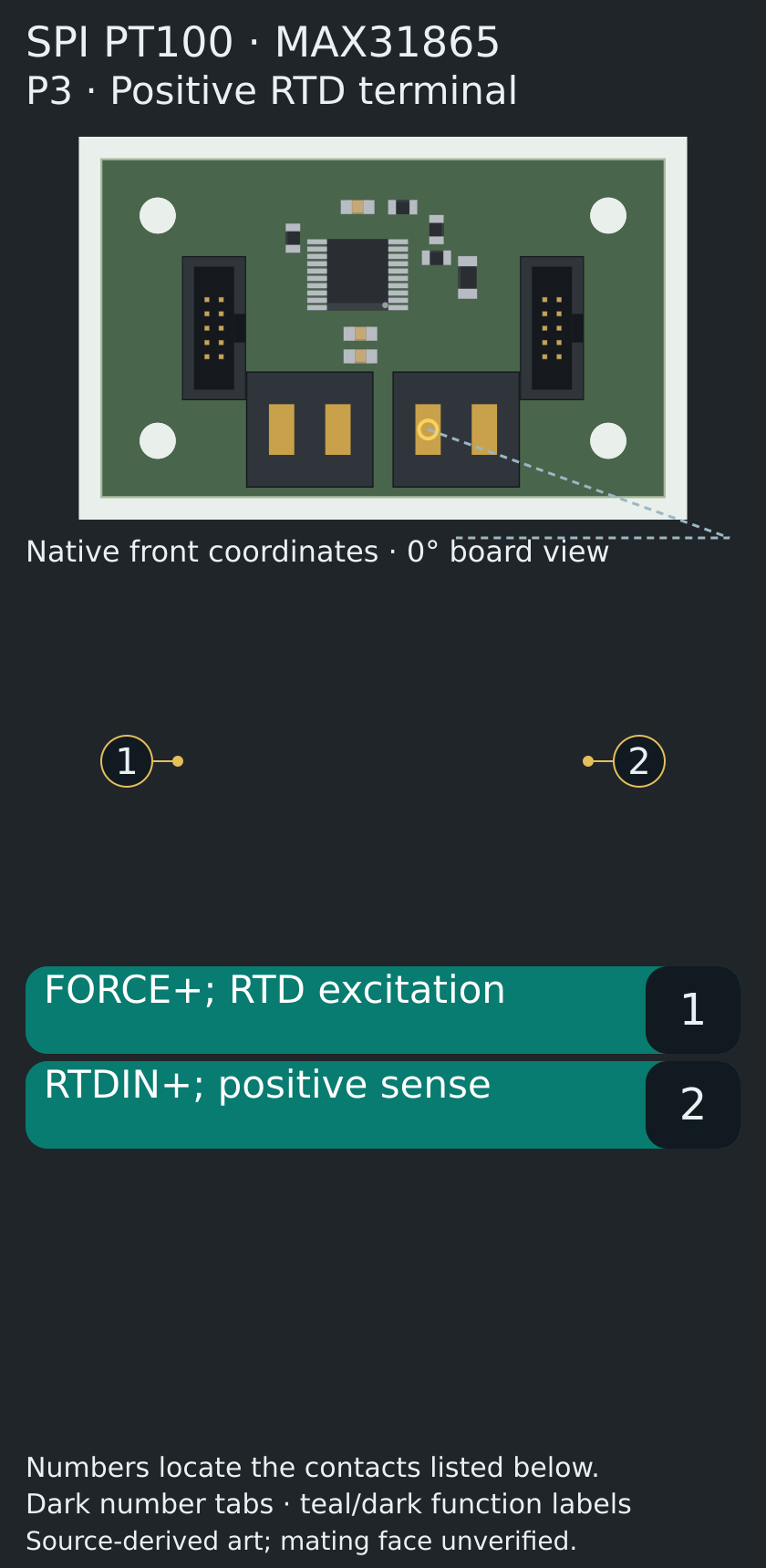
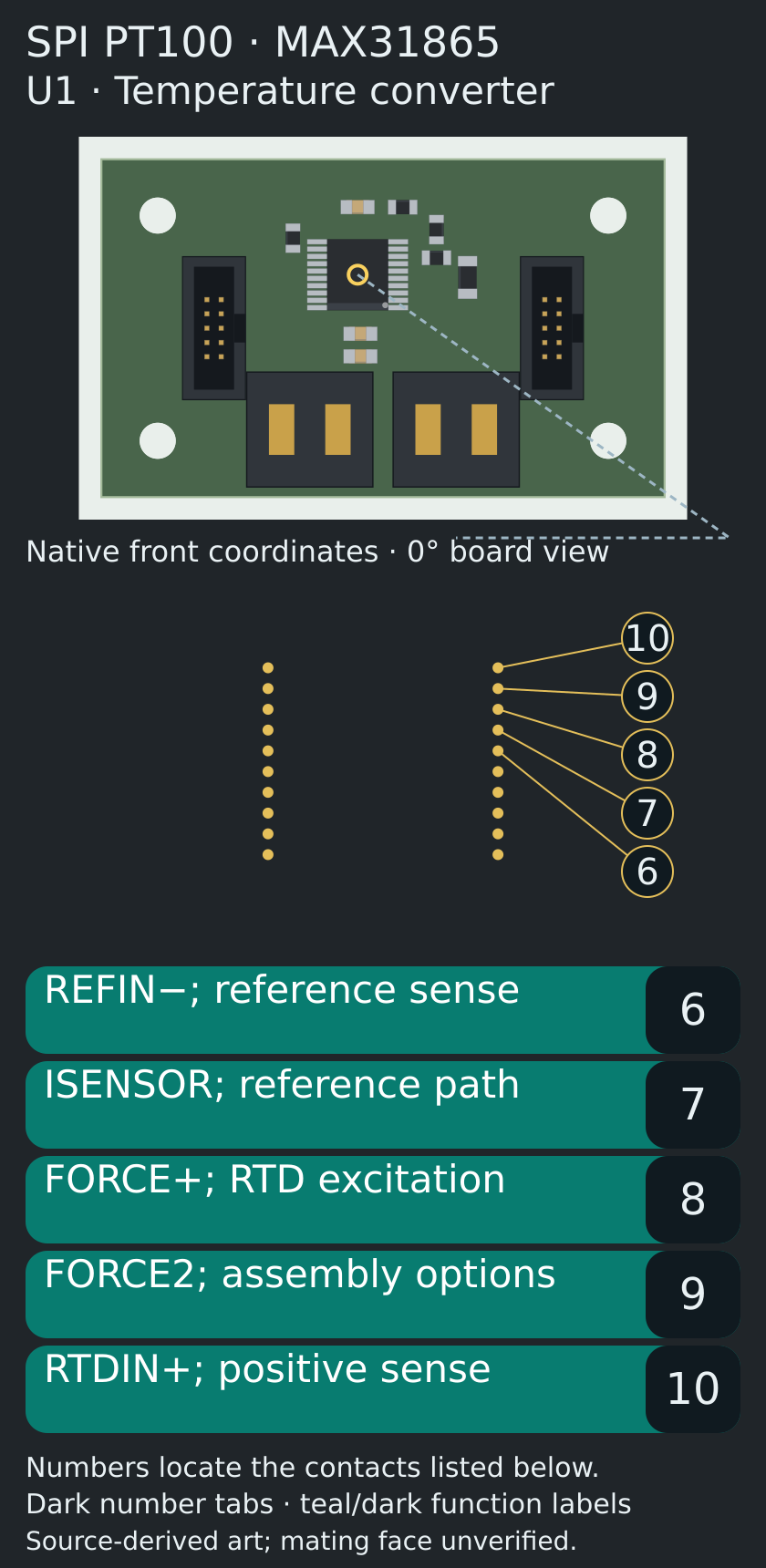
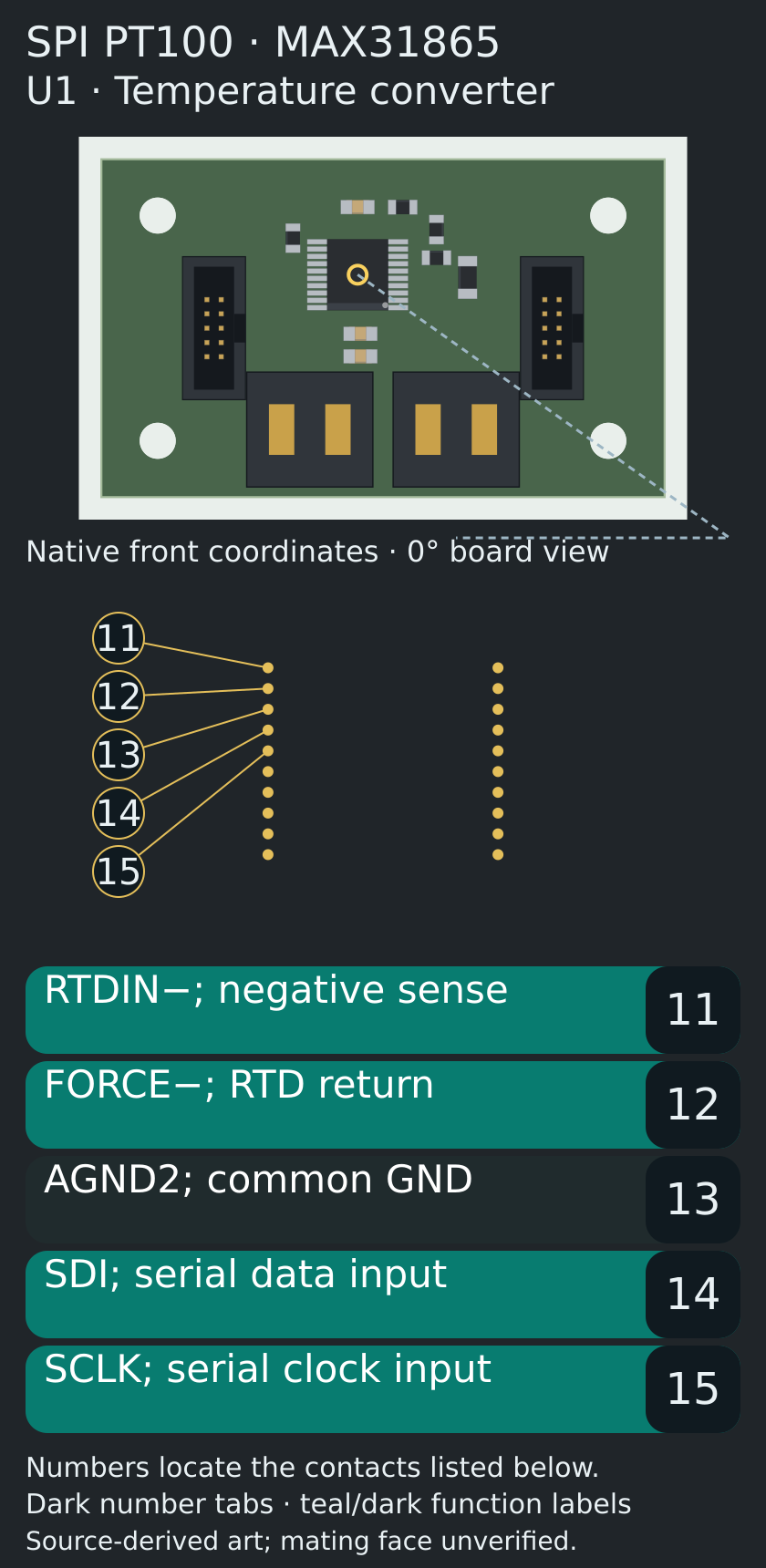
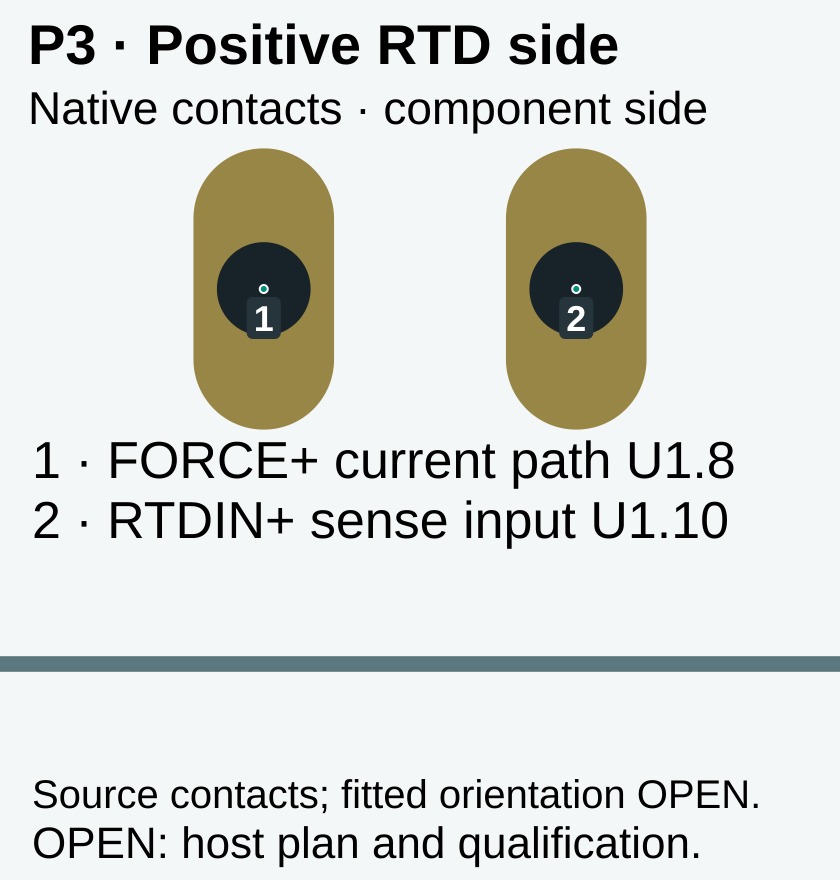
| P3.1 | U1.8, FORCE+ |
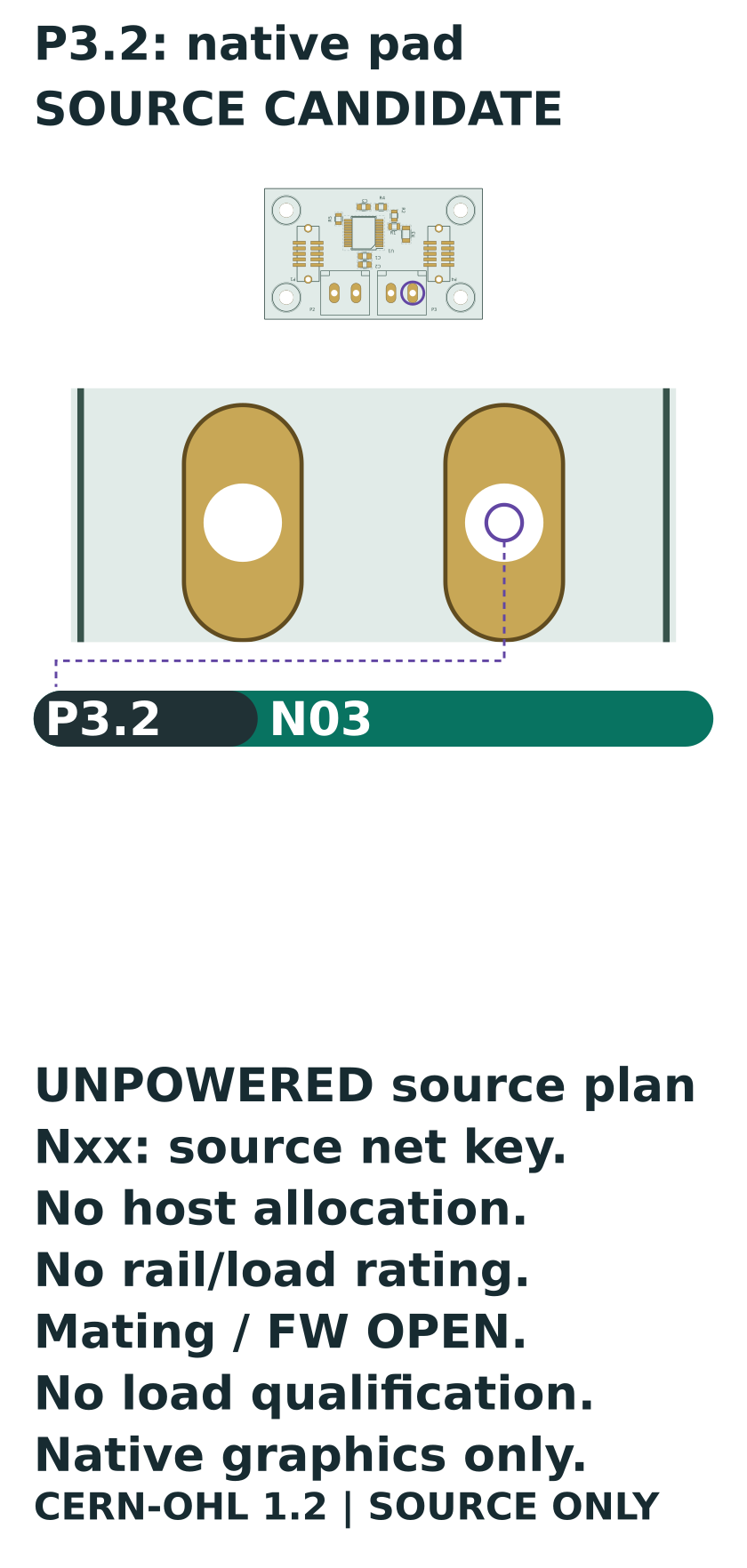
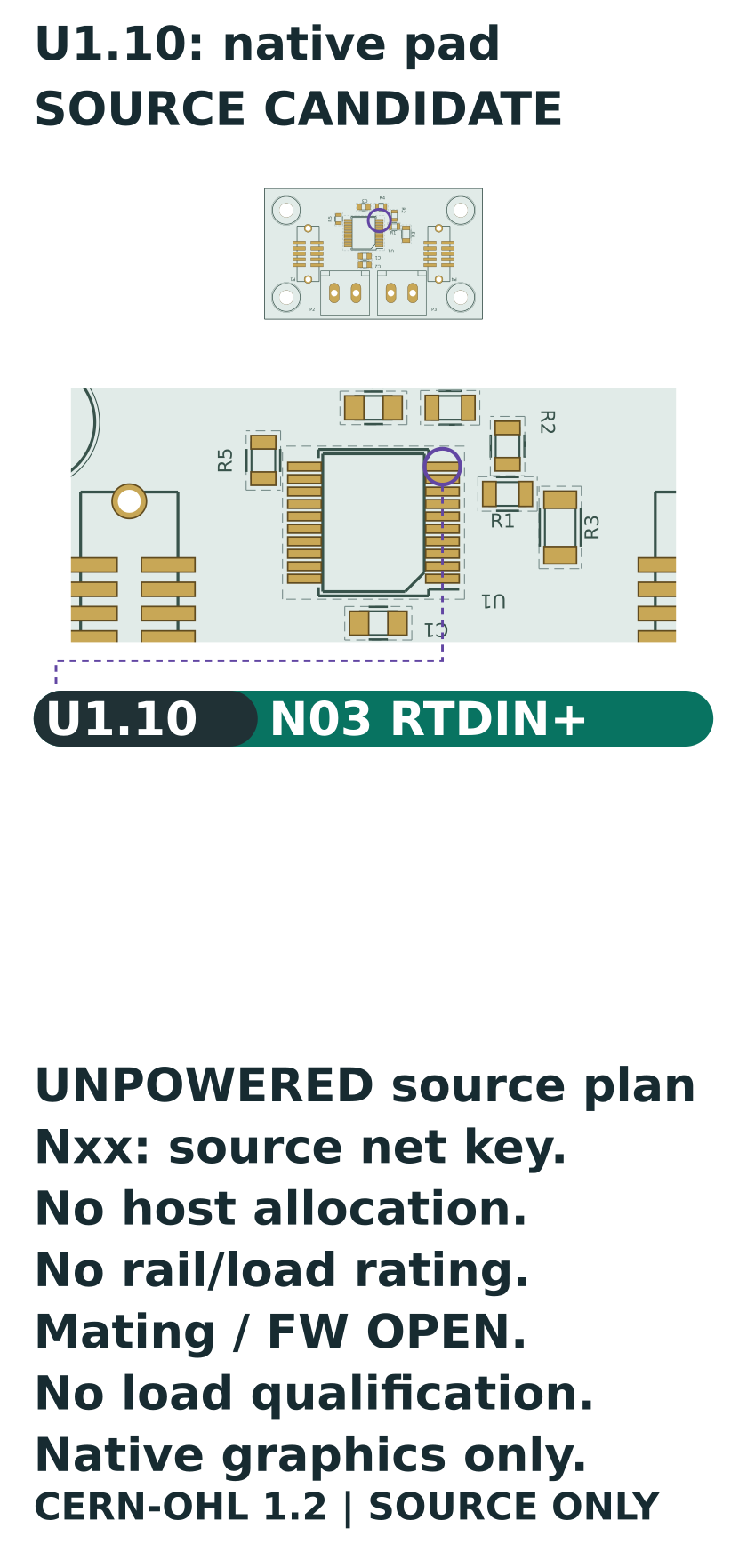
| P3.2 | U1.10, RTDIN+ |
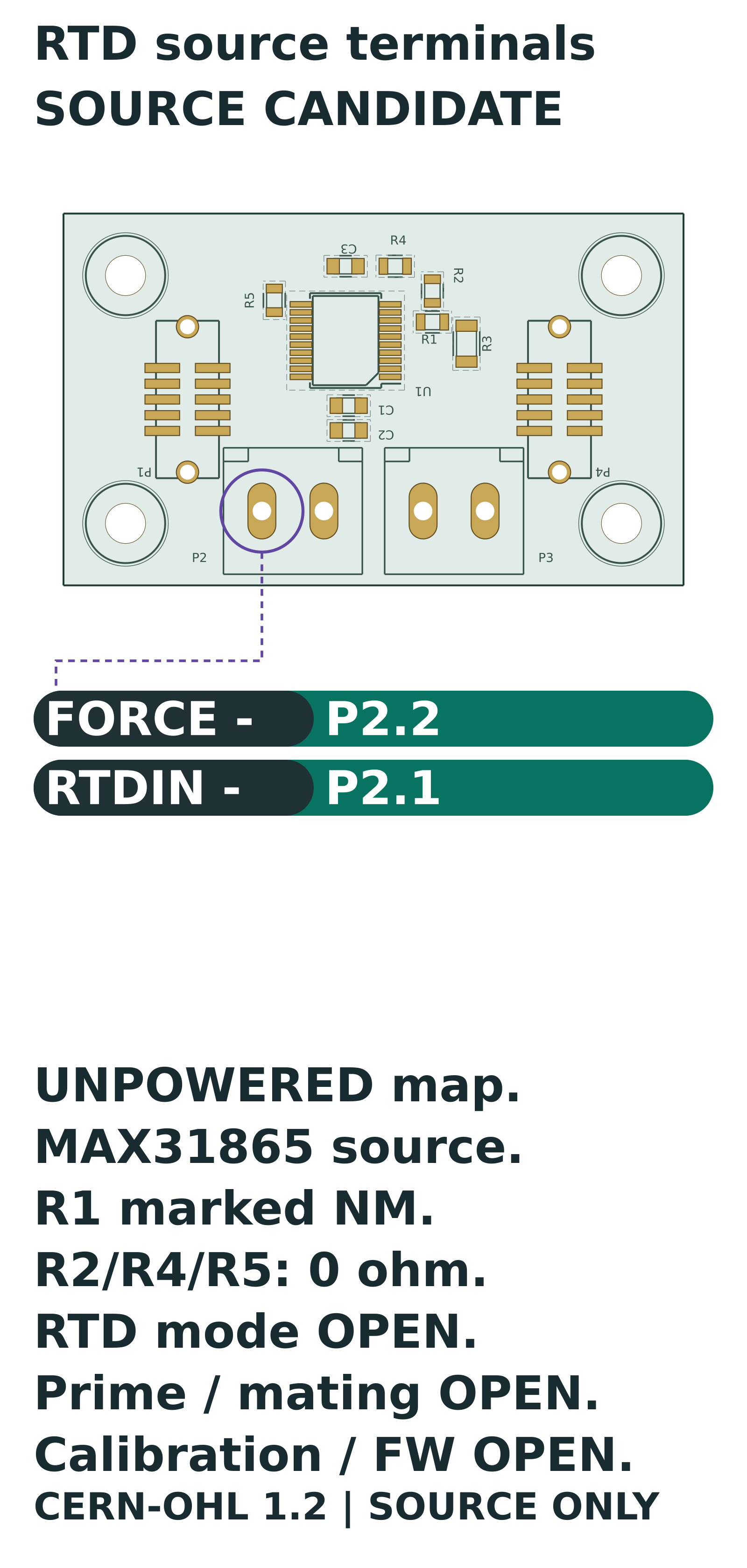
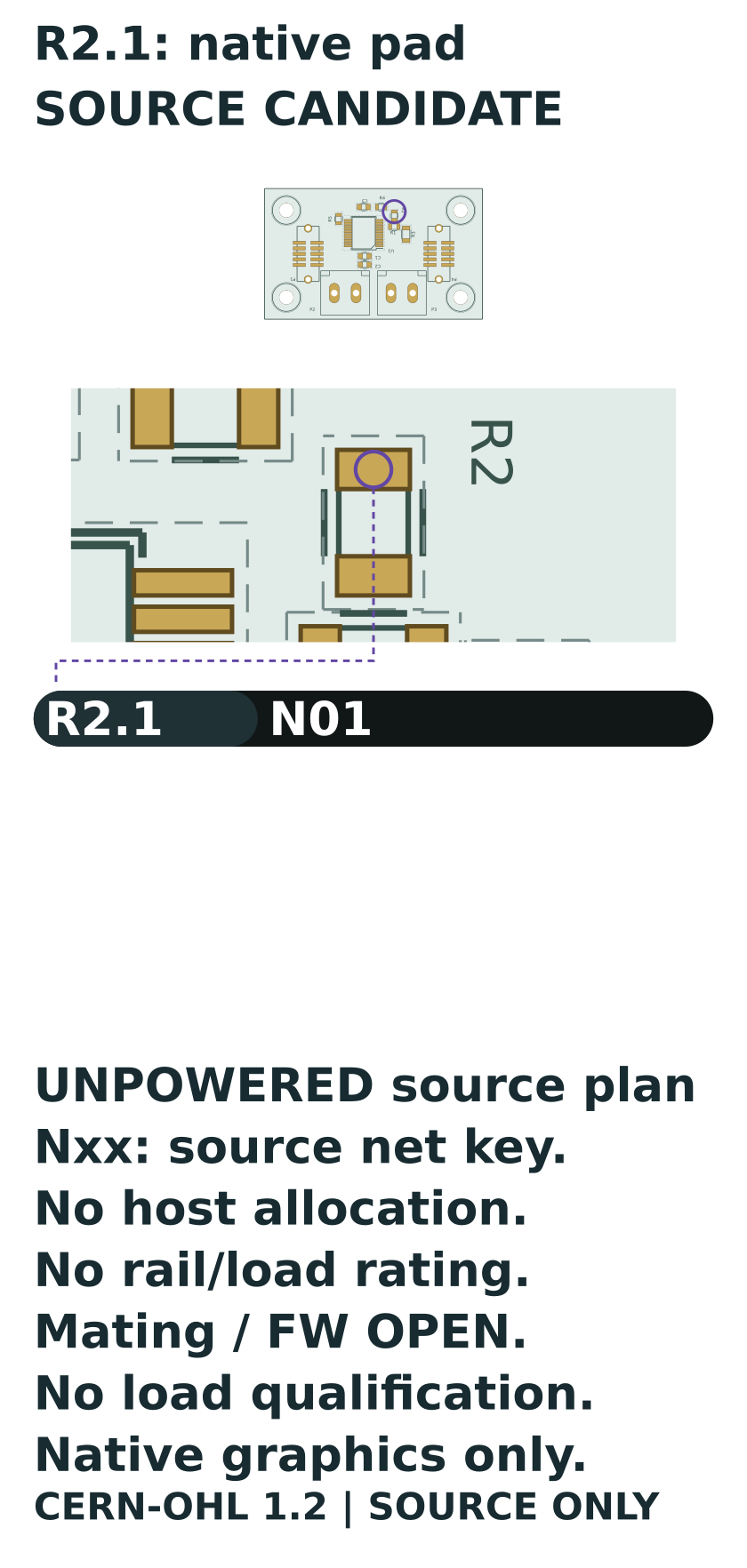
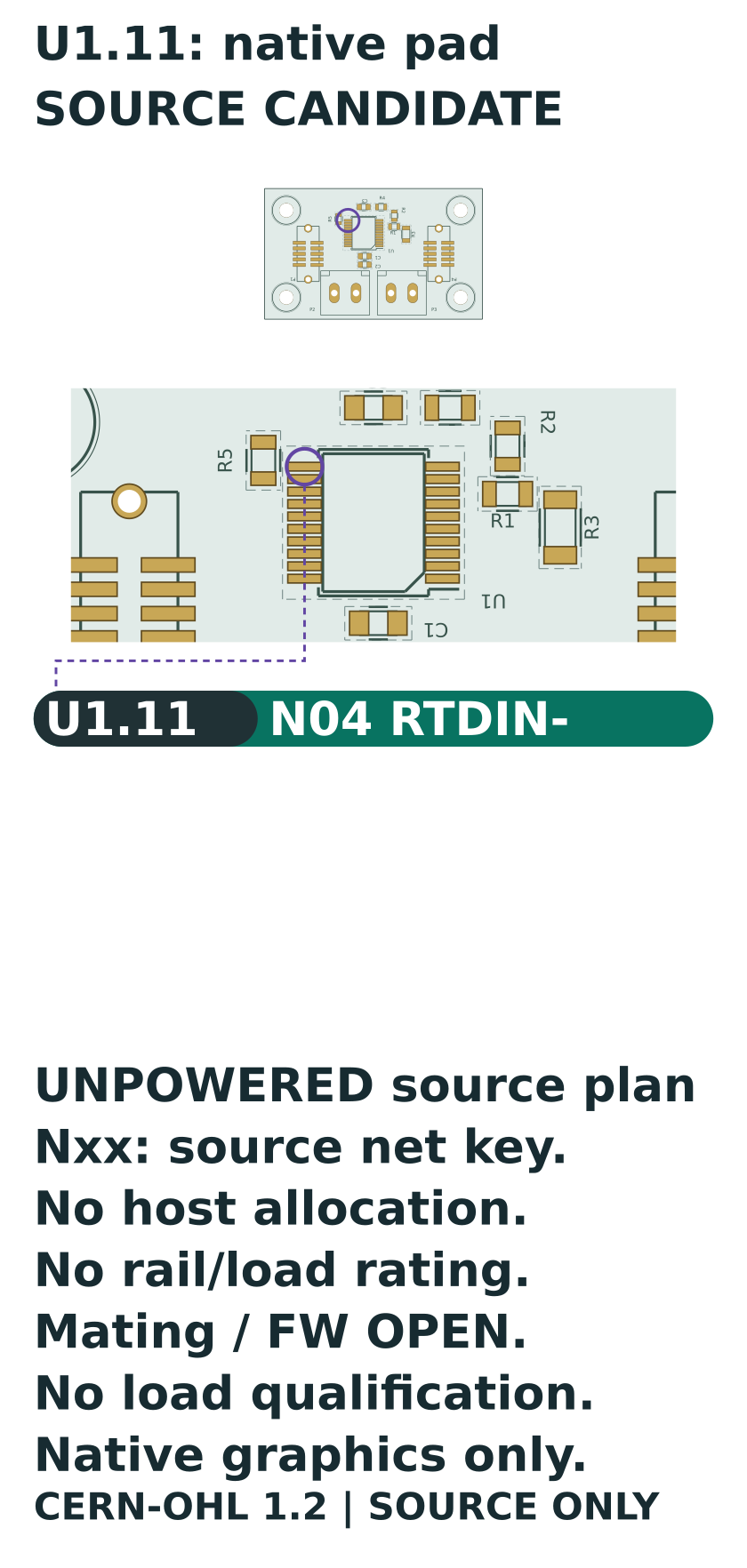
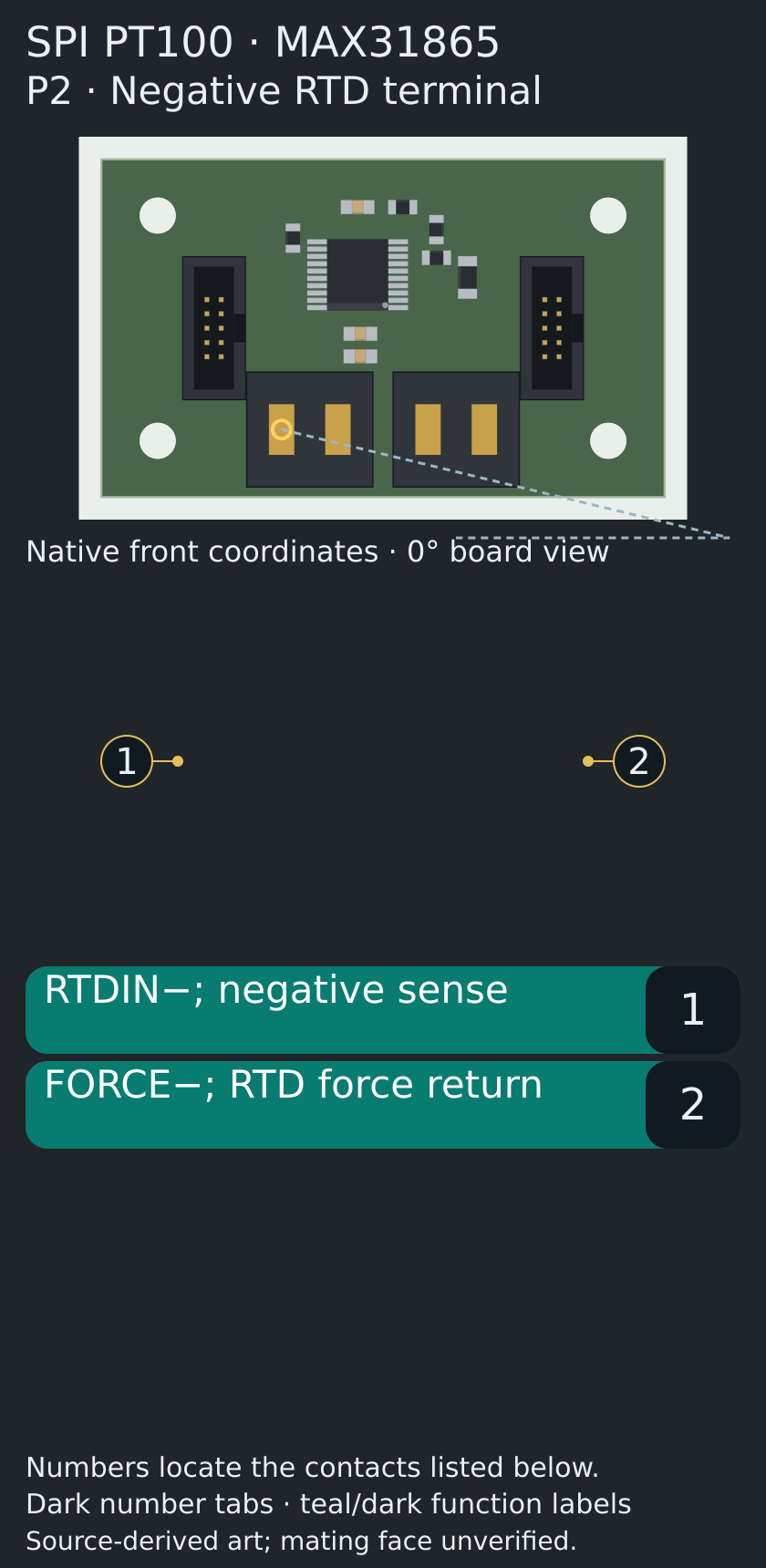
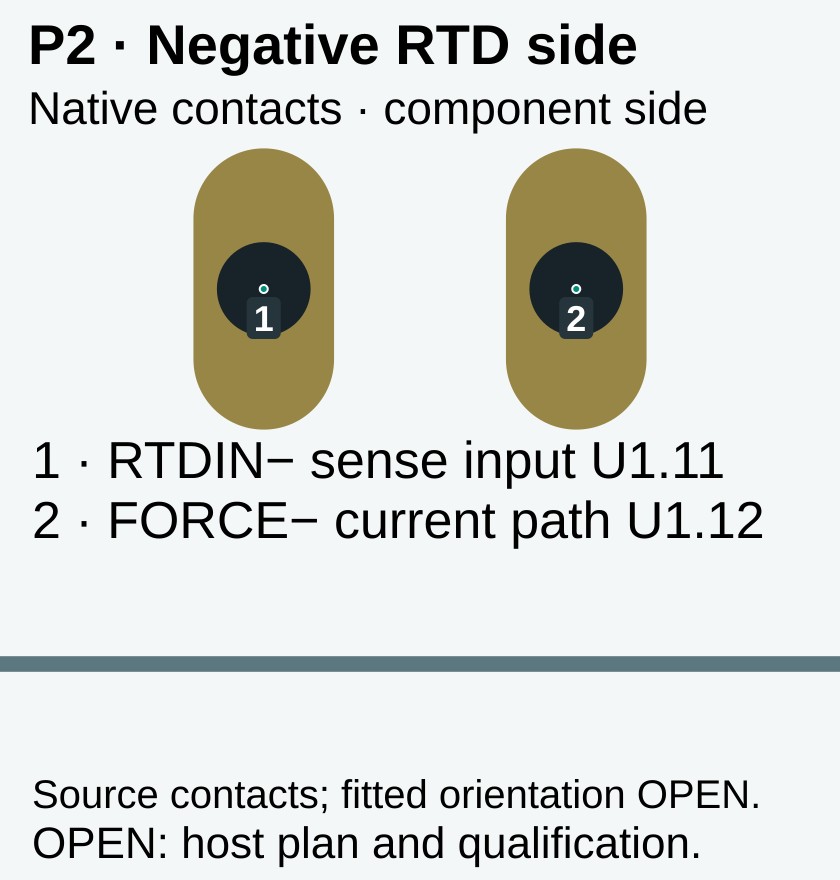
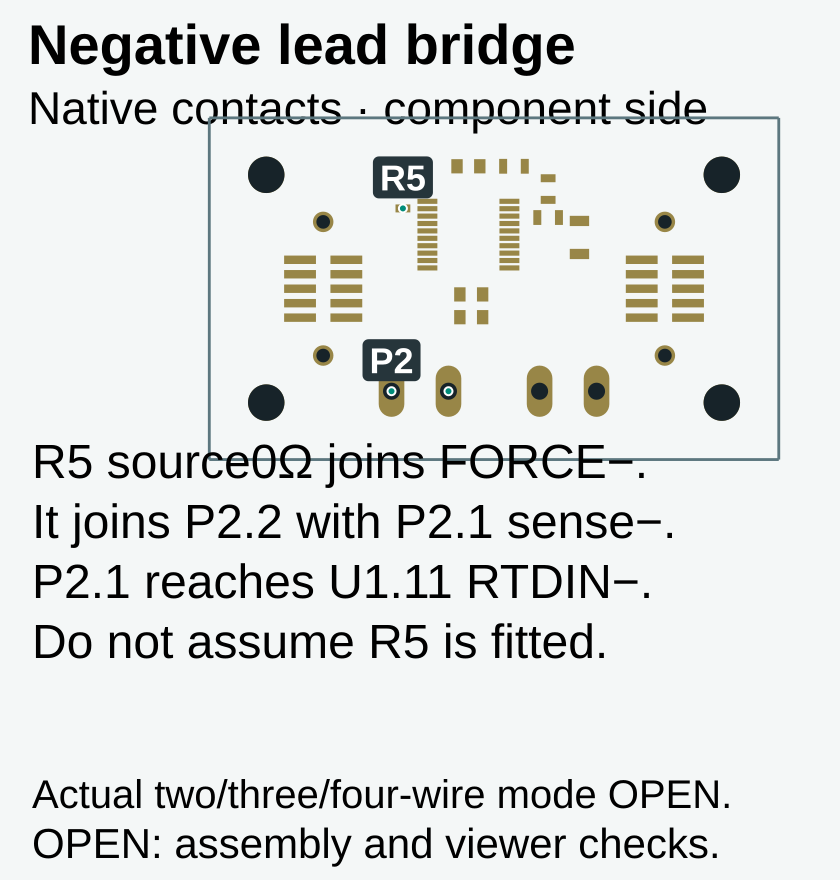
| P2.1 | U1.11, RTDIN− |
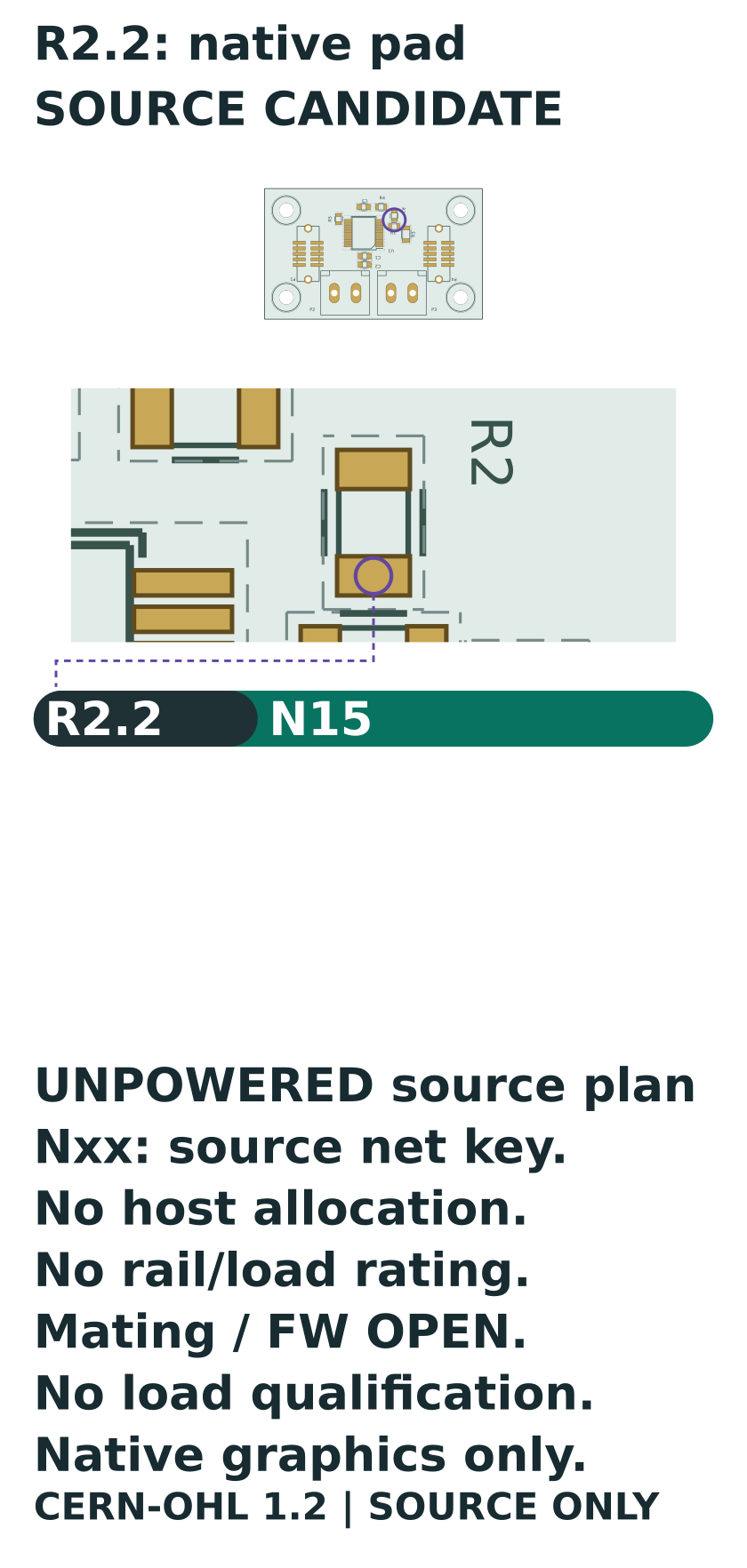
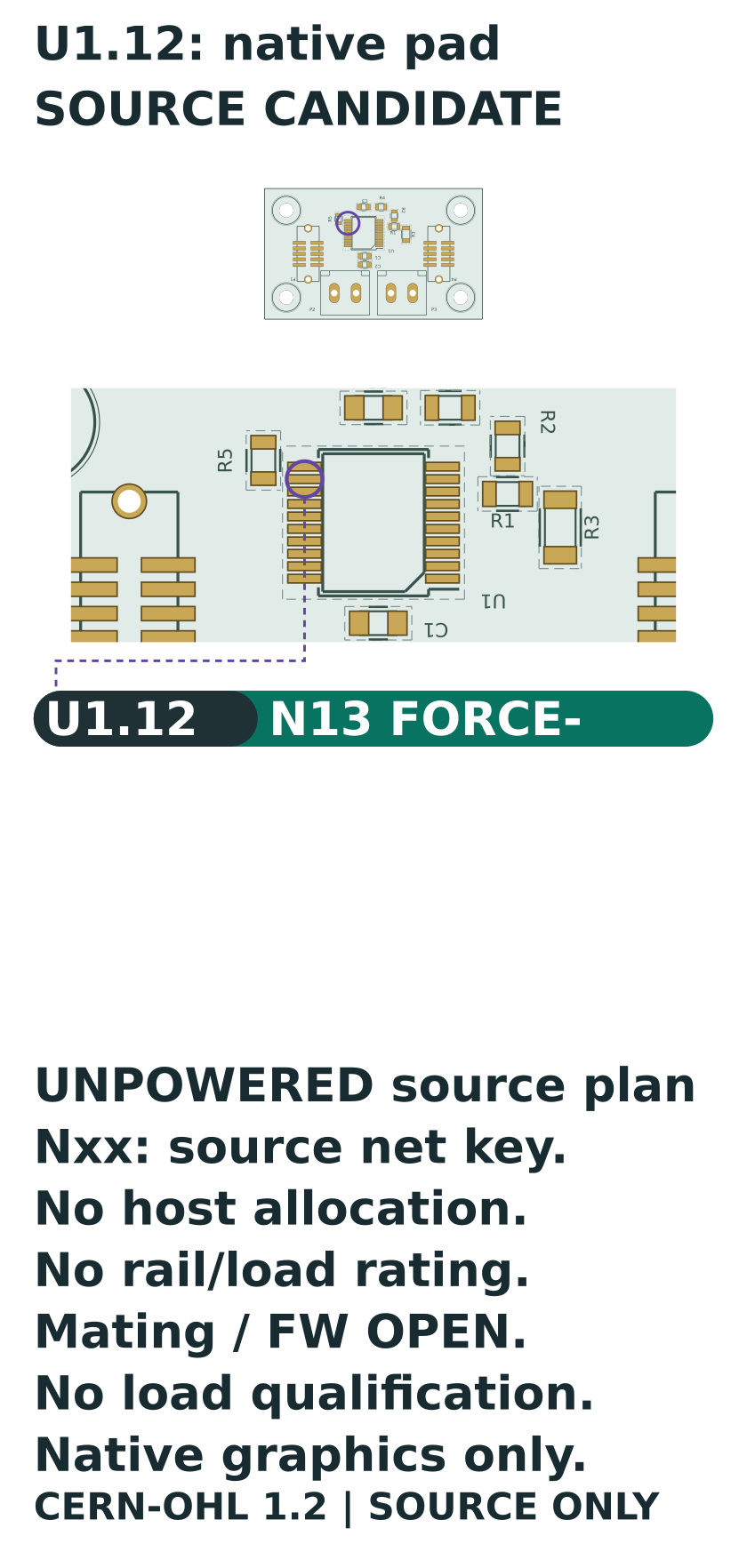
| P2.2 | U1.12, FORCE− |
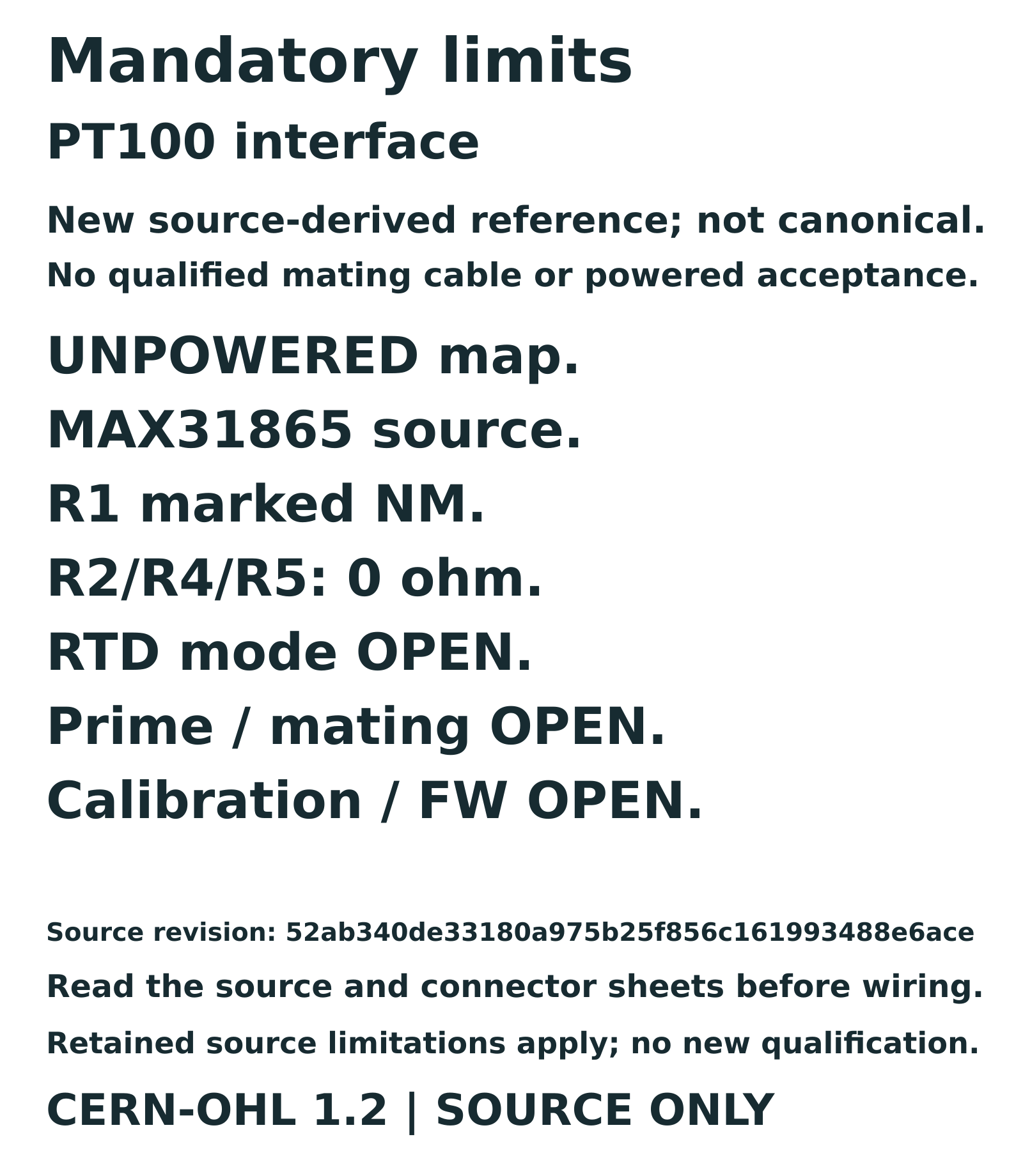
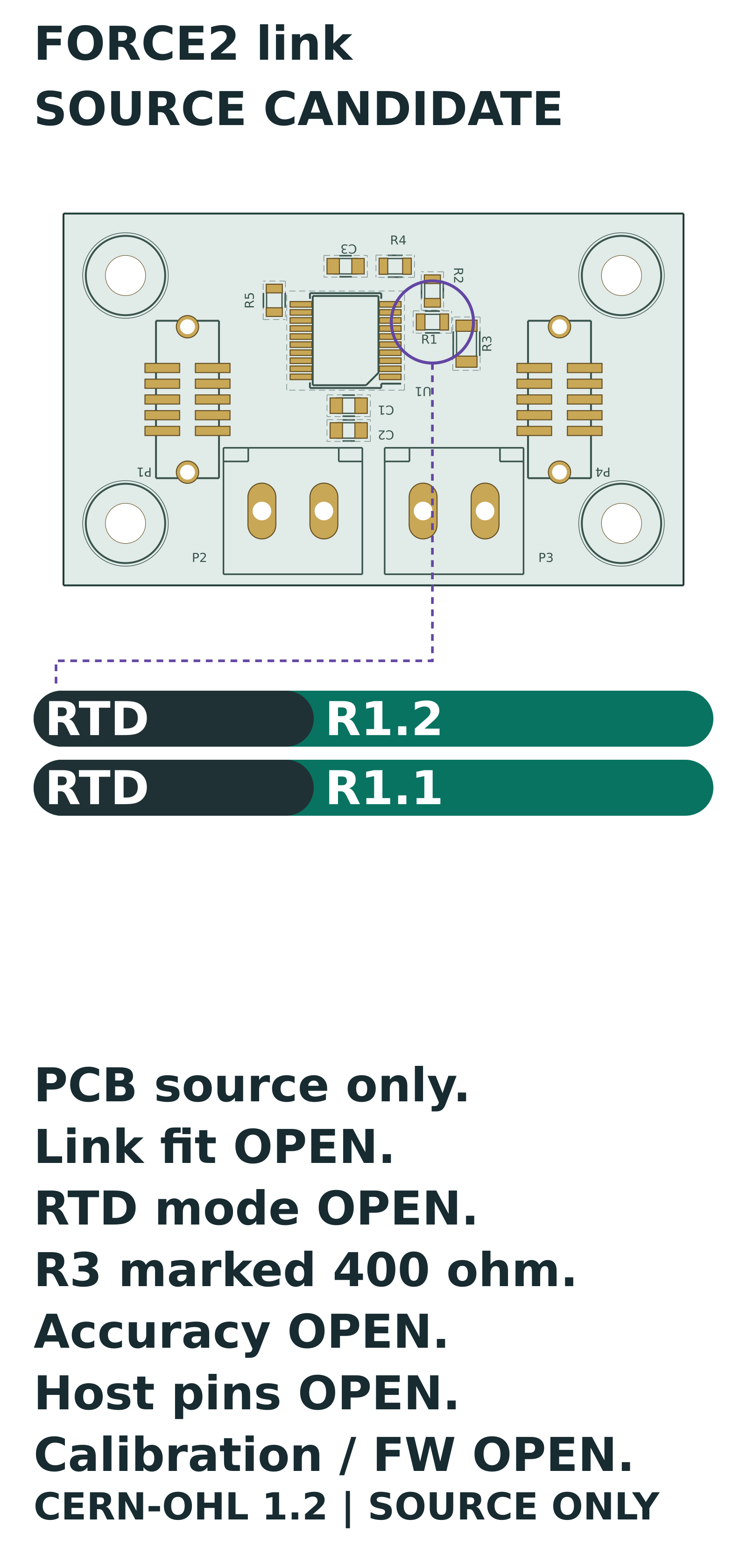
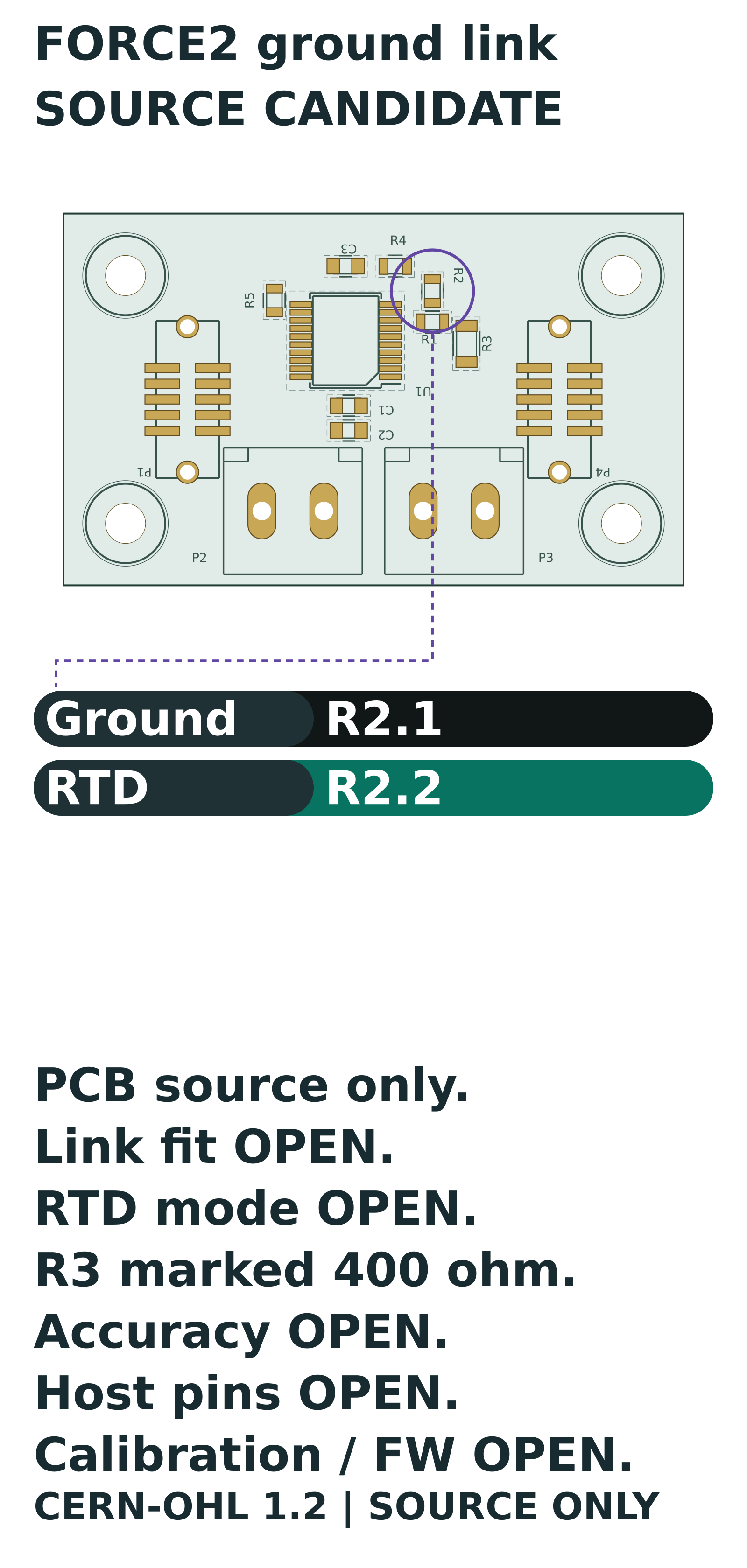
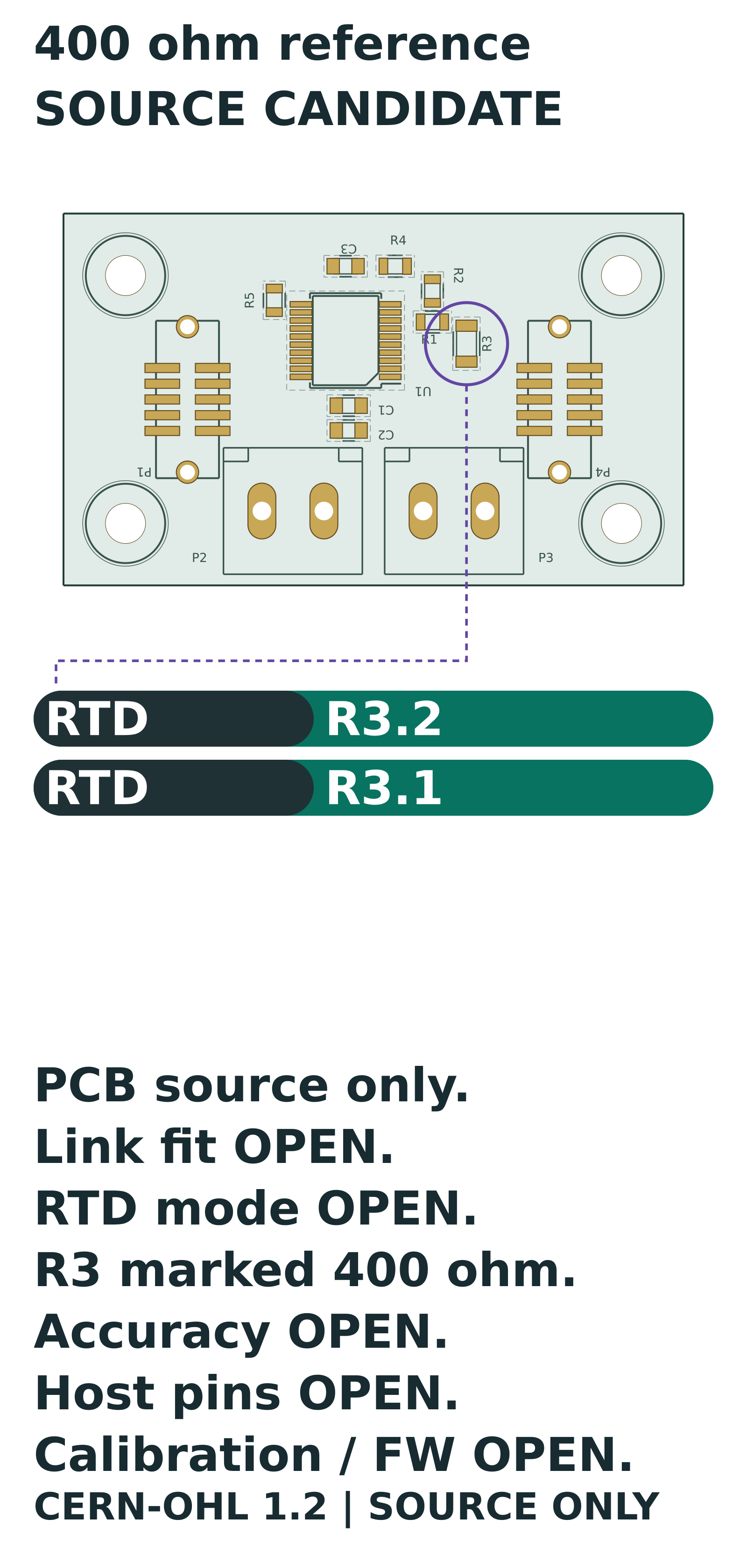
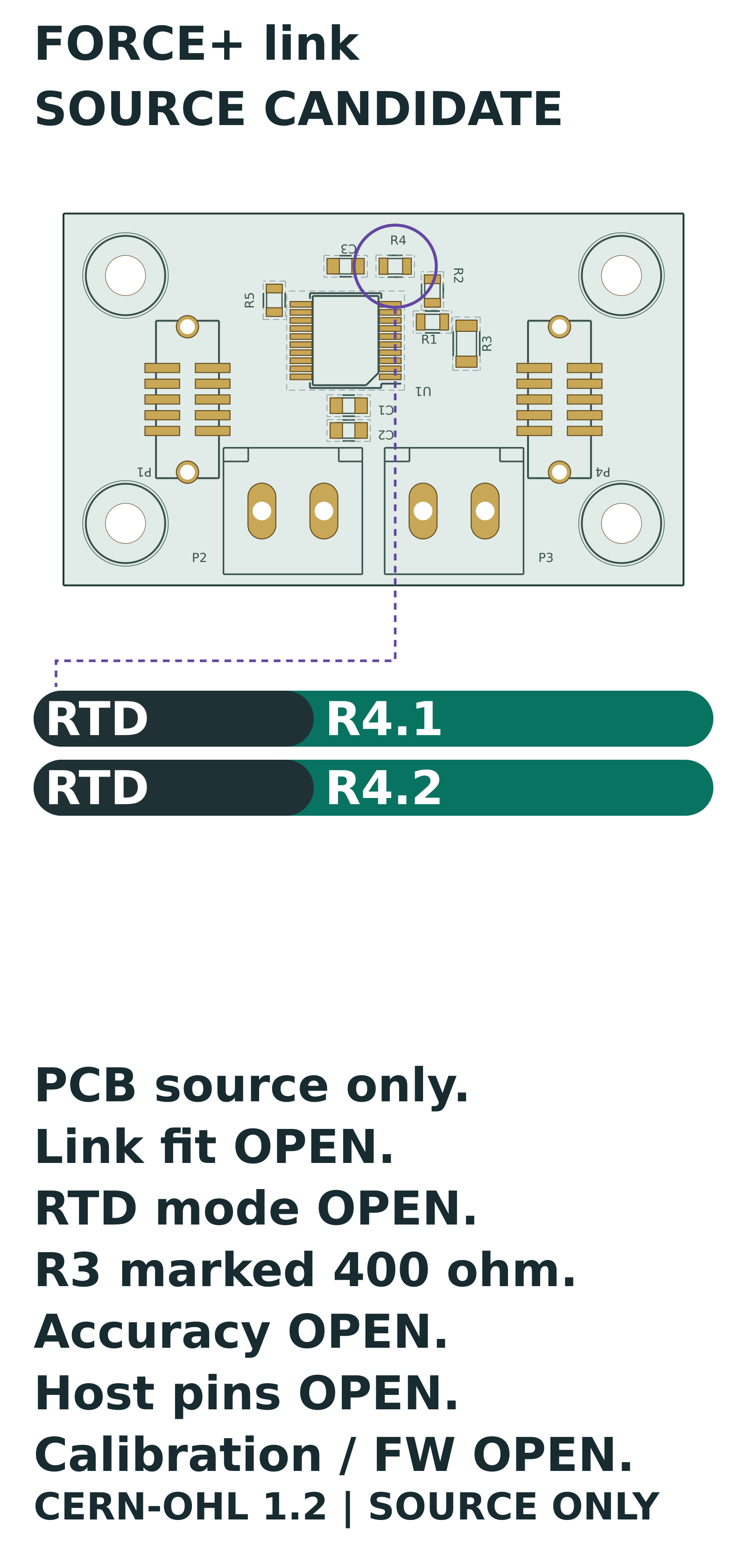
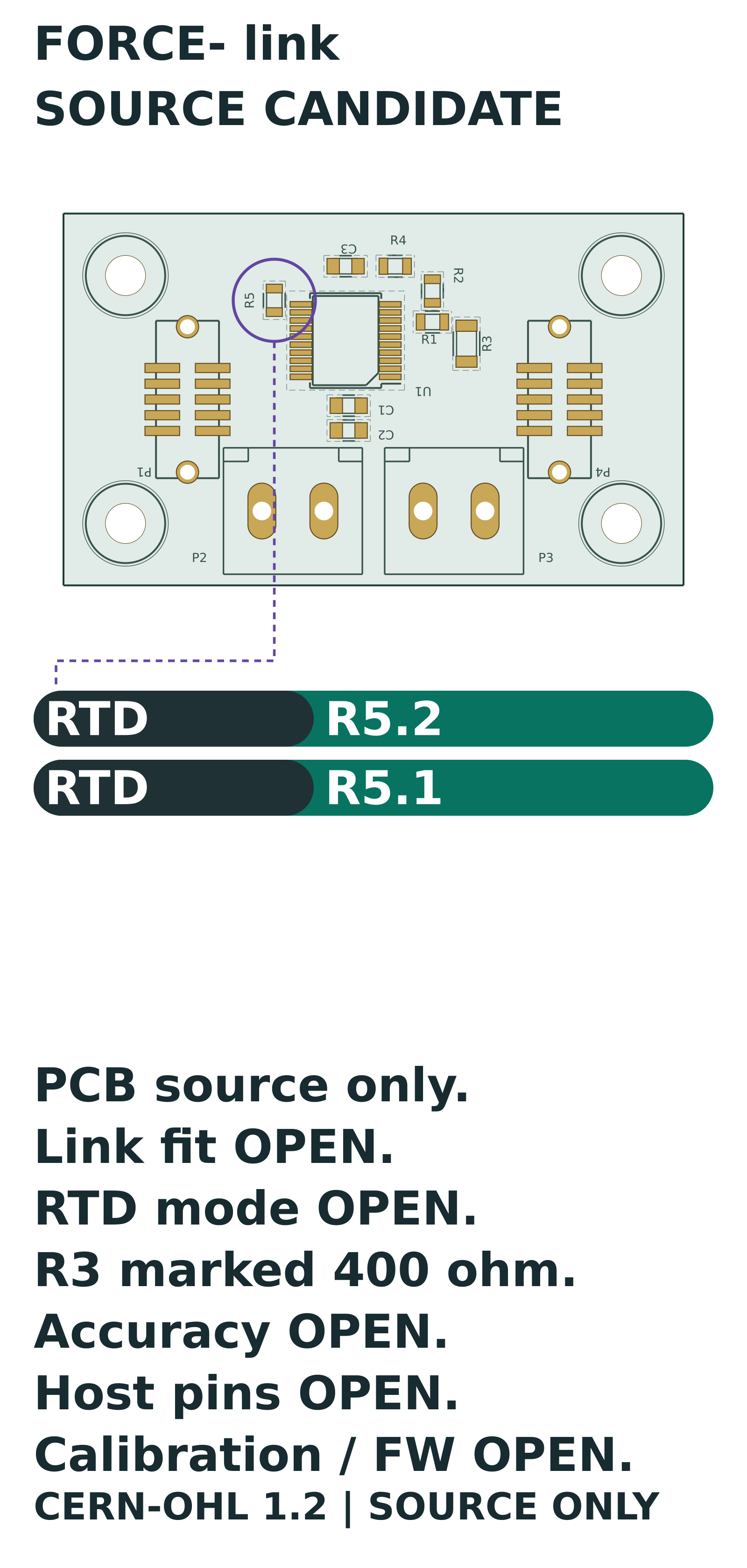
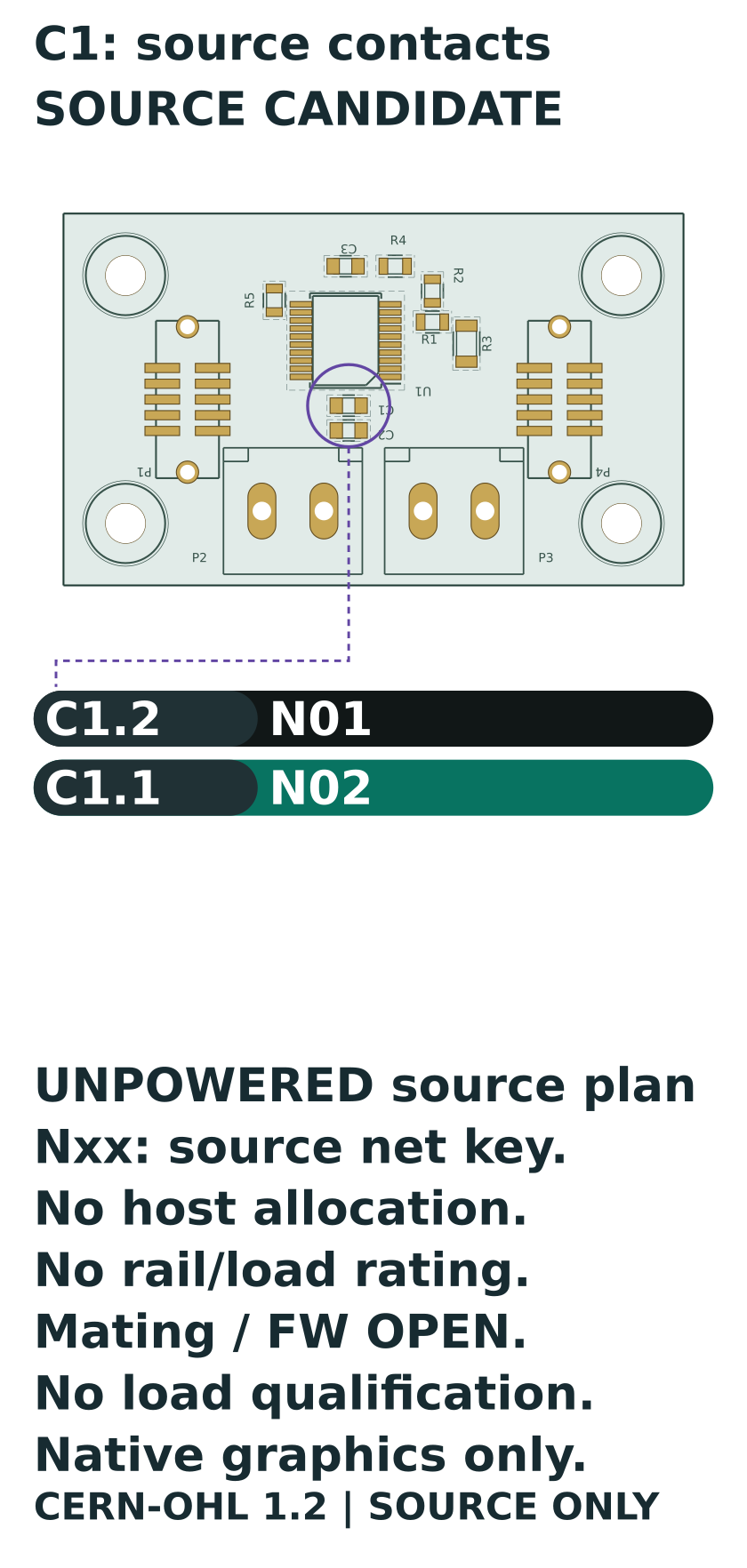
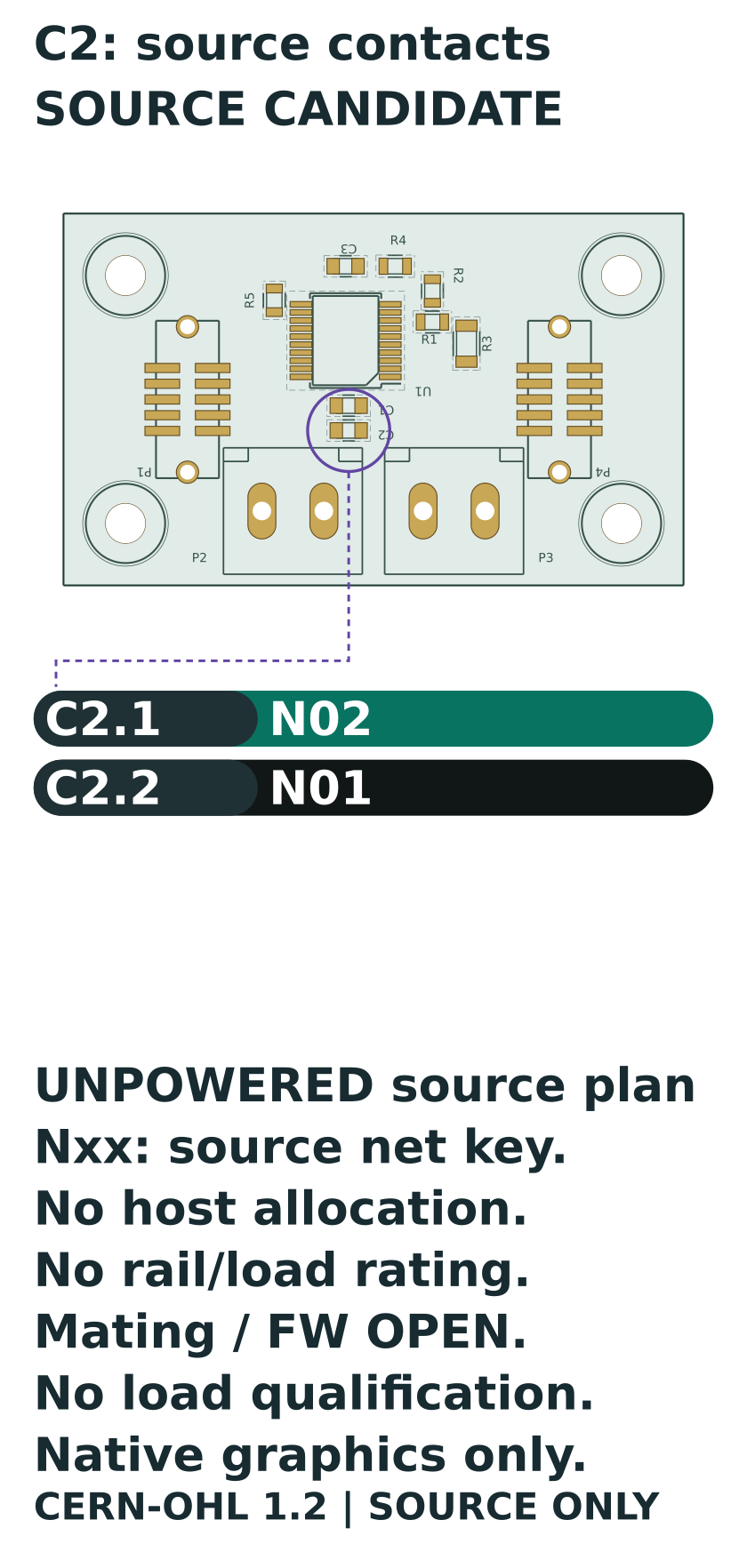
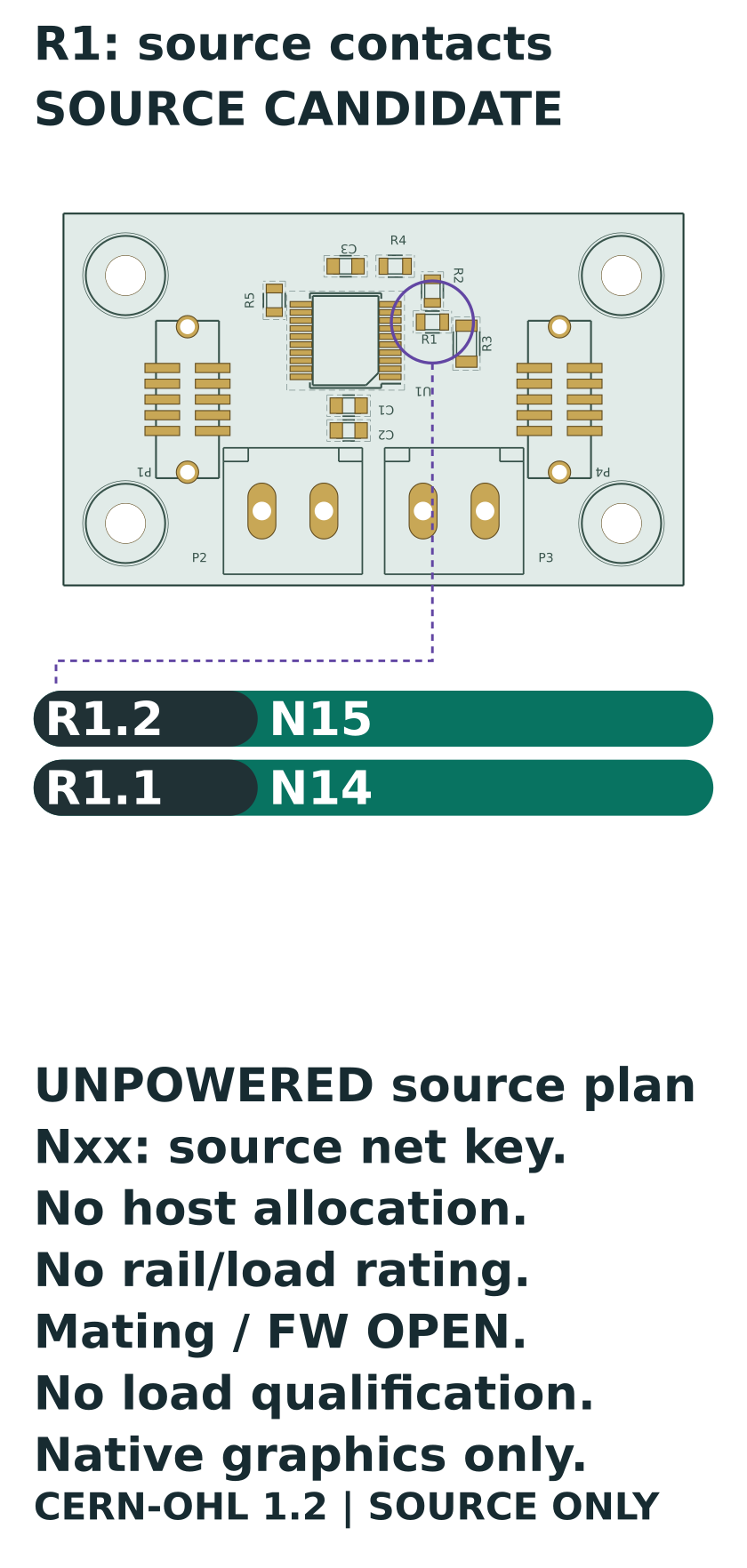
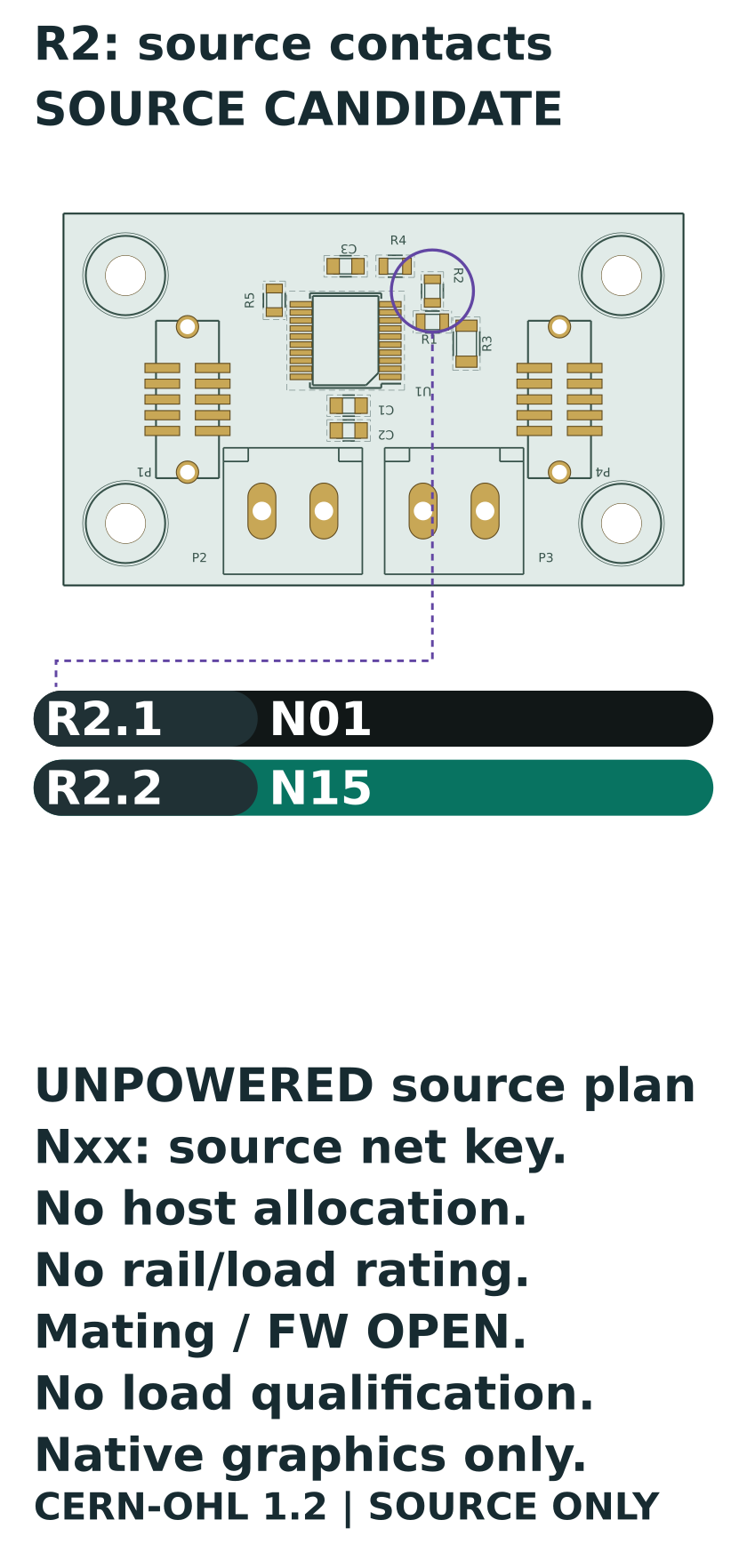
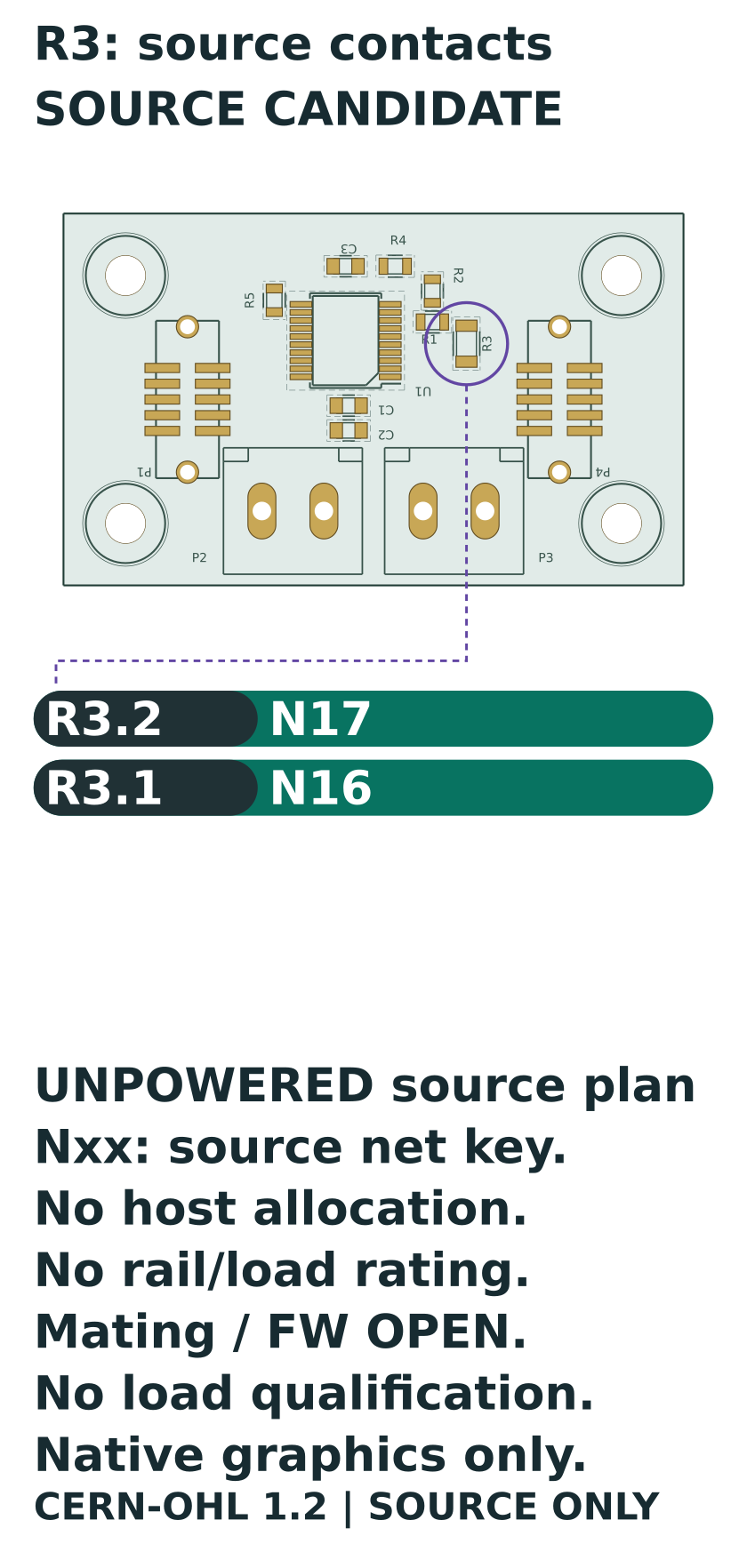
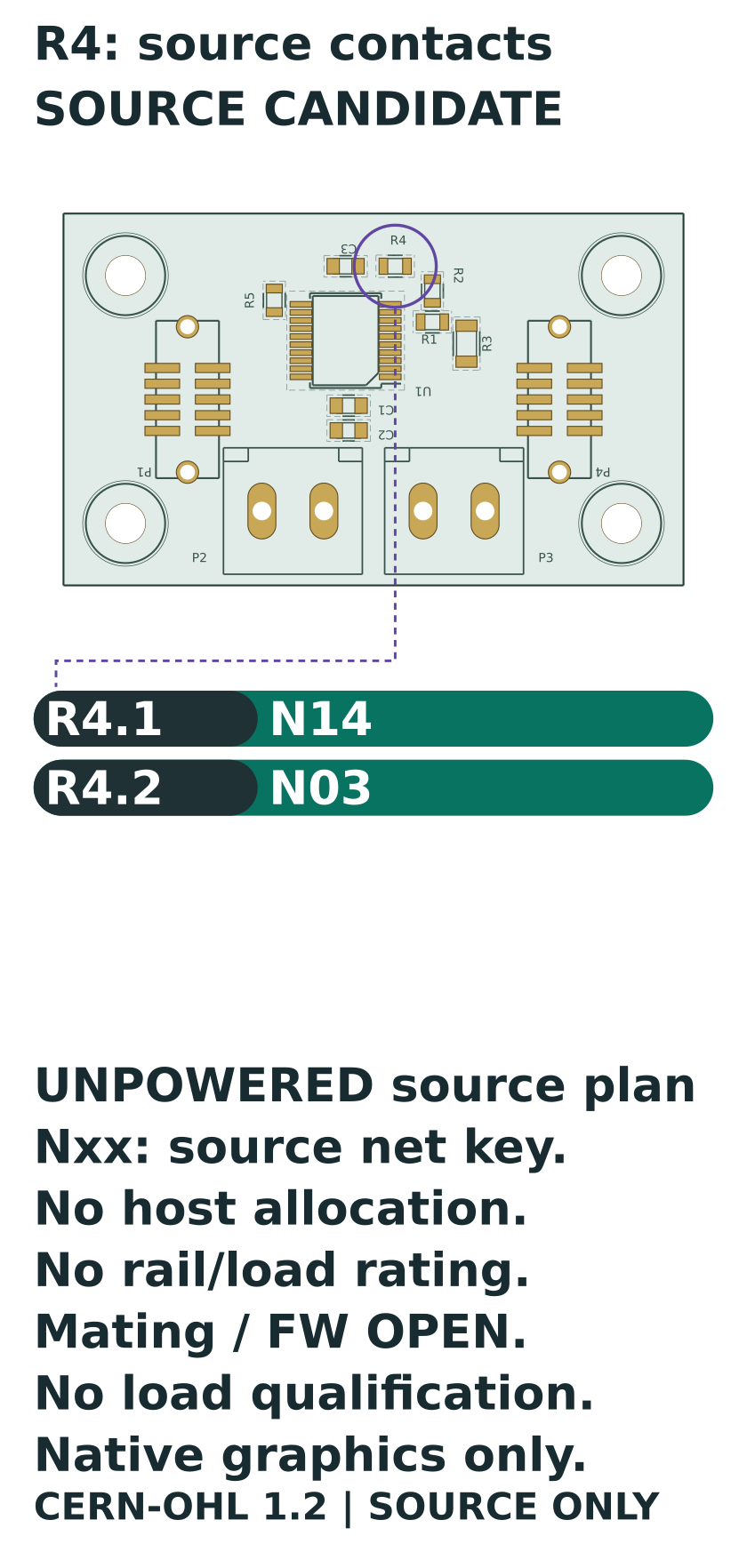
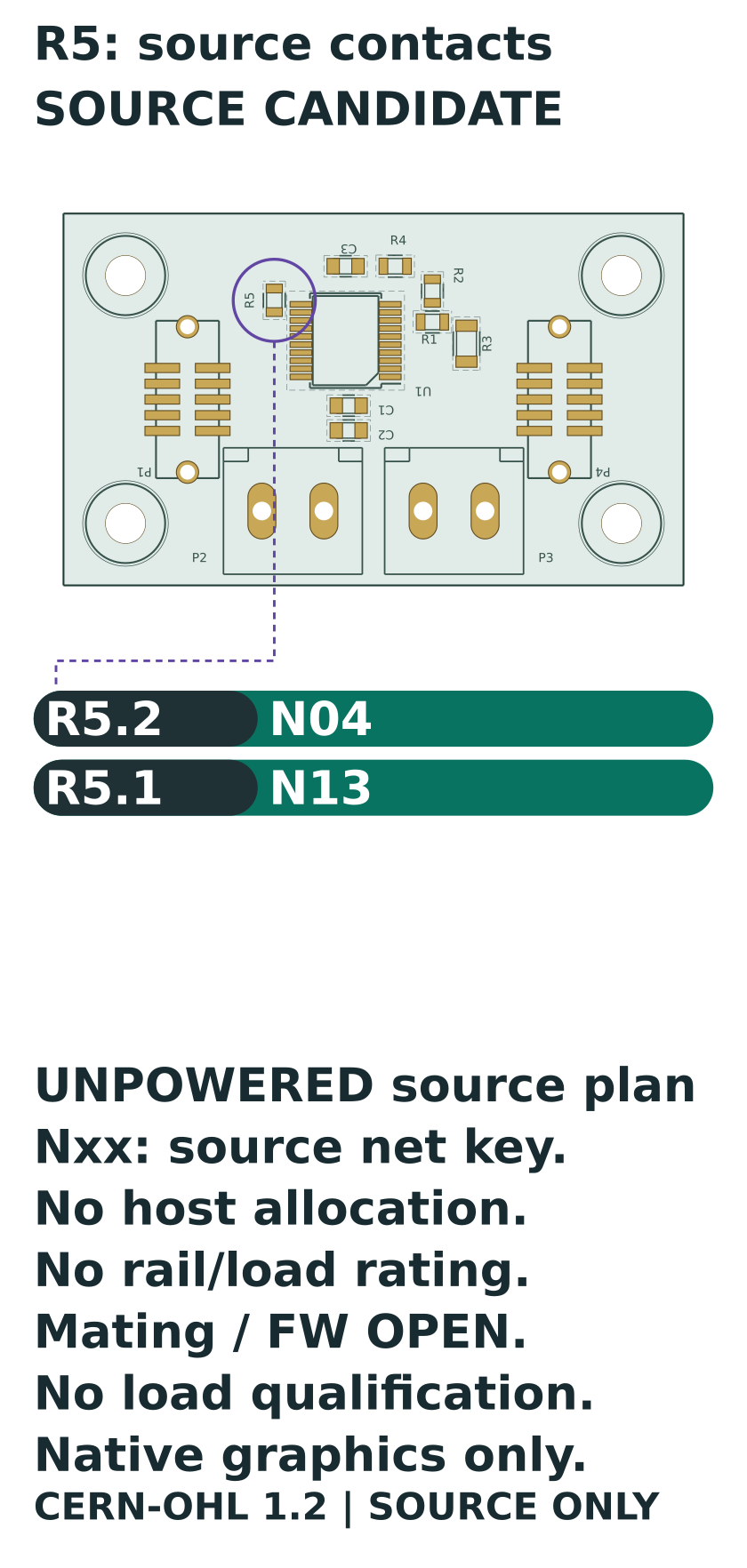
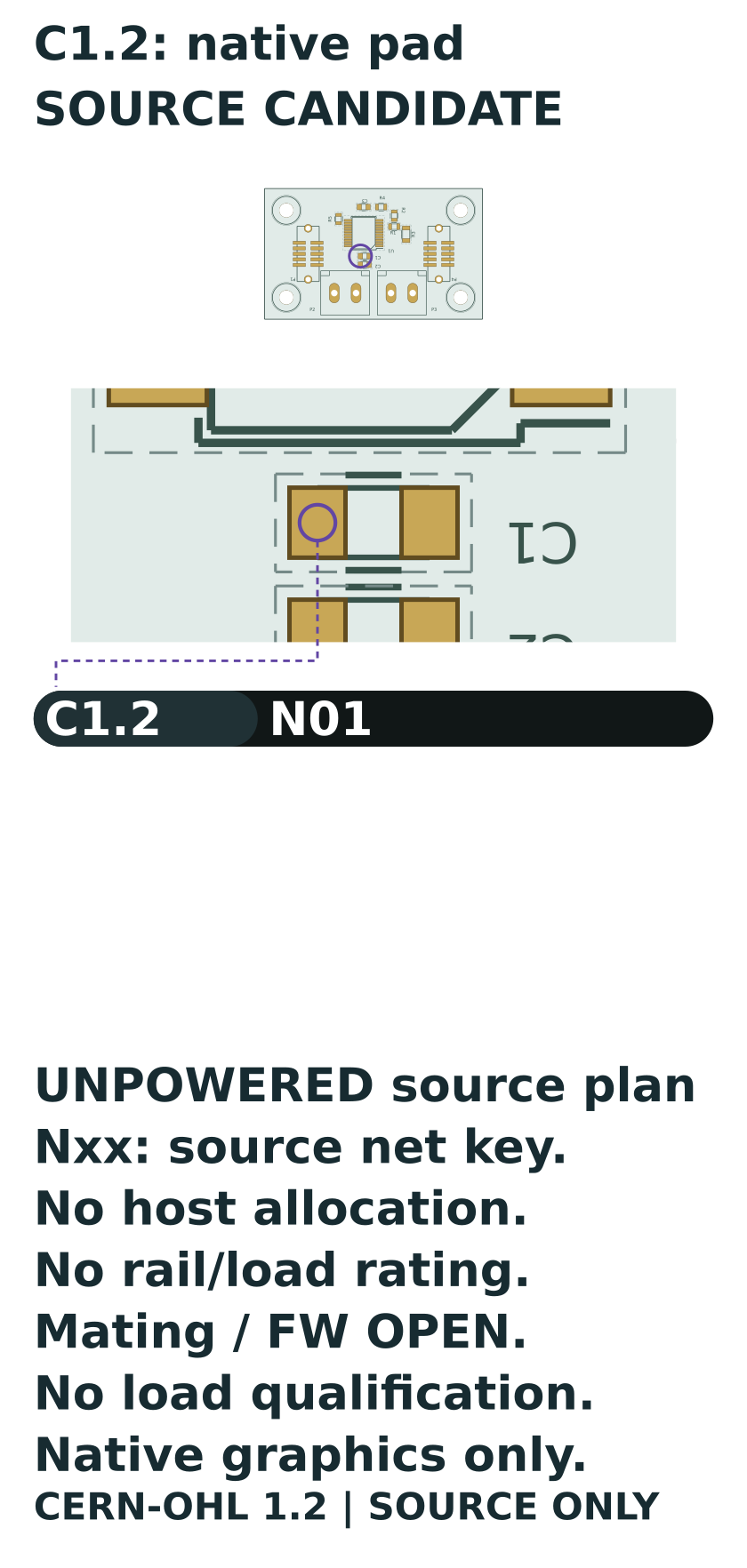
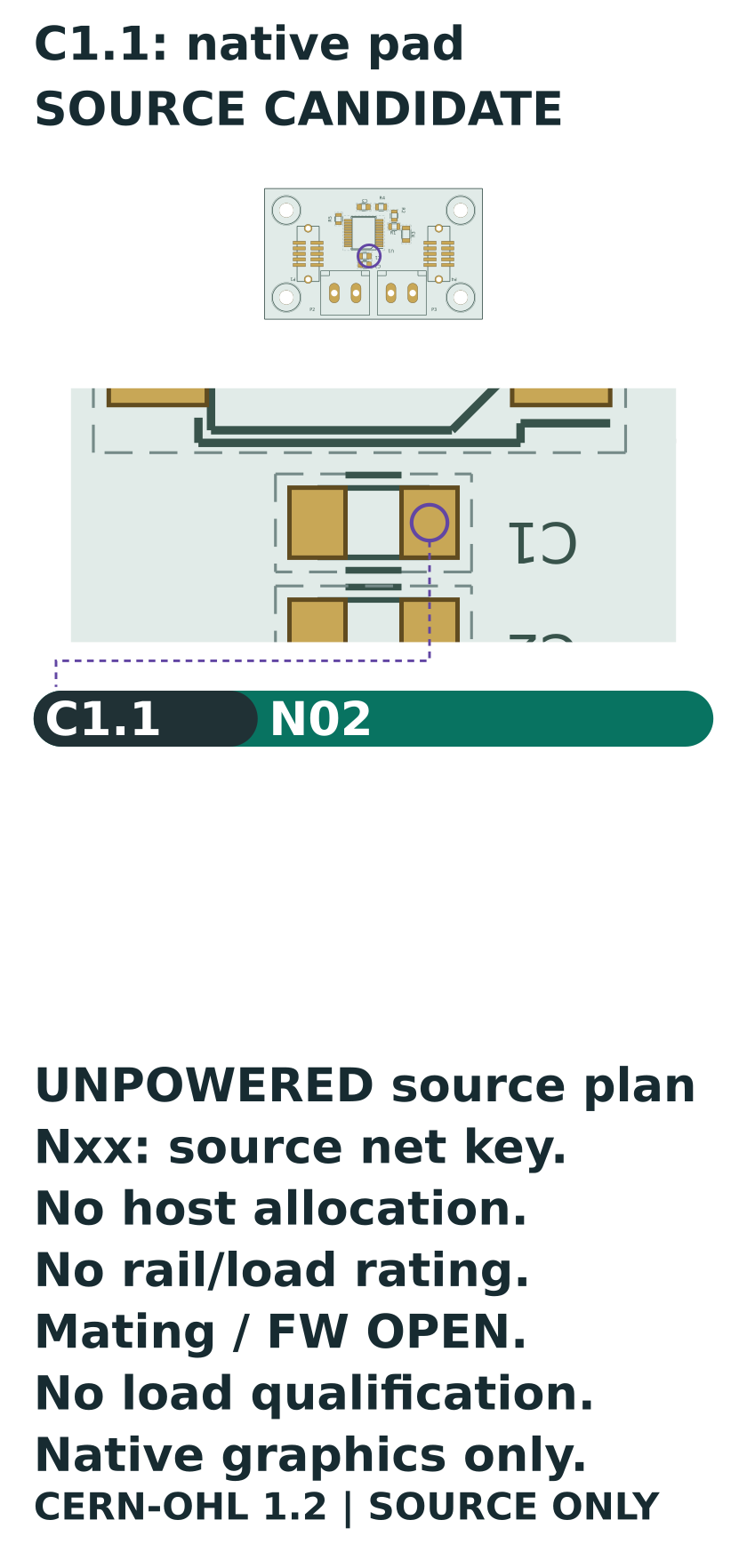
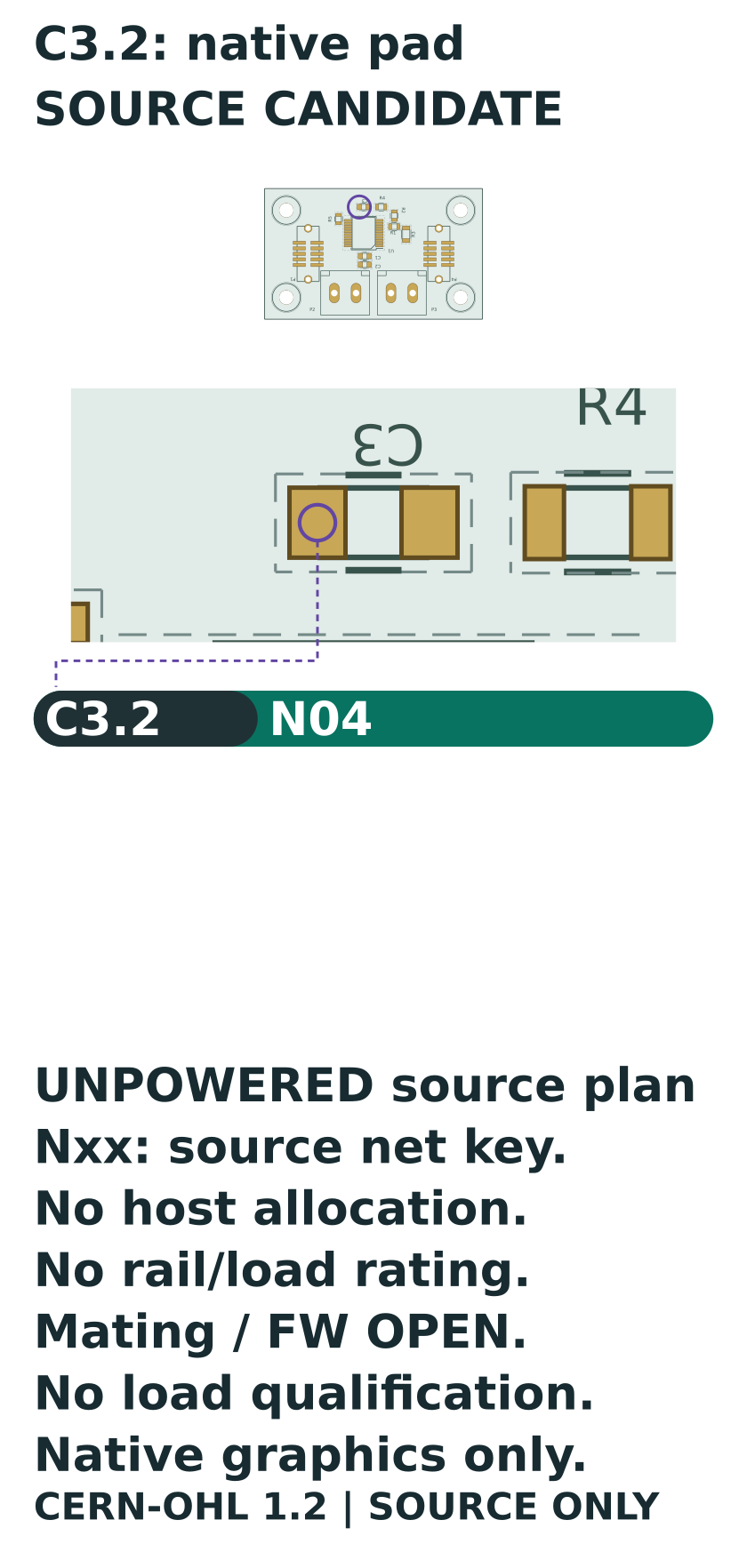
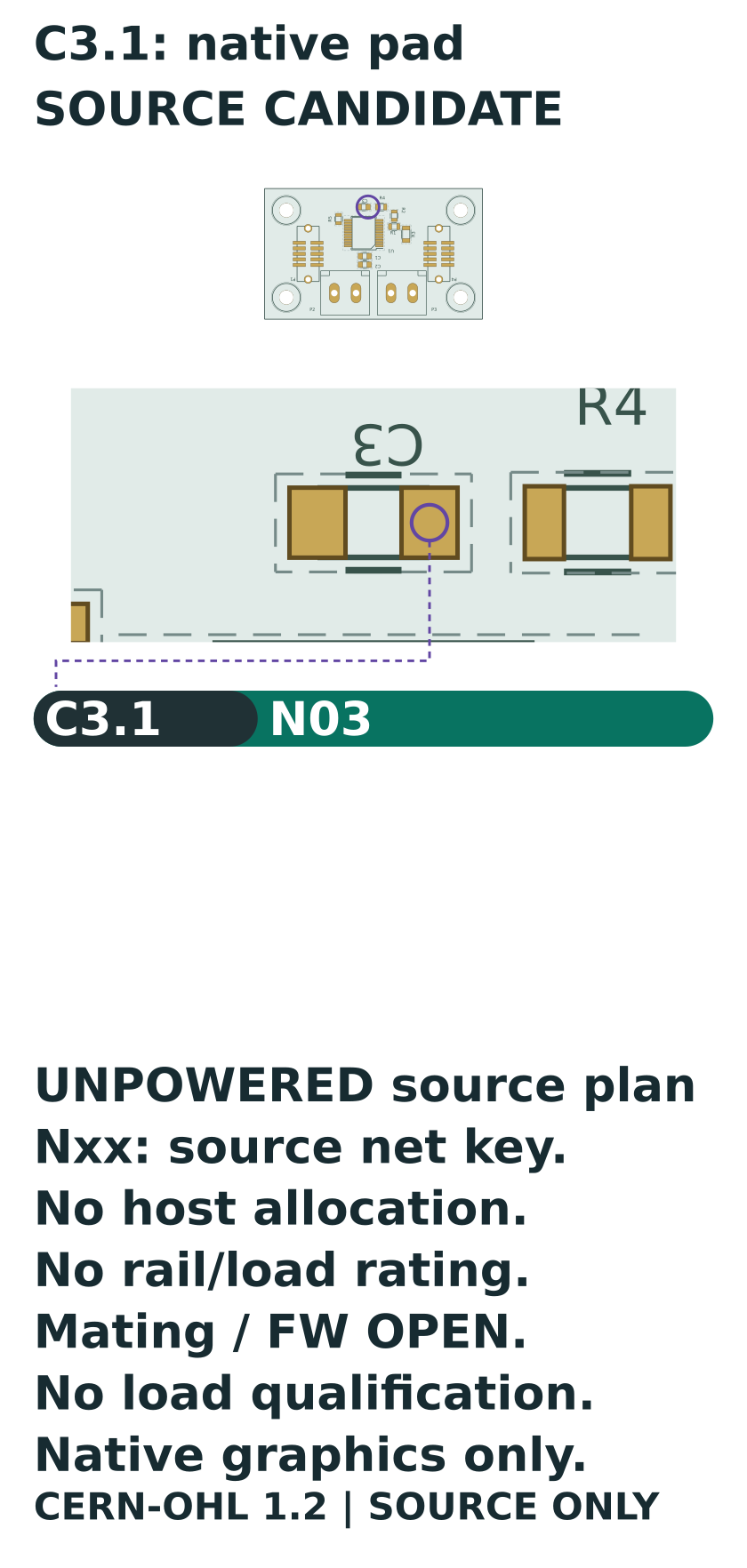
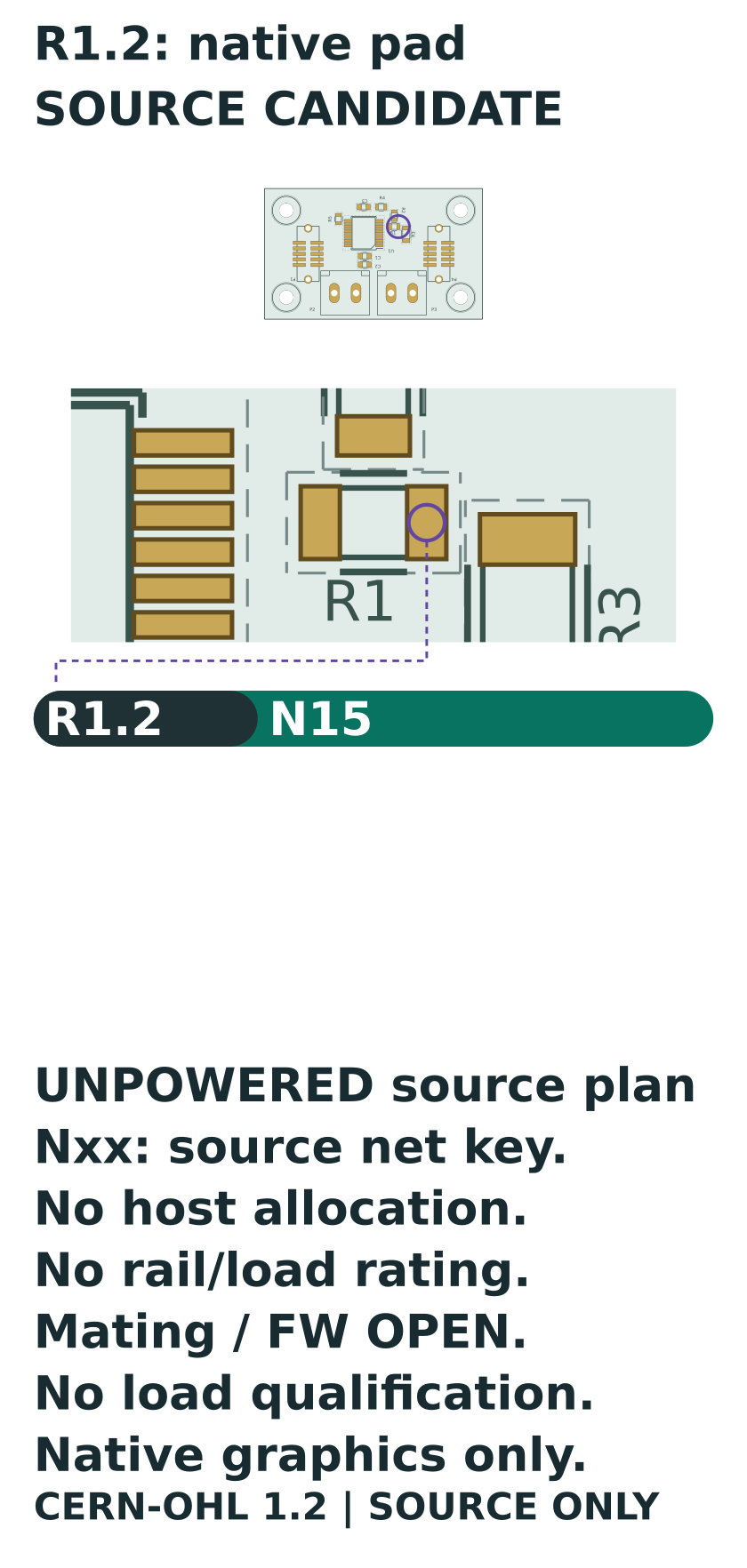
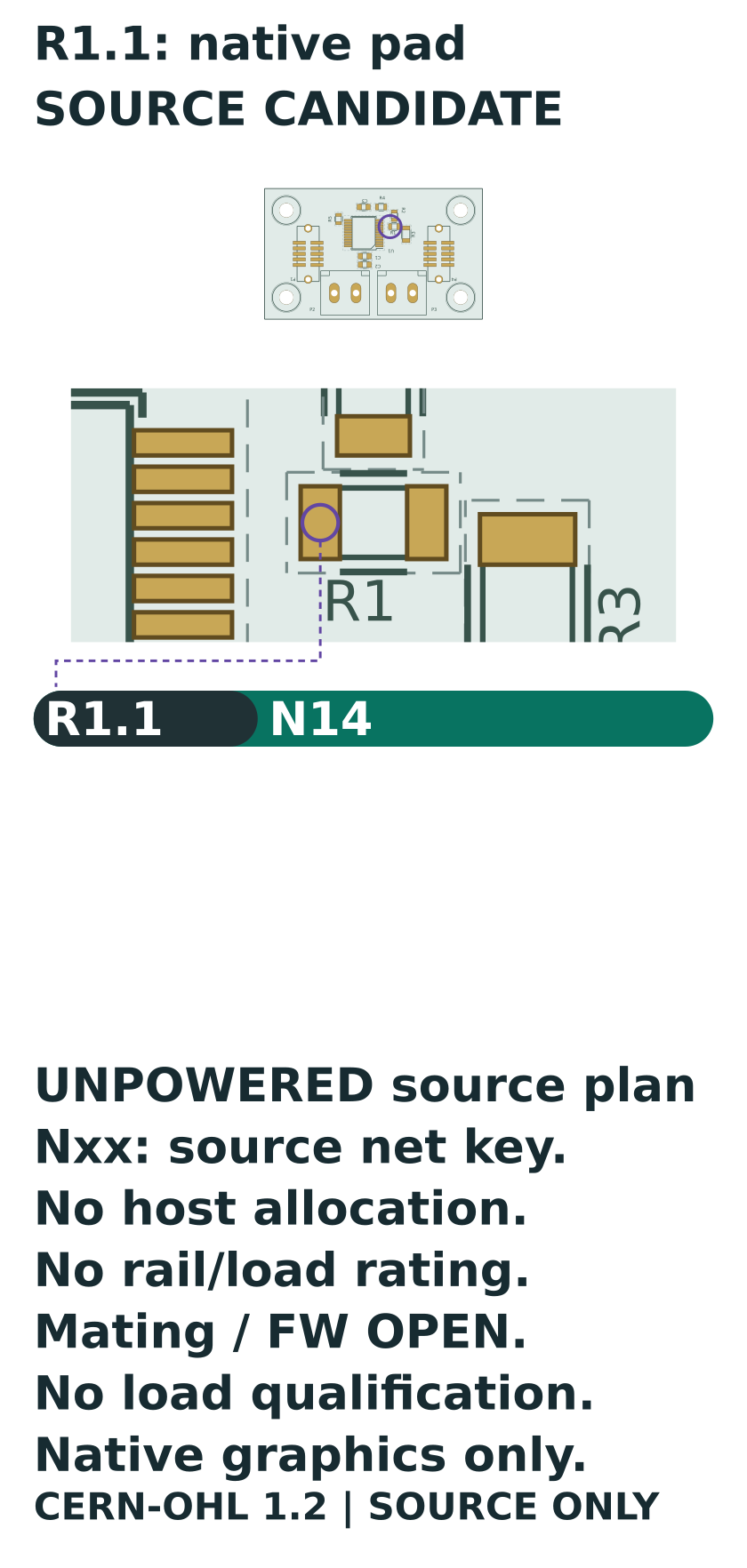
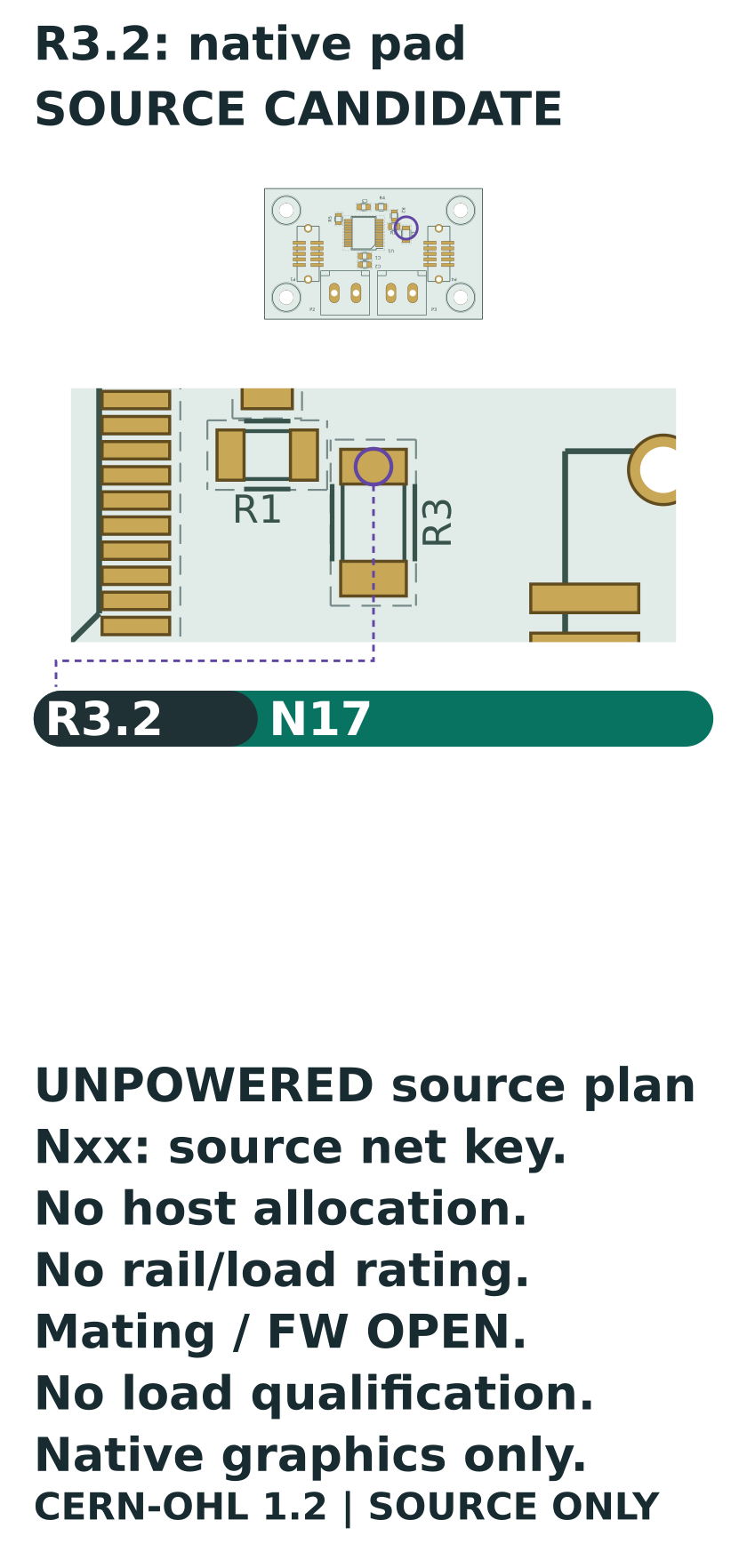
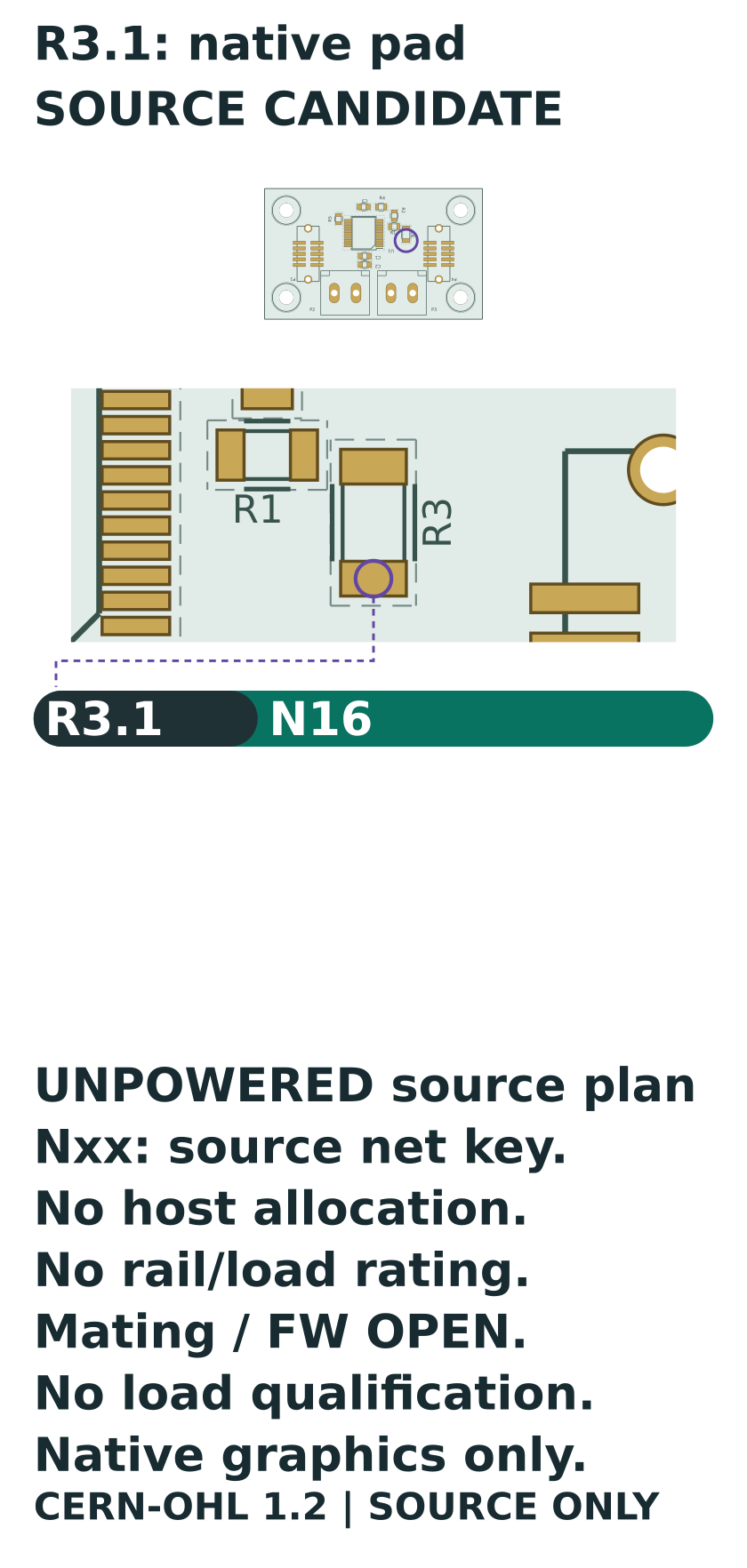
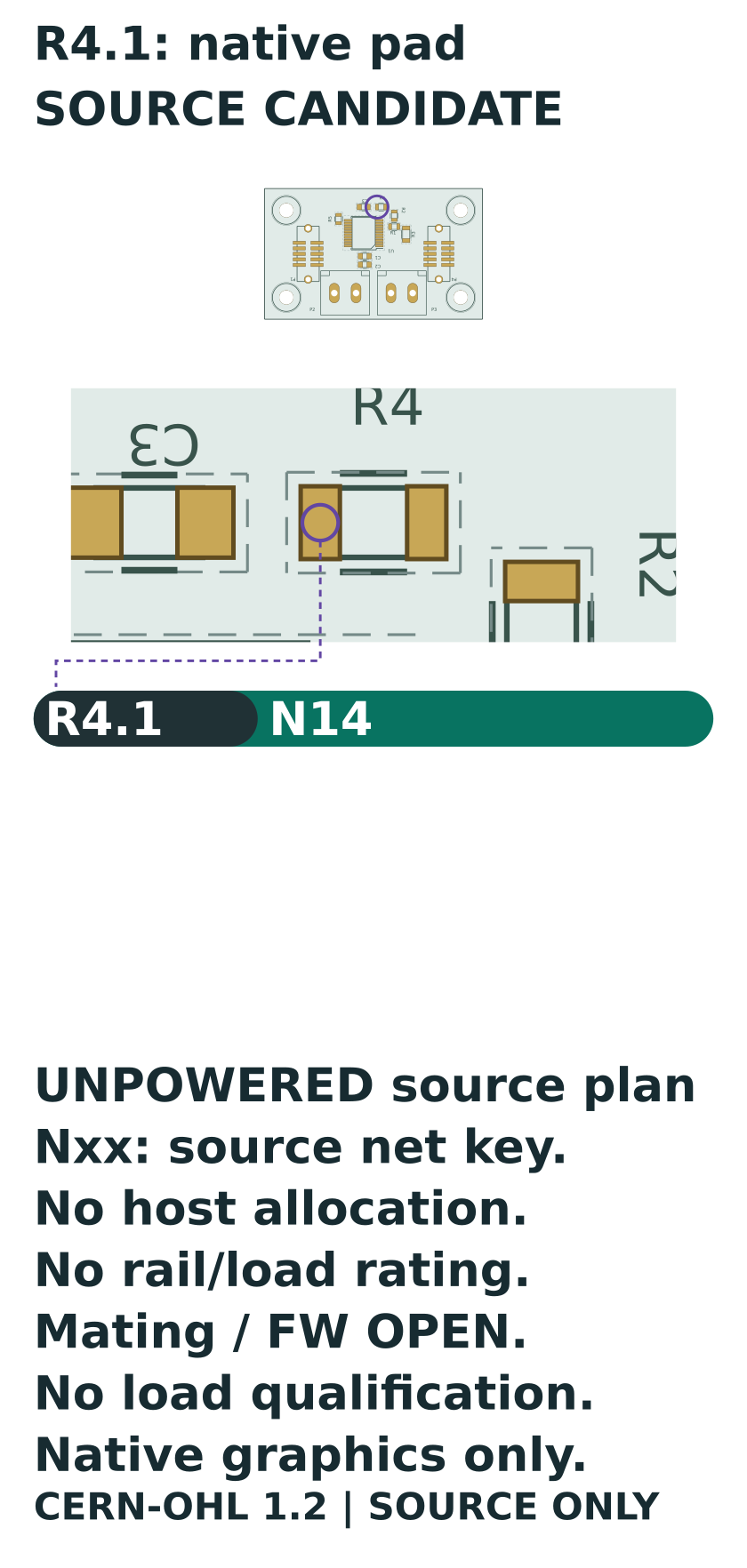
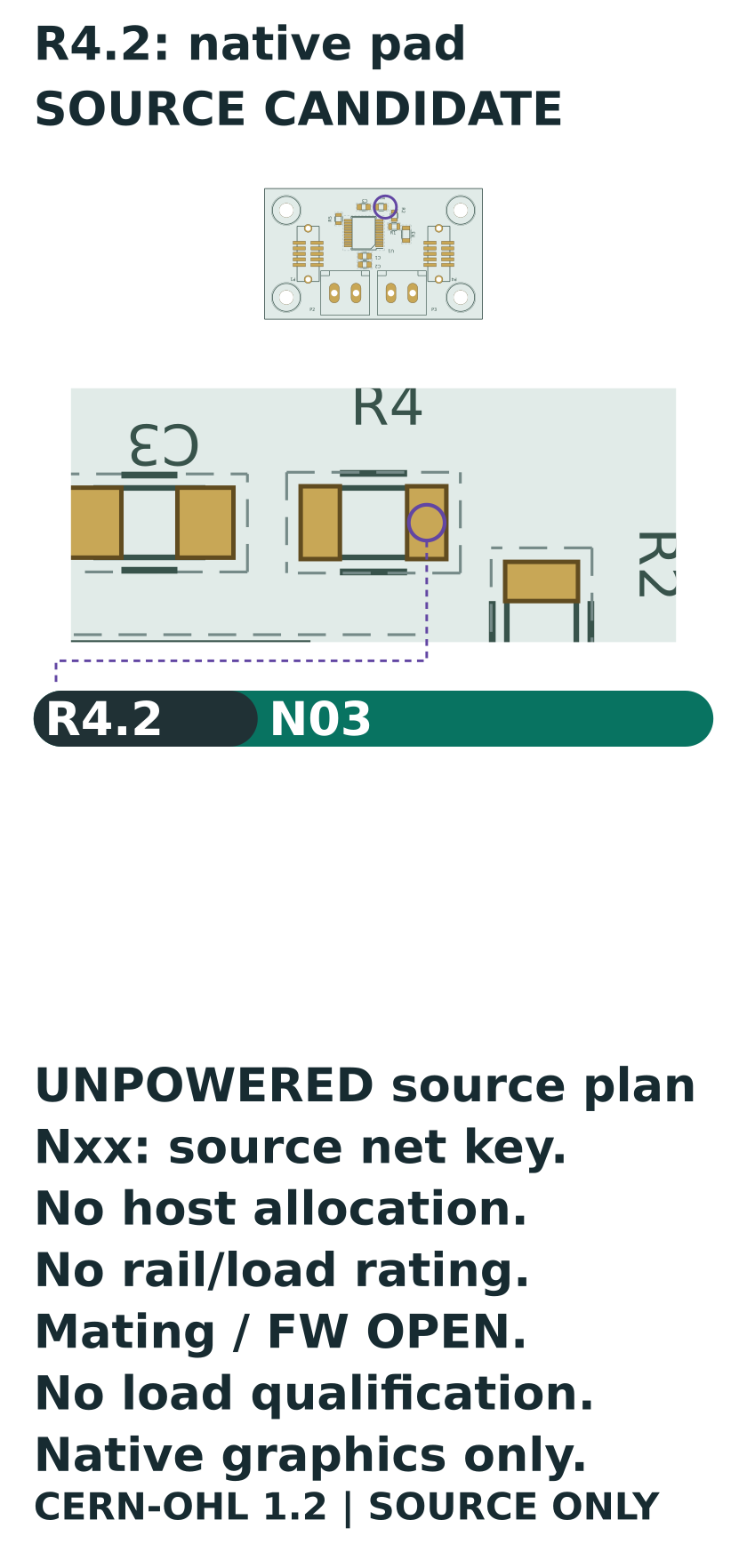
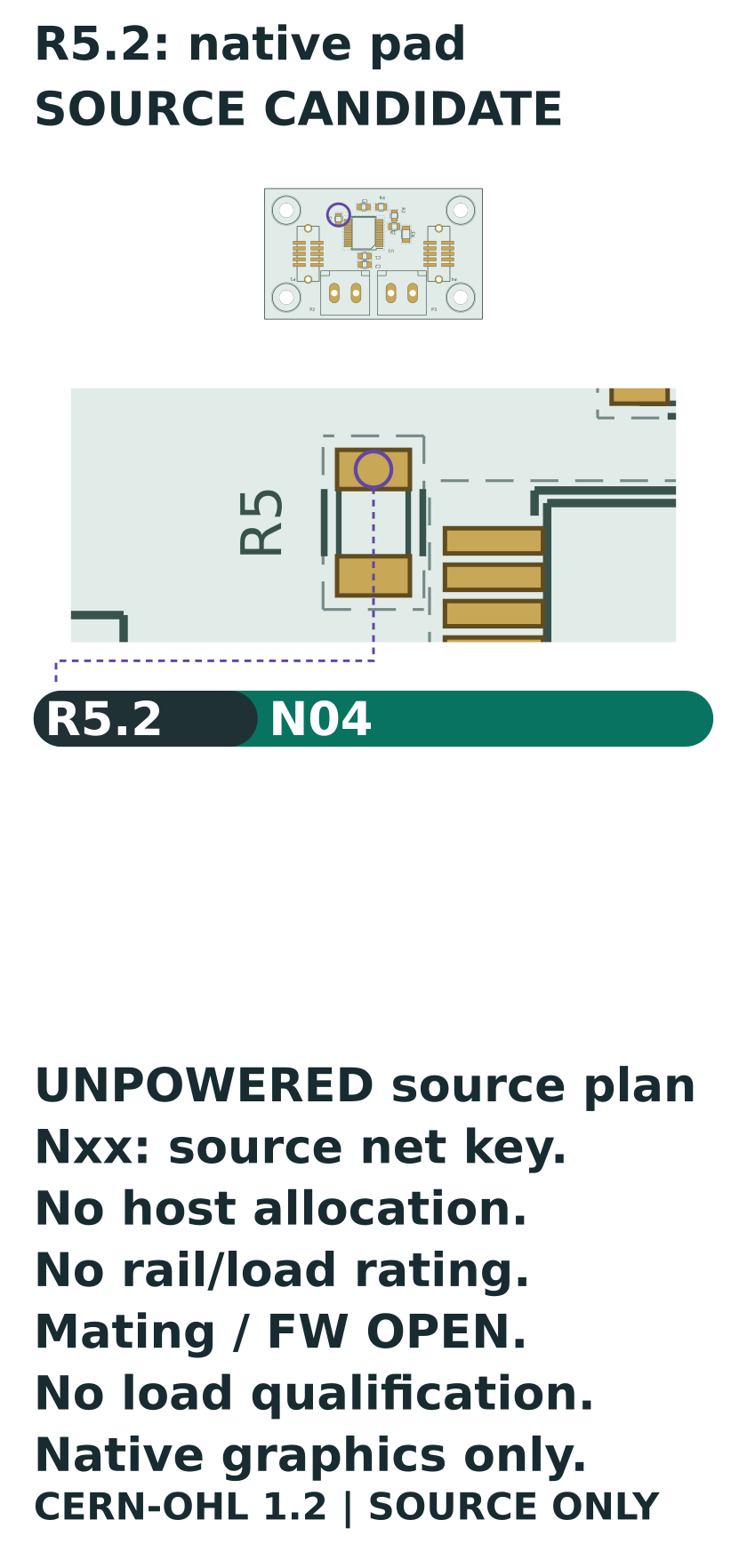
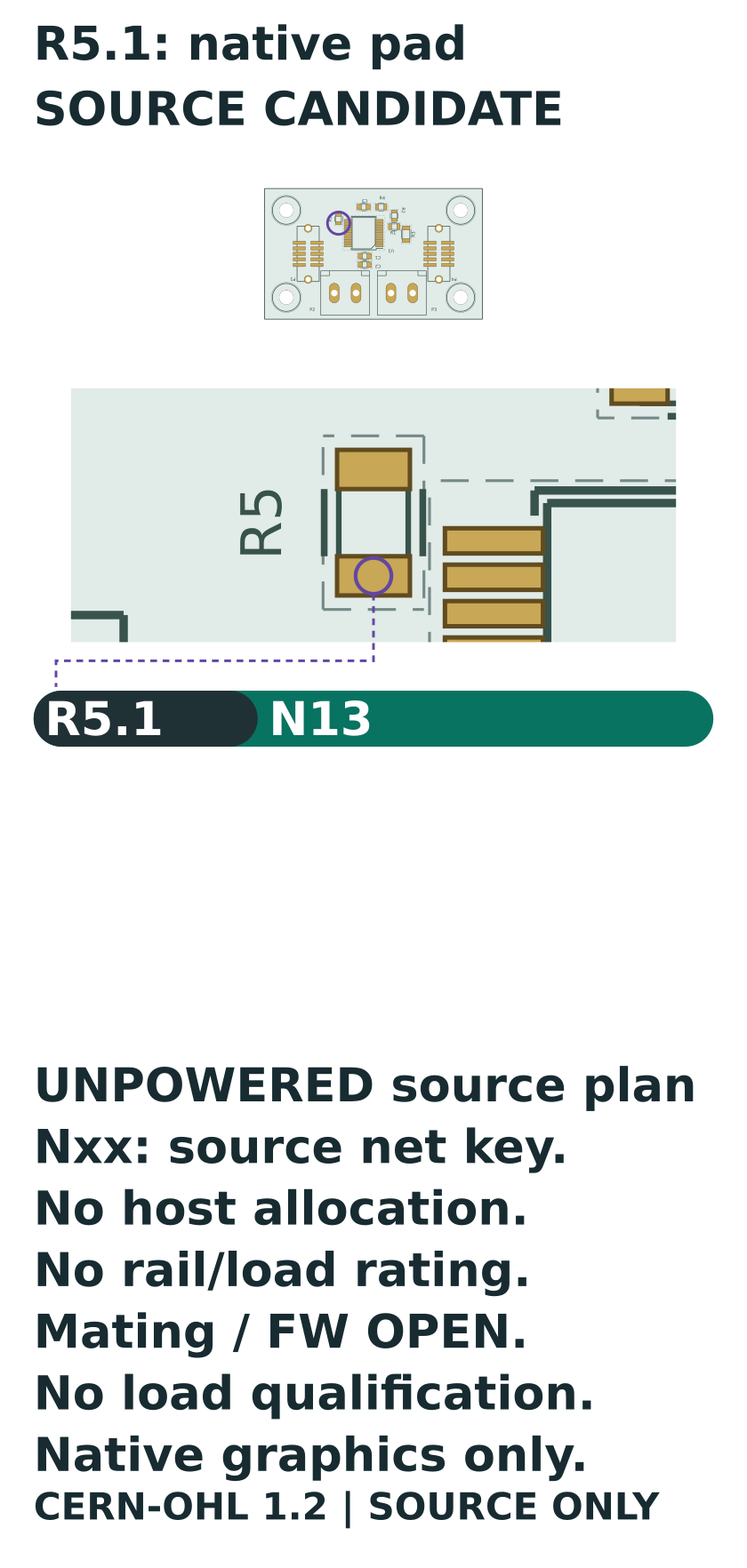
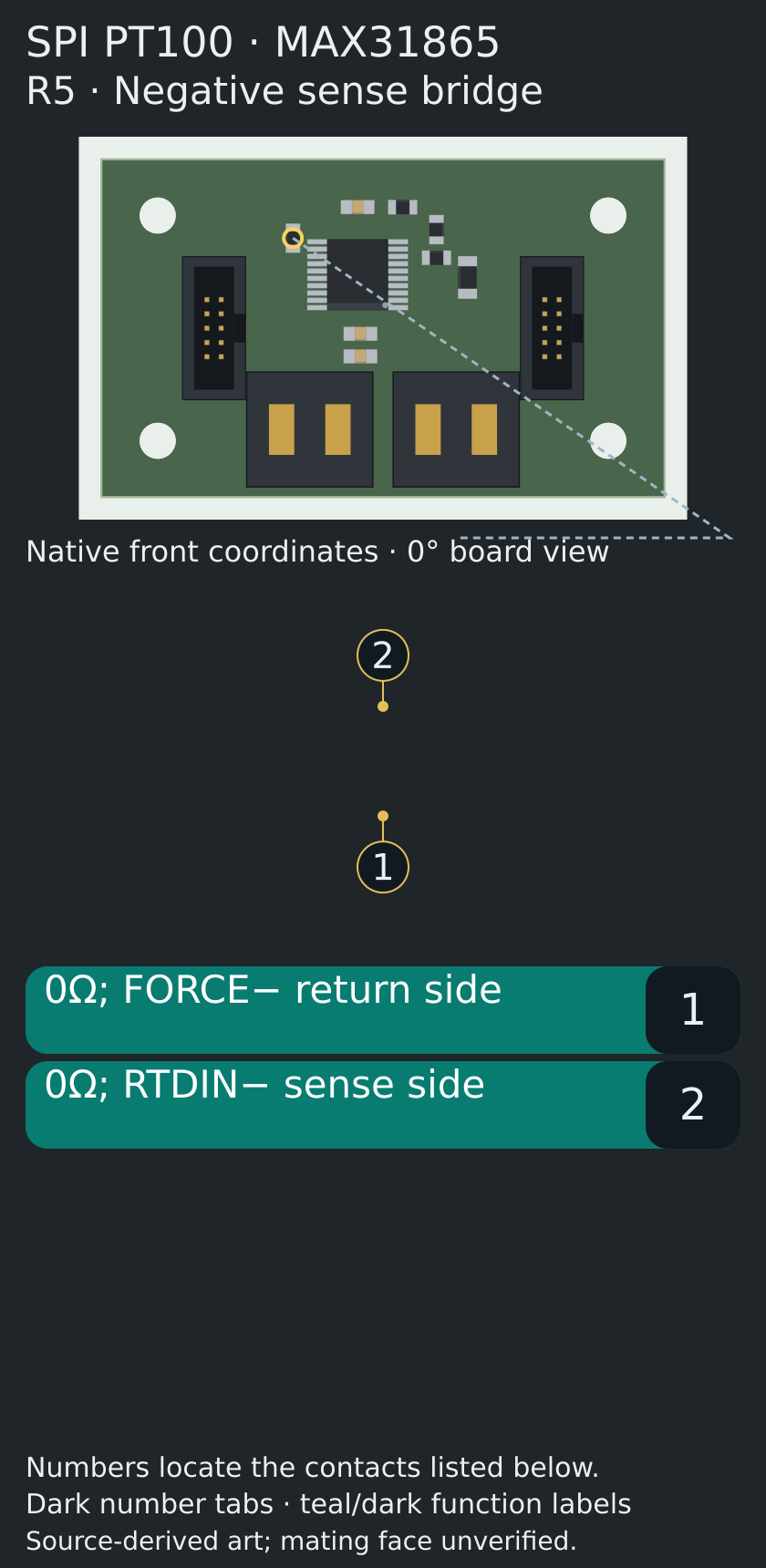
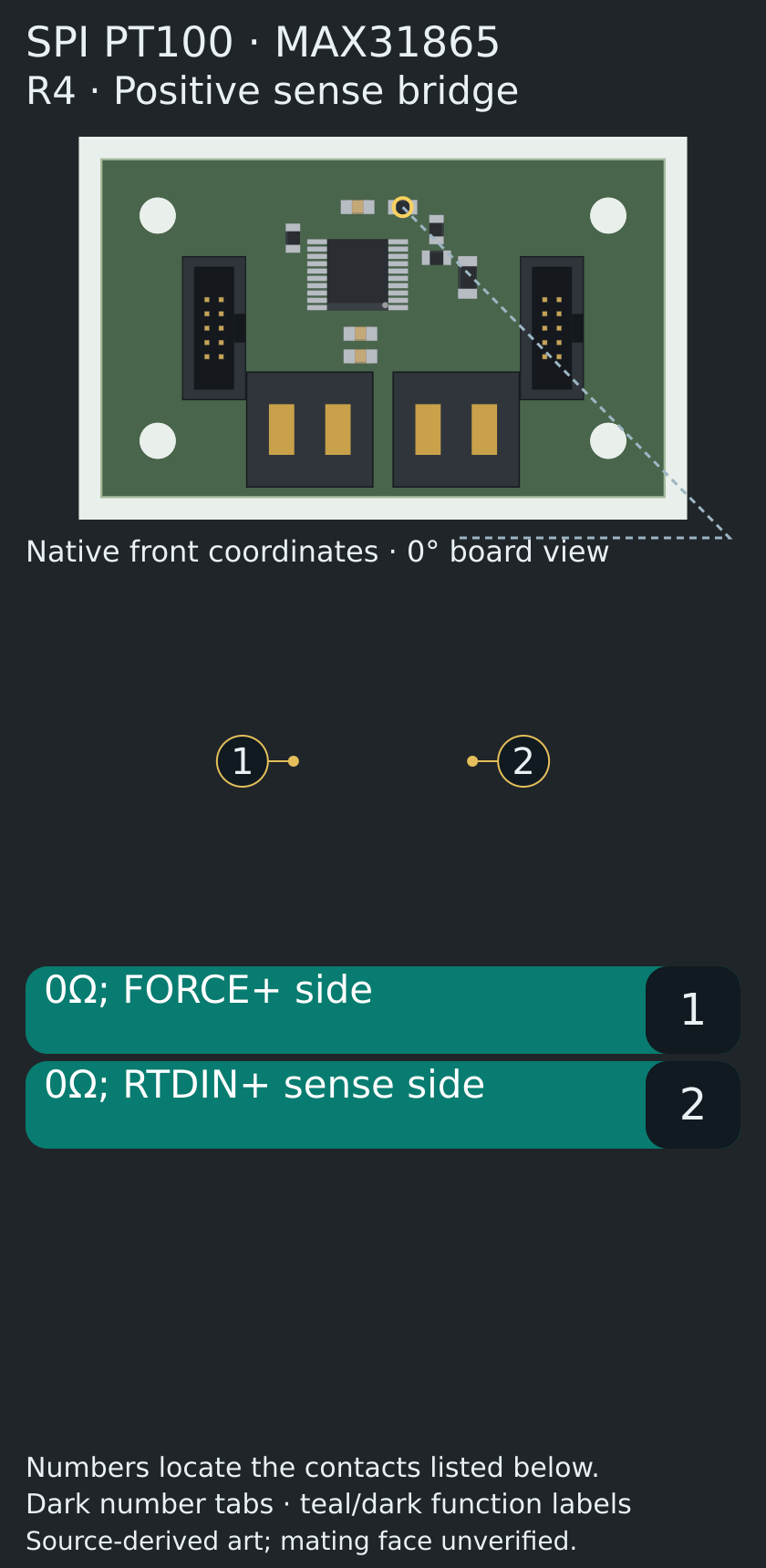
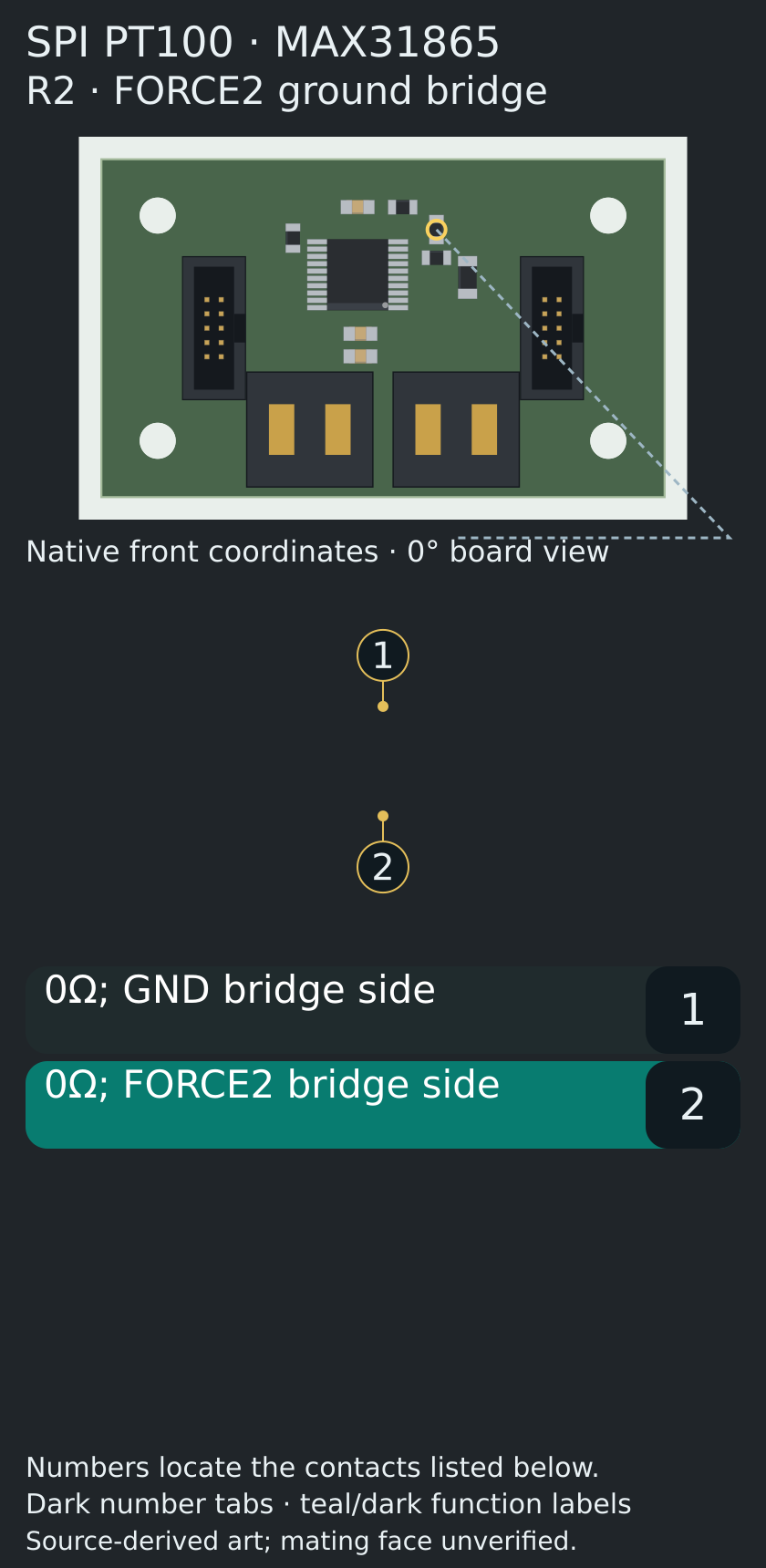
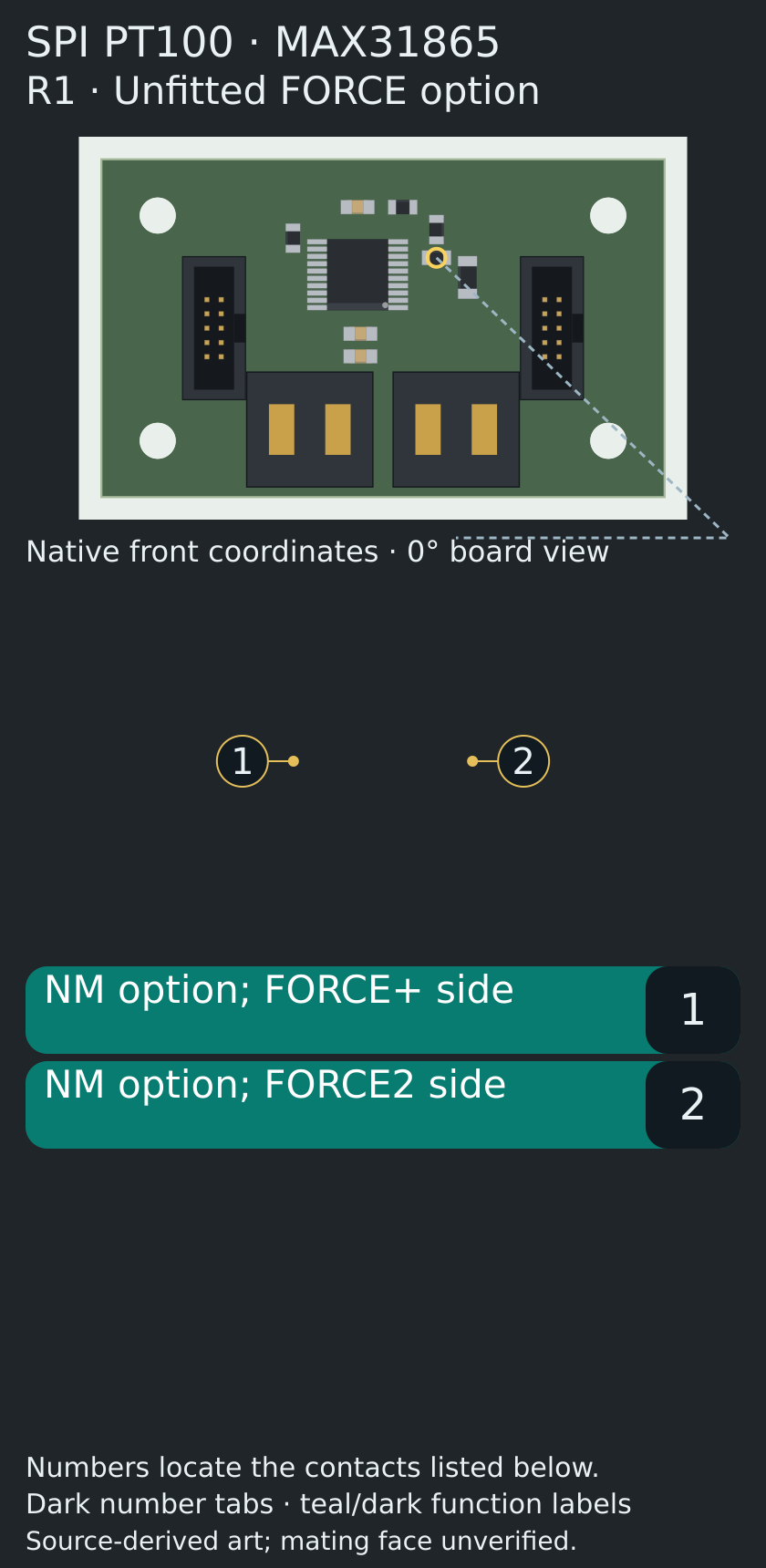
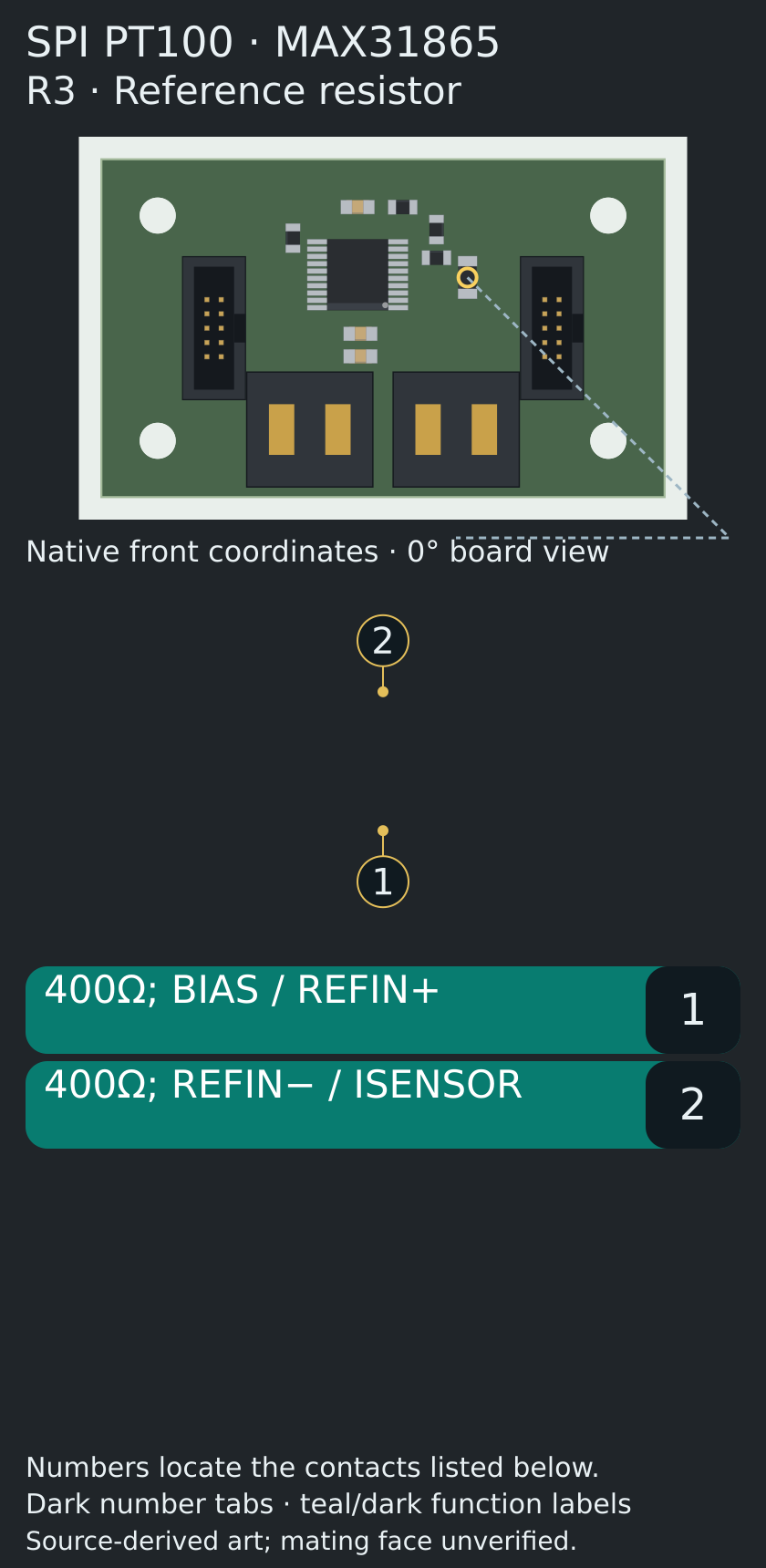
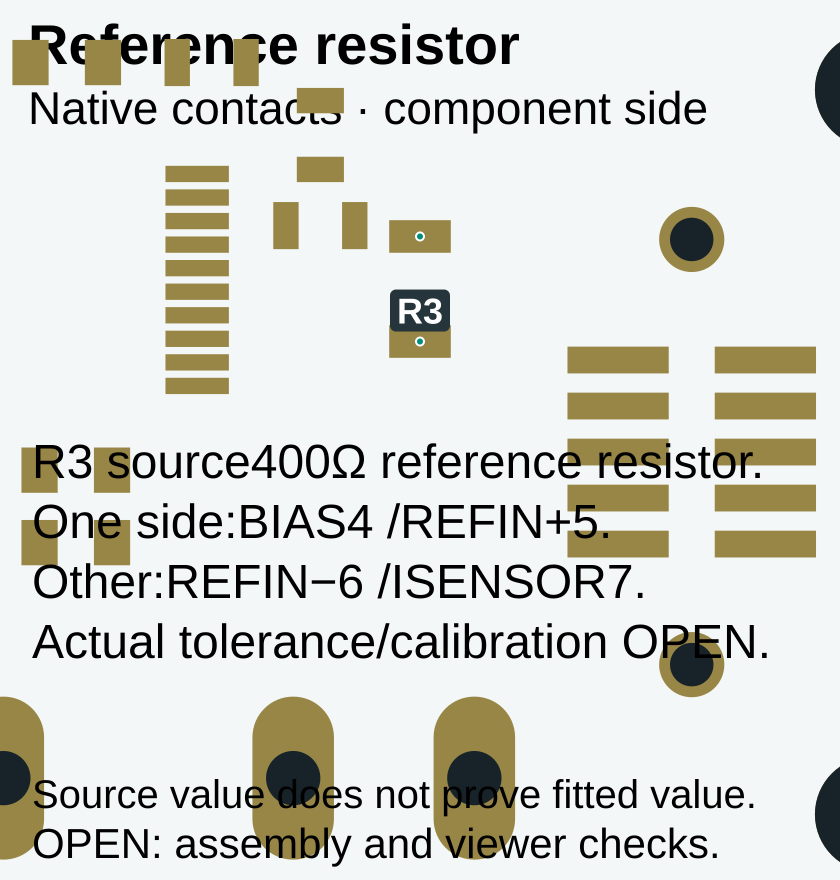
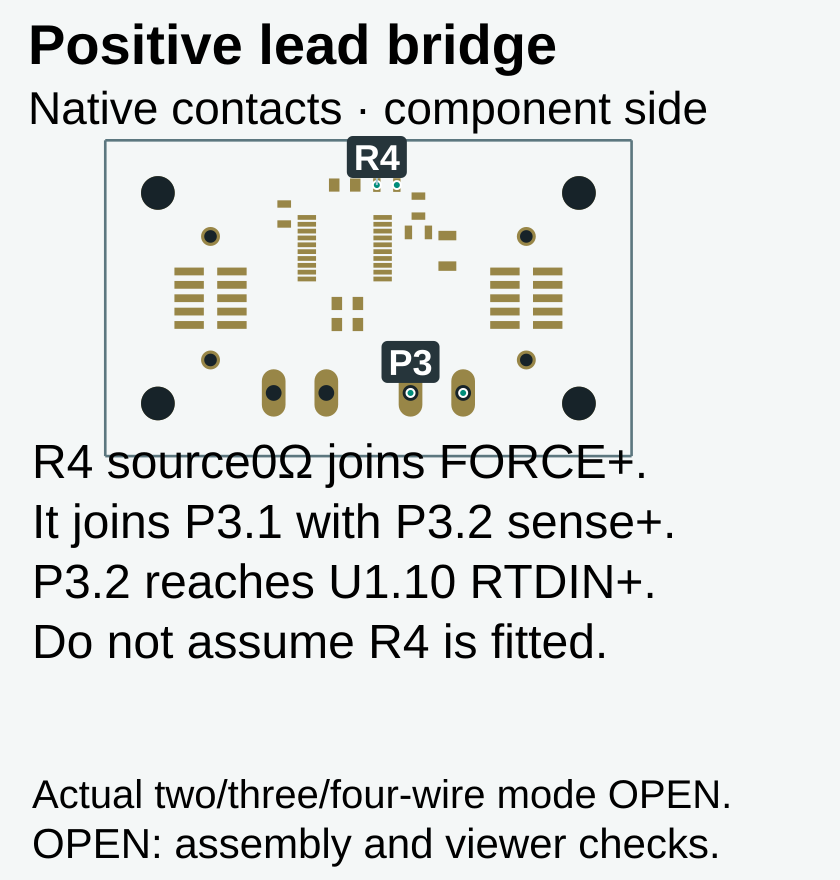
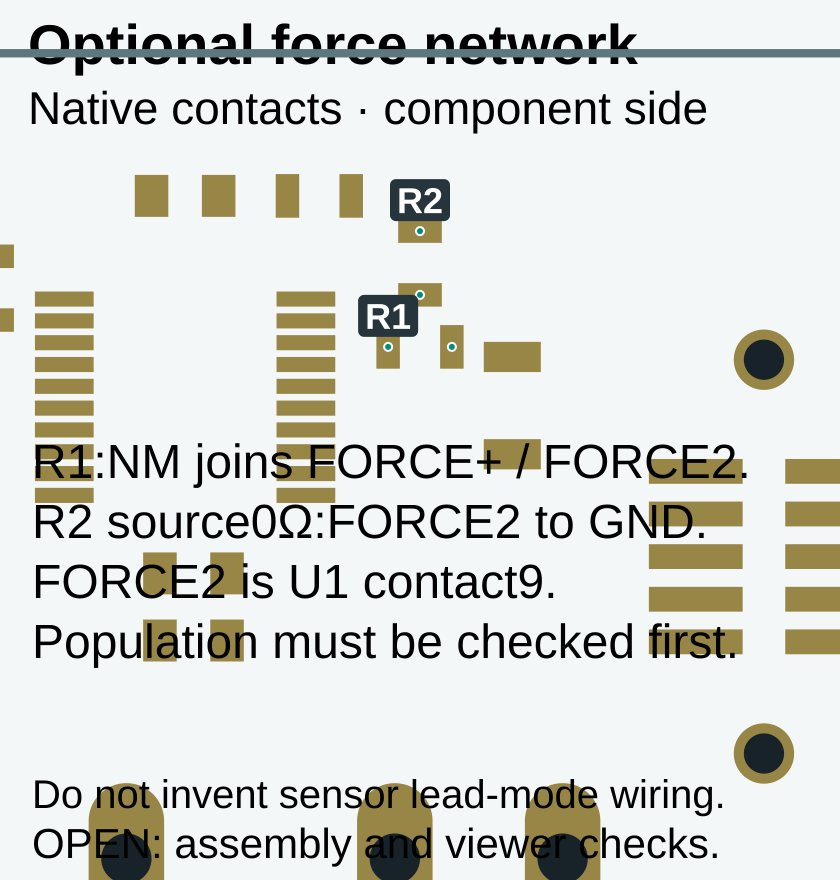
R3 is specified as the 400 Ω reference resistor. R4 joins FORCE+ and RTDIN+; R5 joins FORCE− and RTDIN− when those 0 Ω links are fitted. A four-wire probe therefore cannot be inferred from the four terminal contacts: the fitted link population and converter lead mode must agree. R2 is also specified as 0 Ω and R1 as NM (not mounted). Source values do not prove assembled population or calibration. The selected MAX31865 requires 3.0–3.6 V on VDD and DVDD; this is not a 5 V supply input. A complete Prime interface still needs review.
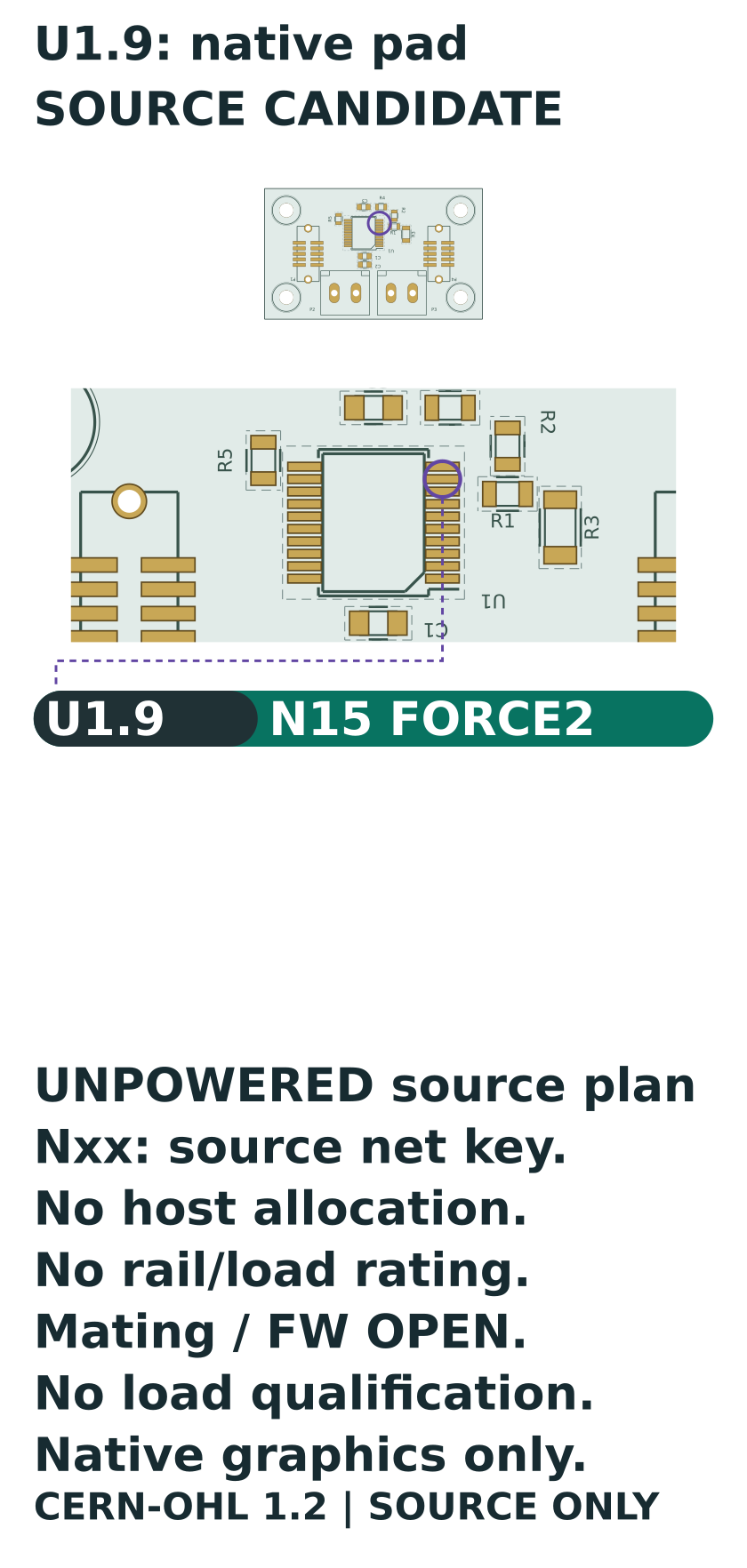
The specified population selects two-wire operation: R2 grounds FORCE2 while R1 is unpopulated; R4/R5 join each force/sense pair. For that population the two probe leads terminate at P3.2 (RTDIN+) and P2.1 (RTDIN−); P3.1 and P2.2 need no additional external leads. Verify the fitted links with power off. A four-wire conversion needs a deliberately reviewed population change, rather than simply attaching four leads.
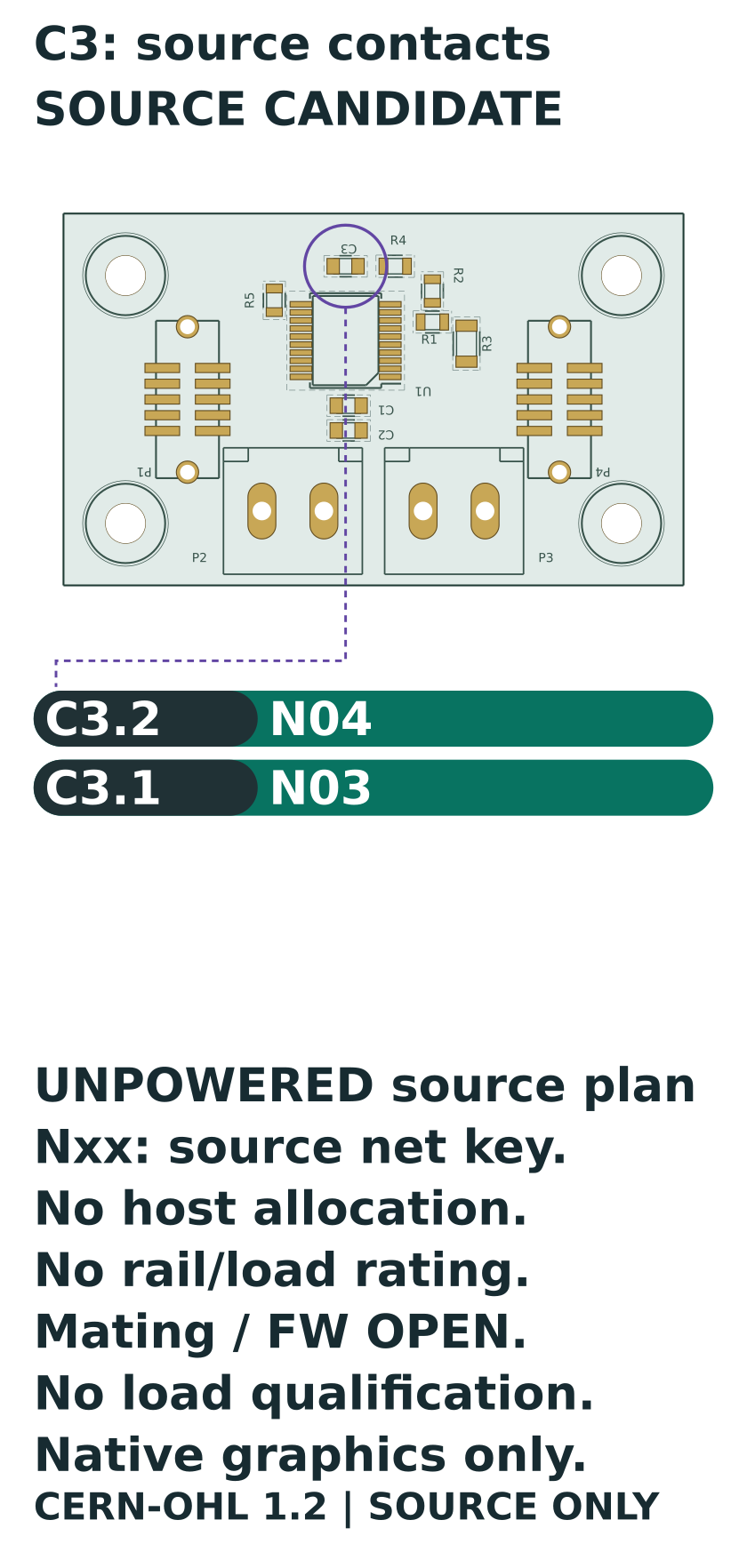
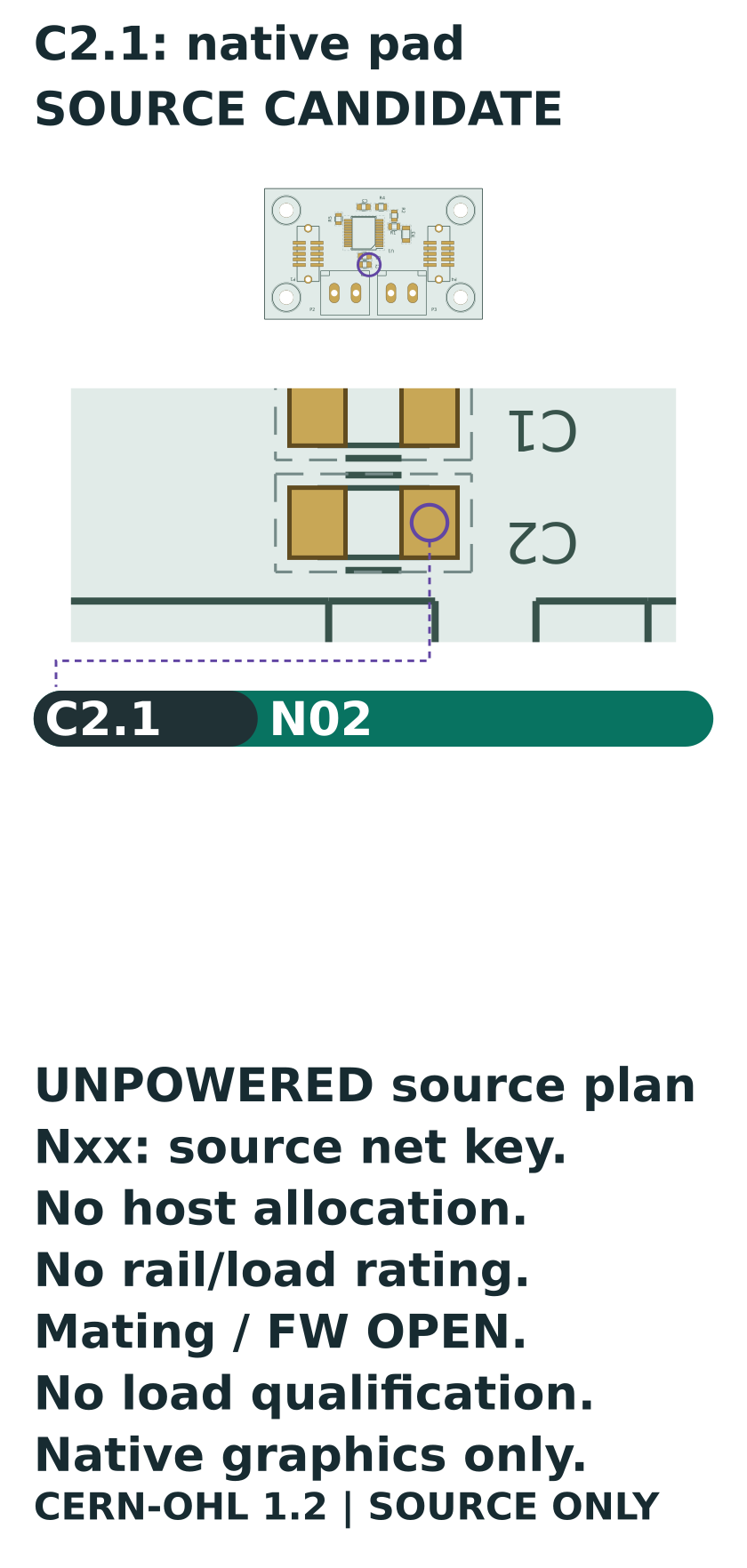
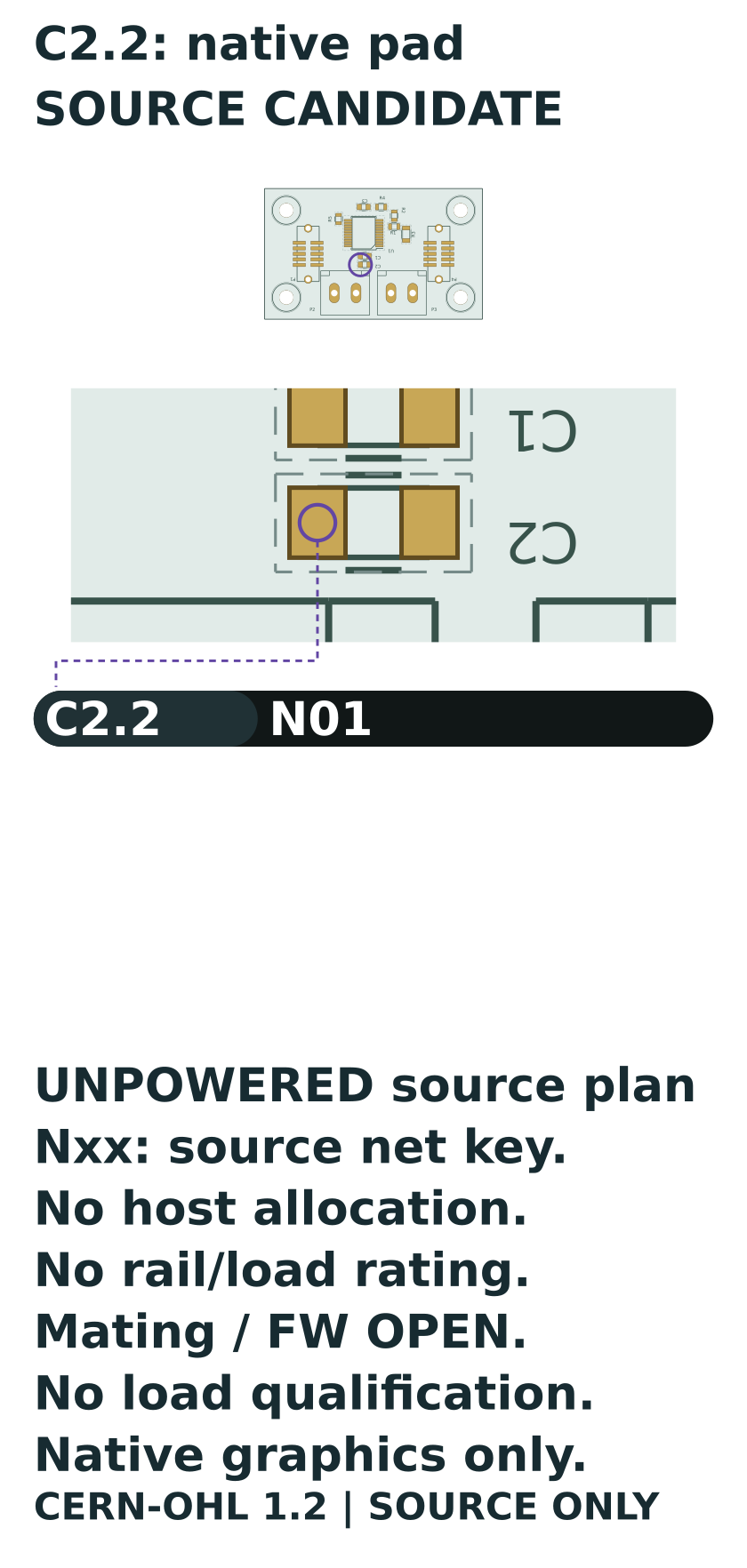
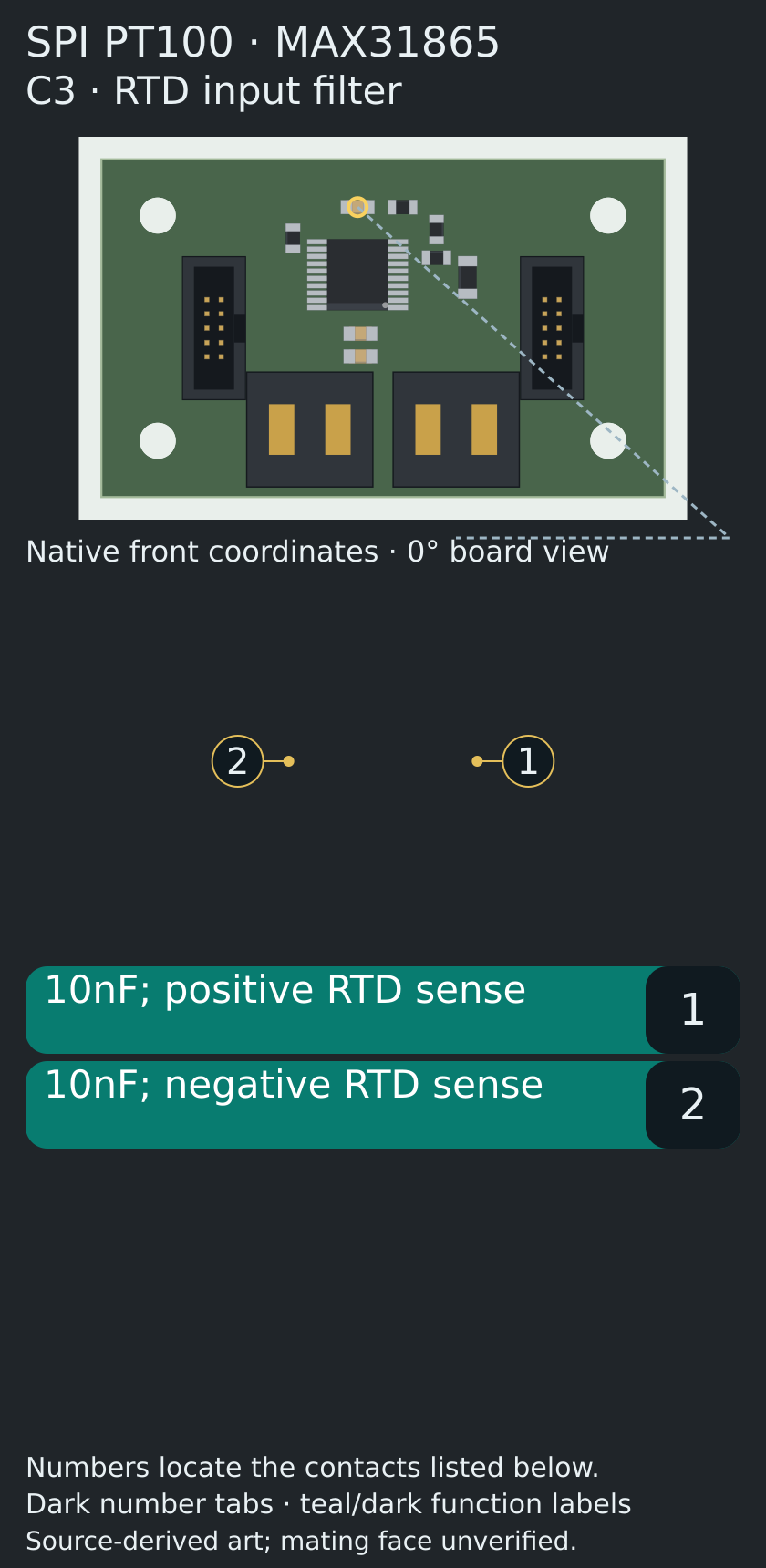
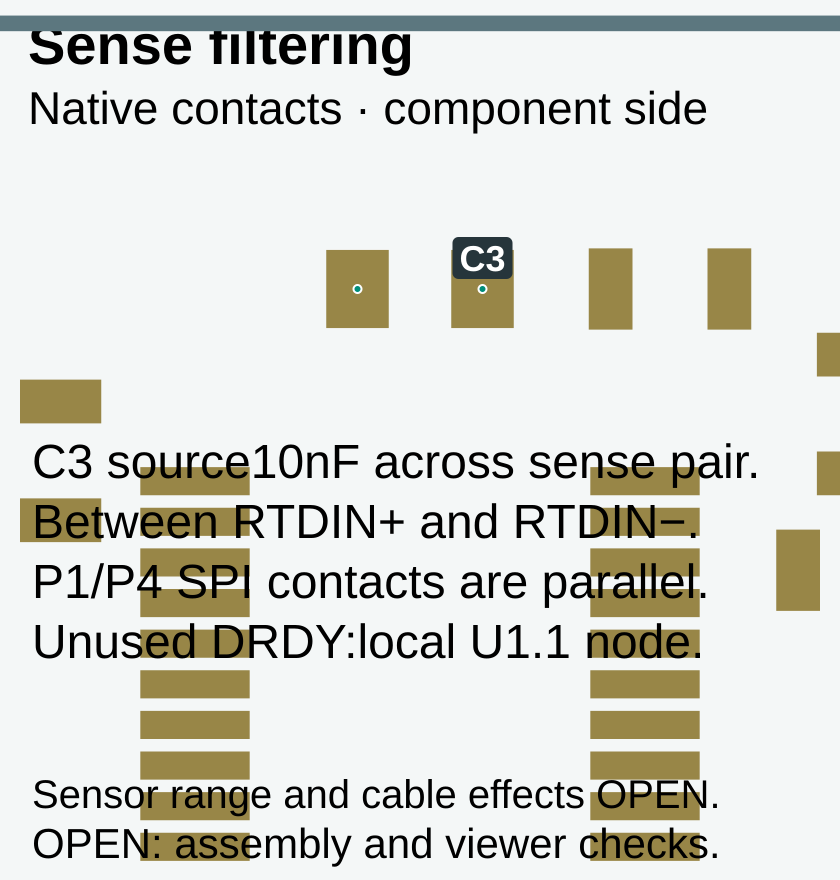
The MAX31865 datasheet, retained revision 3, July 2015, gives a typical 100 nF input filter for a 100 Ω RTD and 10 nF for a 1 kΩ RTD. The historical source specifies C3 as 10 nF. That difference needs settling/noise review for a PT100; it is not by itself proof that the board cannot function. Reference-resistor tolerance and temperature coefficient are also unspecified, so no conversion-accuracy claim follows from its nominal 400 Ω value.
Annotated connector and component reference
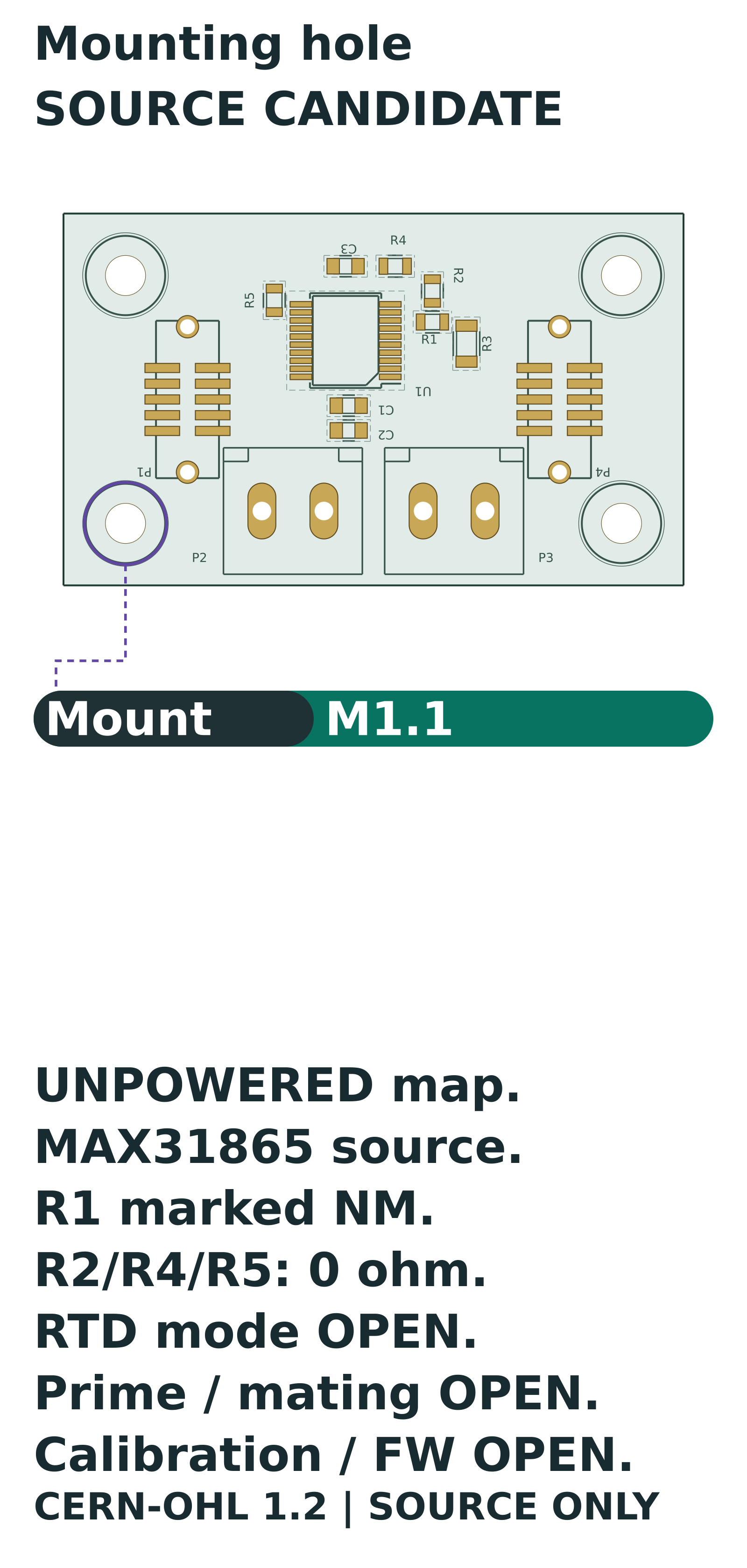
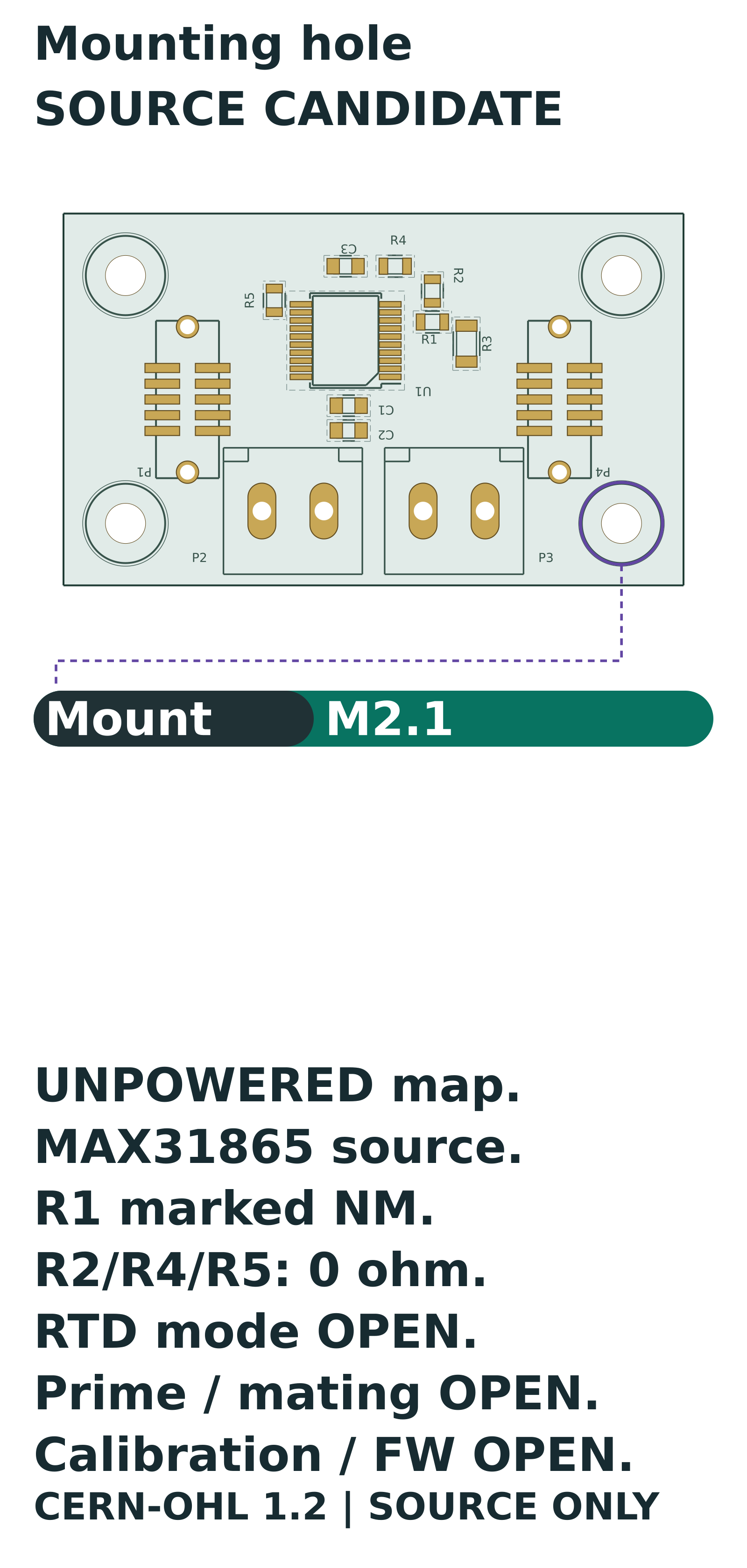
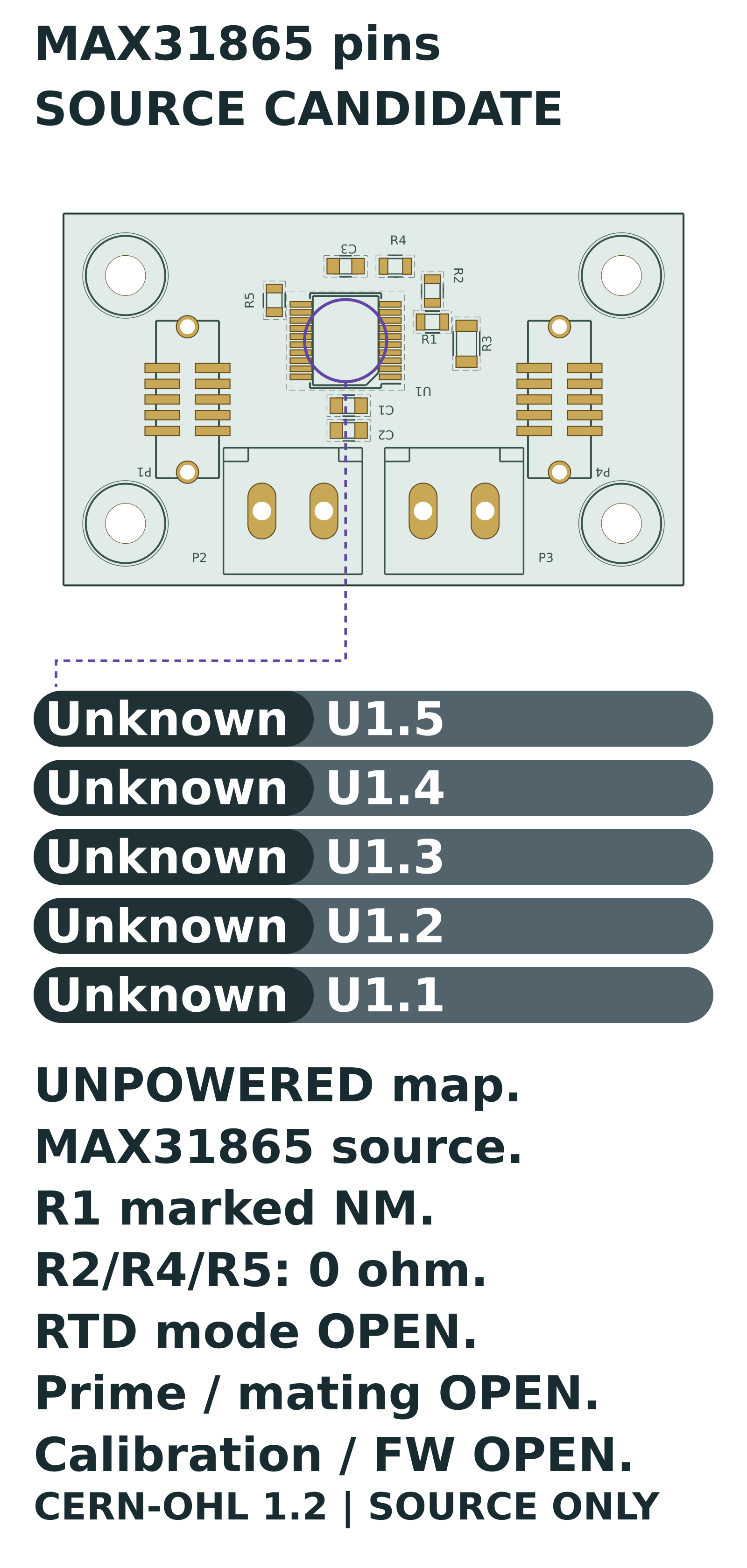
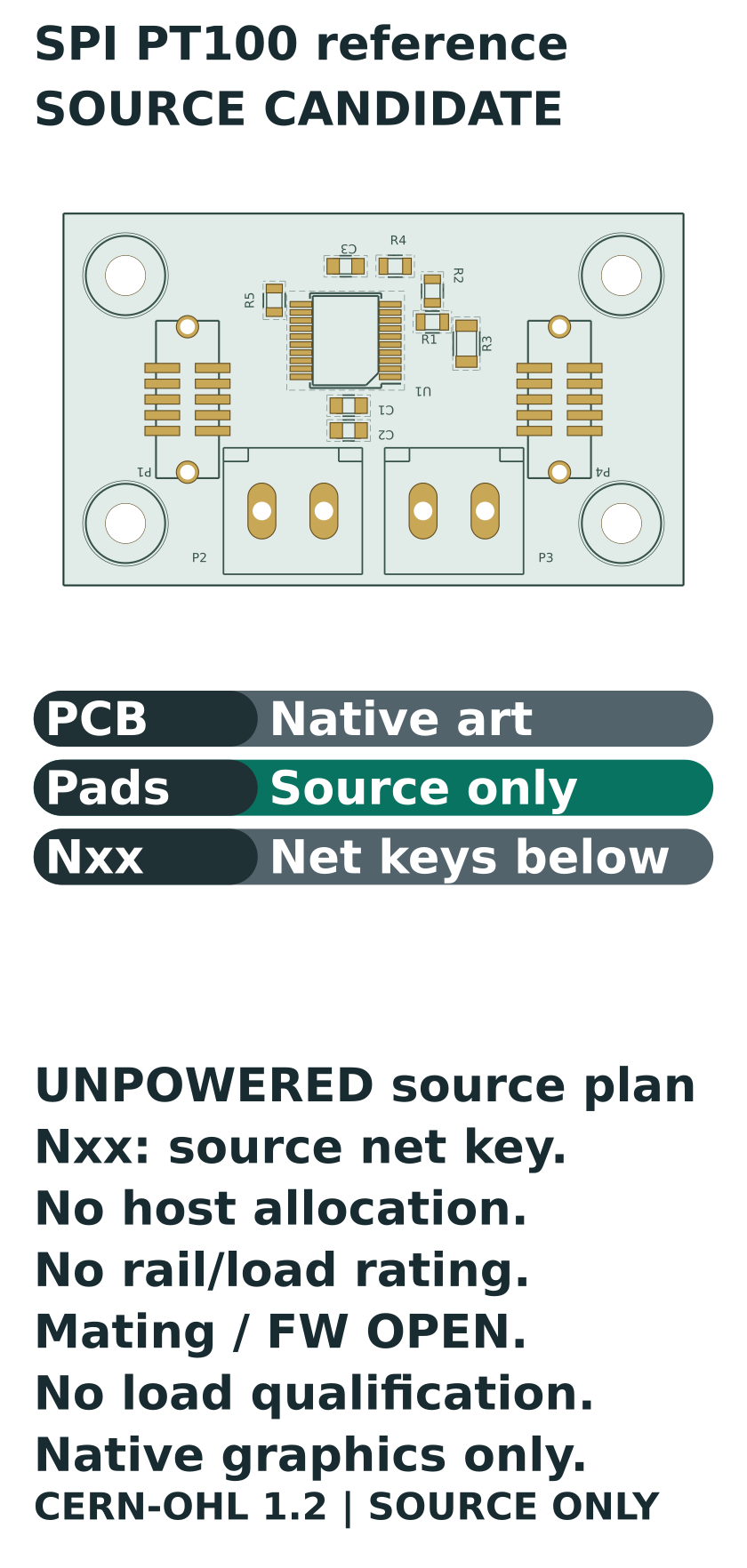
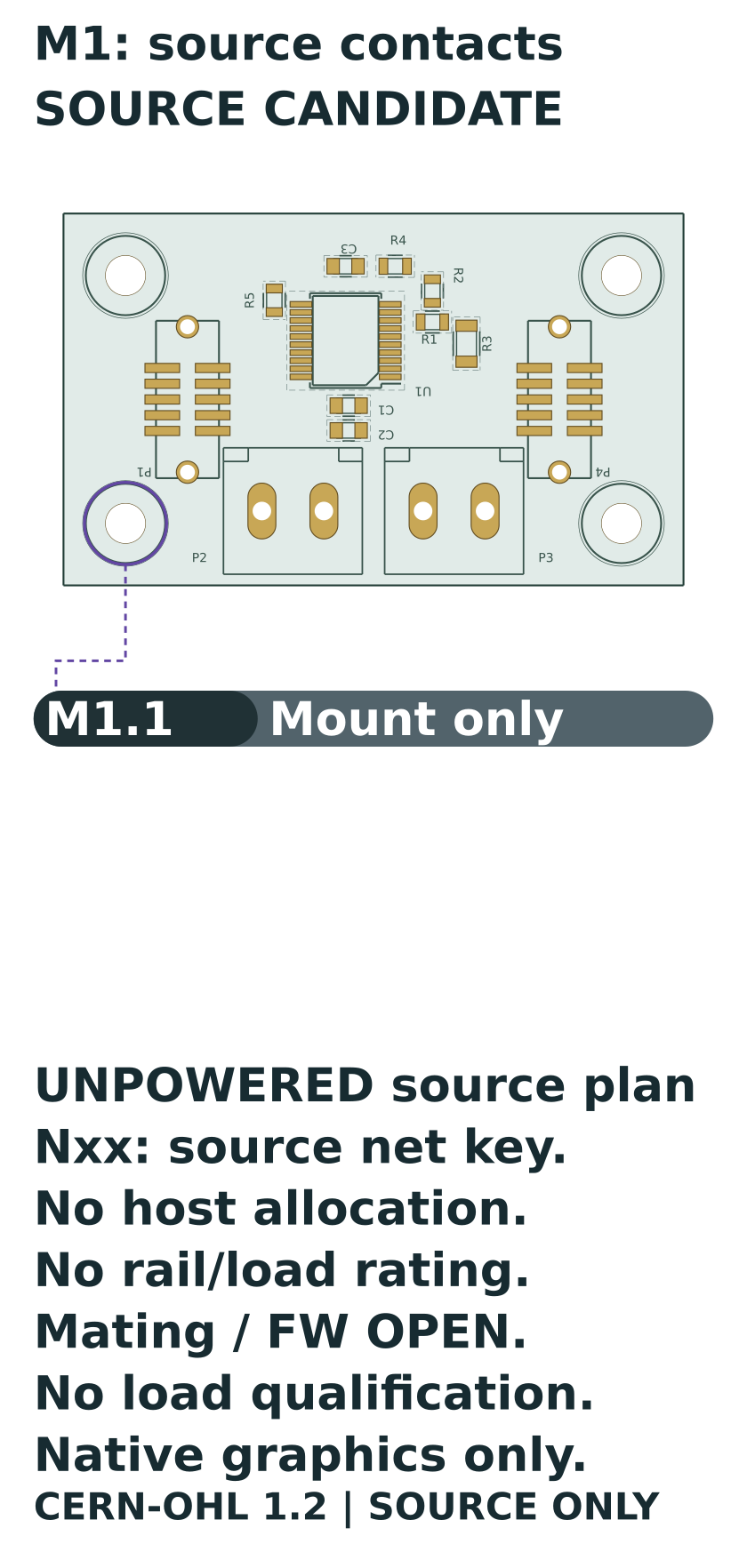
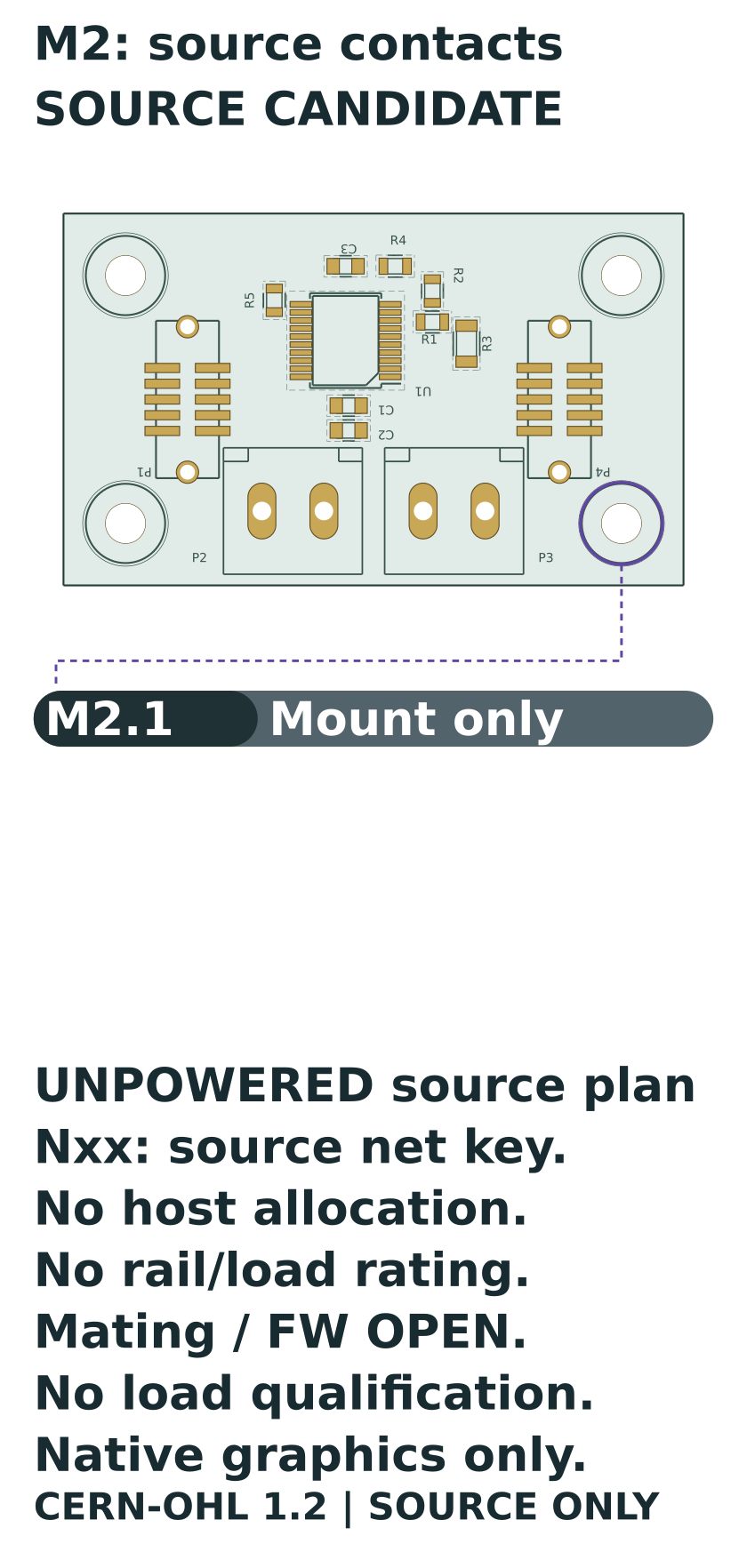
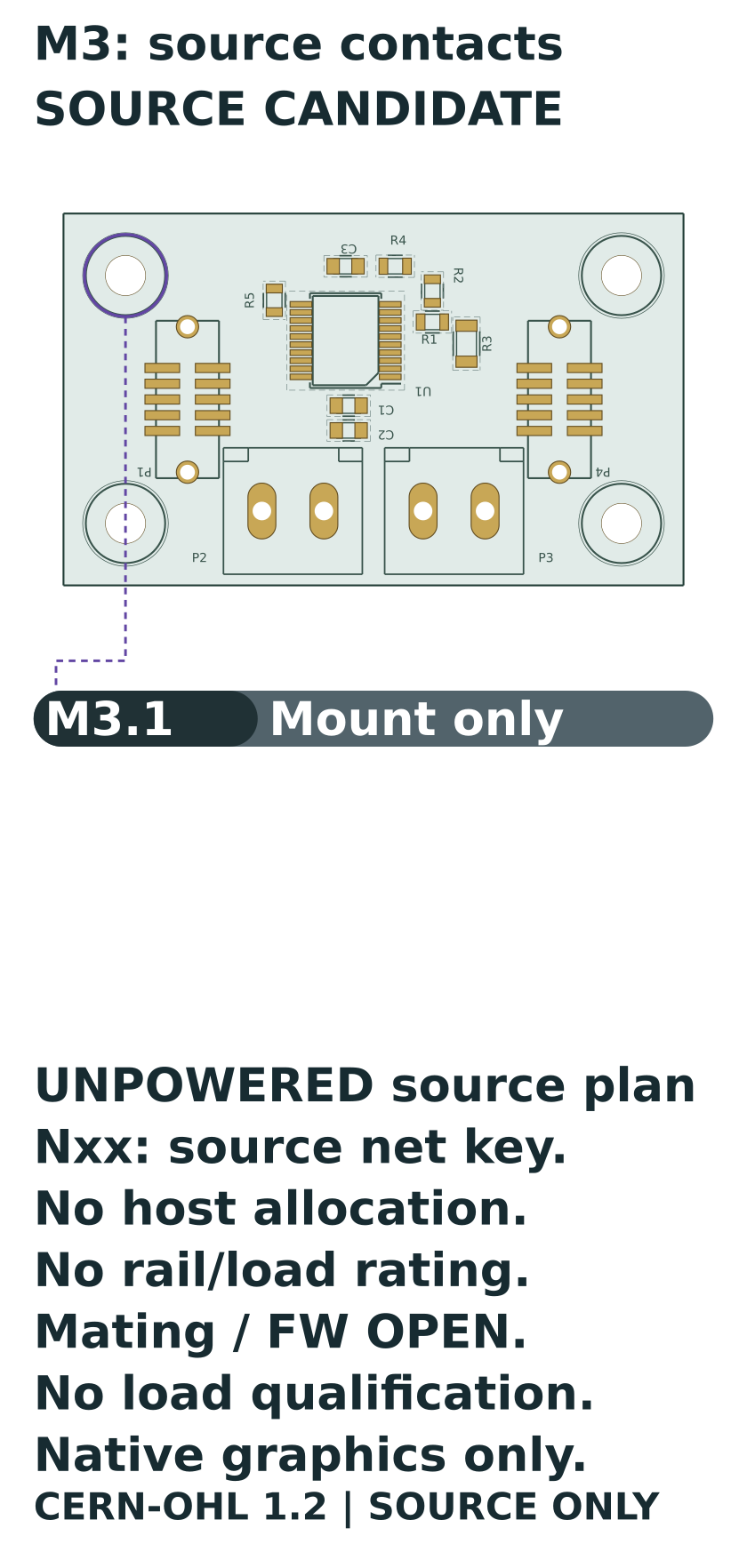
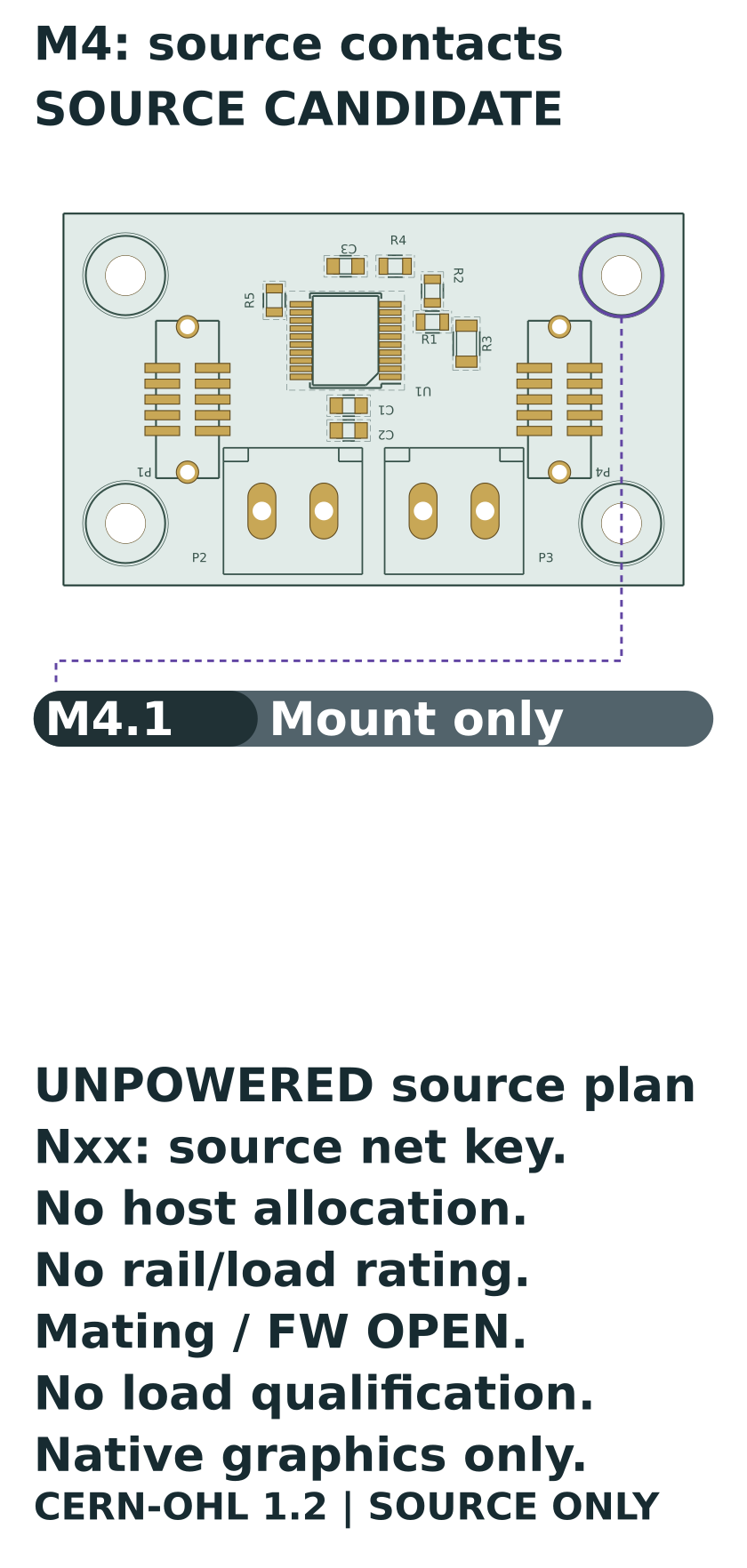
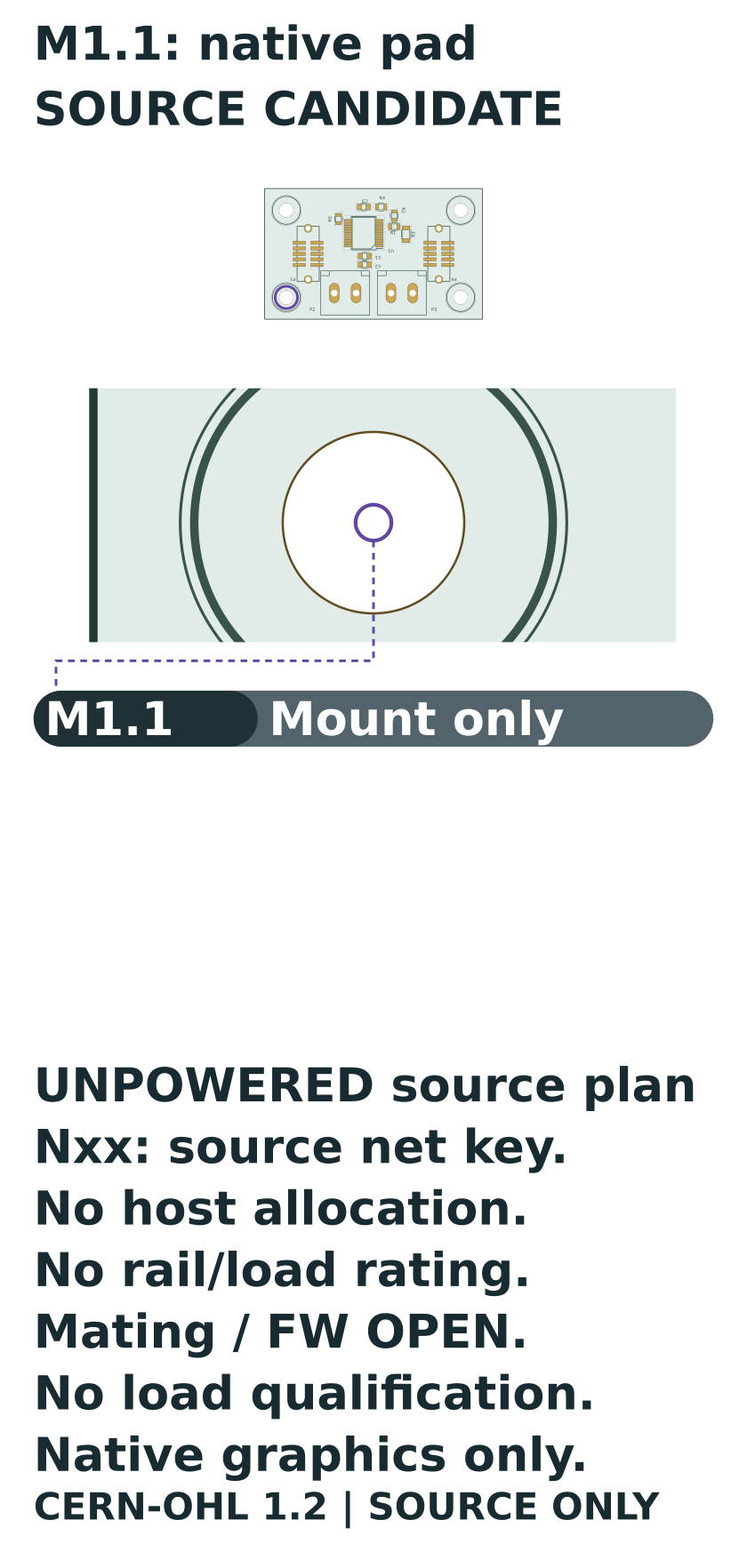
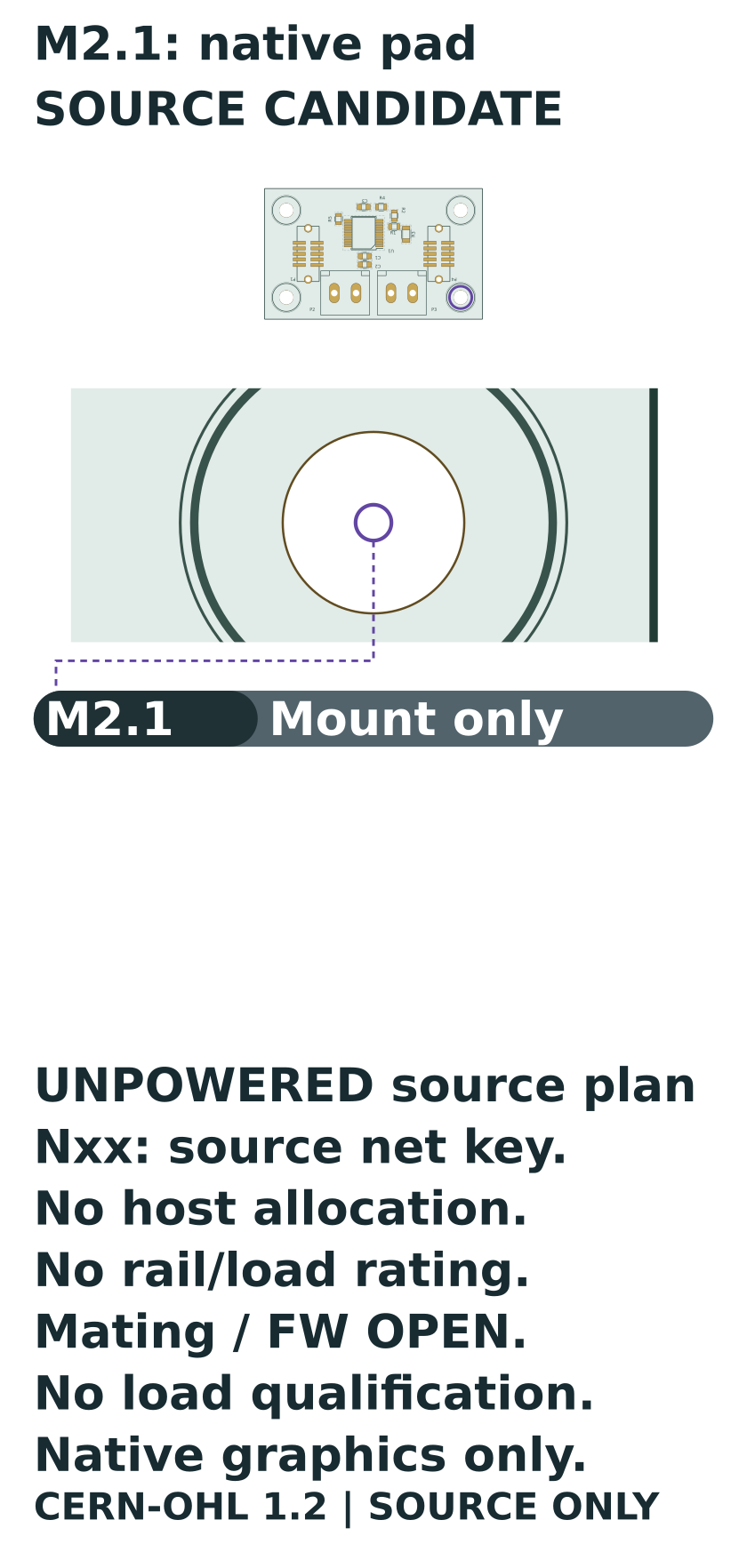
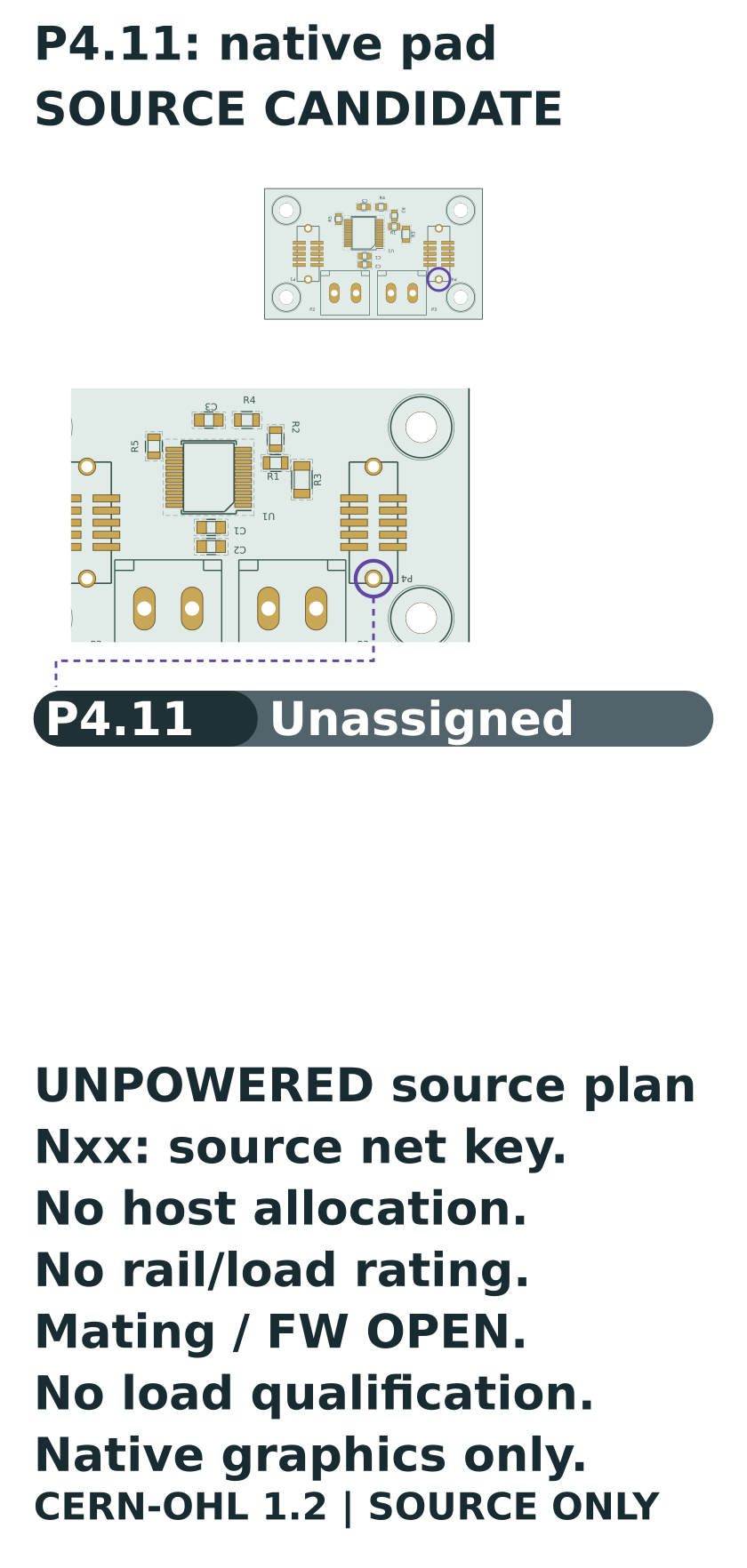
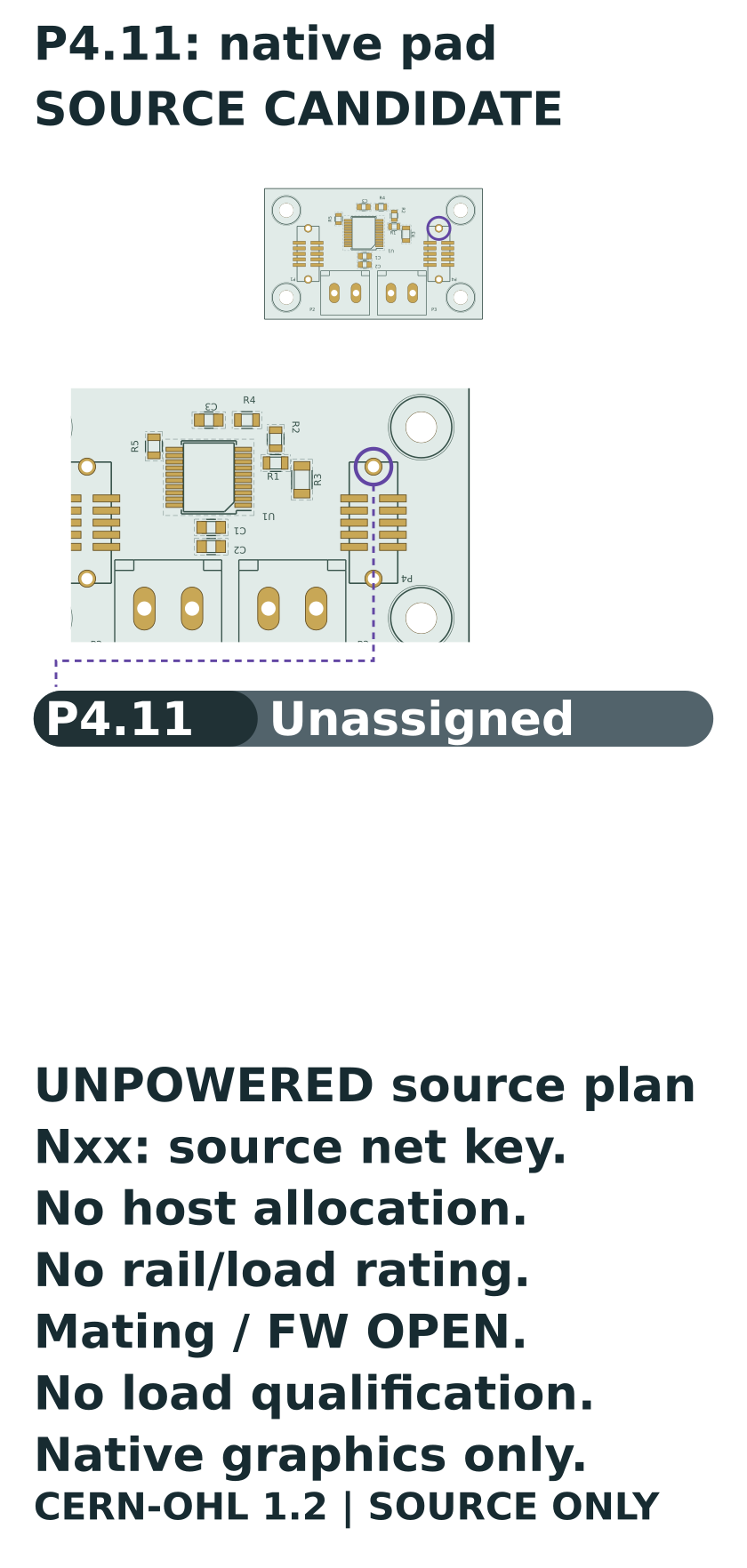
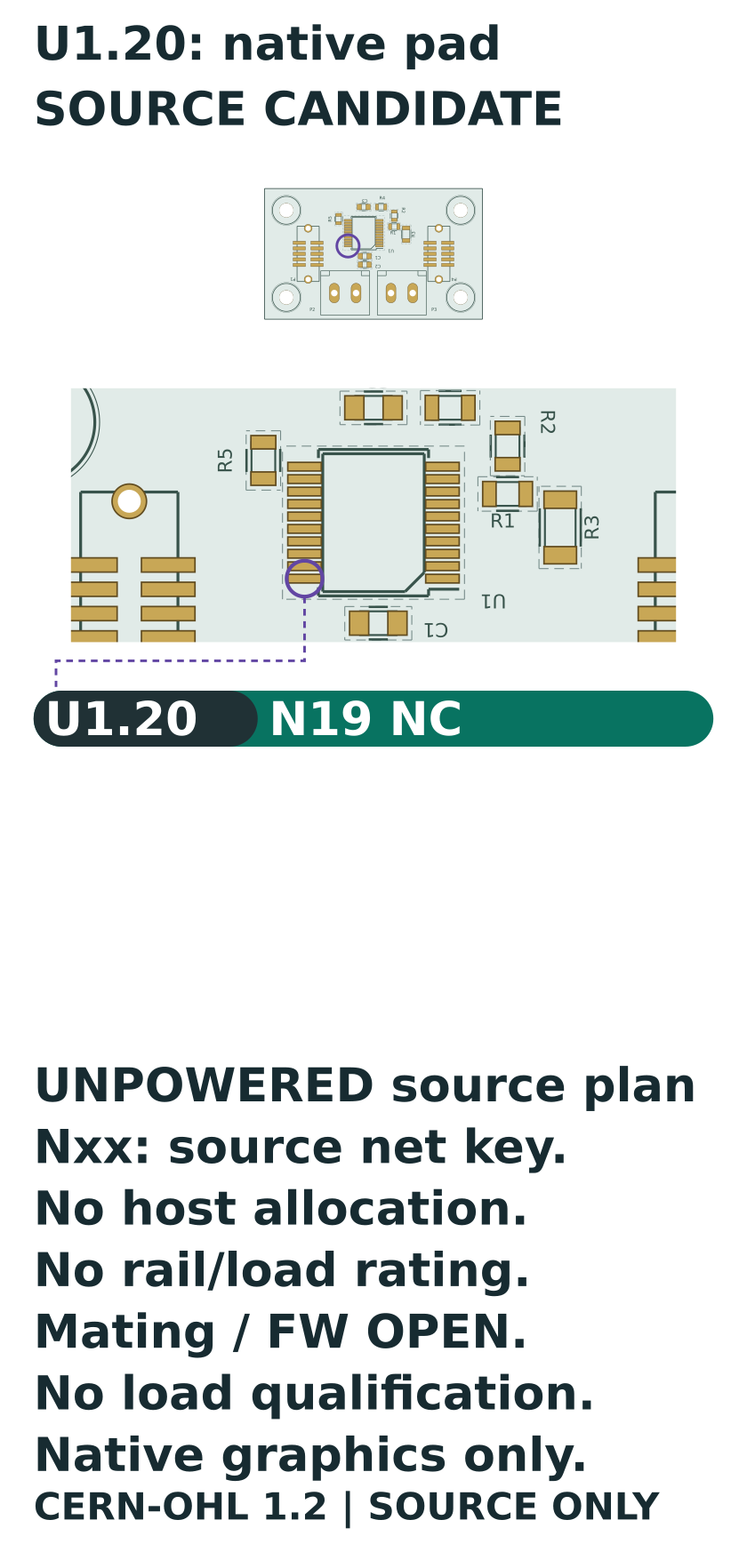
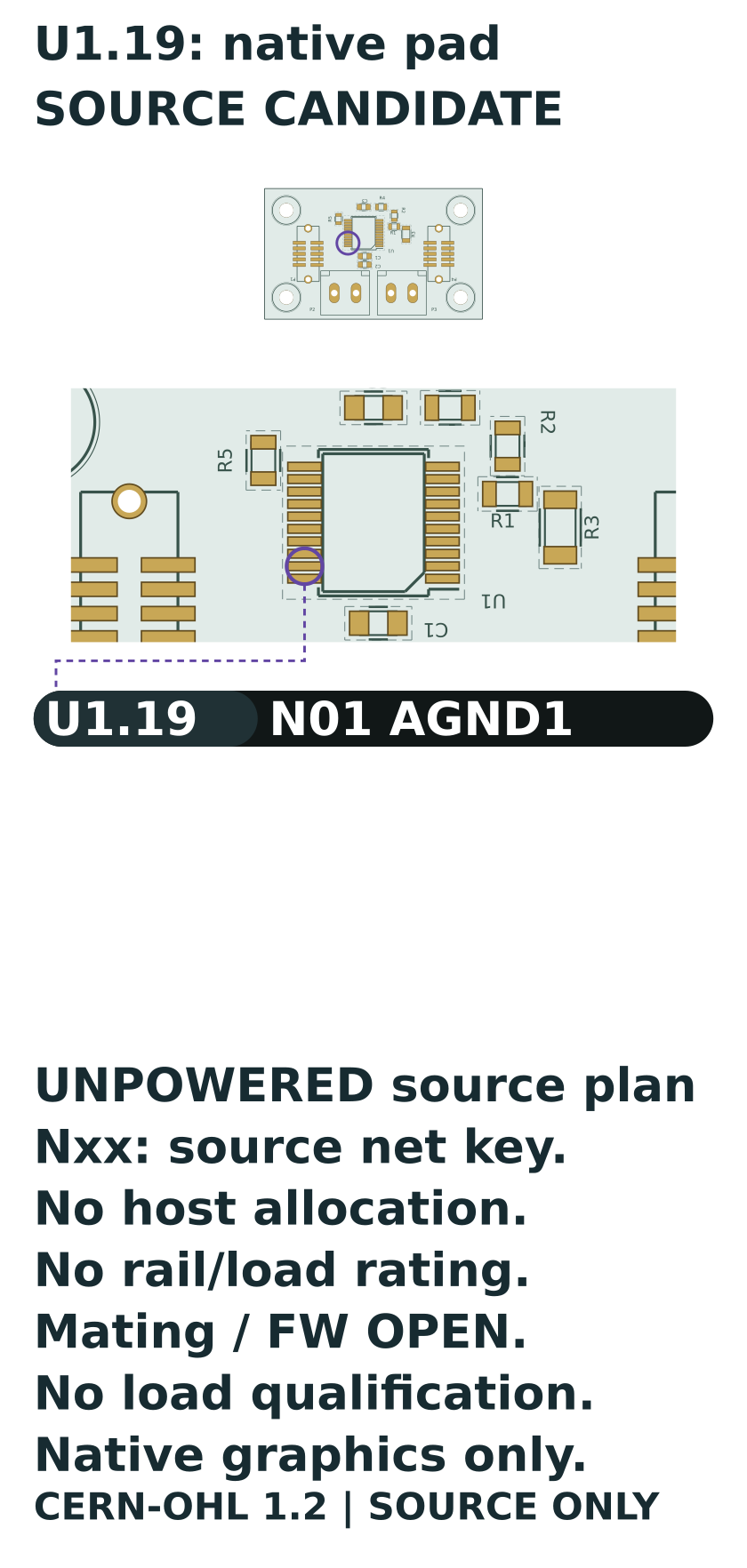
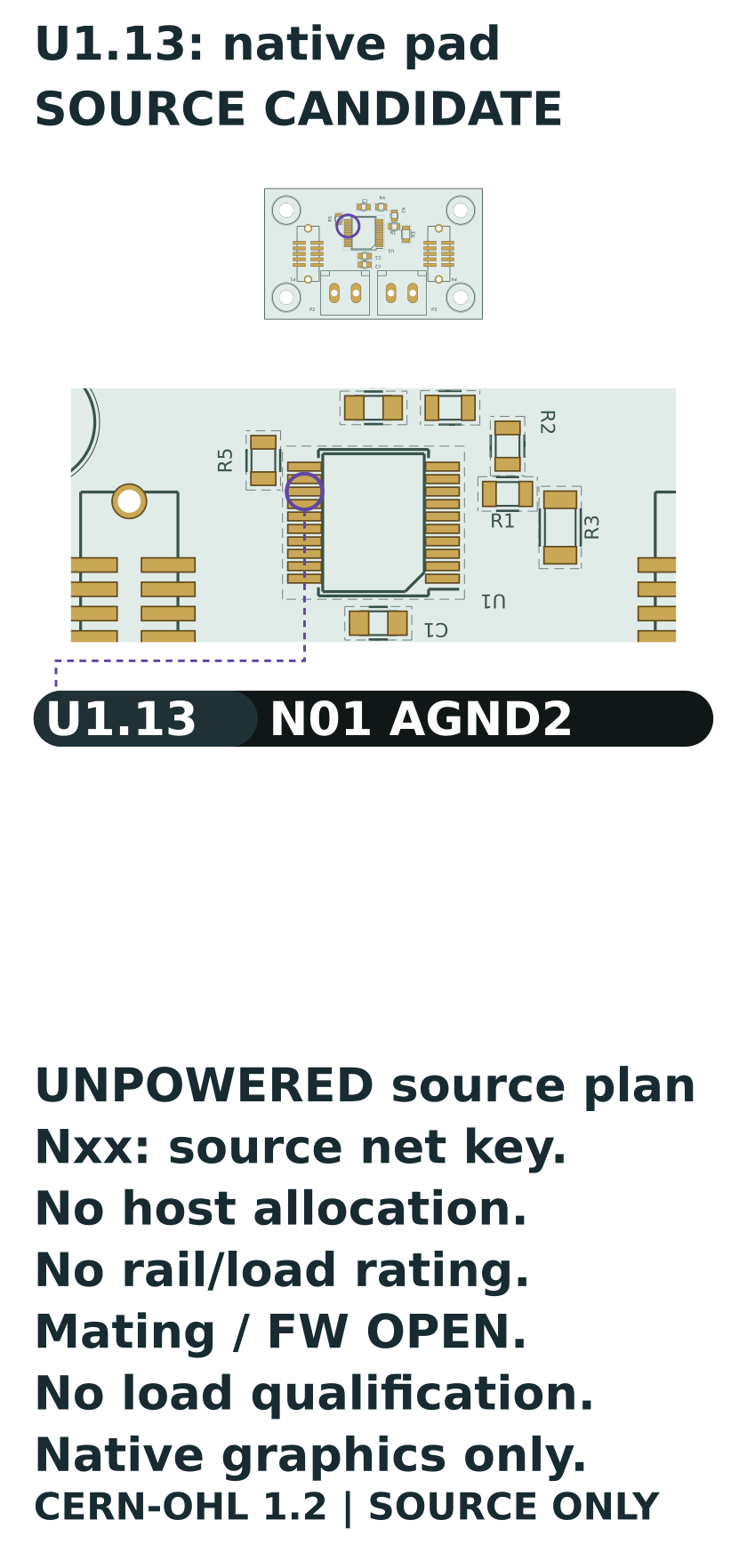
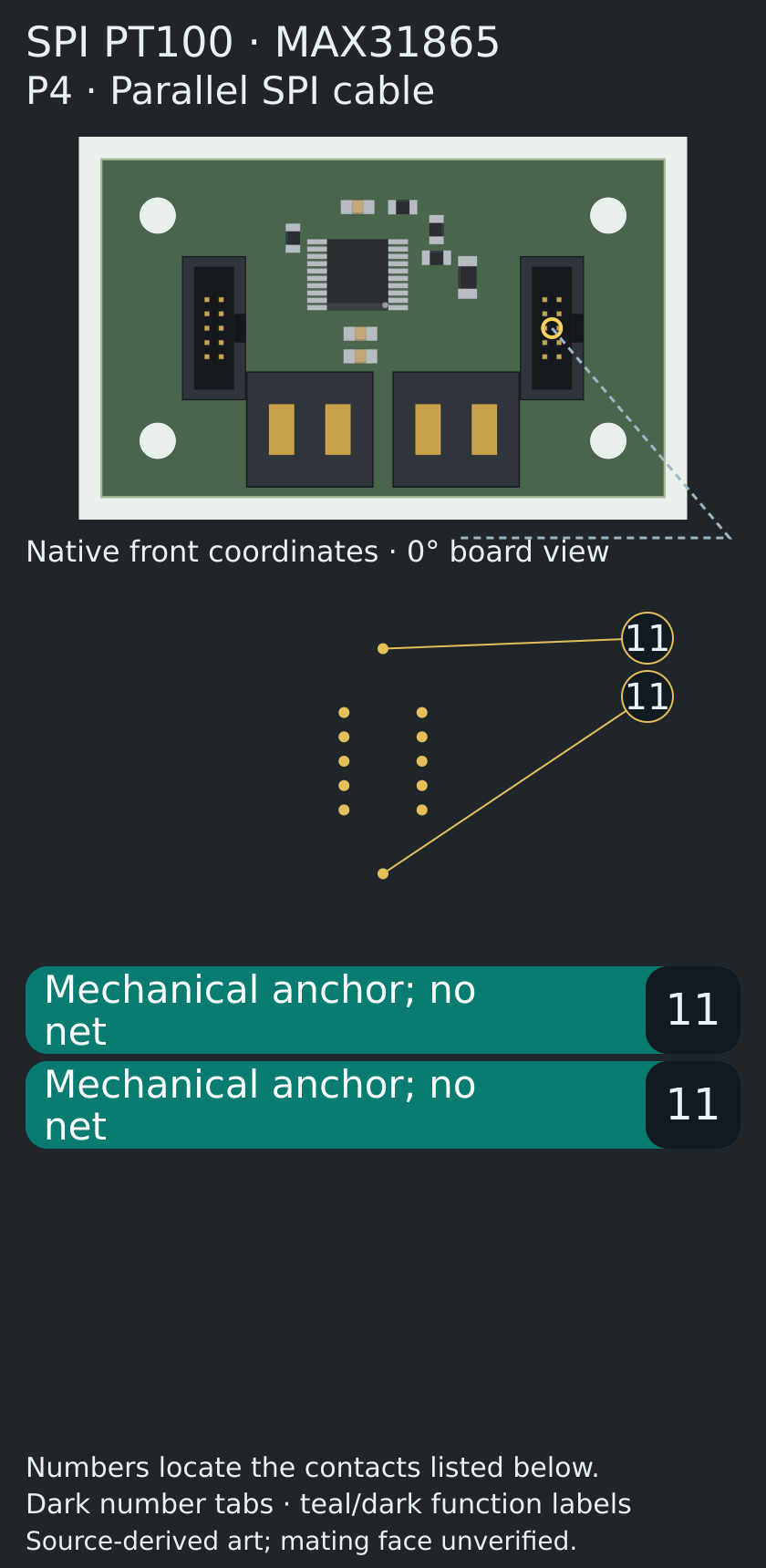
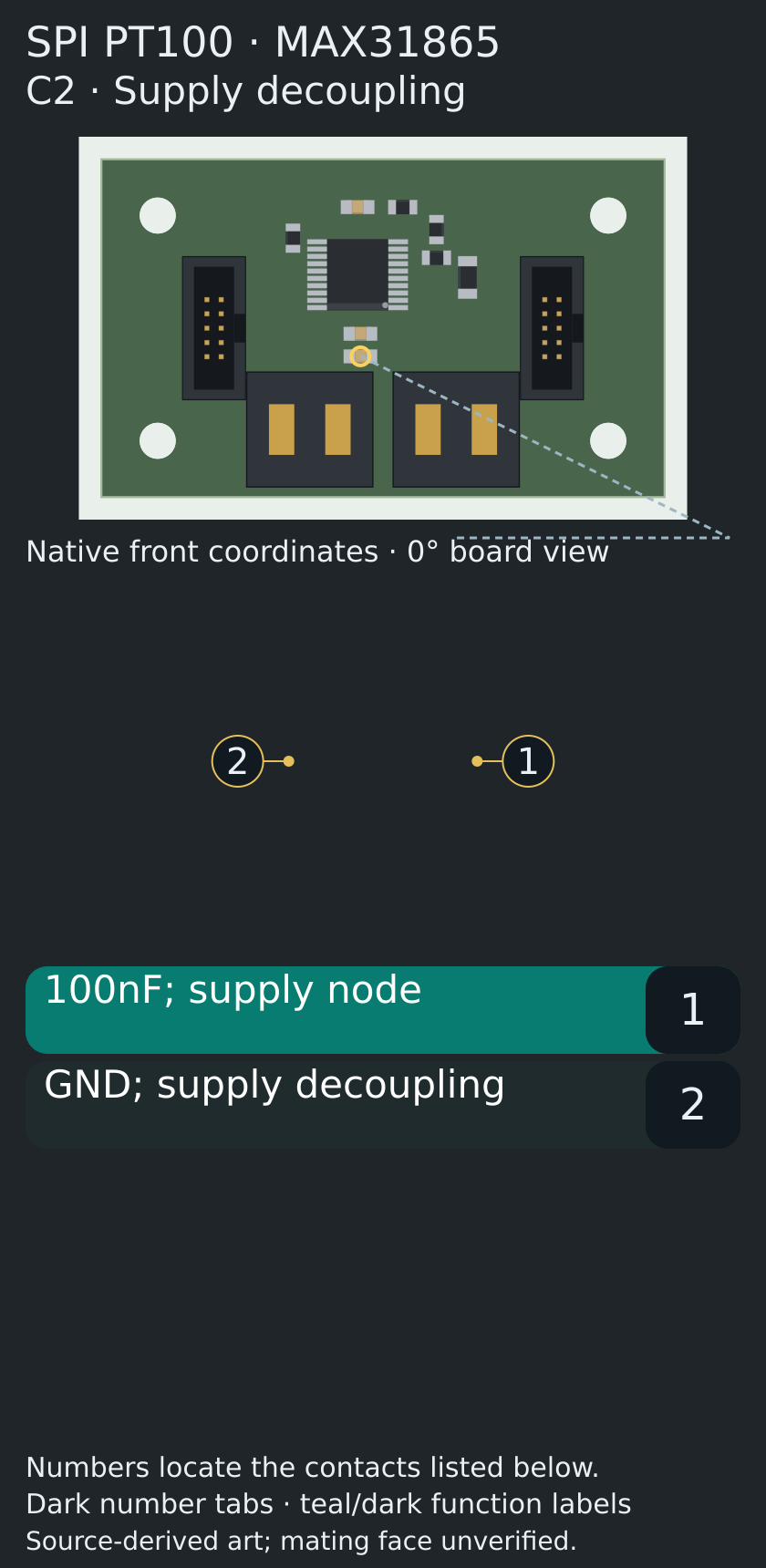
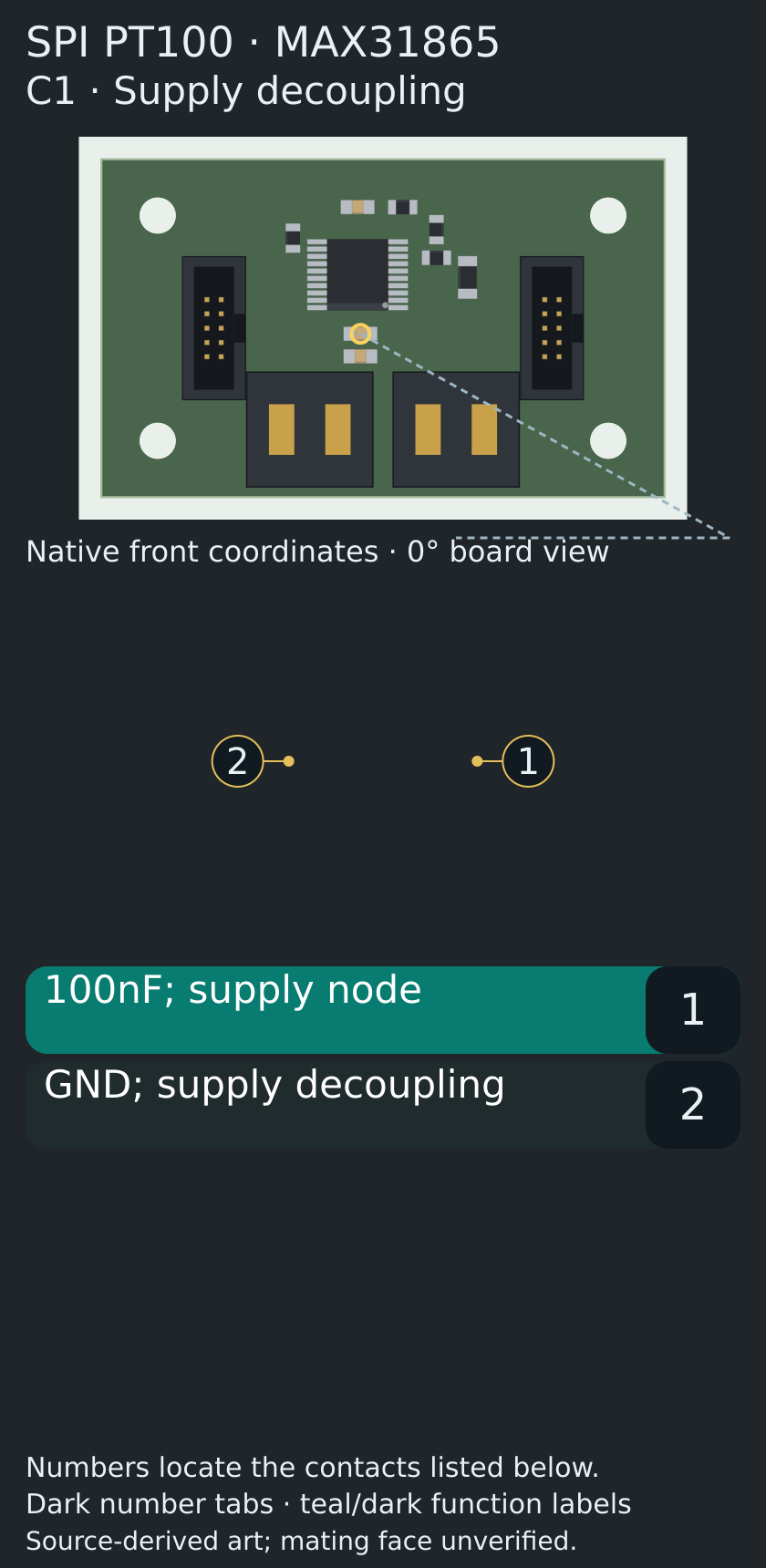
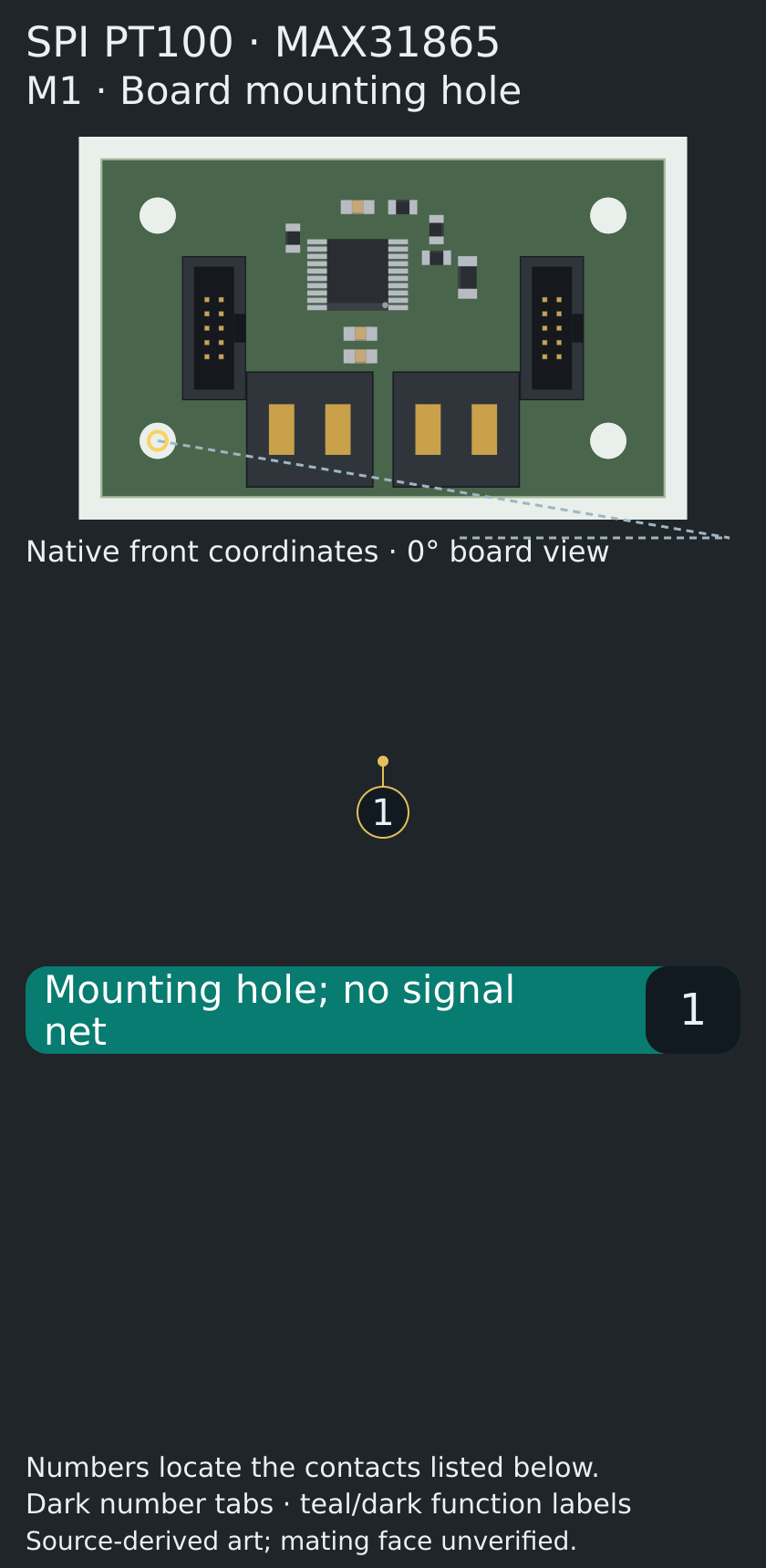
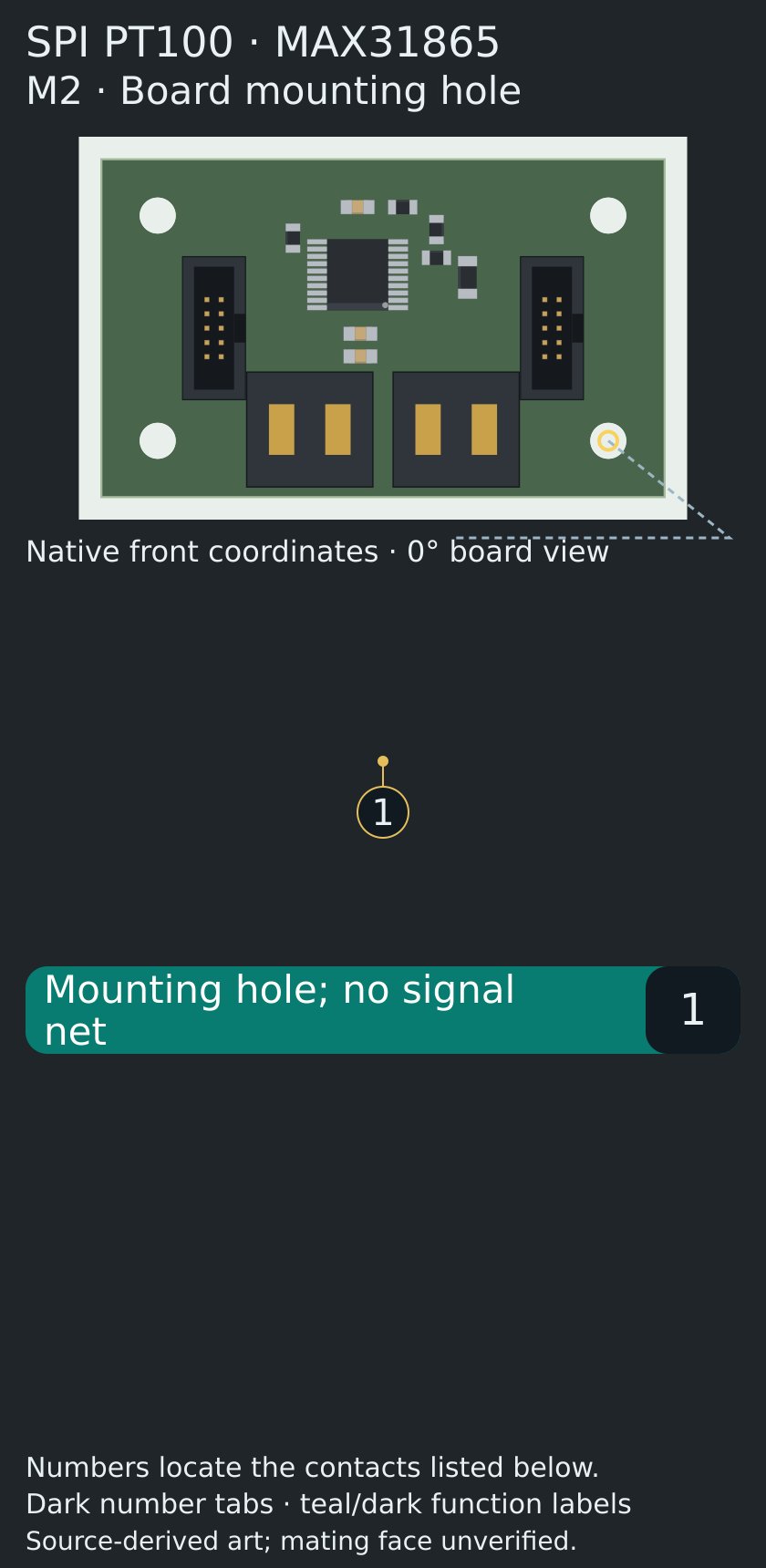
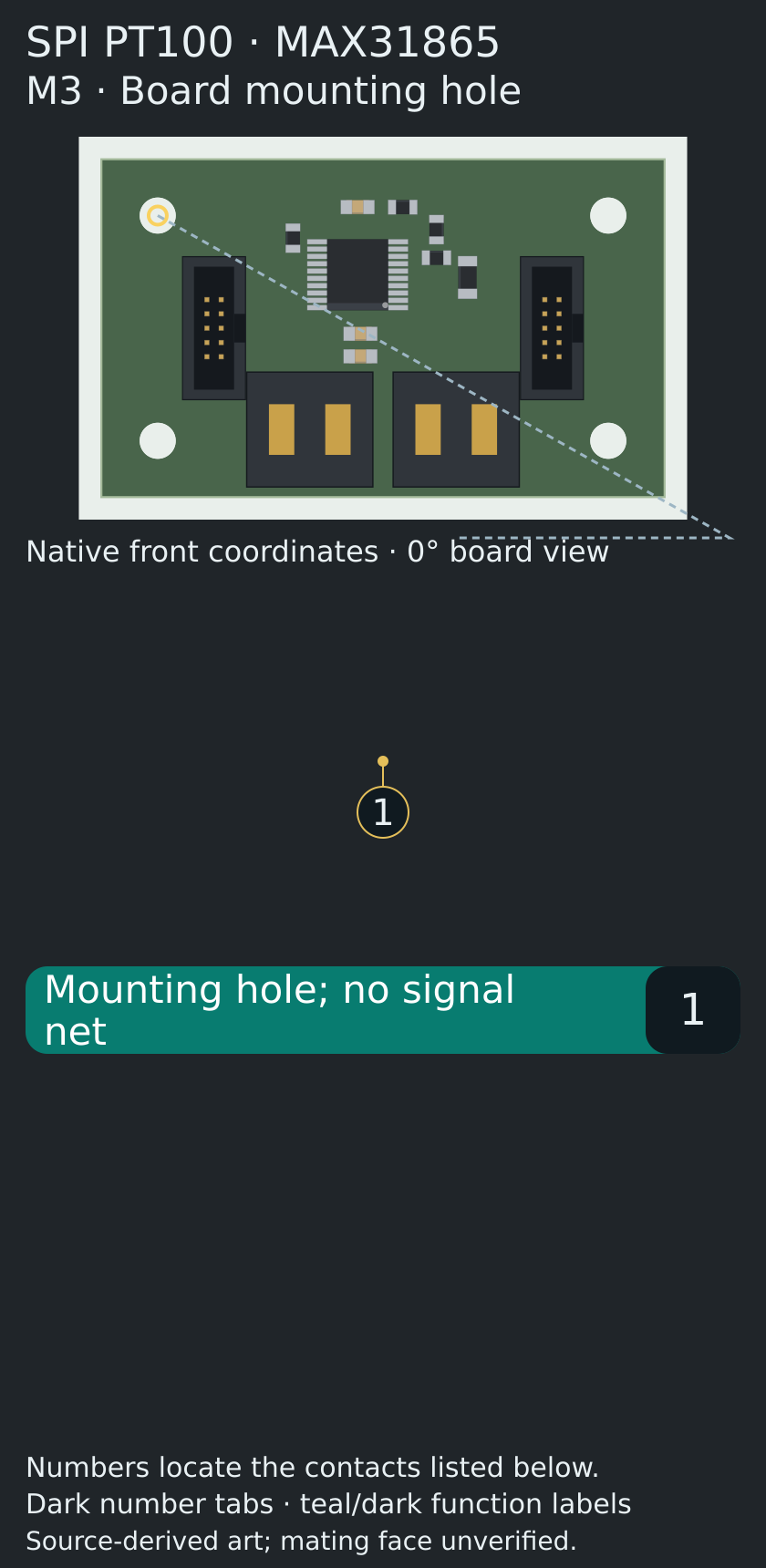
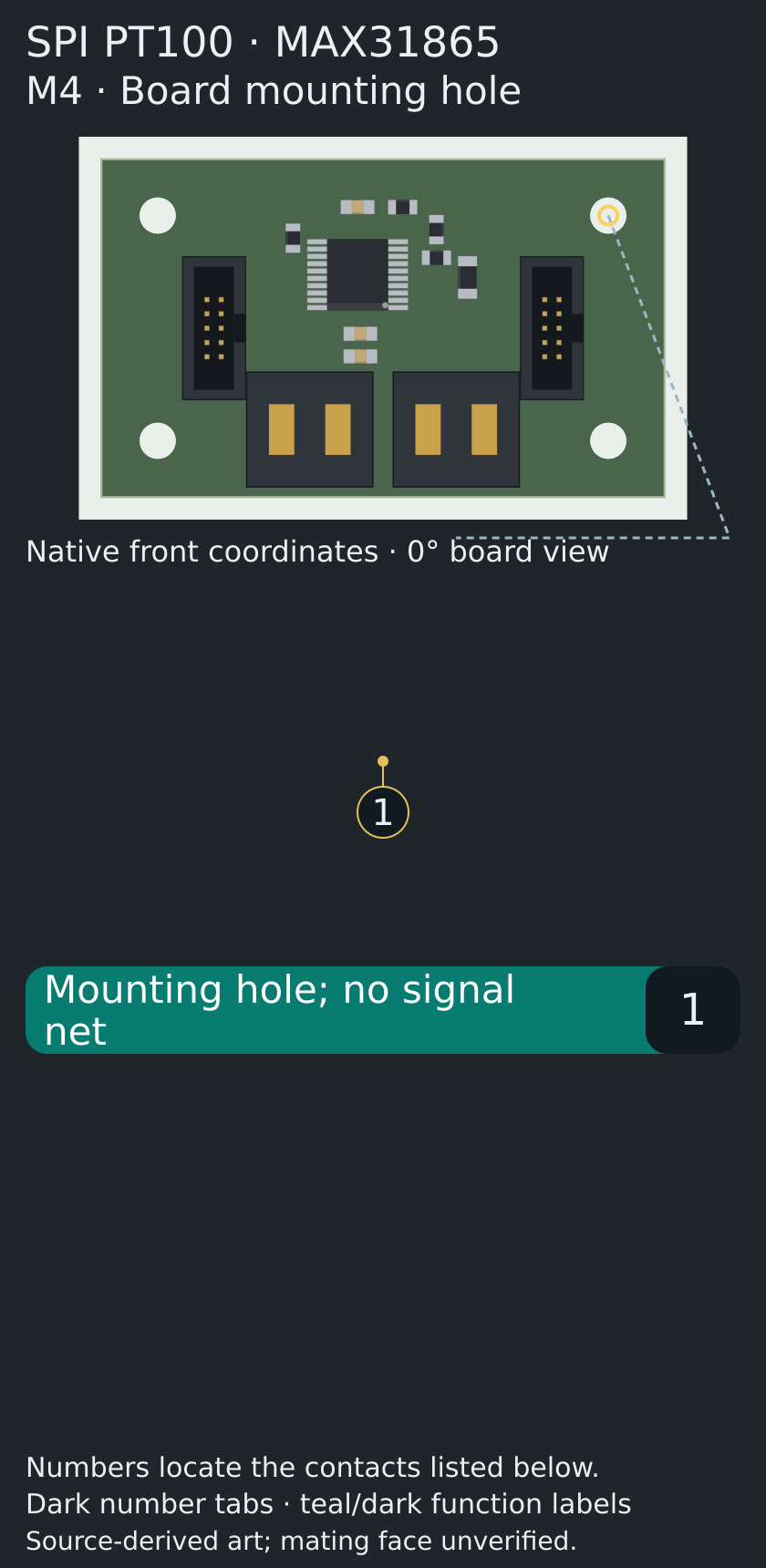
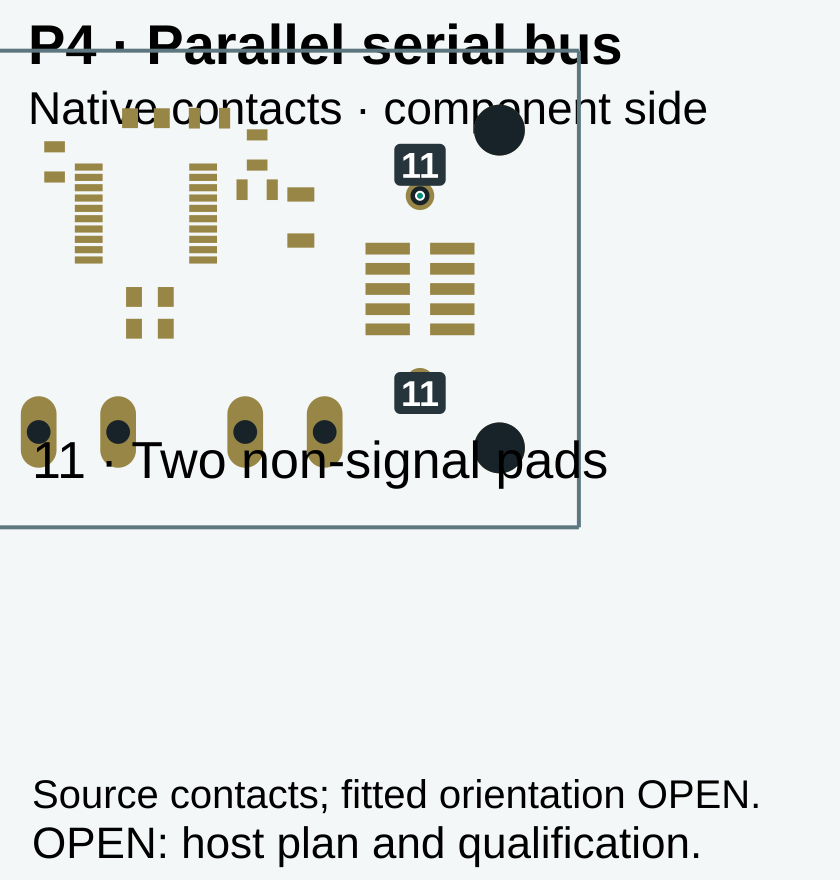
These newly source-derived drawings retain the selected native outline, footprints, pads and graphics. They are not a recovered canonical abstract or a verified mating view. Duplicate pad-11 instances on P1 and P4 remain separate and unassigned. MAX31865 SSOP20 roles follow the retained source adapter and netlist; RTD lead mode, R1/R2/R4/R5 fitted population and reference calibration remain unresolved. Host allocation, supply suitability, firmware and powered operation are unqualified.
Board reference
These function-labelled views retain the selected native source geometry. They are newly source-derived references, not a verified mating view.
Read labels at full size
Scroll across and down within this view. You can also open the PNG separately and use your browser’s zoom controls.
Fit shows the whole drawing. Zoom to read labels; scroll within the drawing. Escape closes the viewer.
Read labels at full size
Scroll across and down within this view. You can also open the PNG separately and use your browser’s zoom controls.
Fit shows the whole drawing. Zoom to read labels; scroll within the drawing. Escape closes the viewer.
Connector and component functions
Read labels at full size
Scroll across and down within this view. You can also open the PNG separately and use your browser’s zoom controls.
Fit shows the whole drawing. Zoom to read labels; scroll within the drawing. Escape closes the viewer.
Read labels at full size
Scroll across and down within this view. You can also open the PNG separately and use your browser’s zoom controls.
Fit shows the whole drawing. Zoom to read labels; scroll within the drawing. Escape closes the viewer.
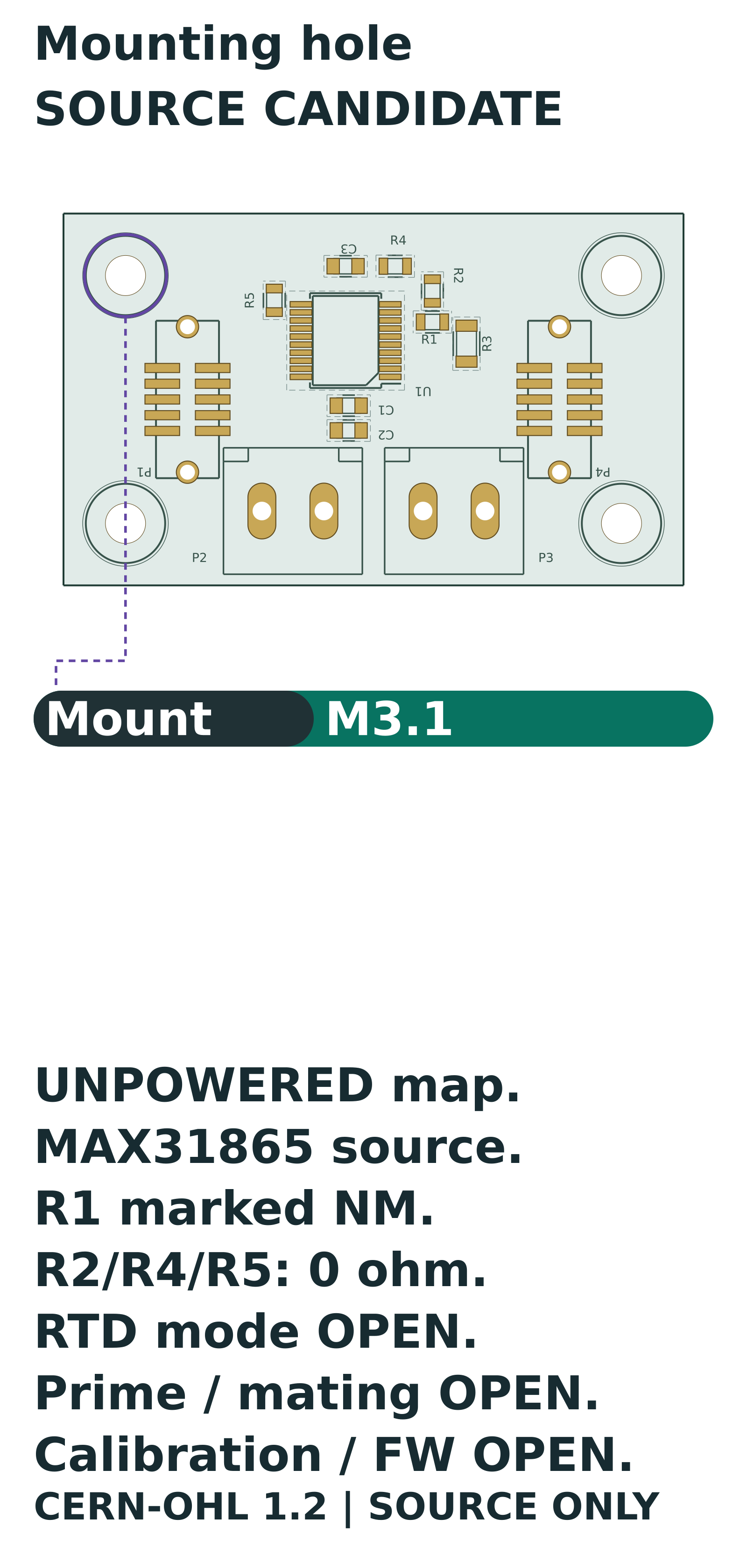
Read labels at full size
Scroll across and down within this view. You can also open the PNG separately and use your browser’s zoom controls.
Fit shows the whole drawing. Zoom to read labels; scroll within the drawing. Escape closes the viewer.
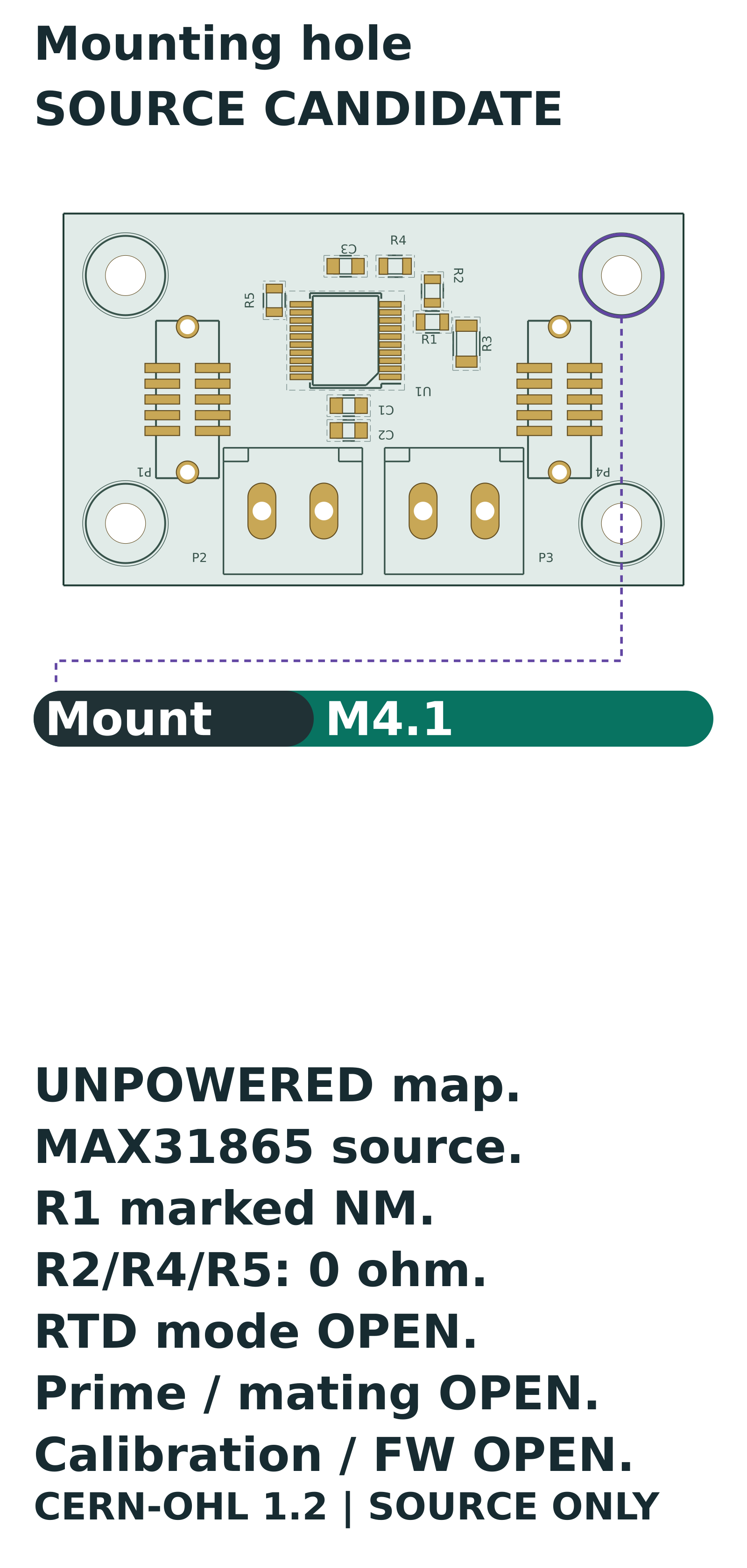
Read labels at full size
Scroll across and down within this view. You can also open the PNG separately and use your browser’s zoom controls.
Fit shows the whole drawing. Zoom to read labels; scroll within the drawing. Escape closes the viewer.
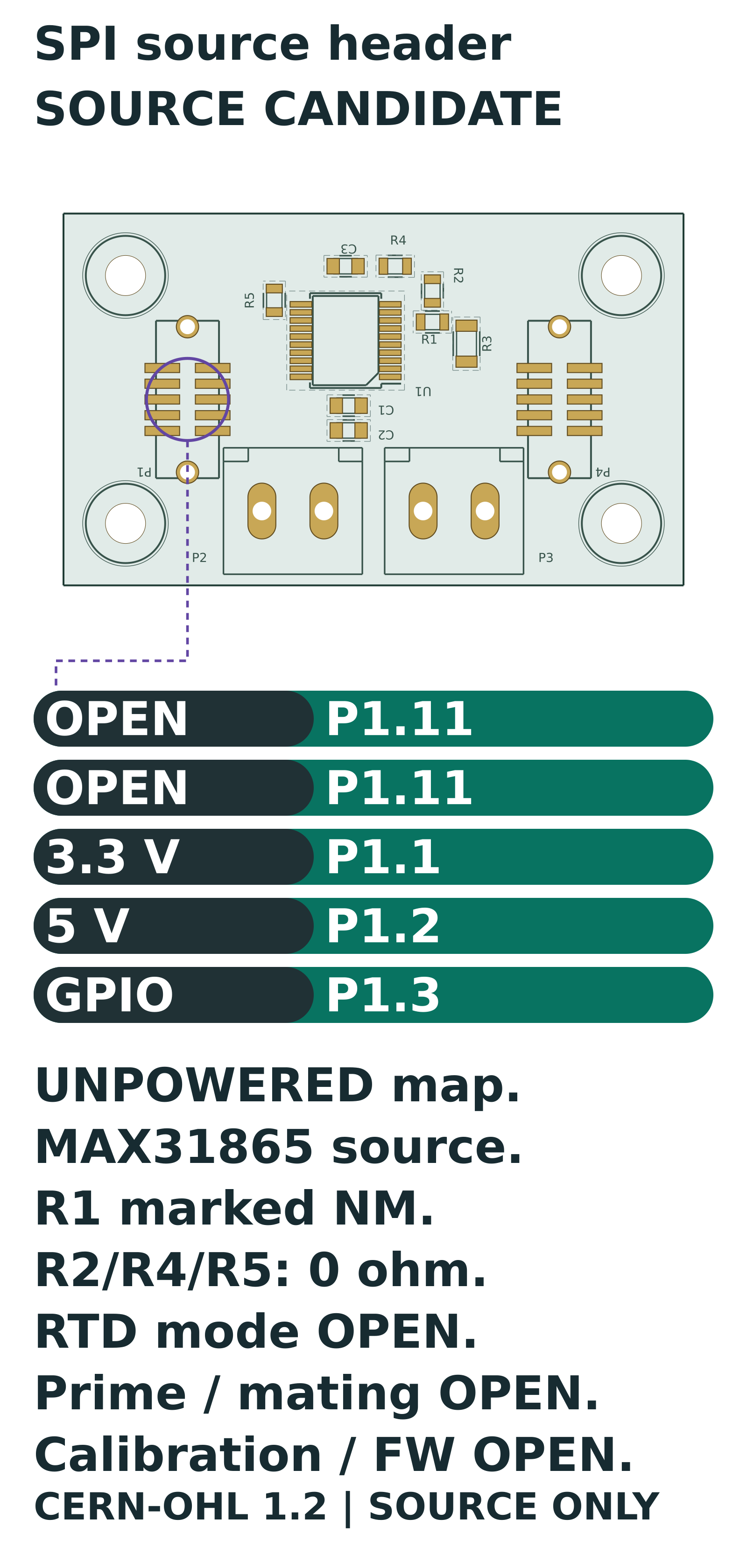
Read labels at full size
Scroll across and down within this view. You can also open the PNG separately and use your browser’s zoom controls.
Fit shows the whole drawing. Zoom to read labels; scroll within the drawing. Escape closes the viewer.
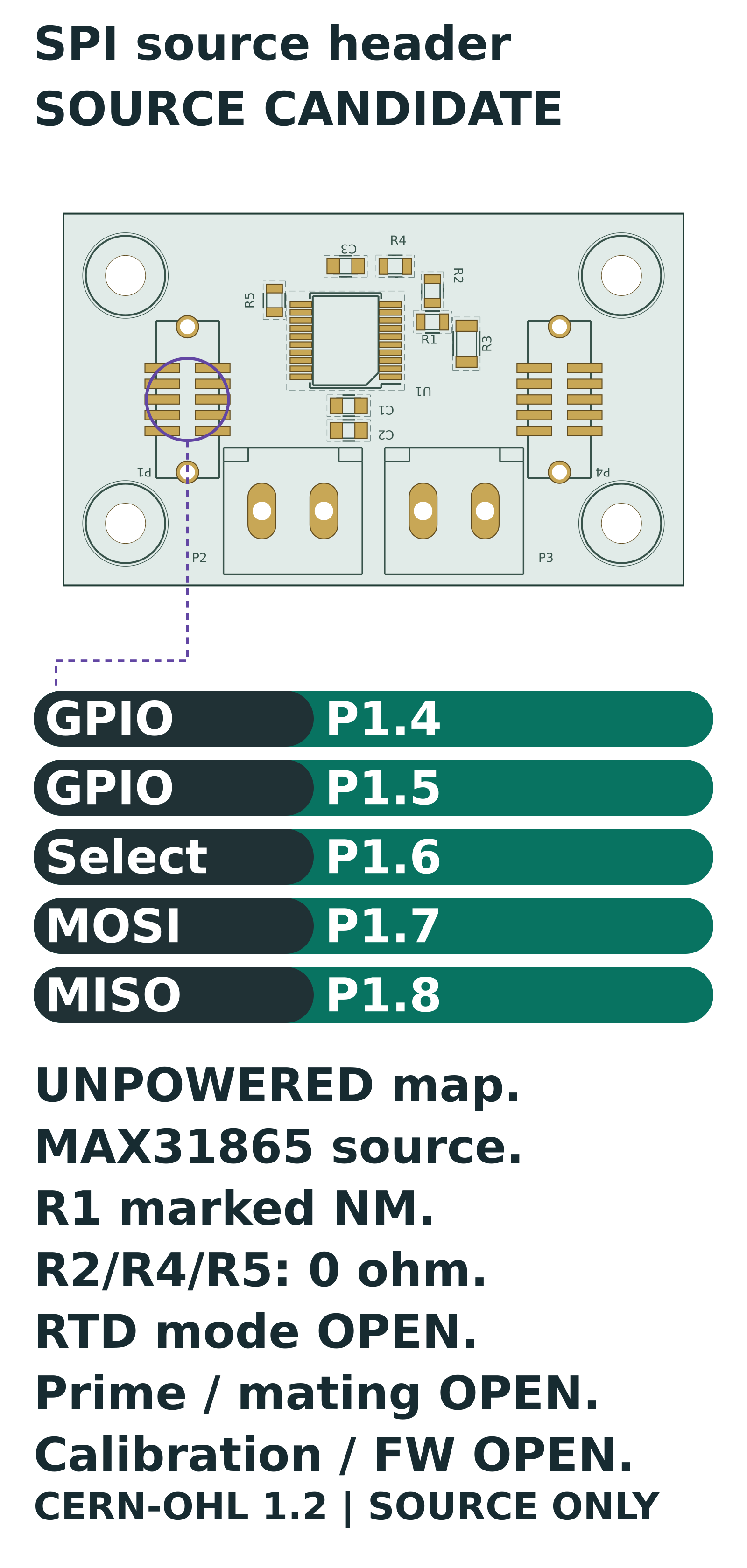
Read labels at full size
Scroll across and down within this view. You can also open the PNG separately and use your browser’s zoom controls.
Fit shows the whole drawing. Zoom to read labels; scroll within the drawing. Escape closes the viewer.
Read labels at full size
Scroll across and down within this view. You can also open the PNG separately and use your browser’s zoom controls.
Fit shows the whole drawing. Zoom to read labels; scroll within the drawing. Escape closes the viewer.
Read labels at full size
Scroll across and down within this view. You can also open the PNG separately and use your browser’s zoom controls.
Fit shows the whole drawing. Zoom to read labels; scroll within the drawing. Escape closes the viewer.
Read labels at full size
Scroll across and down within this view. You can also open the PNG separately and use your browser’s zoom controls.
Fit shows the whole drawing. Zoom to read labels; scroll within the drawing. Escape closes the viewer.
Read labels at full size
Scroll across and down within this view. You can also open the PNG separately and use your browser’s zoom controls.
Fit shows the whole drawing. Zoom to read labels; scroll within the drawing. Escape closes the viewer.
Read labels at full size
Scroll across and down within this view. You can also open the PNG separately and use your browser’s zoom controls.
Fit shows the whole drawing. Zoom to read labels; scroll within the drawing. Escape closes the viewer.
Read labels at full size
Scroll across and down within this view. You can also open the PNG separately and use your browser’s zoom controls.
Fit shows the whole drawing. Zoom to read labels; scroll within the drawing. Escape closes the viewer.
Read labels at full size
Scroll across and down within this view. You can also open the PNG separately and use your browser’s zoom controls.
Fit shows the whole drawing. Zoom to read labels; scroll within the drawing. Escape closes the viewer.
Read labels at full size
Scroll across and down within this view. You can also open the PNG separately and use your browser’s zoom controls.
Fit shows the whole drawing. Zoom to read labels; scroll within the drawing. Escape closes the viewer.
Read labels at full size
Scroll across and down within this view. You can also open the PNG separately and use your browser’s zoom controls.
Fit shows the whole drawing. Zoom to read labels; scroll within the drawing. Escape closes the viewer.
Read labels at full size
Scroll across and down within this view. You can also open the PNG separately and use your browser’s zoom controls.
Fit shows the whole drawing. Zoom to read labels; scroll within the drawing. Escape closes the viewer.
Read labels at full size
Scroll across and down within this view. You can also open the PNG separately and use your browser’s zoom controls.
Fit shows the whole drawing. Zoom to read labels; scroll within the drawing. Escape closes the viewer.
Read labels at full size
Scroll across and down within this view. You can also open the PNG separately and use your browser’s zoom controls.
Fit shows the whole drawing. Zoom to read labels; scroll within the drawing. Escape closes the viewer.
Read labels at full size
Scroll across and down within this view. You can also open the PNG separately and use your browser’s zoom controls.
Fit shows the whole drawing. Zoom to read labels; scroll within the drawing. Escape closes the viewer.
Read labels at full size
Scroll across and down within this view. You can also open the PNG separately and use your browser’s zoom controls.
Fit shows the whole drawing. Zoom to read labels; scroll within the drawing. Escape closes the viewer.
Read labels at full size
Scroll across and down within this view. You can also open the PNG separately and use your browser’s zoom controls.
Fit shows the whole drawing. Zoom to read labels; scroll within the drawing. Escape closes the viewer.
Original contact audits and supplementary source views
Read labels at full size
Scroll across and down within this view. You can also open the PNG separately and use your browser’s zoom controls.
Fit shows the whole drawing. Zoom to read labels; scroll within the drawing. Escape closes the viewer.
Read labels at full size
Scroll across and down within this view. You can also open the PNG separately and use your browser’s zoom controls.
Fit shows the whole drawing. Zoom to read labels; scroll within the drawing. Escape closes the viewer.
Read labels at full size
Scroll across and down within this view. You can also open the PNG separately and use your browser’s zoom controls.
Fit shows the whole drawing. Zoom to read labels; scroll within the drawing. Escape closes the viewer.
Read labels at full size
Scroll across and down within this view. You can also open the PNG separately and use your browser’s zoom controls.
Fit shows the whole drawing. Zoom to read labels; scroll within the drawing. Escape closes the viewer.
Read labels at full size
Scroll across and down within this view. You can also open the PNG separately and use your browser’s zoom controls.
Fit shows the whole drawing. Zoom to read labels; scroll within the drawing. Escape closes the viewer.
Read labels at full size
Scroll across and down within this view. You can also open the PNG separately and use your browser’s zoom controls.
Fit shows the whole drawing. Zoom to read labels; scroll within the drawing. Escape closes the viewer.
Read labels at full size
Scroll across and down within this view. You can also open the PNG separately and use your browser’s zoom controls.
Fit shows the whole drawing. Zoom to read labels; scroll within the drawing. Escape closes the viewer.
Read labels at full size
Scroll across and down within this view. You can also open the PNG separately and use your browser’s zoom controls.
Fit shows the whole drawing. Zoom to read labels; scroll within the drawing. Escape closes the viewer.
Read labels at full size
Scroll across and down within this view. You can also open the PNG separately and use your browser’s zoom controls.
Fit shows the whole drawing. Zoom to read labels; scroll within the drawing. Escape closes the viewer.
Read labels at full size
Scroll across and down within this view. You can also open the PNG separately and use your browser’s zoom controls.
Fit shows the whole drawing. Zoom to read labels; scroll within the drawing. Escape closes the viewer.
Read labels at full size
Scroll across and down within this view. You can also open the PNG separately and use your browser’s zoom controls.
Fit shows the whole drawing. Zoom to read labels; scroll within the drawing. Escape closes the viewer.
Read labels at full size
Scroll across and down within this view. You can also open the PNG separately and use your browser’s zoom controls.
Fit shows the whole drawing. Zoom to read labels; scroll within the drawing. Escape closes the viewer.
Read labels at full size
Scroll across and down within this view. You can also open the PNG separately and use your browser’s zoom controls.
Fit shows the whole drawing. Zoom to read labels; scroll within the drawing. Escape closes the viewer.
Read labels at full size
Scroll across and down within this view. You can also open the PNG separately and use your browser’s zoom controls.
Fit shows the whole drawing. Zoom to read labels; scroll within the drawing. Escape closes the viewer.
Read labels at full size
Scroll across and down within this view. You can also open the PNG separately and use your browser’s zoom controls.
Fit shows the whole drawing. Zoom to read labels; scroll within the drawing. Escape closes the viewer.
Read labels at full size
Scroll across and down within this view. You can also open the PNG separately and use your browser’s zoom controls.
Fit shows the whole drawing. Zoom to read labels; scroll within the drawing. Escape closes the viewer.
Read labels at full size
Scroll across and down within this view. You can also open the PNG separately and use your browser’s zoom controls.
Fit shows the whole drawing. Zoom to read labels; scroll within the drawing. Escape closes the viewer.
Read labels at full size
Scroll across and down within this view. You can also open the PNG separately and use your browser’s zoom controls.
Fit shows the whole drawing. Zoom to read labels; scroll within the drawing. Escape closes the viewer.
Read labels at full size
Scroll across and down within this view. You can also open the PNG separately and use your browser’s zoom controls.
Fit shows the whole drawing. Zoom to read labels; scroll within the drawing. Escape closes the viewer.
Read labels at full size
Scroll across and down within this view. You can also open the PNG separately and use your browser’s zoom controls.
Fit shows the whole drawing. Zoom to read labels; scroll within the drawing. Escape closes the viewer.
Read labels at full size
Scroll across and down within this view. You can also open the PNG separately and use your browser’s zoom controls.
Fit shows the whole drawing. Zoom to read labels; scroll within the drawing. Escape closes the viewer.
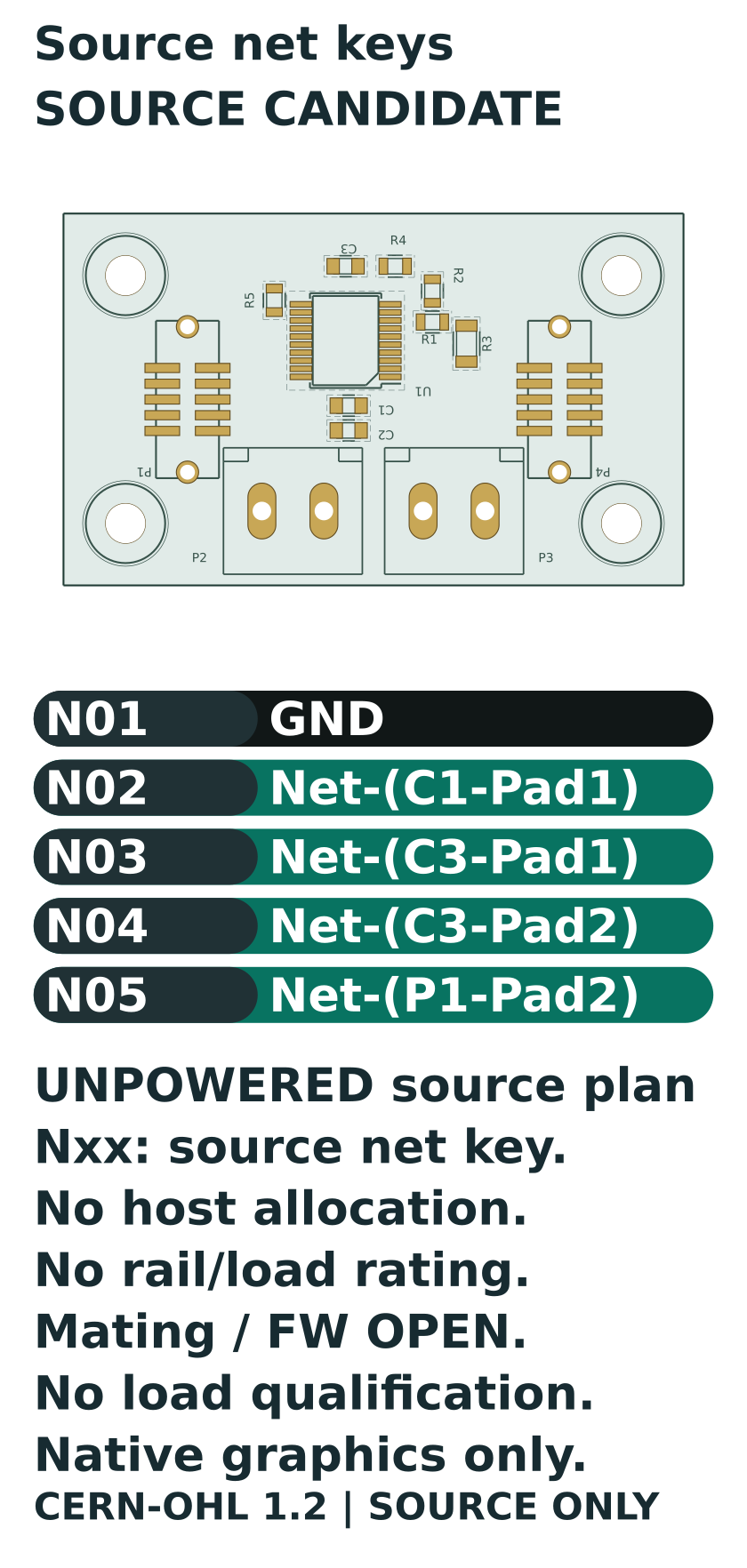
Read labels at full size
Scroll across and down within this view. You can also open the PNG separately and use your browser’s zoom controls.
Fit shows the whole drawing. Zoom to read labels; scroll within the drawing. Escape closes the viewer.
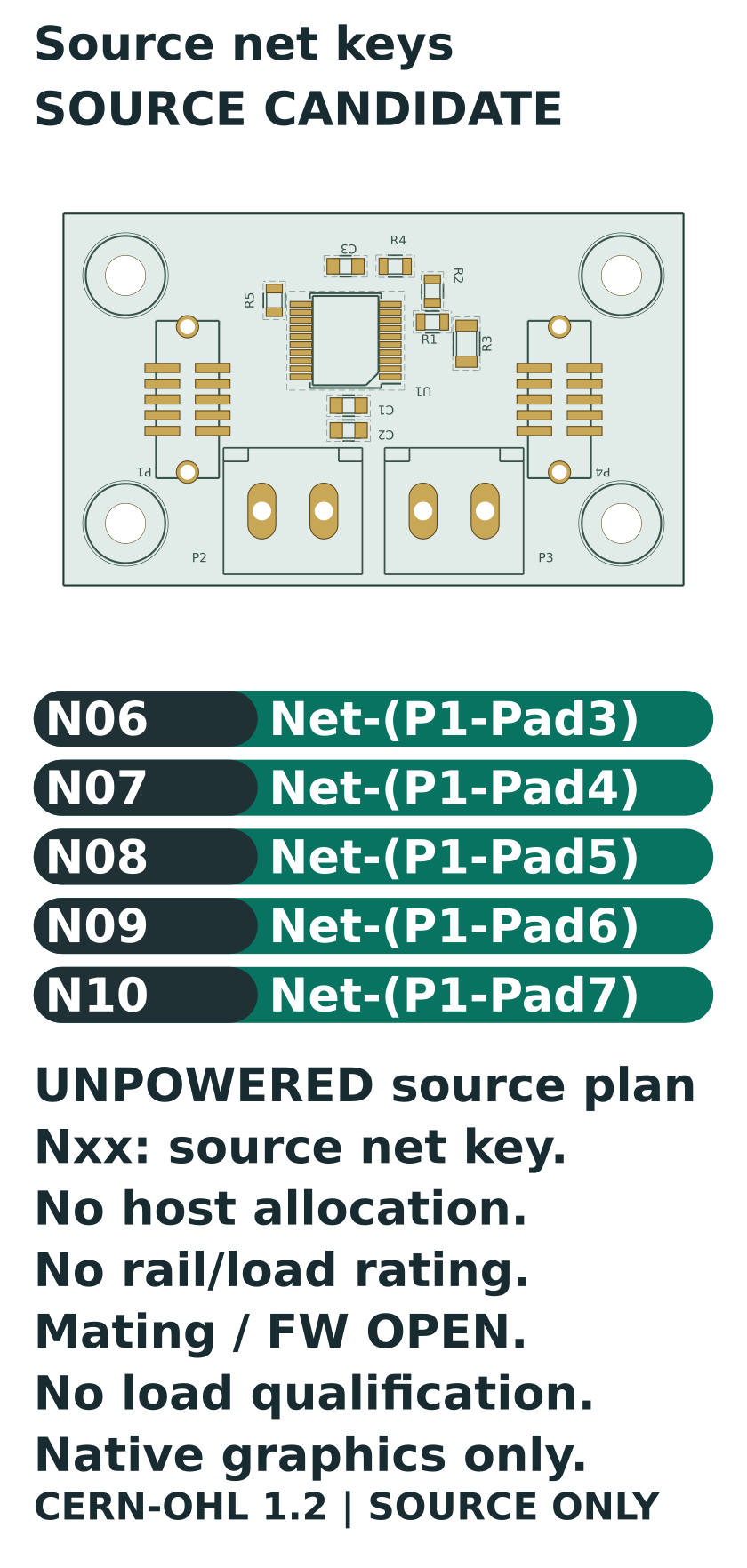
Read labels at full size
Scroll across and down within this view. You can also open the PNG separately and use your browser’s zoom controls.
Fit shows the whole drawing. Zoom to read labels; scroll within the drawing. Escape closes the viewer.
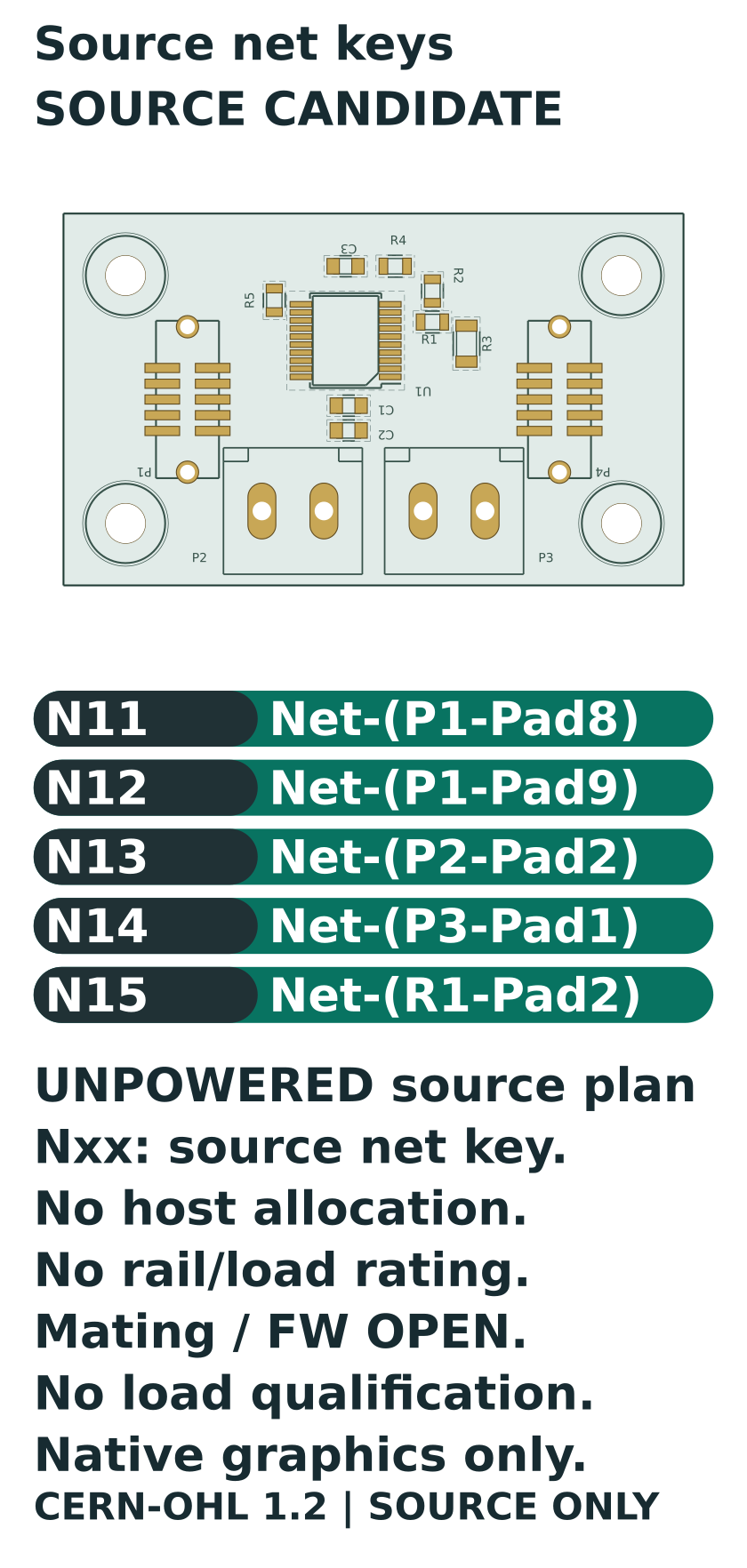
Read labels at full size
Scroll across and down within this view. You can also open the PNG separately and use your browser’s zoom controls.
Fit shows the whole drawing. Zoom to read labels; scroll within the drawing. Escape closes the viewer.
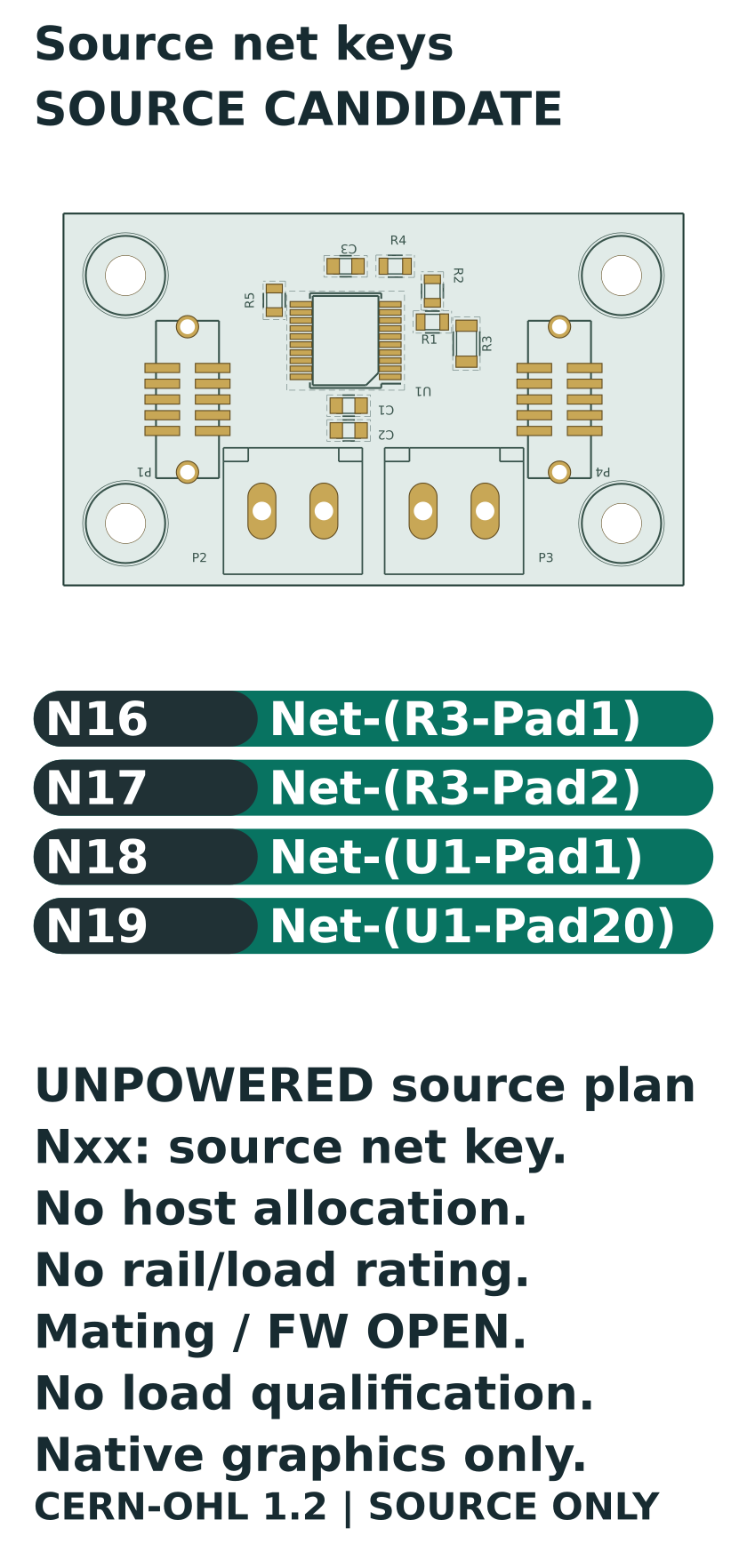
Read labels at full size
Scroll across and down within this view. You can also open the PNG separately and use your browser’s zoom controls.
Fit shows the whole drawing. Zoom to read labels; scroll within the drawing. Escape closes the viewer.
Read labels at full size
Scroll across and down within this view. You can also open the PNG separately and use your browser’s zoom controls.
Fit shows the whole drawing. Zoom to read labels; scroll within the drawing. Escape closes the viewer.
Read labels at full size
Scroll across and down within this view. You can also open the PNG separately and use your browser’s zoom controls.
Fit shows the whole drawing. Zoom to read labels; scroll within the drawing. Escape closes the viewer.
Read labels at full size
Scroll across and down within this view. You can also open the PNG separately and use your browser’s zoom controls.
Fit shows the whole drawing. Zoom to read labels; scroll within the drawing. Escape closes the viewer.
Read labels at full size
Scroll across and down within this view. You can also open the PNG separately and use your browser’s zoom controls.
Fit shows the whole drawing. Zoom to read labels; scroll within the drawing. Escape closes the viewer.
Individual native contact keys
Read labels at full size
Scroll across and down within this view. You can also open the PNG separately and use your browser’s zoom controls.
Fit shows the whole drawing. Zoom to read labels; scroll within the drawing. Escape closes the viewer.
Read labels at full size
Scroll across and down within this view. You can also open the PNG separately and use your browser’s zoom controls.
Fit shows the whole drawing. Zoom to read labels; scroll within the drawing. Escape closes the viewer.
Read labels at full size
Scroll across and down within this view. You can also open the PNG separately and use your browser’s zoom controls.
Fit shows the whole drawing. Zoom to read labels; scroll within the drawing. Escape closes the viewer.
Read labels at full size
Scroll across and down within this view. You can also open the PNG separately and use your browser’s zoom controls.
Fit shows the whole drawing. Zoom to read labels; scroll within the drawing. Escape closes the viewer.
Read labels at full size
Scroll across and down within this view. You can also open the PNG separately and use your browser’s zoom controls.
Fit shows the whole drawing. Zoom to read labels; scroll within the drawing. Escape closes the viewer.
Read labels at full size
Scroll across and down within this view. You can also open the PNG separately and use your browser’s zoom controls.
Fit shows the whole drawing. Zoom to read labels; scroll within the drawing. Escape closes the viewer.
Read labels at full size
Scroll across and down within this view. You can also open the PNG separately and use your browser’s zoom controls.
Fit shows the whole drawing. Zoom to read labels; scroll within the drawing. Escape closes the viewer.
Read labels at full size
Scroll across and down within this view. You can also open the PNG separately and use your browser’s zoom controls.
Fit shows the whole drawing. Zoom to read labels; scroll within the drawing. Escape closes the viewer.
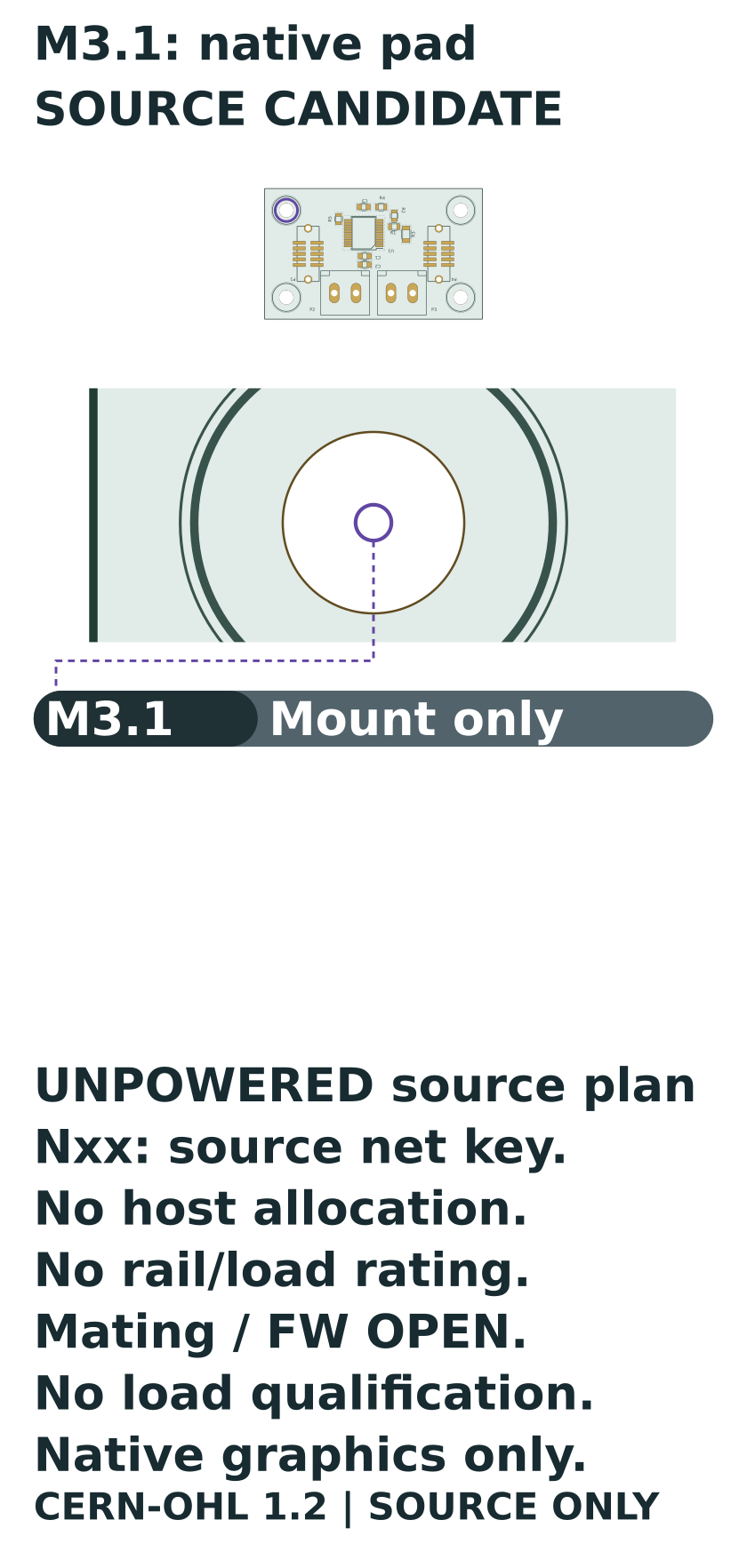
Read labels at full size
Scroll across and down within this view. You can also open the PNG separately and use your browser’s zoom controls.
Fit shows the whole drawing. Zoom to read labels; scroll within the drawing. Escape closes the viewer.
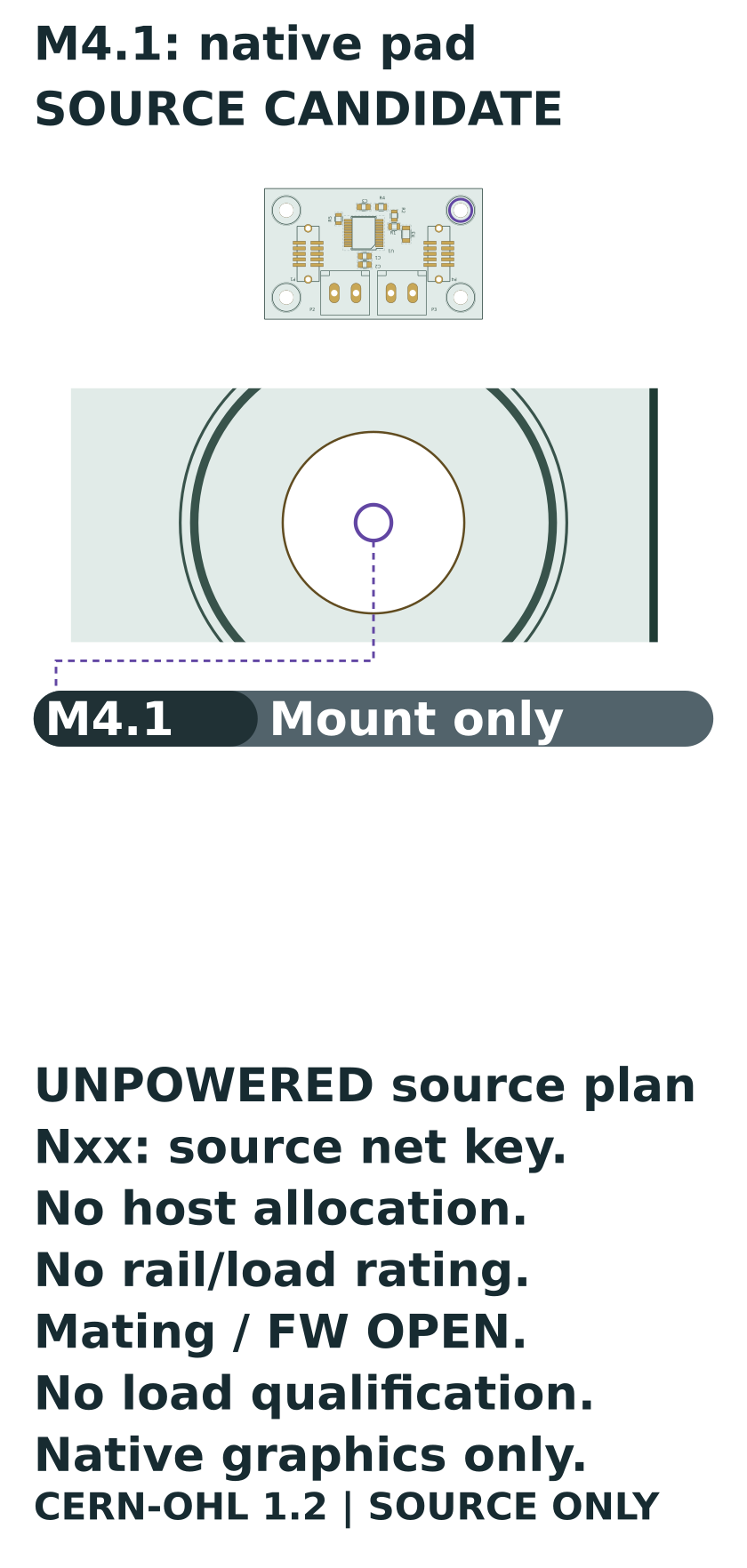
Read labels at full size
Scroll across and down within this view. You can also open the PNG separately and use your browser’s zoom controls.
Fit shows the whole drawing. Zoom to read labels; scroll within the drawing. Escape closes the viewer.
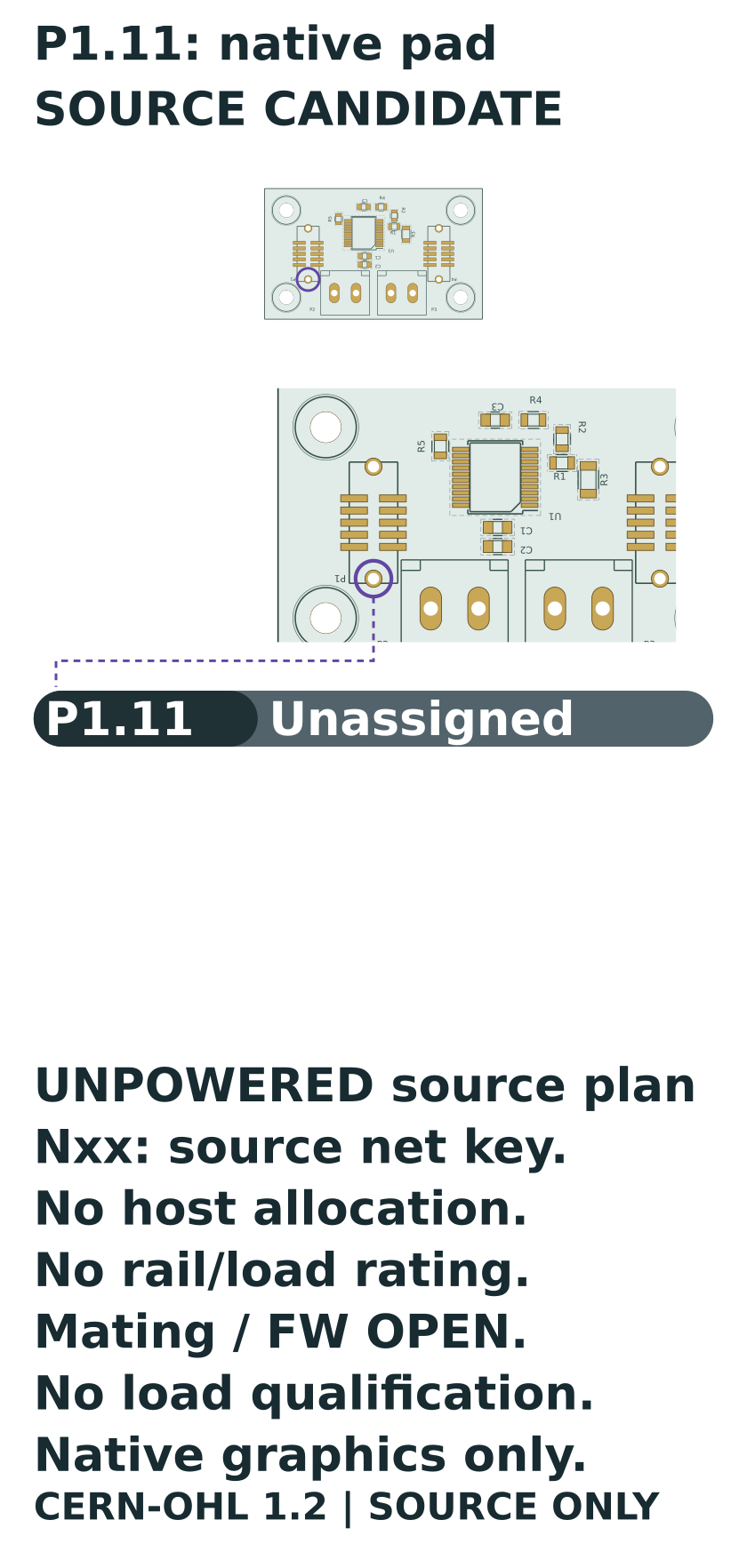
Read labels at full size
Scroll across and down within this view. You can also open the PNG separately and use your browser’s zoom controls.
Fit shows the whole drawing. Zoom to read labels; scroll within the drawing. Escape closes the viewer.
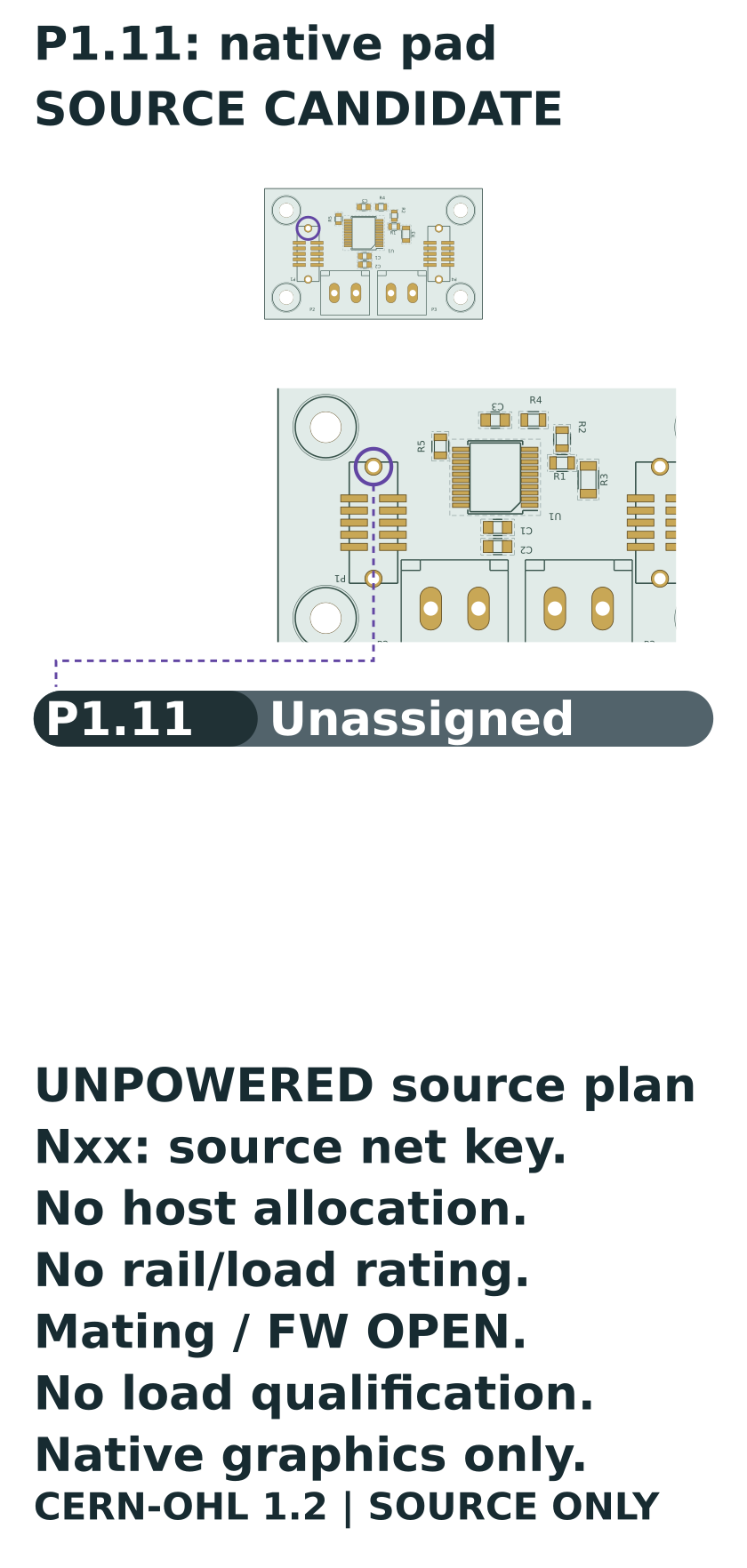
Read labels at full size
Scroll across and down within this view. You can also open the PNG separately and use your browser’s zoom controls.
Fit shows the whole drawing. Zoom to read labels; scroll within the drawing. Escape closes the viewer.
Read labels at full size
Scroll across and down within this view. You can also open the PNG separately and use your browser’s zoom controls.
Fit shows the whole drawing. Zoom to read labels; scroll within the drawing. Escape closes the viewer.
Read labels at full size
Scroll across and down within this view. You can also open the PNG separately and use your browser’s zoom controls.
Fit shows the whole drawing. Zoom to read labels; scroll within the drawing. Escape closes the viewer.
Read labels at full size
Scroll across and down within this view. You can also open the PNG separately and use your browser’s zoom controls.
Fit shows the whole drawing. Zoom to read labels; scroll within the drawing. Escape closes the viewer.
Read labels at full size
Scroll across and down within this view. You can also open the PNG separately and use your browser’s zoom controls.
Fit shows the whole drawing. Zoom to read labels; scroll within the drawing. Escape closes the viewer.
Read labels at full size
Scroll across and down within this view. You can also open the PNG separately and use your browser’s zoom controls.
Fit shows the whole drawing. Zoom to read labels; scroll within the drawing. Escape closes the viewer.
Read labels at full size
Scroll across and down within this view. You can also open the PNG separately and use your browser’s zoom controls.
Fit shows the whole drawing. Zoom to read labels; scroll within the drawing. Escape closes the viewer.
Read labels at full size
Scroll across and down within this view. You can also open the PNG separately and use your browser’s zoom controls.
Fit shows the whole drawing. Zoom to read labels; scroll within the drawing. Escape closes the viewer.
Read labels at full size
Scroll across and down within this view. You can also open the PNG separately and use your browser’s zoom controls.
Fit shows the whole drawing. Zoom to read labels; scroll within the drawing. Escape closes the viewer.
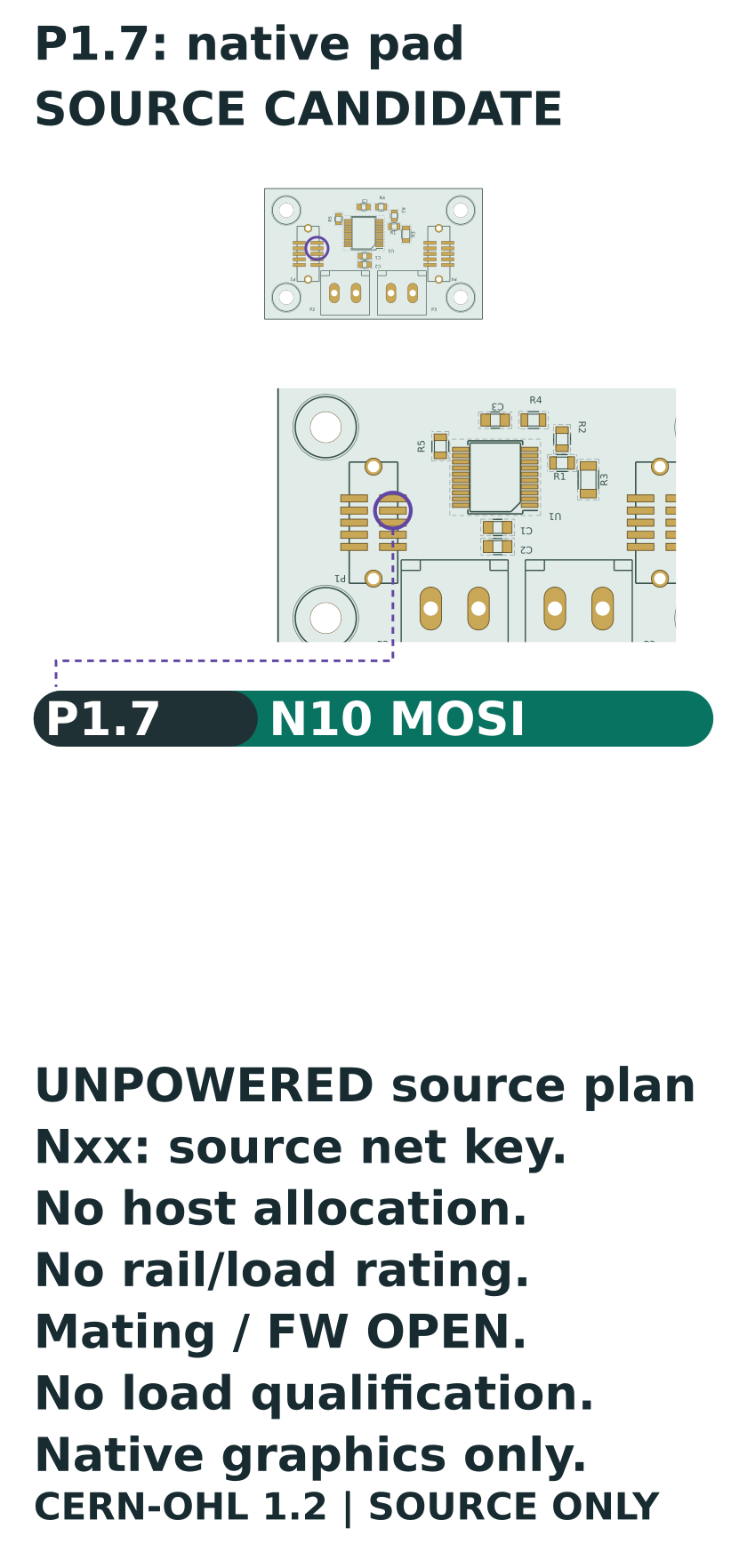
Read labels at full size
Scroll across and down within this view. You can also open the PNG separately and use your browser’s zoom controls.
Fit shows the whole drawing. Zoom to read labels; scroll within the drawing. Escape closes the viewer.
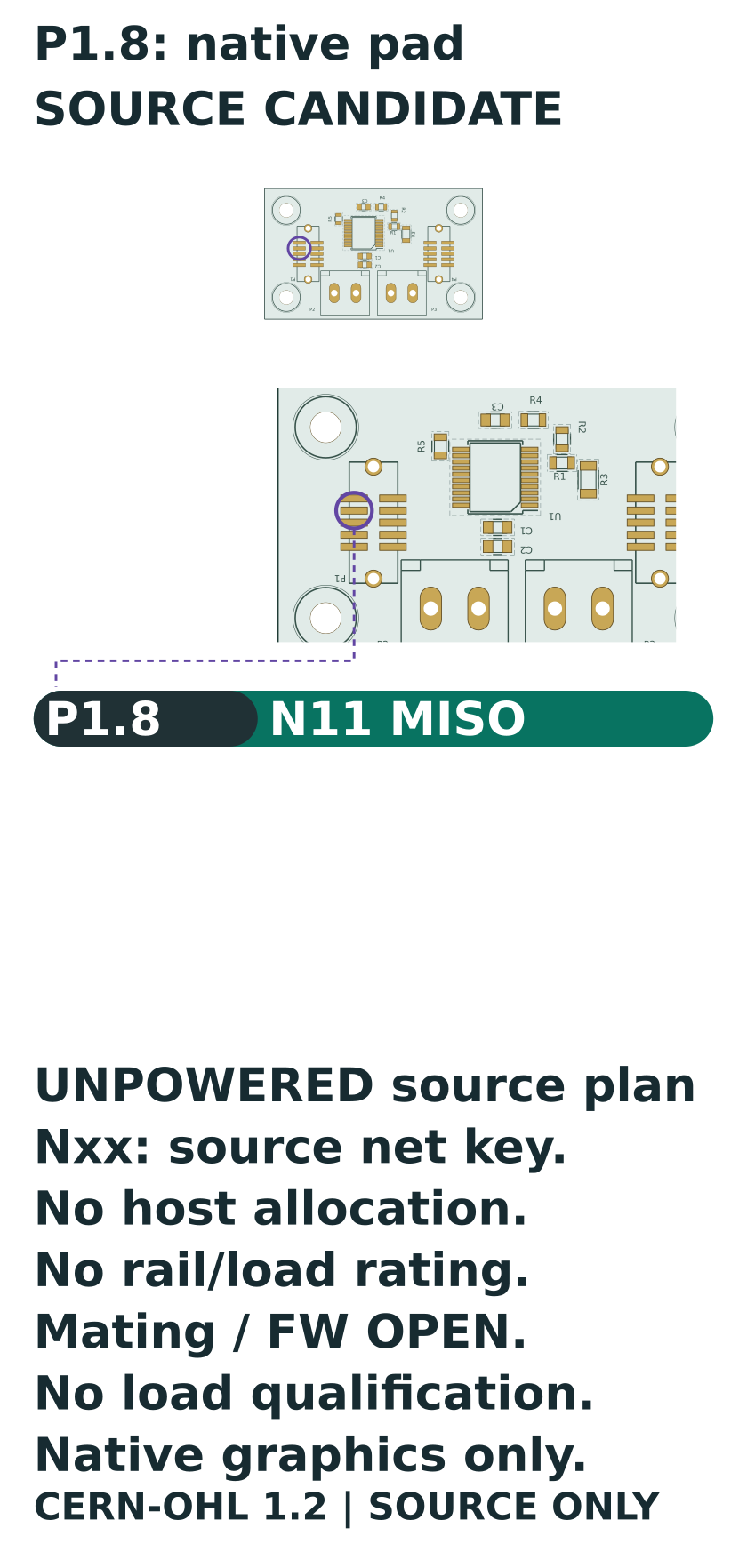
Read labels at full size
Scroll across and down within this view. You can also open the PNG separately and use your browser’s zoom controls.
Fit shows the whole drawing. Zoom to read labels; scroll within the drawing. Escape closes the viewer.
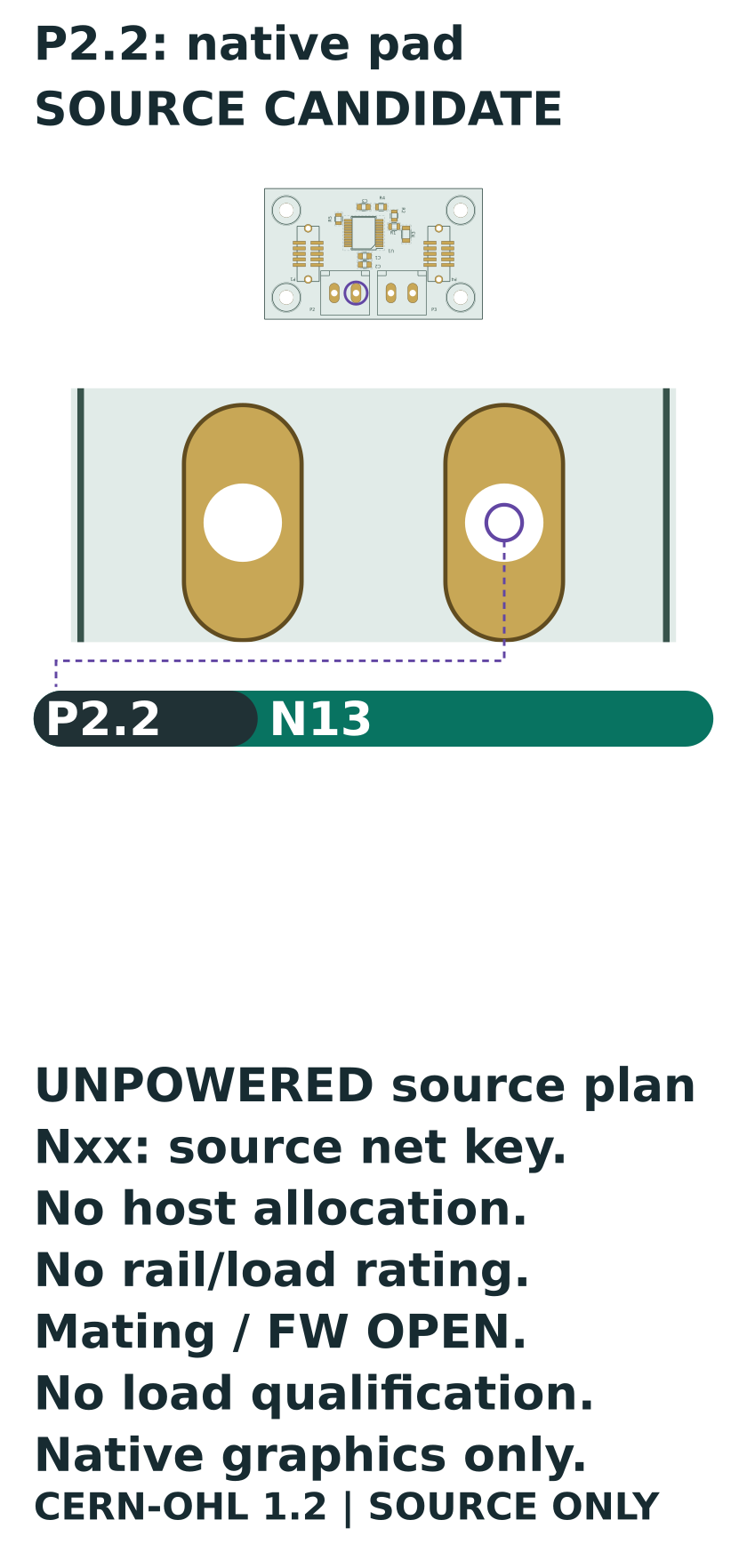
Read labels at full size
Scroll across and down within this view. You can also open the PNG separately and use your browser’s zoom controls.
Fit shows the whole drawing. Zoom to read labels; scroll within the drawing. Escape closes the viewer.
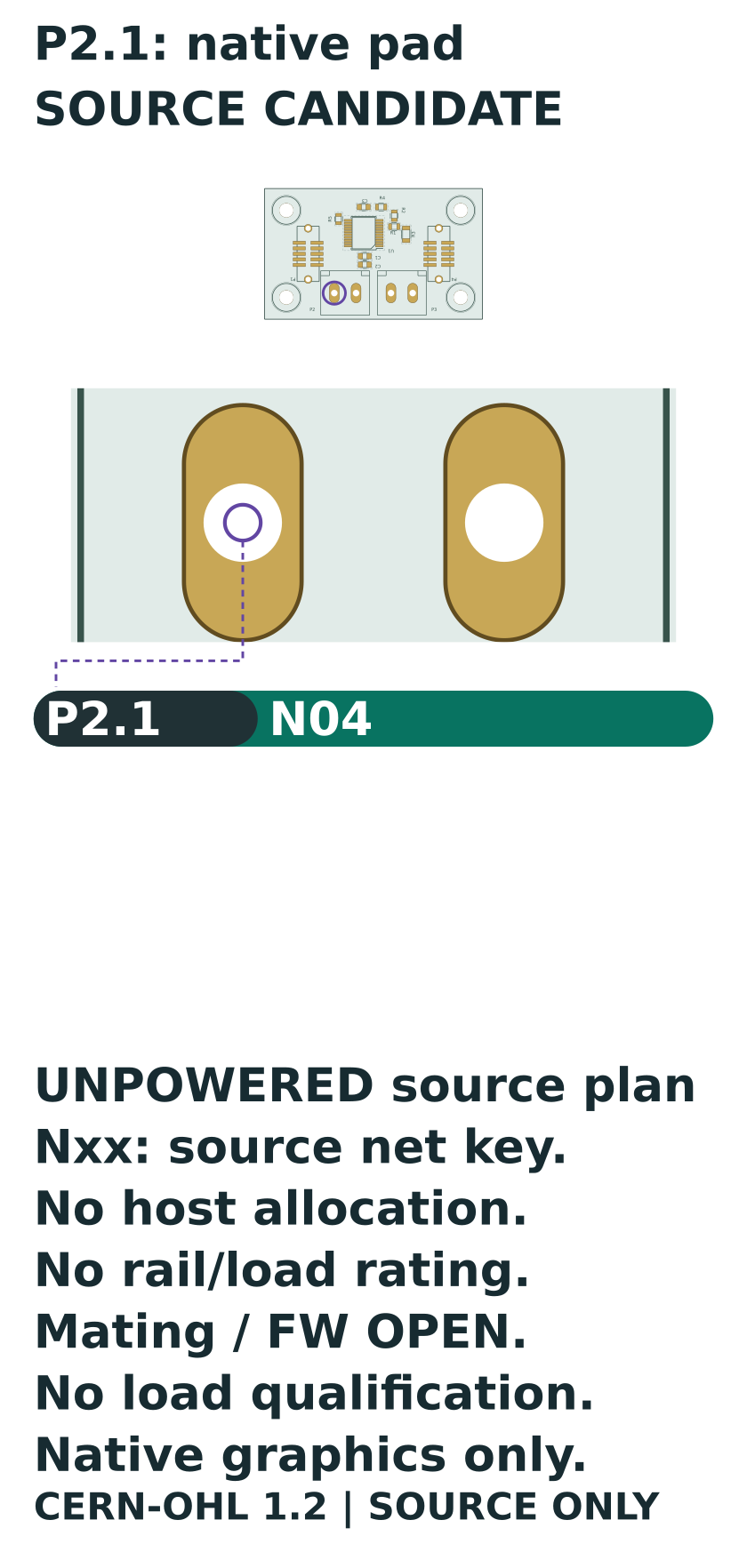
Read labels at full size
Scroll across and down within this view. You can also open the PNG separately and use your browser’s zoom controls.
Fit shows the whole drawing. Zoom to read labels; scroll within the drawing. Escape closes the viewer.
Read labels at full size
Scroll across and down within this view. You can also open the PNG separately and use your browser’s zoom controls.
Fit shows the whole drawing. Zoom to read labels; scroll within the drawing. Escape closes the viewer.
Read labels at full size
Scroll across and down within this view. You can also open the PNG separately and use your browser’s zoom controls.
Fit shows the whole drawing. Zoom to read labels; scroll within the drawing. Escape closes the viewer.
Read labels at full size
Scroll across and down within this view. You can also open the PNG separately and use your browser’s zoom controls.
Fit shows the whole drawing. Zoom to read labels; scroll within the drawing. Escape closes the viewer.
Read labels at full size
Scroll across and down within this view. You can also open the PNG separately and use your browser’s zoom controls.
Fit shows the whole drawing. Zoom to read labels; scroll within the drawing. Escape closes the viewer.
Read labels at full size
Scroll across and down within this view. You can also open the PNG separately and use your browser’s zoom controls.
Fit shows the whole drawing. Zoom to read labels; scroll within the drawing. Escape closes the viewer.
Read labels at full size
Scroll across and down within this view. You can also open the PNG separately and use your browser’s zoom controls.
Fit shows the whole drawing. Zoom to read labels; scroll within the drawing. Escape closes the viewer.
Read labels at full size
Scroll across and down within this view. You can also open the PNG separately and use your browser’s zoom controls.
Fit shows the whole drawing. Zoom to read labels; scroll within the drawing. Escape closes the viewer.
Read labels at full size
Scroll across and down within this view. You can also open the PNG separately and use your browser’s zoom controls.
Fit shows the whole drawing. Zoom to read labels; scroll within the drawing. Escape closes the viewer.
Read labels at full size
Scroll across and down within this view. You can also open the PNG separately and use your browser’s zoom controls.
Fit shows the whole drawing. Zoom to read labels; scroll within the drawing. Escape closes the viewer.
Read labels at full size
Scroll across and down within this view. You can also open the PNG separately and use your browser’s zoom controls.
Fit shows the whole drawing. Zoom to read labels; scroll within the drawing. Escape closes the viewer.
Read labels at full size
Scroll across and down within this view. You can also open the PNG separately and use your browser’s zoom controls.
Fit shows the whole drawing. Zoom to read labels; scroll within the drawing. Escape closes the viewer.
Read labels at full size
Scroll across and down within this view. You can also open the PNG separately and use your browser’s zoom controls.
Fit shows the whole drawing. Zoom to read labels; scroll within the drawing. Escape closes the viewer.
Read labels at full size
Scroll across and down within this view. You can also open the PNG separately and use your browser’s zoom controls.
Fit shows the whole drawing. Zoom to read labels; scroll within the drawing. Escape closes the viewer.
Read labels at full size
Scroll across and down within this view. You can also open the PNG separately and use your browser’s zoom controls.
Fit shows the whole drawing. Zoom to read labels; scroll within the drawing. Escape closes the viewer.
Read labels at full size
Scroll across and down within this view. You can also open the PNG separately and use your browser’s zoom controls.
Fit shows the whole drawing. Zoom to read labels; scroll within the drawing. Escape closes the viewer.
Read labels at full size
Scroll across and down within this view. You can also open the PNG separately and use your browser’s zoom controls.
Fit shows the whole drawing. Zoom to read labels; scroll within the drawing. Escape closes the viewer.
Read labels at full size
Scroll across and down within this view. You can also open the PNG separately and use your browser’s zoom controls.
Fit shows the whole drawing. Zoom to read labels; scroll within the drawing. Escape closes the viewer.
Read labels at full size
Scroll across and down within this view. You can also open the PNG separately and use your browser’s zoom controls.
Fit shows the whole drawing. Zoom to read labels; scroll within the drawing. Escape closes the viewer.
Read labels at full size
Scroll across and down within this view. You can also open the PNG separately and use your browser’s zoom controls.
Fit shows the whole drawing. Zoom to read labels; scroll within the drawing. Escape closes the viewer.
Read labels at full size
Scroll across and down within this view. You can also open the PNG separately and use your browser’s zoom controls.
Fit shows the whole drawing. Zoom to read labels; scroll within the drawing. Escape closes the viewer.
Read labels at full size
Scroll across and down within this view. You can also open the PNG separately and use your browser’s zoom controls.
Fit shows the whole drawing. Zoom to read labels; scroll within the drawing. Escape closes the viewer.
Read labels at full size
Scroll across and down within this view. You can also open the PNG separately and use your browser’s zoom controls.
Fit shows the whole drawing. Zoom to read labels; scroll within the drawing. Escape closes the viewer.
Read labels at full size
Scroll across and down within this view. You can also open the PNG separately and use your browser’s zoom controls.
Fit shows the whole drawing. Zoom to read labels; scroll within the drawing. Escape closes the viewer.
Read labels at full size
Scroll across and down within this view. You can also open the PNG separately and use your browser’s zoom controls.
Fit shows the whole drawing. Zoom to read labels; scroll within the drawing. Escape closes the viewer.
Read labels at full size
Scroll across and down within this view. You can also open the PNG separately and use your browser’s zoom controls.
Fit shows the whole drawing. Zoom to read labels; scroll within the drawing. Escape closes the viewer.
Read labels at full size
Scroll across and down within this view. You can also open the PNG separately and use your browser’s zoom controls.
Fit shows the whole drawing. Zoom to read labels; scroll within the drawing. Escape closes the viewer.
Read labels at full size
Scroll across and down within this view. You can also open the PNG separately and use your browser’s zoom controls.
Fit shows the whole drawing. Zoom to read labels; scroll within the drawing. Escape closes the viewer.
Read labels at full size
Scroll across and down within this view. You can also open the PNG separately and use your browser’s zoom controls.
Fit shows the whole drawing. Zoom to read labels; scroll within the drawing. Escape closes the viewer.
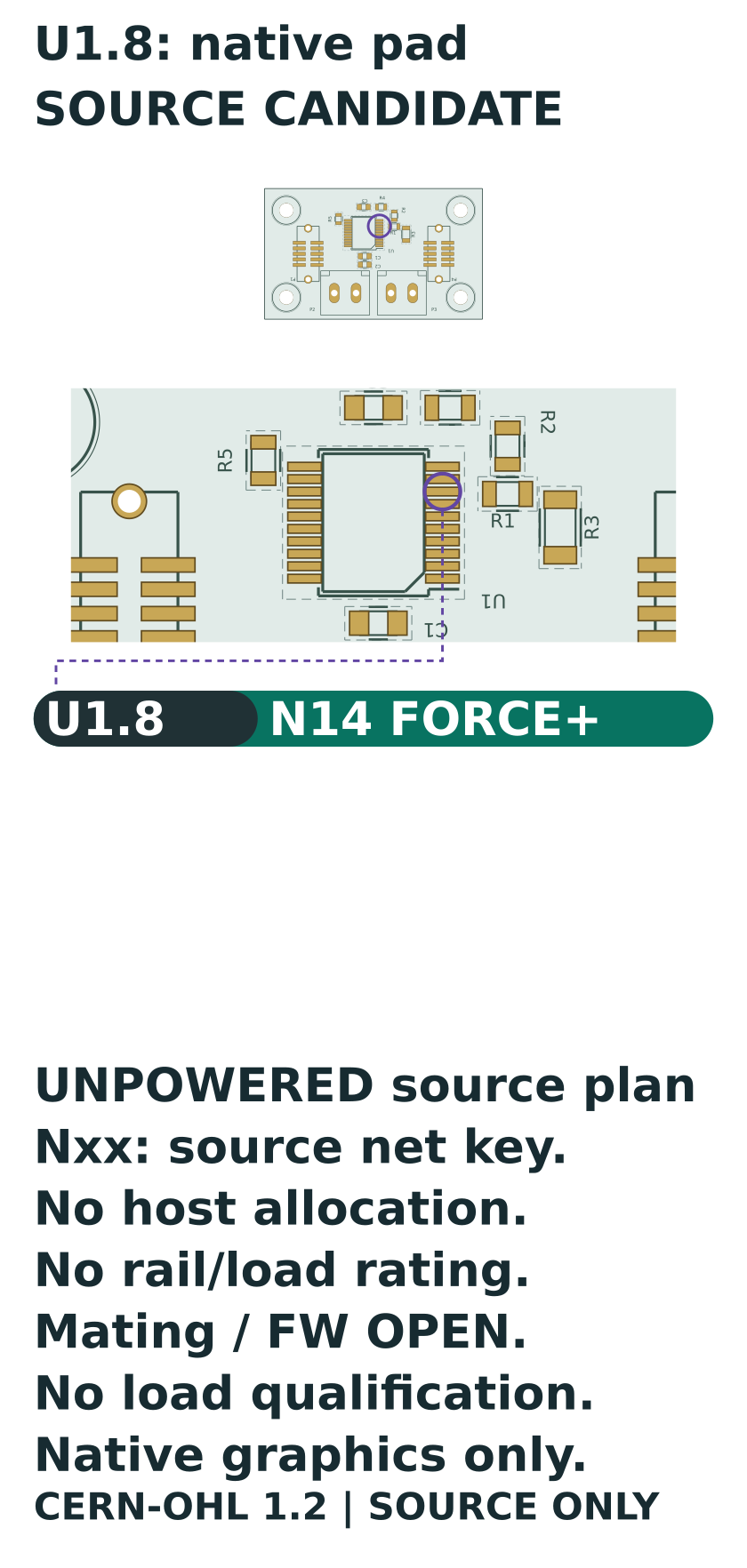
Read labels at full size
Scroll across and down within this view. You can also open the PNG separately and use your browser’s zoom controls.
Fit shows the whole drawing. Zoom to read labels; scroll within the drawing. Escape closes the viewer.
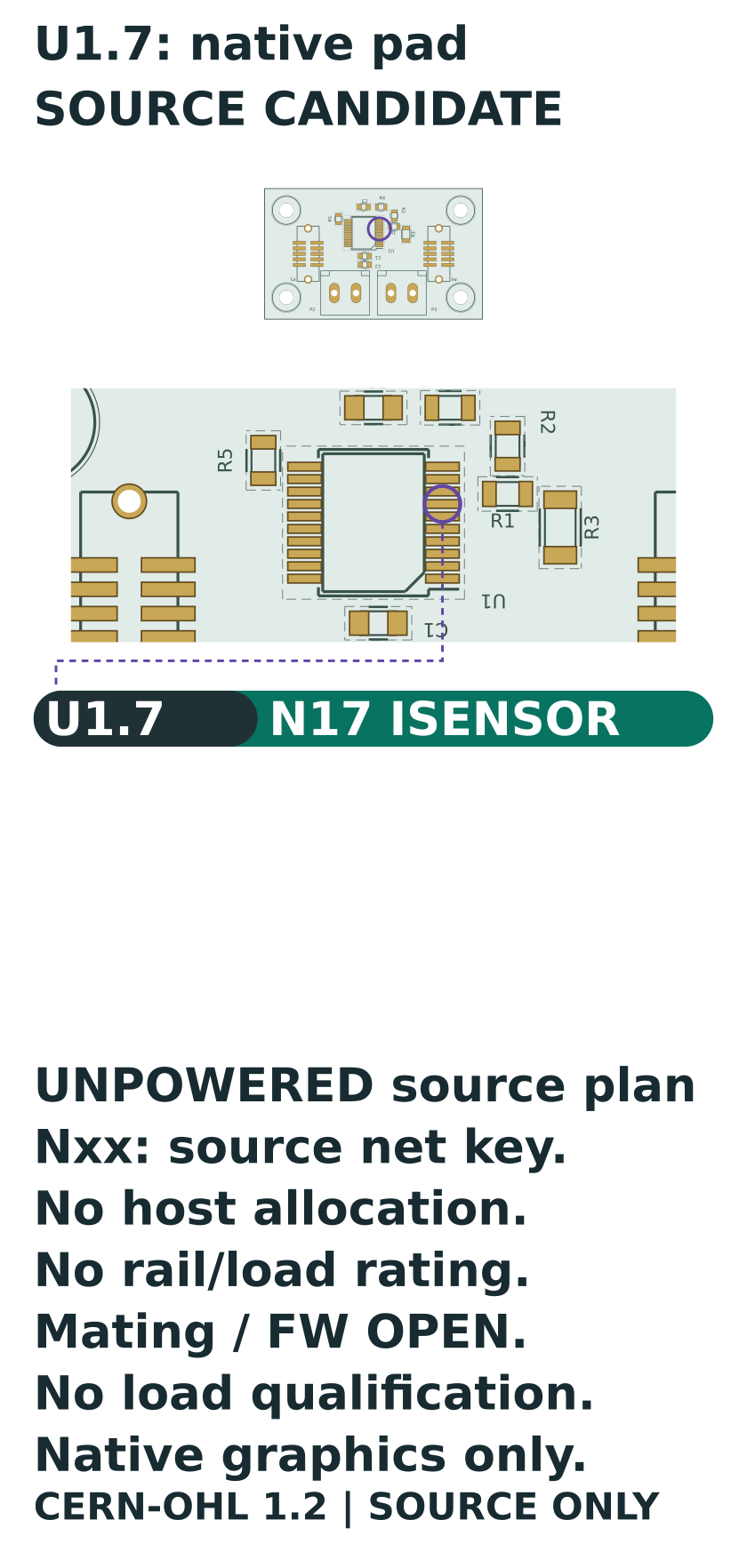
Read labels at full size
Scroll across and down within this view. You can also open the PNG separately and use your browser’s zoom controls.
Fit shows the whole drawing. Zoom to read labels; scroll within the drawing. Escape closes the viewer.
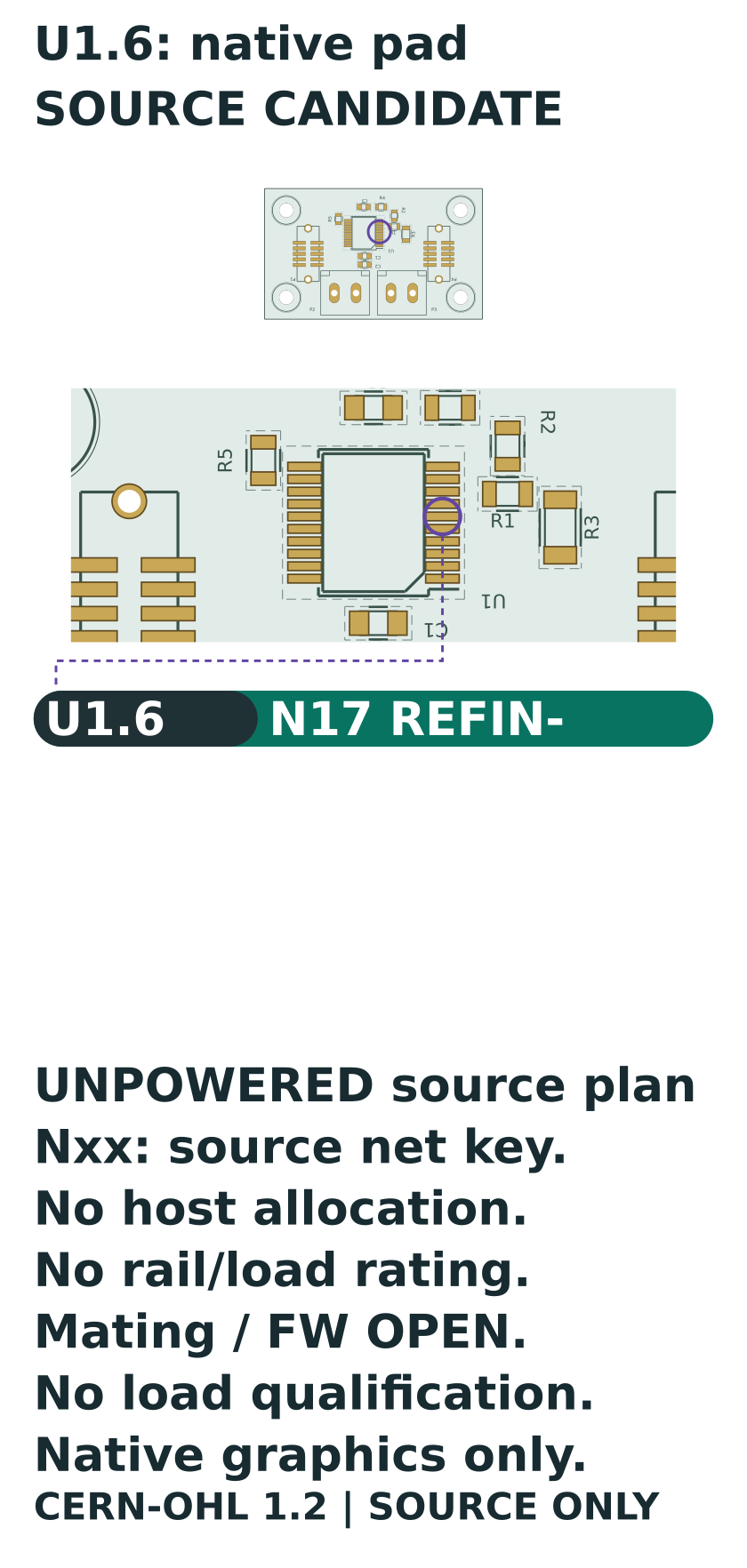
Read labels at full size
Scroll across and down within this view. You can also open the PNG separately and use your browser’s zoom controls.
Fit shows the whole drawing. Zoom to read labels; scroll within the drawing. Escape closes the viewer.
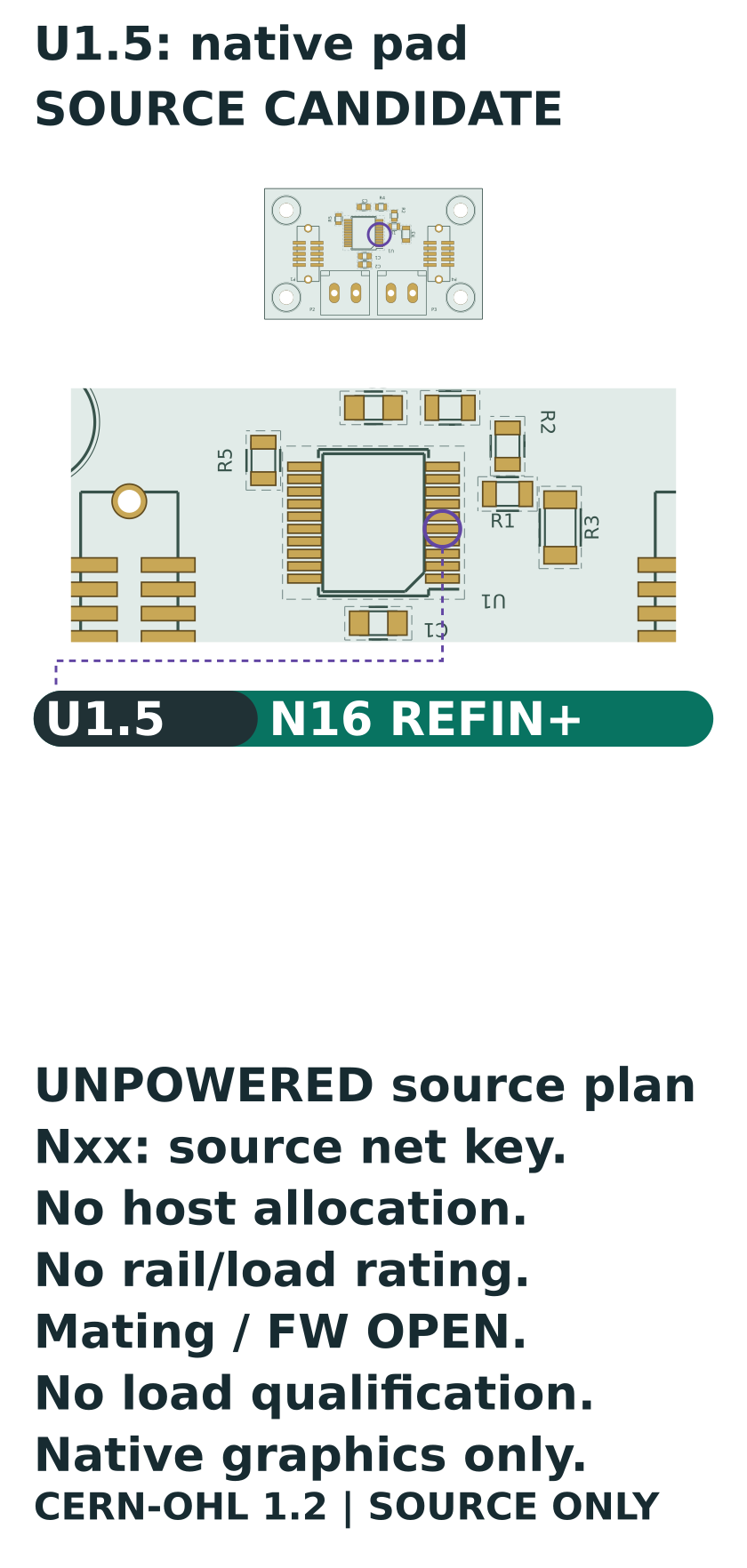
Read labels at full size
Scroll across and down within this view. You can also open the PNG separately and use your browser’s zoom controls.
Fit shows the whole drawing. Zoom to read labels; scroll within the drawing. Escape closes the viewer.
Read labels at full size
Scroll across and down within this view. You can also open the PNG separately and use your browser’s zoom controls.
Fit shows the whole drawing. Zoom to read labels; scroll within the drawing. Escape closes the viewer.
Read labels at full size
Scroll across and down within this view. You can also open the PNG separately and use your browser’s zoom controls.
Fit shows the whole drawing. Zoom to read labels; scroll within the drawing. Escape closes the viewer.
Read labels at full size
Scroll across and down within this view. You can also open the PNG separately and use your browser’s zoom controls.
Fit shows the whole drawing. Zoom to read labels; scroll within the drawing. Escape closes the viewer.
Read labels at full size
Scroll across and down within this view. You can also open the PNG separately and use your browser’s zoom controls.
Fit shows the whole drawing. Zoom to read labels; scroll within the drawing. Escape closes the viewer.
Read labels at full size
Scroll across and down within this view. You can also open the PNG separately and use your browser’s zoom controls.
Fit shows the whole drawing. Zoom to read labels; scroll within the drawing. Escape closes the viewer.
Read labels at full size
Scroll across and down within this view. You can also open the PNG separately and use your browser’s zoom controls.
Fit shows the whole drawing. Zoom to read labels; scroll within the drawing. Escape closes the viewer.
Read labels at full size
Scroll across and down within this view. You can also open the PNG separately and use your browser’s zoom controls.
Fit shows the whole drawing. Zoom to read labels; scroll within the drawing. Escape closes the viewer.
Read labels at full size
Scroll across and down within this view. You can also open the PNG separately and use your browser’s zoom controls.
Fit shows the whole drawing. Zoom to read labels; scroll within the drawing. Escape closes the viewer.
Read labels at full size
Scroll across and down within this view. You can also open the PNG separately and use your browser’s zoom controls.
Fit shows the whole drawing. Zoom to read labels; scroll within the drawing. Escape closes the viewer.
Read labels at full size
Scroll across and down within this view. You can also open the PNG separately and use your browser’s zoom controls.
Fit shows the whole drawing. Zoom to read labels; scroll within the drawing. Escape closes the viewer.
Read labels at full size
Scroll across and down within this view. You can also open the PNG separately and use your browser’s zoom controls.
Fit shows the whole drawing. Zoom to read labels; scroll within the drawing. Escape closes the viewer.
Read labels at full size
Scroll across and down within this view. You can also open the PNG separately and use your browser’s zoom controls.
Fit shows the whole drawing. Zoom to read labels; scroll within the drawing. Escape closes the viewer.
Retained earlier functional references
Board functions and contact positions
These sheets identify the selected source components and explain their contacts. Start with the host and probe connectors; expand the circuit details for fitted links, filtering and mounting points. Native front-coordinate markers do not establish cable orientation or physical connector cavities.
Read labels at full size
Scroll across and down within this view. You can also open the PNG separately and use your browser’s zoom controls.
Fit shows the whole drawing. Zoom to read labels; scroll within the drawing. Escape closes the viewer.
Read labels at full size
Scroll across and down within this view. You can also open the PNG separately and use your browser’s zoom controls.
Fit shows the whole drawing. Zoom to read labels; scroll within the drawing. Escape closes the viewer.
Read labels at full size
Scroll across and down within this view. You can also open the PNG separately and use your browser’s zoom controls.
Fit shows the whole drawing. Zoom to read labels; scroll within the drawing. Escape closes the viewer.
Read labels at full size
Scroll across and down within this view. You can also open the PNG separately and use your browser’s zoom controls.
Fit shows the whole drawing. Zoom to read labels; scroll within the drawing. Escape closes the viewer.
Read labels at full size
Scroll across and down within this view. You can also open the PNG separately and use your browser’s zoom controls.
Fit shows the whole drawing. Zoom to read labels; scroll within the drawing. Escape closes the viewer.
Read labels at full size
Scroll across and down within this view. You can also open the PNG separately and use your browser’s zoom controls.
Fit shows the whole drawing. Zoom to read labels; scroll within the drawing. Escape closes the viewer.
Read labels at full size
Scroll across and down within this view. You can also open the PNG separately and use your browser’s zoom controls.
Fit shows the whole drawing. Zoom to read labels; scroll within the drawing. Escape closes the viewer.
Read labels at full size
Scroll across and down within this view. You can also open the PNG separately and use your browser’s zoom controls.
Fit shows the whole drawing. Zoom to read labels; scroll within the drawing. Escape closes the viewer.
Read labels at full size
Scroll across and down within this view. You can also open the PNG separately and use your browser’s zoom controls.
Fit shows the whole drawing. Zoom to read labels; scroll within the drawing. Escape closes the viewer.
Read labels at full size
Scroll across and down within this view. You can also open the PNG separately and use your browser’s zoom controls.
Fit shows the whole drawing. Zoom to read labels; scroll within the drawing. Escape closes the viewer.
Read labels at full size
Scroll across and down within this view. You can also open the PNG separately and use your browser’s zoom controls.
Fit shows the whole drawing. Zoom to read labels; scroll within the drawing. Escape closes the viewer.
Read labels at full size
Scroll across and down within this view. You can also open the PNG separately and use your browser’s zoom controls.
Fit shows the whole drawing. Zoom to read labels; scroll within the drawing. Escape closes the viewer.
Circuit components and mounting details
Read labels at full size
Scroll across and down within this view. You can also open the PNG separately and use your browser’s zoom controls.
Fit shows the whole drawing. Zoom to read labels; scroll within the drawing. Escape closes the viewer.
Read labels at full size
Scroll across and down within this view. You can also open the PNG separately and use your browser’s zoom controls.
Fit shows the whole drawing. Zoom to read labels; scroll within the drawing. Escape closes the viewer.
Read labels at full size
Scroll across and down within this view. You can also open the PNG separately and use your browser’s zoom controls.
Fit shows the whole drawing. Zoom to read labels; scroll within the drawing. Escape closes the viewer.
Read labels at full size
Scroll across and down within this view. You can also open the PNG separately and use your browser’s zoom controls.
Fit shows the whole drawing. Zoom to read labels; scroll within the drawing. Escape closes the viewer.
Read labels at full size
Scroll across and down within this view. You can also open the PNG separately and use your browser’s zoom controls.
Fit shows the whole drawing. Zoom to read labels; scroll within the drawing. Escape closes the viewer.
Read labels at full size
Scroll across and down within this view. You can also open the PNG separately and use your browser’s zoom controls.
Fit shows the whole drawing. Zoom to read labels; scroll within the drawing. Escape closes the viewer.
Read labels at full size
Scroll across and down within this view. You can also open the PNG separately and use your browser’s zoom controls.
Fit shows the whole drawing. Zoom to read labels; scroll within the drawing. Escape closes the viewer.
Read labels at full size
Scroll across and down within this view. You can also open the PNG separately and use your browser’s zoom controls.
Fit shows the whole drawing. Zoom to read labels; scroll within the drawing. Escape closes the viewer.
Read labels at full size
Scroll across and down within this view. You can also open the PNG separately and use your browser’s zoom controls.
Fit shows the whole drawing. Zoom to read labels; scroll within the drawing. Escape closes the viewer.
Read labels at full size
Scroll across and down within this view. You can also open the PNG separately and use your browser’s zoom controls.
Fit shows the whole drawing. Zoom to read labels; scroll within the drawing. Escape closes the viewer.
Read labels at full size
Scroll across and down within this view. You can also open the PNG separately and use your browser’s zoom controls.
Fit shows the whole drawing. Zoom to read labels; scroll within the drawing. Escape closes the viewer.
Read labels at full size
Scroll across and down within this view. You can also open the PNG separately and use your browser’s zoom controls.
Fit shows the whole drawing. Zoom to read labels; scroll within the drawing. Escape closes the viewer.
Original pad locators and source comparison
Source-contact reference — canonical abstract pending
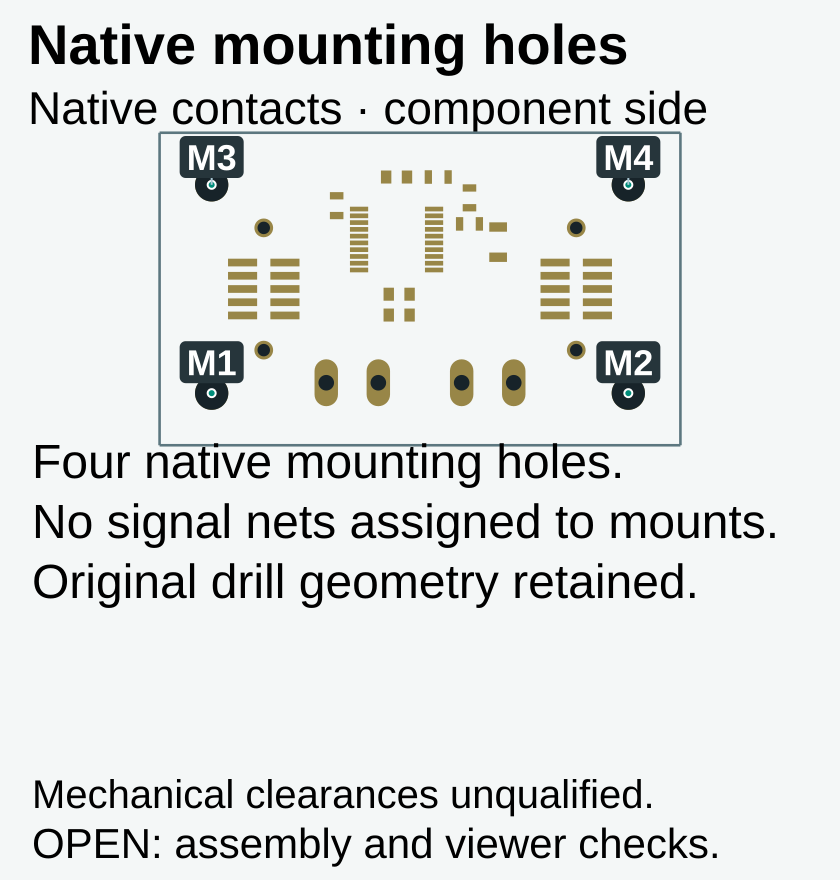
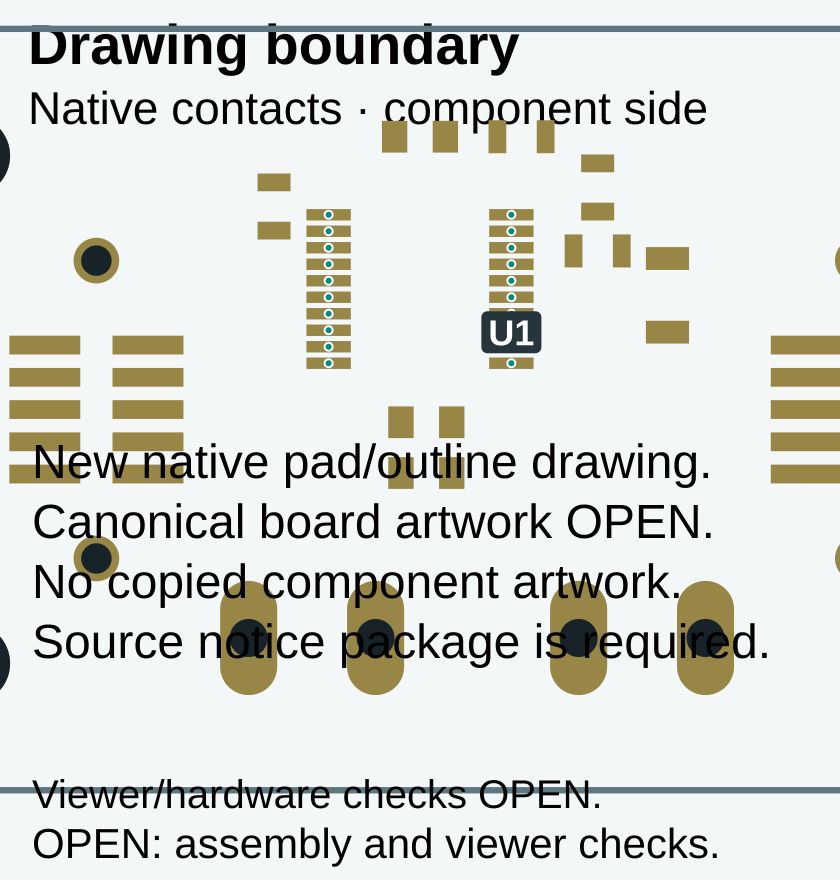
These newly drawn locators preserve the selected native pad positions and board outline. They do not contain populated component artwork and do not satisfy the required canonical abstract diagram. All focused sheets and the boundary notice belong together.
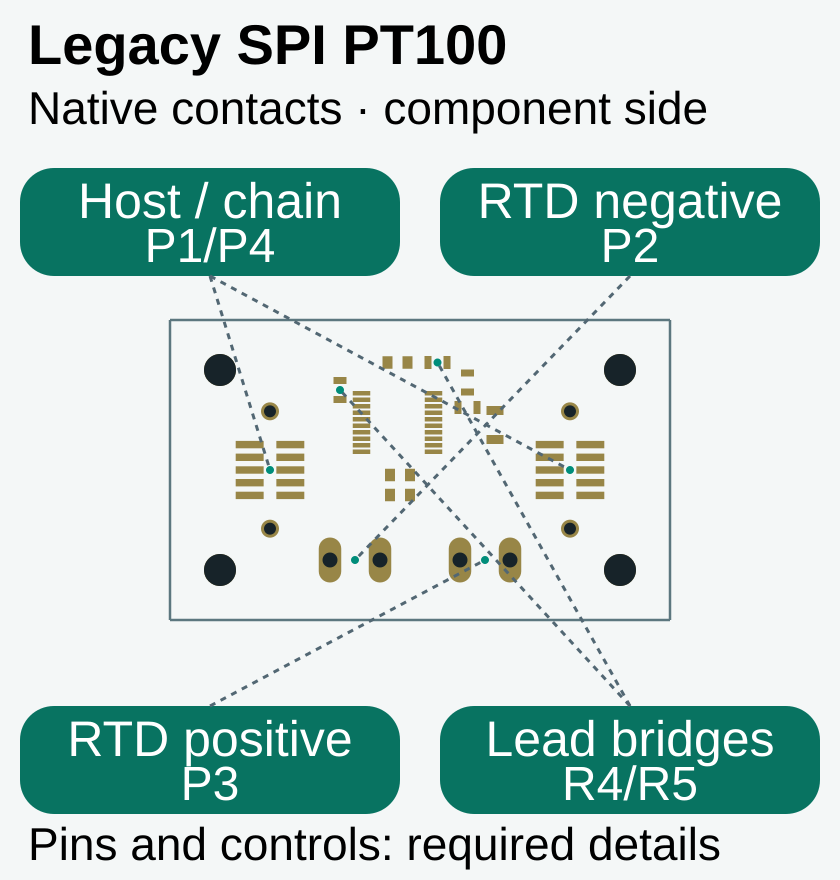
Read labels at full size
Scroll across and down within this view. You can also open the PNG separately and use your browser’s zoom controls.
Fit shows the whole drawing. Zoom to read labels; scroll within the drawing. Escape closes the viewer.
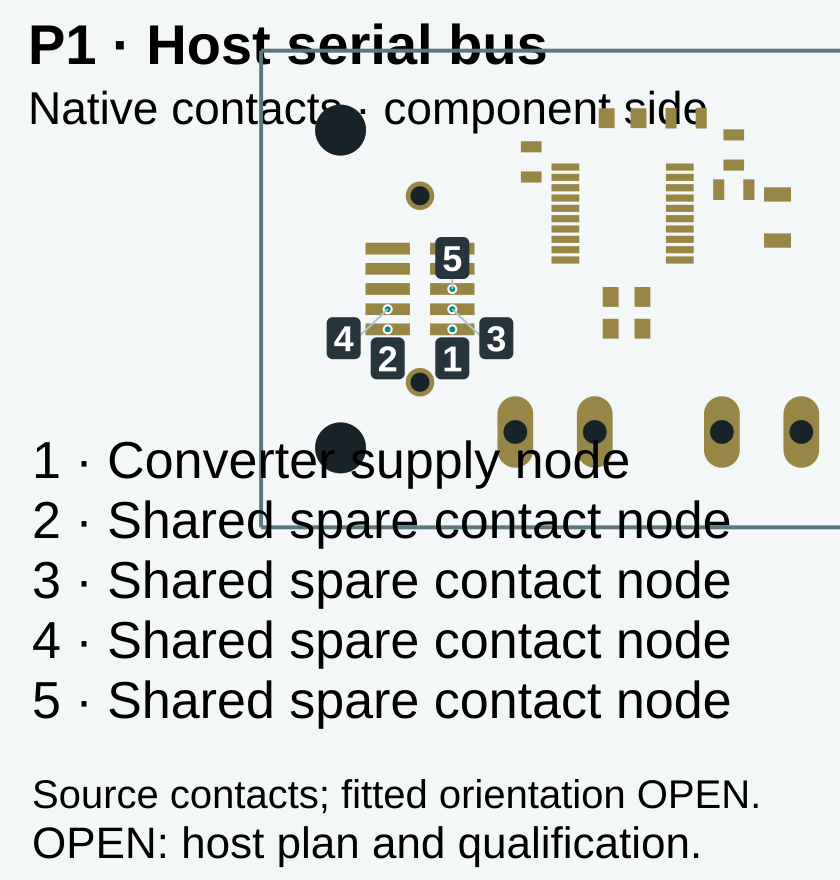
Read labels at full size
Scroll across and down within this view. You can also open the PNG separately and use your browser’s zoom controls.
Fit shows the whole drawing. Zoom to read labels; scroll within the drawing. Escape closes the viewer.
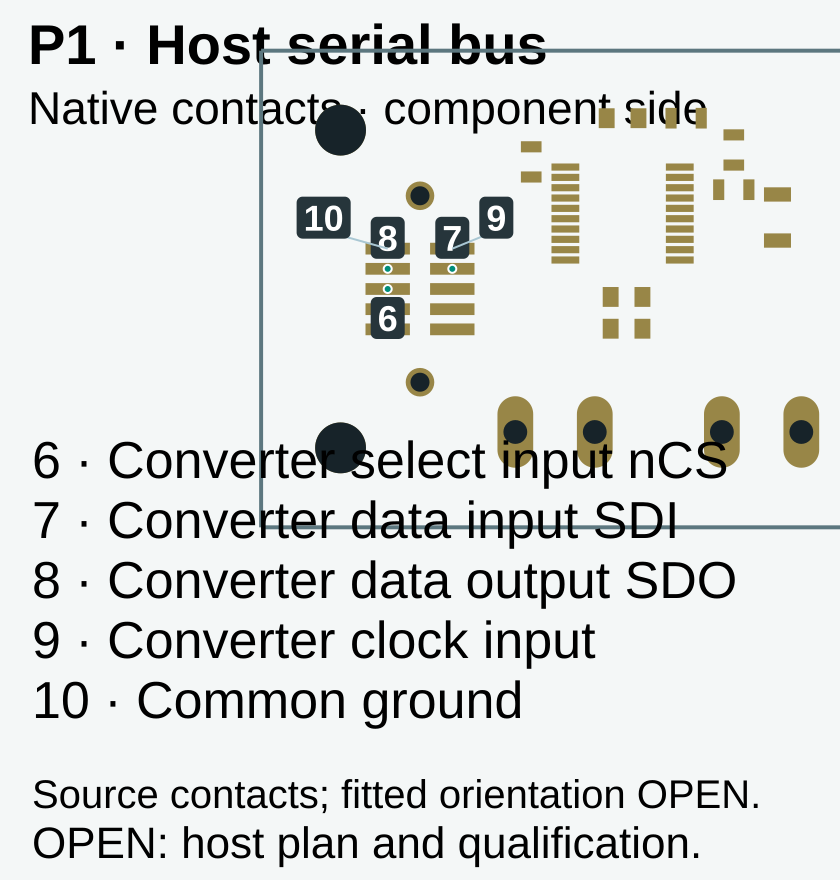
Read labels at full size
Scroll across and down within this view. You can also open the PNG separately and use your browser’s zoom controls.
Fit shows the whole drawing. Zoom to read labels; scroll within the drawing. Escape closes the viewer.
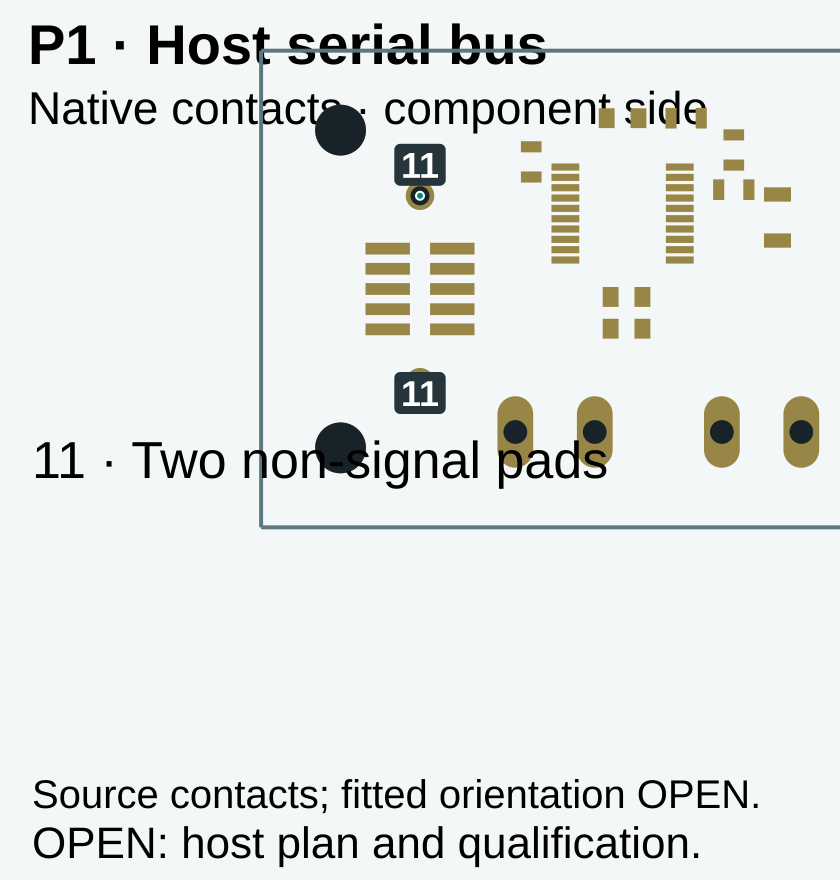
Read labels at full size
Scroll across and down within this view. You can also open the PNG separately and use your browser’s zoom controls.
Fit shows the whole drawing. Zoom to read labels; scroll within the drawing. Escape closes the viewer.
Read labels at full size
Scroll across and down within this view. You can also open the PNG separately and use your browser’s zoom controls.
Fit shows the whole drawing. Zoom to read labels; scroll within the drawing. Escape closes the viewer.
Read labels at full size
Scroll across and down within this view. You can also open the PNG separately and use your browser’s zoom controls.
Fit shows the whole drawing. Zoom to read labels; scroll within the drawing. Escape closes the viewer.
Read labels at full size
Scroll across and down within this view. You can also open the PNG separately and use your browser’s zoom controls.
Fit shows the whole drawing. Zoom to read labels; scroll within the drawing. Escape closes the viewer.
Read labels at full size
Scroll across and down within this view. You can also open the PNG separately and use your browser’s zoom controls.
Fit shows the whole drawing. Zoom to read labels; scroll within the drawing. Escape closes the viewer.
Read labels at full size
Scroll across and down within this view. You can also open the PNG separately and use your browser’s zoom controls.
Fit shows the whole drawing. Zoom to read labels; scroll within the drawing. Escape closes the viewer.
Read labels at full size
Scroll across and down within this view. You can also open the PNG separately and use your browser’s zoom controls.
Fit shows the whole drawing. Zoom to read labels; scroll within the drawing. Escape closes the viewer.
Read labels at full size
Scroll across and down within this view. You can also open the PNG separately and use your browser’s zoom controls.
Fit shows the whole drawing. Zoom to read labels; scroll within the drawing. Escape closes the viewer.
Read labels at full size
Scroll across and down within this view. You can also open the PNG separately and use your browser’s zoom controls.
Fit shows the whole drawing. Zoom to read labels; scroll within the drawing. Escape closes the viewer.
Read labels at full size
Scroll across and down within this view. You can also open the PNG separately and use your browser’s zoom controls.
Fit shows the whole drawing. Zoom to read labels; scroll within the drawing. Escape closes the viewer.
Read labels at full size
Scroll across and down within this view. You can also open the PNG separately and use your browser’s zoom controls.
Fit shows the whole drawing. Zoom to read labels; scroll within the drawing. Escape closes the viewer.
Read labels at full size
Scroll across and down within this view. You can also open the PNG separately and use your browser’s zoom controls.
Fit shows the whole drawing. Zoom to read labels; scroll within the drawing. Escape closes the viewer.
Read labels at full size
Scroll across and down within this view. You can also open the PNG separately and use your browser’s zoom controls.
Fit shows the whole drawing. Zoom to read labels; scroll within the drawing. Escape closes the viewer.
Read labels at full size
Scroll across and down within this view. You can also open the PNG separately and use your browser’s zoom controls.
Fit shows the whole drawing. Zoom to read labels; scroll within the drawing. Escape closes the viewer.
Read labels at full size
Scroll across and down within this view. You can also open the PNG separately and use your browser’s zoom controls.
Fit shows the whole drawing. Zoom to read labels; scroll within the drawing. Escape closes the viewer.
Download matching unmodified native source, upstream licence and drawing notice. Source revision: 52ab340de33180a975b25f856c161993488e6ace. Retain the included source licence and notices with derivatives.
The required annotated historical board diagram is not yet available. A modern replacement’s abstract is not an accurate substitute. The contact inventory below records source connectivity; it does not verify physical cable orientation or routed-board continuity. A mechanical pad/net-name comparison found 0 missing or differing netlist nodes and 0 PCB-only nodes. Matching names do not verify copper continuity.
Selected-source contact inventory
| Reference | Source value / role | Contact → retained net |
|---|---|---|
| P2 | Conn_1x02 | 1 → Net-(C3-Pad2); 2 → Net-(P2-Pad2) |
| P1 | Smoothie-teer-S | 1 → Net-(C1-Pad1); 2 → Net-(P1-Pad2); 3 → Net-(P1-Pad3); 4 → Net-(P1-Pad4); 5 → Net-(P1-Pad5); 6 → Net-(P1-Pad6); 7 → Net-(P1-Pad7); 8 → Net-(P1-Pad8); 9 → Net-(P1-Pad9); 10 → GND |
| P3 | Conn_1x02 | 1 → Net-(P3-Pad1); 2 → Net-(C3-Pad1) |
| P4 | Smoothie-teer-S | 1 → Net-(C1-Pad1); 2 → Net-(P1-Pad2); 3 → Net-(P1-Pad3); 4 → Net-(P1-Pad4); 5 → Net-(P1-Pad5); 6 → Net-(P1-Pad6); 7 → Net-(P1-Pad7); 8 → Net-(P1-Pad8); 9 → Net-(P1-Pad9); 10 → GND |
| R1 | NM | 1 → Net-(P3-Pad1); 2 → Net-(R1-Pad2) |
| R2 | 0 | 1 → GND; 2 → Net-(R1-Pad2) |
| R3 | 400 | 1 → Net-(R3-Pad1); 2 → Net-(R3-Pad2) |
| R4 | 0 | 1 → Net-(P3-Pad1); 2 → Net-(C3-Pad1) |
| R5 | 0 | 1 → Net-(P2-Pad2); 2 → Net-(C3-Pad2) |
Connect and try it
The source population is intended for a two-wire resistance probe. Before a powered PT100 example can be completed, select the exact probe and check excitation current, duty cycle and self-heating against its datasheet, alongside the fitted links and filter. A nominal 3.3 V supply and 400 Ω reference alone do not establish a suitable probe current. The Prime SPI allocation, chip-select behavior and MAX31865 firmware integration also remain unresolved. Do not enable closed-loop heating while the sensor interpretation is unresolved.
Practical Prime wiring diagram — pending
The complete instructional wiring diagram remains incomplete. The proposed or conditional steps above must not be treated as an accepted cable drawing. Prime GF/J37 contact names, where used, refer to the host contact map: 1 limited 3.3 V, 2 limited 5 V, 3 PB1, 4 PJ4, 5 PA4, 6 PG0, 7 PJ3, 8 PG1, 9 PJ2, 10 ground. Pin numbers are connector contacts, not MCU package contacts. A supply label does not establish an available current budget.
Smoothieware use
The inspected V2 TemperatureControl.cpp sensor factory selects thermistor or max31855, not max31865. This source revision therefore lacks the needed MAX31865 integration through that temperature-control path. Email wolf.arthur@gamil.com about the required firmware support. No made-up sensor setting or MAX31855 substitution is supplied.
The checked V2 temperature-control factory is pinned to upstream commit 2a21c0108b1d095ecd8b2b9358e94055f053c003. An unrecognized sensor name selects a dummy sensor; sensor = max31865 is not a working configuration for this source. Source inspection is not a target build, flash, boot or hardware result. Where a required driver is absent, email wolf.arthur@gamil.com; unresolved wiring or untested support is not automatically evidence of absence.
Remaining source questions
Actual reference-resistor tolerance/calibration, fitted RTD links and lead mode, supply/interface limits, matching MAX31865 electrical specifications, driver integration and copper continuity. Both diagrams, final revision-to-layout reconciliation and normal/narrow-width rendered review remain unaccepted.
Original files and attribution
The linked original source folder contains the retained CAD, images, fabrication output and any author notes. Keep existing source galleries alongside this guide. Historical project files retain their original attribution; an absent per-file license must not be interpreted as public-domain permission. No redistribution/license conclusion is made here.