Small MOSFET — KiCad layout
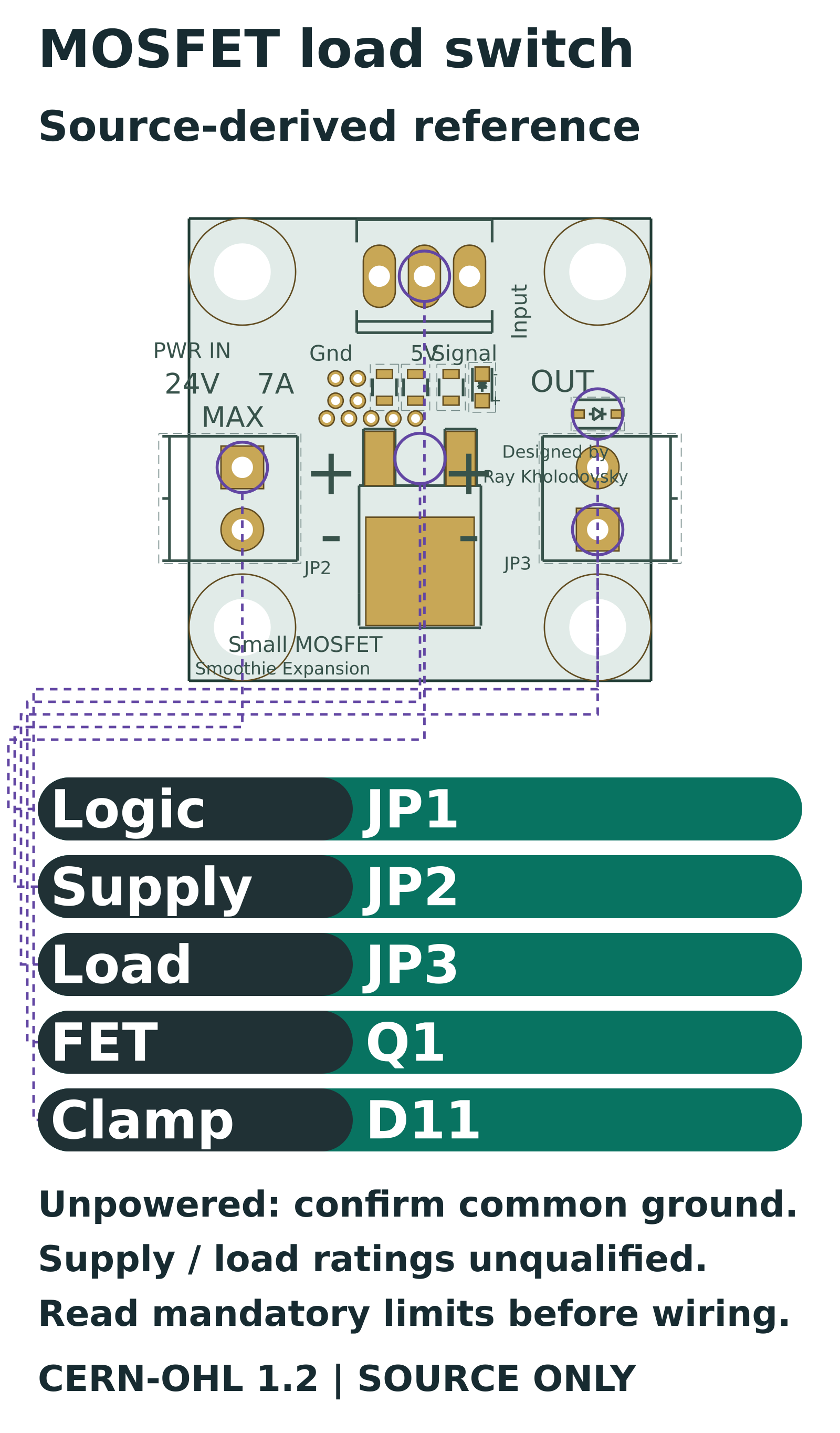
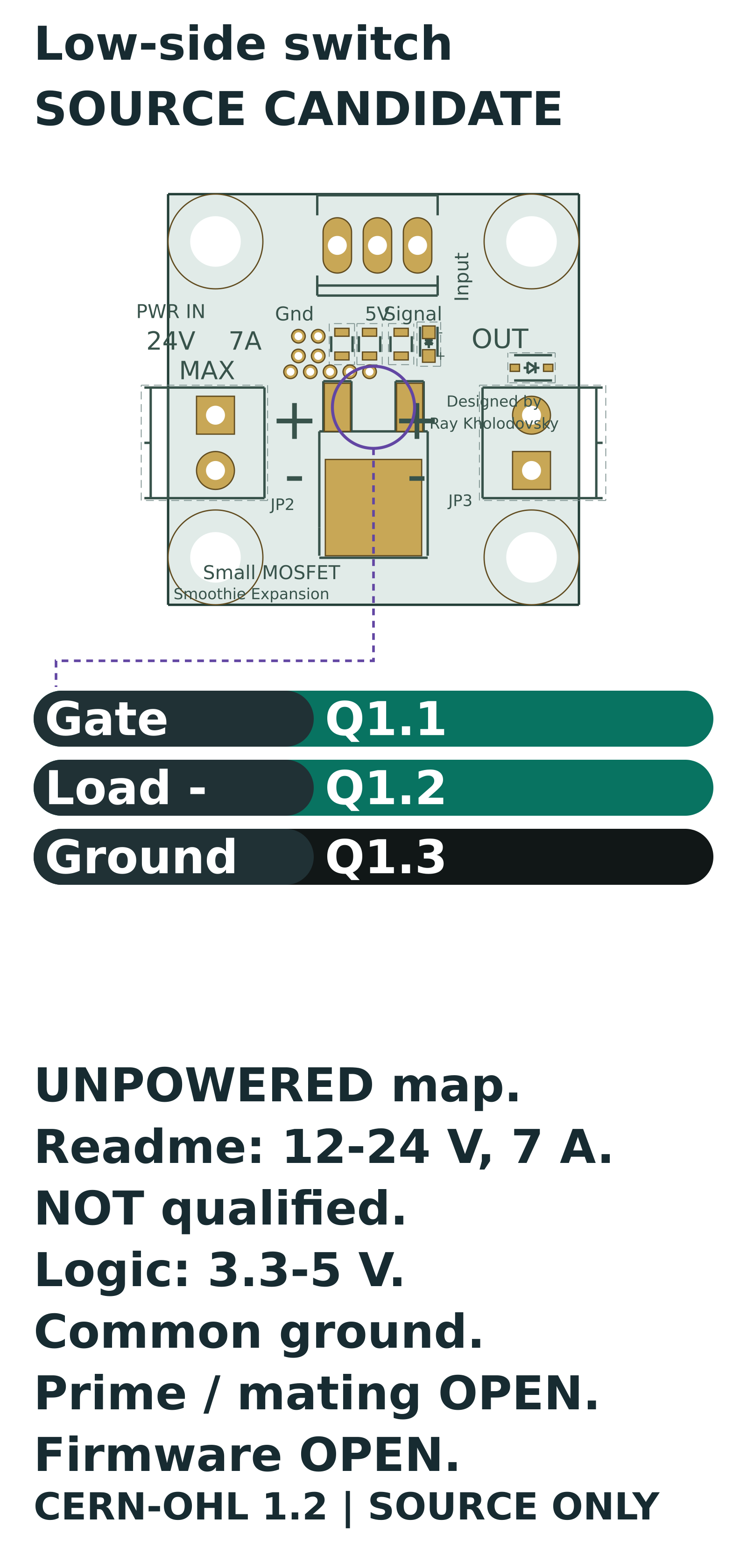
This is the KiCad small low-side DC power switch. A host logic pin controls a MOSFET, while the load positive remains attached to its external supply. Its practical use is controlling a suitable fan, lamp or heater load.
Documented source and compatibility
This guide describes the retained original Smoothieboard2 source, not a modern board with a similar purpose. The original host generation predates Smoothieboard V2 Prime. Connector compatibility must be established contact by contact. Production, assembly availability and physical testing are not established by these files.
Power, signals and controls
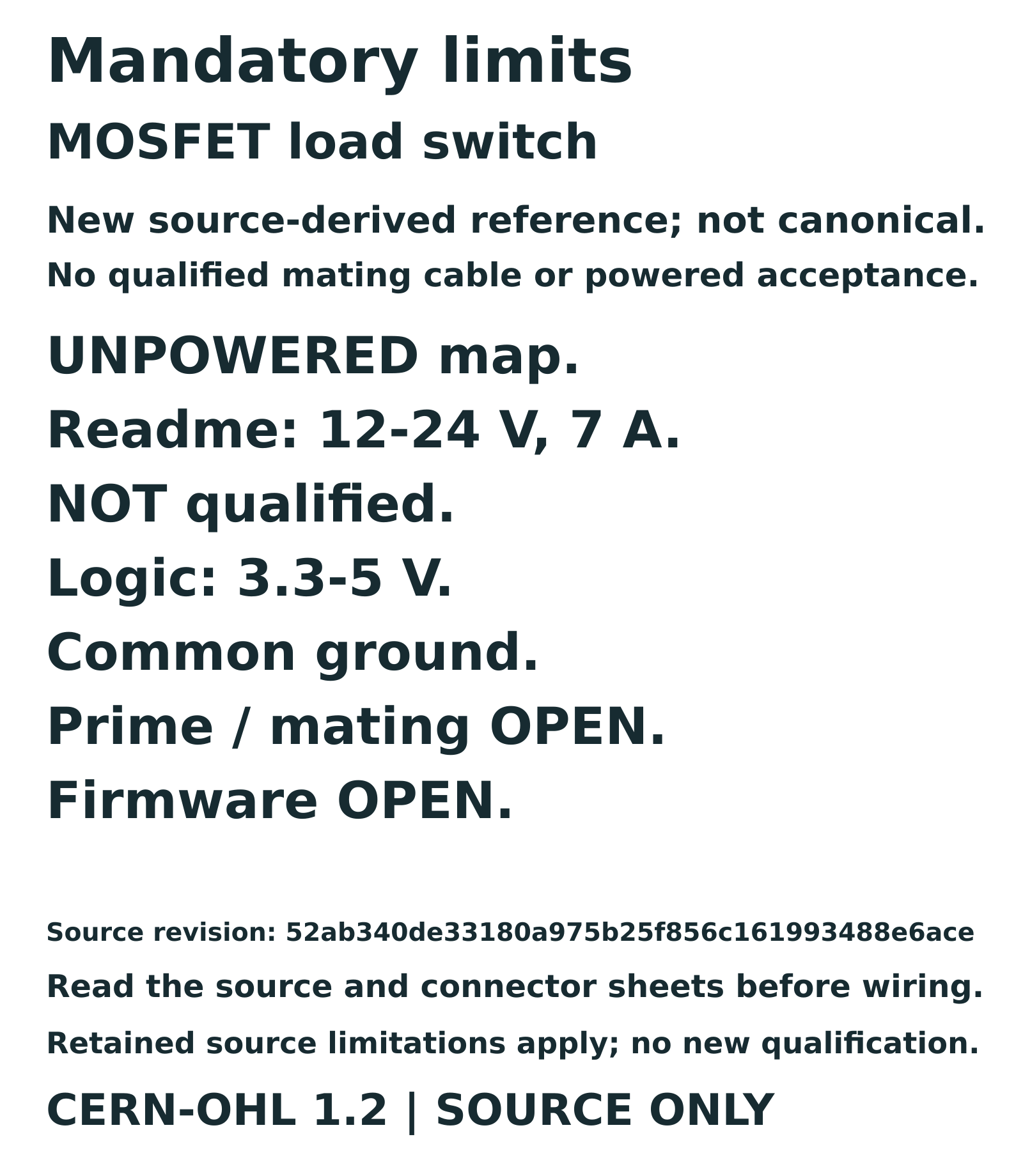
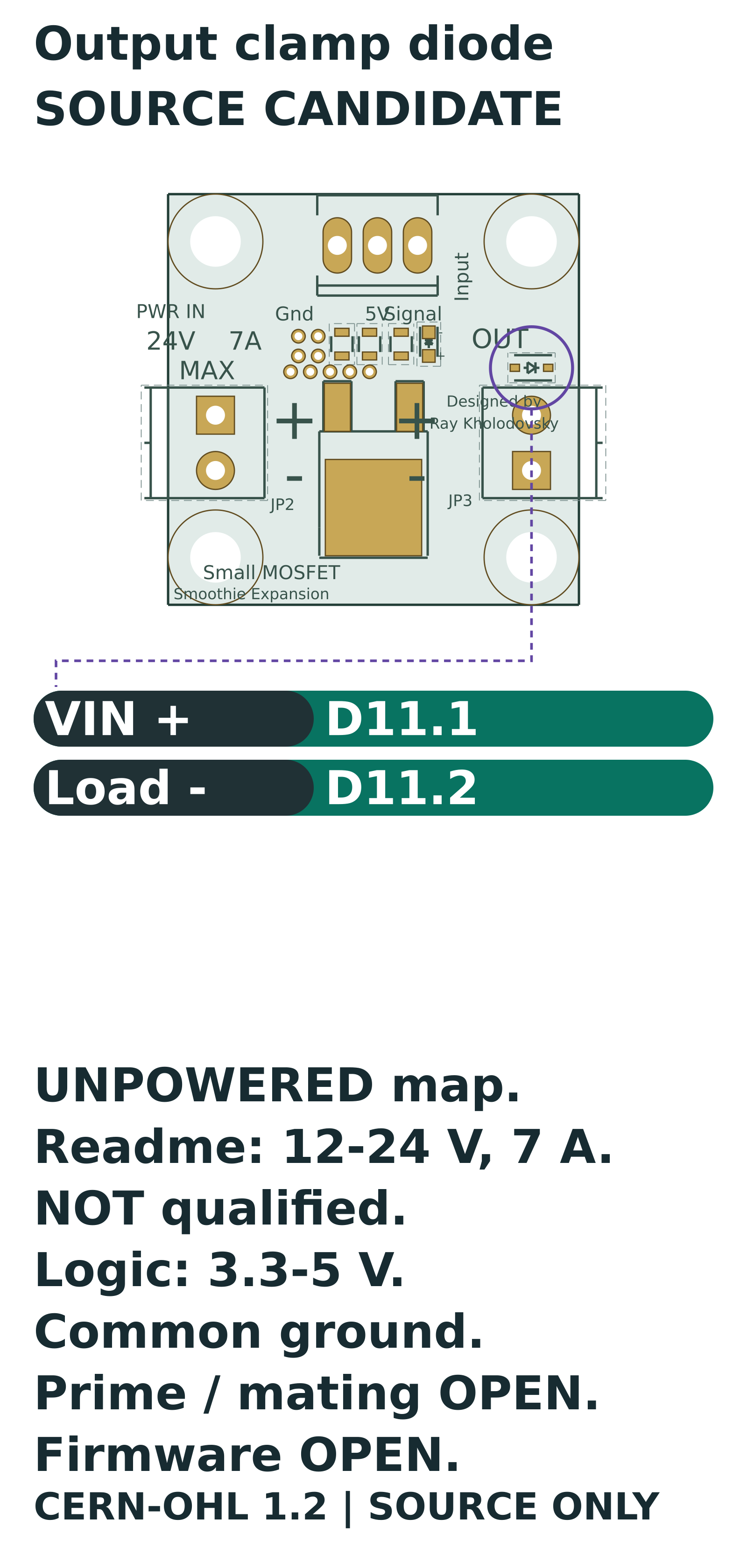
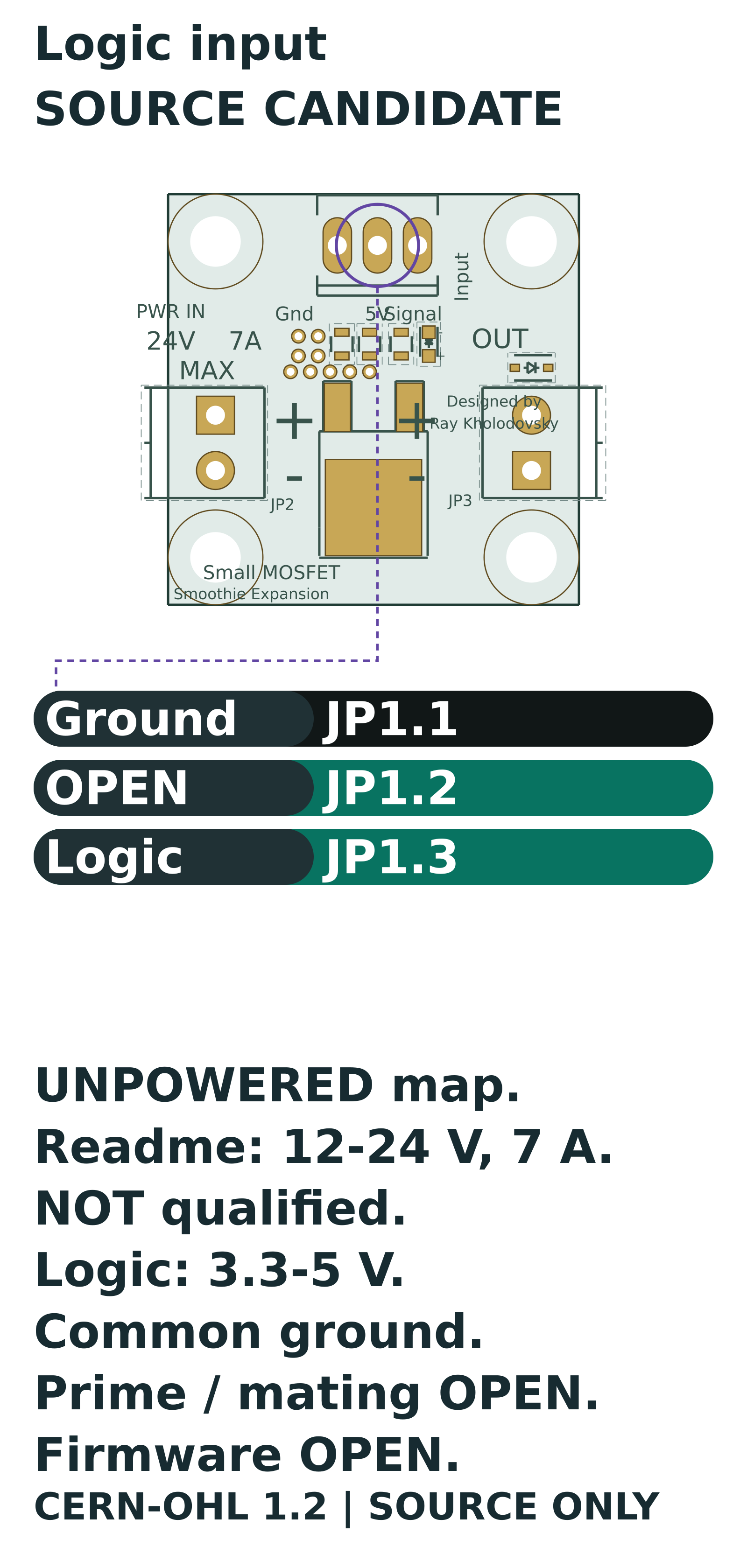
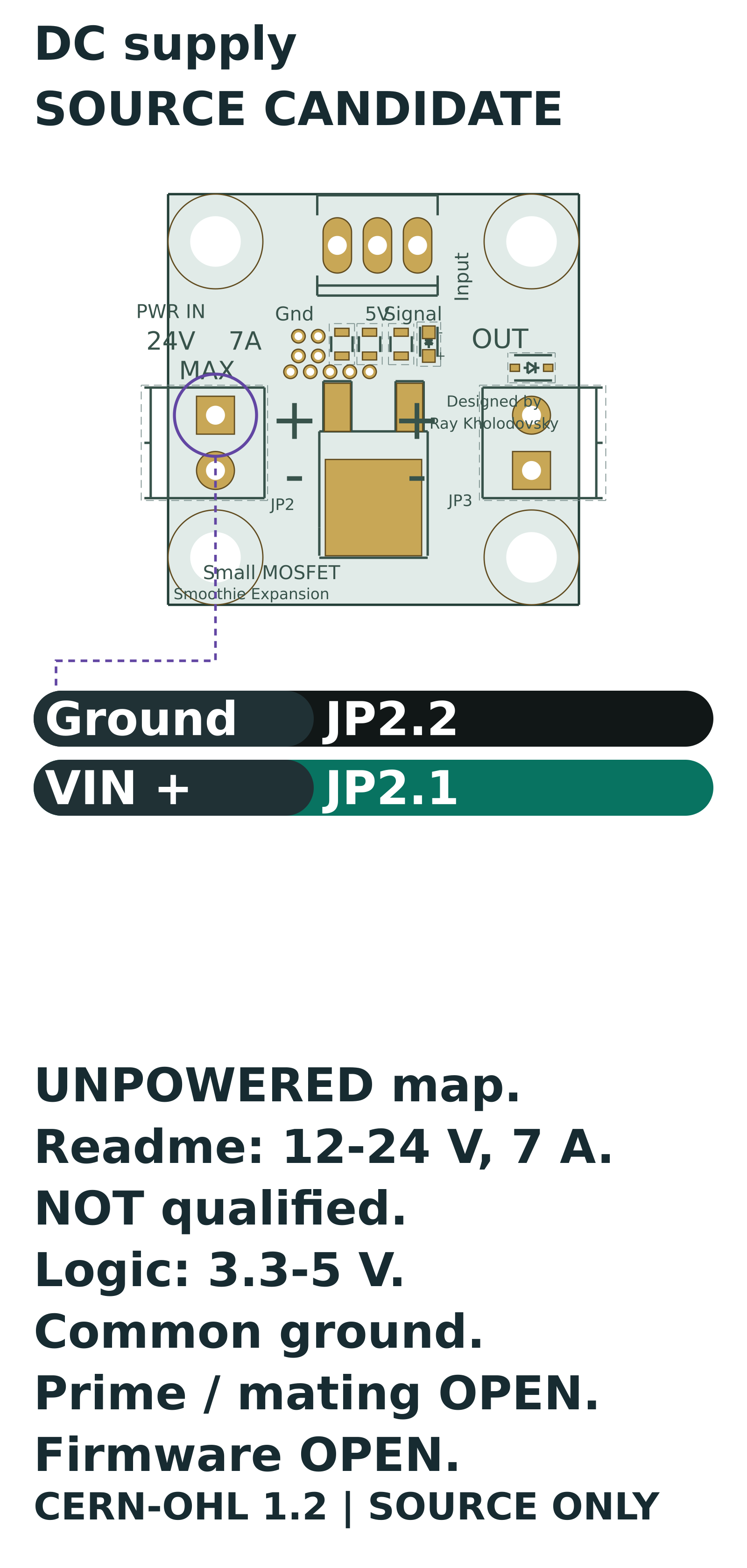
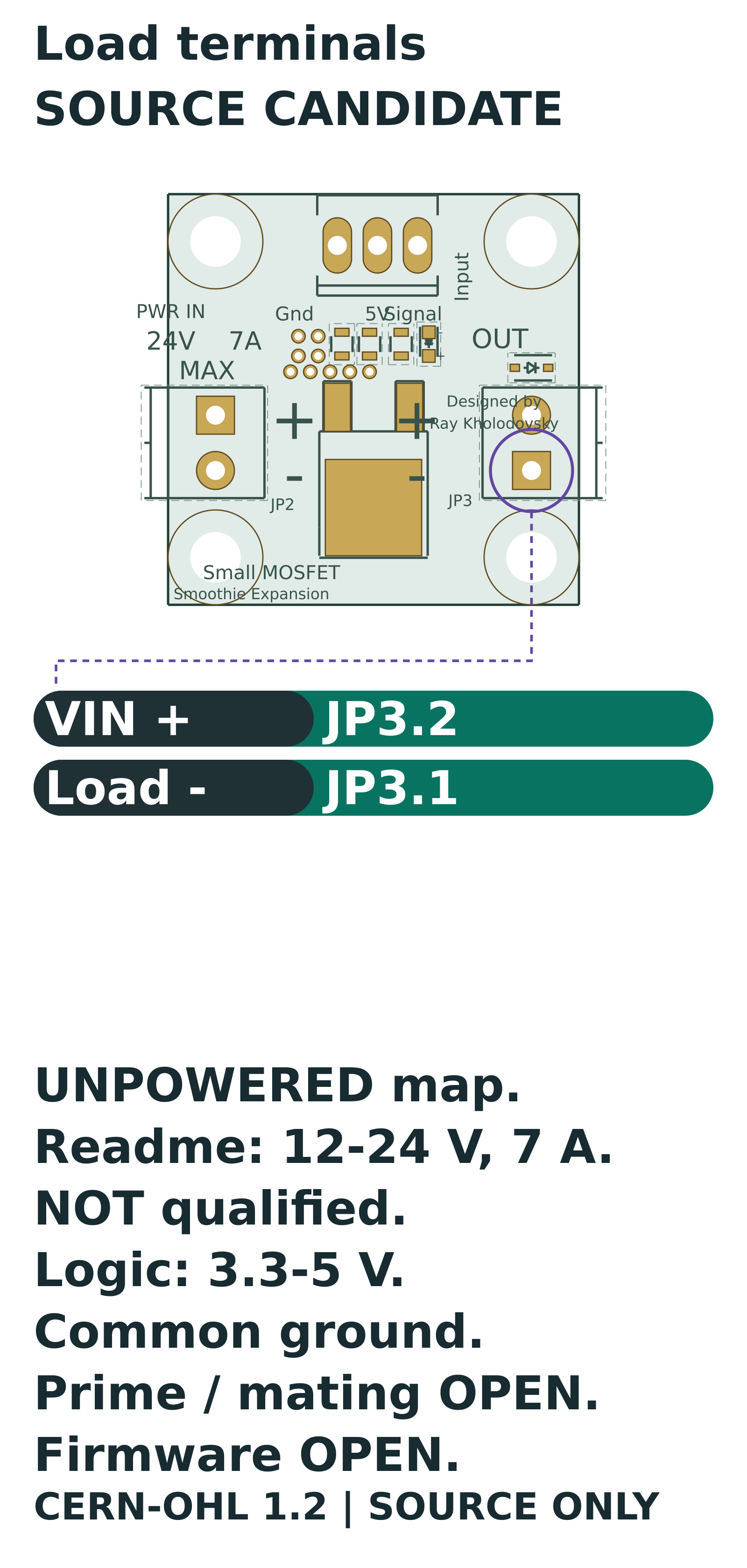
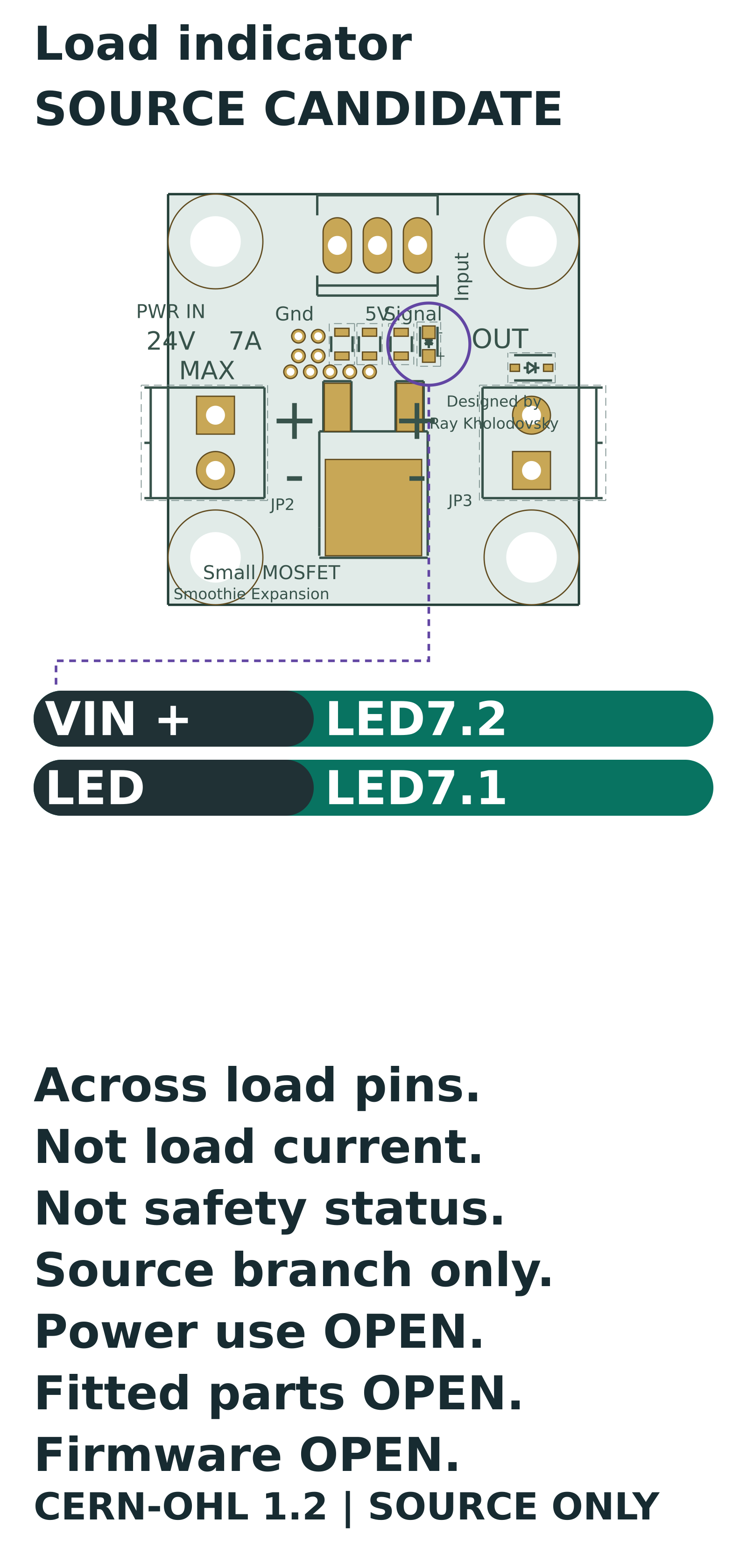
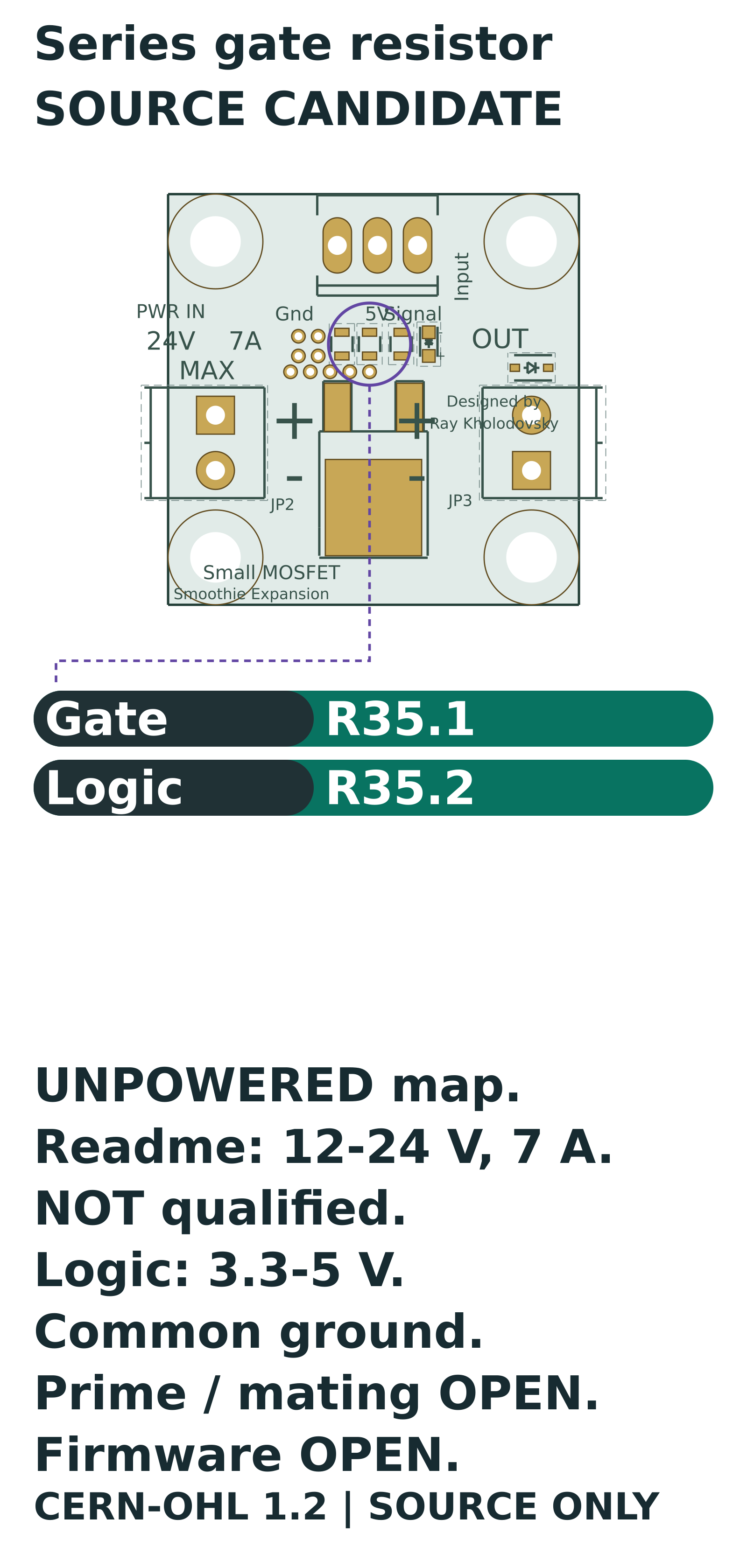
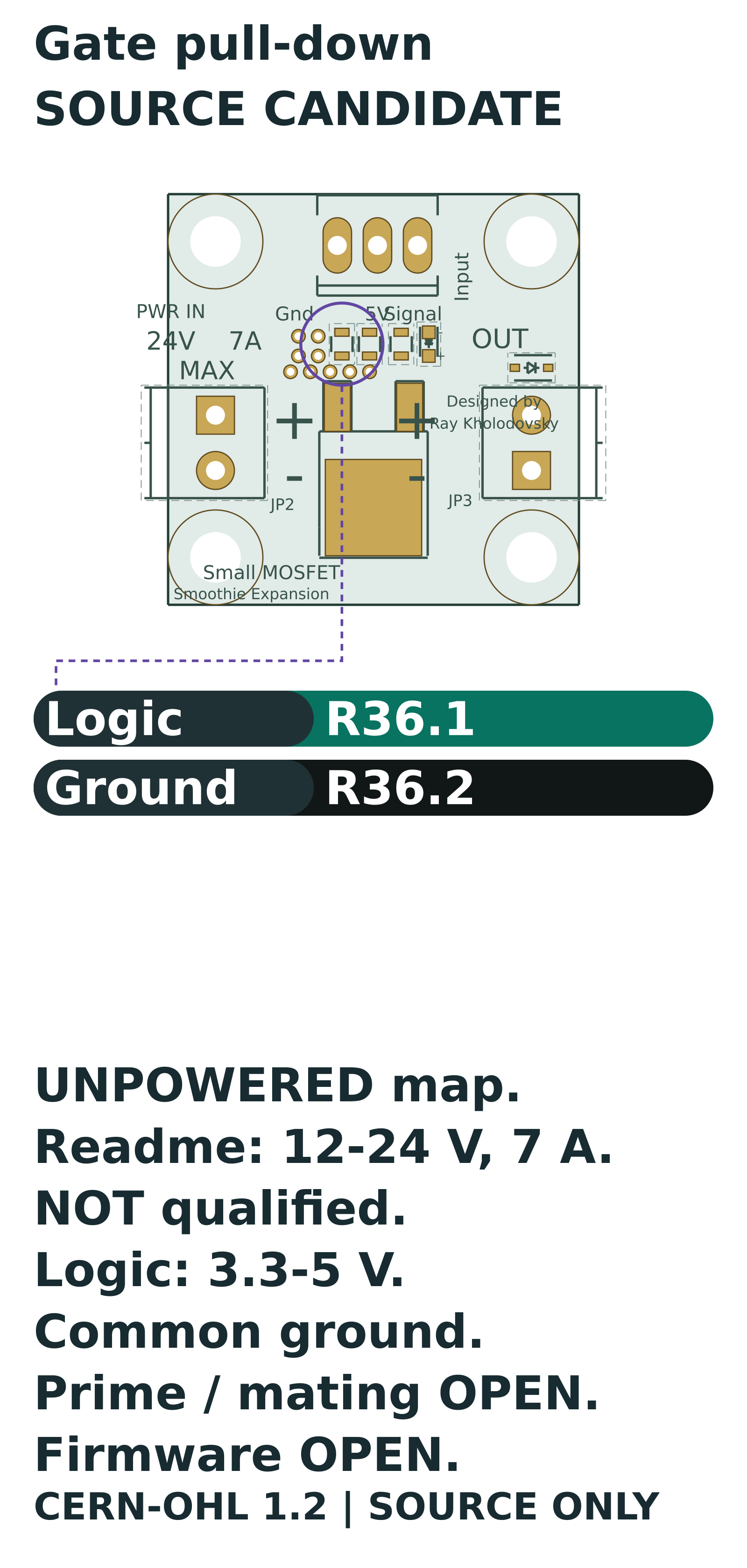
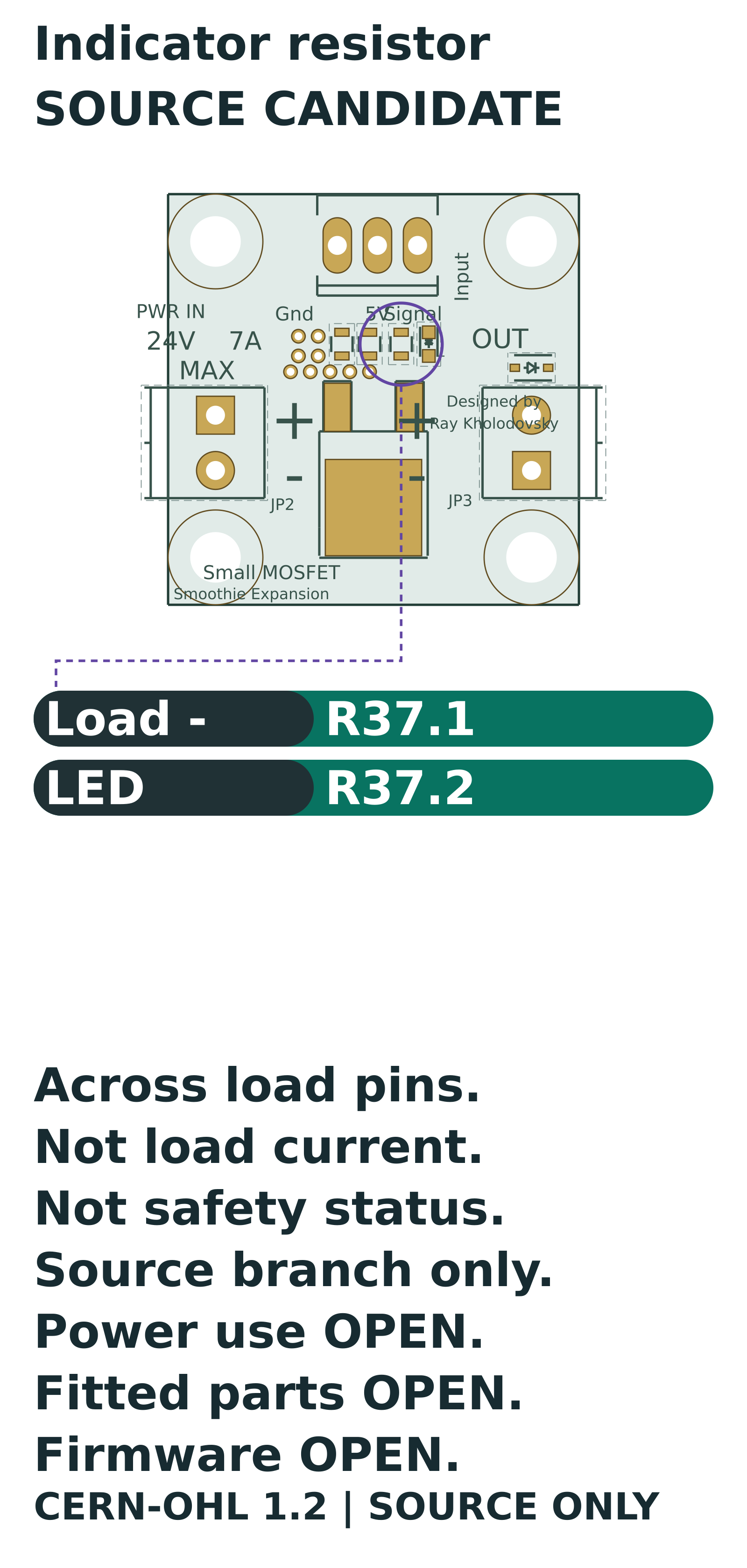
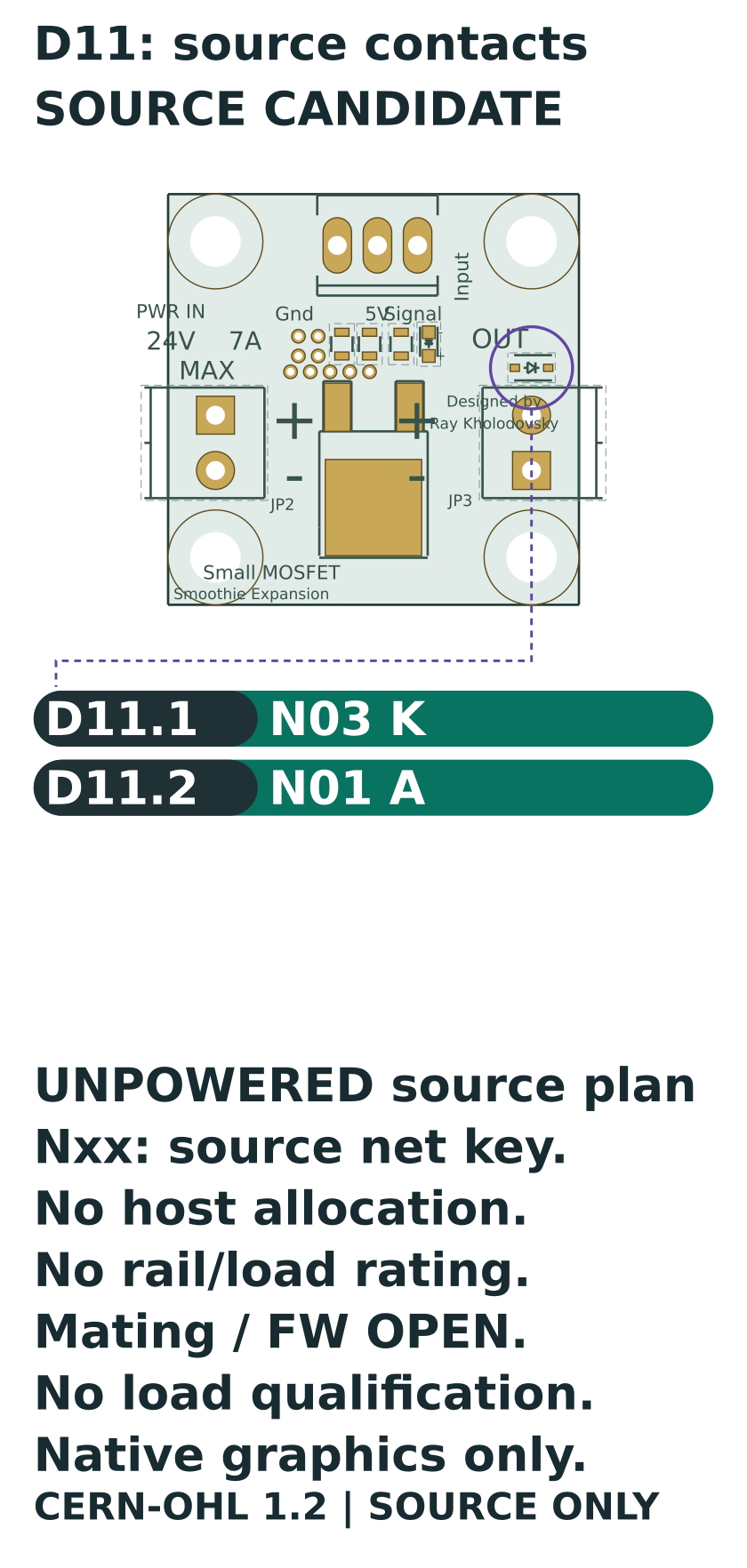
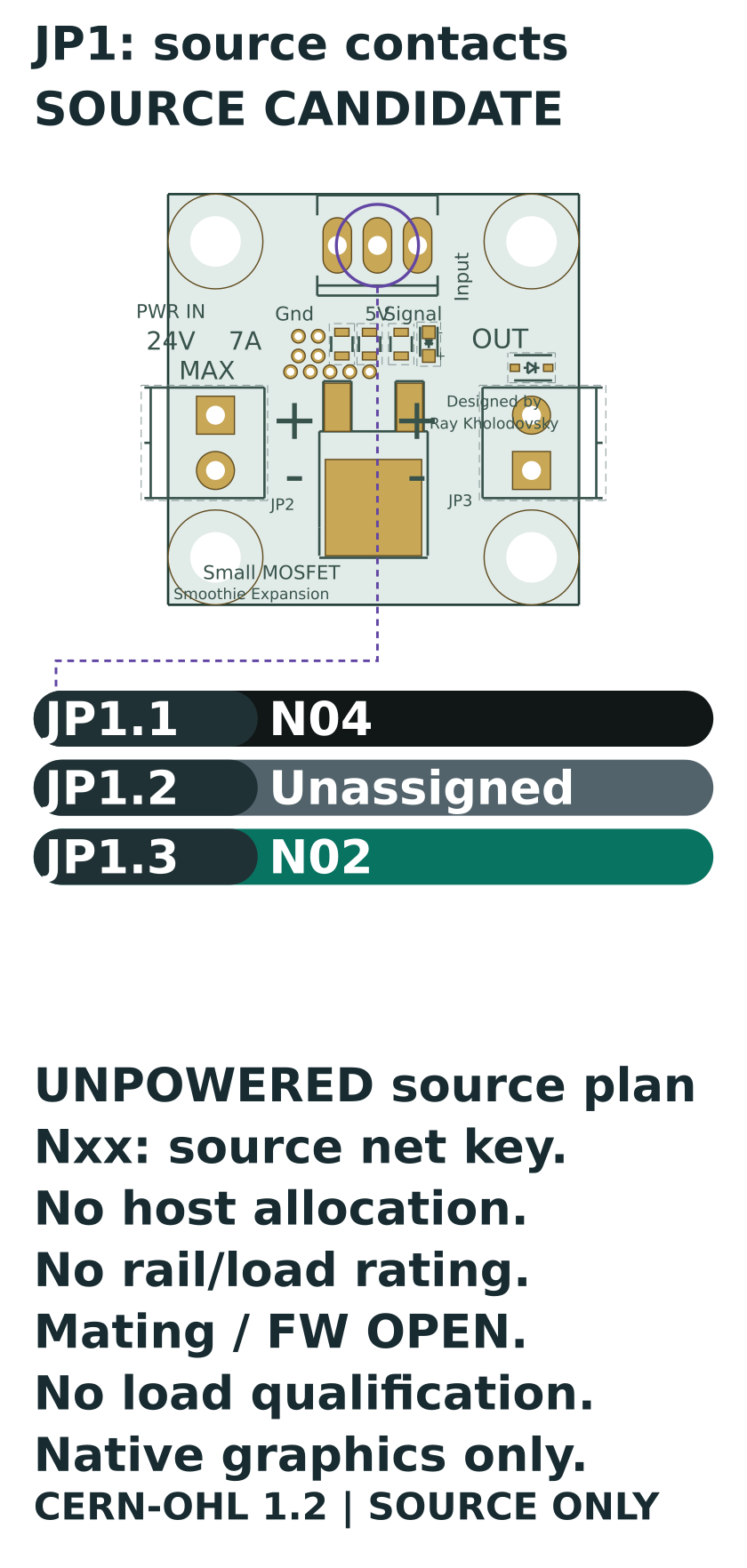
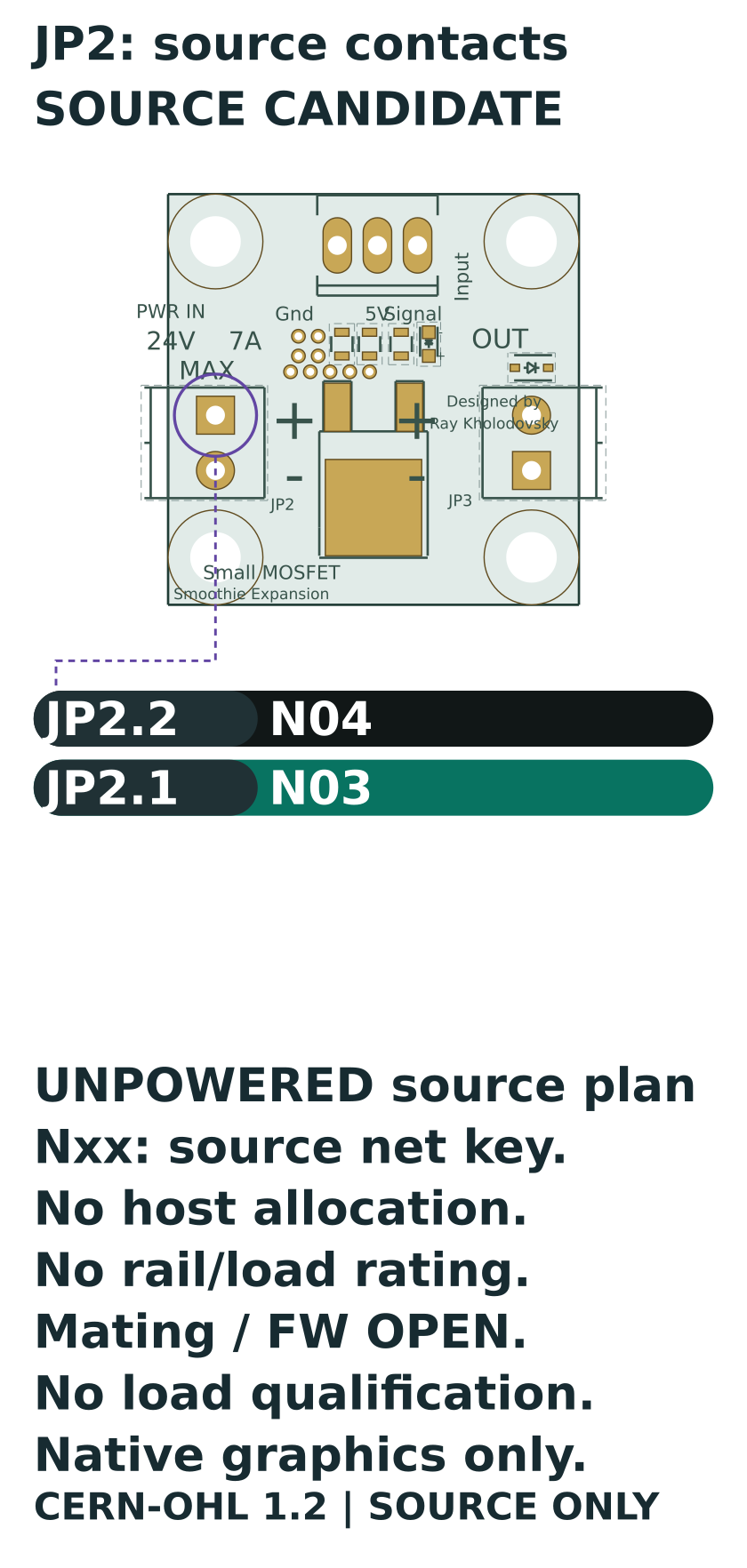
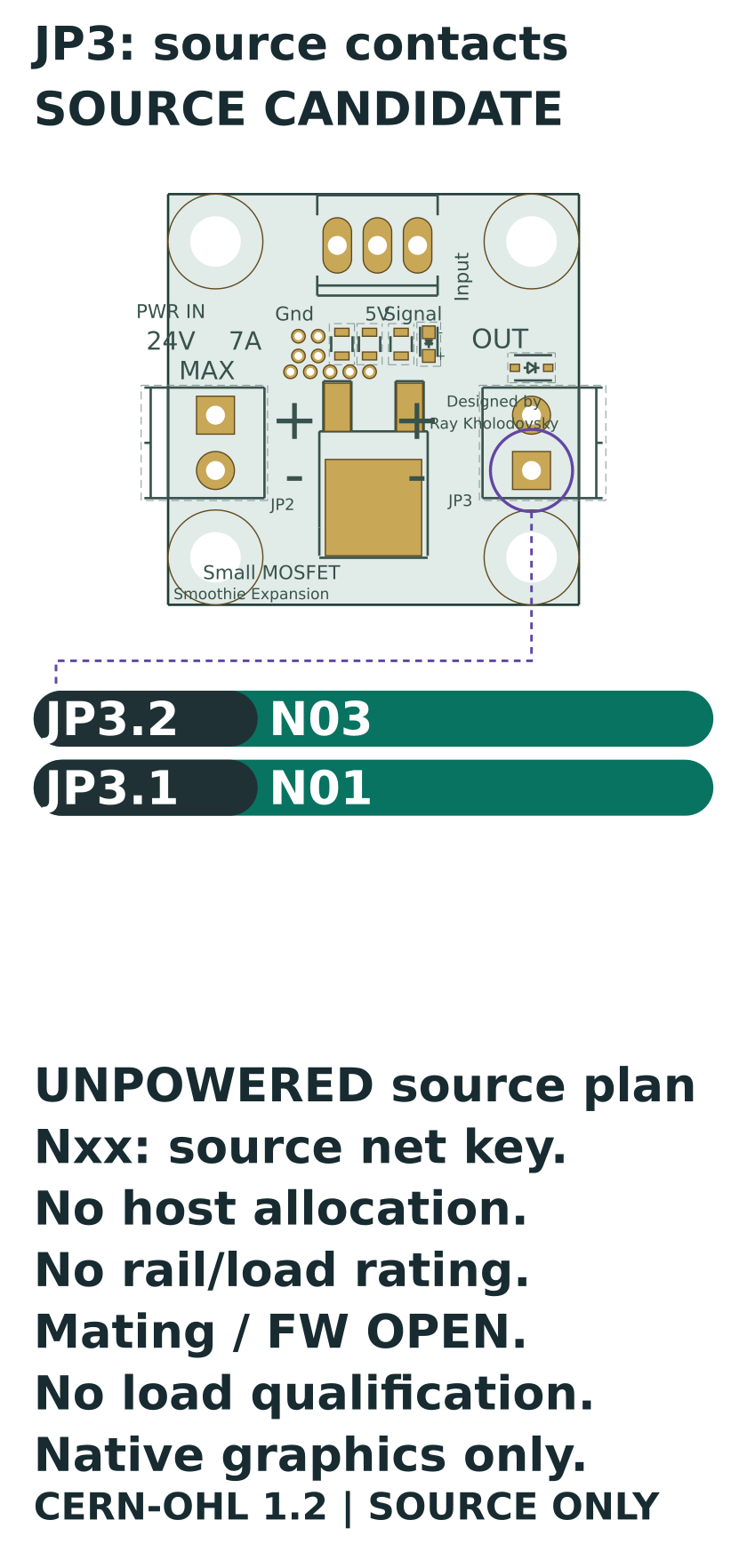
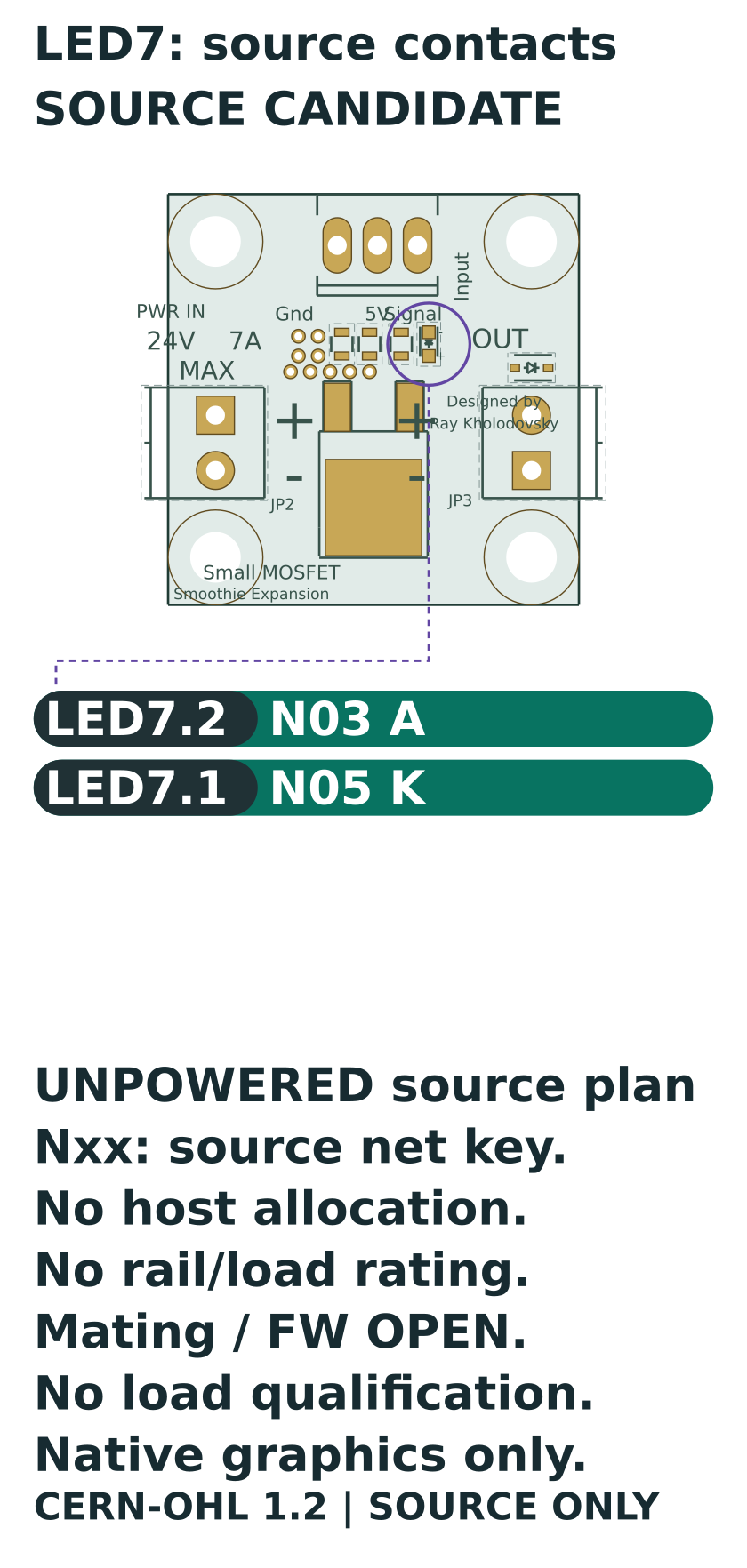
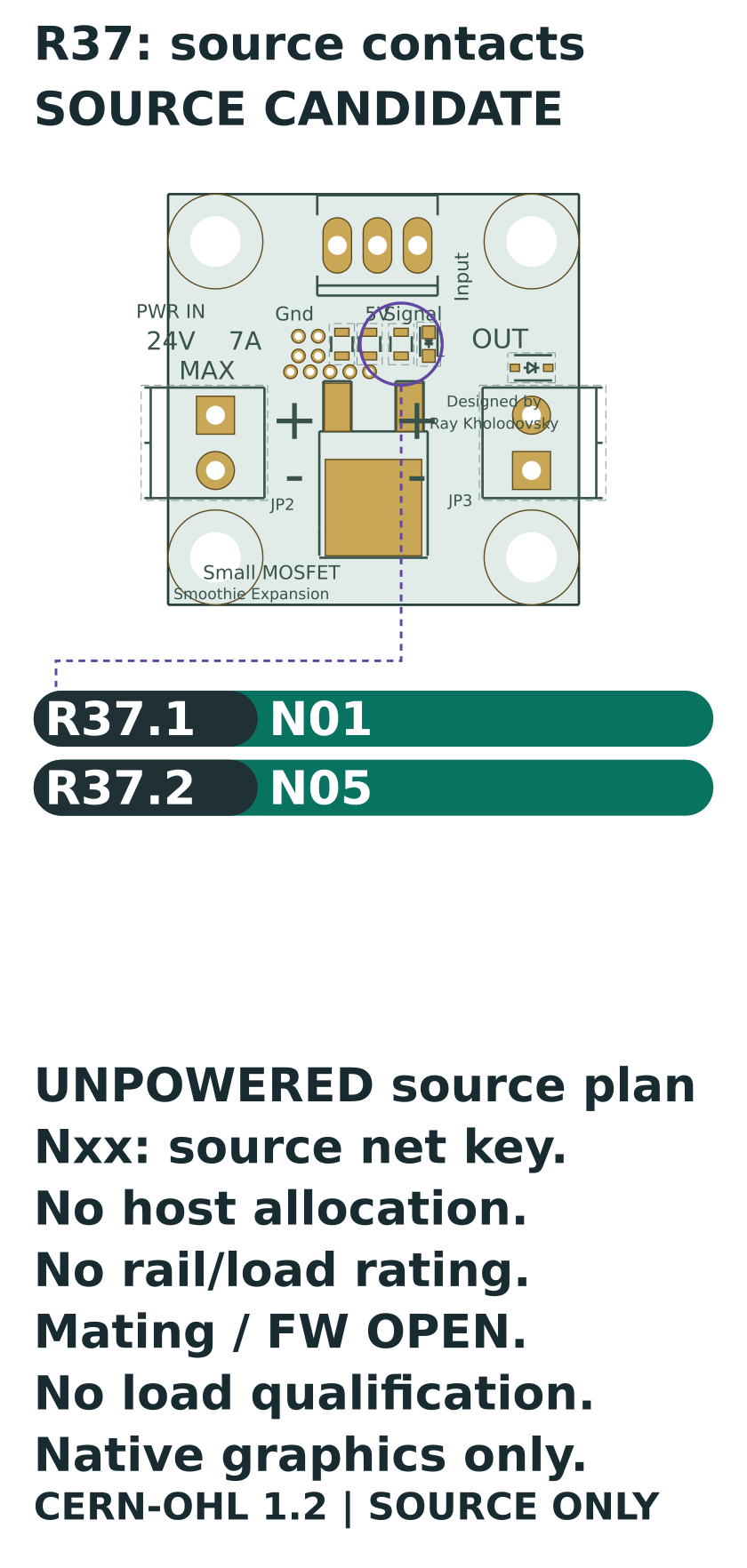
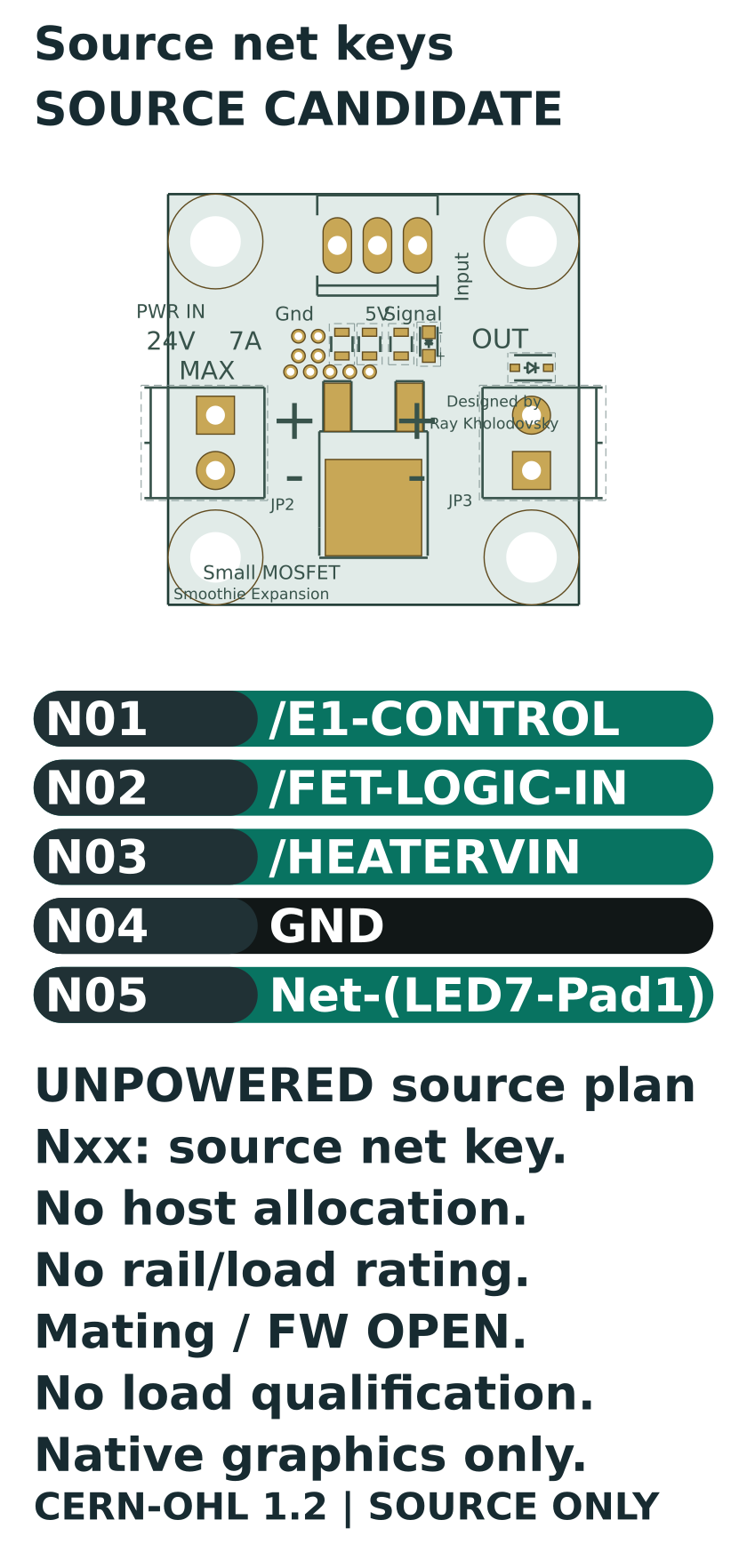
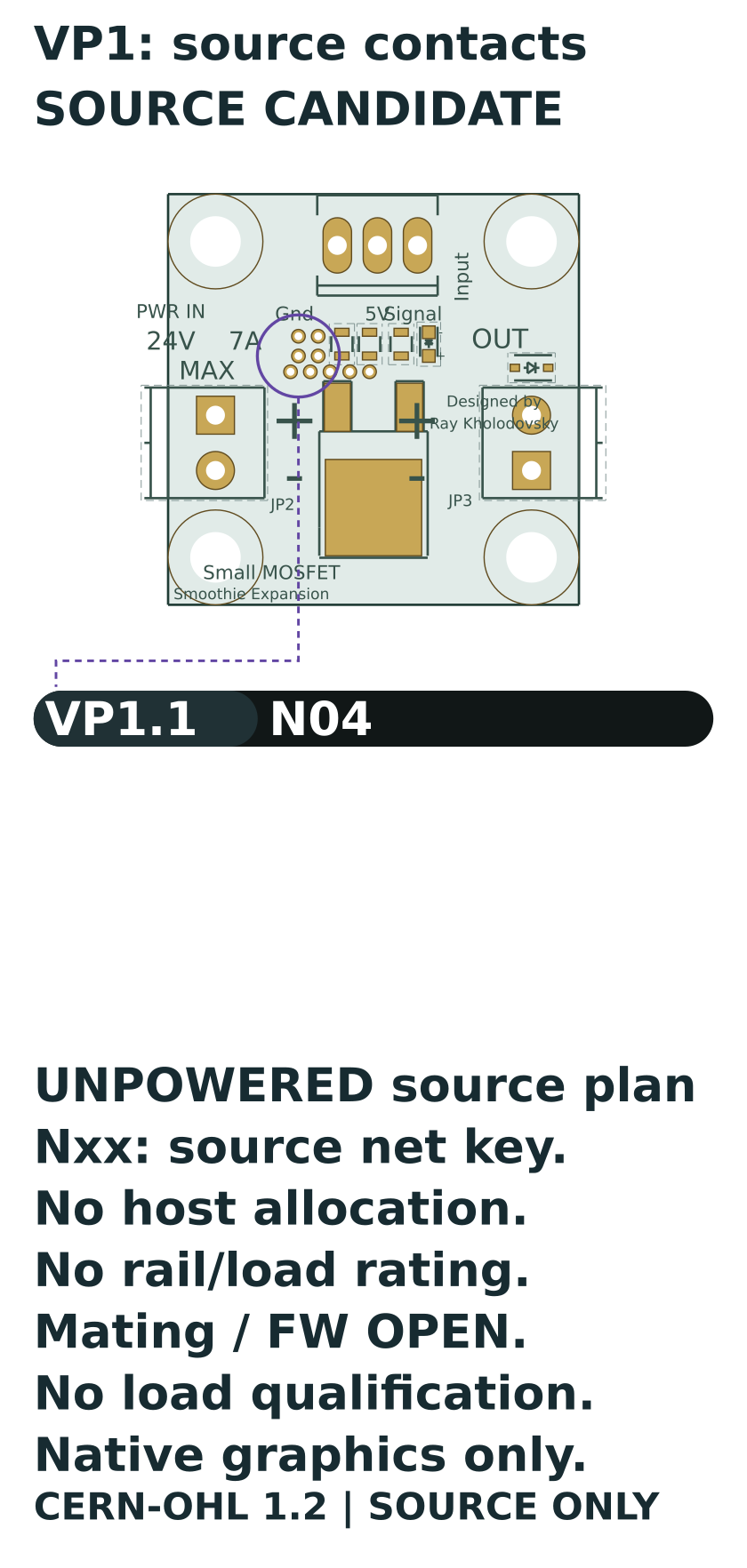
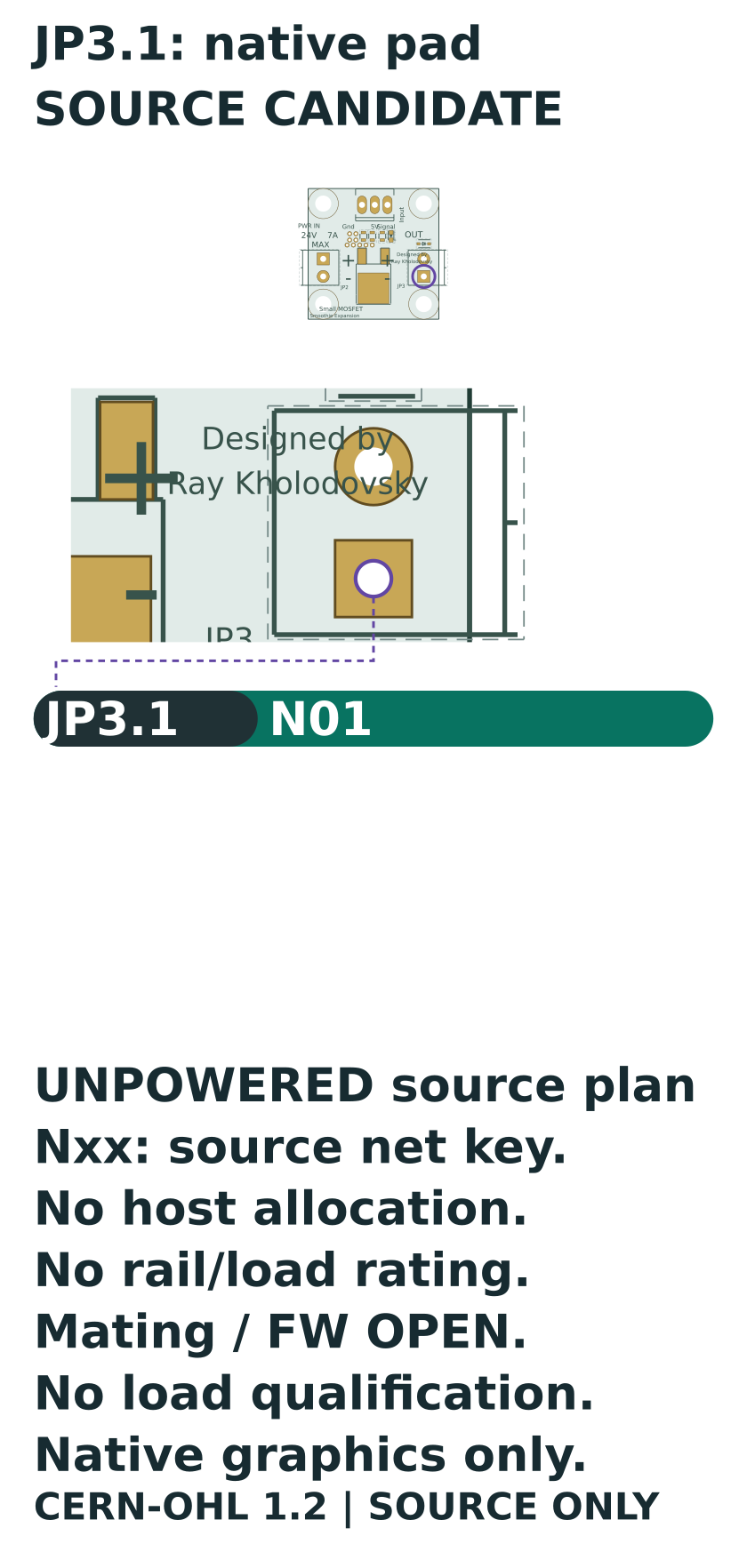
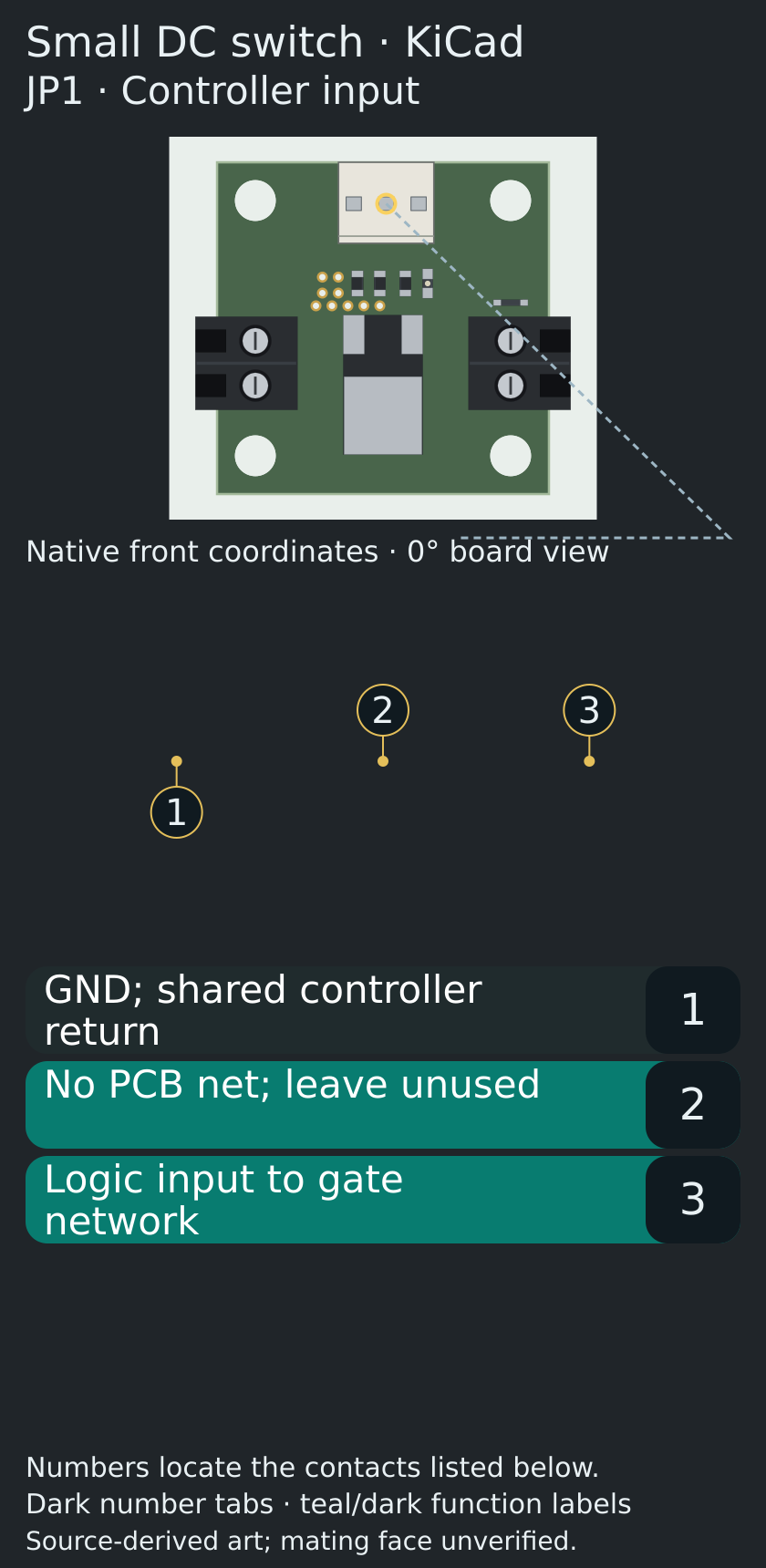
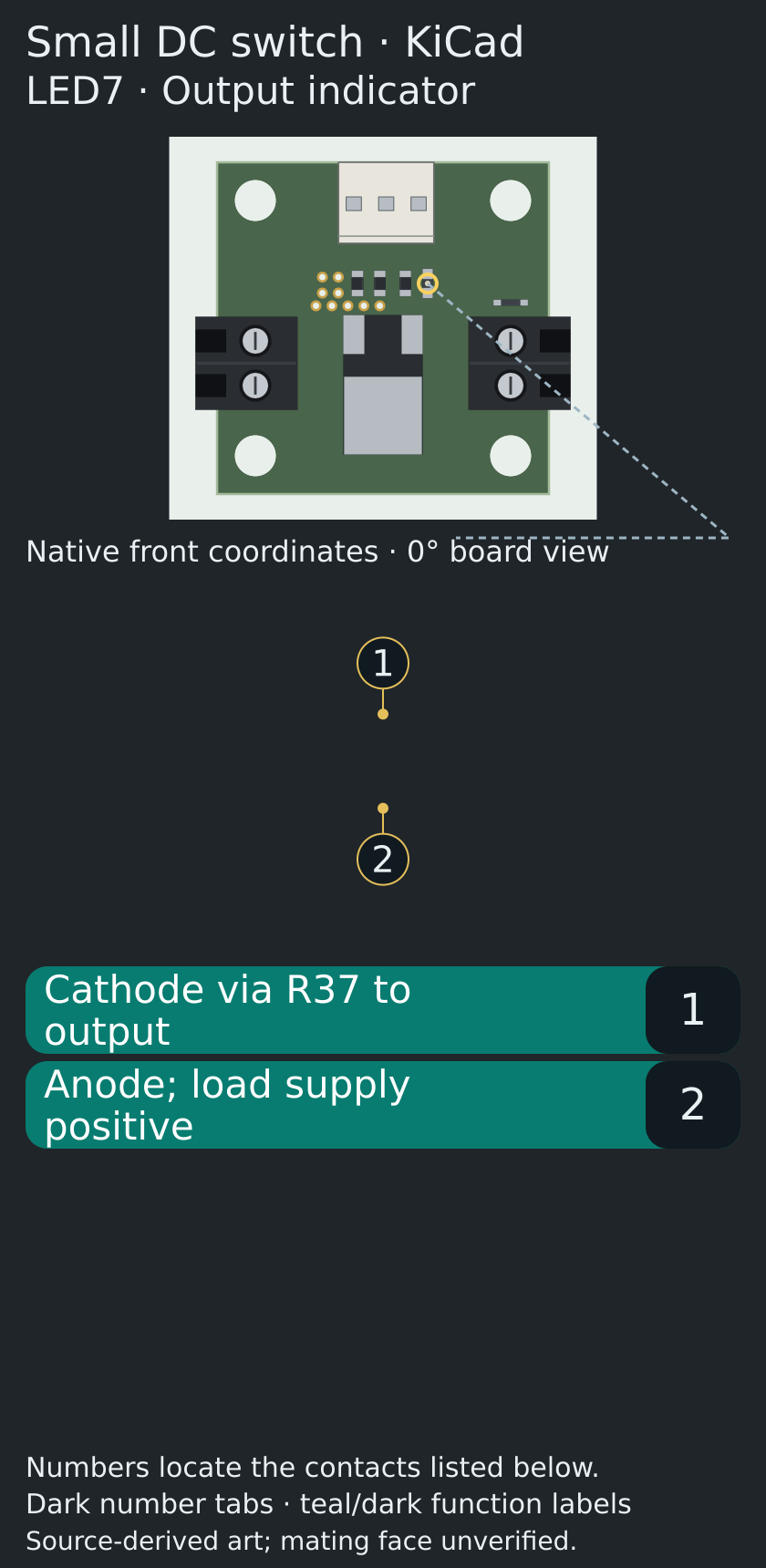
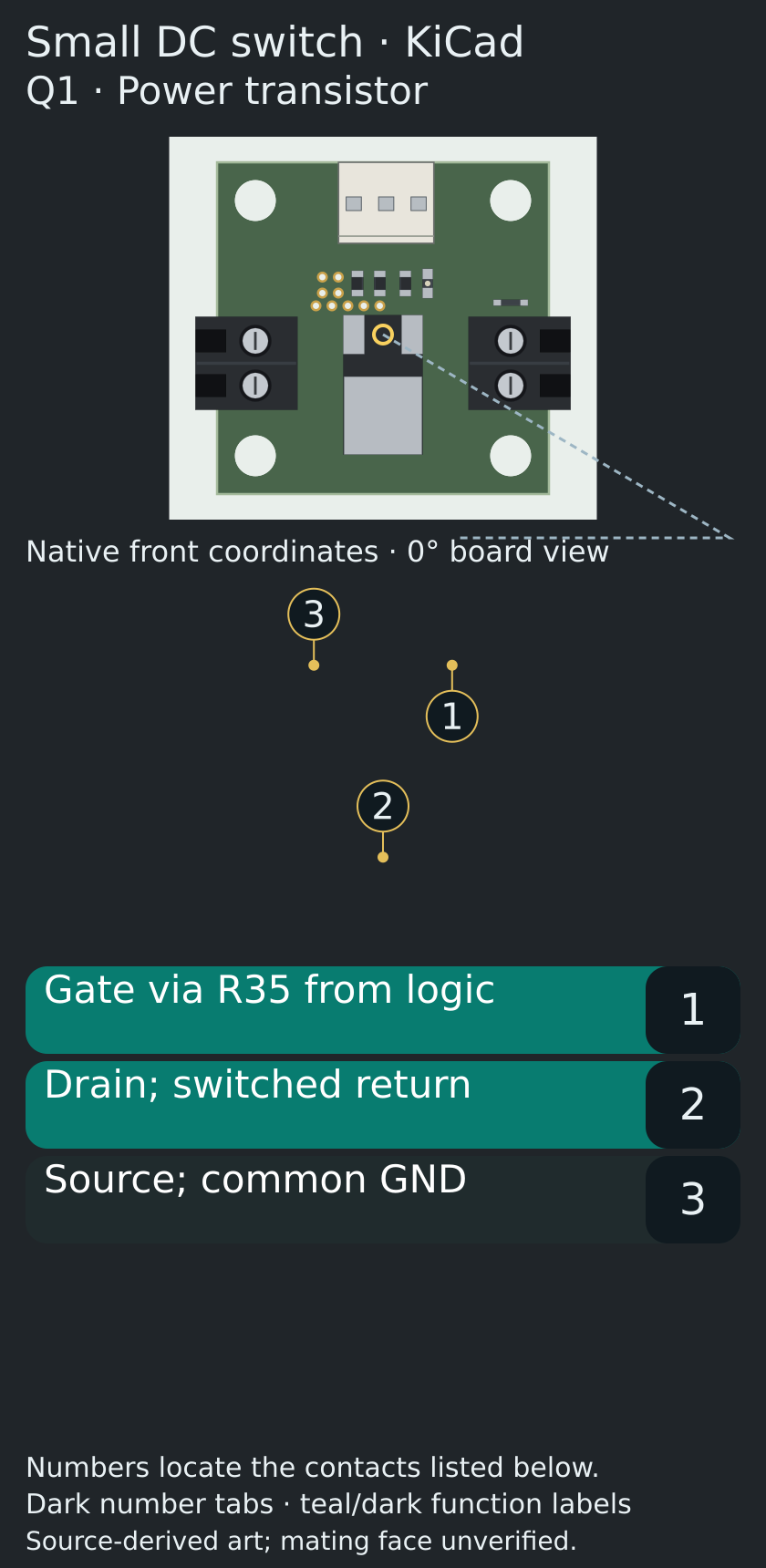
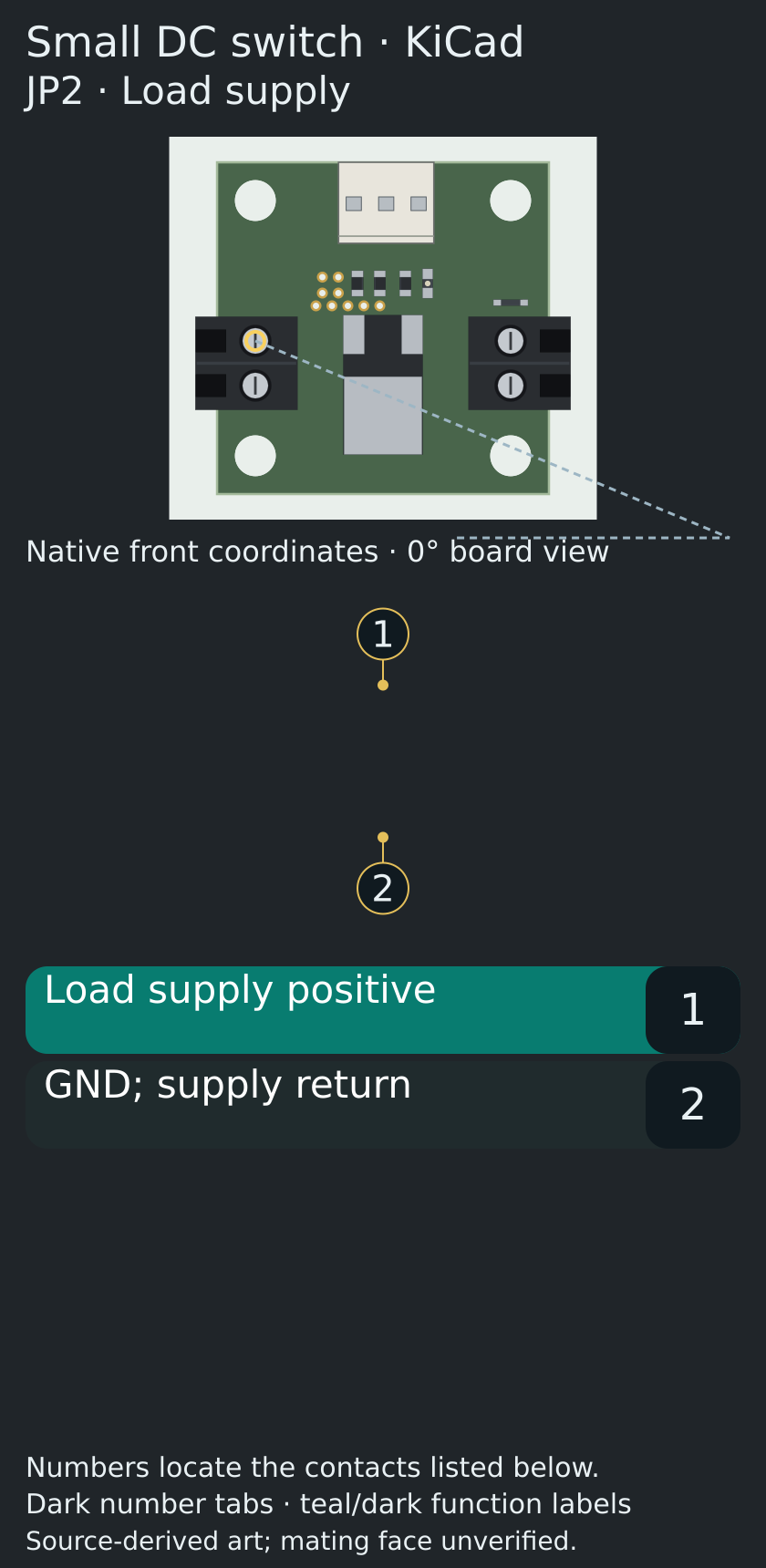
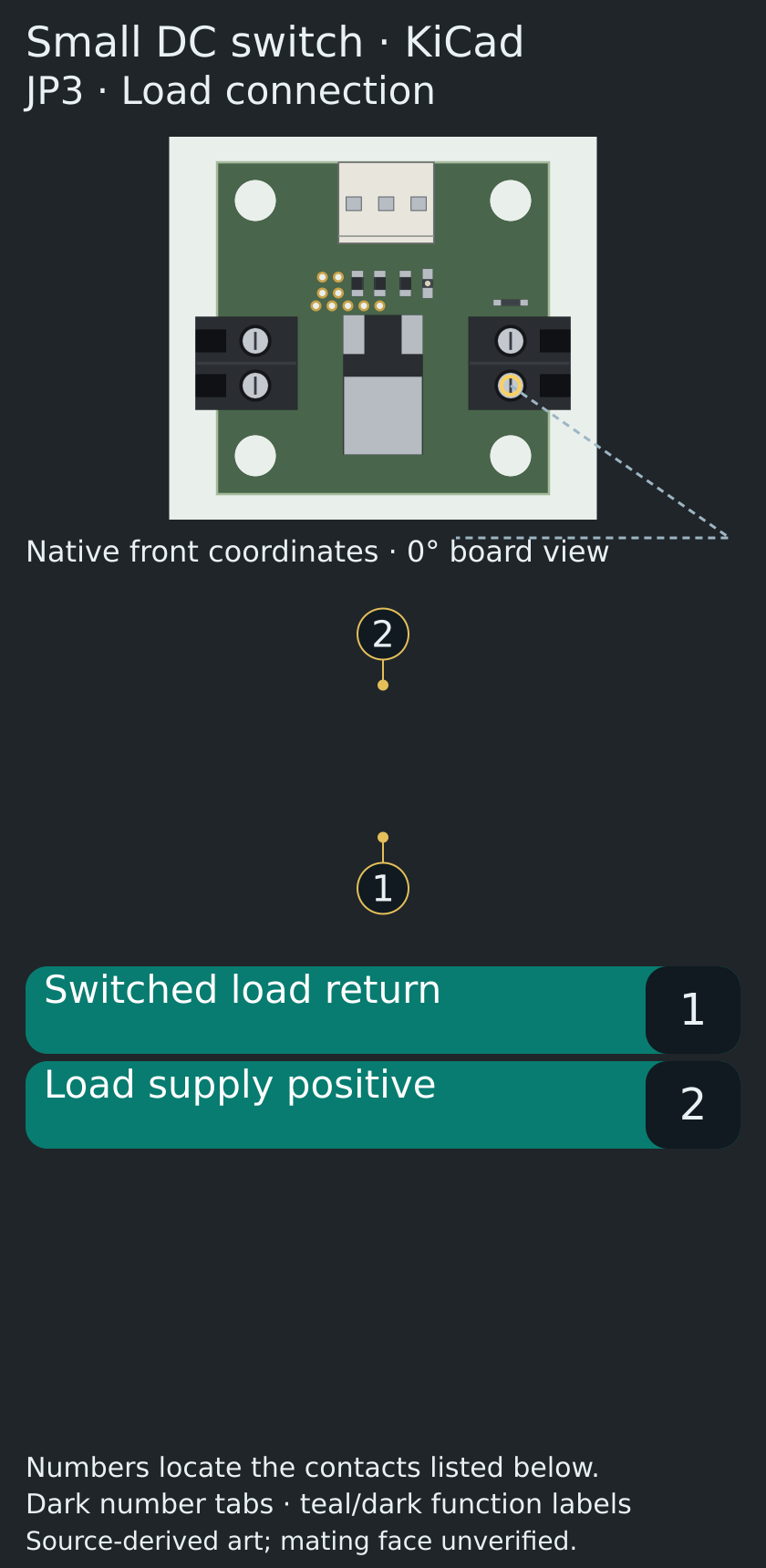
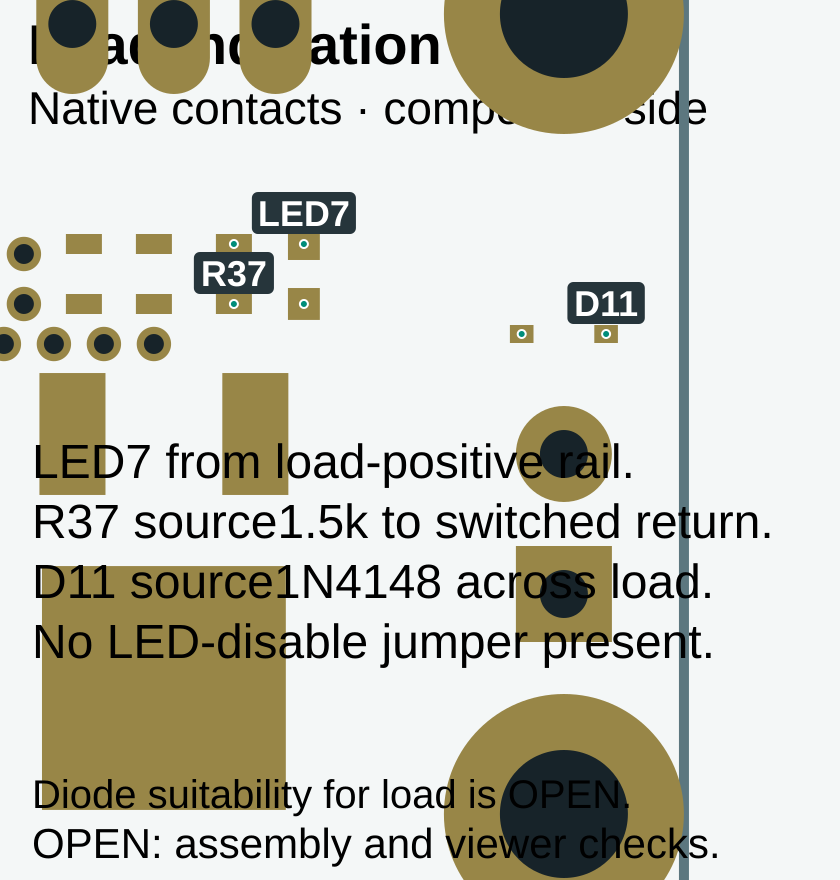
The pinned upstream Readme.use states 12–24 V, maximum 7 A, 3.3–5 V logic-high ON, common ground and no isolation. These are historical source claims, not measured or qualified ratings. JP2.1/.2 are supply positive/ground; JP3.2/.1 are load positive/switched return. JP1.1 is ground and JP1.3 is logic; JP1.2 has no assigned net in the selected PCB and must remain unused. The retained schematic VCC label does not establish a PCB rail. The output LED is described as ON with the output. Factory notes specify two-layer 35 µm copper, 1.6 mm FR4 and ENIG.
Annotated connector and component reference
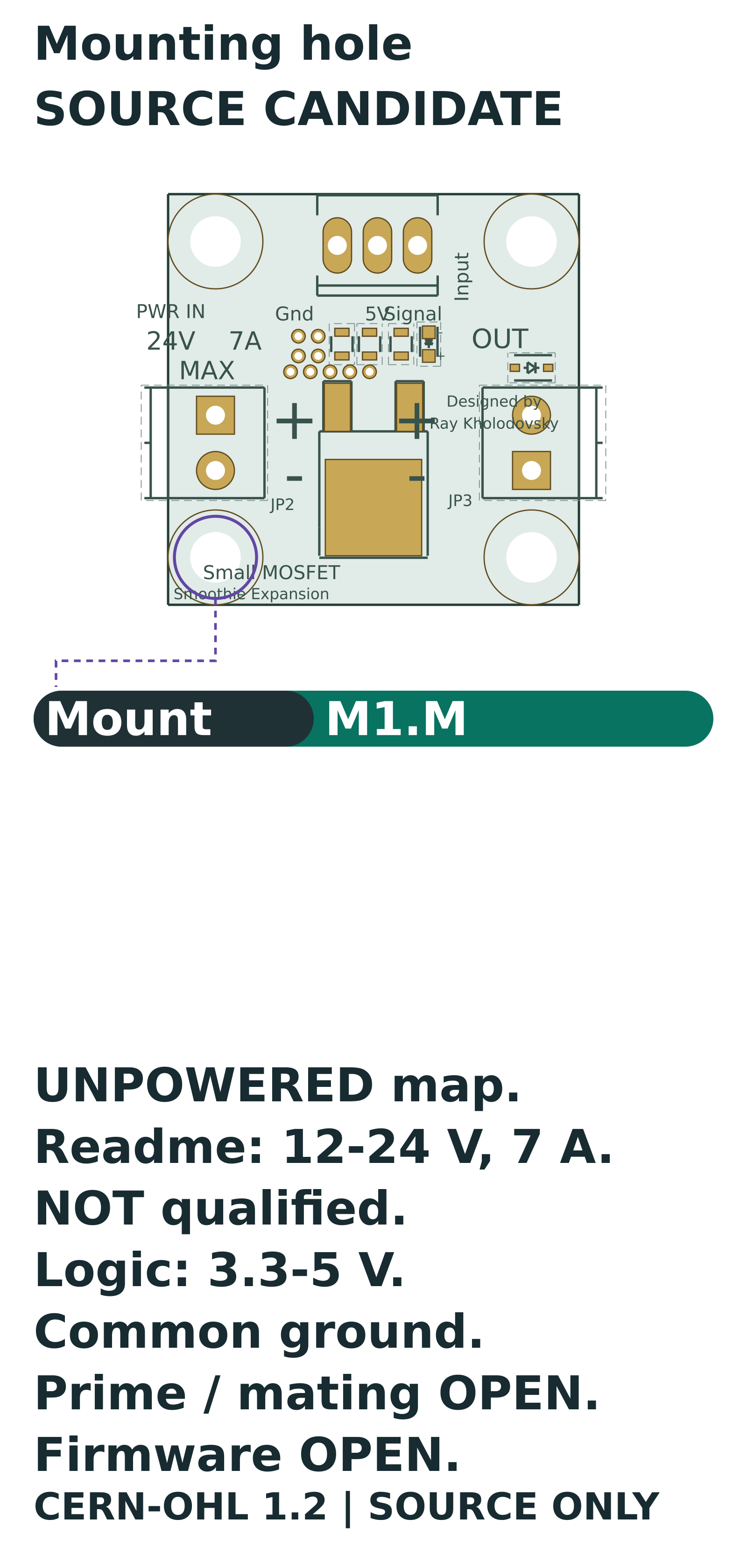
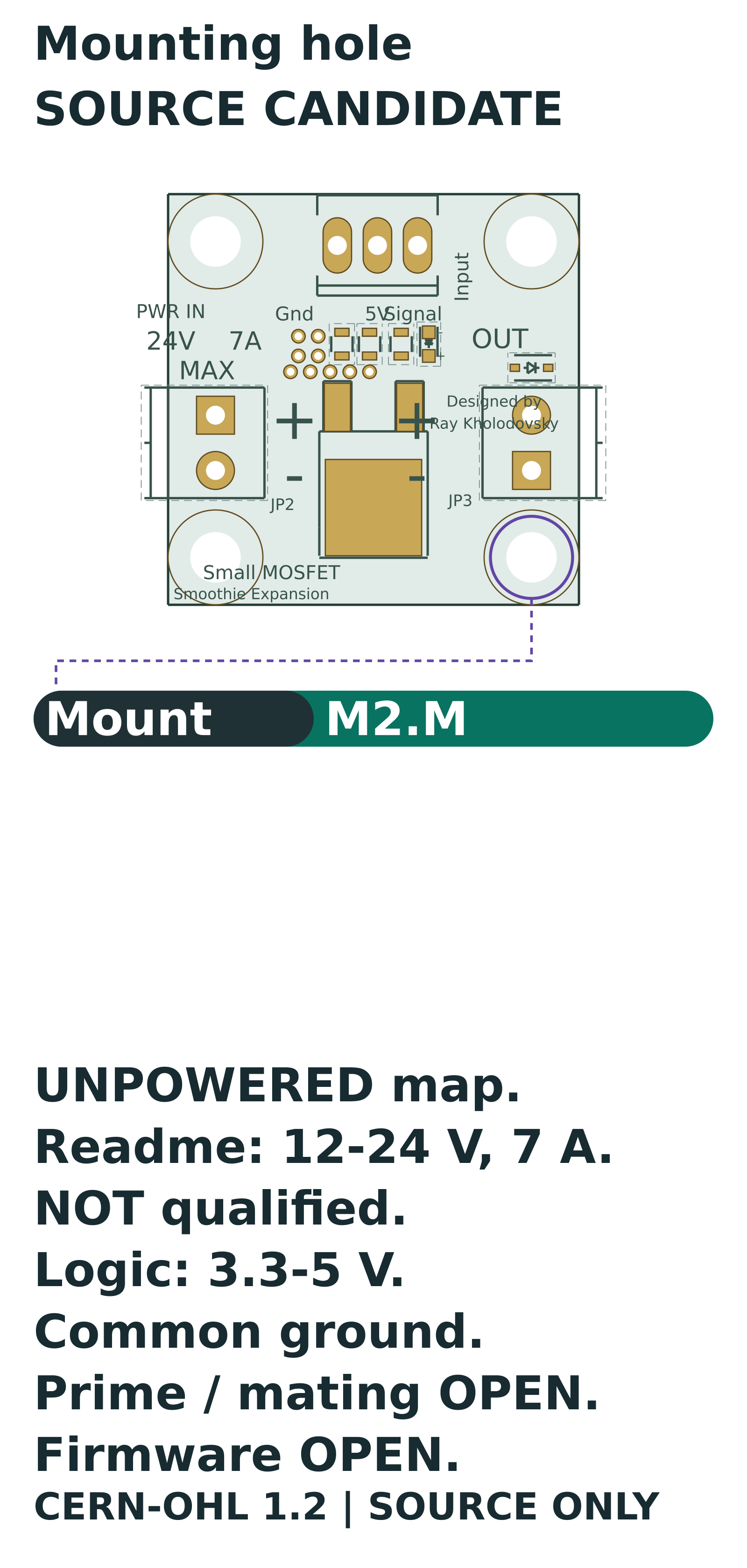
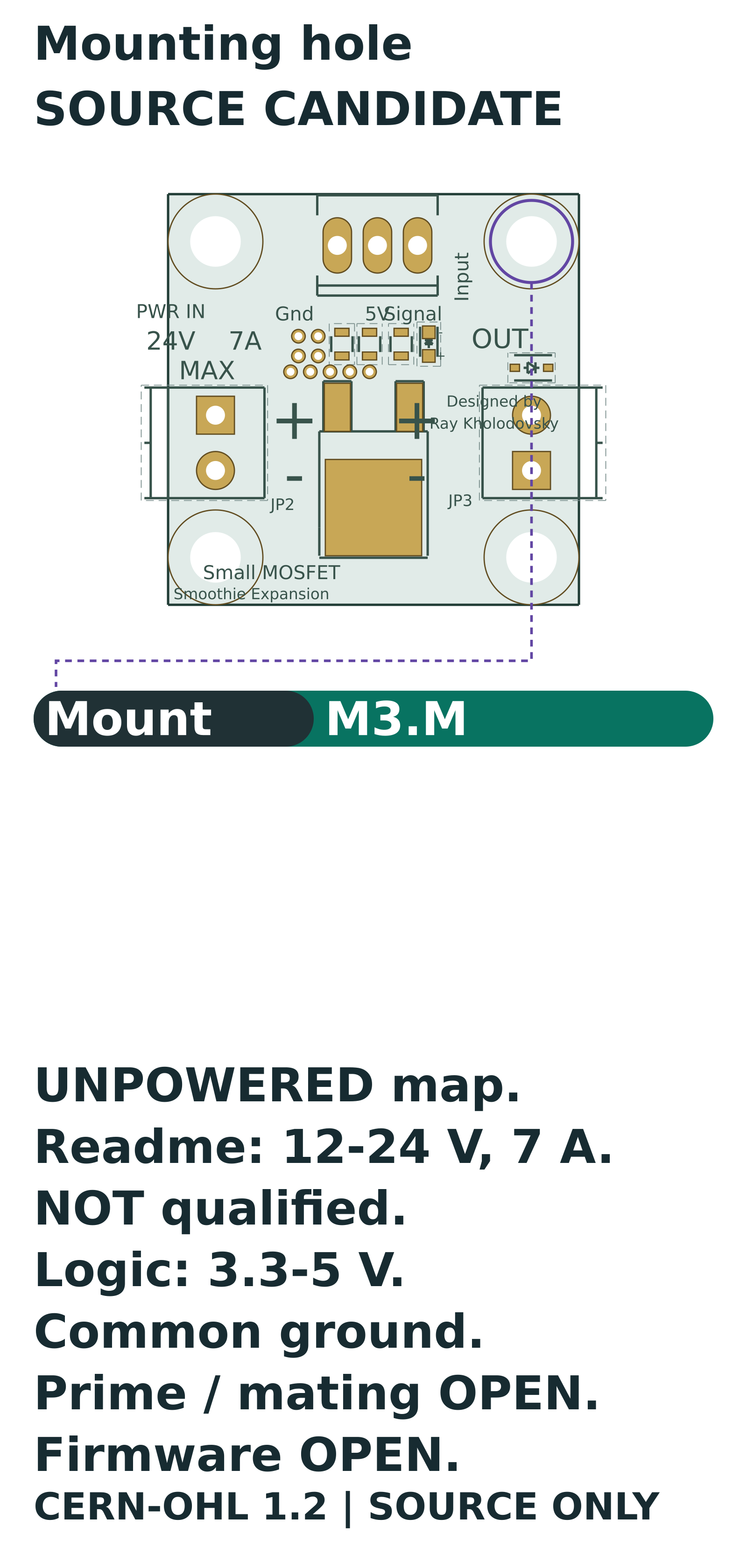
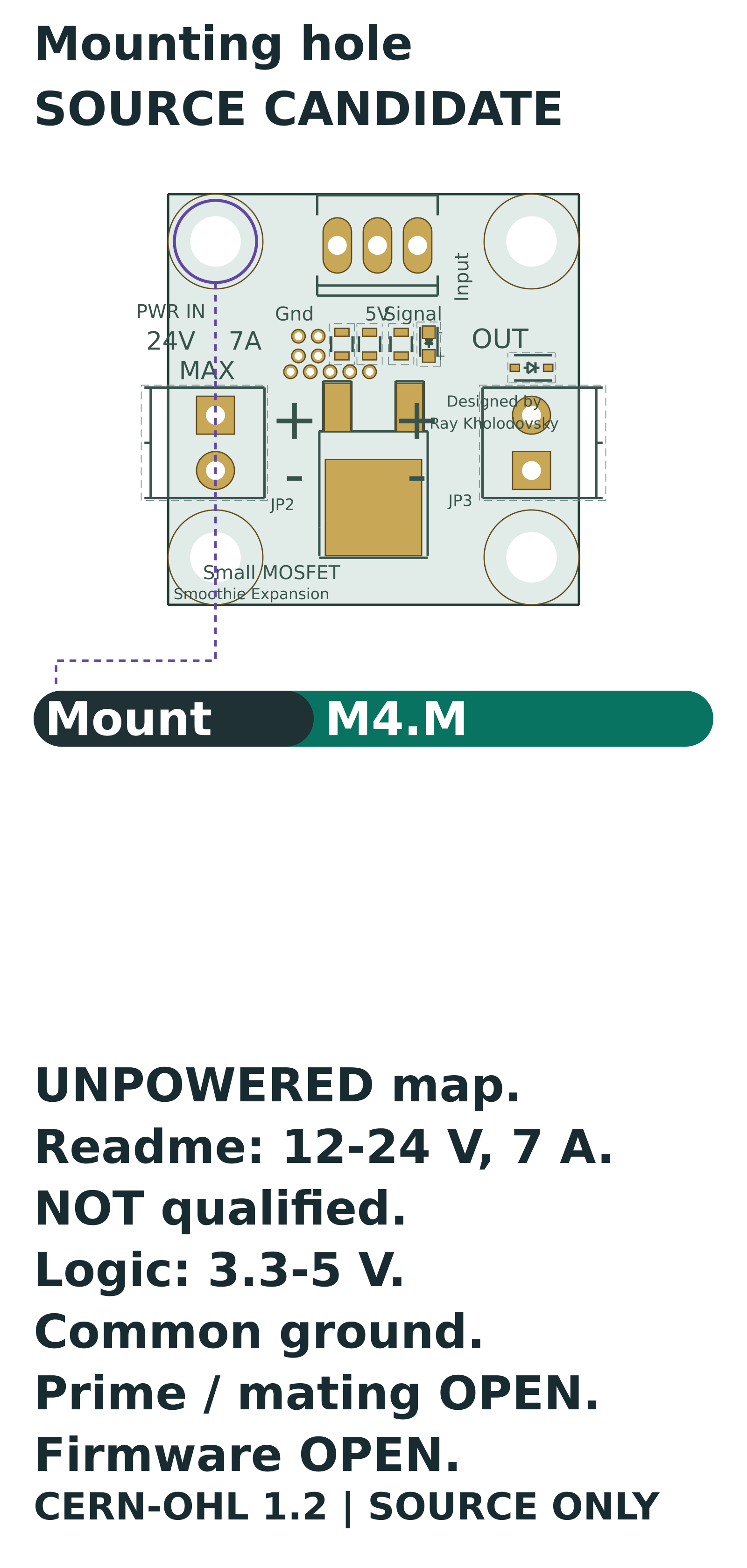
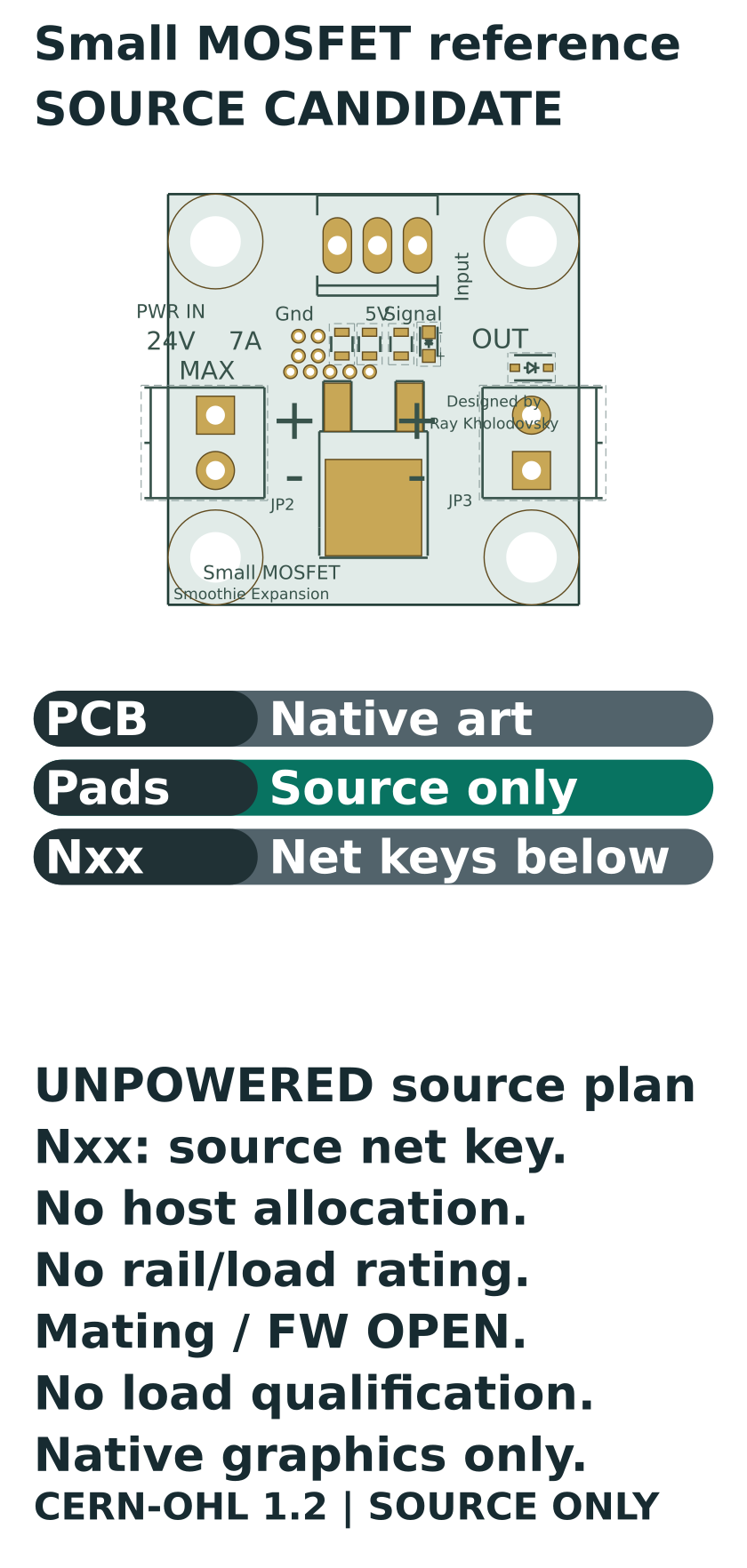
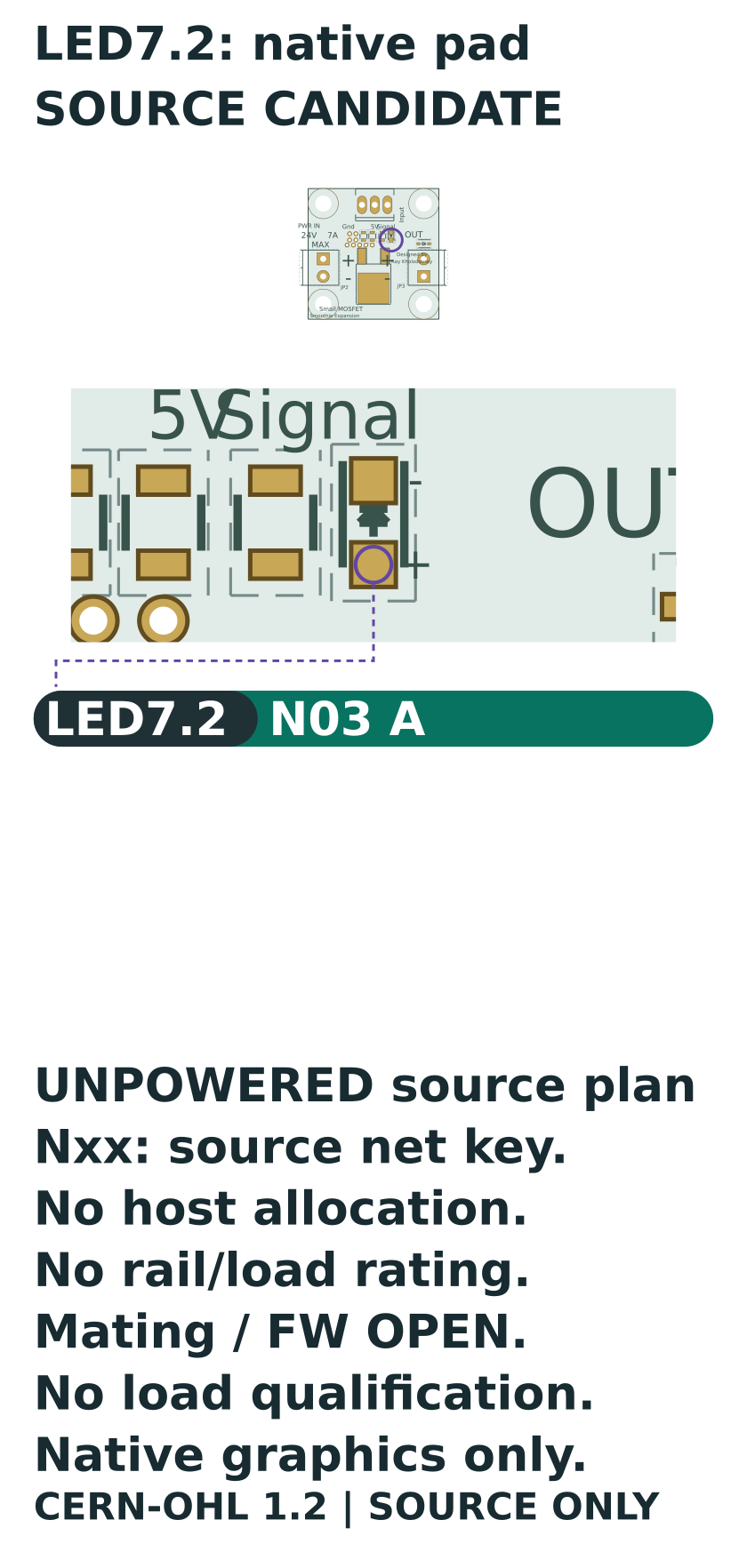
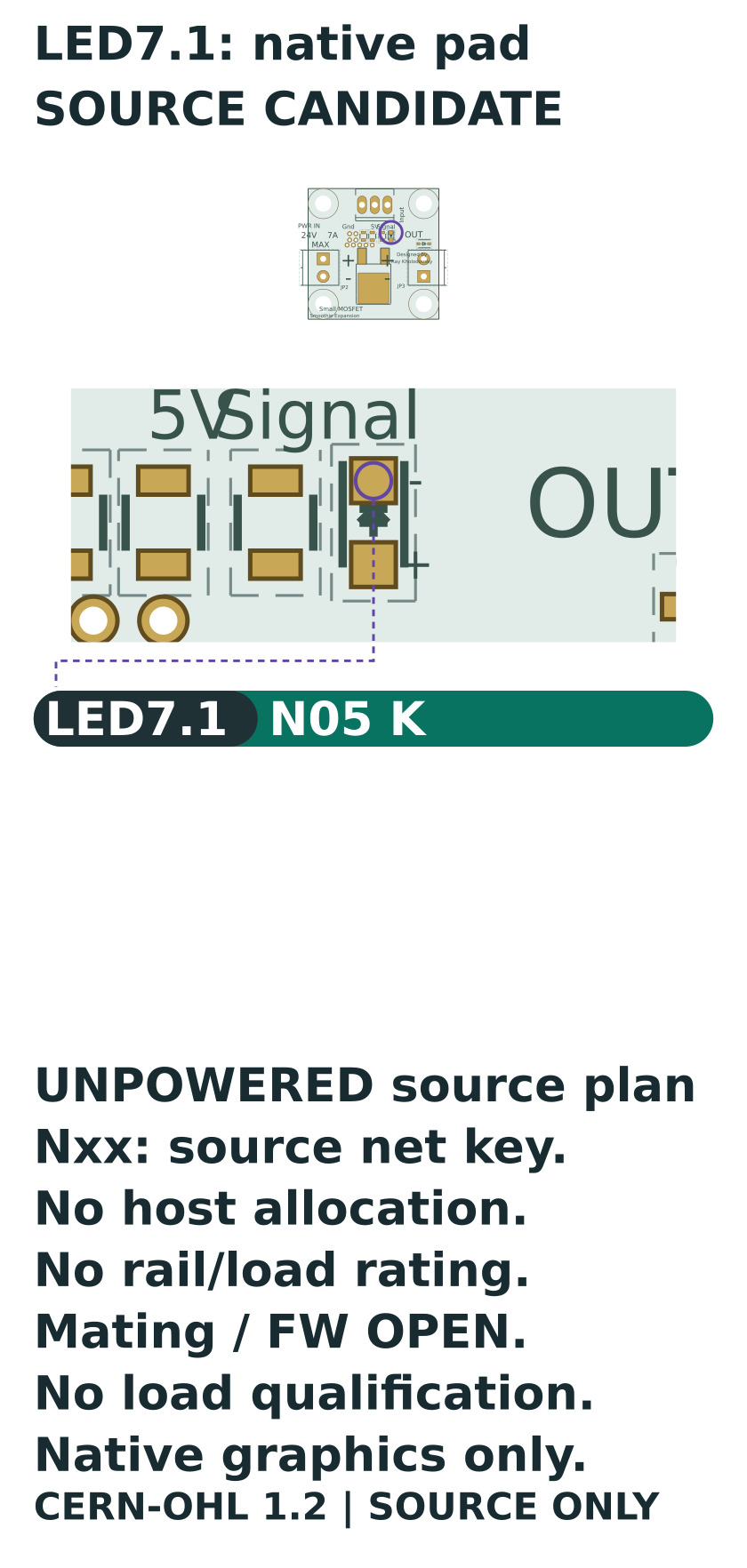
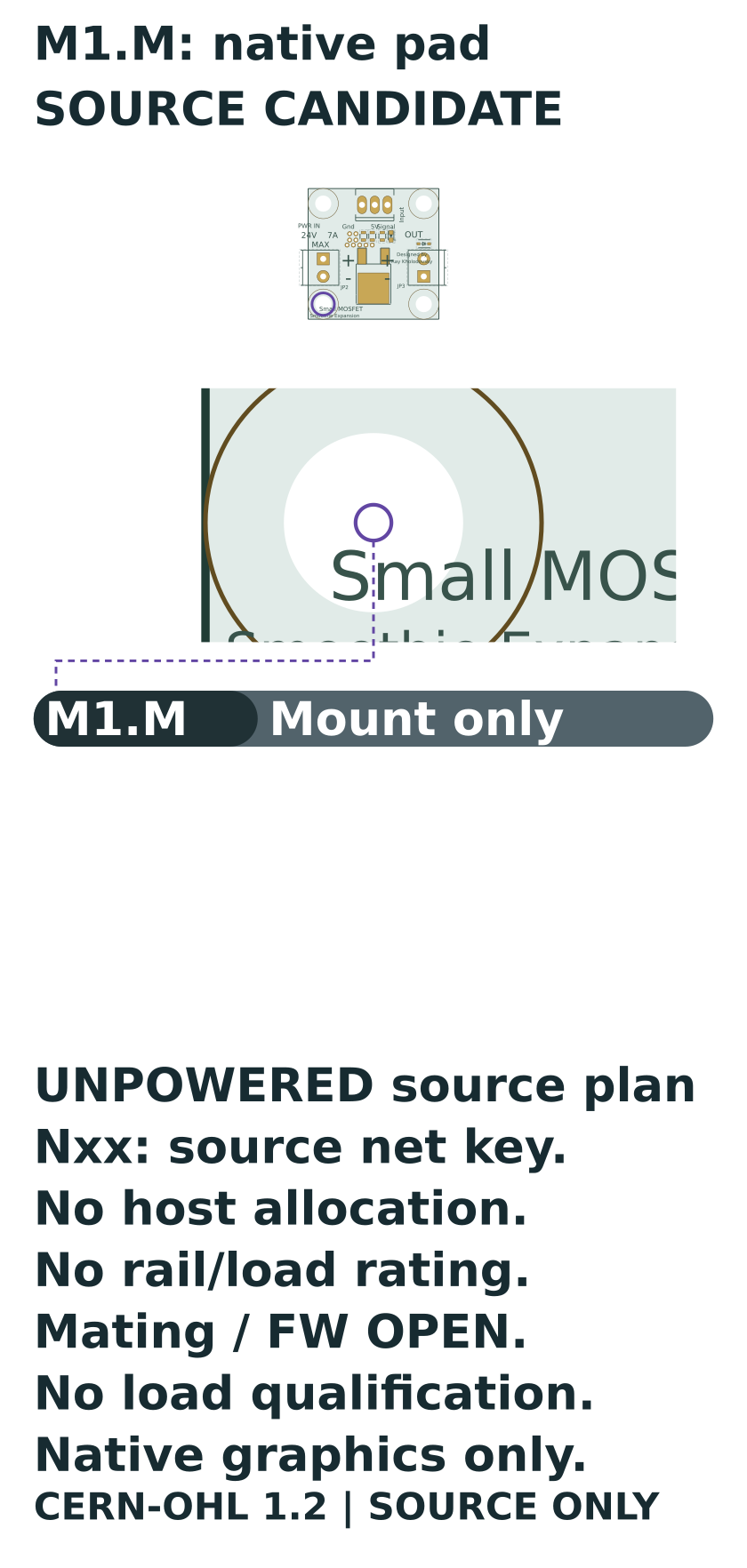
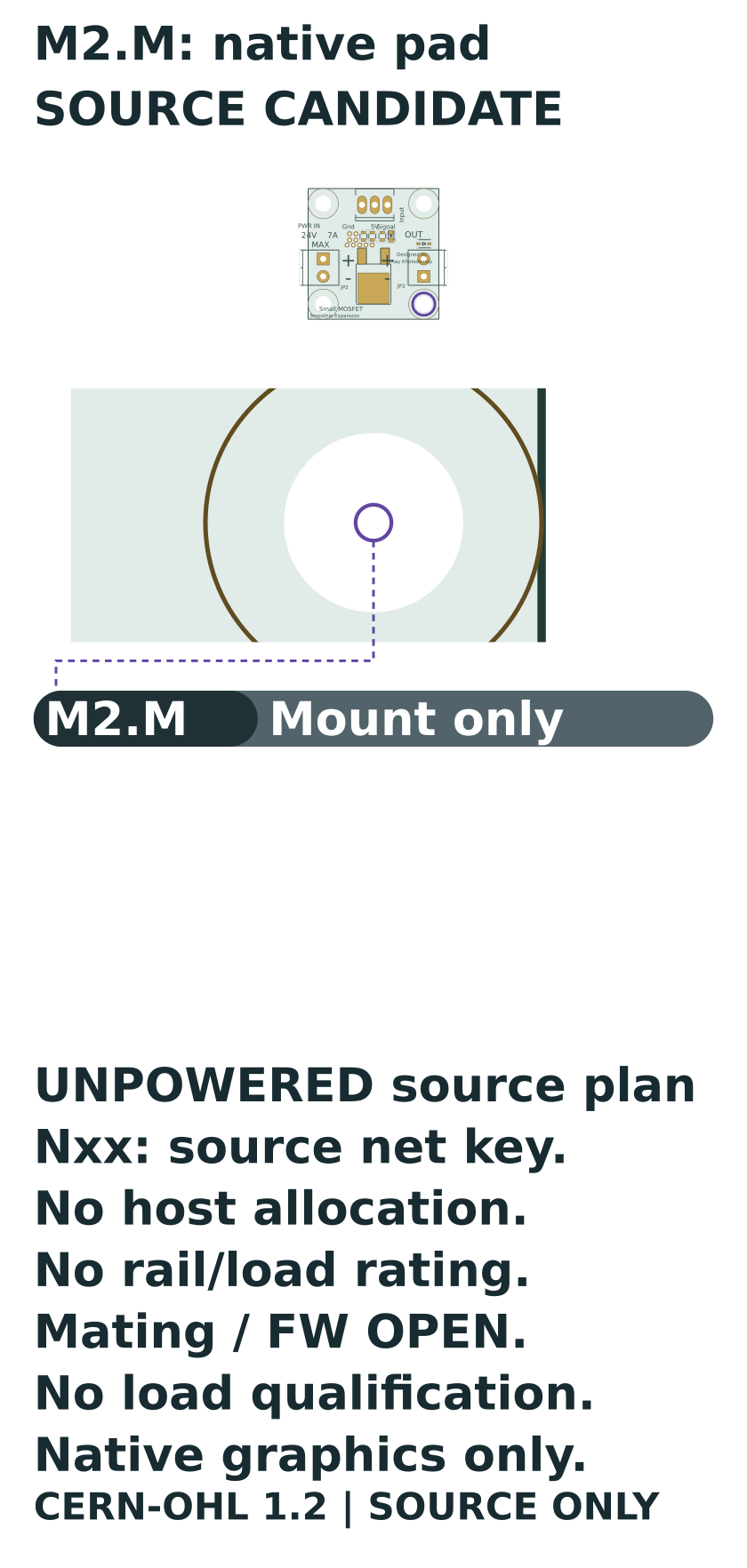
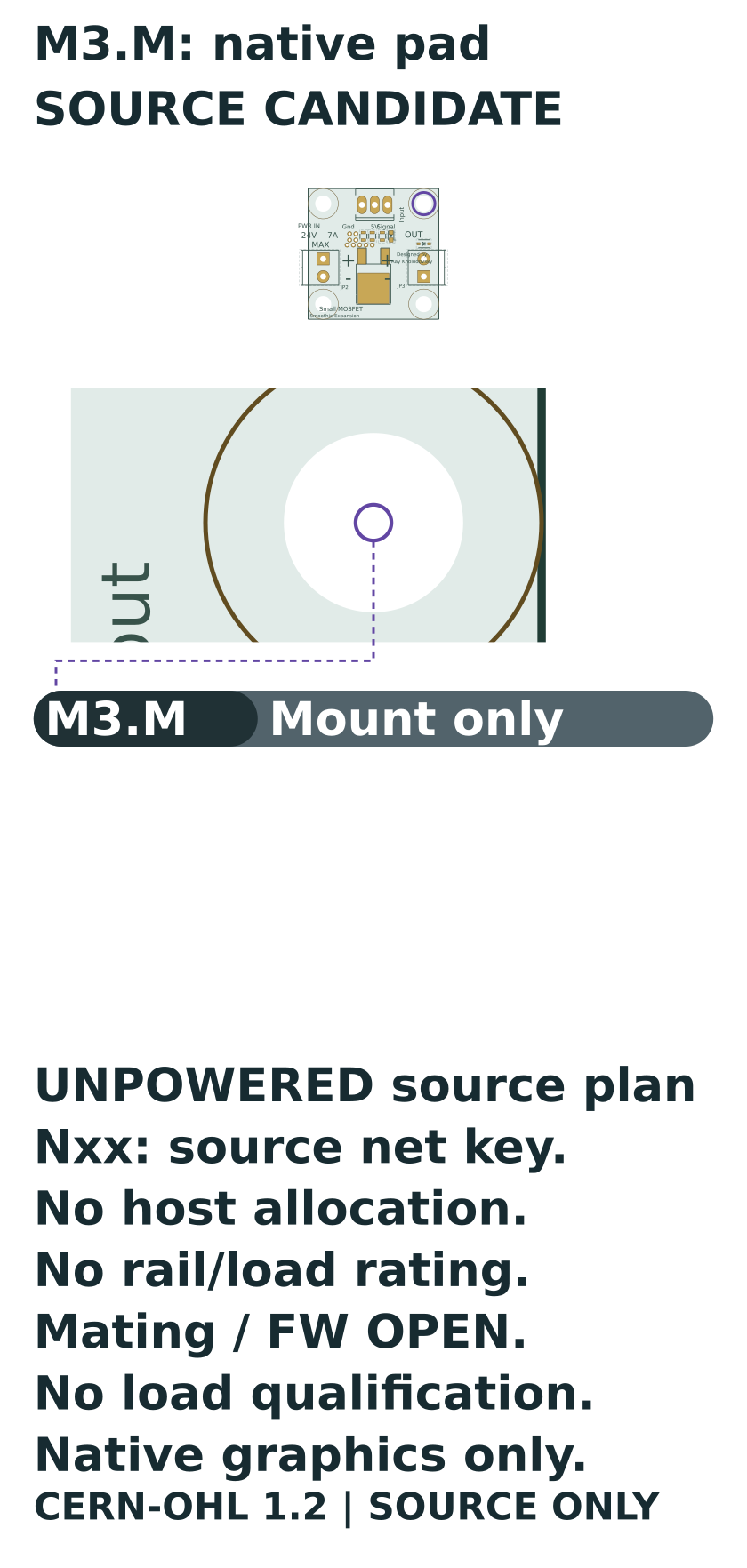
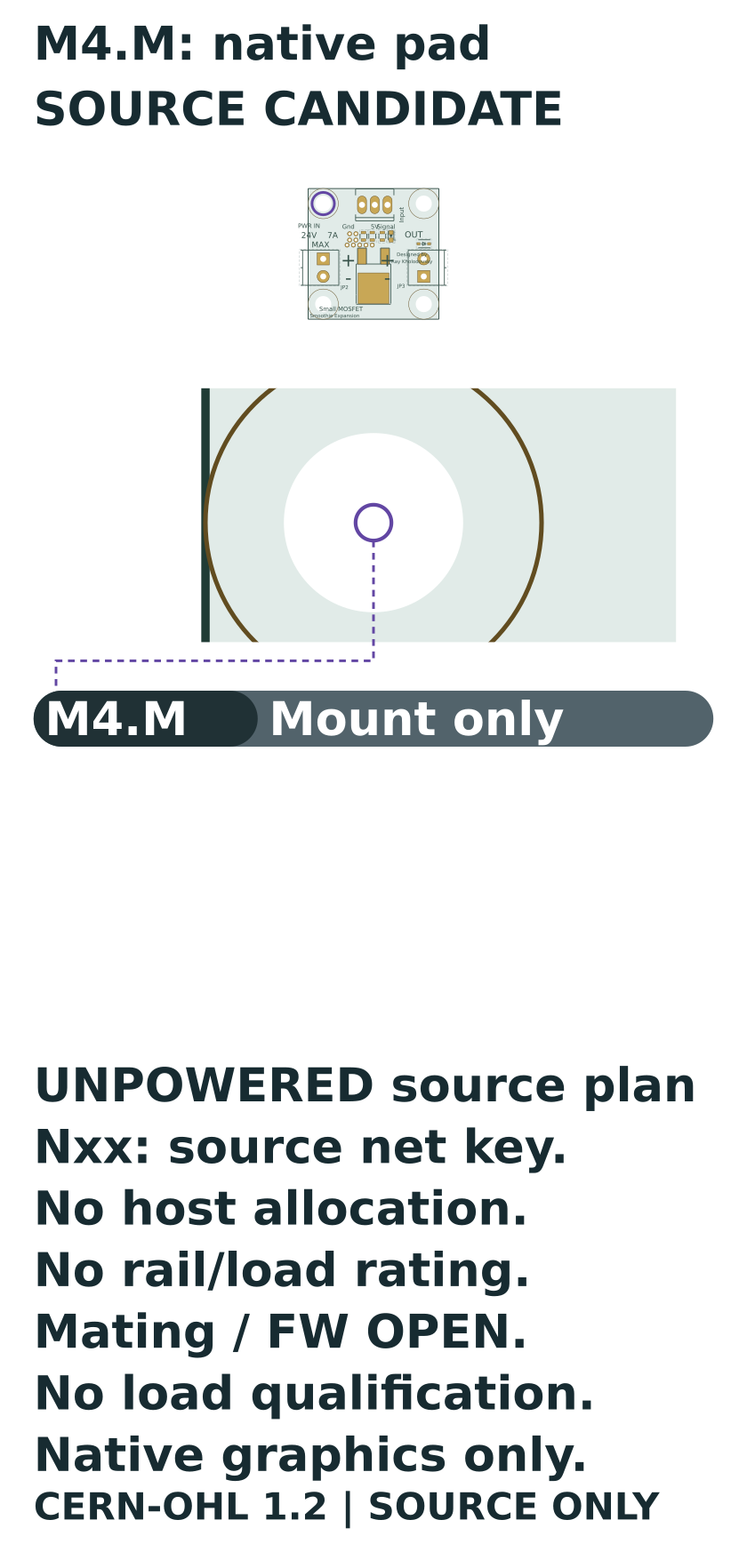
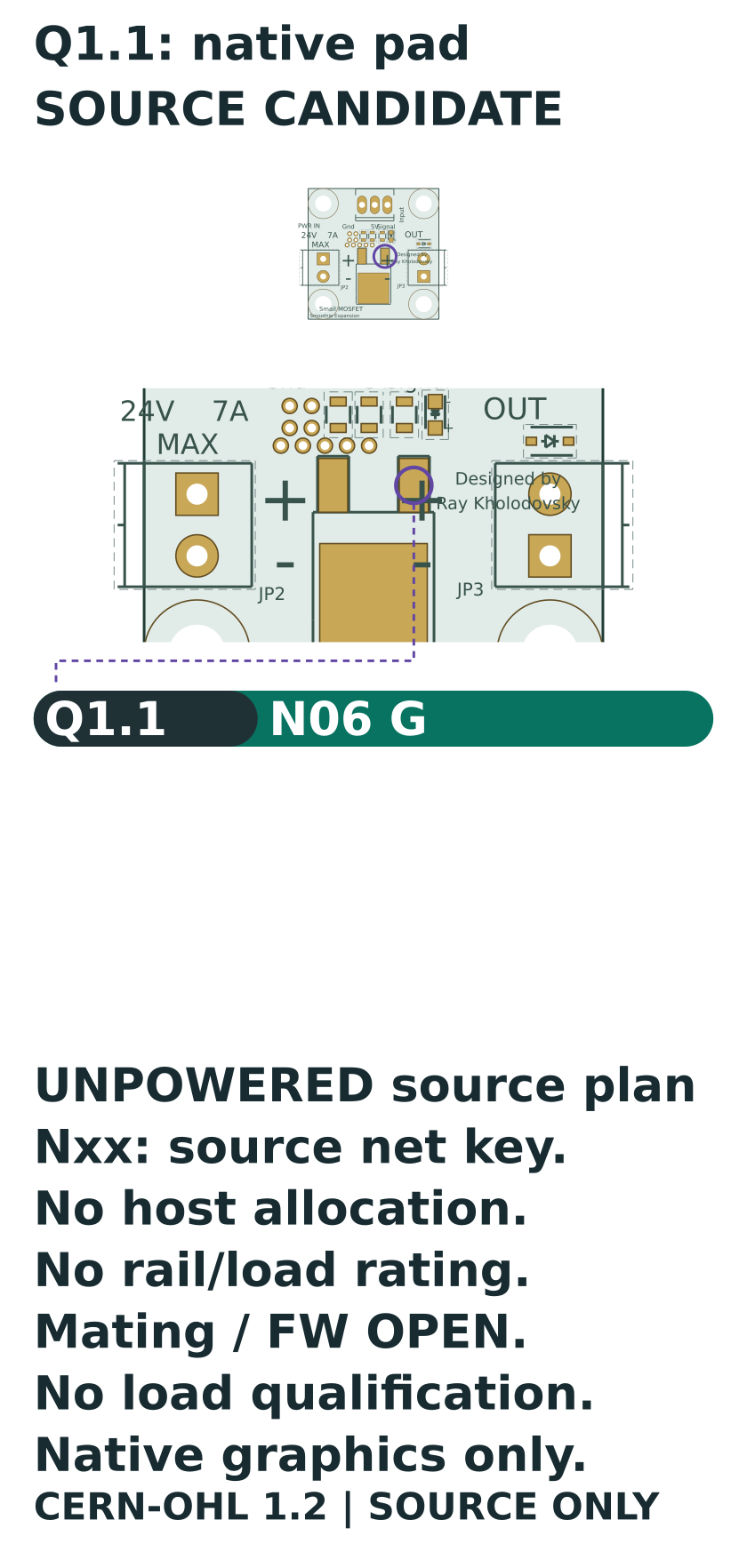
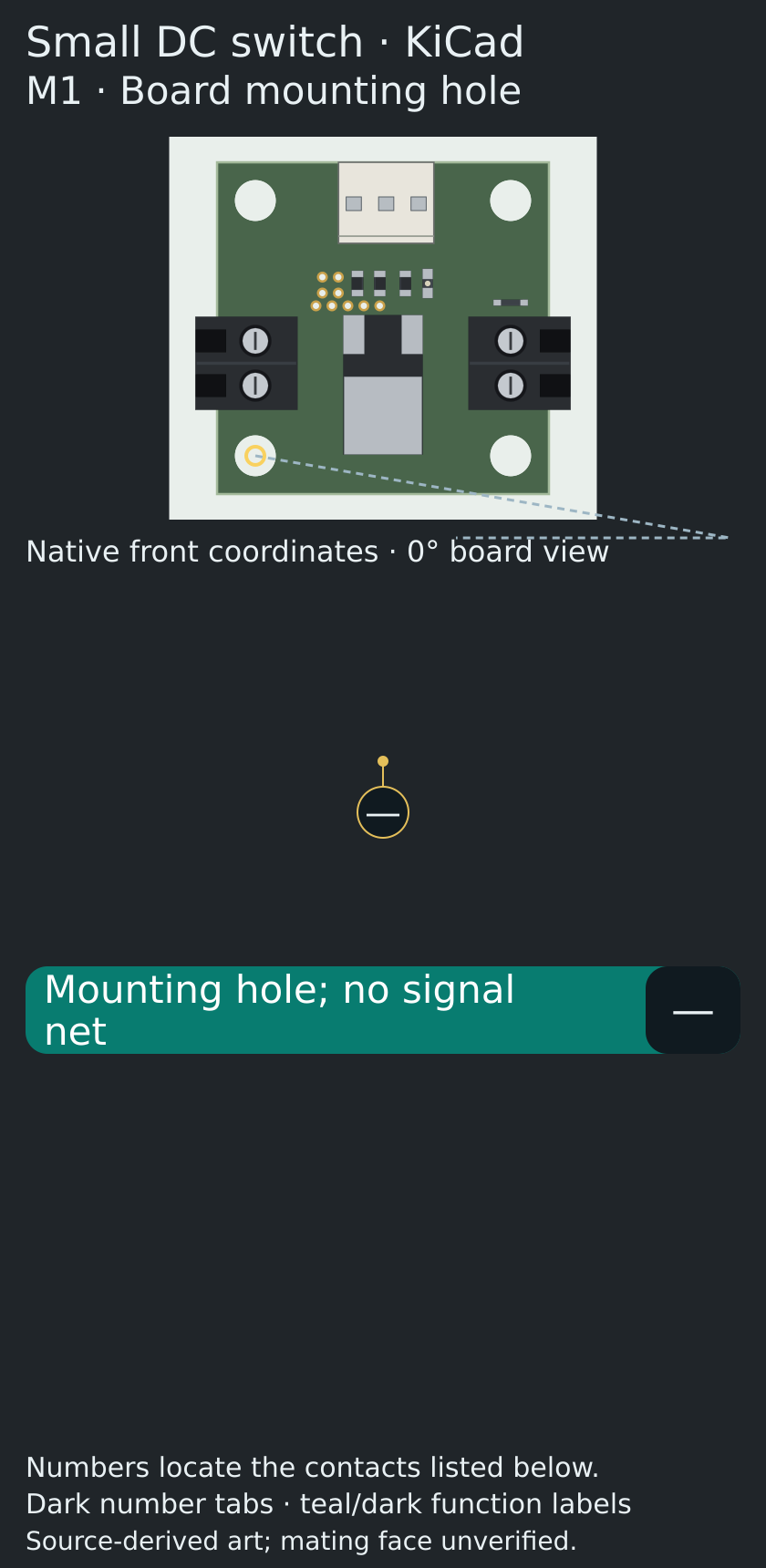
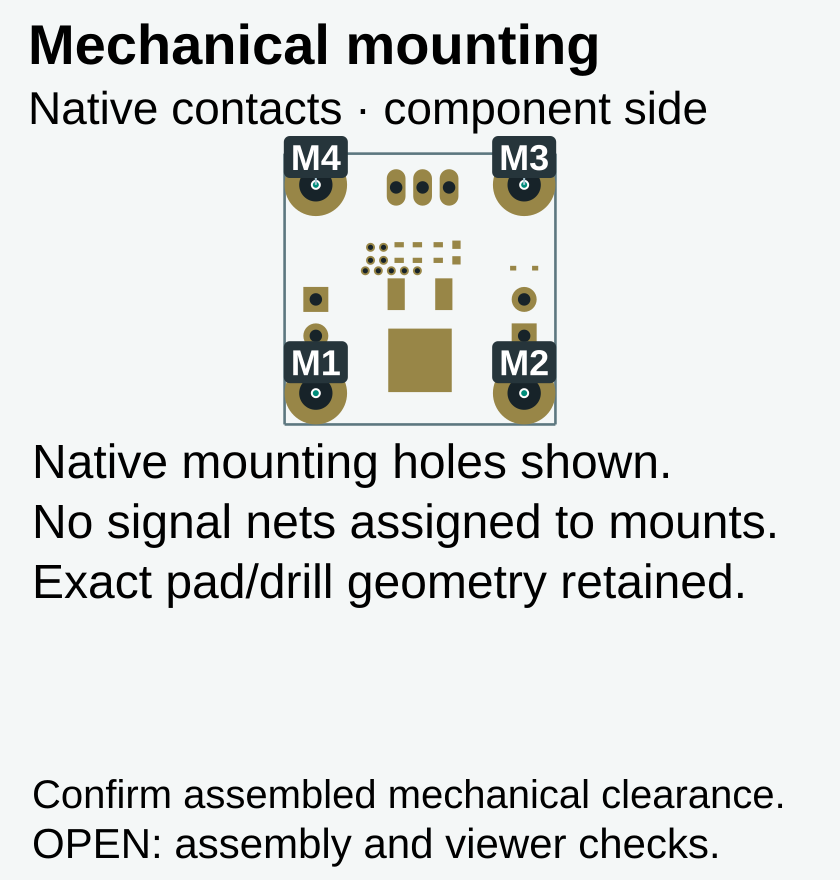
These newly source-derived drawings retain the selected native outline, footprints, pads and graphics with function callouts. They are not a recovered canonical abstract or a verified mating view. JP1.2 is unassigned. The visible 24 V / 7 A text is retained source silk, not a qualified supply or load rating. Host allocation, power/load suitability, firmware and physical operation remain unqualified.
Board reference
These function-labelled views retain the selected native source geometry. They are newly source-derived references, not a verified mating view.
Read labels at full size
Scroll across and down within this view. You can also open the PNG separately and use your browser’s zoom controls.
Fit shows the whole drawing. Zoom to read labels; scroll within the drawing. Escape closes the viewer.
Read labels at full size
Scroll across and down within this view. You can also open the PNG separately and use your browser’s zoom controls.
Fit shows the whole drawing. Zoom to read labels; scroll within the drawing. Escape closes the viewer.
Connector and component functions
Read labels at full size
Scroll across and down within this view. You can also open the PNG separately and use your browser’s zoom controls.
Fit shows the whole drawing. Zoom to read labels; scroll within the drawing. Escape closes the viewer.
Read labels at full size
Scroll across and down within this view. You can also open the PNG separately and use your browser’s zoom controls.
Fit shows the whole drawing. Zoom to read labels; scroll within the drawing. Escape closes the viewer.
Read labels at full size
Scroll across and down within this view. You can also open the PNG separately and use your browser’s zoom controls.
Fit shows the whole drawing. Zoom to read labels; scroll within the drawing. Escape closes the viewer.
Read labels at full size
Scroll across and down within this view. You can also open the PNG separately and use your browser’s zoom controls.
Fit shows the whole drawing. Zoom to read labels; scroll within the drawing. Escape closes the viewer.
Read labels at full size
Scroll across and down within this view. You can also open the PNG separately and use your browser’s zoom controls.
Fit shows the whole drawing. Zoom to read labels; scroll within the drawing. Escape closes the viewer.
Read labels at full size
Scroll across and down within this view. You can also open the PNG separately and use your browser’s zoom controls.
Fit shows the whole drawing. Zoom to read labels; scroll within the drawing. Escape closes the viewer.
Read labels at full size
Scroll across and down within this view. You can also open the PNG separately and use your browser’s zoom controls.
Fit shows the whole drawing. Zoom to read labels; scroll within the drawing. Escape closes the viewer.
Read labels at full size
Scroll across and down within this view. You can also open the PNG separately and use your browser’s zoom controls.
Fit shows the whole drawing. Zoom to read labels; scroll within the drawing. Escape closes the viewer.
Read labels at full size
Scroll across and down within this view. You can also open the PNG separately and use your browser’s zoom controls.
Fit shows the whole drawing. Zoom to read labels; scroll within the drawing. Escape closes the viewer.
Read labels at full size
Scroll across and down within this view. You can also open the PNG separately and use your browser’s zoom controls.
Fit shows the whole drawing. Zoom to read labels; scroll within the drawing. Escape closes the viewer.
Read labels at full size
Scroll across and down within this view. You can also open the PNG separately and use your browser’s zoom controls.
Fit shows the whole drawing. Zoom to read labels; scroll within the drawing. Escape closes the viewer.
Read labels at full size
Scroll across and down within this view. You can also open the PNG separately and use your browser’s zoom controls.
Fit shows the whole drawing. Zoom to read labels; scroll within the drawing. Escape closes the viewer.
Read labels at full size
Scroll across and down within this view. You can also open the PNG separately and use your browser’s zoom controls.
Fit shows the whole drawing. Zoom to read labels; scroll within the drawing. Escape closes the viewer.
Original contact audits and supplementary source views
Read labels at full size
Scroll across and down within this view. You can also open the PNG separately and use your browser’s zoom controls.
Fit shows the whole drawing. Zoom to read labels; scroll within the drawing. Escape closes the viewer.
Read labels at full size
Scroll across and down within this view. You can also open the PNG separately and use your browser’s zoom controls.
Fit shows the whole drawing. Zoom to read labels; scroll within the drawing. Escape closes the viewer.
Read labels at full size
Scroll across and down within this view. You can also open the PNG separately and use your browser’s zoom controls.
Fit shows the whole drawing. Zoom to read labels; scroll within the drawing. Escape closes the viewer.
Read labels at full size
Scroll across and down within this view. You can also open the PNG separately and use your browser’s zoom controls.
Fit shows the whole drawing. Zoom to read labels; scroll within the drawing. Escape closes the viewer.
Read labels at full size
Scroll across and down within this view. You can also open the PNG separately and use your browser’s zoom controls.
Fit shows the whole drawing. Zoom to read labels; scroll within the drawing. Escape closes the viewer.
Read labels at full size
Scroll across and down within this view. You can also open the PNG separately and use your browser’s zoom controls.
Fit shows the whole drawing. Zoom to read labels; scroll within the drawing. Escape closes the viewer.
Read labels at full size
Scroll across and down within this view. You can also open the PNG separately and use your browser’s zoom controls.
Fit shows the whole drawing. Zoom to read labels; scroll within the drawing. Escape closes the viewer.
Read labels at full size
Scroll across and down within this view. You can also open the PNG separately and use your browser’s zoom controls.
Fit shows the whole drawing. Zoom to read labels; scroll within the drawing. Escape closes the viewer.
Read labels at full size
Scroll across and down within this view. You can also open the PNG separately and use your browser’s zoom controls.
Fit shows the whole drawing. Zoom to read labels; scroll within the drawing. Escape closes the viewer.
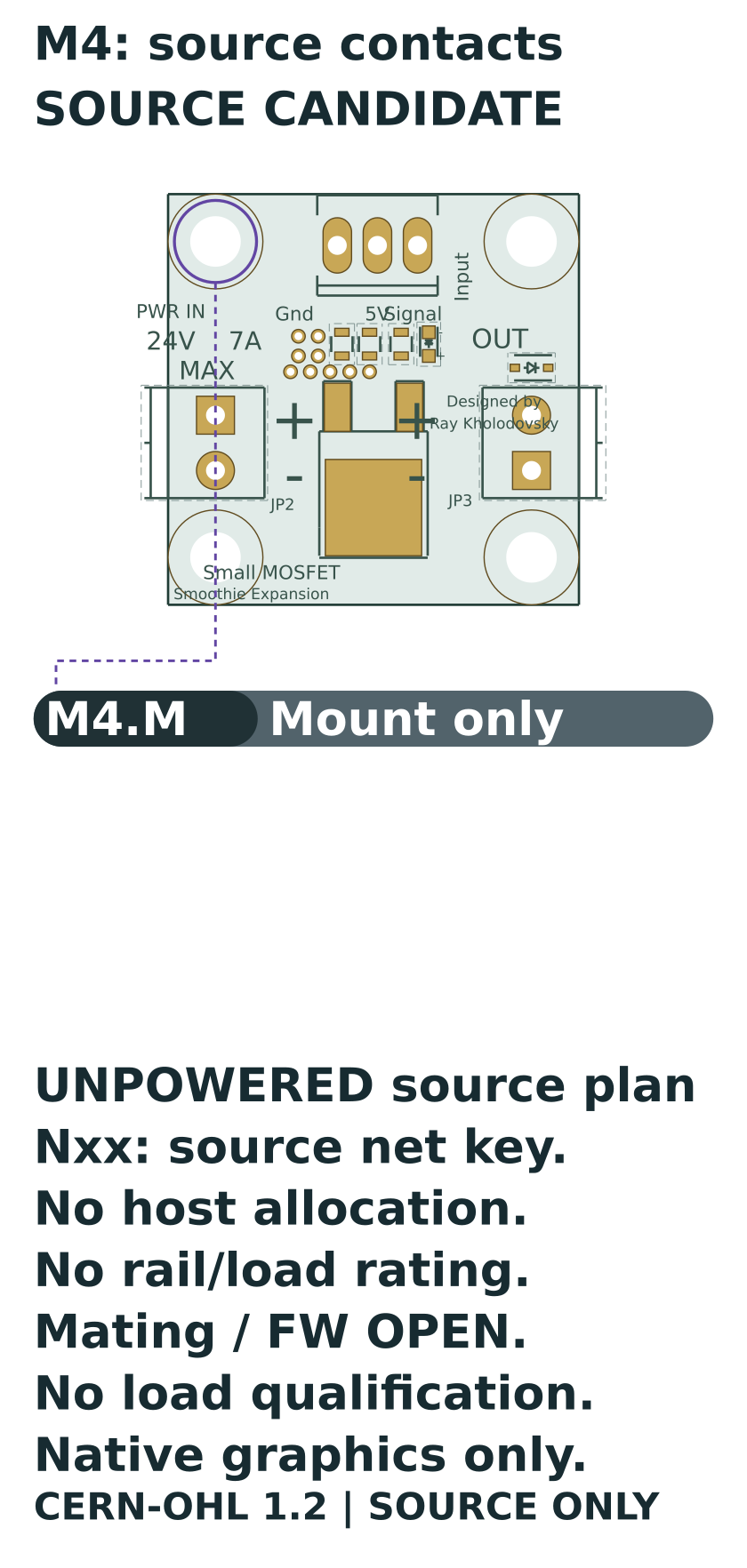
Read labels at full size
Scroll across and down within this view. You can also open the PNG separately and use your browser’s zoom controls.
Fit shows the whole drawing. Zoom to read labels; scroll within the drawing. Escape closes the viewer.
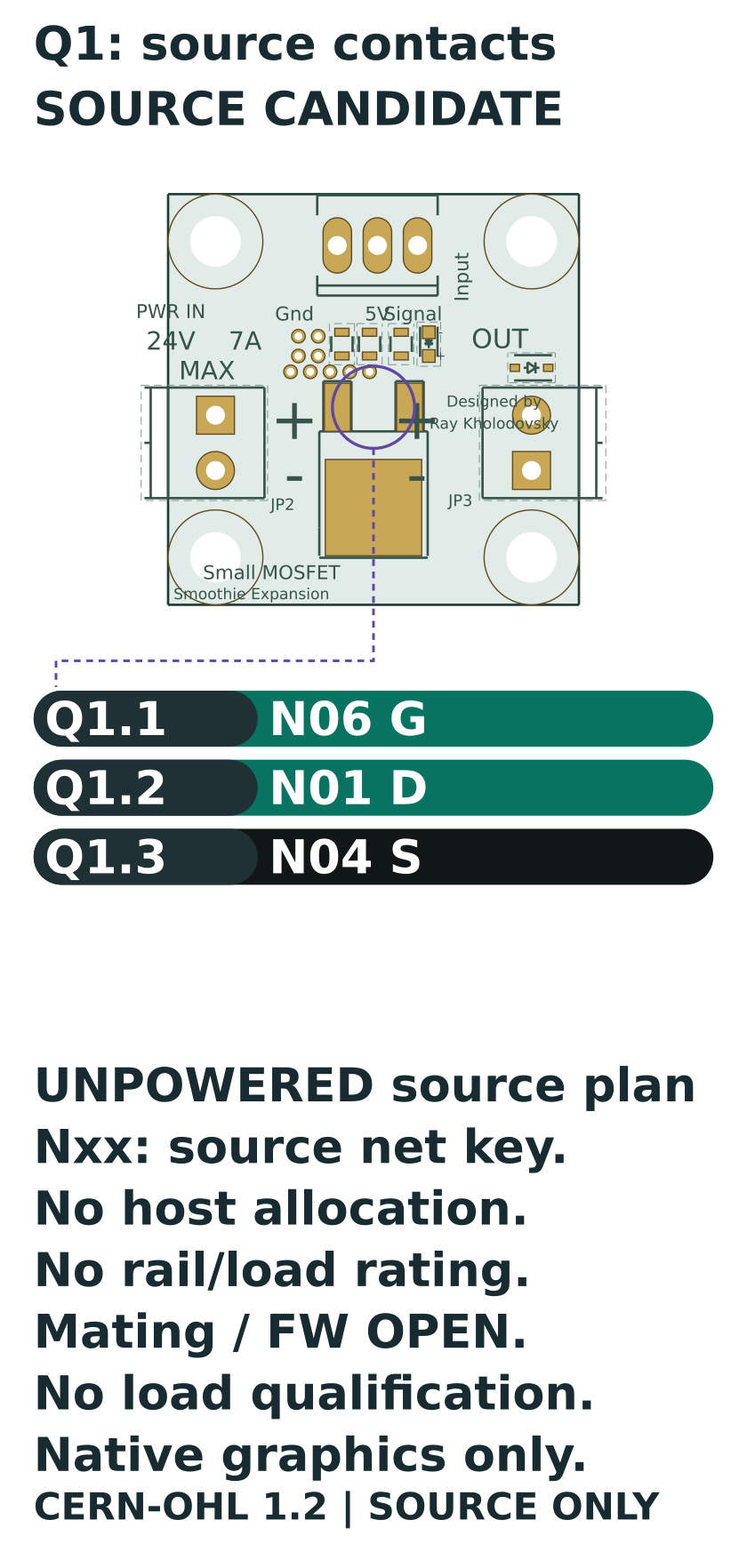
Read labels at full size
Scroll across and down within this view. You can also open the PNG separately and use your browser’s zoom controls.
Fit shows the whole drawing. Zoom to read labels; scroll within the drawing. Escape closes the viewer.
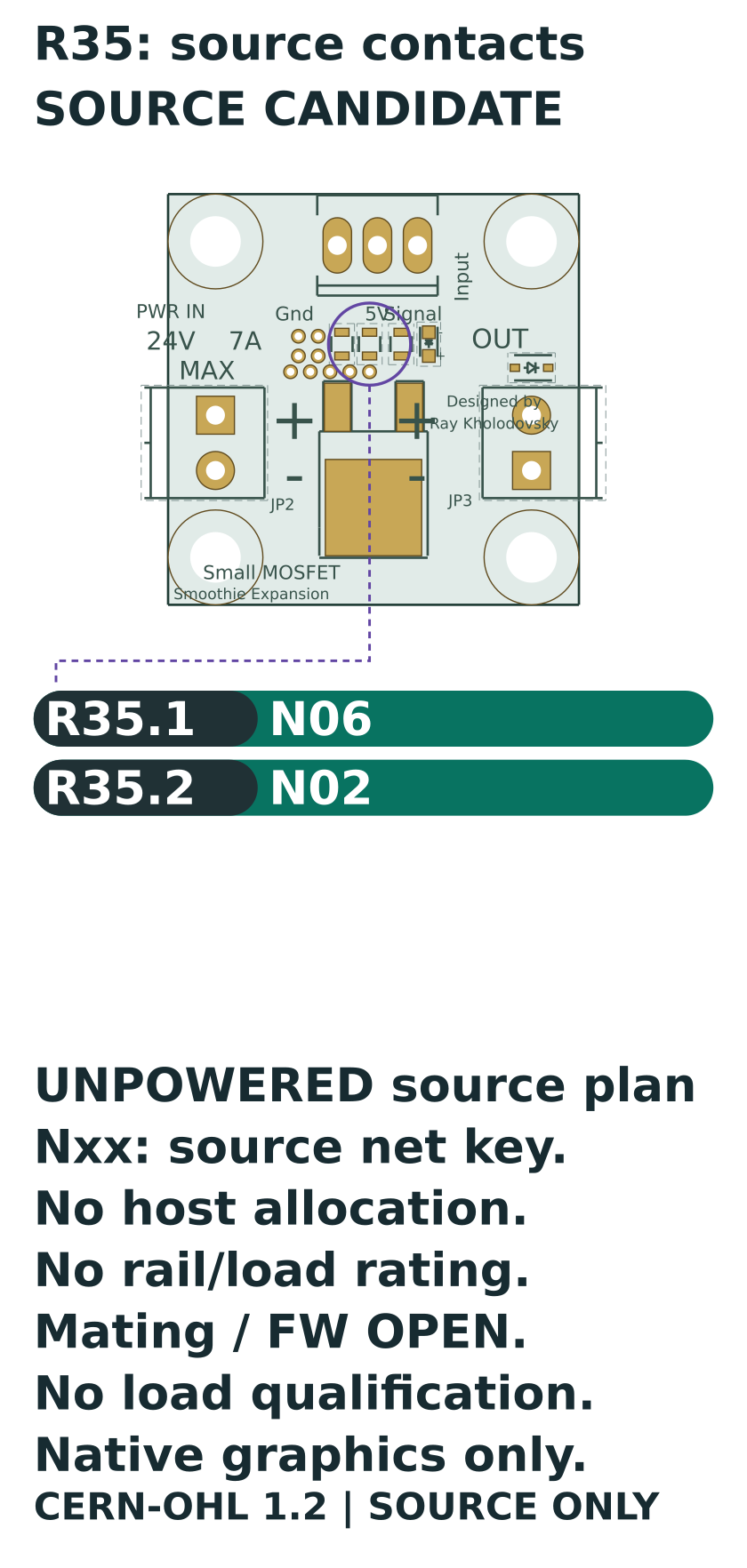
Read labels at full size
Scroll across and down within this view. You can also open the PNG separately and use your browser’s zoom controls.
Fit shows the whole drawing. Zoom to read labels; scroll within the drawing. Escape closes the viewer.
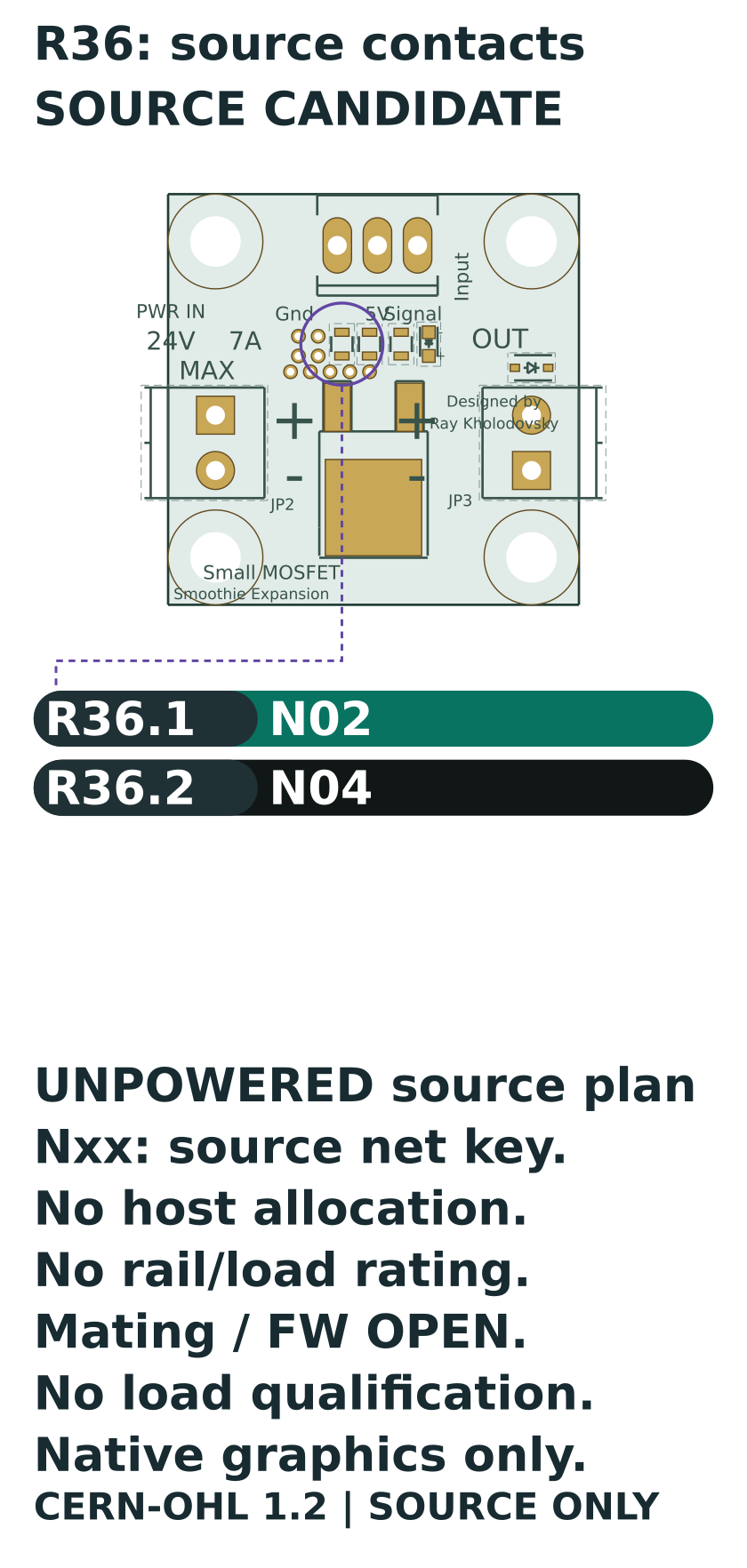
Read labels at full size
Scroll across and down within this view. You can also open the PNG separately and use your browser’s zoom controls.
Fit shows the whole drawing. Zoom to read labels; scroll within the drawing. Escape closes the viewer.
Read labels at full size
Scroll across and down within this view. You can also open the PNG separately and use your browser’s zoom controls.
Fit shows the whole drawing. Zoom to read labels; scroll within the drawing. Escape closes the viewer.
Read labels at full size
Scroll across and down within this view. You can also open the PNG separately and use your browser’s zoom controls.
Fit shows the whole drawing. Zoom to read labels; scroll within the drawing. Escape closes the viewer.
Read labels at full size
Scroll across and down within this view. You can also open the PNG separately and use your browser’s zoom controls.
Fit shows the whole drawing. Zoom to read labels; scroll within the drawing. Escape closes the viewer.
Read labels at full size
Scroll across and down within this view. You can also open the PNG separately and use your browser’s zoom controls.
Fit shows the whole drawing. Zoom to read labels; scroll within the drawing. Escape closes the viewer.
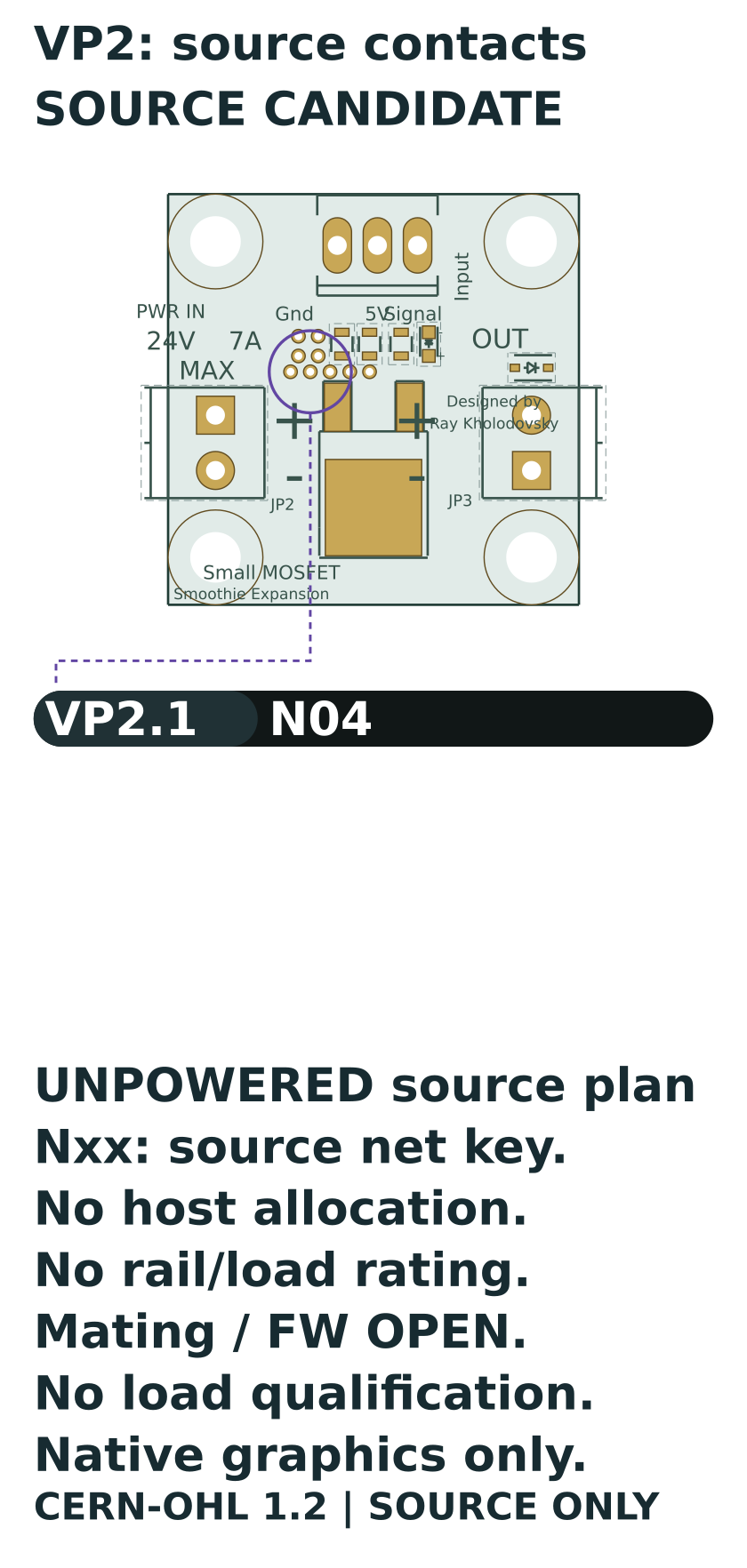
Read labels at full size
Scroll across and down within this view. You can also open the PNG separately and use your browser’s zoom controls.
Fit shows the whole drawing. Zoom to read labels; scroll within the drawing. Escape closes the viewer.
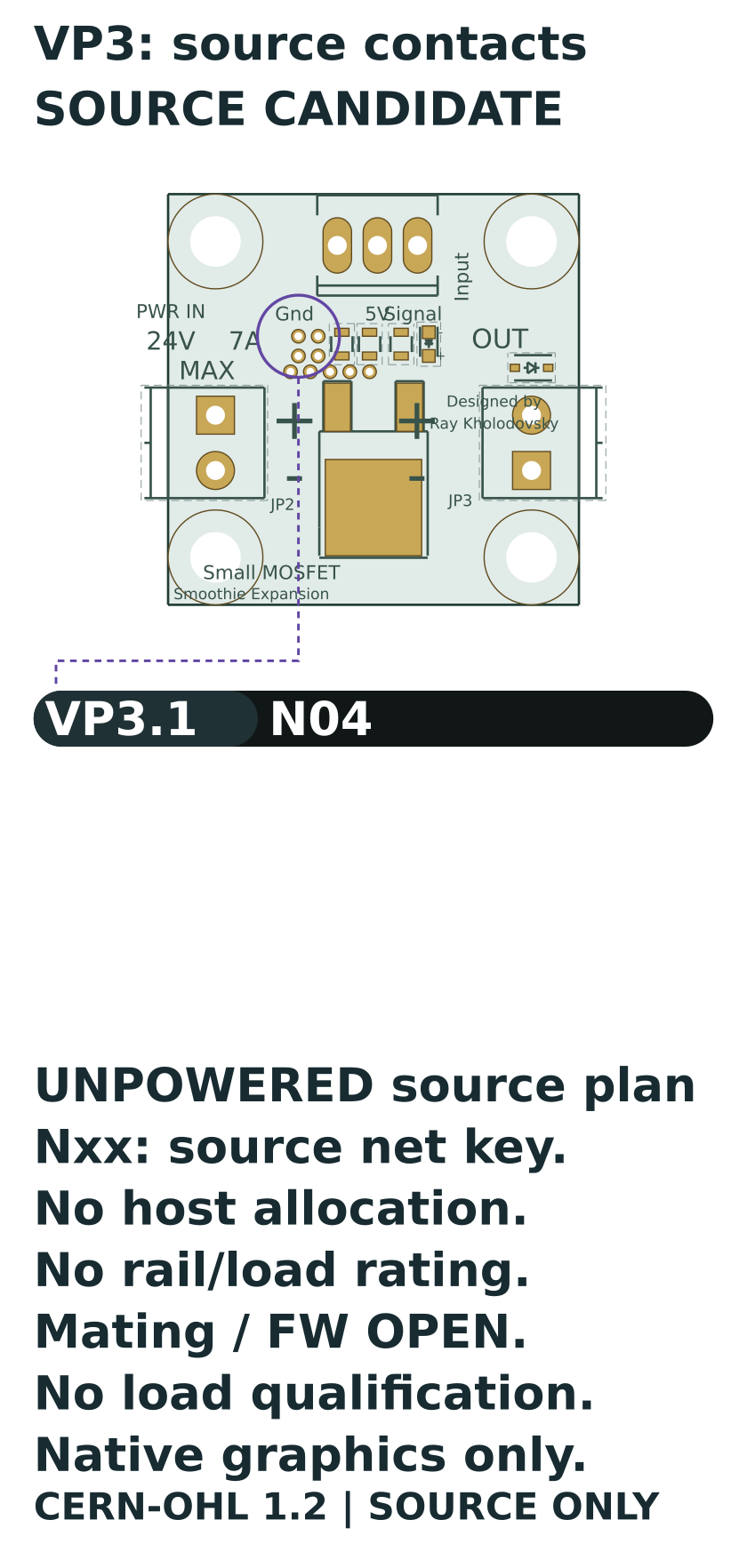
Read labels at full size
Scroll across and down within this view. You can also open the PNG separately and use your browser’s zoom controls.
Fit shows the whole drawing. Zoom to read labels; scroll within the drawing. Escape closes the viewer.
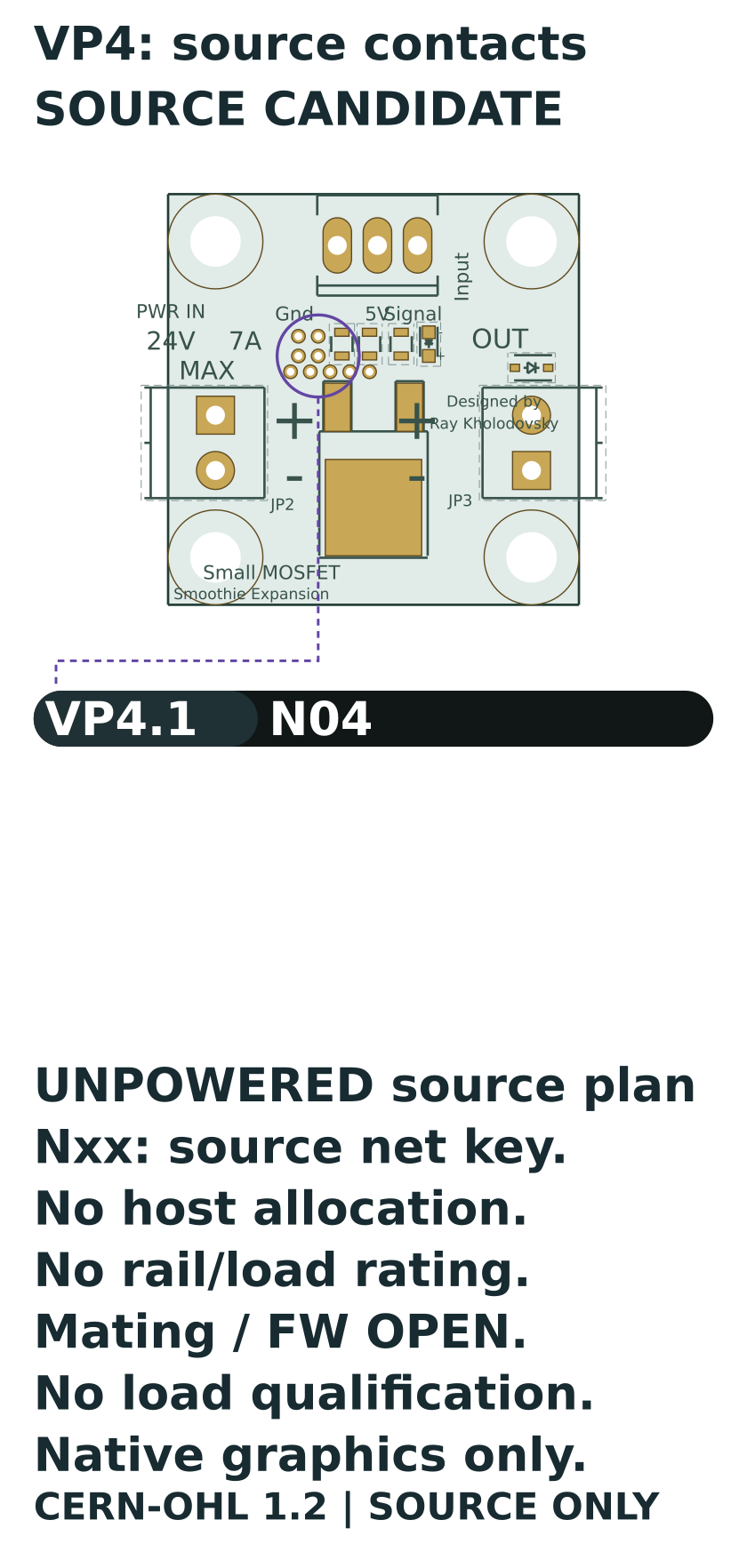
Read labels at full size
Scroll across and down within this view. You can also open the PNG separately and use your browser’s zoom controls.
Fit shows the whole drawing. Zoom to read labels; scroll within the drawing. Escape closes the viewer.
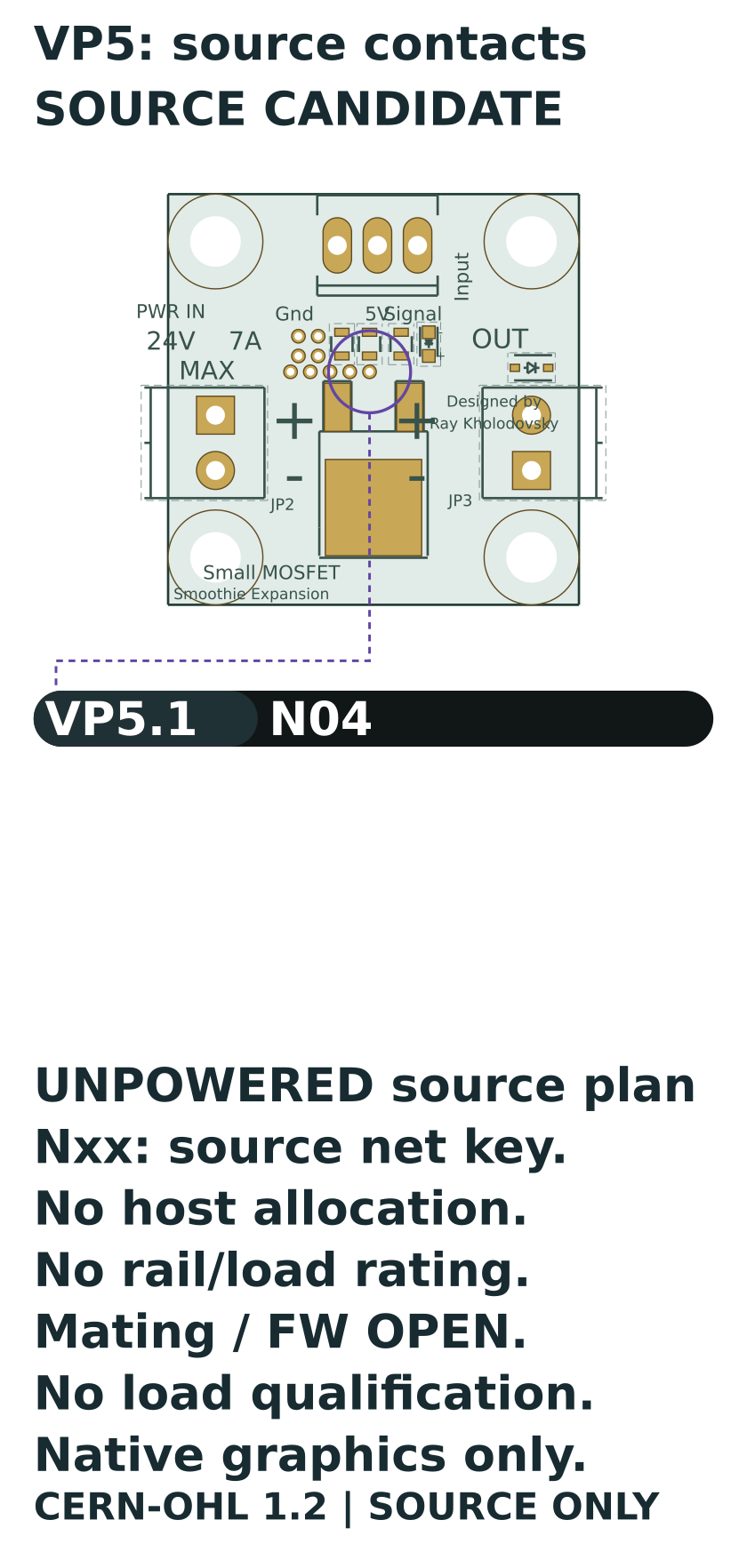
Read labels at full size
Scroll across and down within this view. You can also open the PNG separately and use your browser’s zoom controls.
Fit shows the whole drawing. Zoom to read labels; scroll within the drawing. Escape closes the viewer.
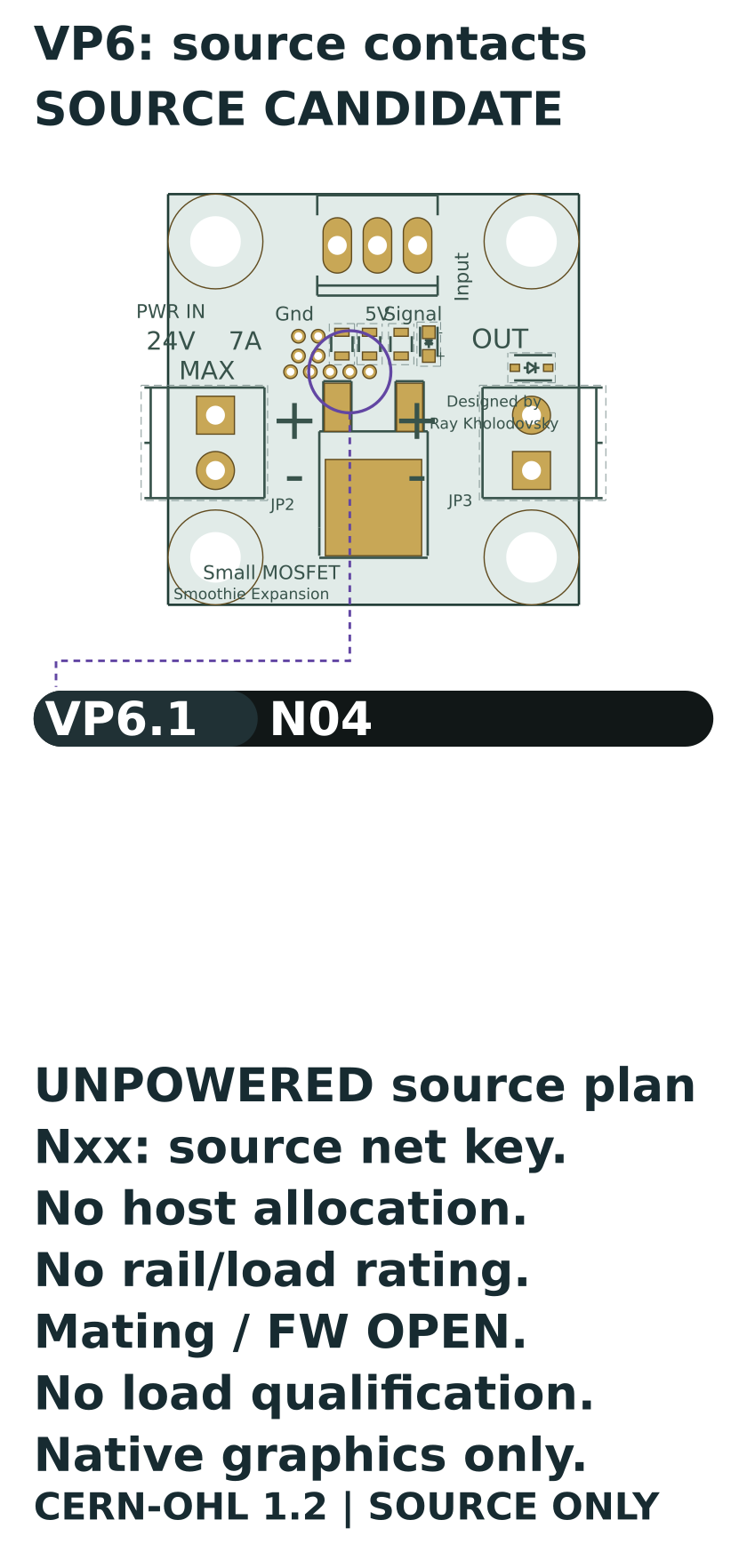
Read labels at full size
Scroll across and down within this view. You can also open the PNG separately and use your browser’s zoom controls.
Fit shows the whole drawing. Zoom to read labels; scroll within the drawing. Escape closes the viewer.
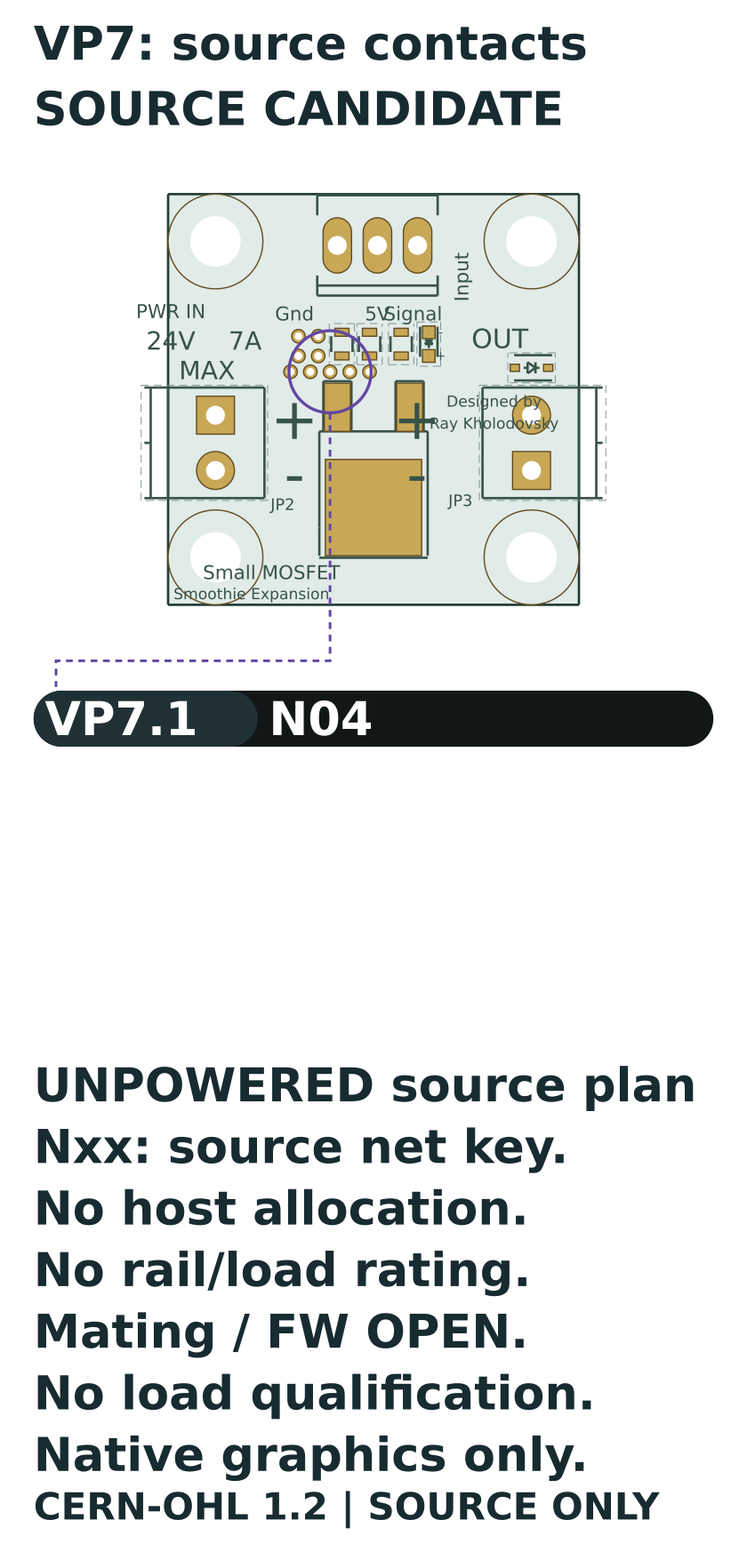
Read labels at full size
Scroll across and down within this view. You can also open the PNG separately and use your browser’s zoom controls.
Fit shows the whole drawing. Zoom to read labels; scroll within the drawing. Escape closes the viewer.
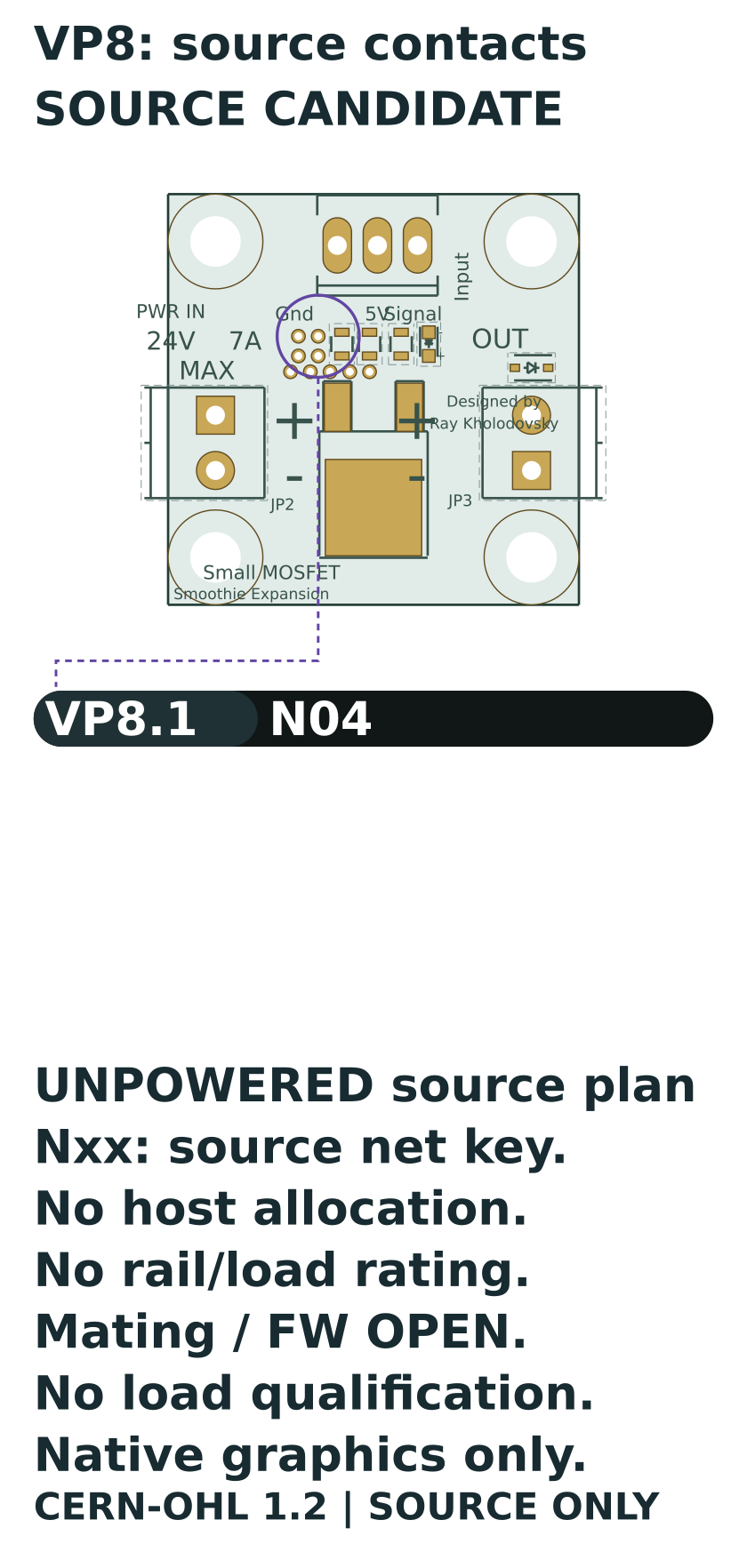
Read labels at full size
Scroll across and down within this view. You can also open the PNG separately and use your browser’s zoom controls.
Fit shows the whole drawing. Zoom to read labels; scroll within the drawing. Escape closes the viewer.
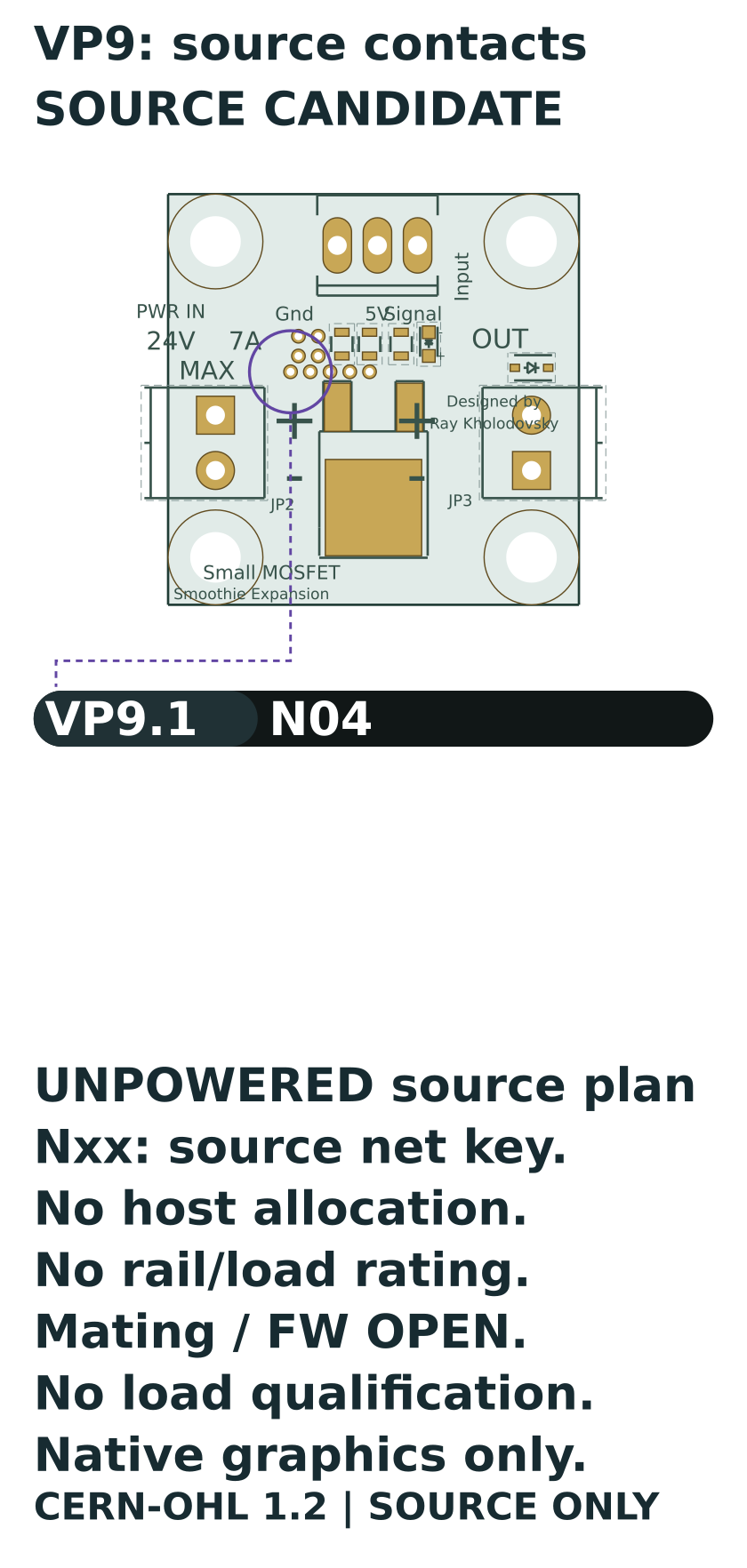
Read labels at full size
Scroll across and down within this view. You can also open the PNG separately and use your browser’s zoom controls.
Fit shows the whole drawing. Zoom to read labels; scroll within the drawing. Escape closes the viewer.
Individual native contact keys
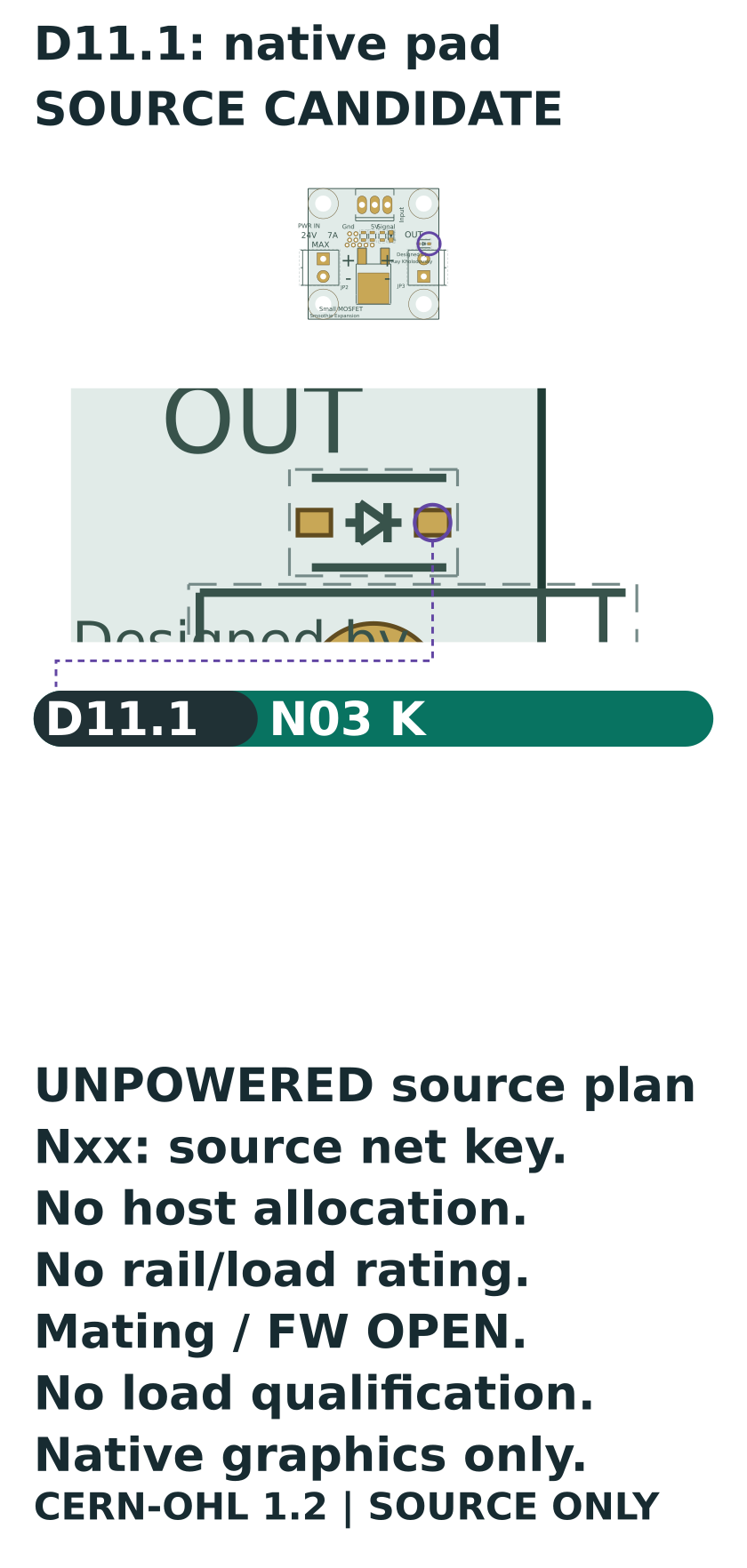
Read labels at full size
Scroll across and down within this view. You can also open the PNG separately and use your browser’s zoom controls.
Fit shows the whole drawing. Zoom to read labels; scroll within the drawing. Escape closes the viewer.
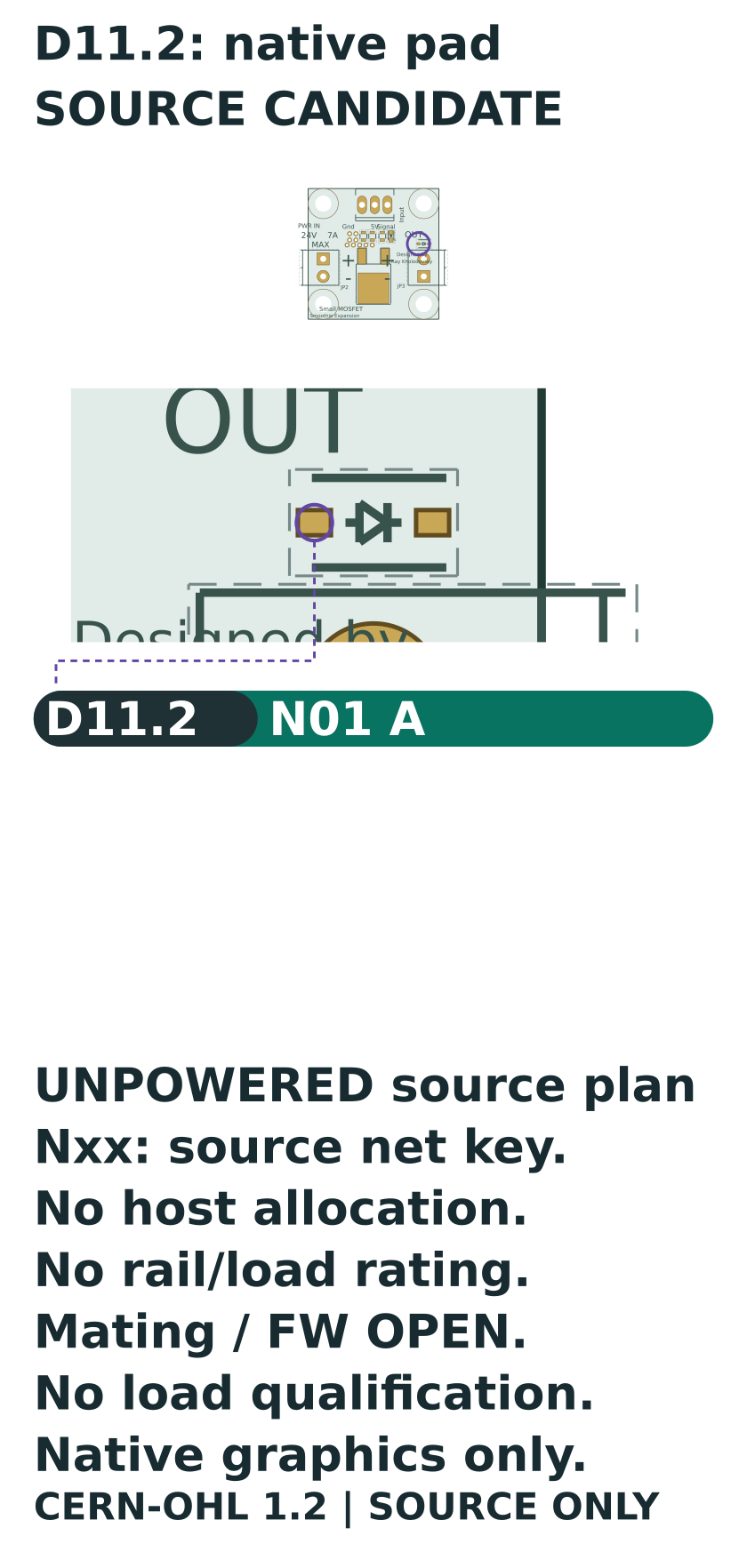
Read labels at full size
Scroll across and down within this view. You can also open the PNG separately and use your browser’s zoom controls.
Fit shows the whole drawing. Zoom to read labels; scroll within the drawing. Escape closes the viewer.
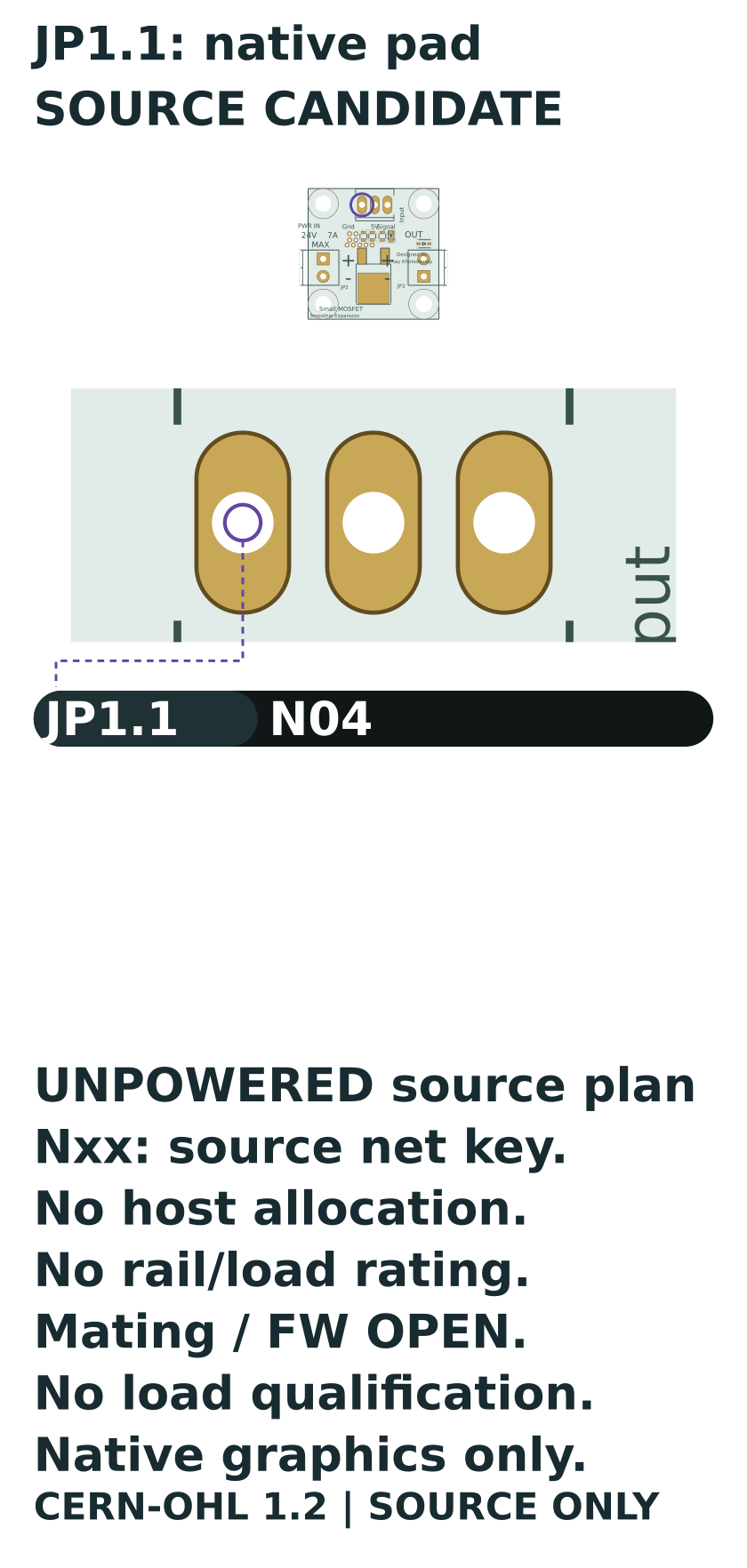
Read labels at full size
Scroll across and down within this view. You can also open the PNG separately and use your browser’s zoom controls.
Fit shows the whole drawing. Zoom to read labels; scroll within the drawing. Escape closes the viewer.
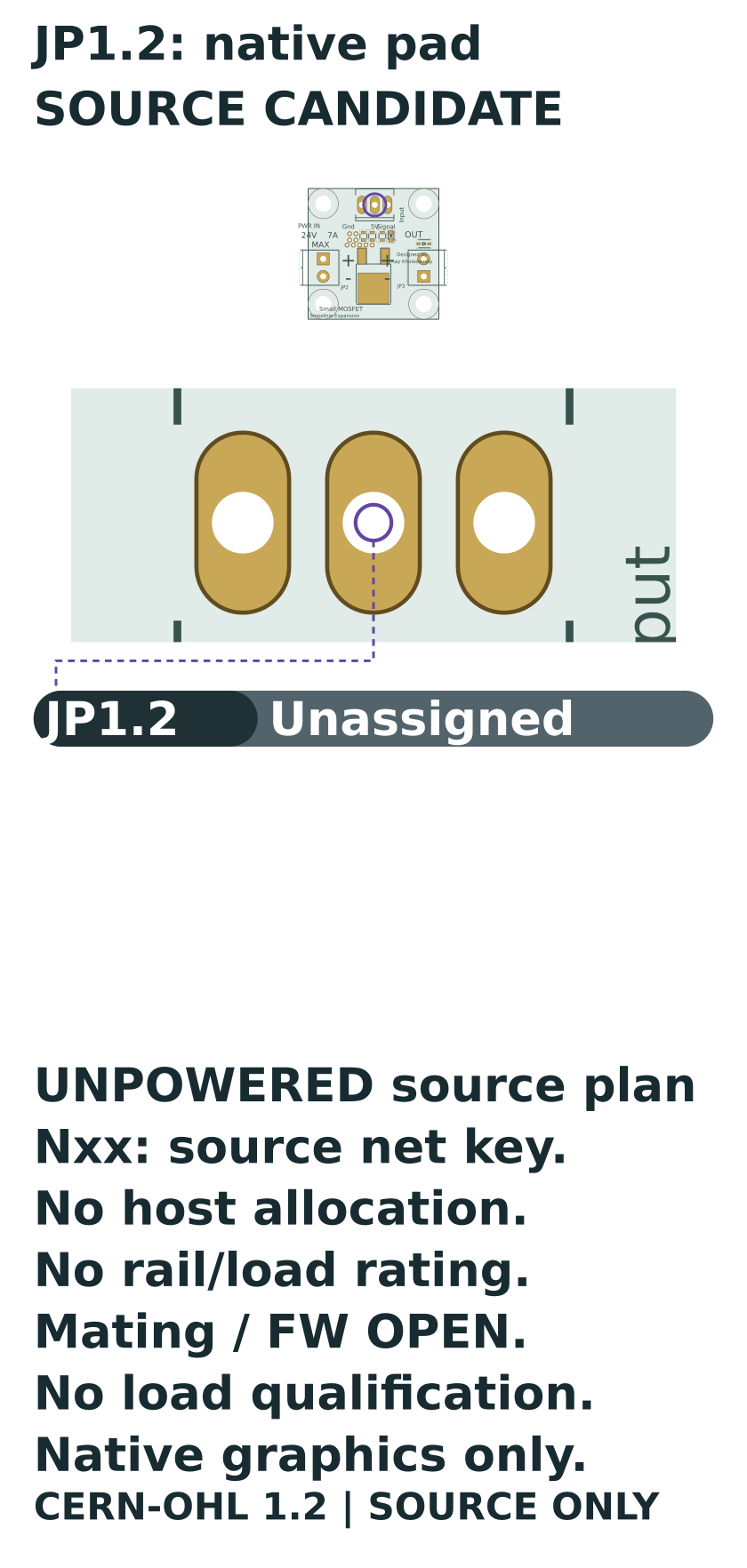
Read labels at full size
Scroll across and down within this view. You can also open the PNG separately and use your browser’s zoom controls.
Fit shows the whole drawing. Zoom to read labels; scroll within the drawing. Escape closes the viewer.
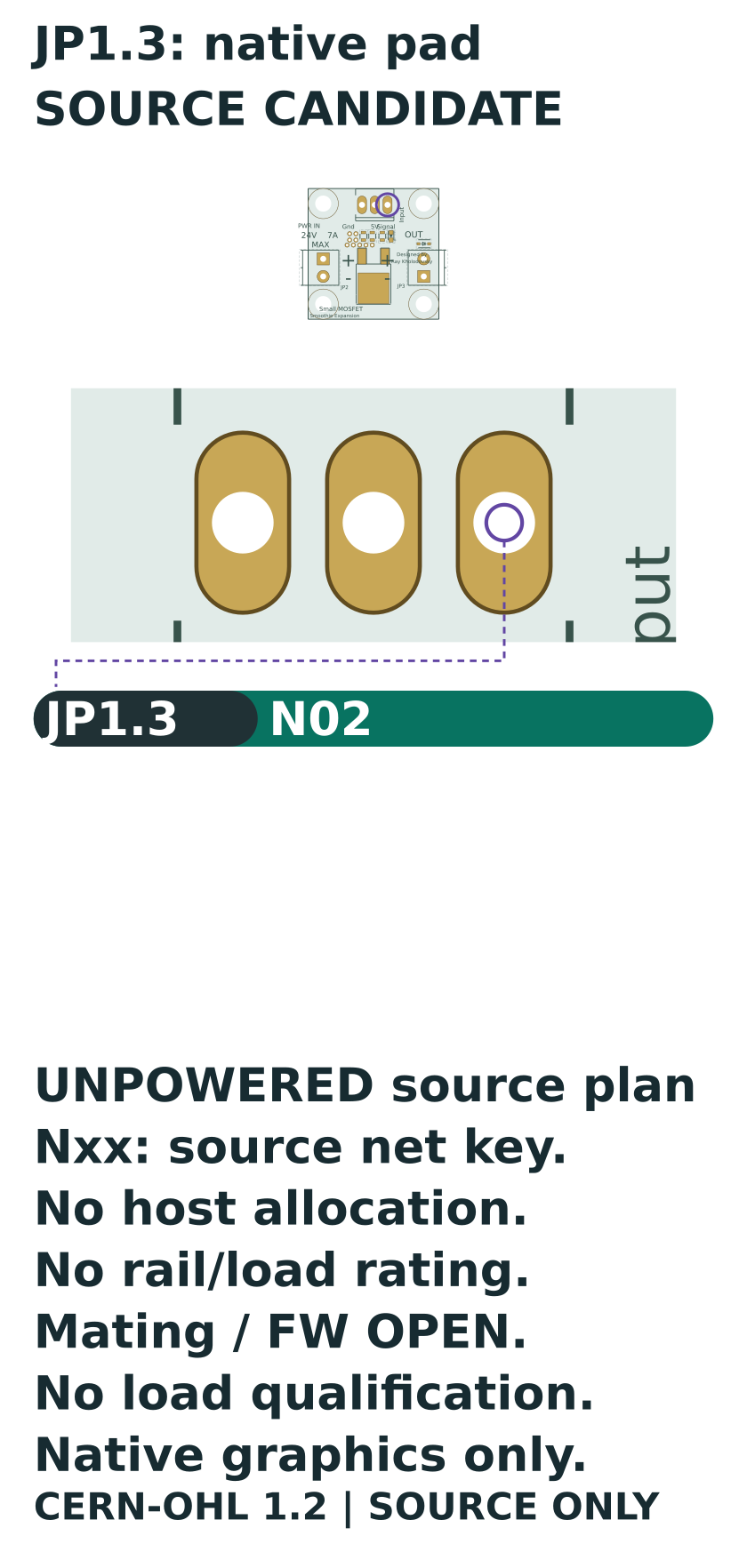
Read labels at full size
Scroll across and down within this view. You can also open the PNG separately and use your browser’s zoom controls.
Fit shows the whole drawing. Zoom to read labels; scroll within the drawing. Escape closes the viewer.
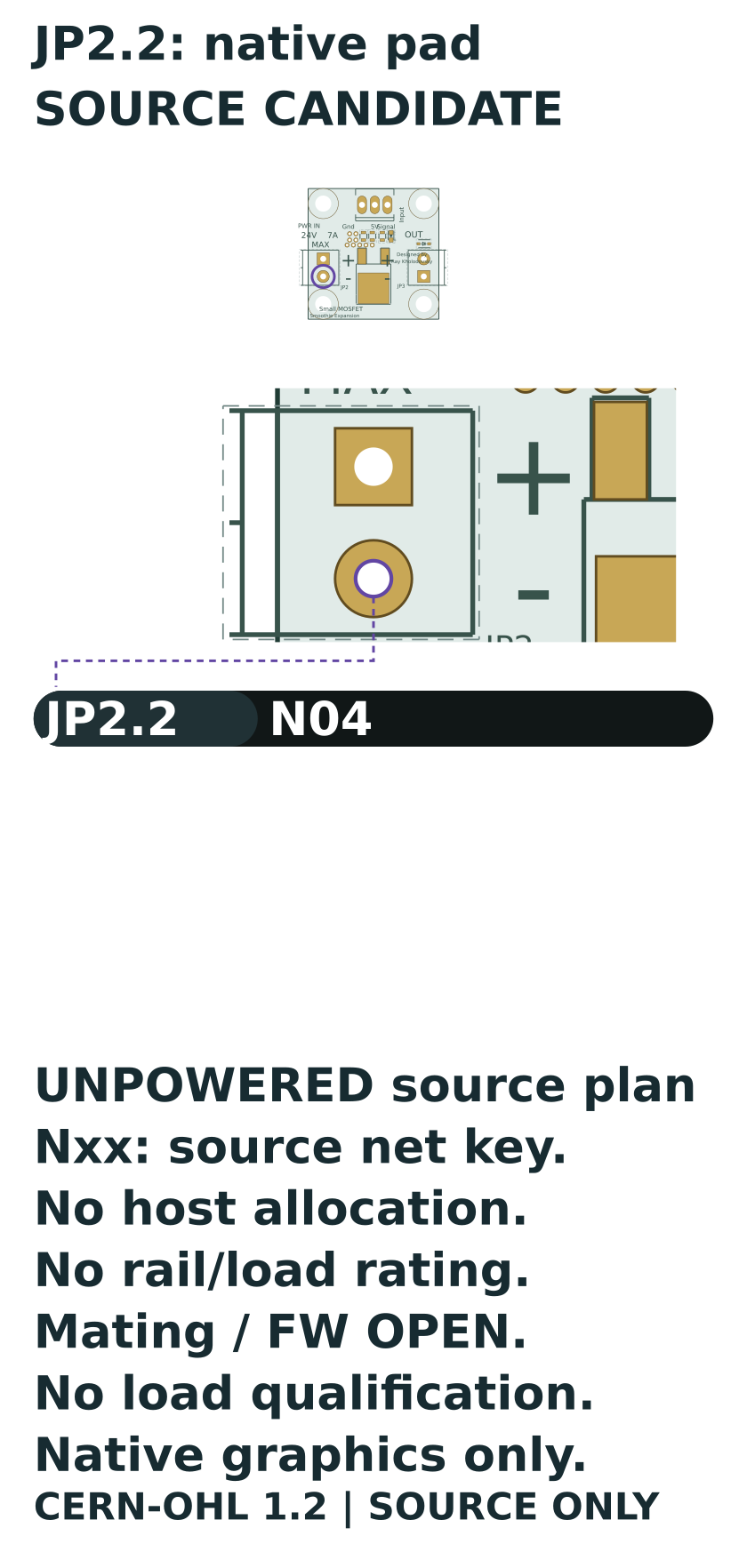
Read labels at full size
Scroll across and down within this view. You can also open the PNG separately and use your browser’s zoom controls.
Fit shows the whole drawing. Zoom to read labels; scroll within the drawing. Escape closes the viewer.
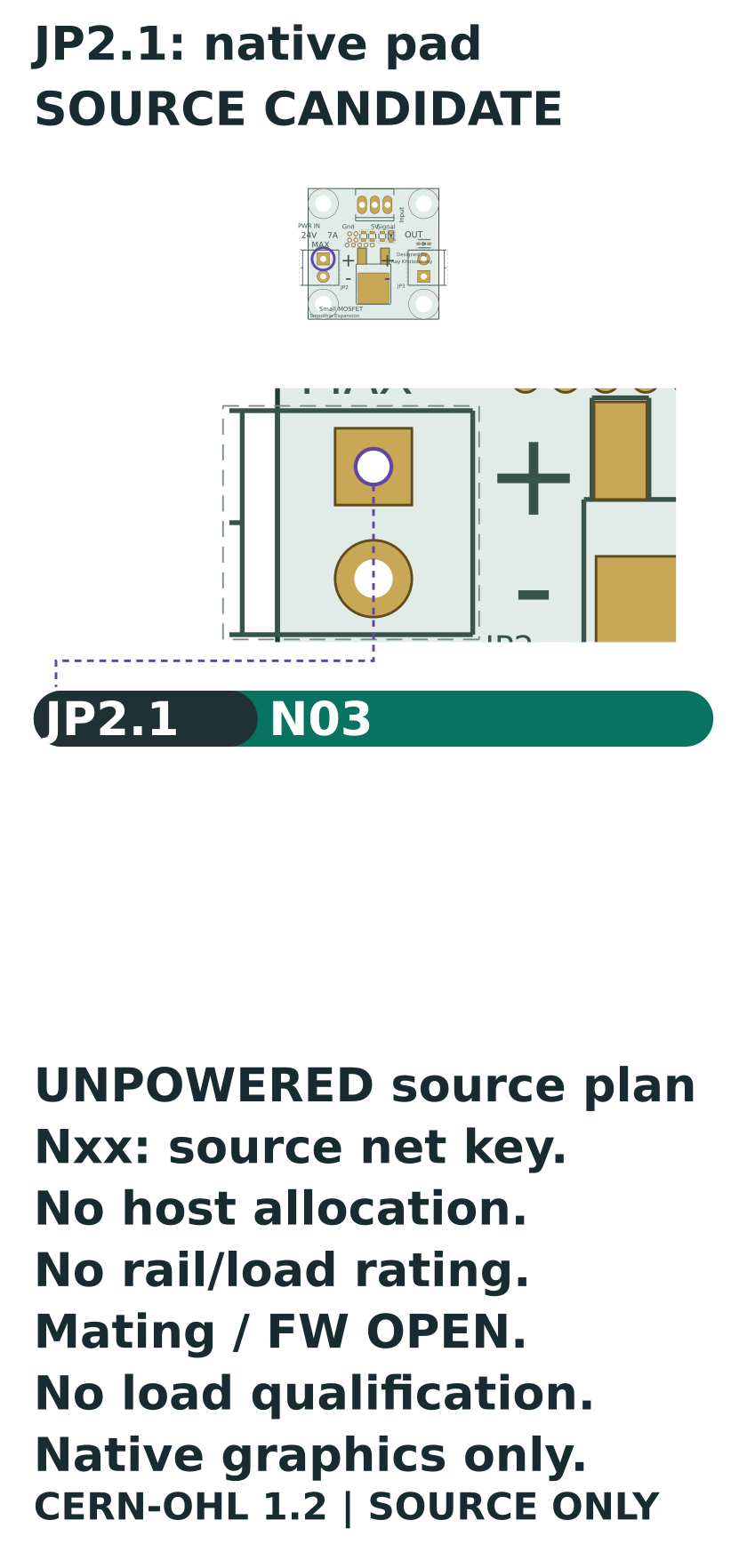
Read labels at full size
Scroll across and down within this view. You can also open the PNG separately and use your browser’s zoom controls.
Fit shows the whole drawing. Zoom to read labels; scroll within the drawing. Escape closes the viewer.
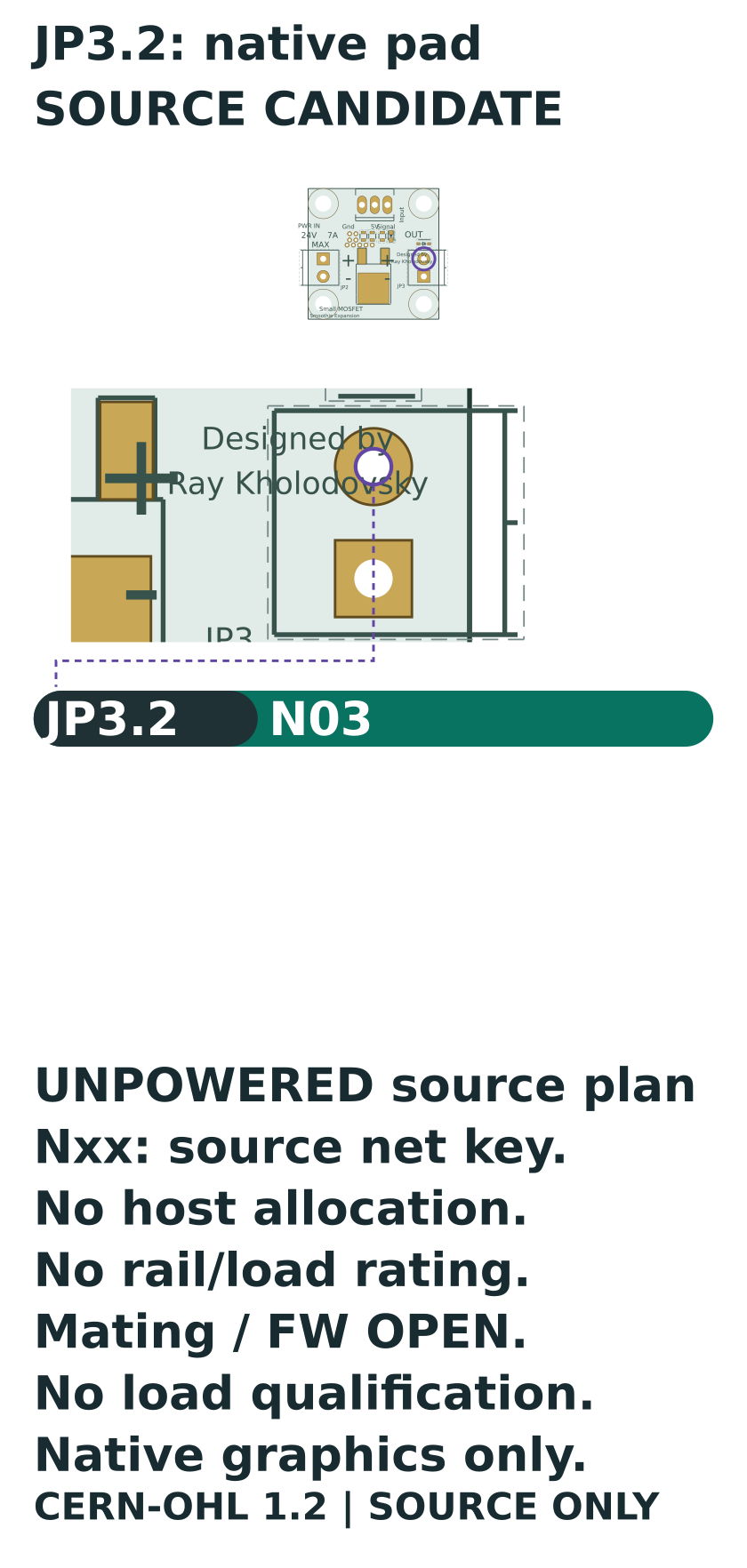
Read labels at full size
Scroll across and down within this view. You can also open the PNG separately and use your browser’s zoom controls.
Fit shows the whole drawing. Zoom to read labels; scroll within the drawing. Escape closes the viewer.
Read labels at full size
Scroll across and down within this view. You can also open the PNG separately and use your browser’s zoom controls.
Fit shows the whole drawing. Zoom to read labels; scroll within the drawing. Escape closes the viewer.
Read labels at full size
Scroll across and down within this view. You can also open the PNG separately and use your browser’s zoom controls.
Fit shows the whole drawing. Zoom to read labels; scroll within the drawing. Escape closes the viewer.
Read labels at full size
Scroll across and down within this view. You can also open the PNG separately and use your browser’s zoom controls.
Fit shows the whole drawing. Zoom to read labels; scroll within the drawing. Escape closes the viewer.
Read labels at full size
Scroll across and down within this view. You can also open the PNG separately and use your browser’s zoom controls.
Fit shows the whole drawing. Zoom to read labels; scroll within the drawing. Escape closes the viewer.
Read labels at full size
Scroll across and down within this view. You can also open the PNG separately and use your browser’s zoom controls.
Fit shows the whole drawing. Zoom to read labels; scroll within the drawing. Escape closes the viewer.
Read labels at full size
Scroll across and down within this view. You can also open the PNG separately and use your browser’s zoom controls.
Fit shows the whole drawing. Zoom to read labels; scroll within the drawing. Escape closes the viewer.
Read labels at full size
Scroll across and down within this view. You can also open the PNG separately and use your browser’s zoom controls.
Fit shows the whole drawing. Zoom to read labels; scroll within the drawing. Escape closes the viewer.
Read labels at full size
Scroll across and down within this view. You can also open the PNG separately and use your browser’s zoom controls.
Fit shows the whole drawing. Zoom to read labels; scroll within the drawing. Escape closes the viewer.
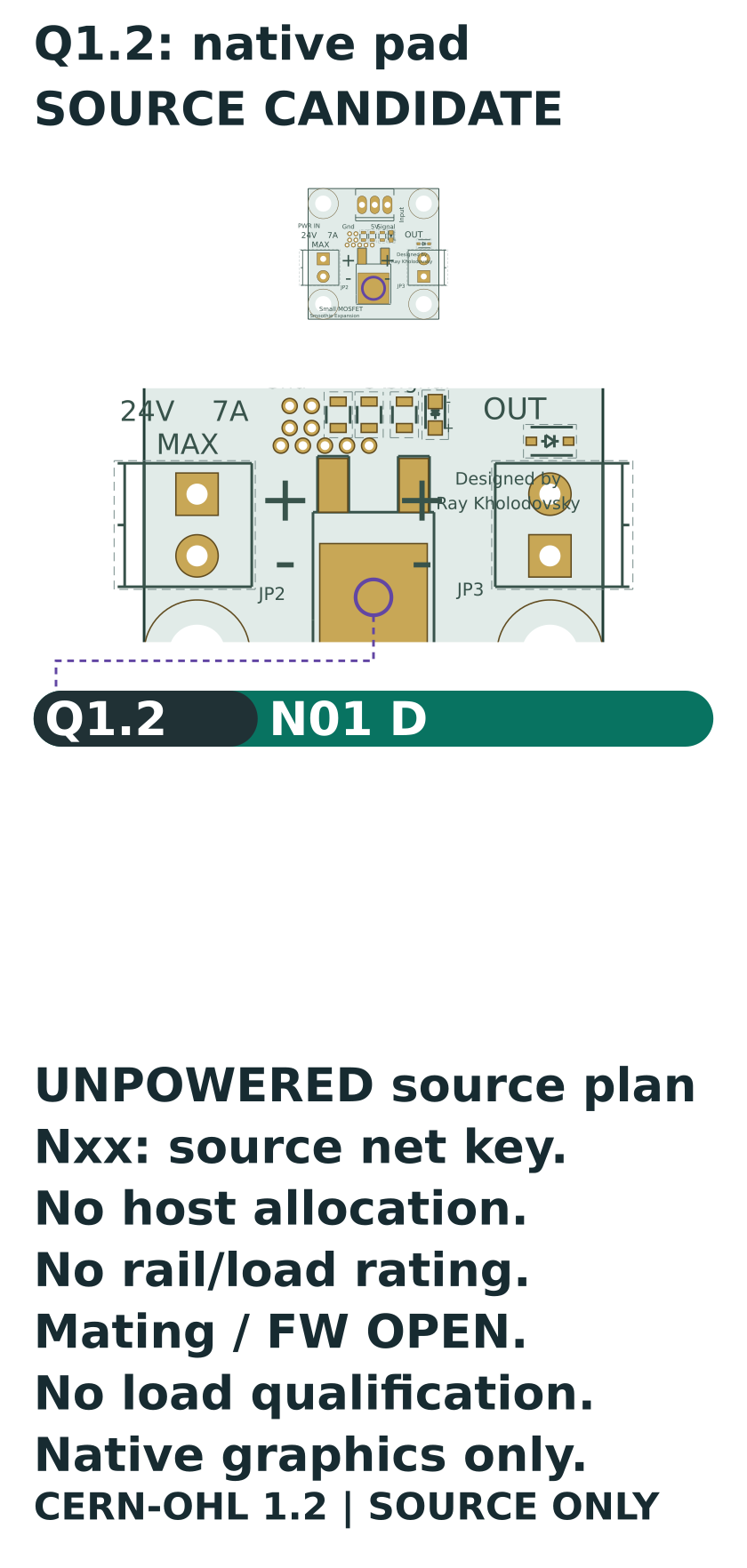
Read labels at full size
Scroll across and down within this view. You can also open the PNG separately and use your browser’s zoom controls.
Fit shows the whole drawing. Zoom to read labels; scroll within the drawing. Escape closes the viewer.
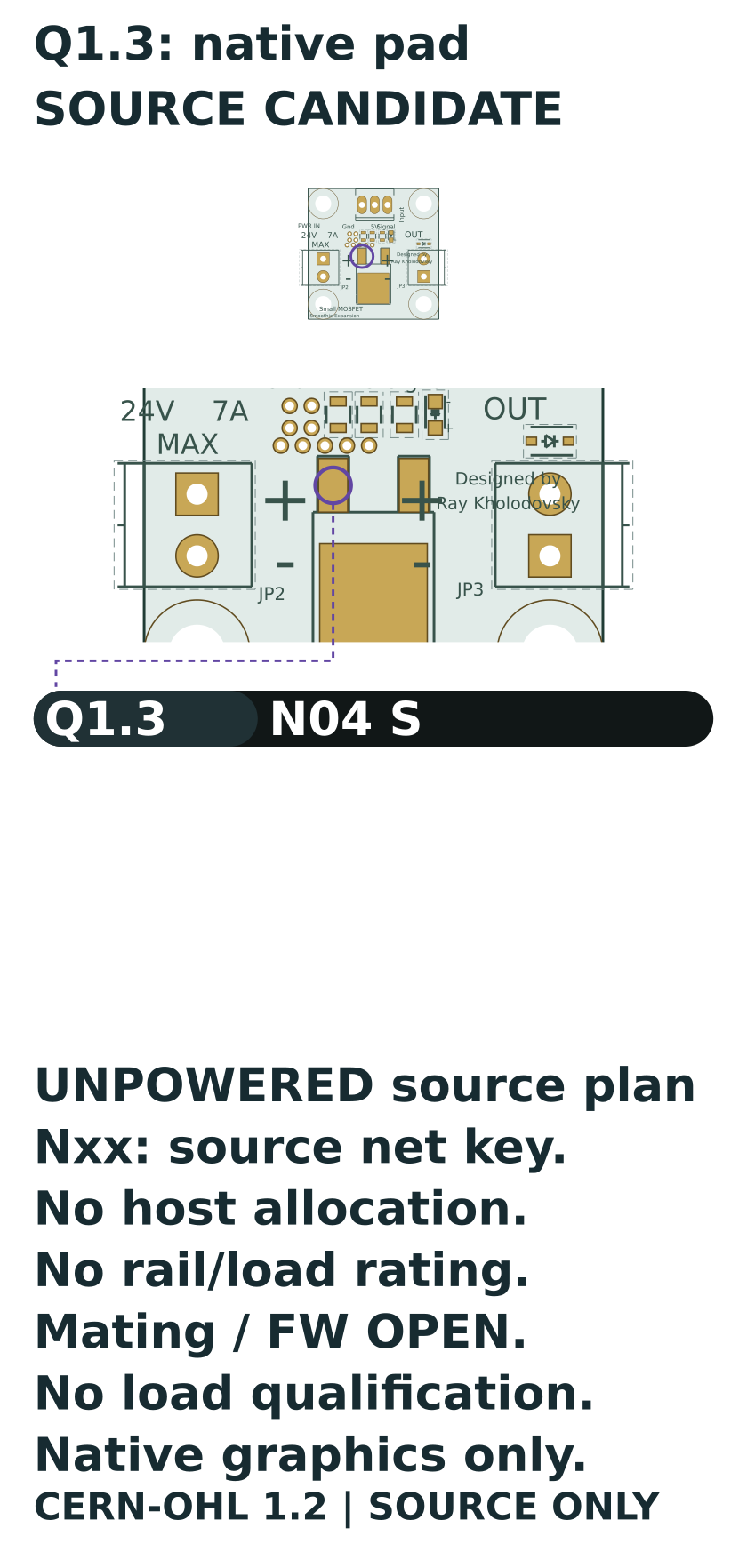
Read labels at full size
Scroll across and down within this view. You can also open the PNG separately and use your browser’s zoom controls.
Fit shows the whole drawing. Zoom to read labels; scroll within the drawing. Escape closes the viewer.
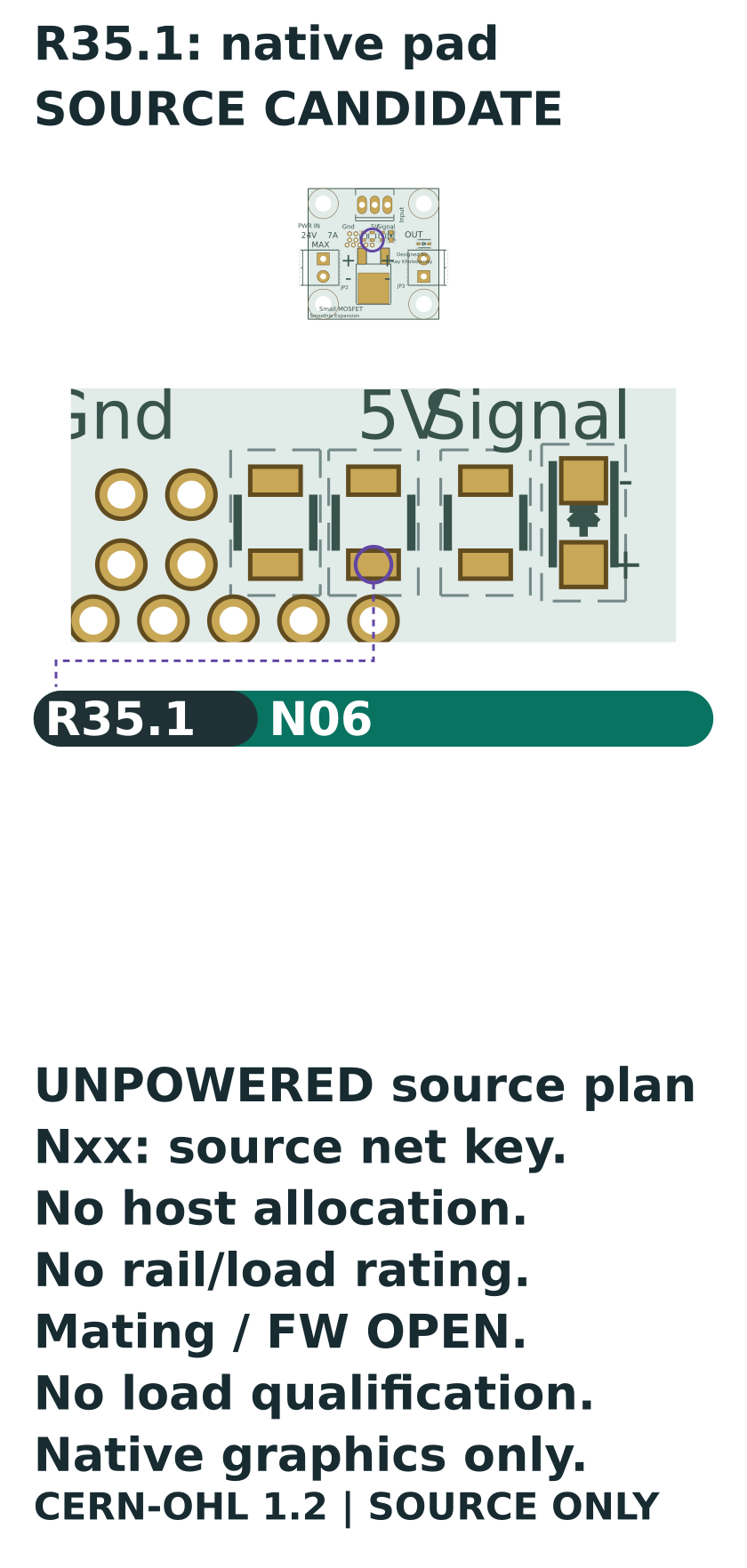
Read labels at full size
Scroll across and down within this view. You can also open the PNG separately and use your browser’s zoom controls.
Fit shows the whole drawing. Zoom to read labels; scroll within the drawing. Escape closes the viewer.
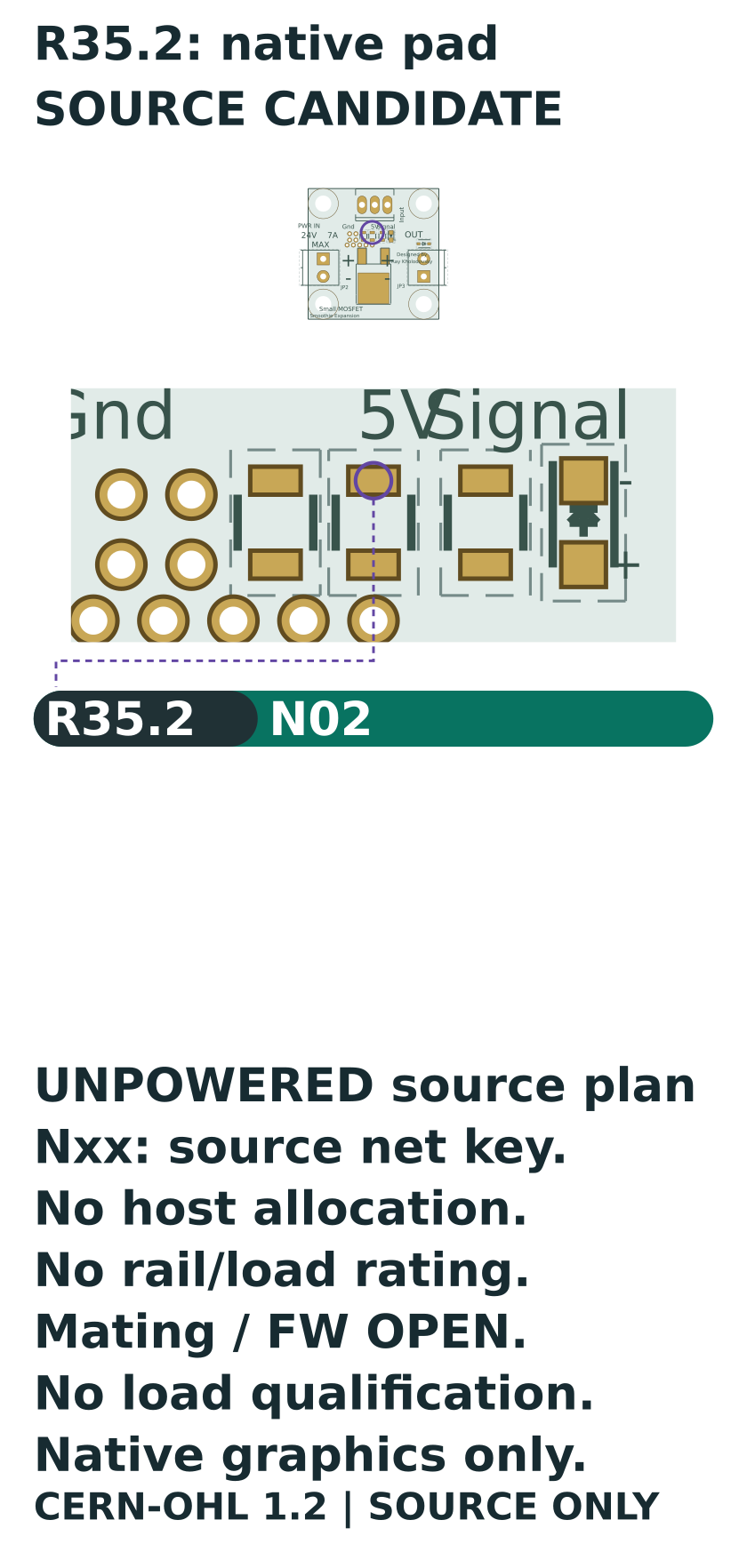
Read labels at full size
Scroll across and down within this view. You can also open the PNG separately and use your browser’s zoom controls.
Fit shows the whole drawing. Zoom to read labels; scroll within the drawing. Escape closes the viewer.
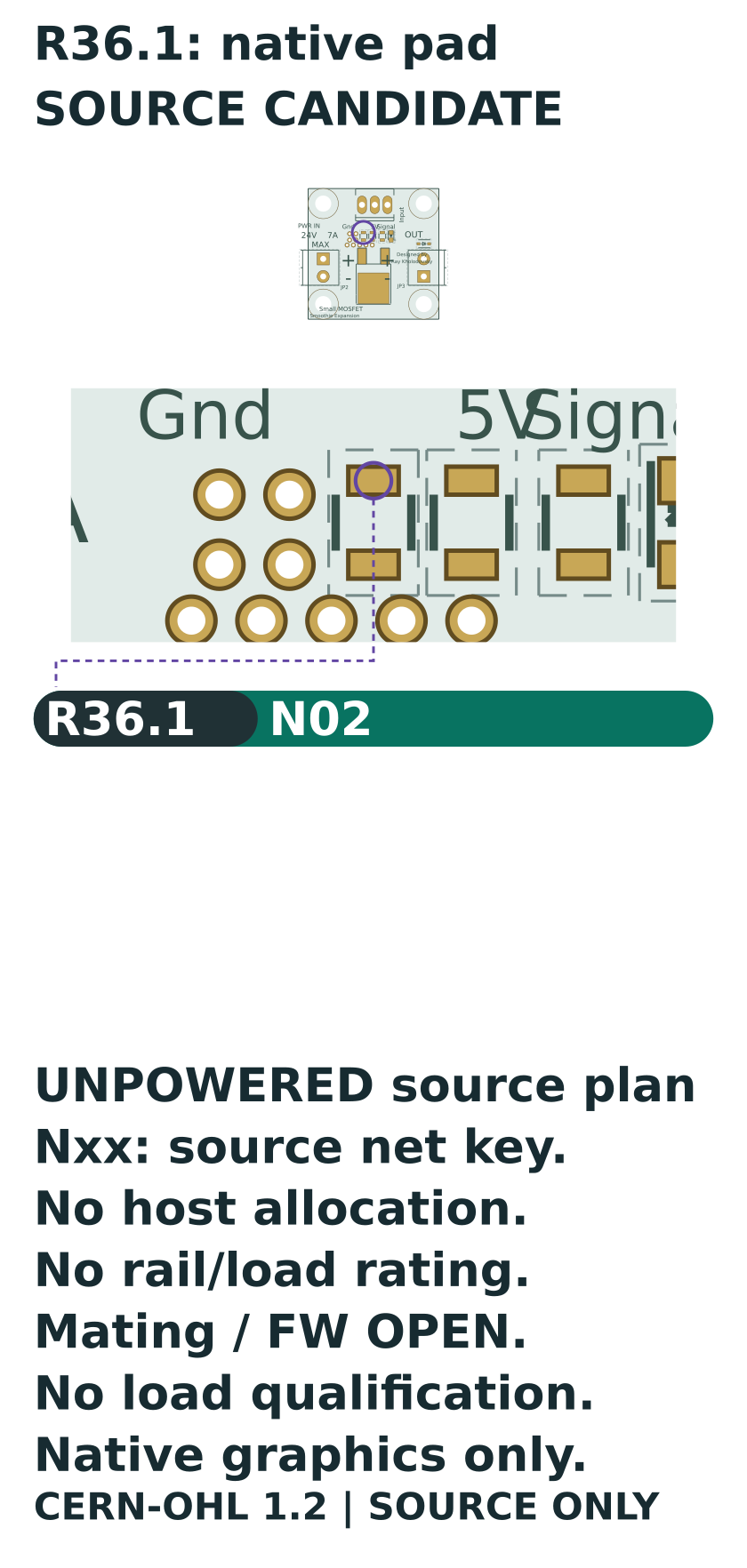
Read labels at full size
Scroll across and down within this view. You can also open the PNG separately and use your browser’s zoom controls.
Fit shows the whole drawing. Zoom to read labels; scroll within the drawing. Escape closes the viewer.
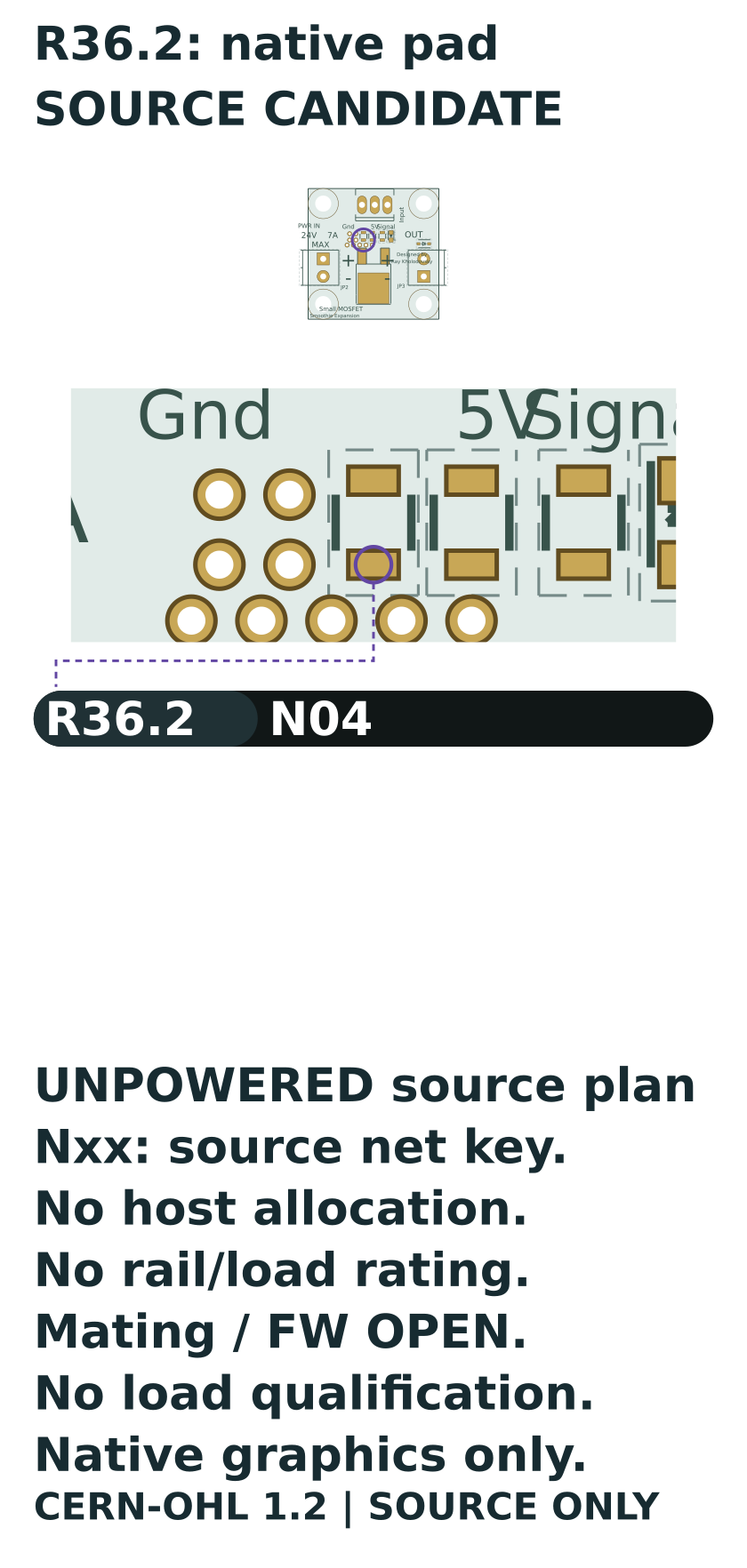
Read labels at full size
Scroll across and down within this view. You can also open the PNG separately and use your browser’s zoom controls.
Fit shows the whole drawing. Zoom to read labels; scroll within the drawing. Escape closes the viewer.
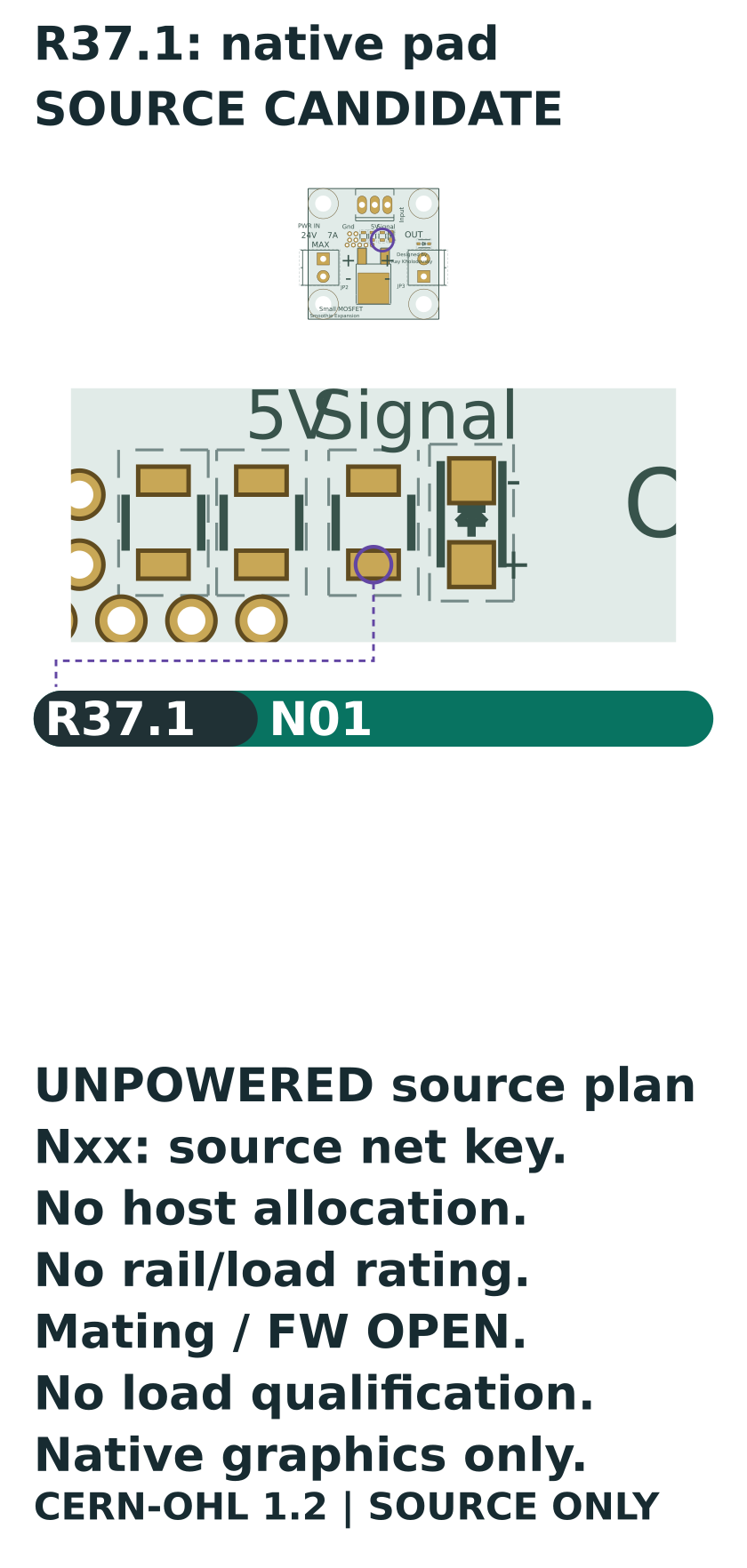
Read labels at full size
Scroll across and down within this view. You can also open the PNG separately and use your browser’s zoom controls.
Fit shows the whole drawing. Zoom to read labels; scroll within the drawing. Escape closes the viewer.
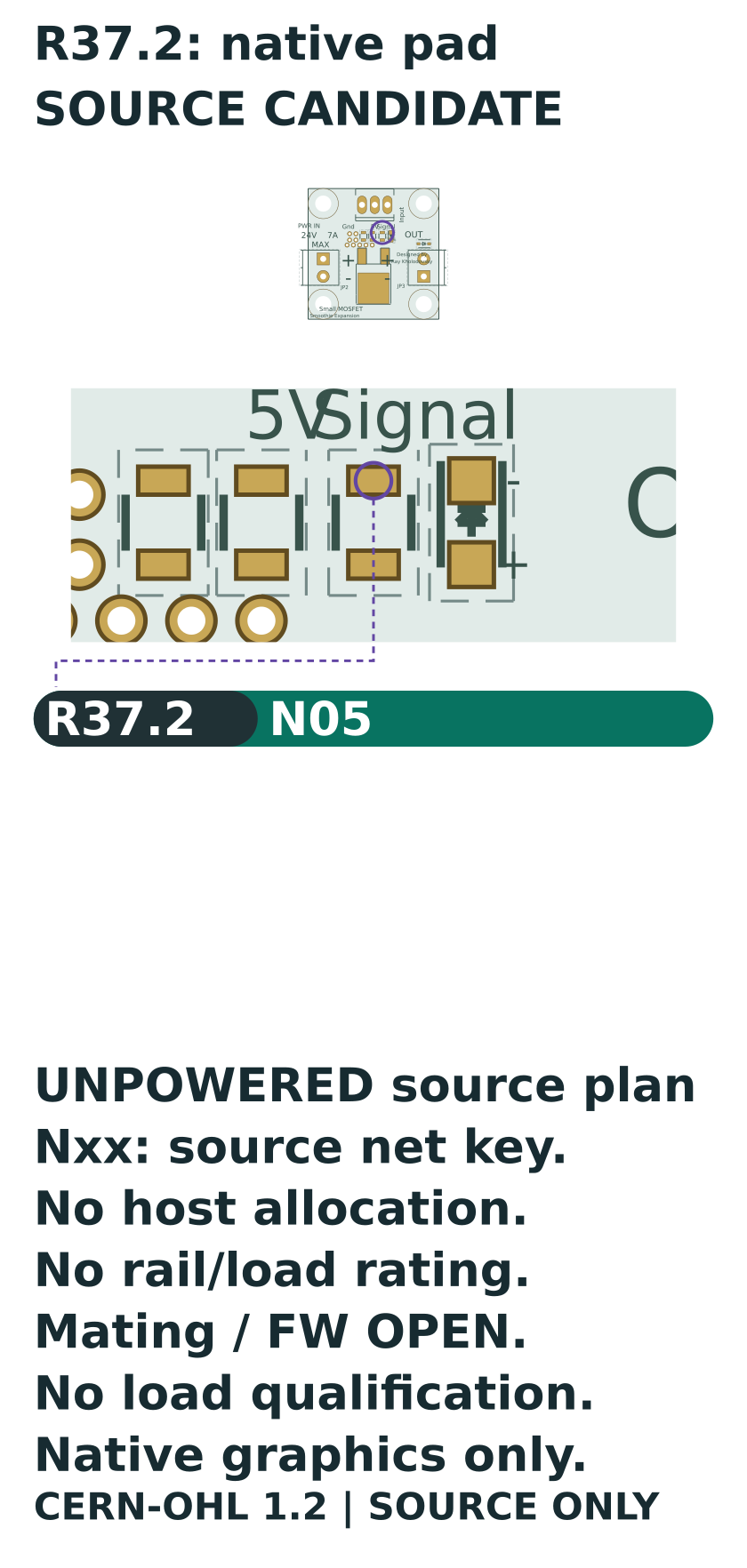
Read labels at full size
Scroll across and down within this view. You can also open the PNG separately and use your browser’s zoom controls.
Fit shows the whole drawing. Zoom to read labels; scroll within the drawing. Escape closes the viewer.
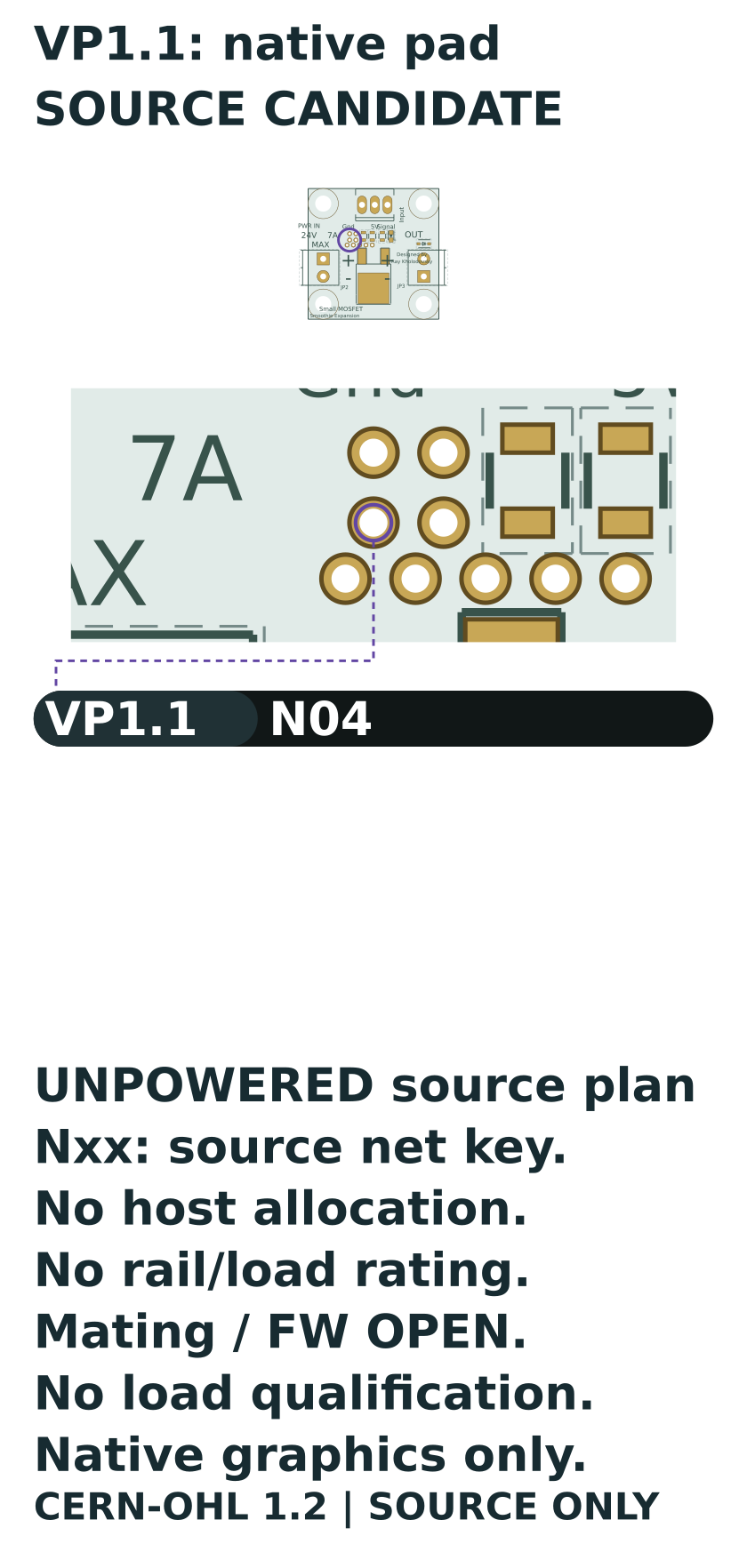
Read labels at full size
Scroll across and down within this view. You can also open the PNG separately and use your browser’s zoom controls.
Fit shows the whole drawing. Zoom to read labels; scroll within the drawing. Escape closes the viewer.
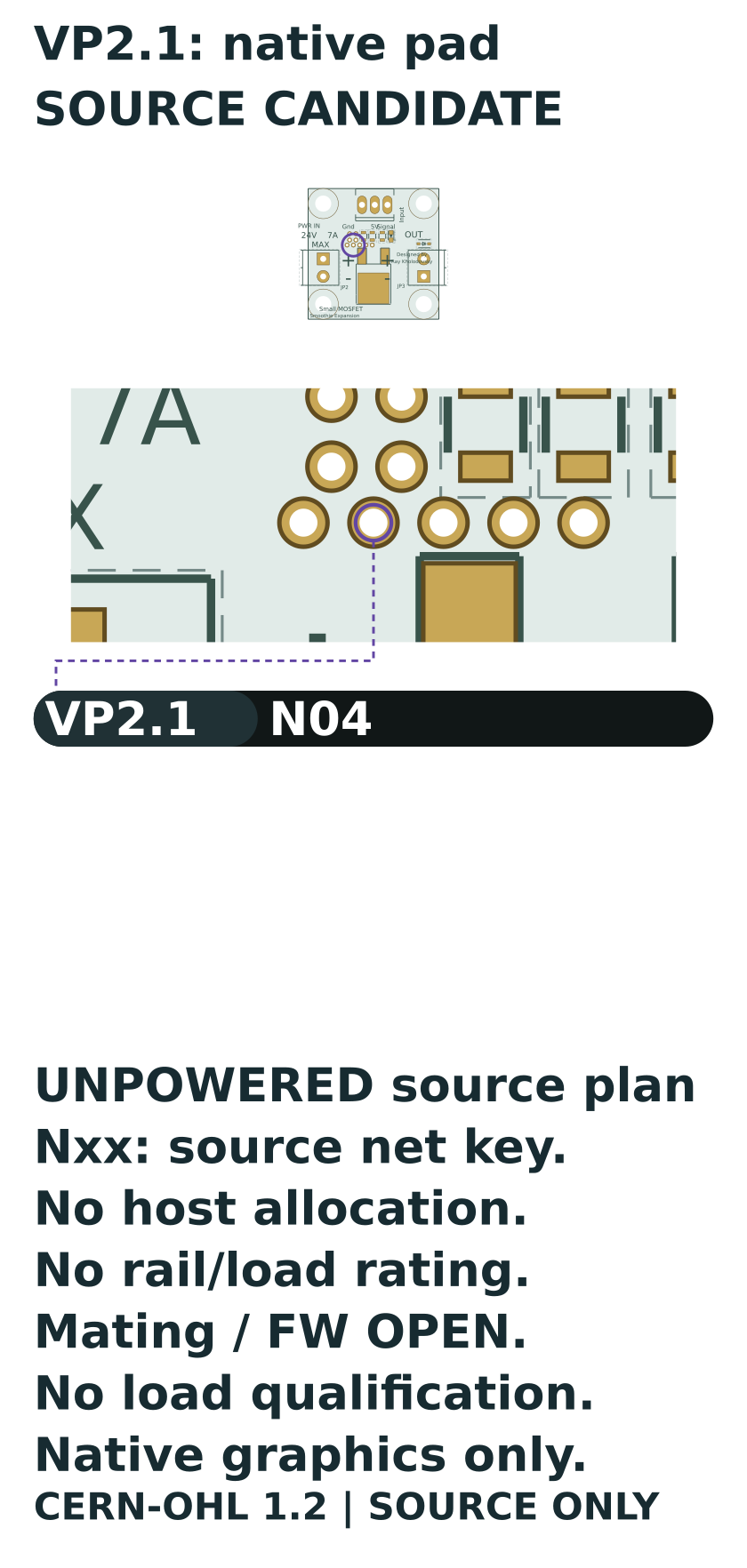
Read labels at full size
Scroll across and down within this view. You can also open the PNG separately and use your browser’s zoom controls.
Fit shows the whole drawing. Zoom to read labels; scroll within the drawing. Escape closes the viewer.
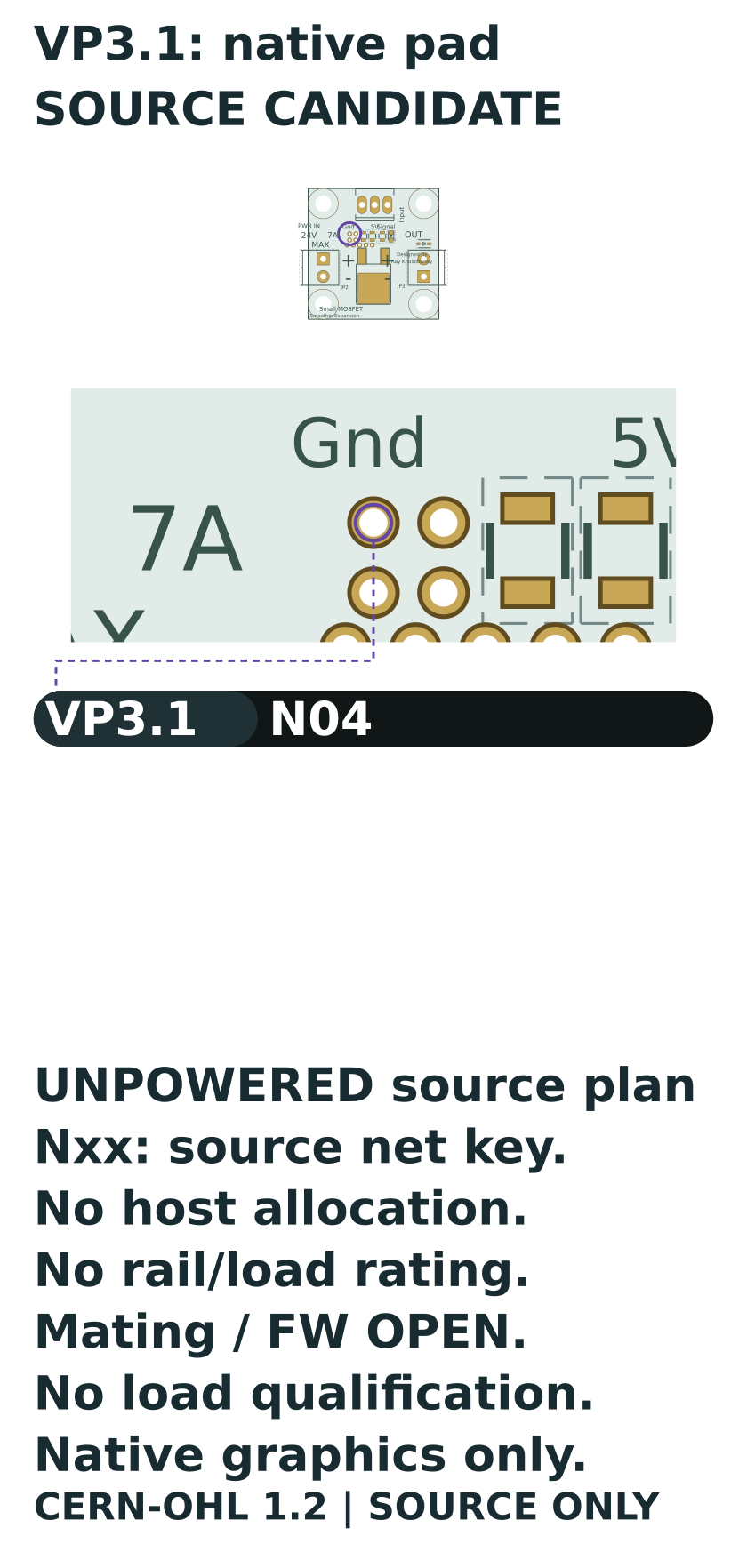
Read labels at full size
Scroll across and down within this view. You can also open the PNG separately and use your browser’s zoom controls.
Fit shows the whole drawing. Zoom to read labels; scroll within the drawing. Escape closes the viewer.
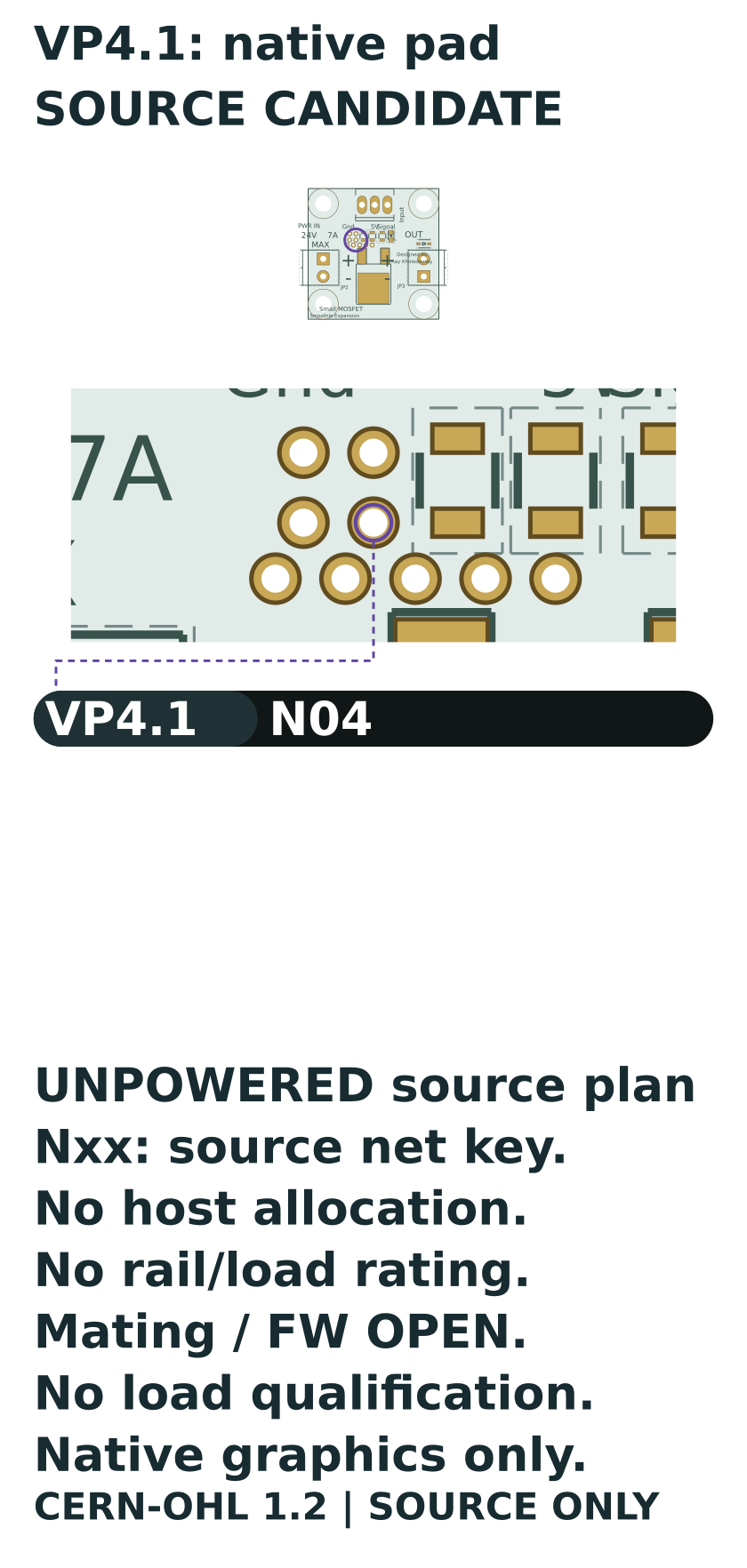
Read labels at full size
Scroll across and down within this view. You can also open the PNG separately and use your browser’s zoom controls.
Fit shows the whole drawing. Zoom to read labels; scroll within the drawing. Escape closes the viewer.
Read labels at full size
Scroll across and down within this view. You can also open the PNG separately and use your browser’s zoom controls.
Fit shows the whole drawing. Zoom to read labels; scroll within the drawing. Escape closes the viewer.
Read labels at full size
Scroll across and down within this view. You can also open the PNG separately and use your browser’s zoom controls.
Fit shows the whole drawing. Zoom to read labels; scroll within the drawing. Escape closes the viewer.
Read labels at full size
Scroll across and down within this view. You can also open the PNG separately and use your browser’s zoom controls.
Fit shows the whole drawing. Zoom to read labels; scroll within the drawing. Escape closes the viewer.
Read labels at full size
Scroll across and down within this view. You can also open the PNG separately and use your browser’s zoom controls.
Fit shows the whole drawing. Zoom to read labels; scroll within the drawing. Escape closes the viewer.
Read labels at full size
Scroll across and down within this view. You can also open the PNG separately and use your browser’s zoom controls.
Fit shows the whole drawing. Zoom to read labels; scroll within the drawing. Escape closes the viewer.
Retained earlier functional references
Annotated connector and component reference
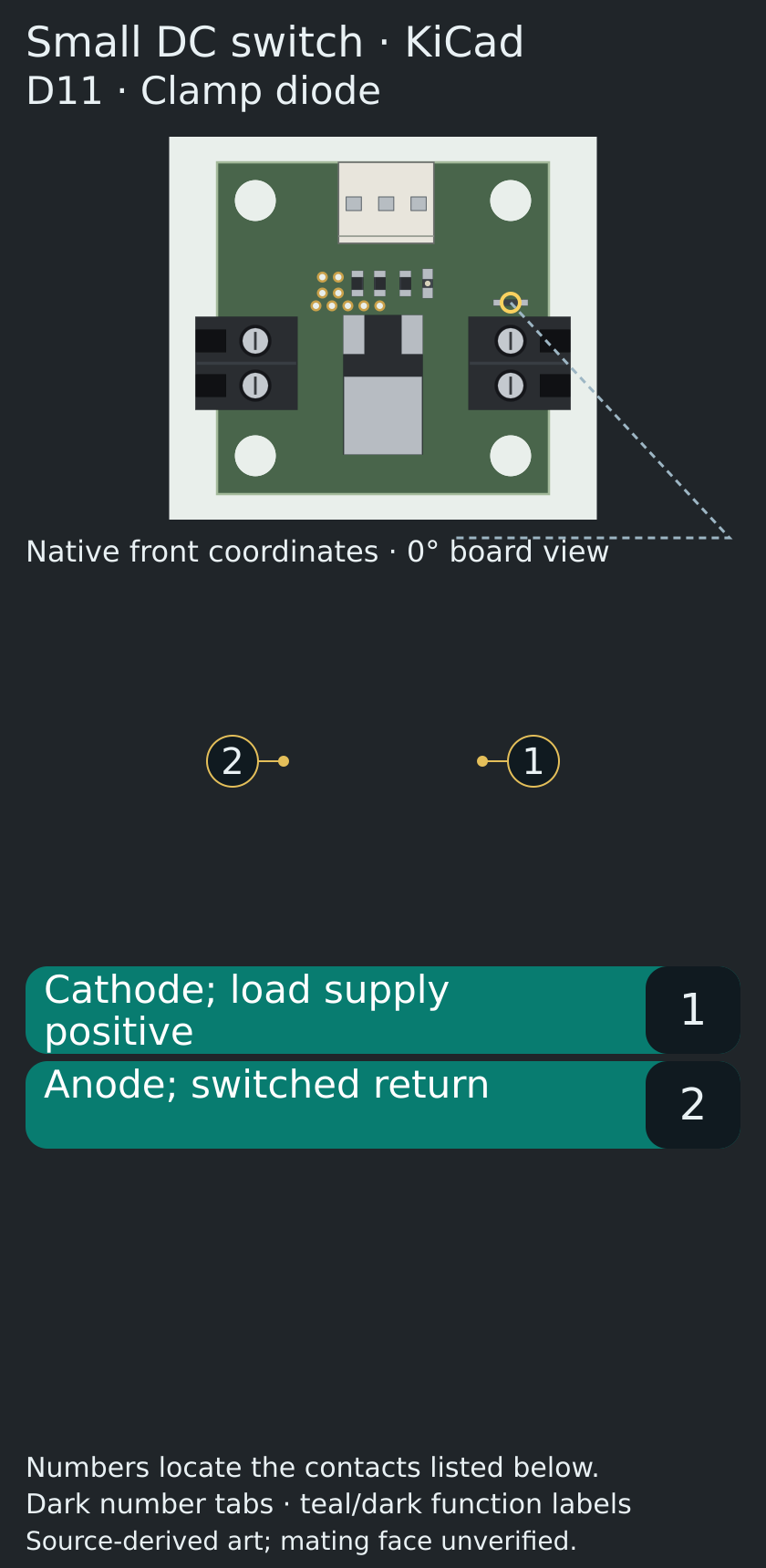
These sheets combine source-derived board artwork, native-coordinate contact keys and function pills. Read the external interfaces and controls first; circuit components and mounting details are available below. The canonical abstract, physical mating and actual viewer checks remain pending.
Read labels at full size
Scroll across and down within this view. You can also open the PNG separately and use your browser’s zoom controls.
Fit shows the whole drawing. Zoom to read labels; scroll within the drawing. Escape closes the viewer.
Read labels at full size
Scroll across and down within this view. You can also open the PNG separately and use your browser’s zoom controls.
Fit shows the whole drawing. Zoom to read labels; scroll within the drawing. Escape closes the viewer.
Read labels at full size
Scroll across and down within this view. You can also open the PNG separately and use your browser’s zoom controls.
Fit shows the whole drawing. Zoom to read labels; scroll within the drawing. Escape closes the viewer.
Read labels at full size
Scroll across and down within this view. You can also open the PNG separately and use your browser’s zoom controls.
Fit shows the whole drawing. Zoom to read labels; scroll within the drawing. Escape closes the viewer.
Read labels at full size
Scroll across and down within this view. You can also open the PNG separately and use your browser’s zoom controls.
Fit shows the whole drawing. Zoom to read labels; scroll within the drawing. Escape closes the viewer.
Read labels at full size
Scroll across and down within this view. You can also open the PNG separately and use your browser’s zoom controls.
Fit shows the whole drawing. Zoom to read labels; scroll within the drawing. Escape closes the viewer.
Circuit components and mounting details
Read labels at full size
Scroll across and down within this view. You can also open the PNG separately and use your browser’s zoom controls.
Fit shows the whole drawing. Zoom to read labels; scroll within the drawing. Escape closes the viewer.
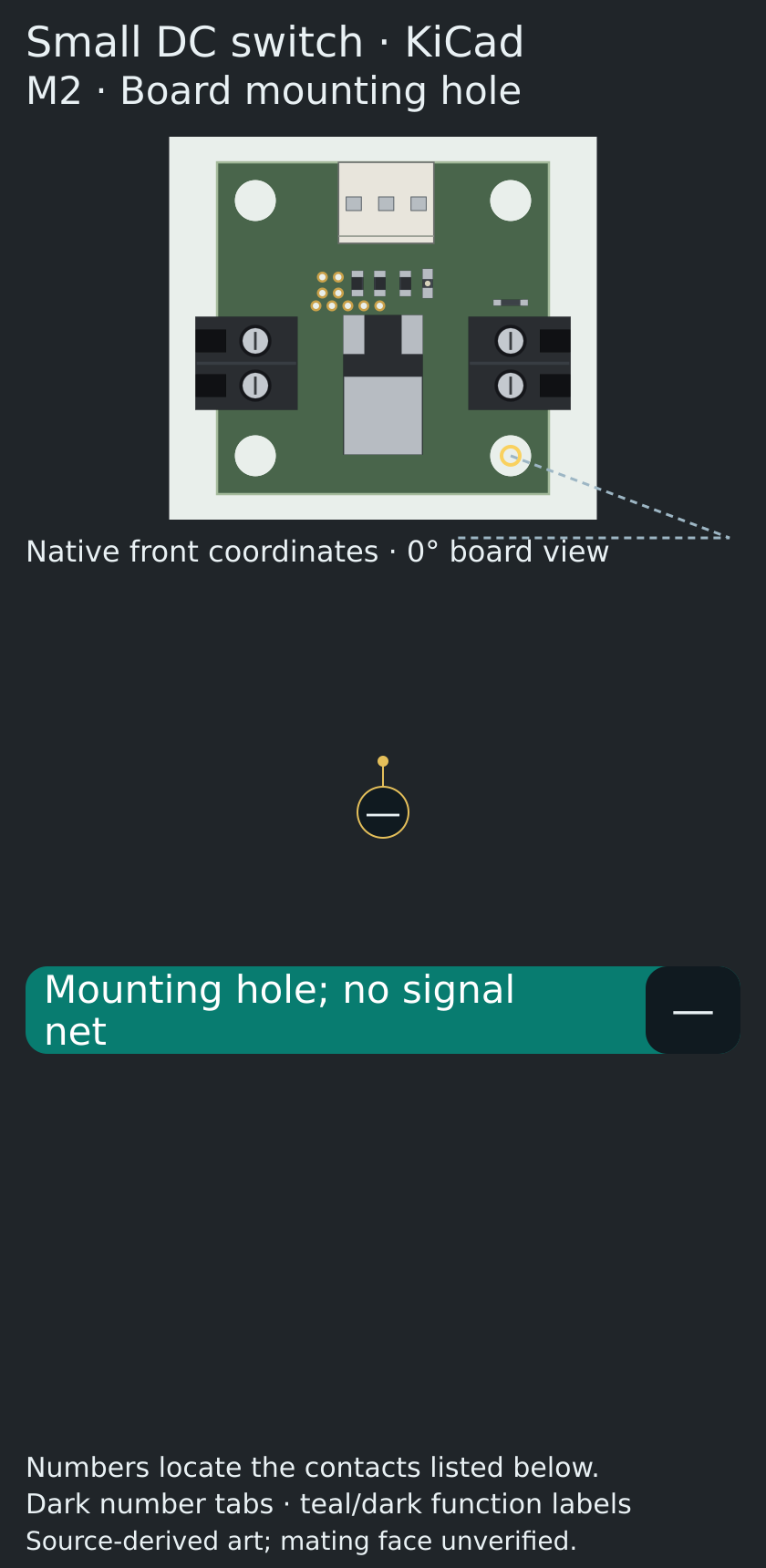
Read labels at full size
Scroll across and down within this view. You can also open the PNG separately and use your browser’s zoom controls.
Fit shows the whole drawing. Zoom to read labels; scroll within the drawing. Escape closes the viewer.
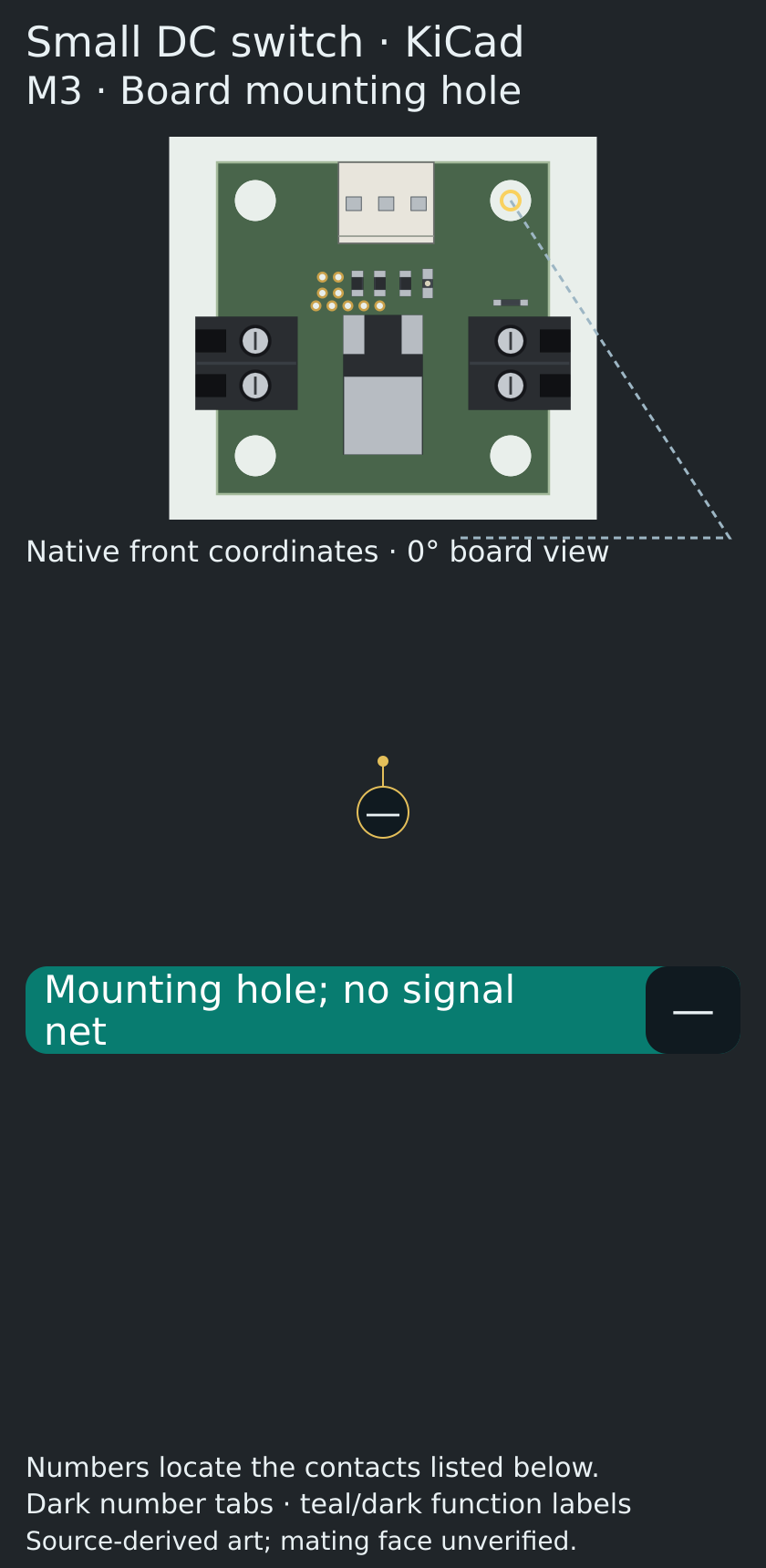
Read labels at full size
Scroll across and down within this view. You can also open the PNG separately and use your browser’s zoom controls.
Fit shows the whole drawing. Zoom to read labels; scroll within the drawing. Escape closes the viewer.
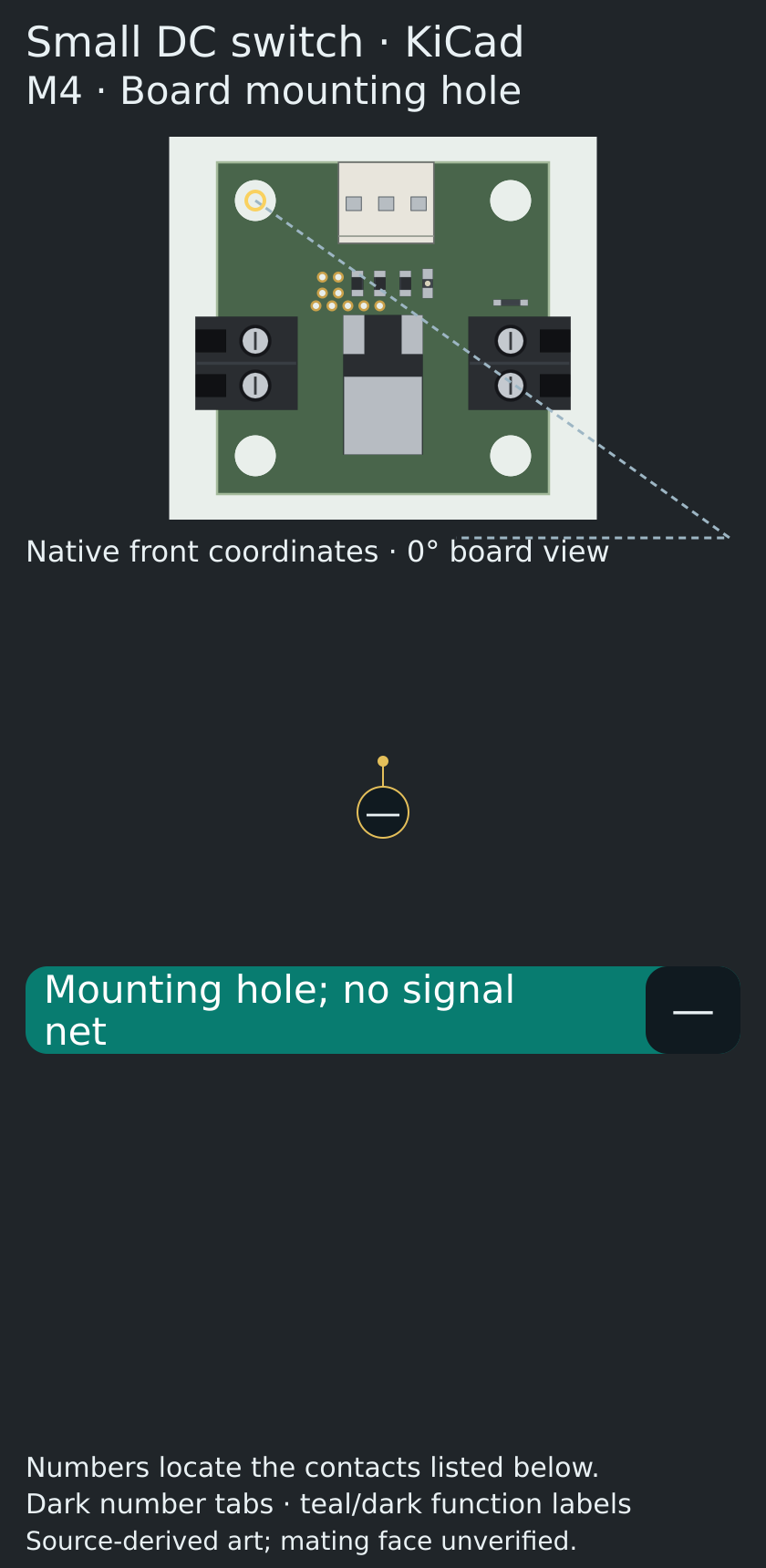
Read labels at full size
Scroll across and down within this view. You can also open the PNG separately and use your browser’s zoom controls.
Fit shows the whole drawing. Zoom to read labels; scroll within the drawing. Escape closes the viewer.
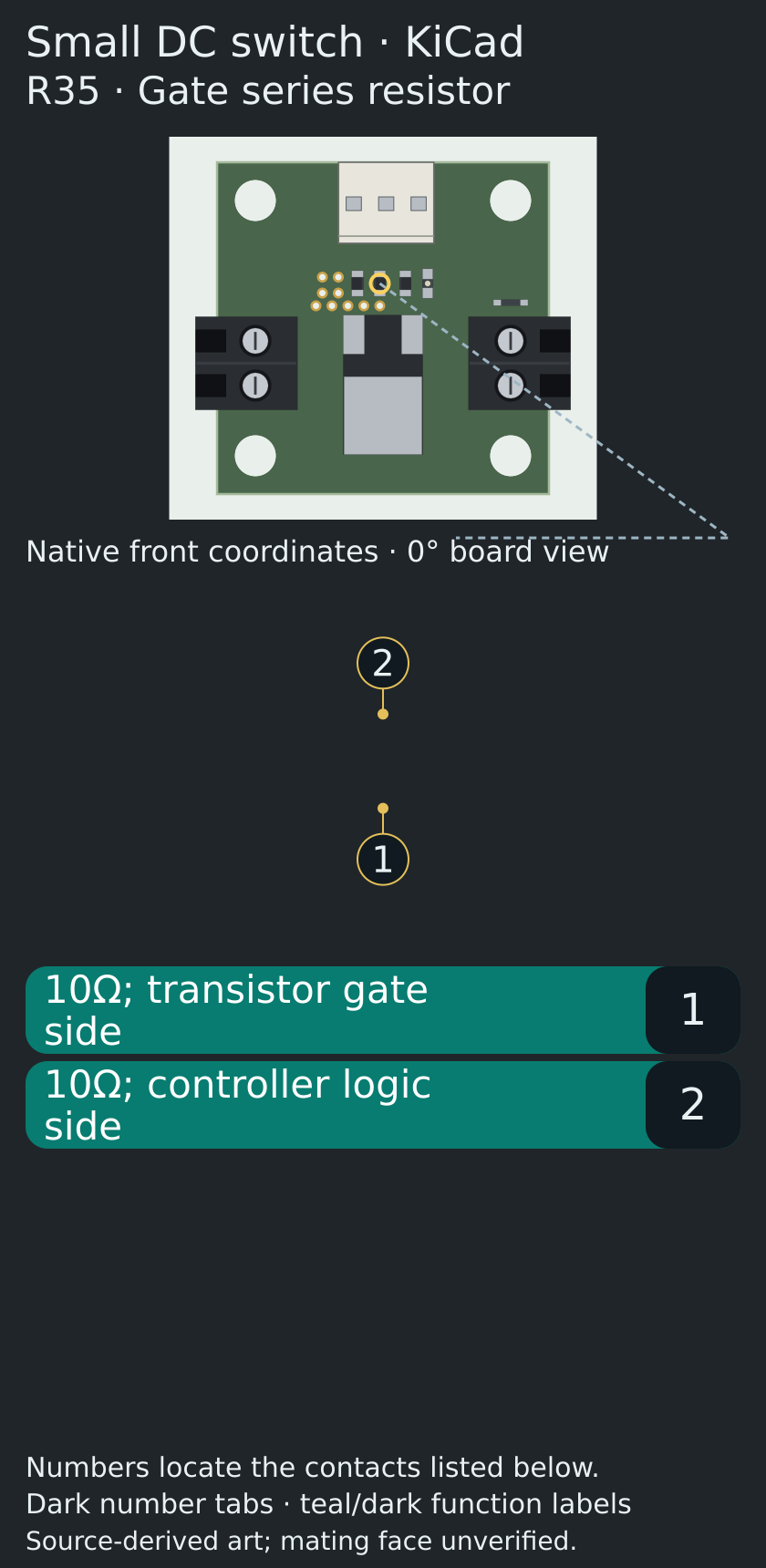
Read labels at full size
Scroll across and down within this view. You can also open the PNG separately and use your browser’s zoom controls.
Fit shows the whole drawing. Zoom to read labels; scroll within the drawing. Escape closes the viewer.
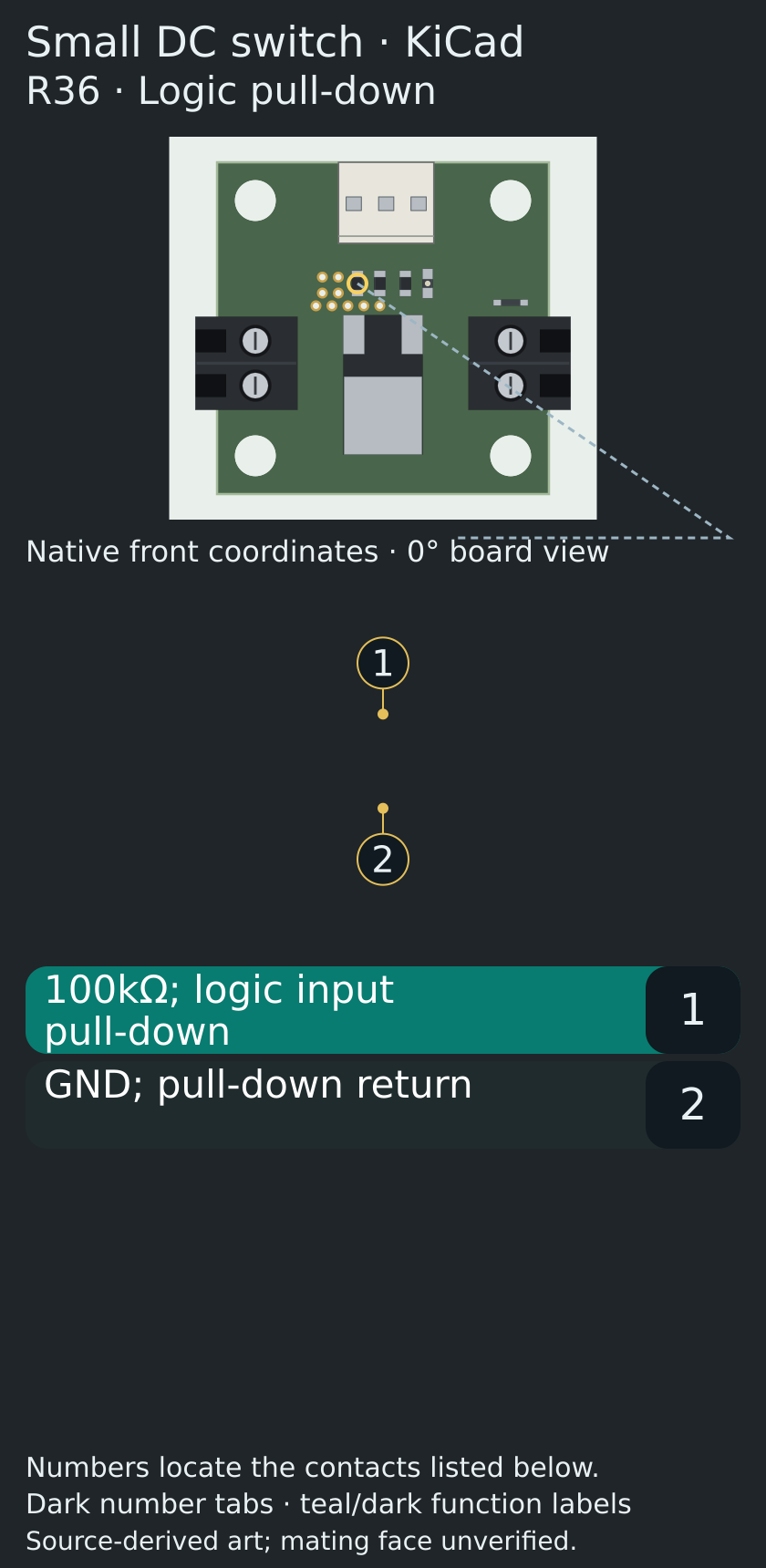
Read labels at full size
Scroll across and down within this view. You can also open the PNG separately and use your browser’s zoom controls.
Fit shows the whole drawing. Zoom to read labels; scroll within the drawing. Escape closes the viewer.
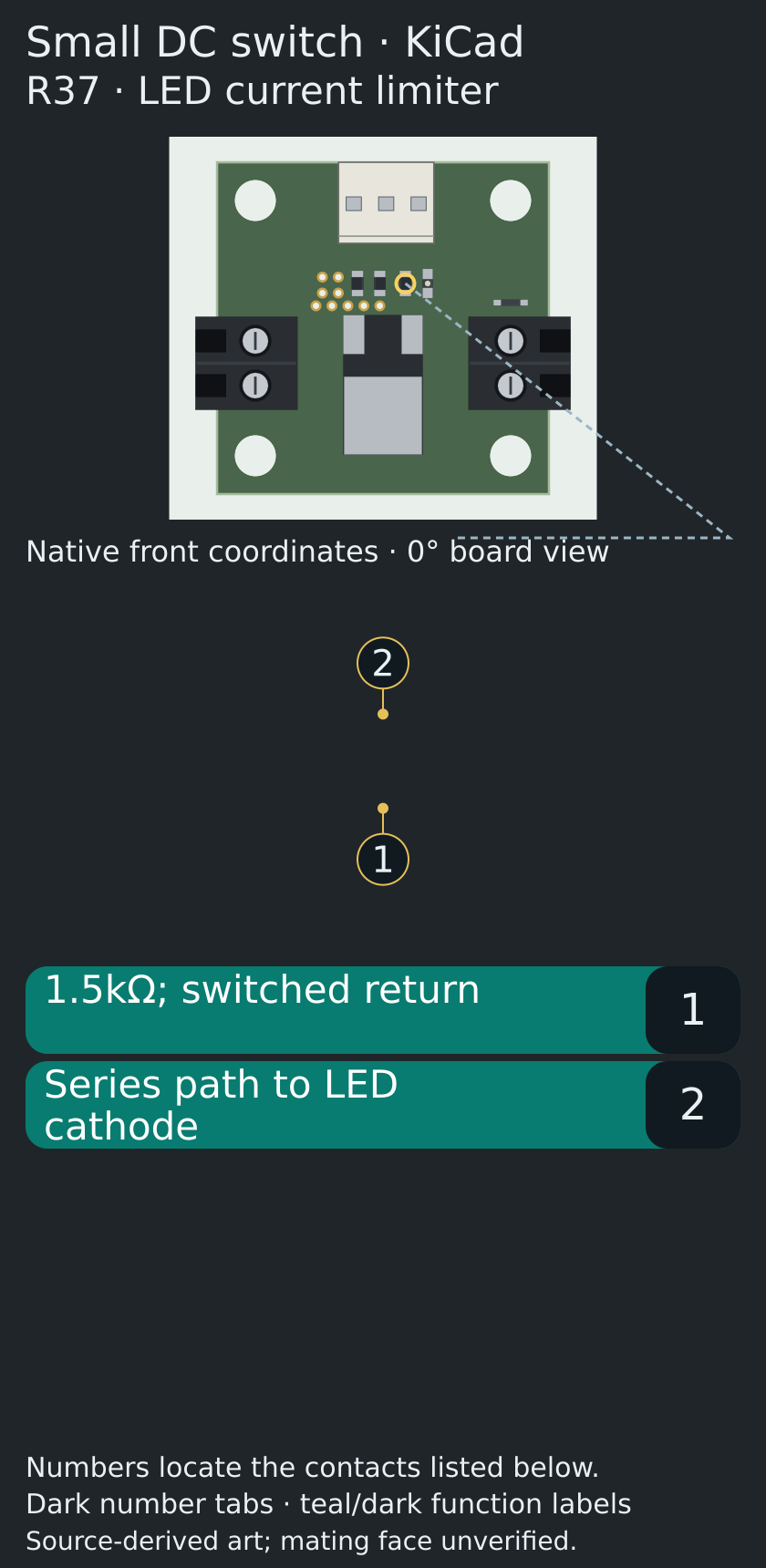
Read labels at full size
Scroll across and down within this view. You can also open the PNG separately and use your browser’s zoom controls.
Fit shows the whole drawing. Zoom to read labels; scroll within the drawing. Escape closes the viewer.
Matching native source, licence and drawing notice. Source-derived additions dated 2026-10-18; retain the included source licence and notices with derivatives.
Original pad locators and source comparison
Source-contact reference — canonical abstract pending
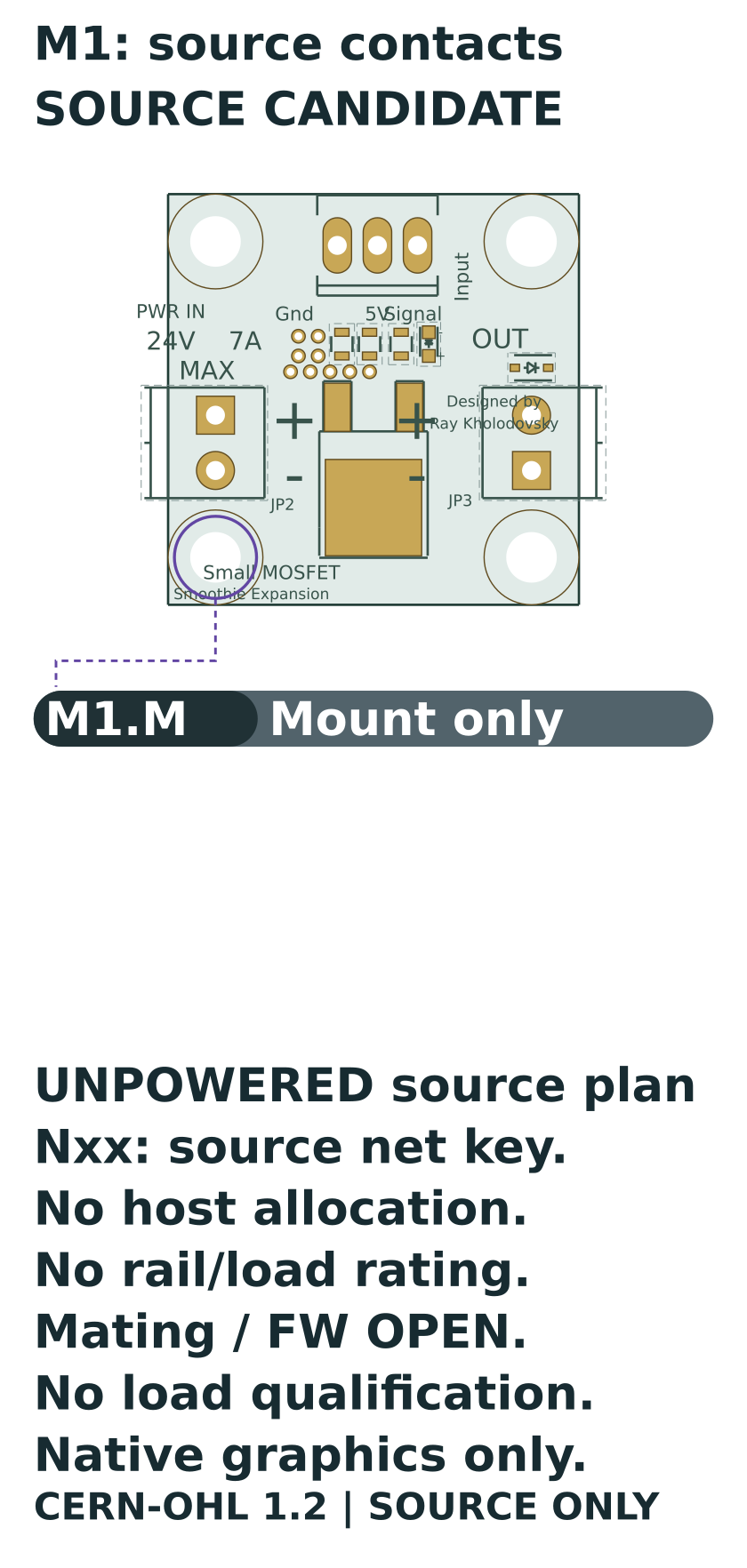
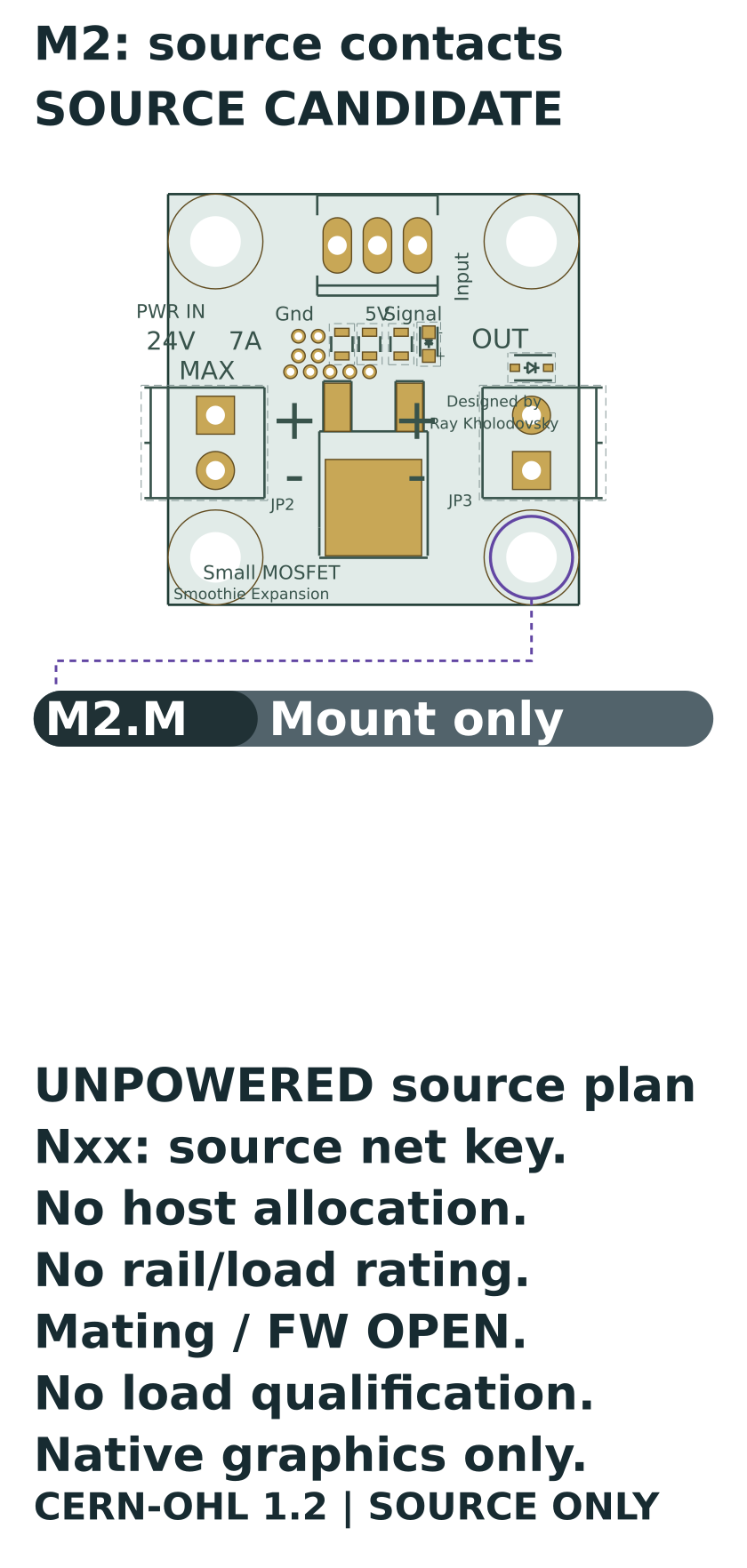
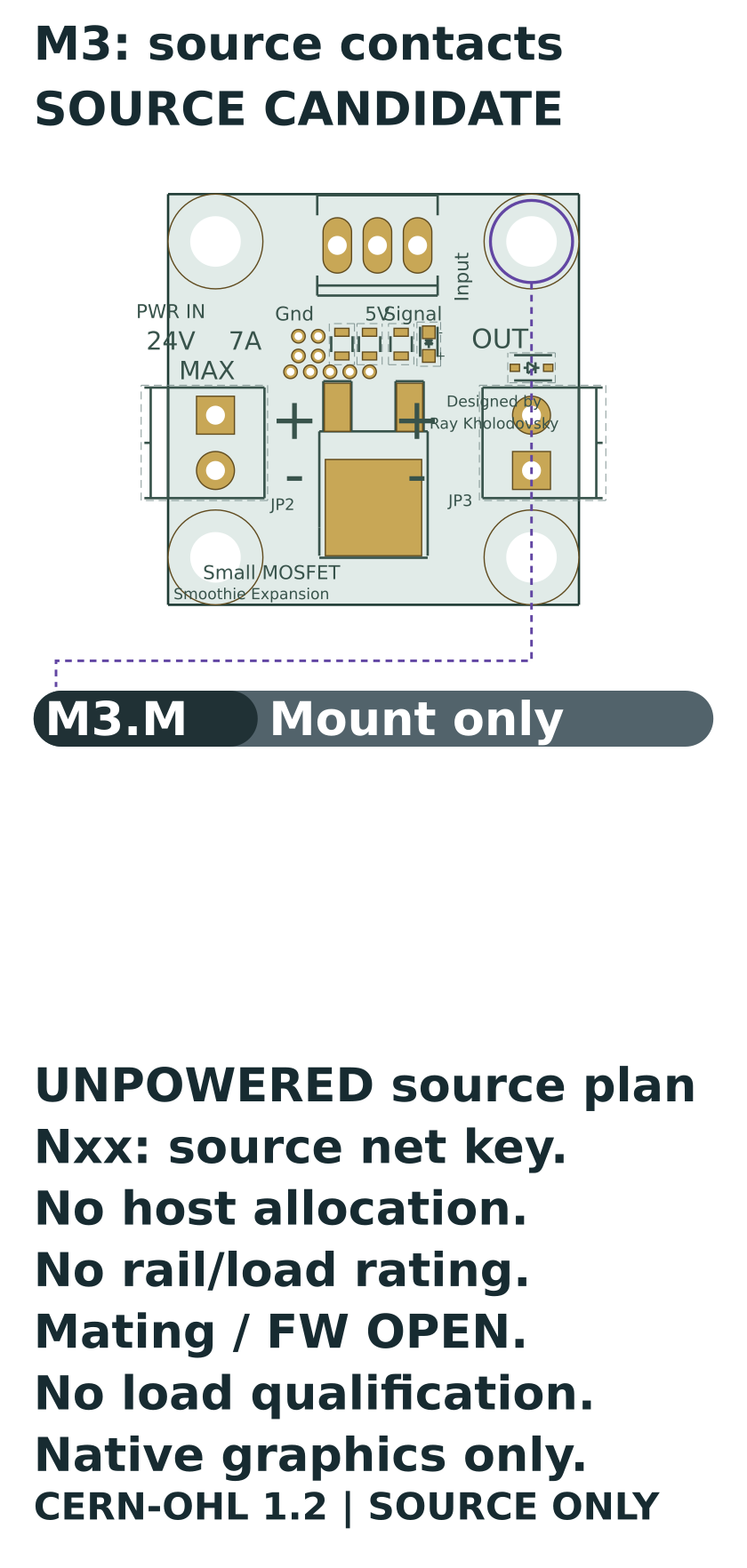
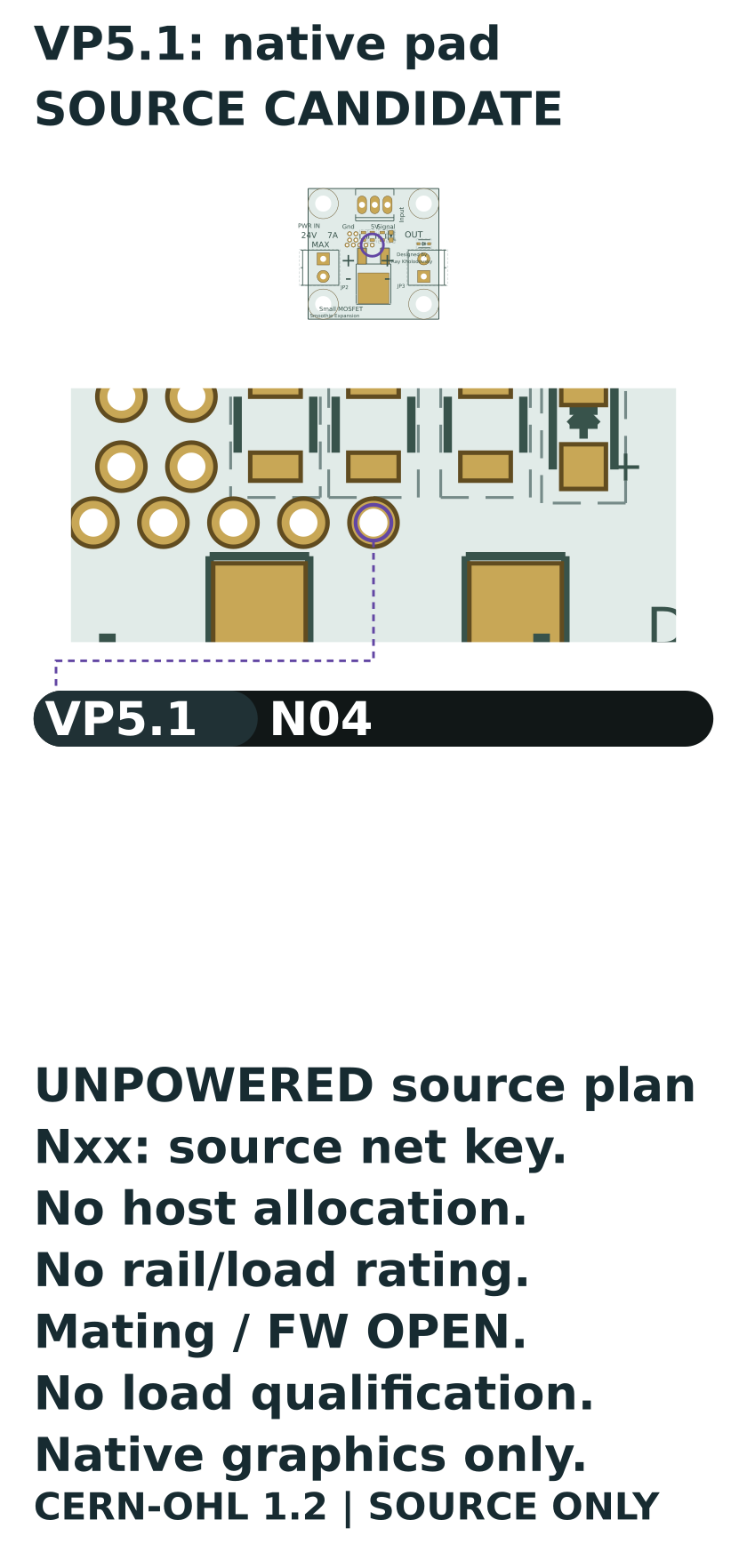
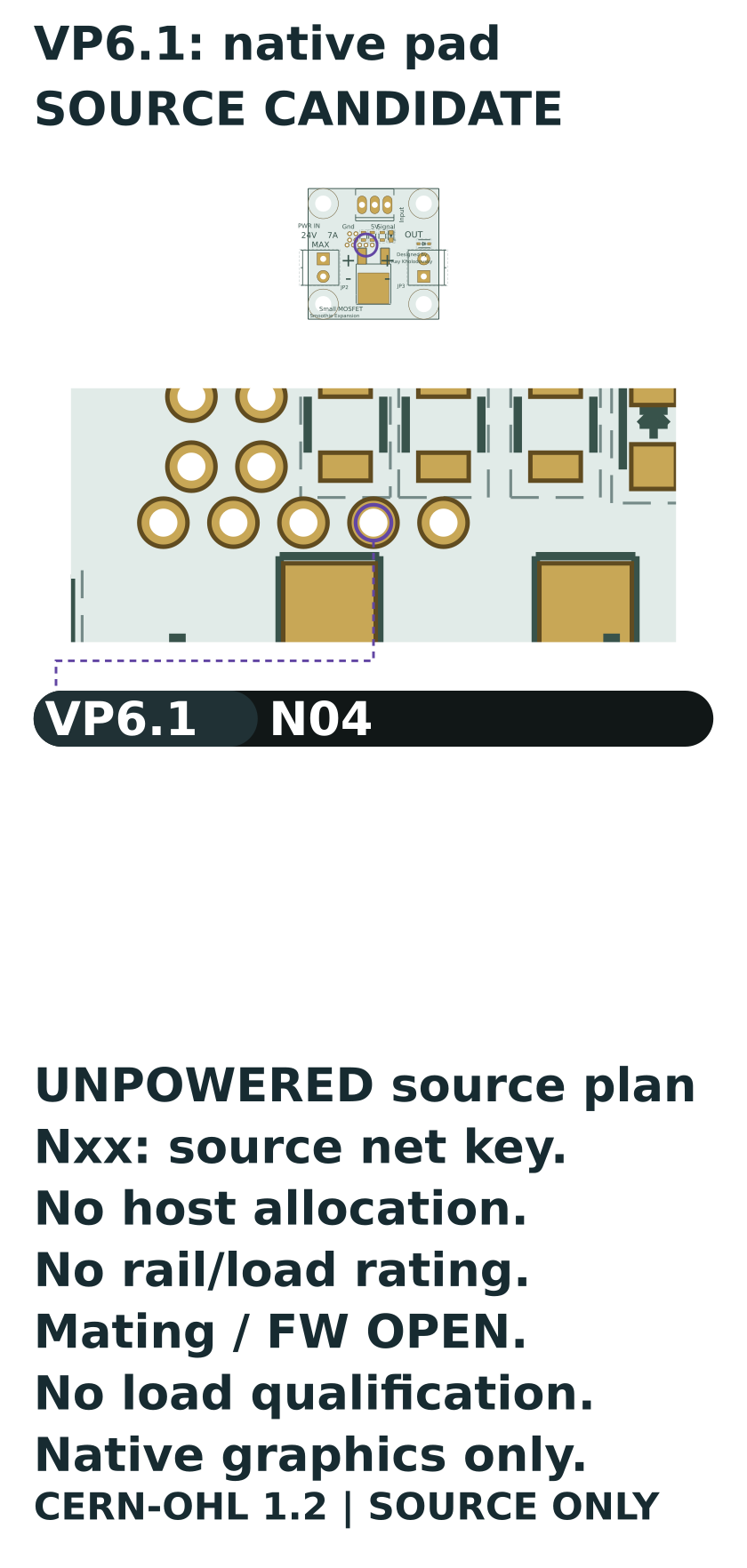
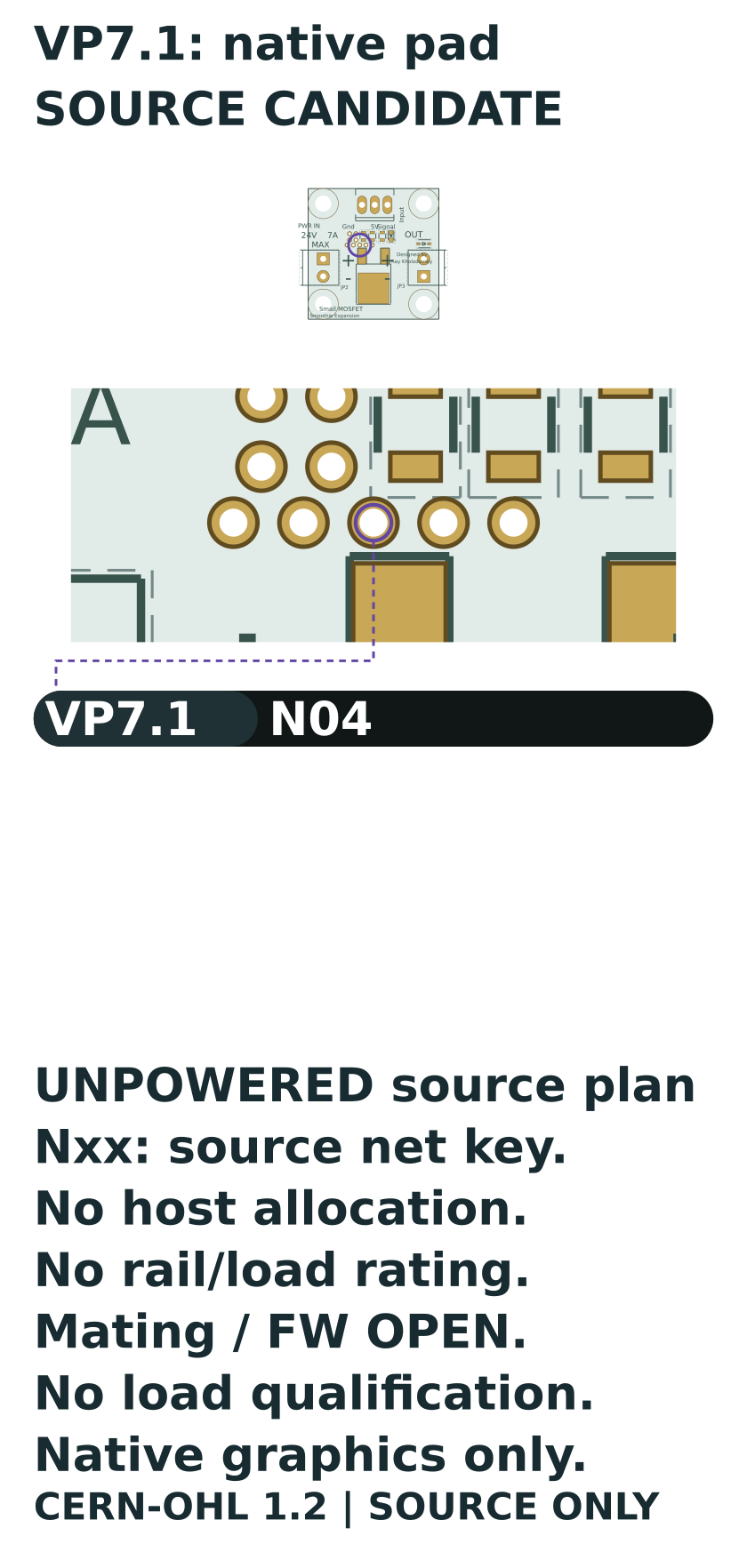
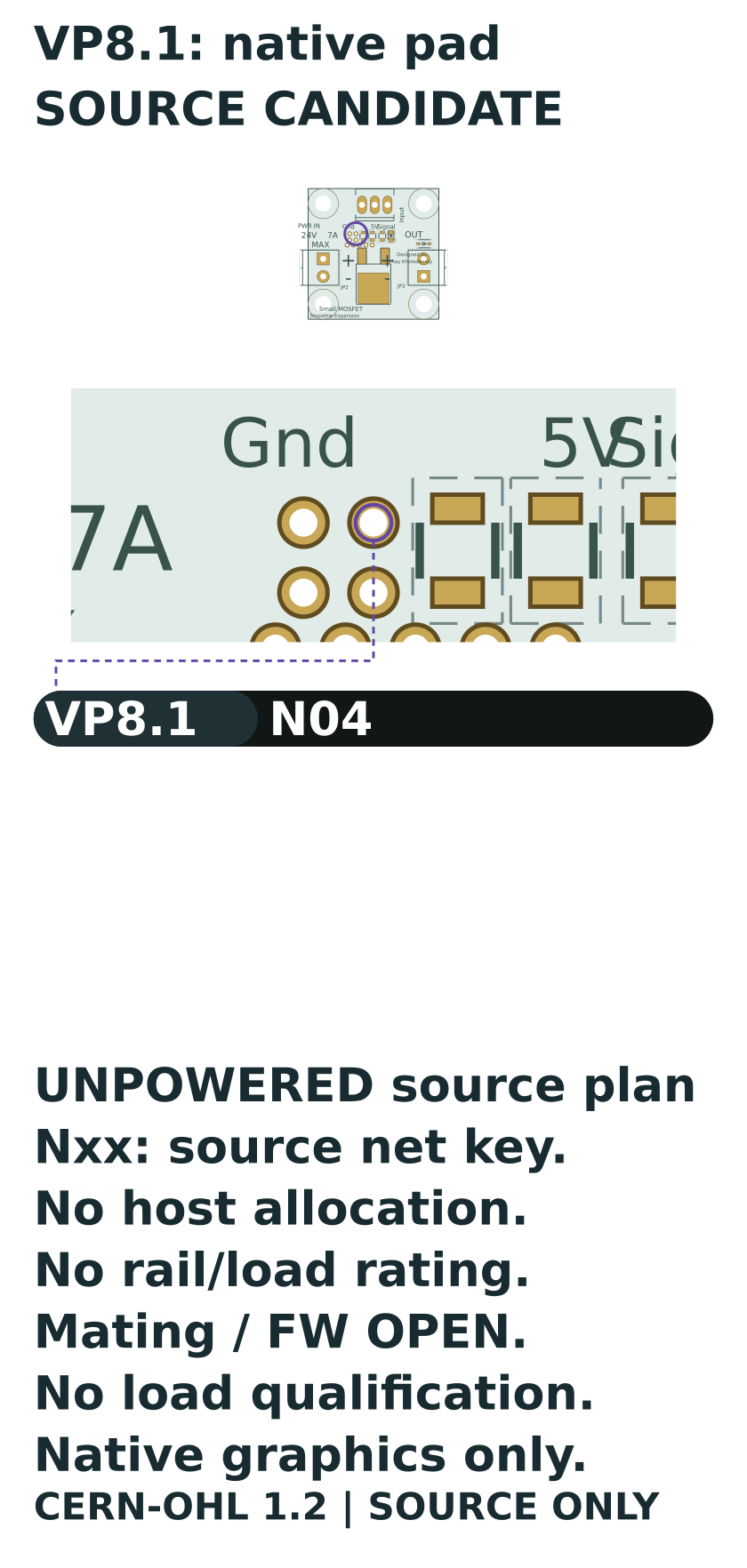
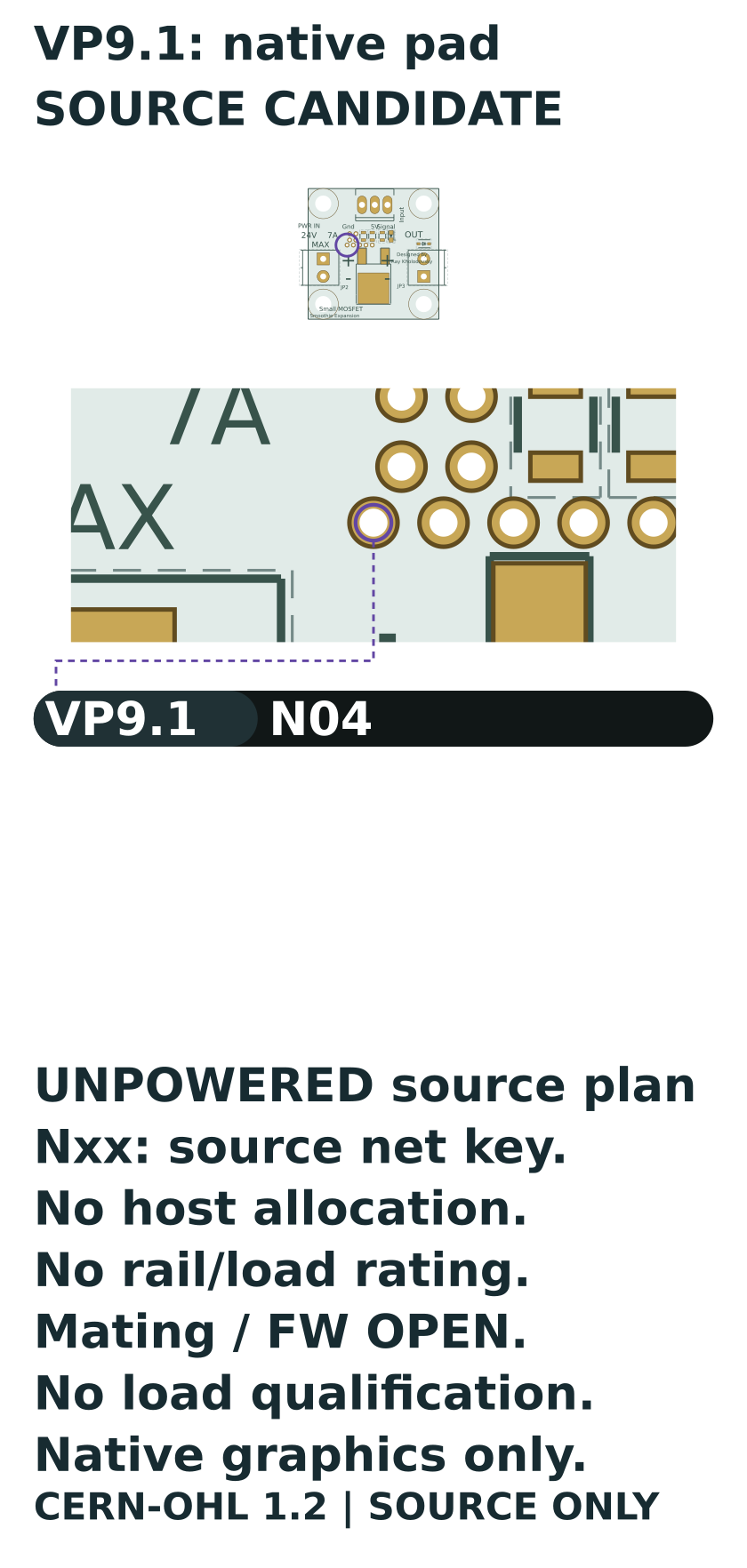
These newly drawn locators preserve the selected native pad positions and board outline. They do not contain populated component artwork and do not satisfy the required canonical abstract diagram. All focused sheets and the boundary notice belong together.
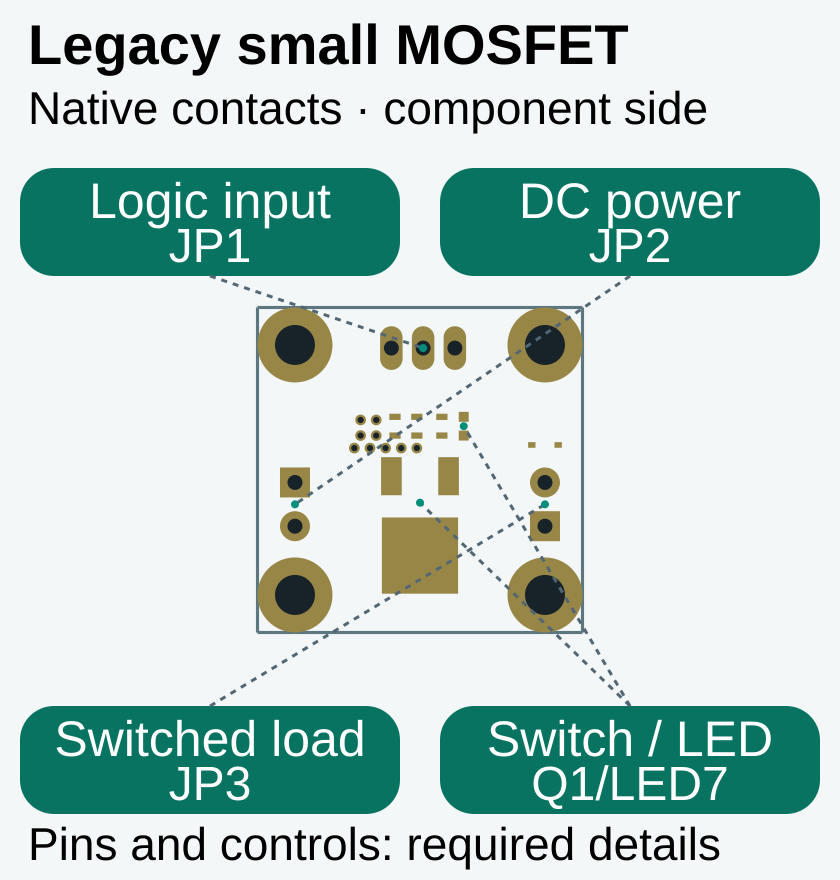
Read labels at full size
Scroll across and down within this view. You can also open the PNG separately and use your browser’s zoom controls.
Fit shows the whole drawing. Zoom to read labels; scroll within the drawing. Escape closes the viewer.
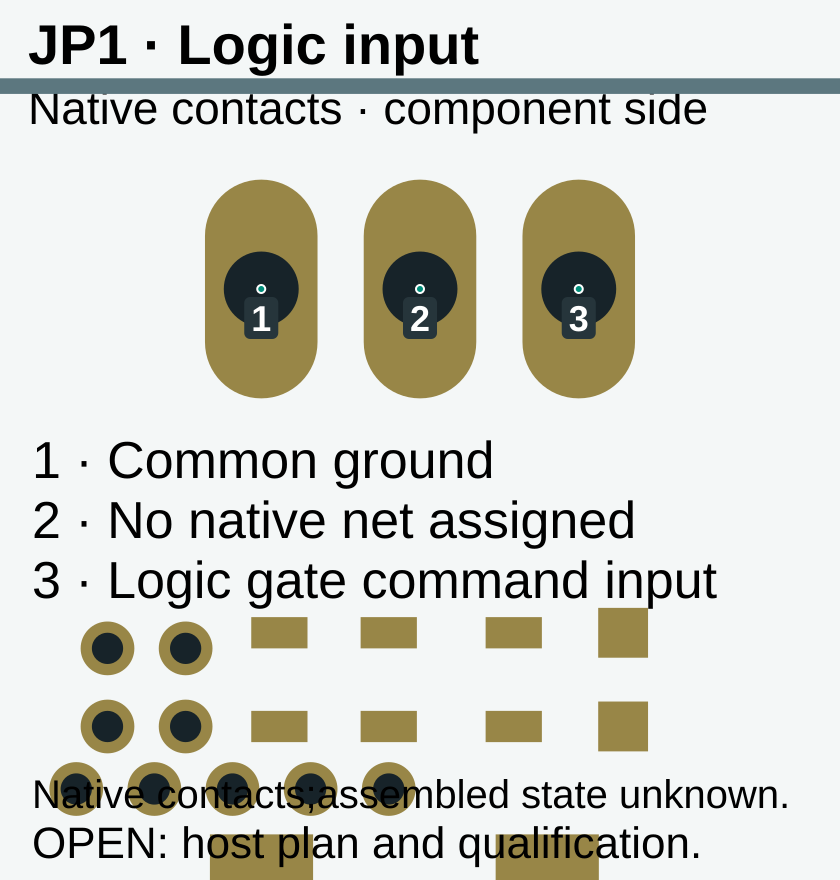
Read labels at full size
Scroll across and down within this view. You can also open the PNG separately and use your browser’s zoom controls.
Fit shows the whole drawing. Zoom to read labels; scroll within the drawing. Escape closes the viewer.
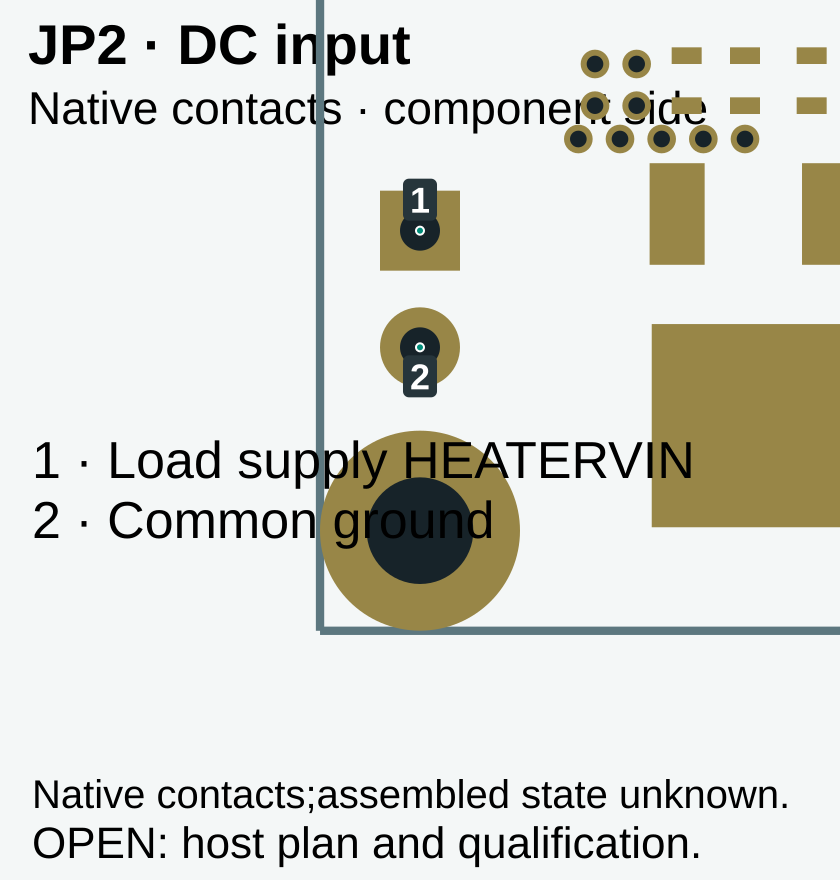
Read labels at full size
Scroll across and down within this view. You can also open the PNG separately and use your browser’s zoom controls.
Fit shows the whole drawing. Zoom to read labels; scroll within the drawing. Escape closes the viewer.
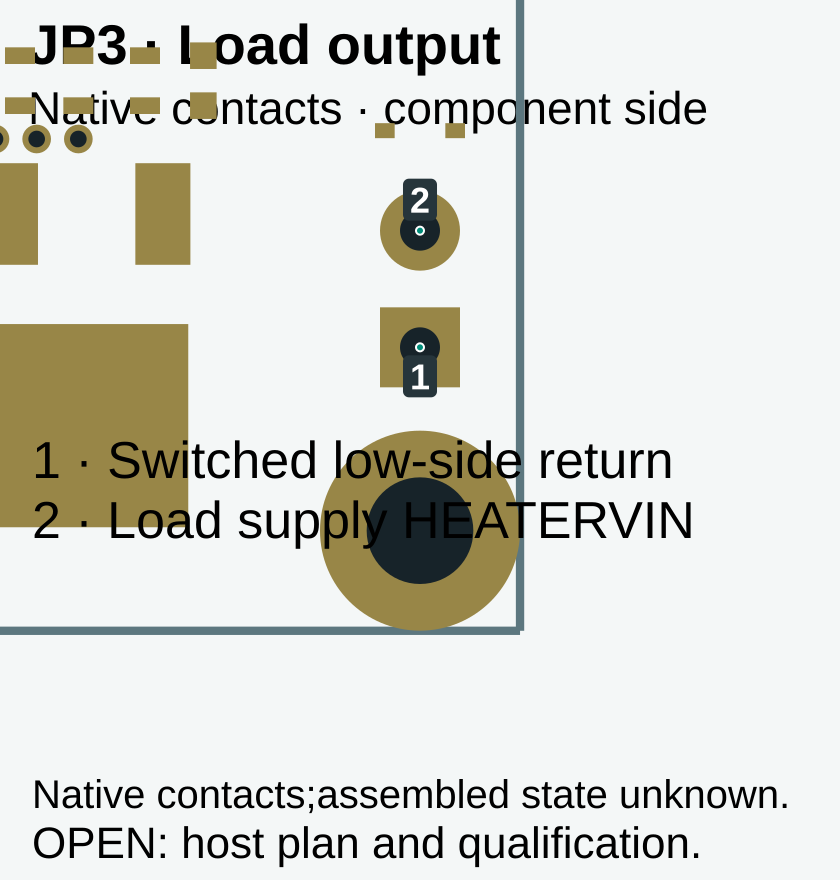
Read labels at full size
Scroll across and down within this view. You can also open the PNG separately and use your browser’s zoom controls.
Fit shows the whole drawing. Zoom to read labels; scroll within the drawing. Escape closes the viewer.
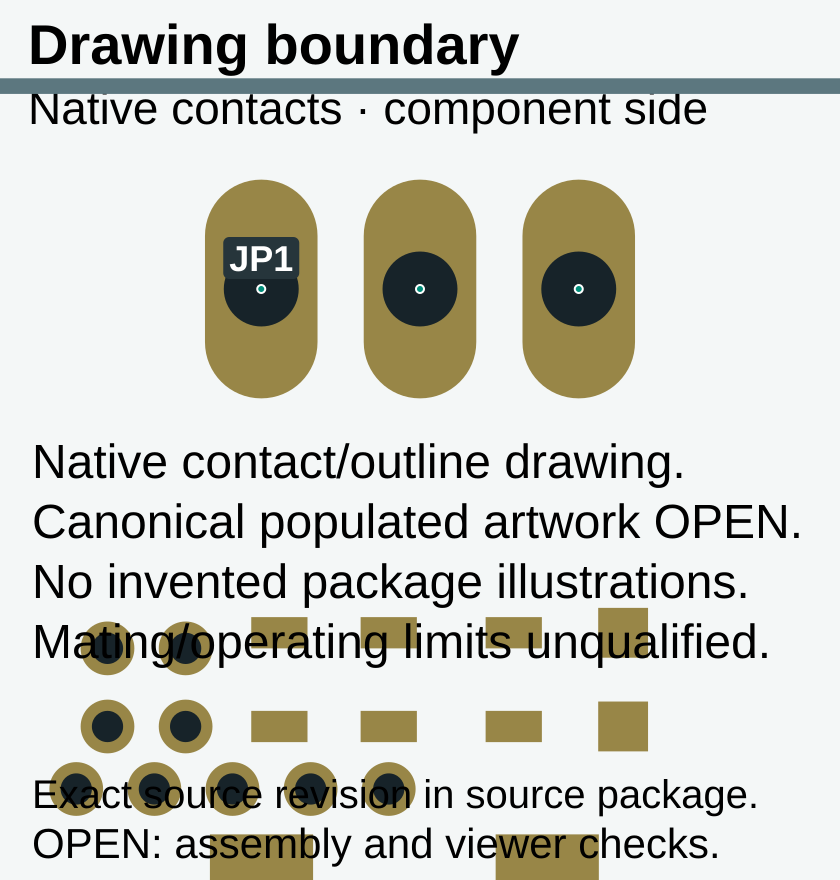
Read labels at full size
Scroll across and down within this view. You can also open the PNG separately and use your browser’s zoom controls.
Fit shows the whole drawing. Zoom to read labels; scroll within the drawing. Escape closes the viewer.
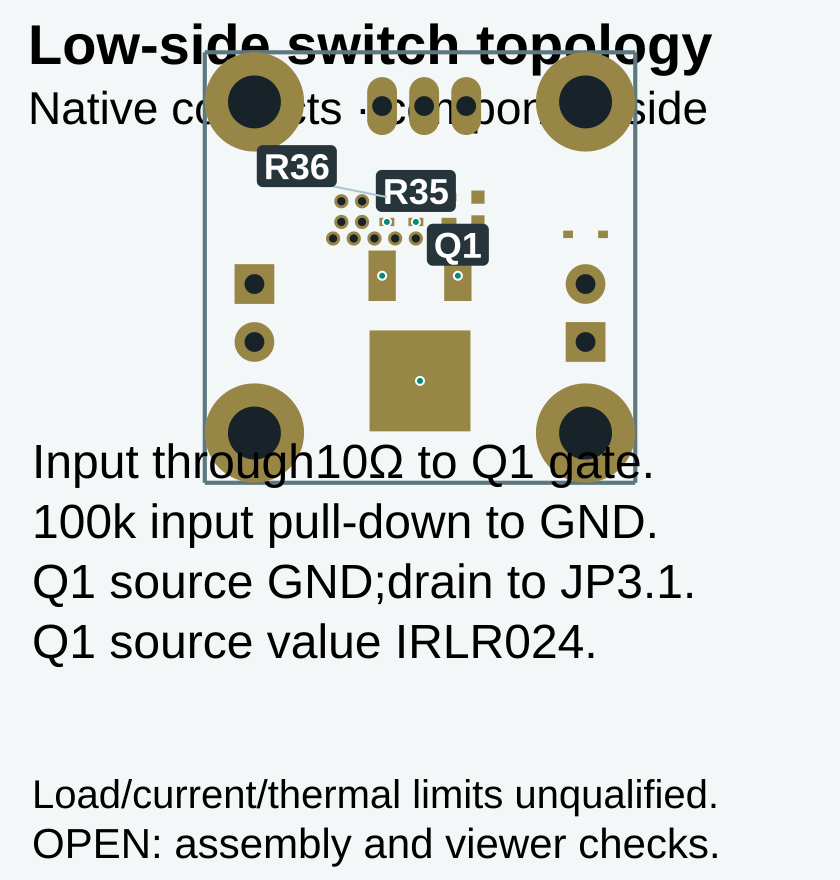
Read labels at full size
Scroll across and down within this view. You can also open the PNG separately and use your browser’s zoom controls.
Fit shows the whole drawing. Zoom to read labels; scroll within the drawing. Escape closes the viewer.
Read labels at full size
Scroll across and down within this view. You can also open the PNG separately and use your browser’s zoom controls.
Fit shows the whole drawing. Zoom to read labels; scroll within the drawing. Escape closes the viewer.
Read labels at full size
Scroll across and down within this view. You can also open the PNG separately and use your browser’s zoom controls.
Fit shows the whole drawing. Zoom to read labels; scroll within the drawing. Escape closes the viewer.
Download matching unmodified native source, upstream licence and drawing notice. Source revision: 52ab340de33180a975b25f856c161993488e6ace. The downloaded PCB SHA-256 59eda7d61534d8c5d9ffb45c6d656c1d337b4279d37b35d610155cd48bdc4a0c matches that exact upstream PCB byte for byte; the retained netlist SHA-256 e61c5f685e1fb82c82940f2703a6ac53086dd0f3fc14632ca1a9c9d87b5c2250 matches the upstream netlist at the same commit. This establishes source-file identity only, not electrical or physical qualification. Retain the included source licence and notices with derivatives.
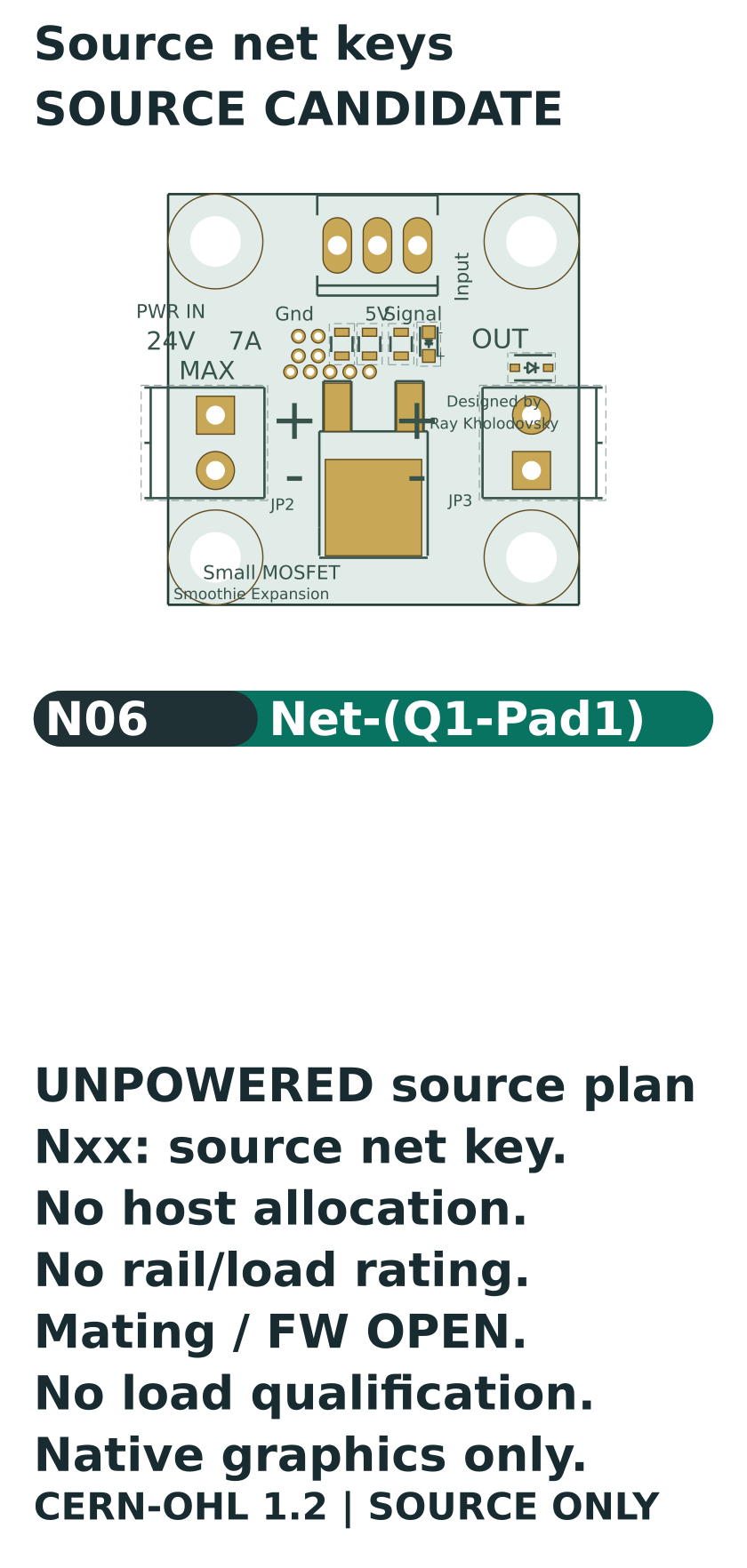
The source-derived annotated sheets above supplement the retained pad locators. The revision-matched canonical abstract remains pending; a modern replacement’s abstract is not an accurate substitute. The contact inventory below records source connectivity; it does not verify physical cable orientation or routed-board continuity. A mechanical pad/net-name comparison found 1 missing or differing netlist nodes and 0 PCB-only nodes. The differing node is JP1.2: the netlist names an isolated VCC net while the PCB pad has no named connection. Keep this contact unused; it is not a required board power input.
| Reference | Source value / role | Contact → retained net |
|---|---|---|
| D11 | 1N4148 | 1 → /HEATERVIN; 2 → /E1-CONTROL |
| JP1 | ~ | 1 → GND; 2 → /VCC; 3 → /FET-LOGIC-IN |
| JP2 | ~ | 1 → /HEATERVIN; 2 → GND |
| JP3 | ~ | 1 → /E1-CONTROL; 2 → /HEATERVIN |
Connect and try it
Use a small test lamp first. With power removed, wire the external supply to JP2 and the lamp to JP3, observing contact 2 positive. A custom Prime cable can connect GF.10 ground to JP1.1 and GF.3 PB1 to JP1.3; leave the apparently unused VCC contact disconnected after PCB reconciliation. The host’s 5 V rail is not the load supply.
Practical Prime wiring diagram — pending
The complete instructional wiring diagram remains incomplete. The proposed or conditional steps above must not be treated as an accepted cable drawing. Prime GF/J37 contact names, where used, refer to the host contact map: 1 limited 3.3 V, 2 limited 5 V, 3 PB1, 4 PJ4, 5 PA4, 6 PG0, 7 PJ3, 8 PG1, 9 PJ2, 10 ground. Pin numbers are connector contacts, not MCU package contacts. A supply label does not establish an available current budget.
Smoothieware use
The digital switch module provides the required logic signal; no dedicated MOSFET-board driver is needed. The example below assumes PB1 is unused and the custom cable is installed.
For the specific GF.3/PB1 bench-test cable, merge this into an otherwise non-conflicting configuration; do not duplicate an existing section or assign PB1 twice. The V2 digital-switch example in ConfigSamples/config-3d.ini:163–205 supplies these settings.
[switch]
board_test.enable = true
board_test.input_on_command = M106
board_test.input_off_command = M107
board_test.subcode = 9
board_test.output_pin = PB1
board_test.output_type = digital
board_test.startup_state = false
board_test.halt_set_to = false
With the machine stationary and a small test load, M106.9 requests on and M107.9 requests off. Confirm the off state before attaching the intended load. This verifies the requested output behavior only after actual firmware and electrical testing.
Configuration field names in this example were checked against the pinned V2 Switch parser. The fields are source-recognized; the selected board’s complete electrical, pin-allocation and operating contract still needs qualification. Source inspection is not a target build, flash, boot or hardware result. Where a required driver is absent, email wolf.arthur@gamil.com; unresolved wiring or untested support is not automatically evidence of absence.
The reviewed V2 digital-switch parser and command implementation matches the retained source byte for byte. Subcode 9 is an example allocation: reserve M106.9/M107.9 in the complete configuration before use. Startup and halt settings are logical OFF; they do not establish the electrical state during reset, bootloader operation, lost power or a disconnected cable. The ! suffix, where shown, inverts that logical output. This identifies source behavior, not the installed firmware or tested hardware.
Remaining source questions
Installed MOSFET identification and gate-drive margin; current/thermal qualification and clamp suitability; Eagle/KiCad equivalence. The exact historical PCB and netlist source bytes are now reconciled, but the JP1.2 netlist/PCB disagreement remains intentionally unresolved and that contact must stay unused. Both required diagrams, final revision-to-layout reconciliation and normal/narrow-width rendered review remain unaccepted.
Original files and attribution
The linked original source folder contains the retained CAD, images, fabrication output and any author notes. Keep existing source galleries alongside this guide. Historical project files retain their original attribution; an absent per-file license must not be interpreted as public-domain permission. No redistribution/license conclusion is made here. The selected Smoothieboard2 snapshot also contains a repository-root CERN Open Hardware Licence v1.2; its README explicitly describes hardware files for the board and extension boards. Preserve those license and attribution records. This repository-level evidence does not establish rights in separately sourced component images or artwork.