Flambegate
This board adds a separately controlled high-side FET to a DC heater power path. The author intends it to disconnect a hotend when a separate hardware trigger detects a fault, including when the controller’s ordinary low-side output fails. It does not replace the normal heater controller or demonstrate certified safety performance.
Revision and use boundary
This guide follows HighSideFet.kicad_pcb at the exact linked source revision. It is a separate related hardware design, not a verified Prime-compatible adapter. The source description uses failsafe terminology where applicable; no safety certification, single-fault coverage or physical acceptance has been established.
Operation, power and connectors
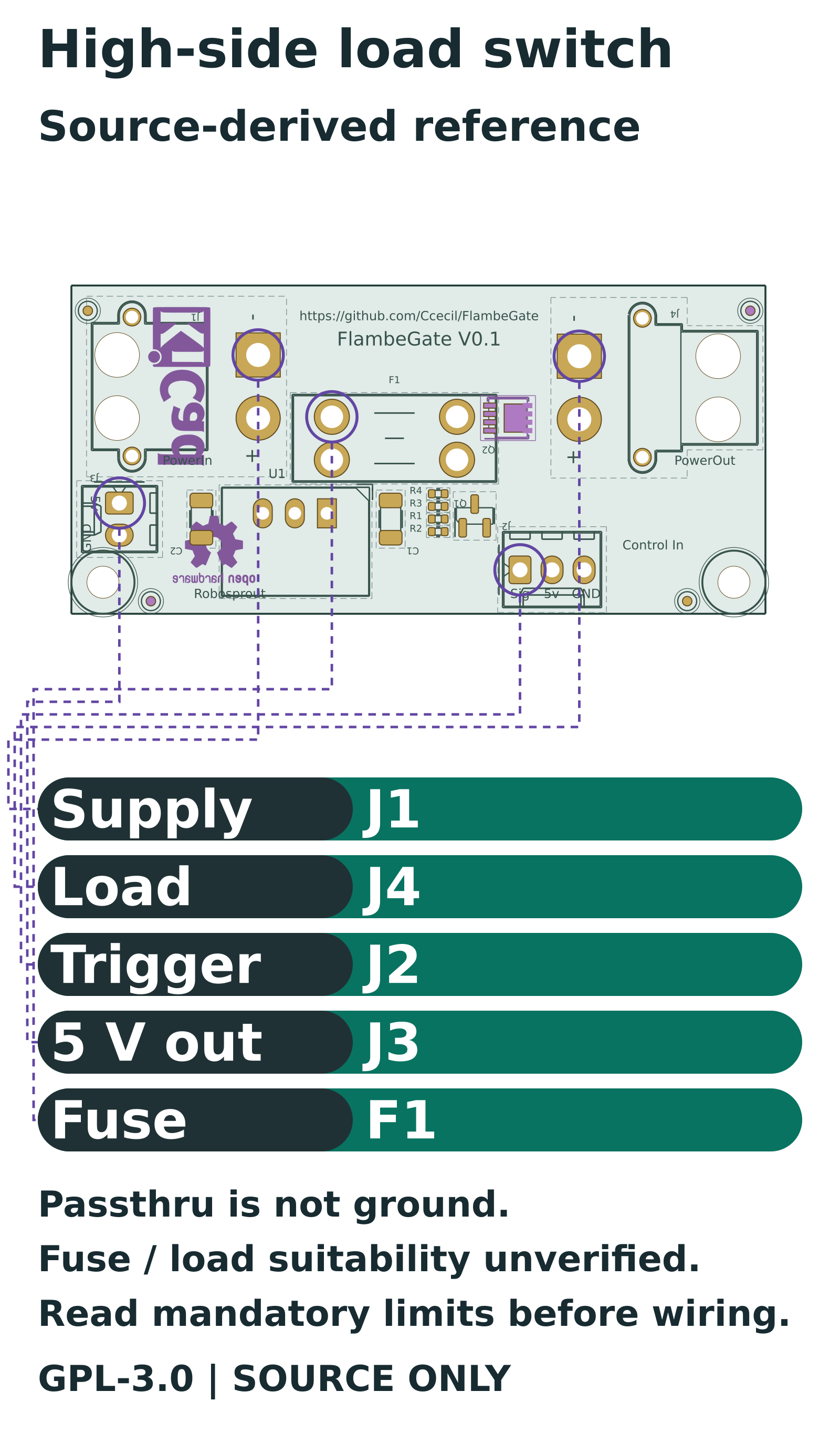
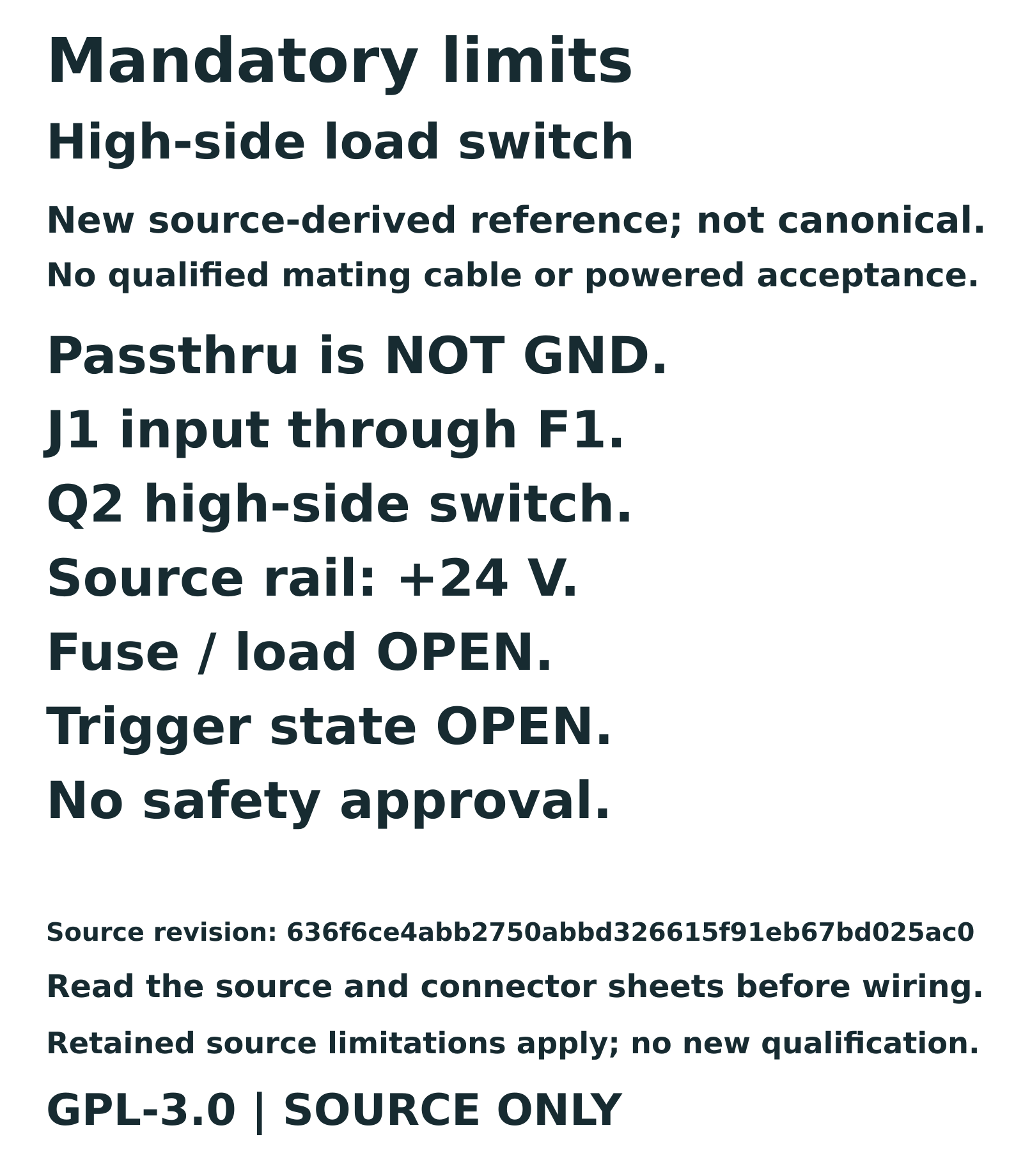
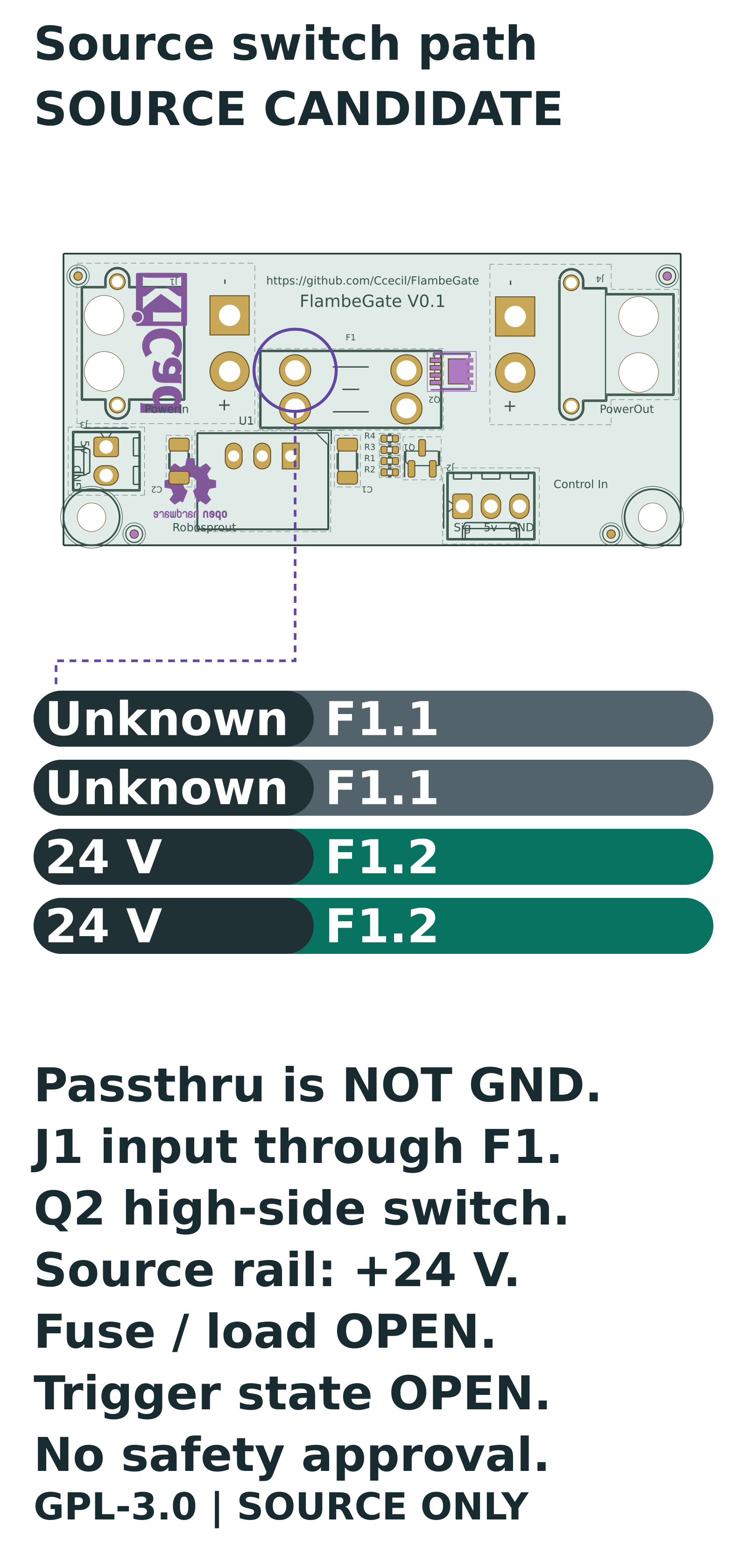
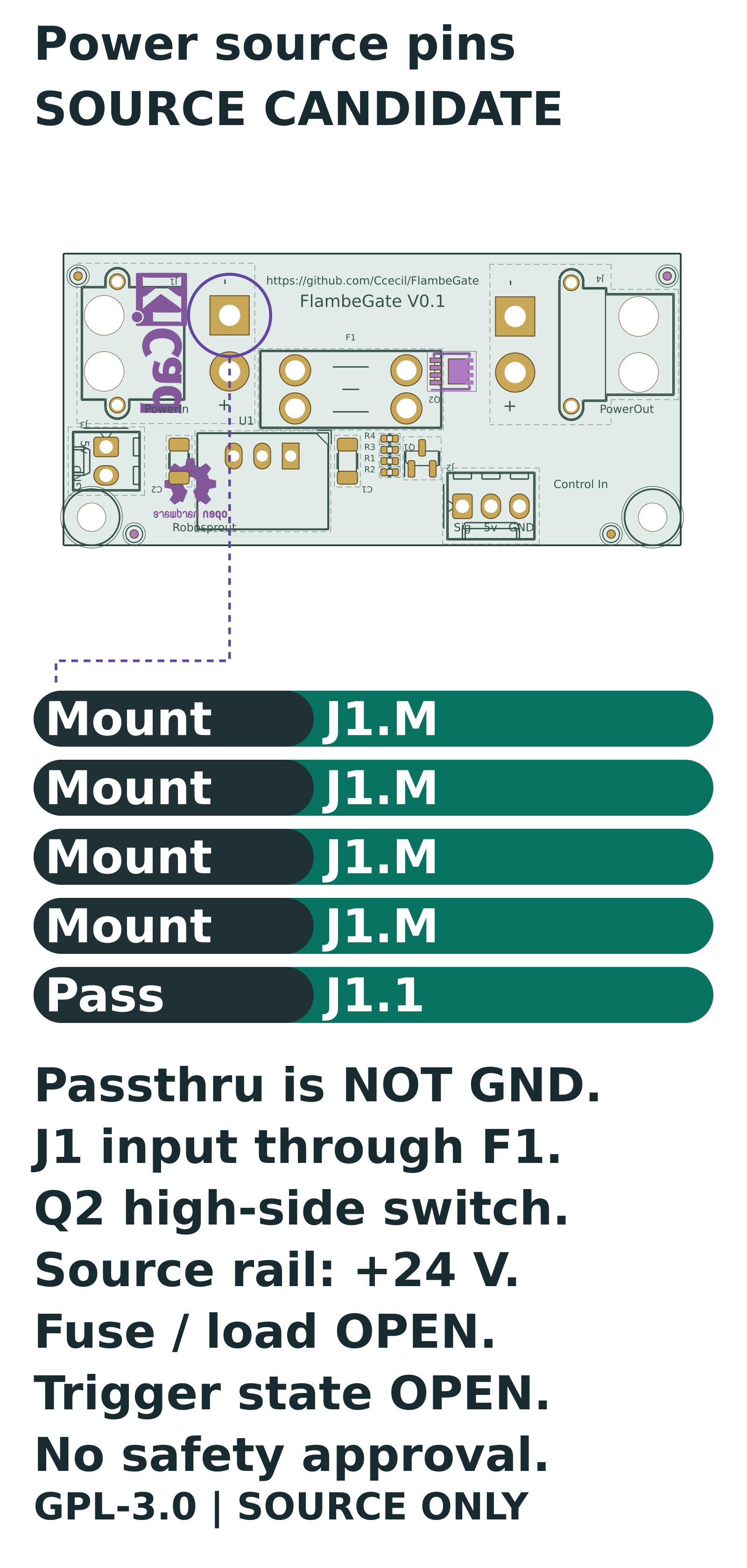
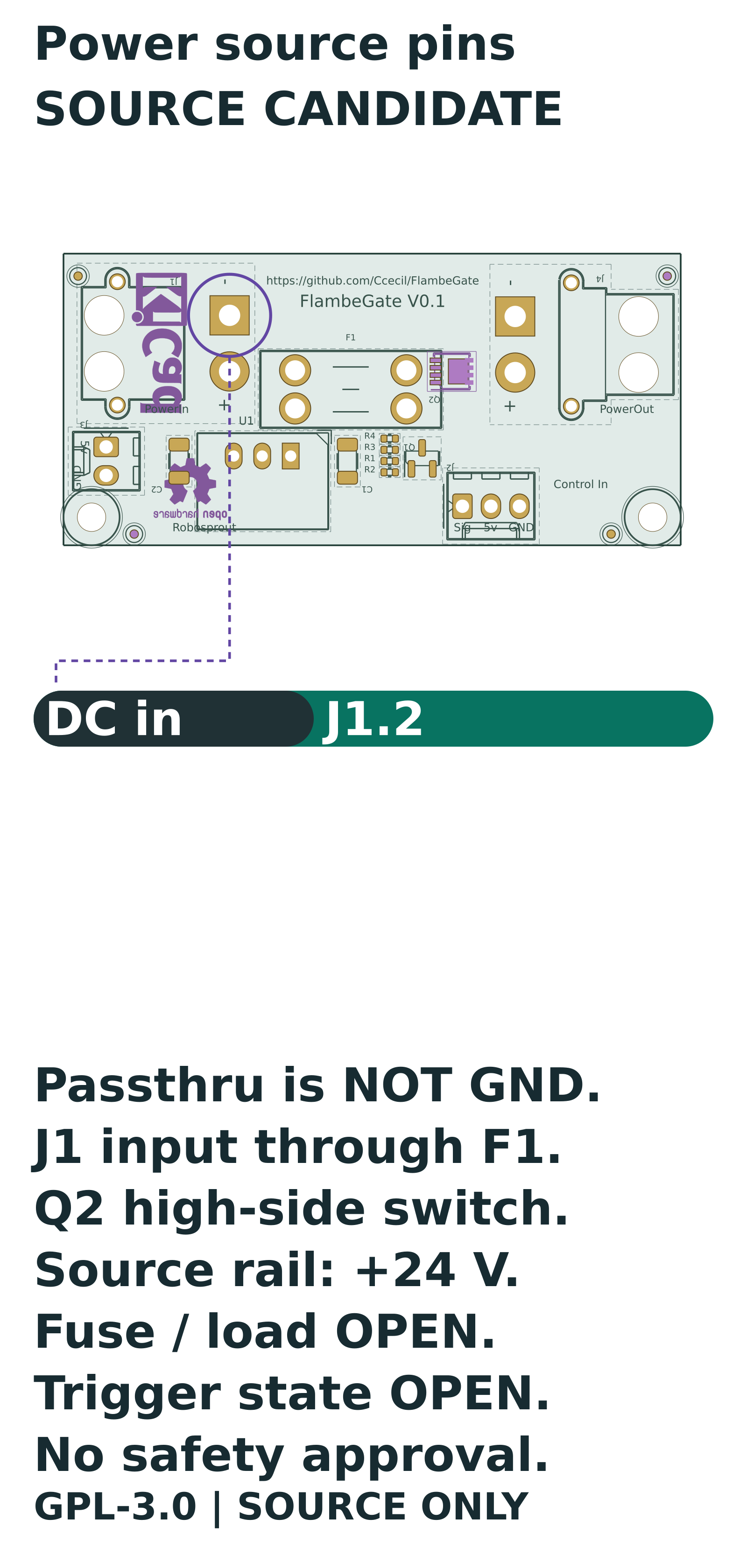
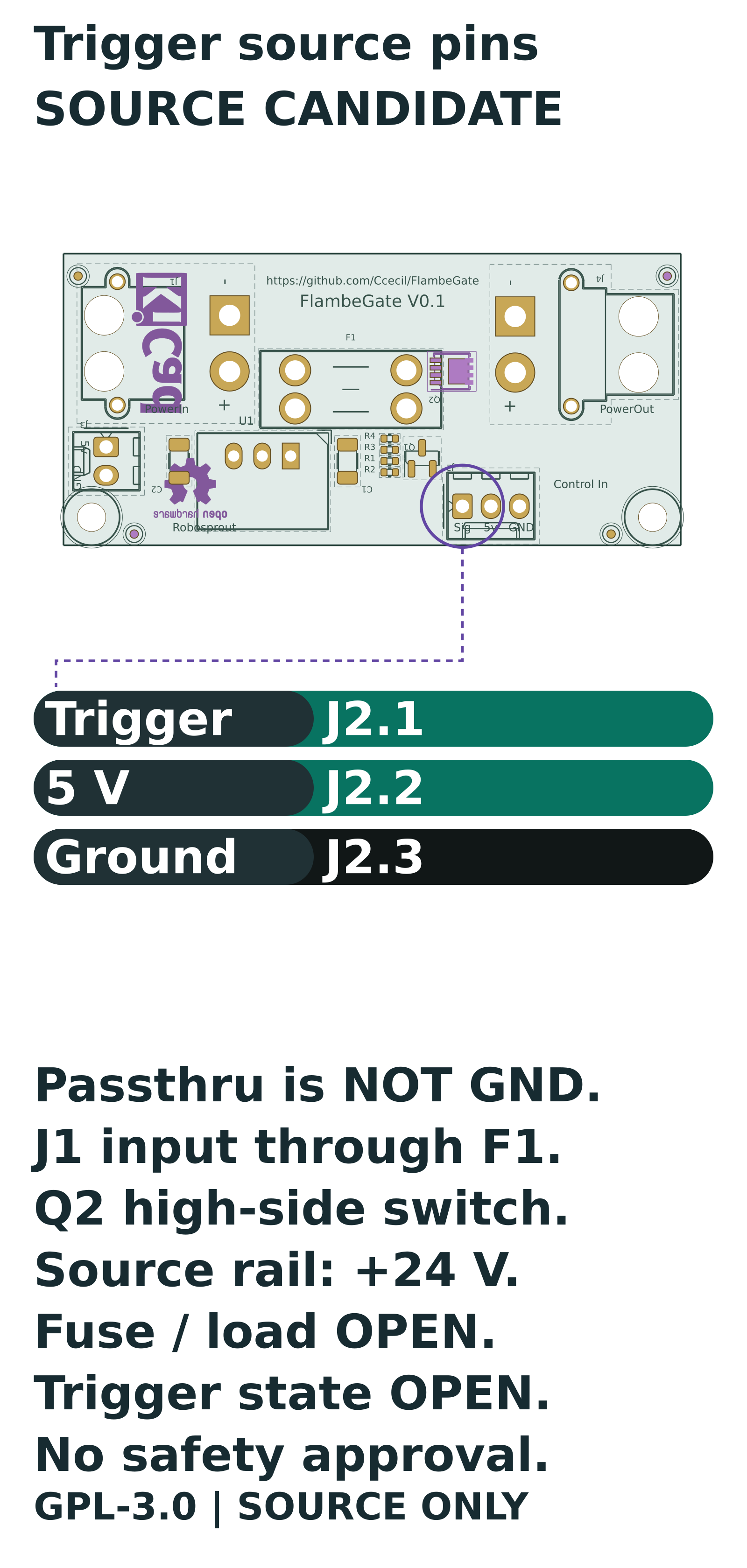
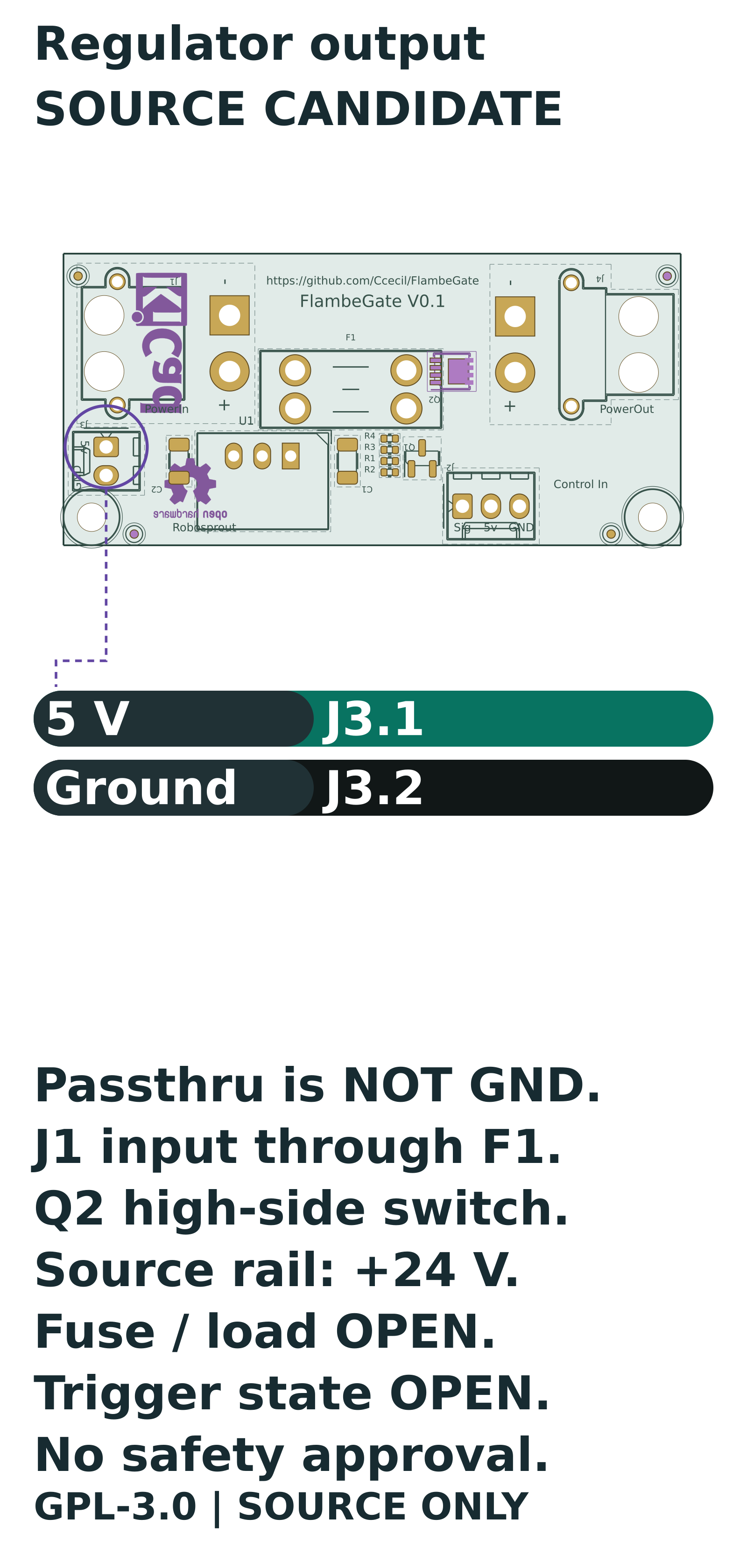
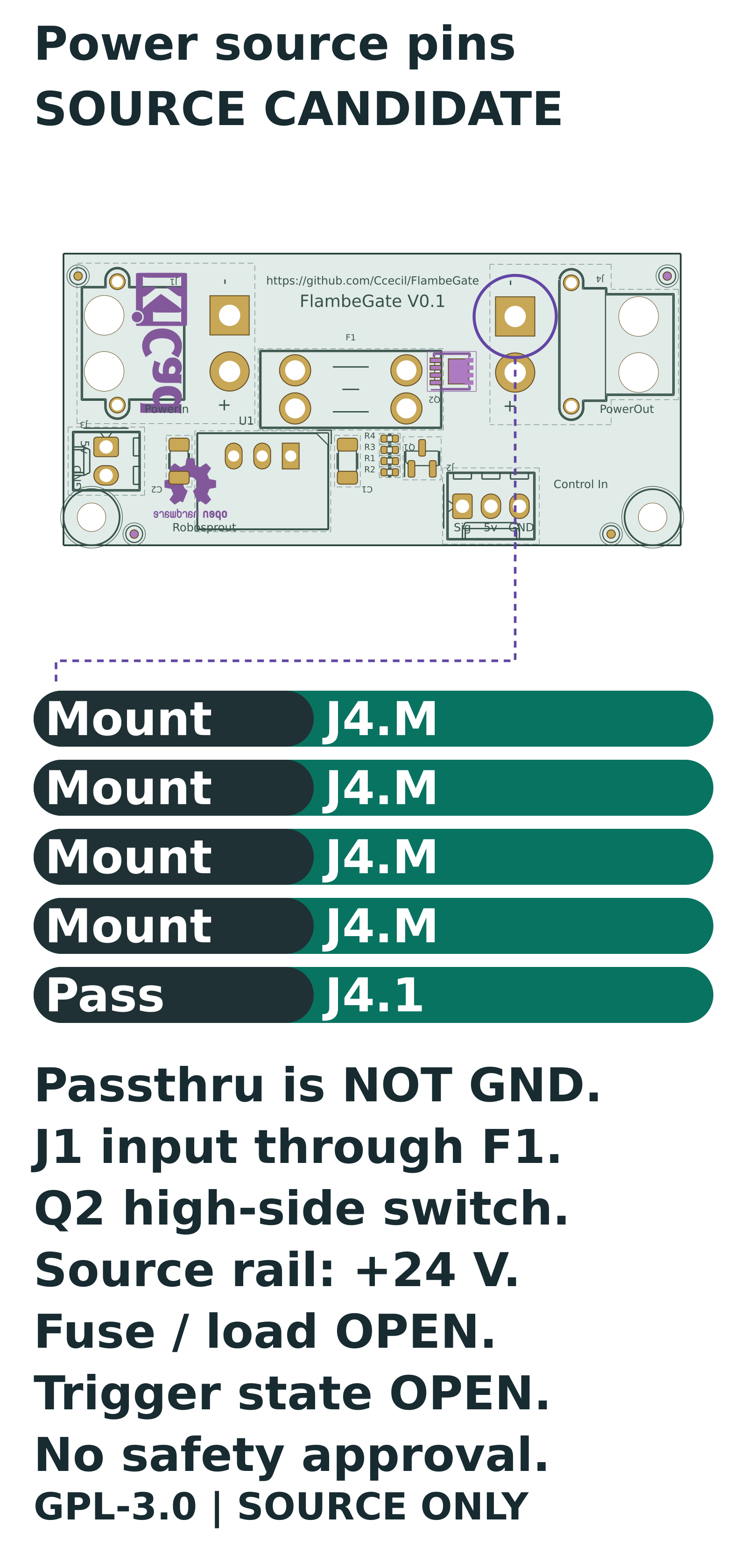
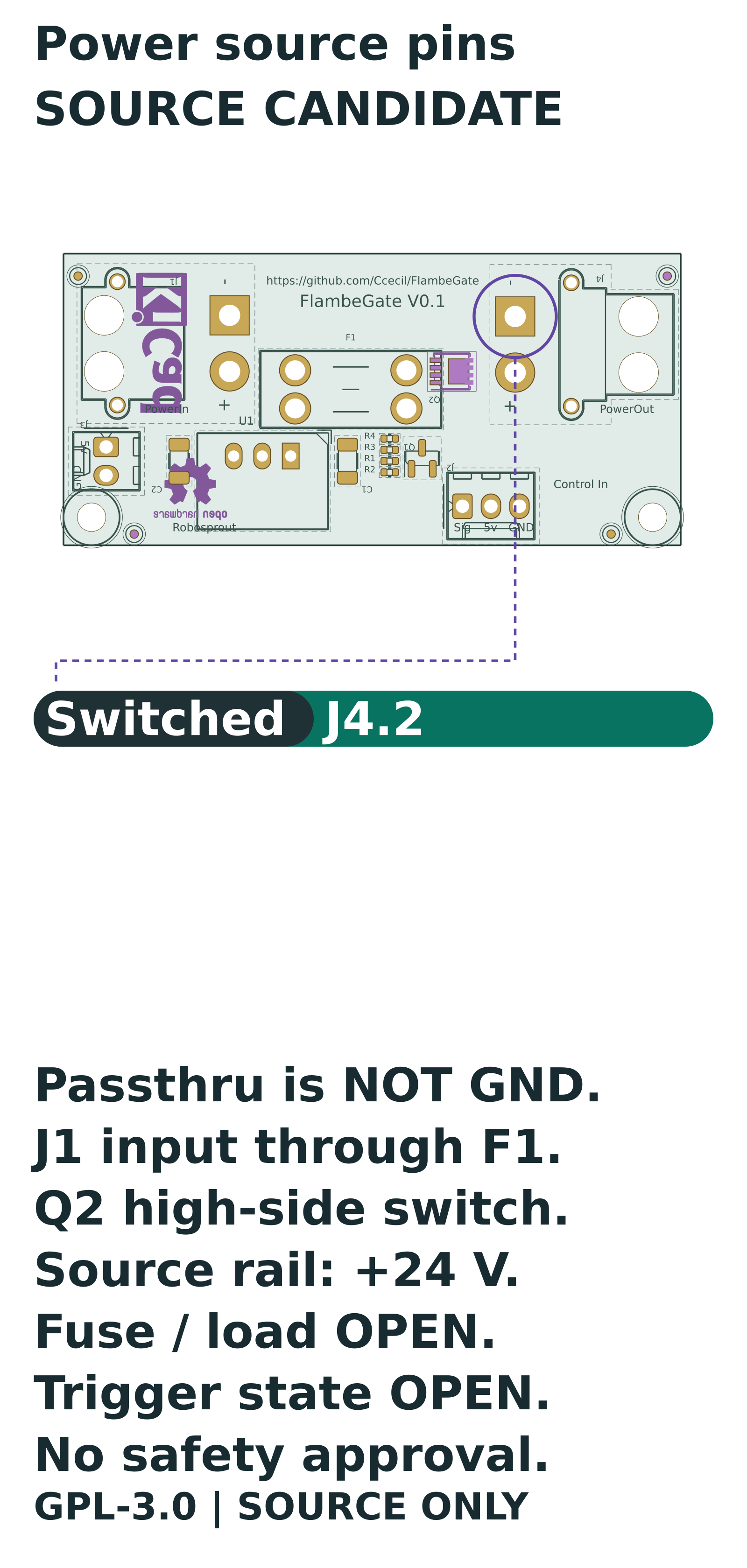
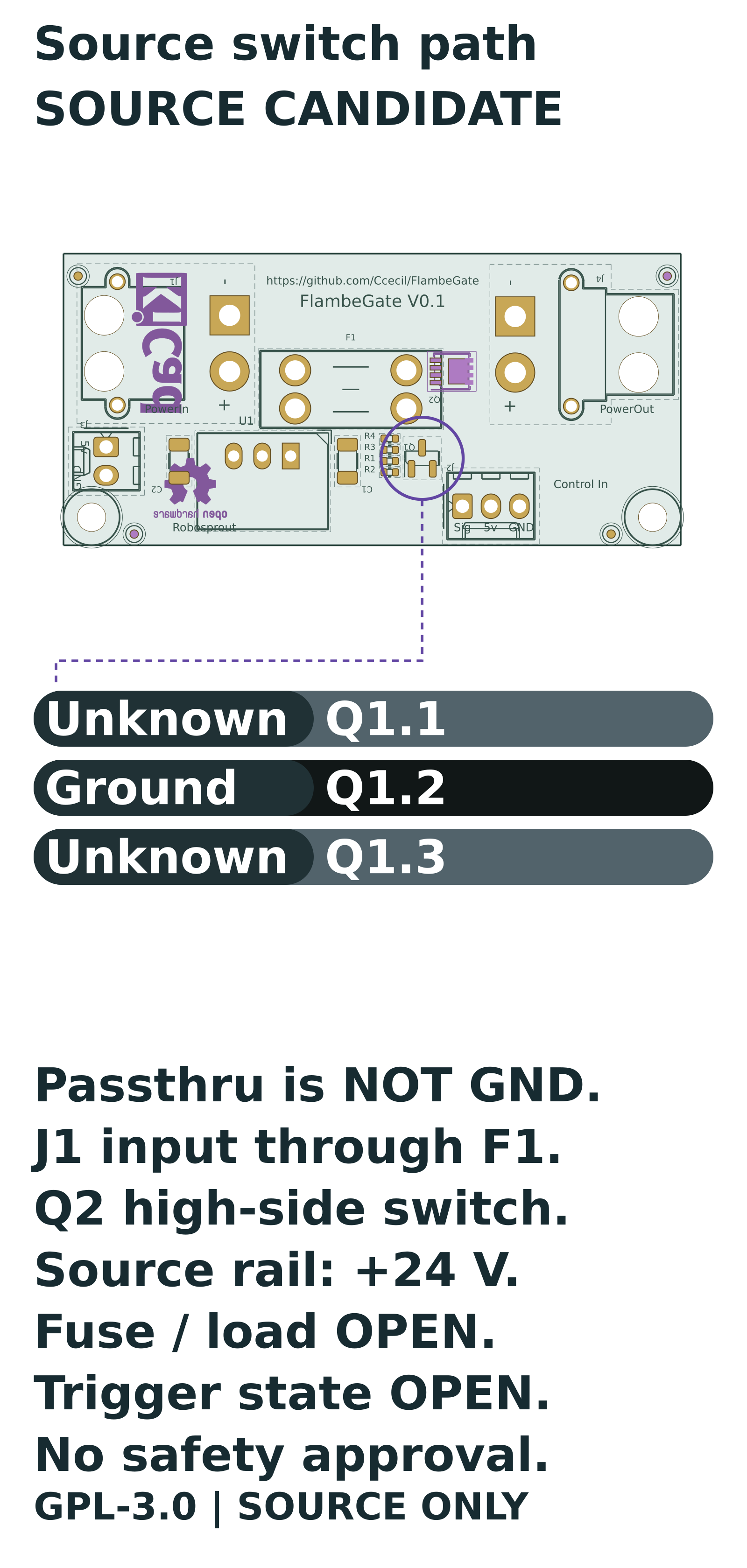
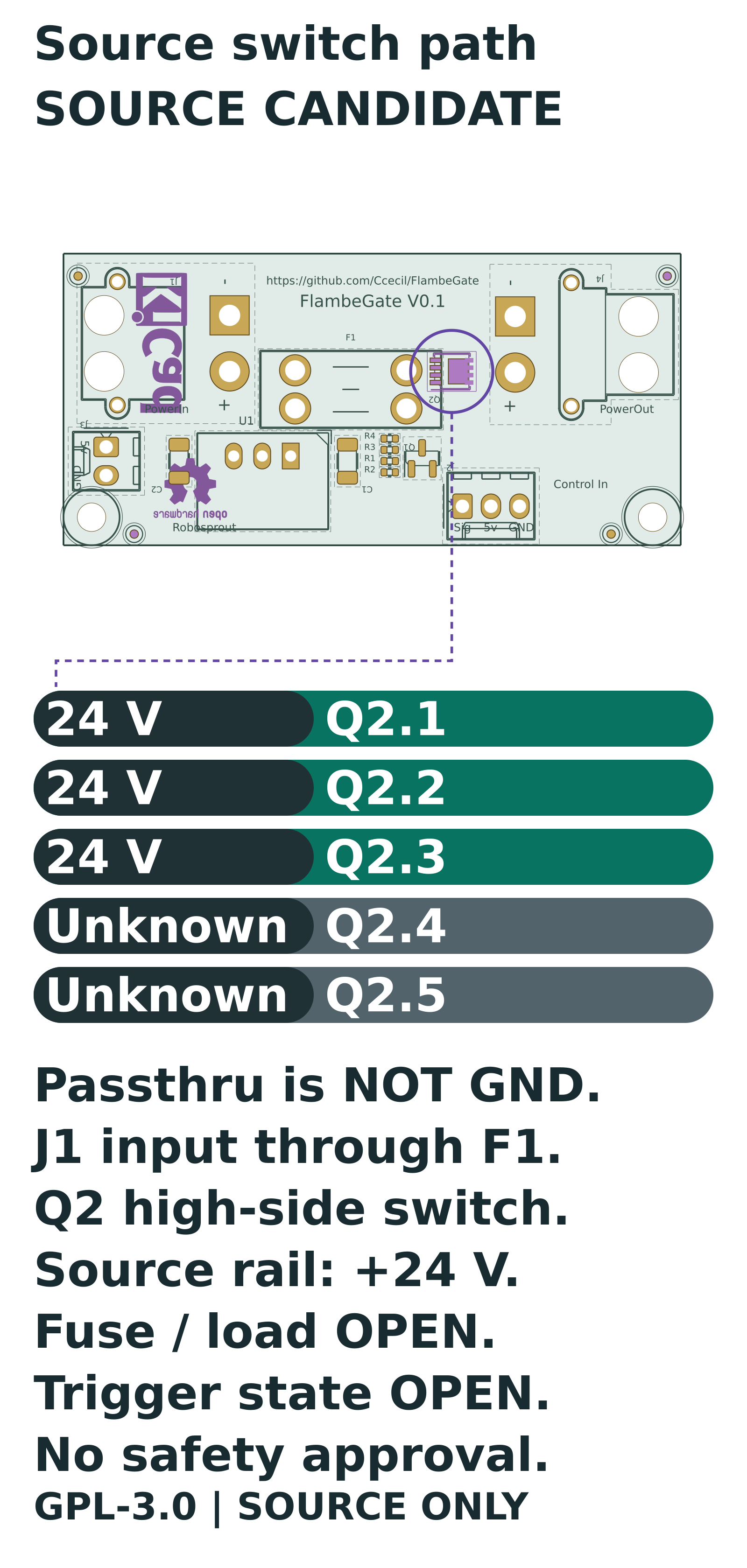
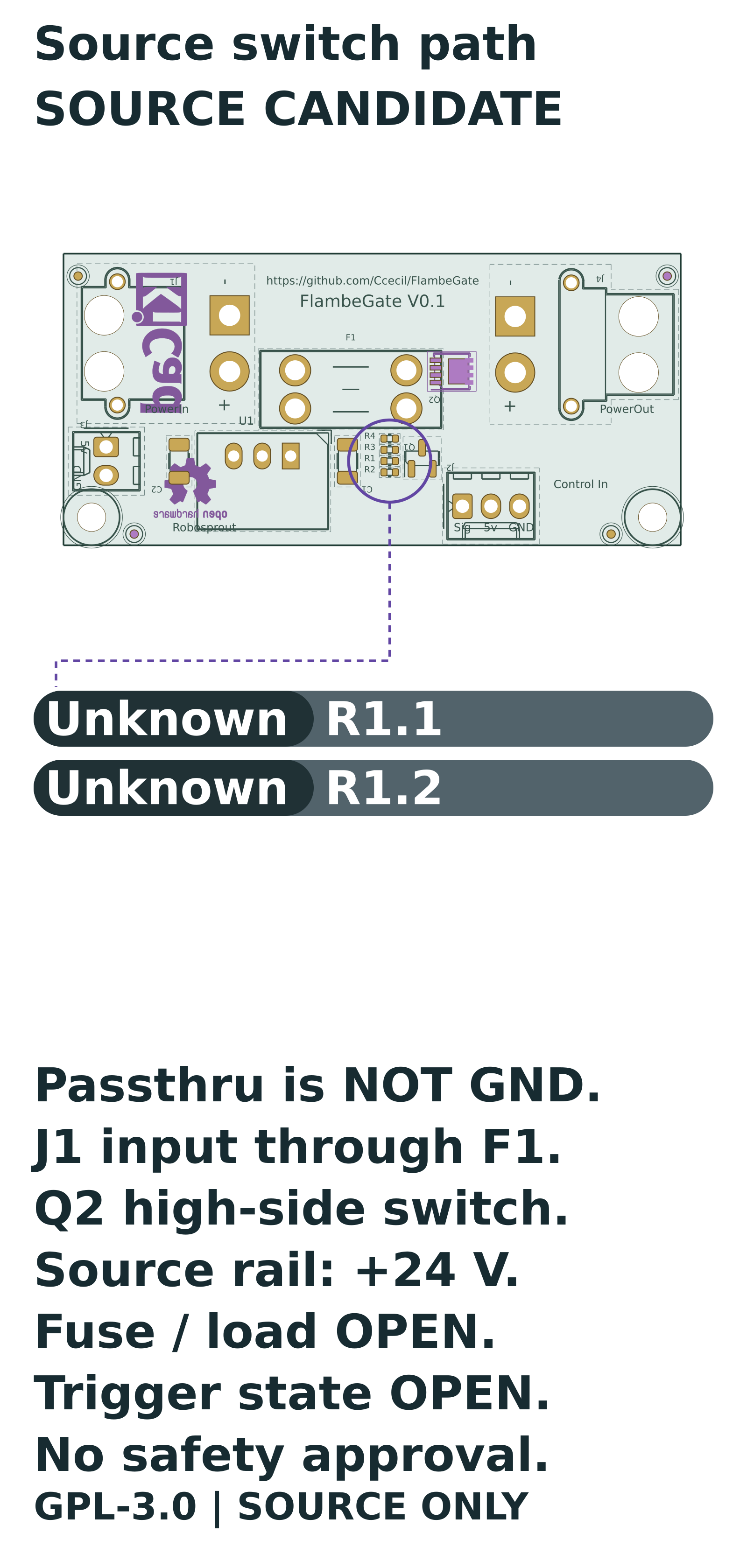
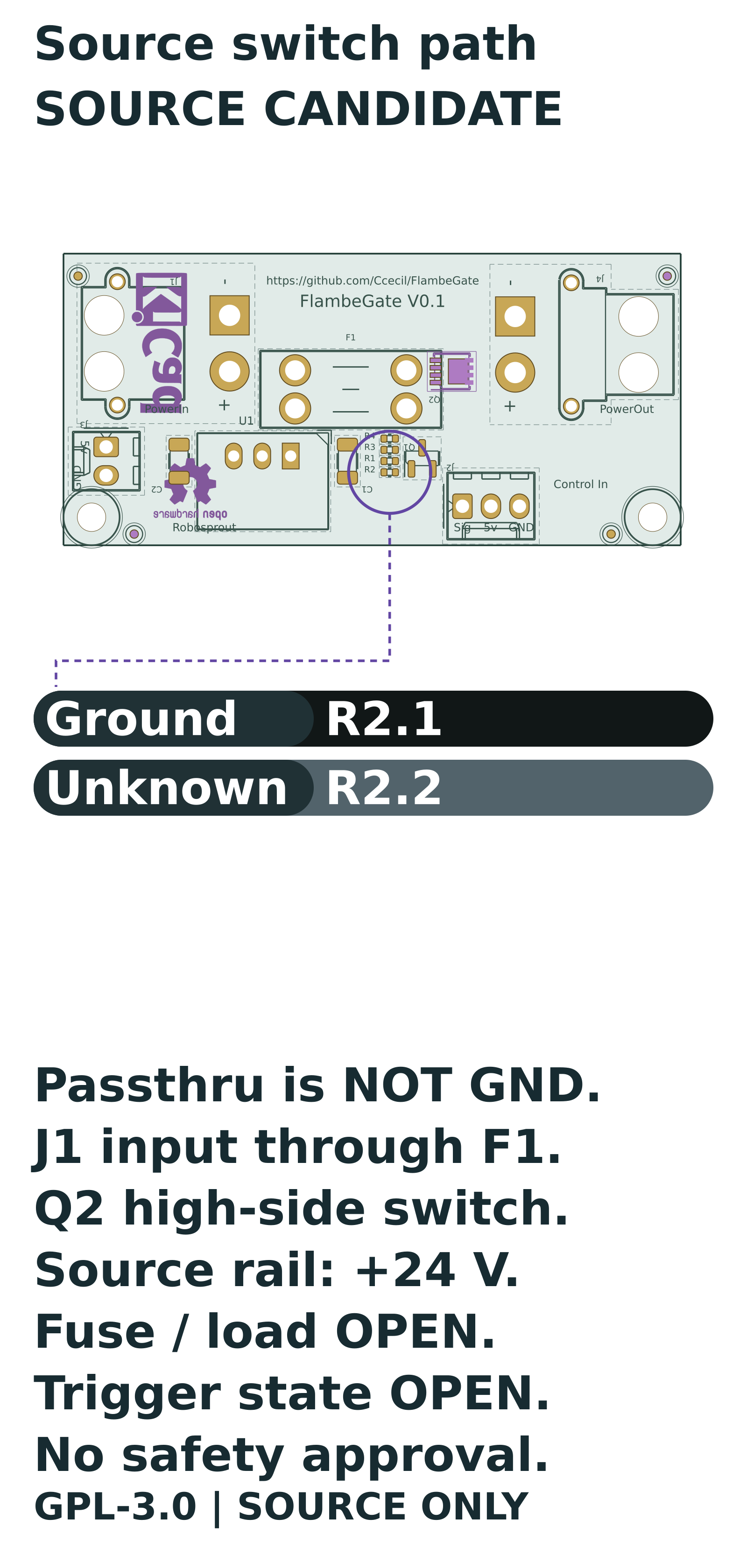
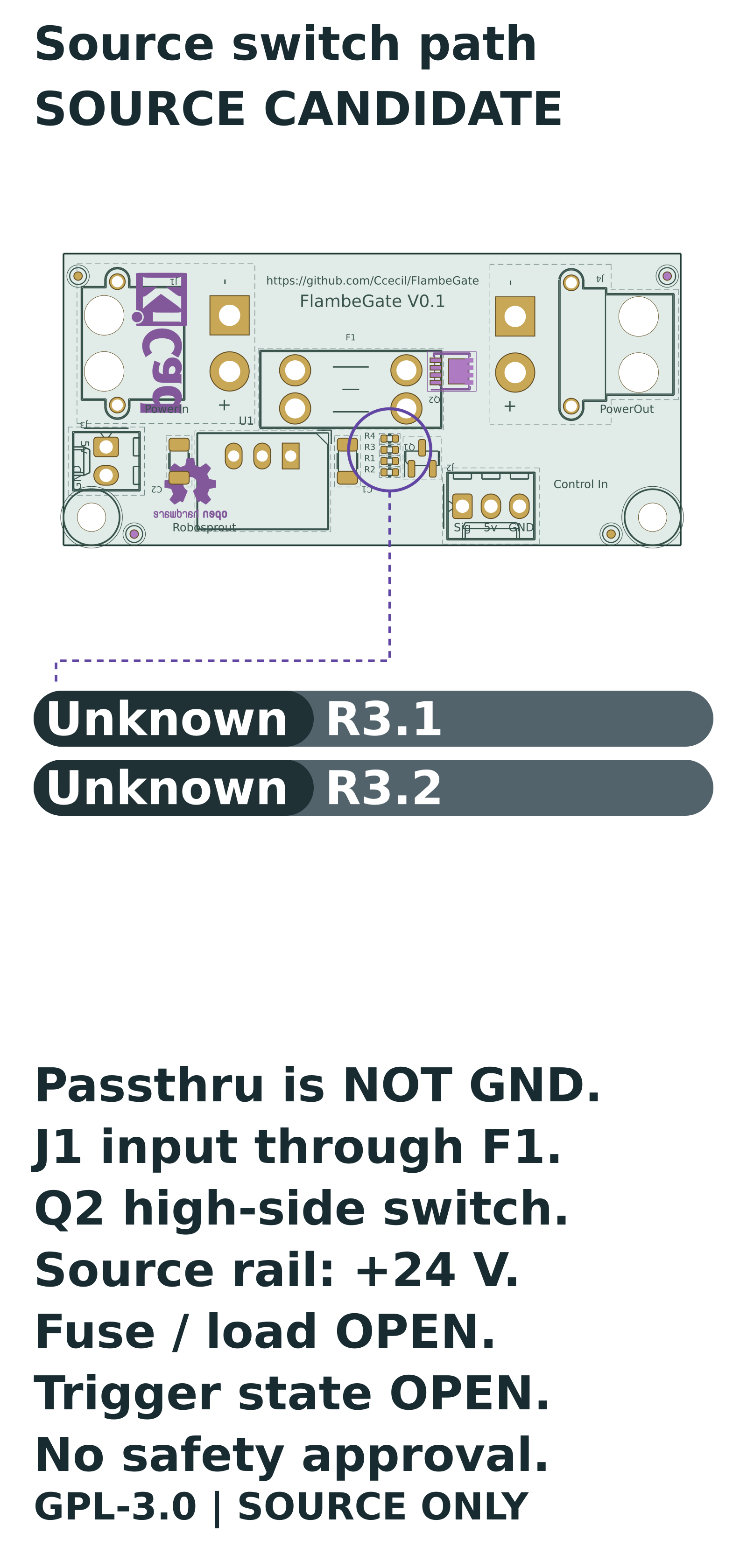
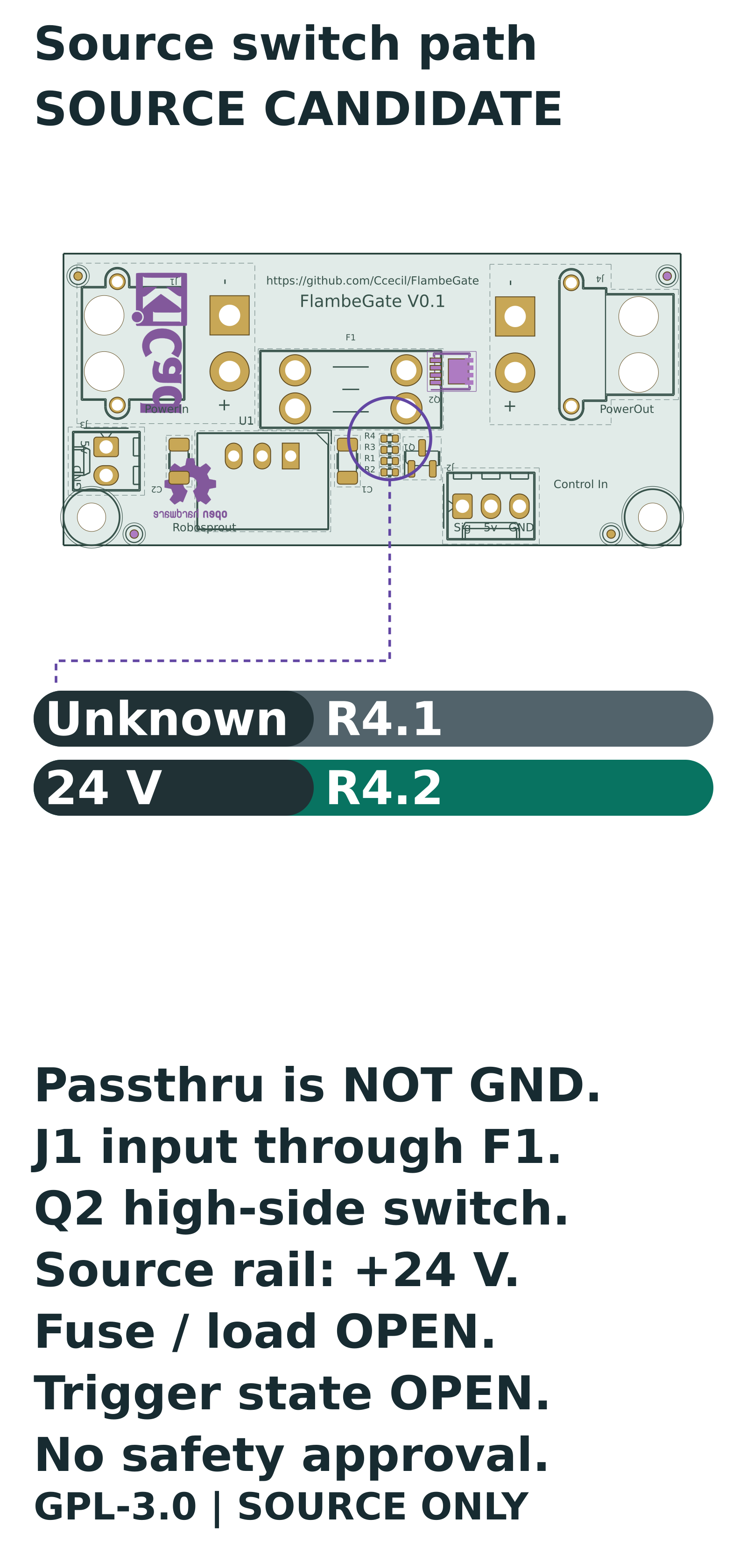
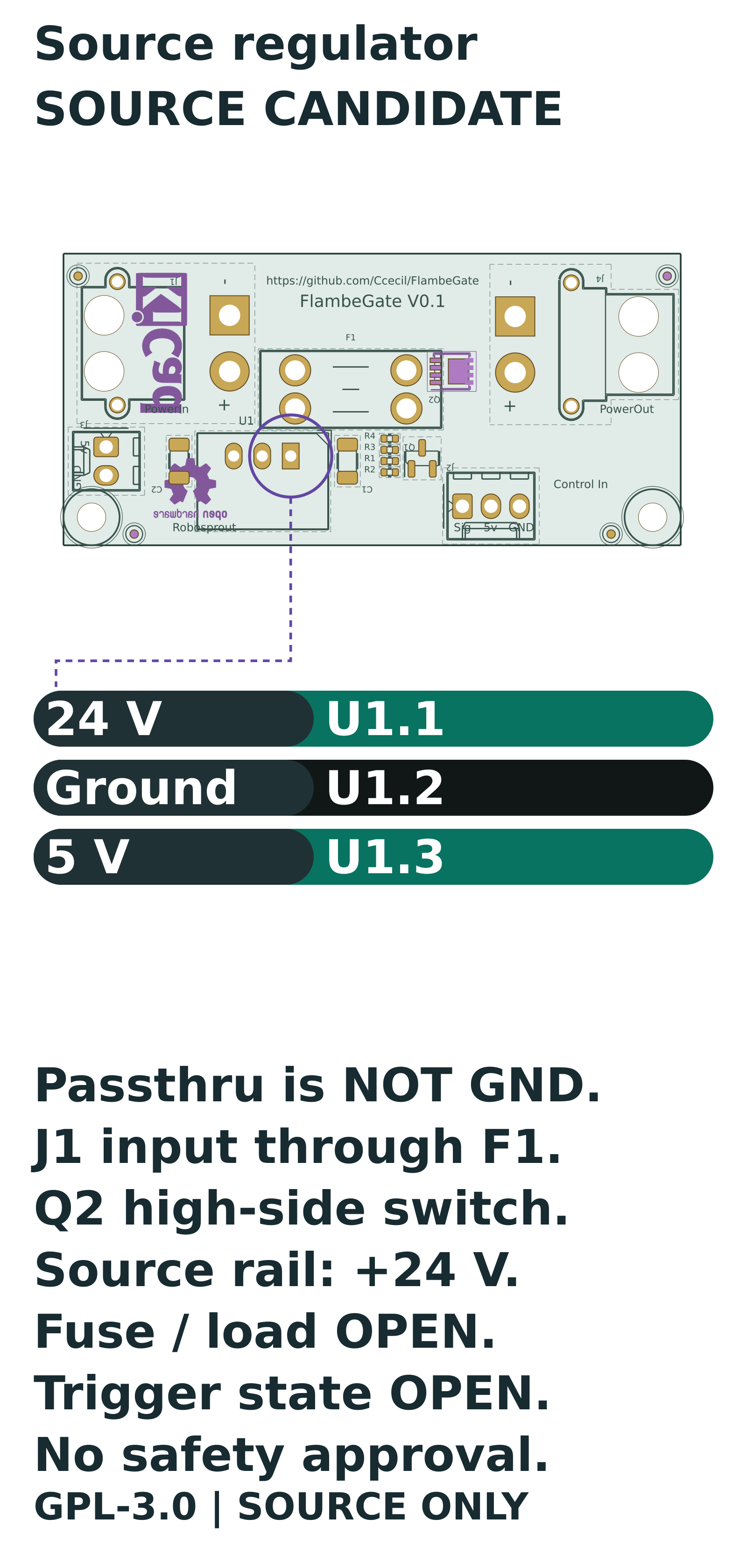
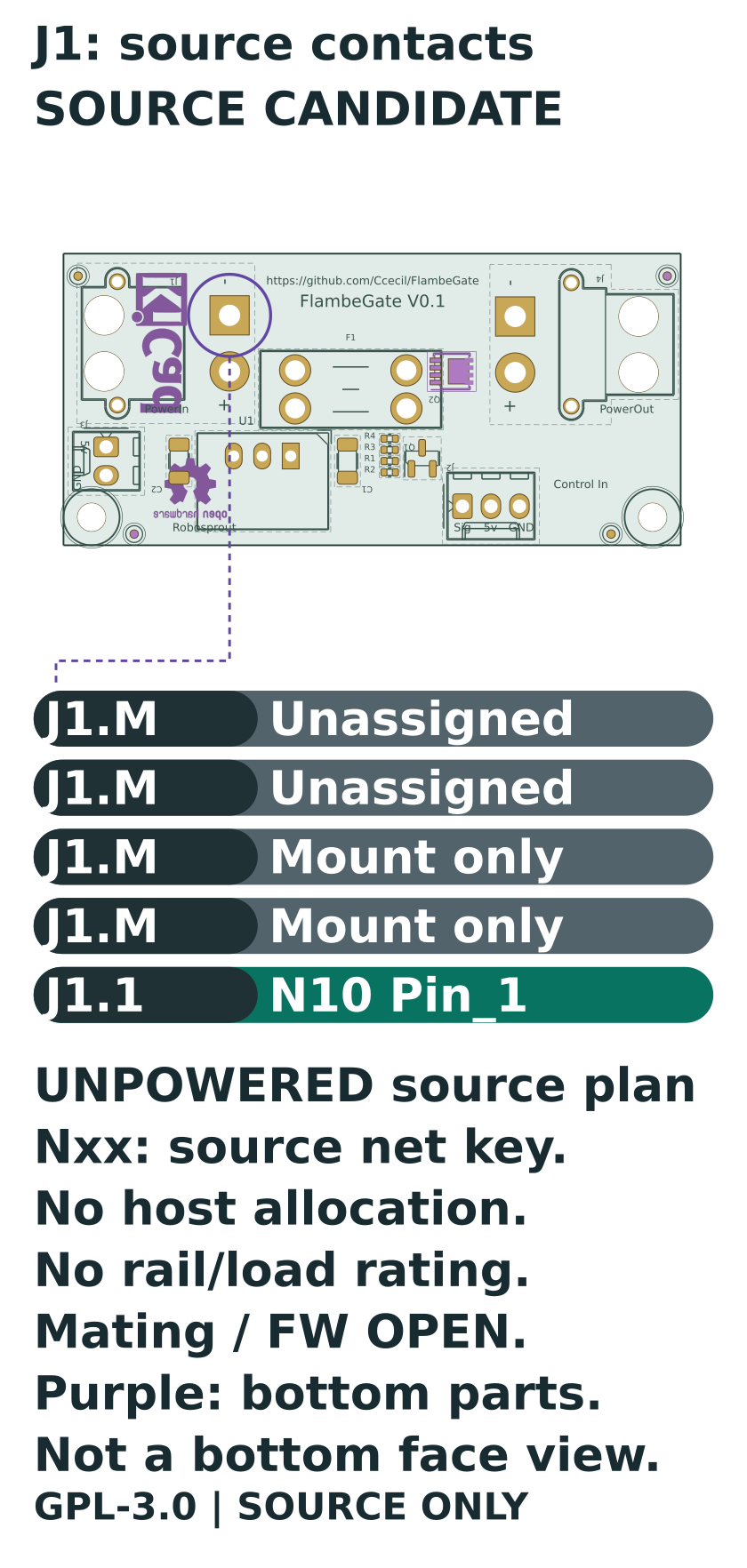
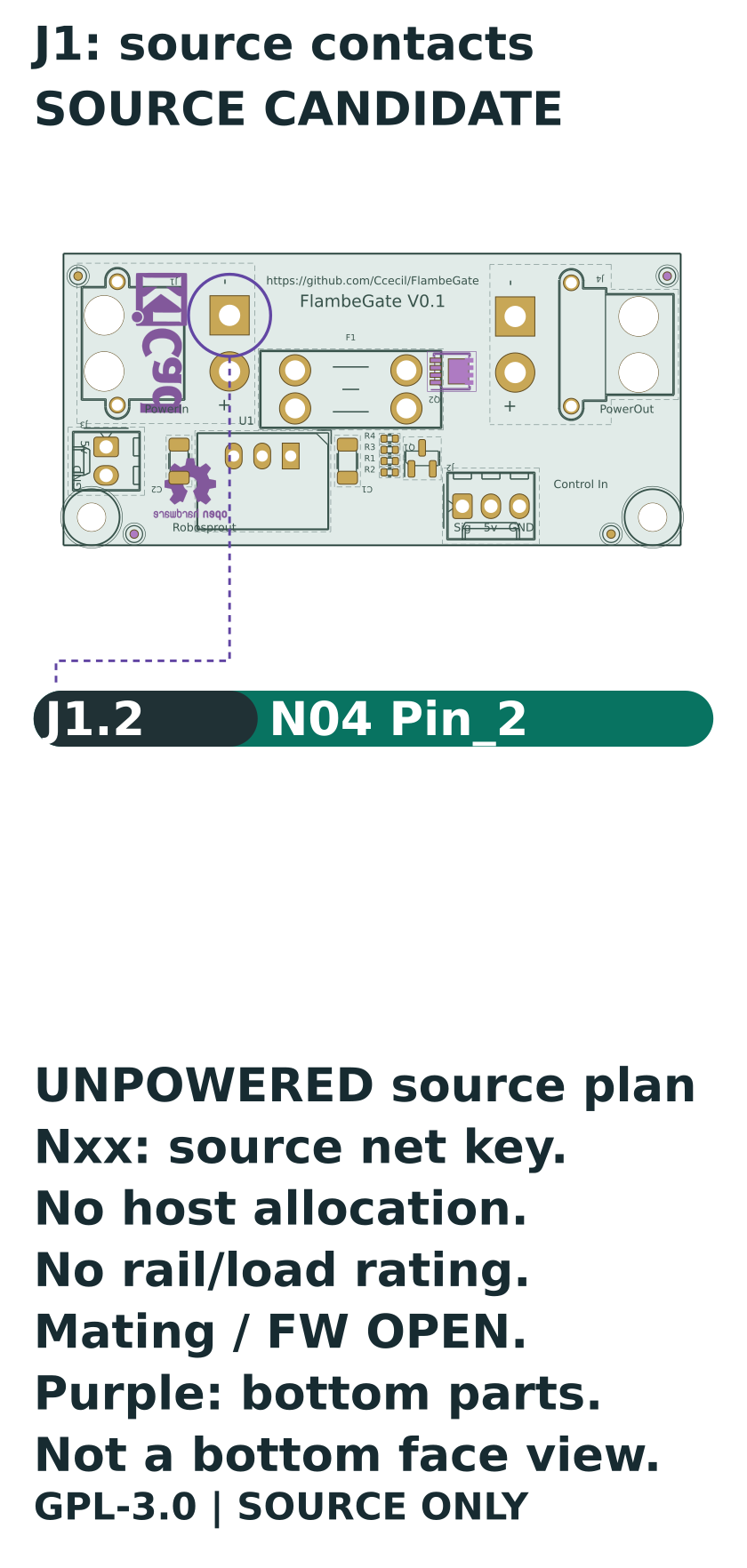
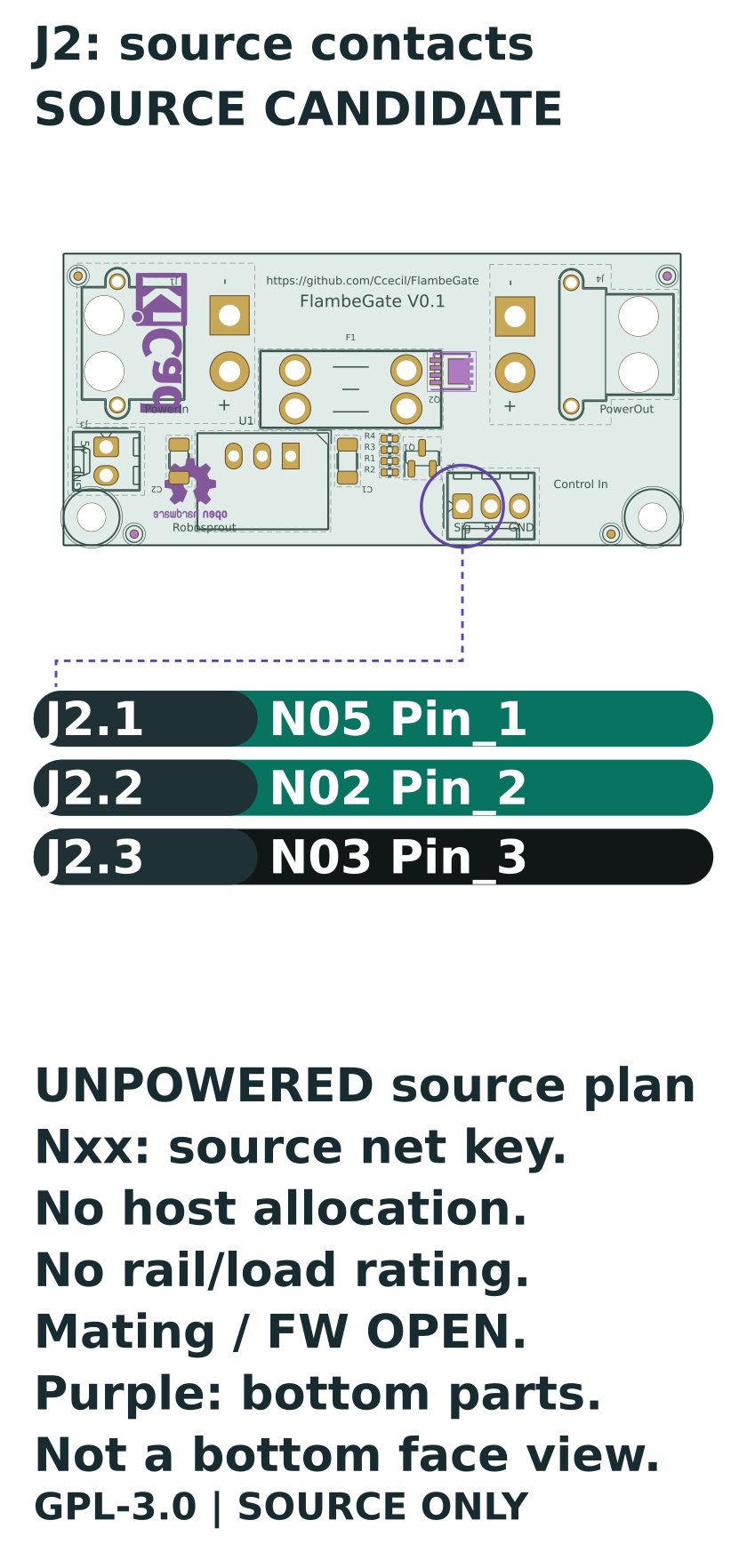
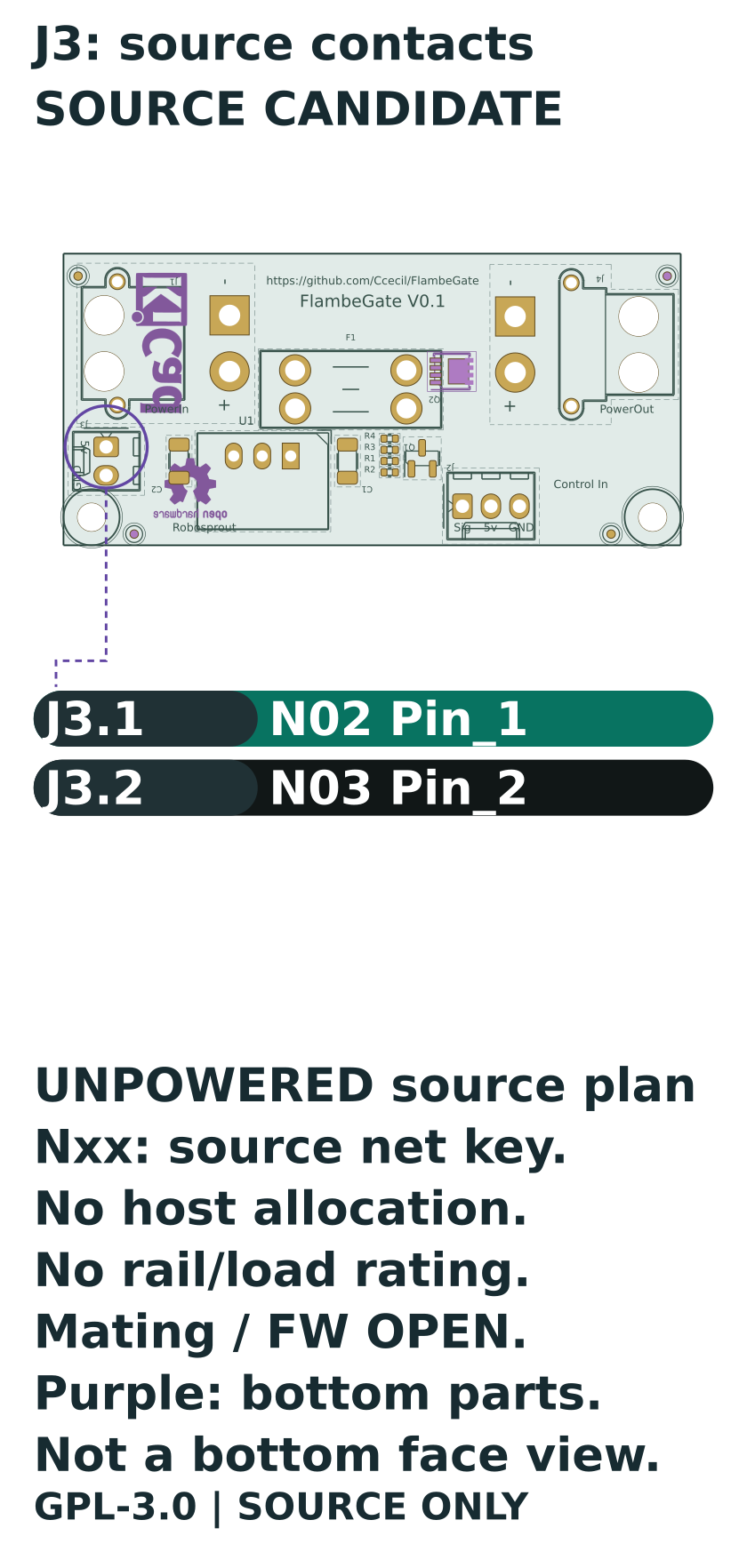
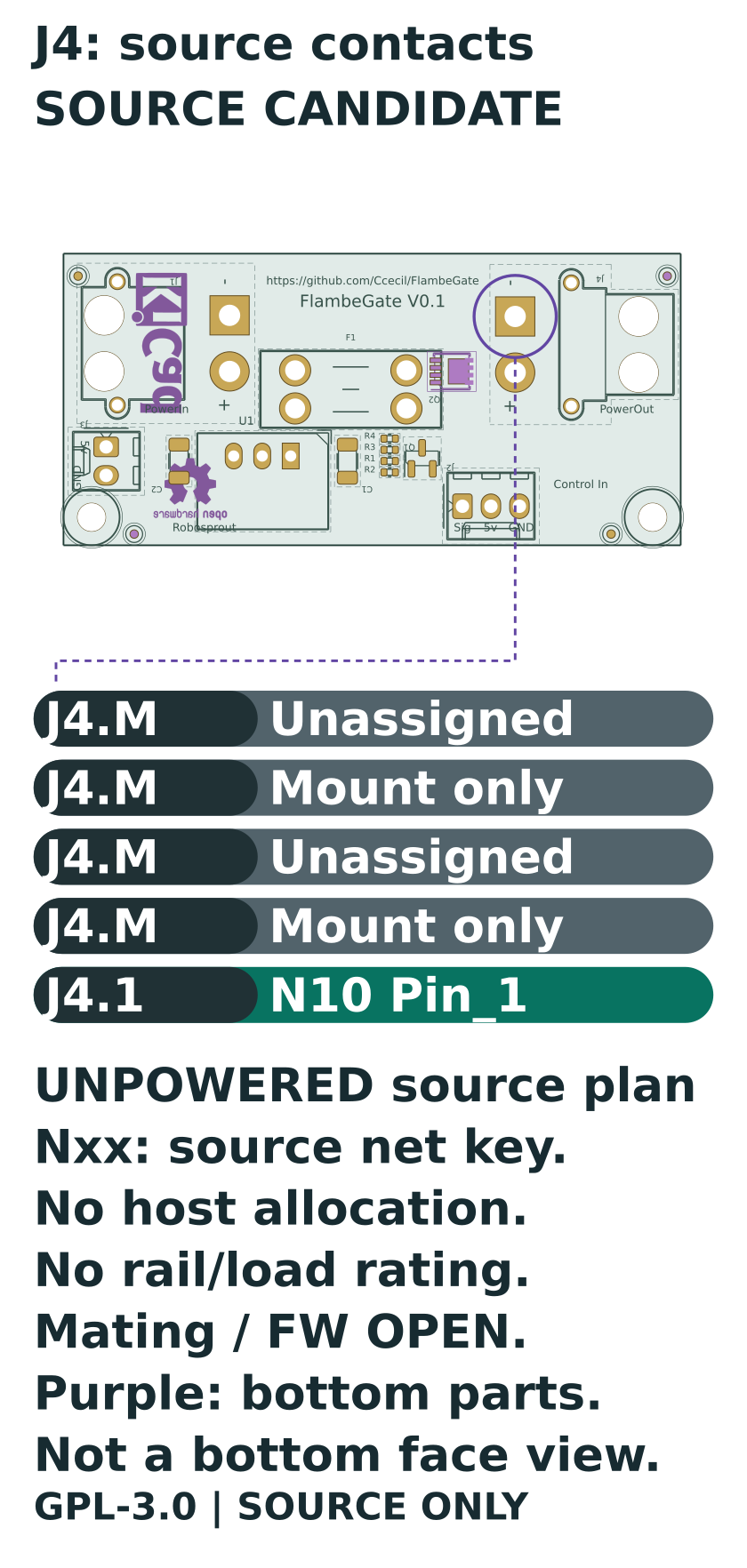
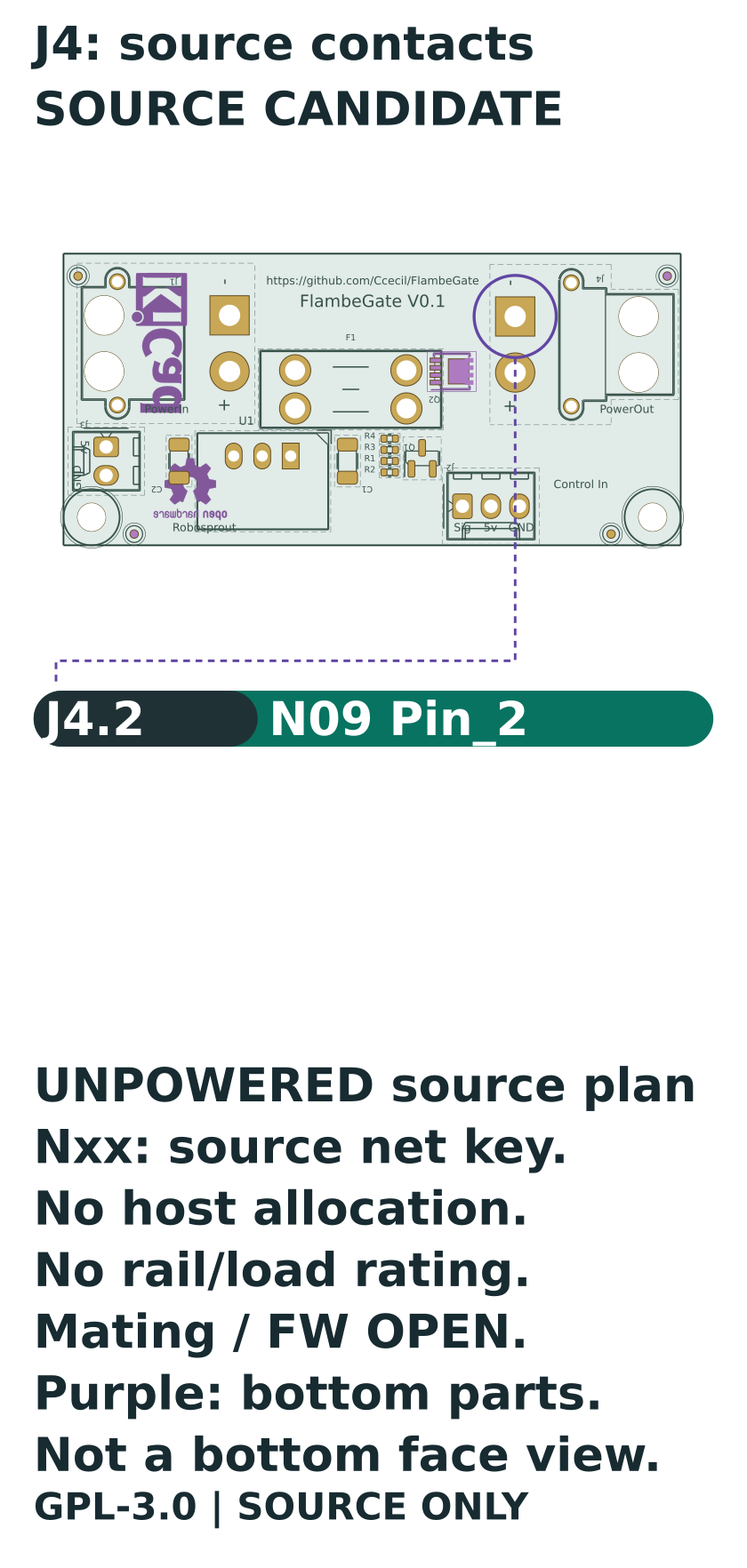
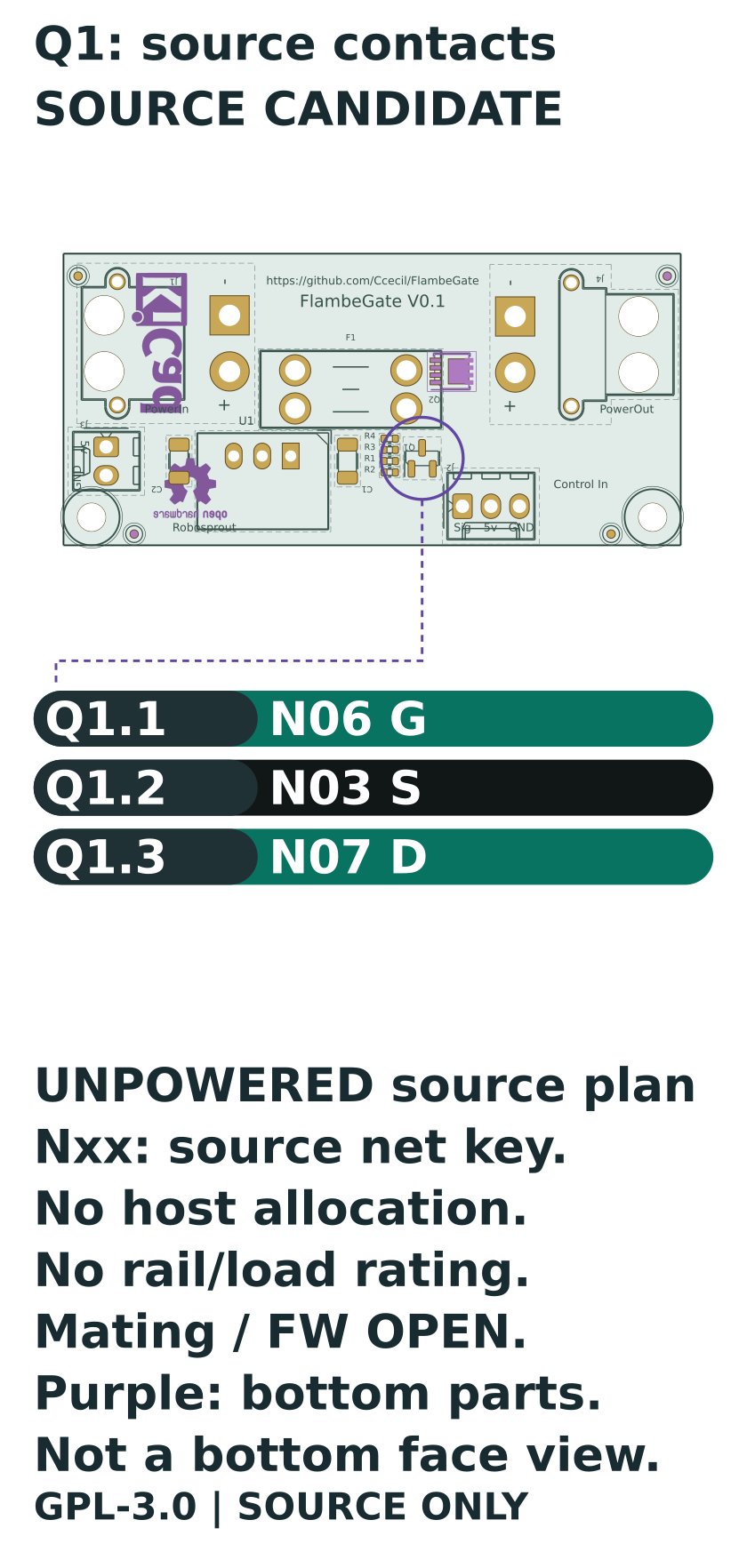
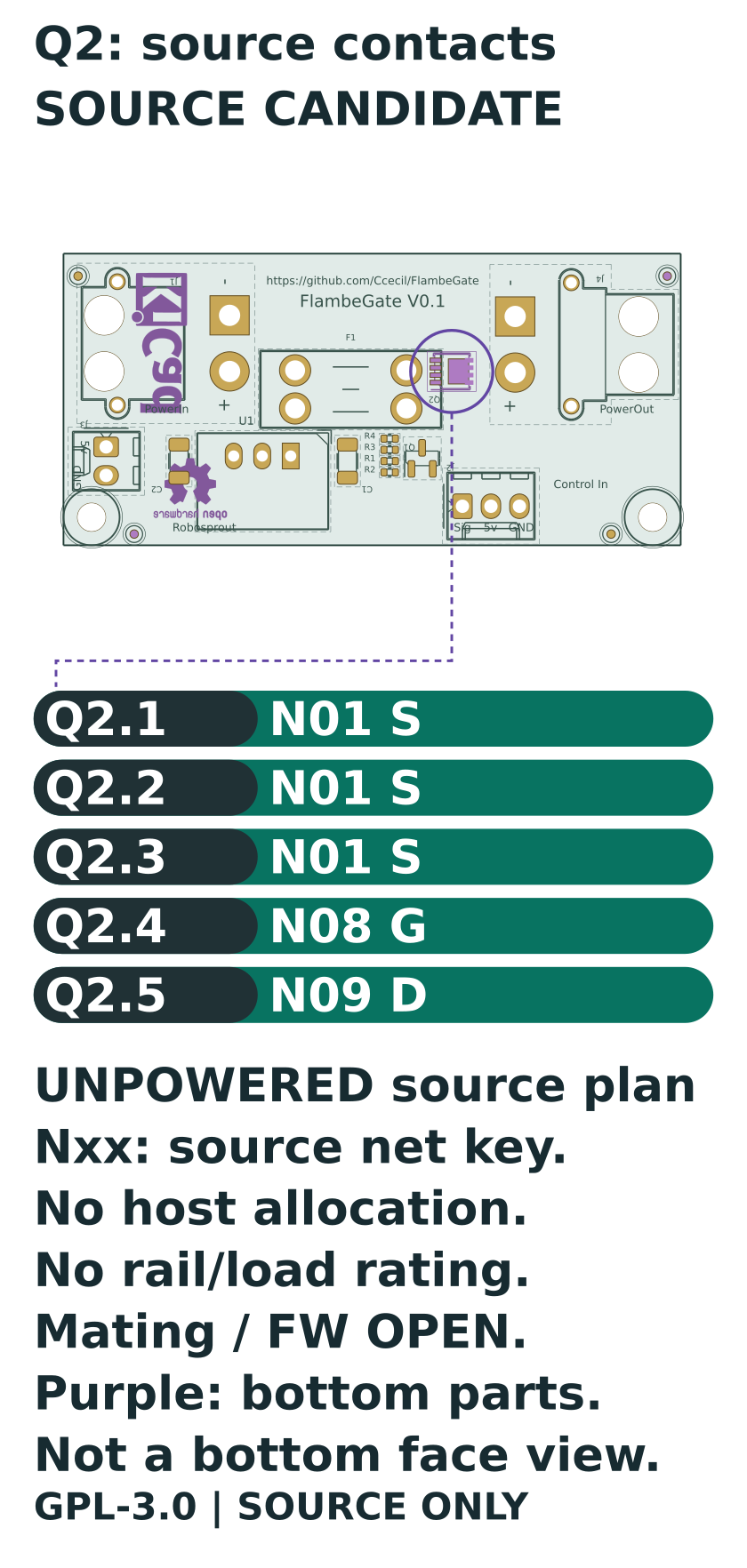
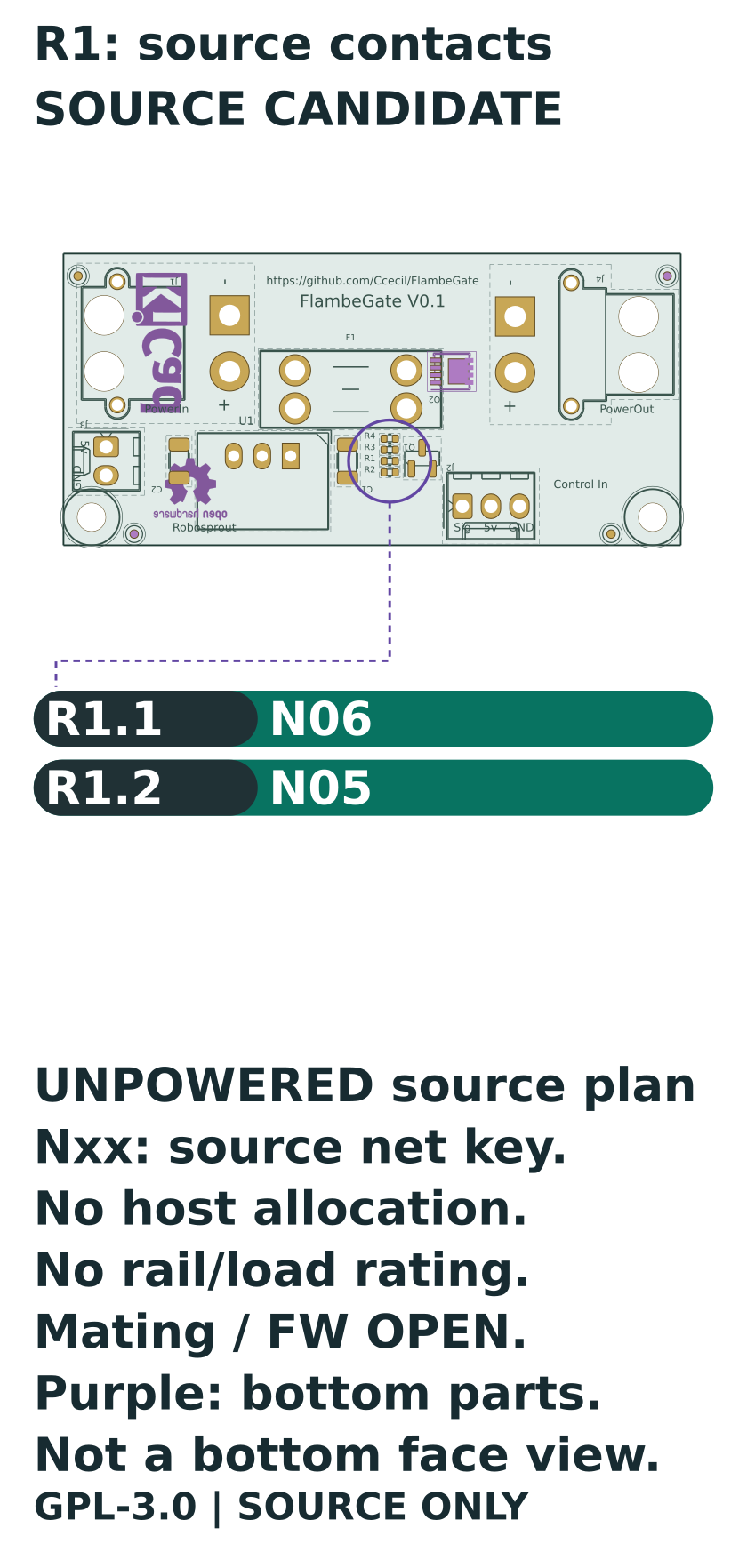
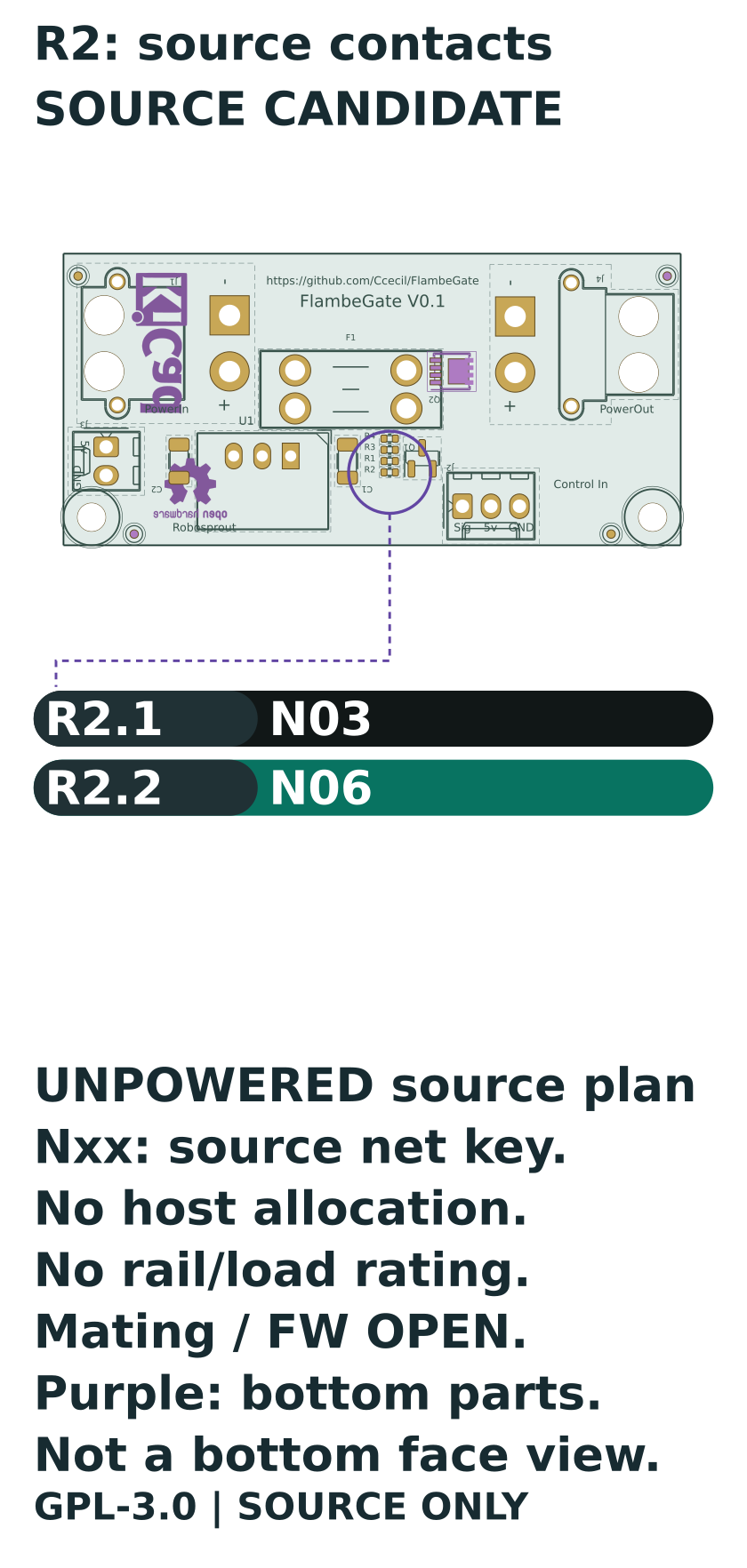
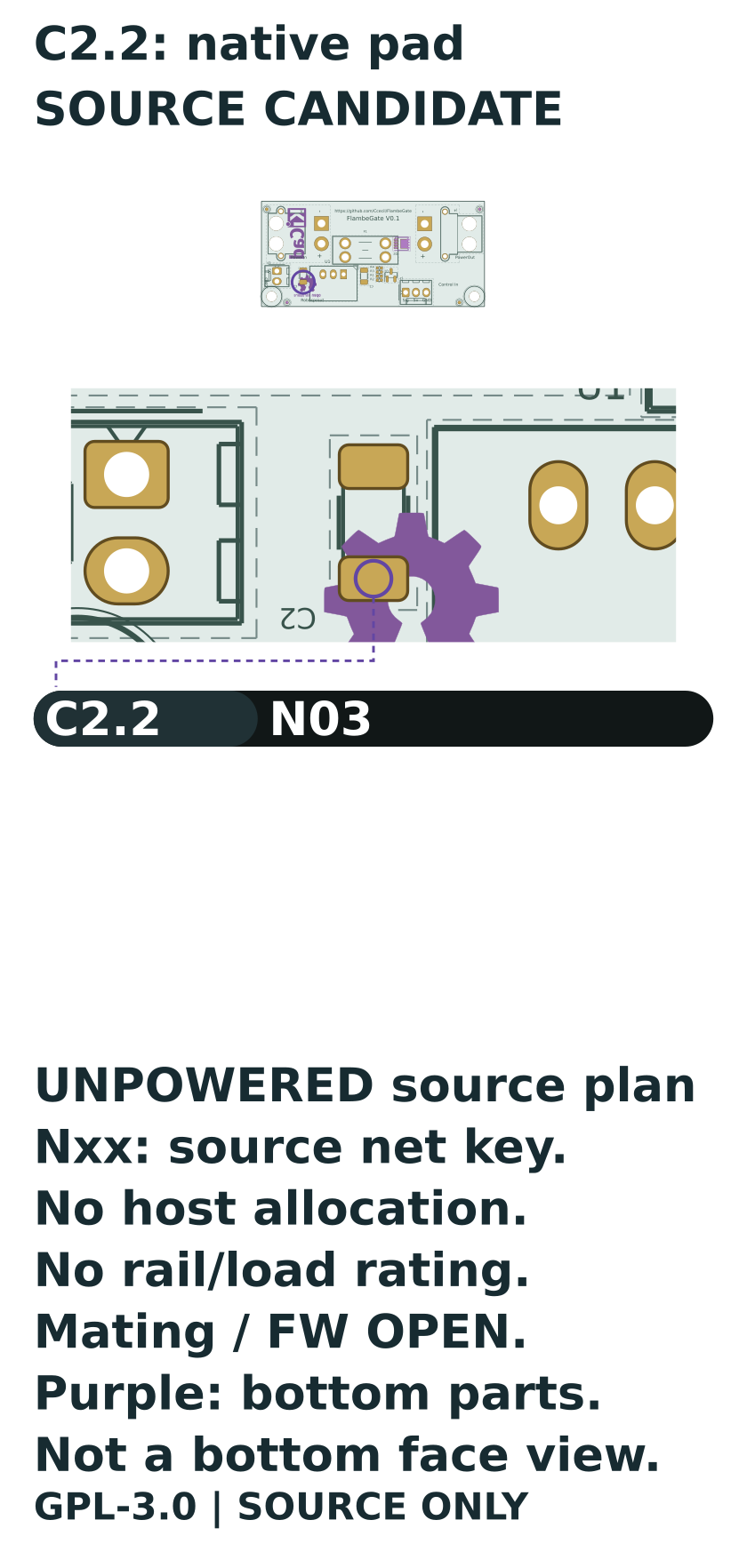
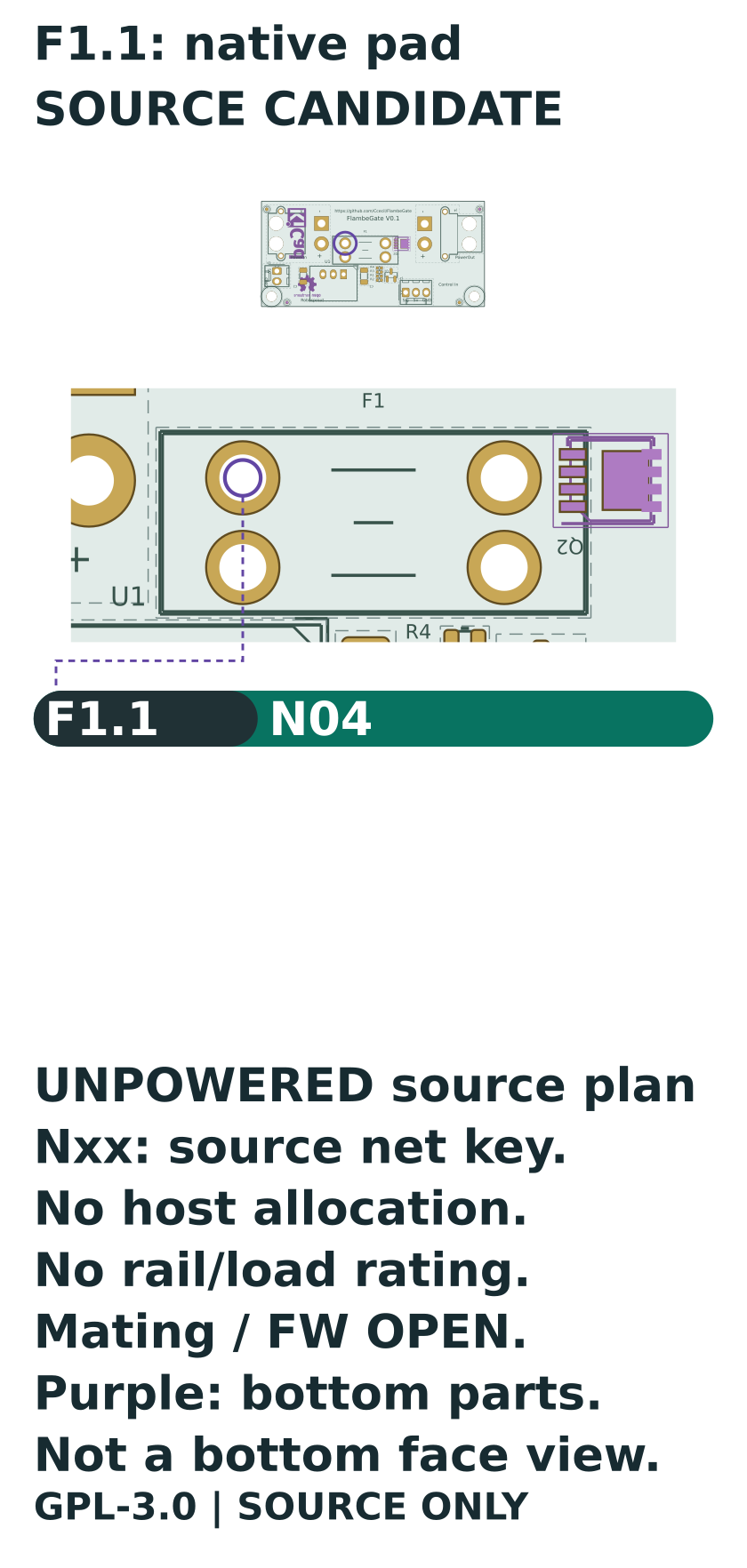
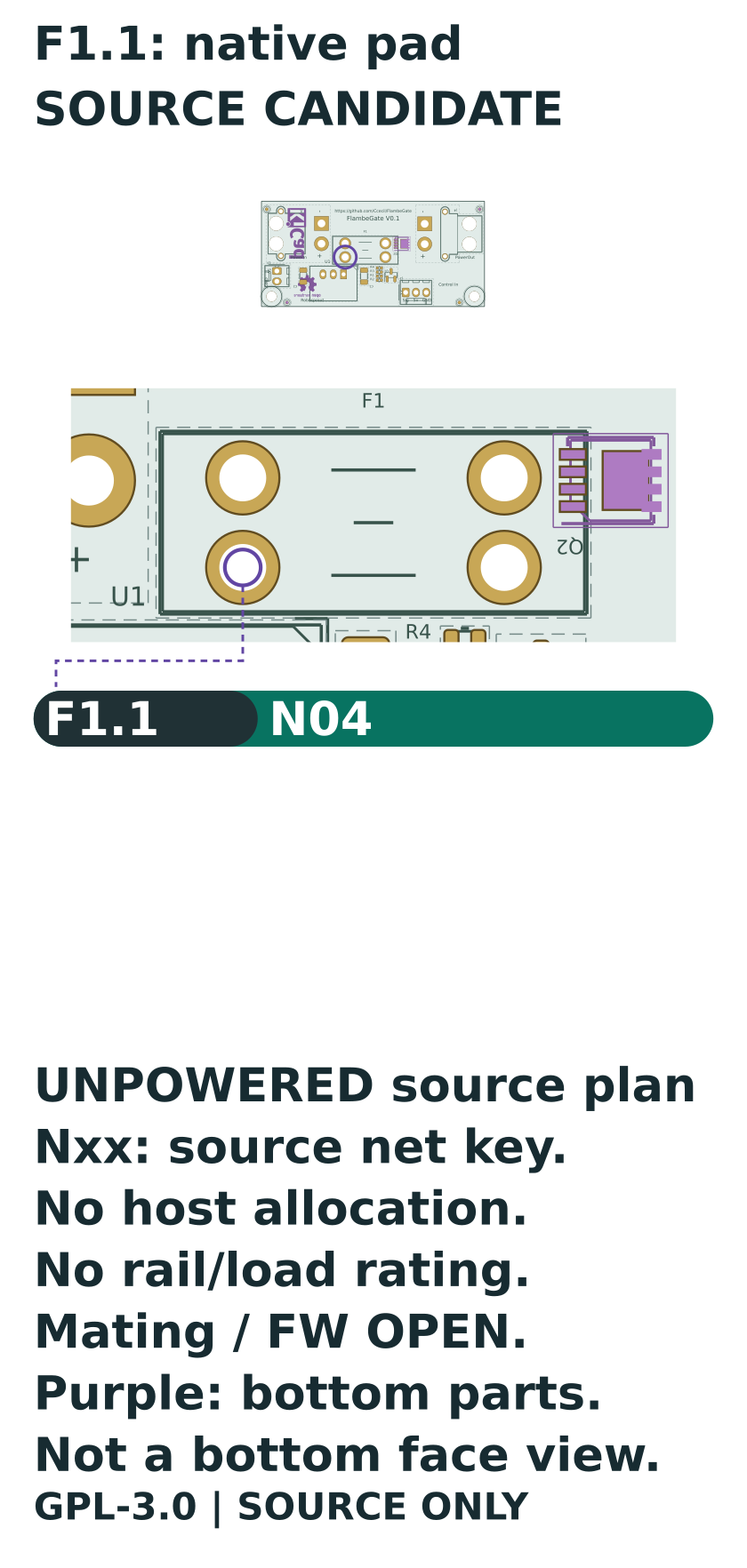
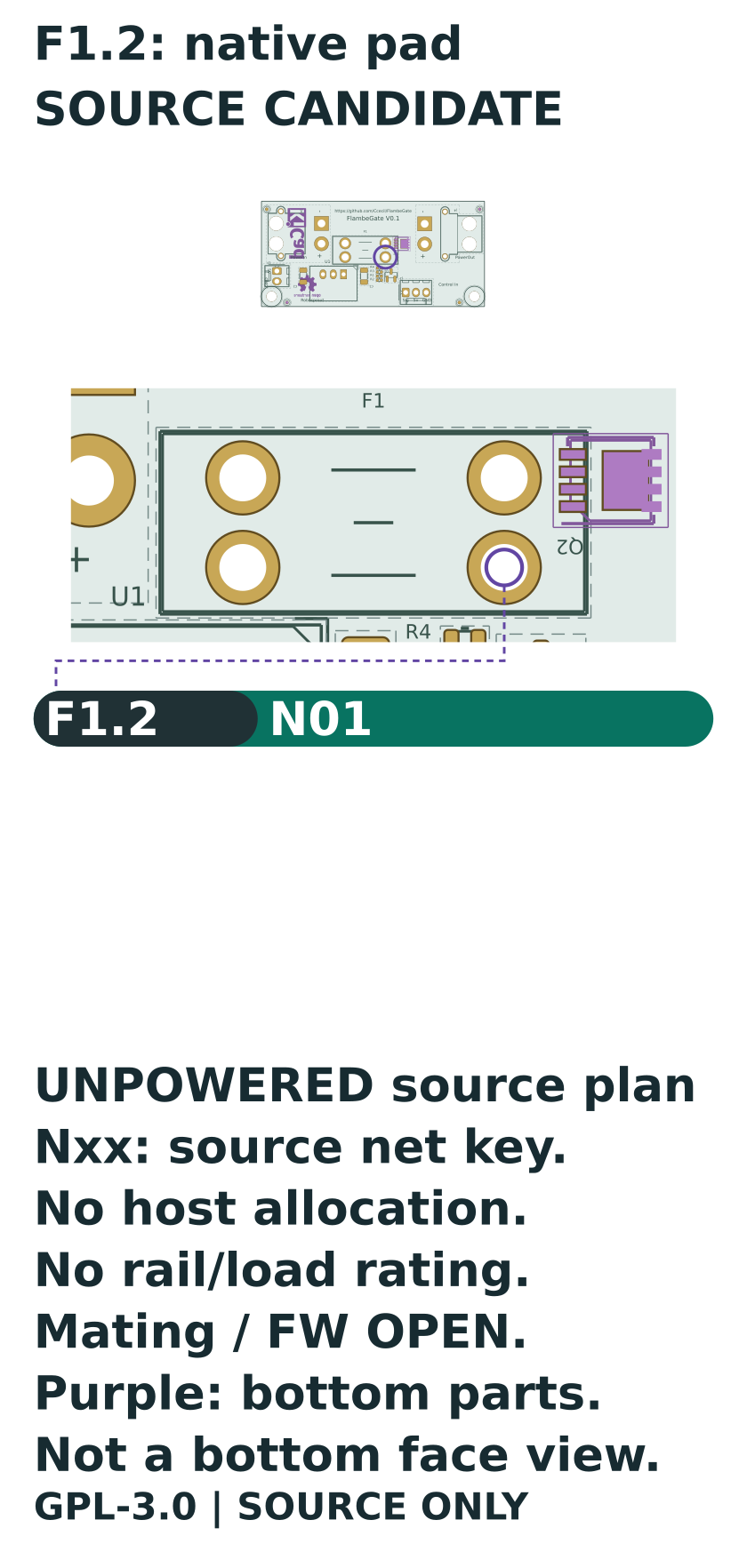
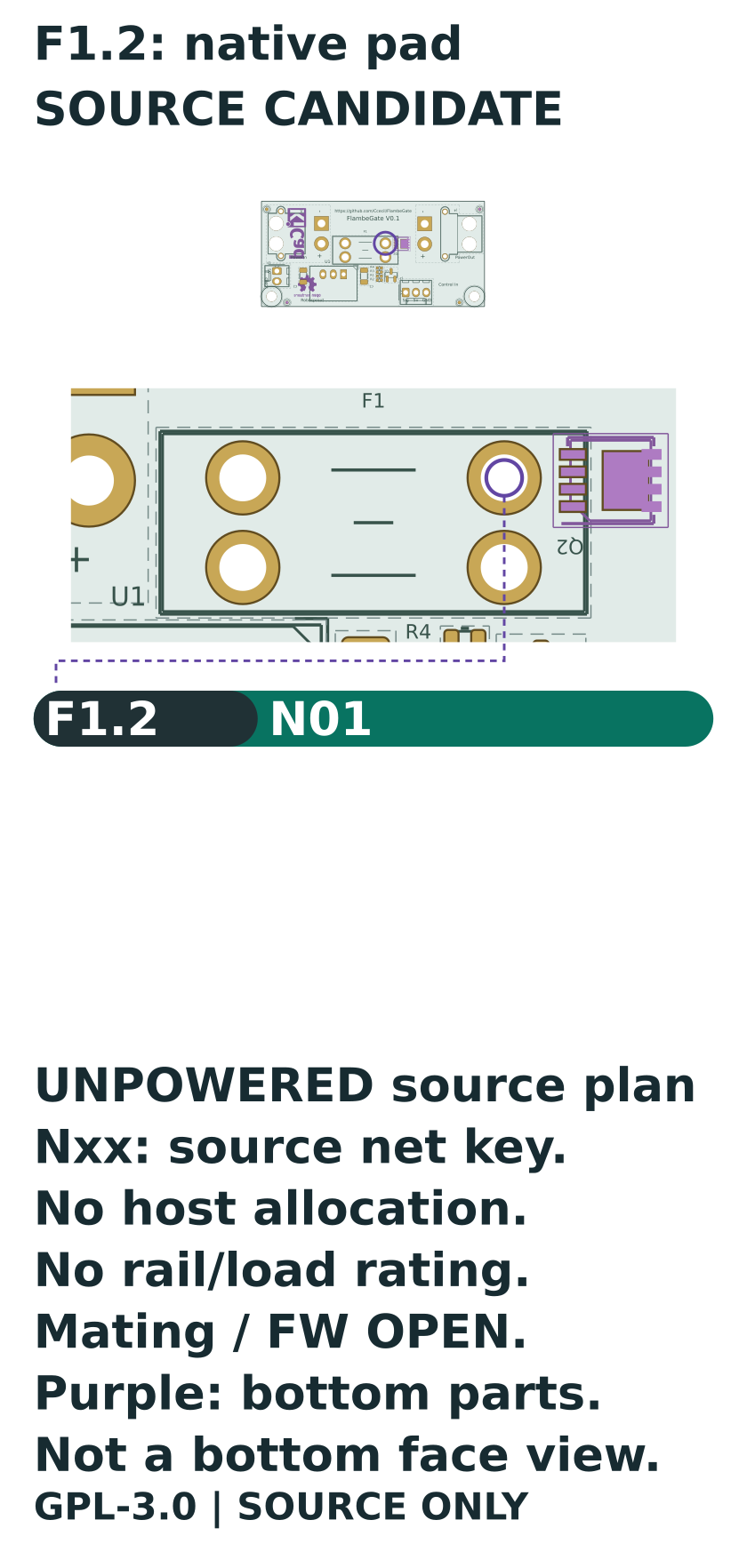
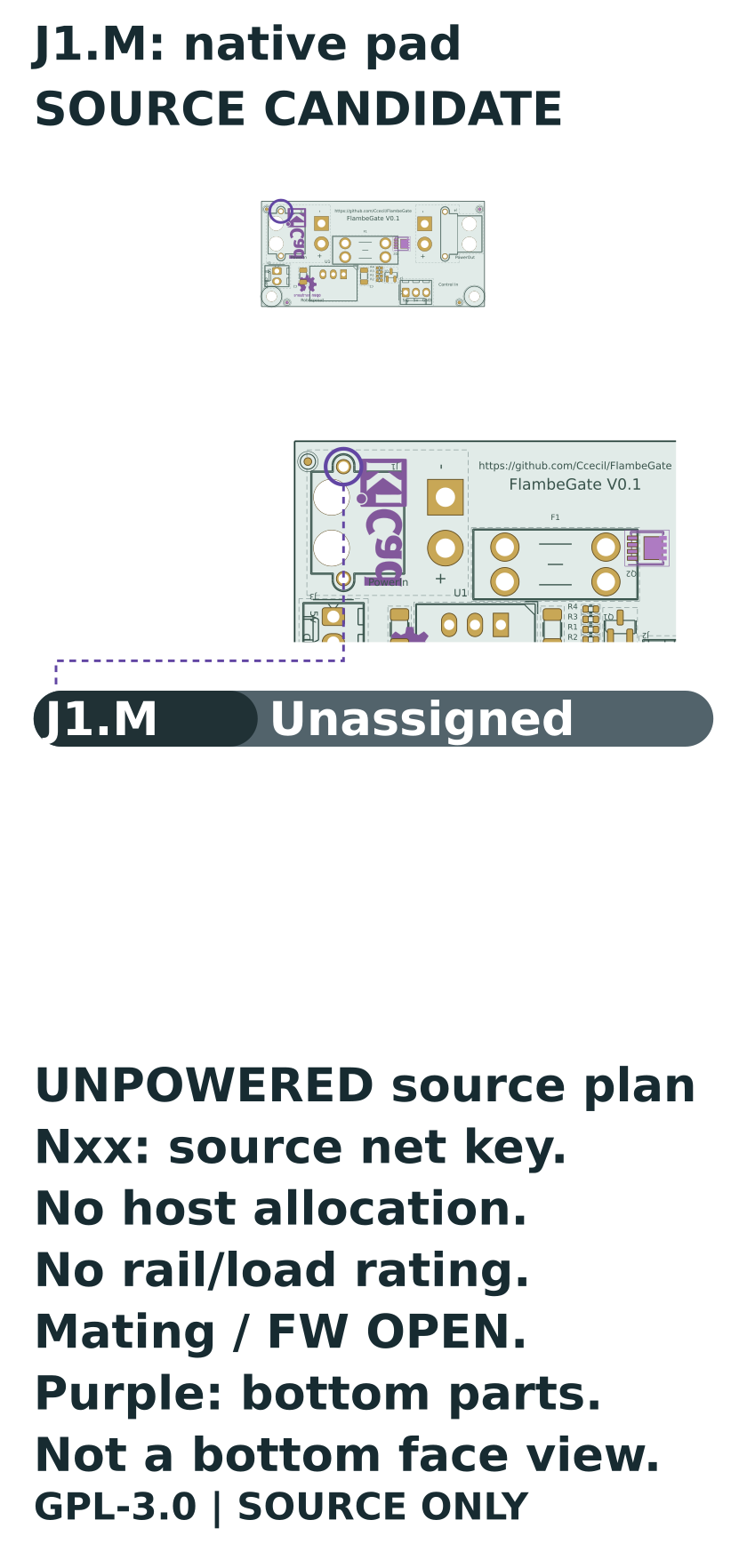
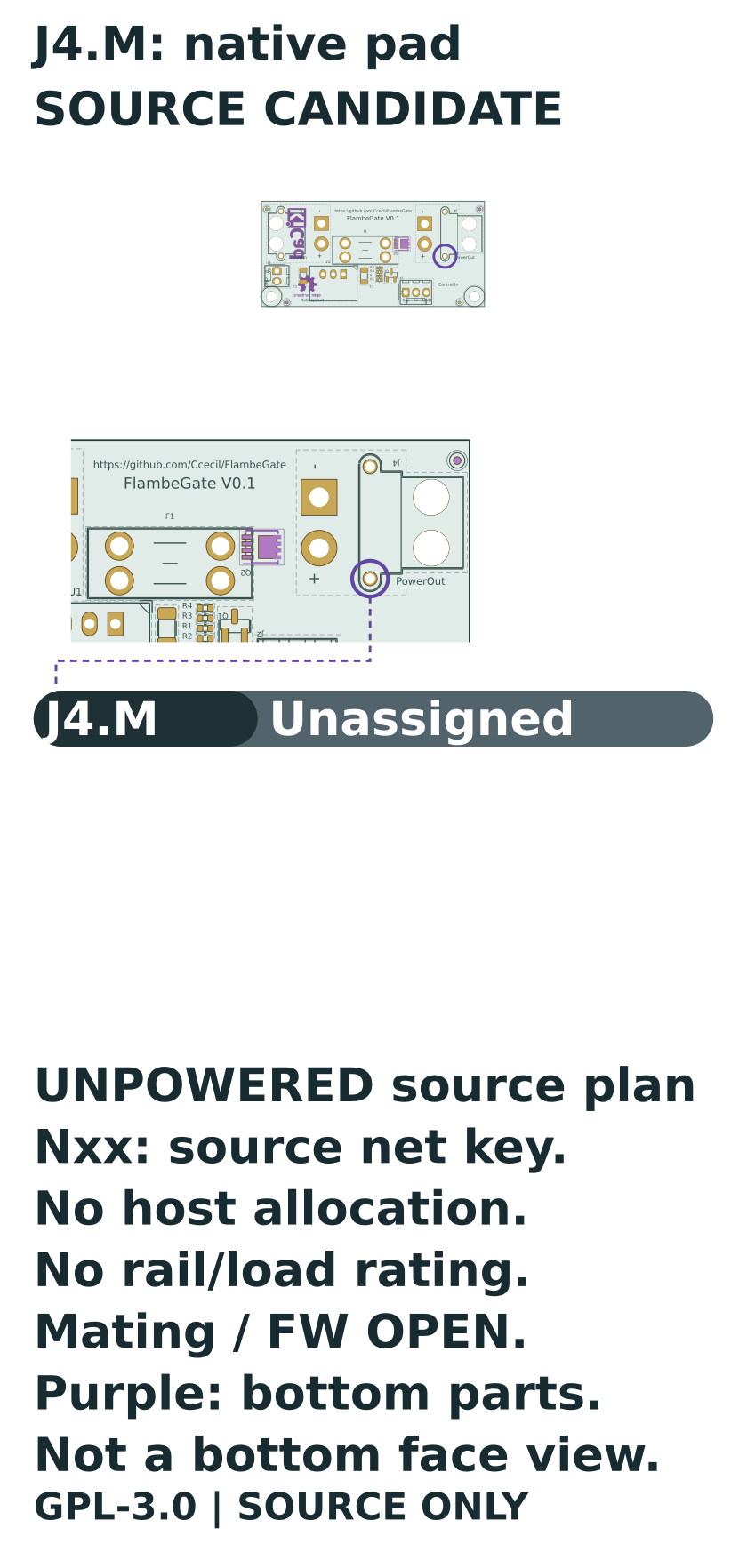
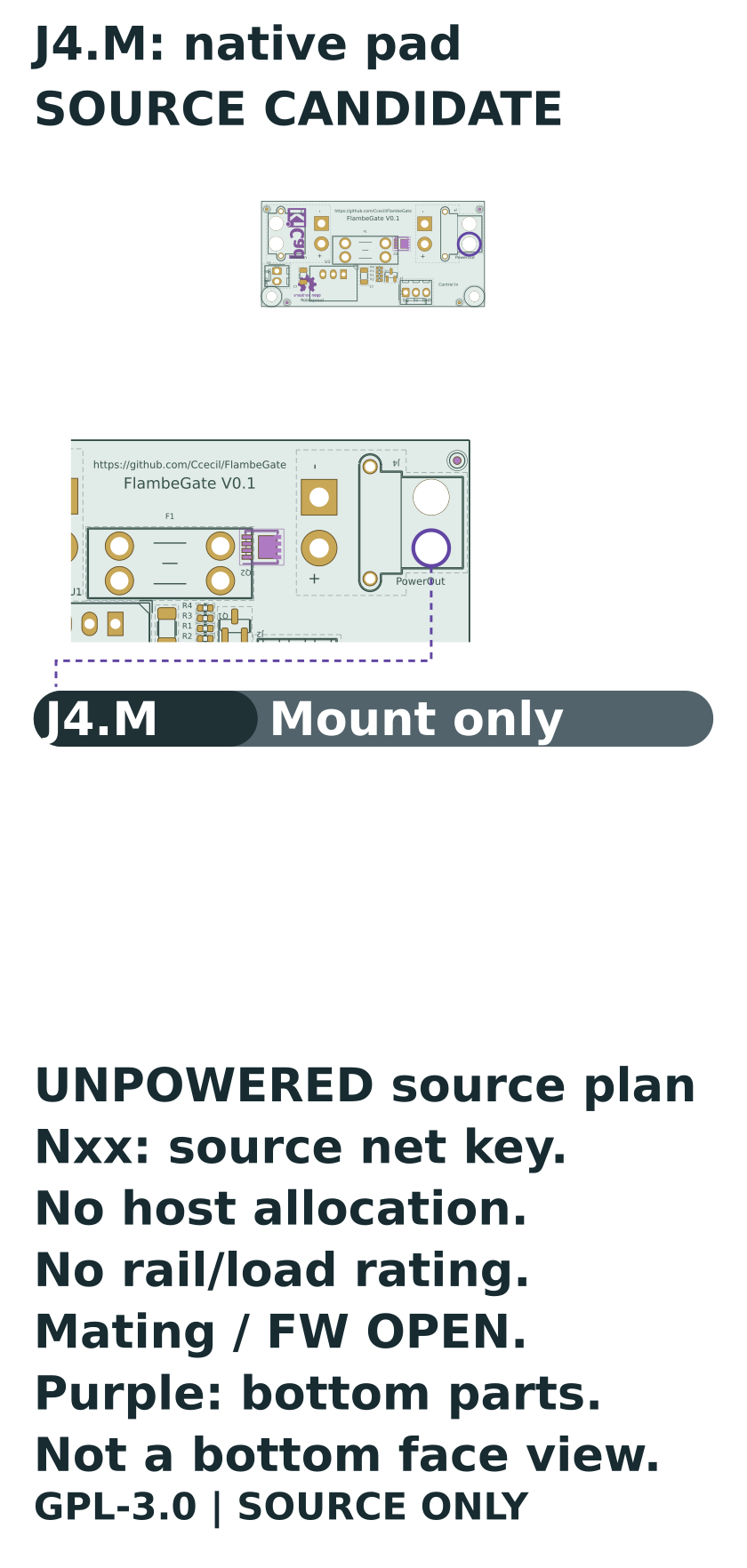
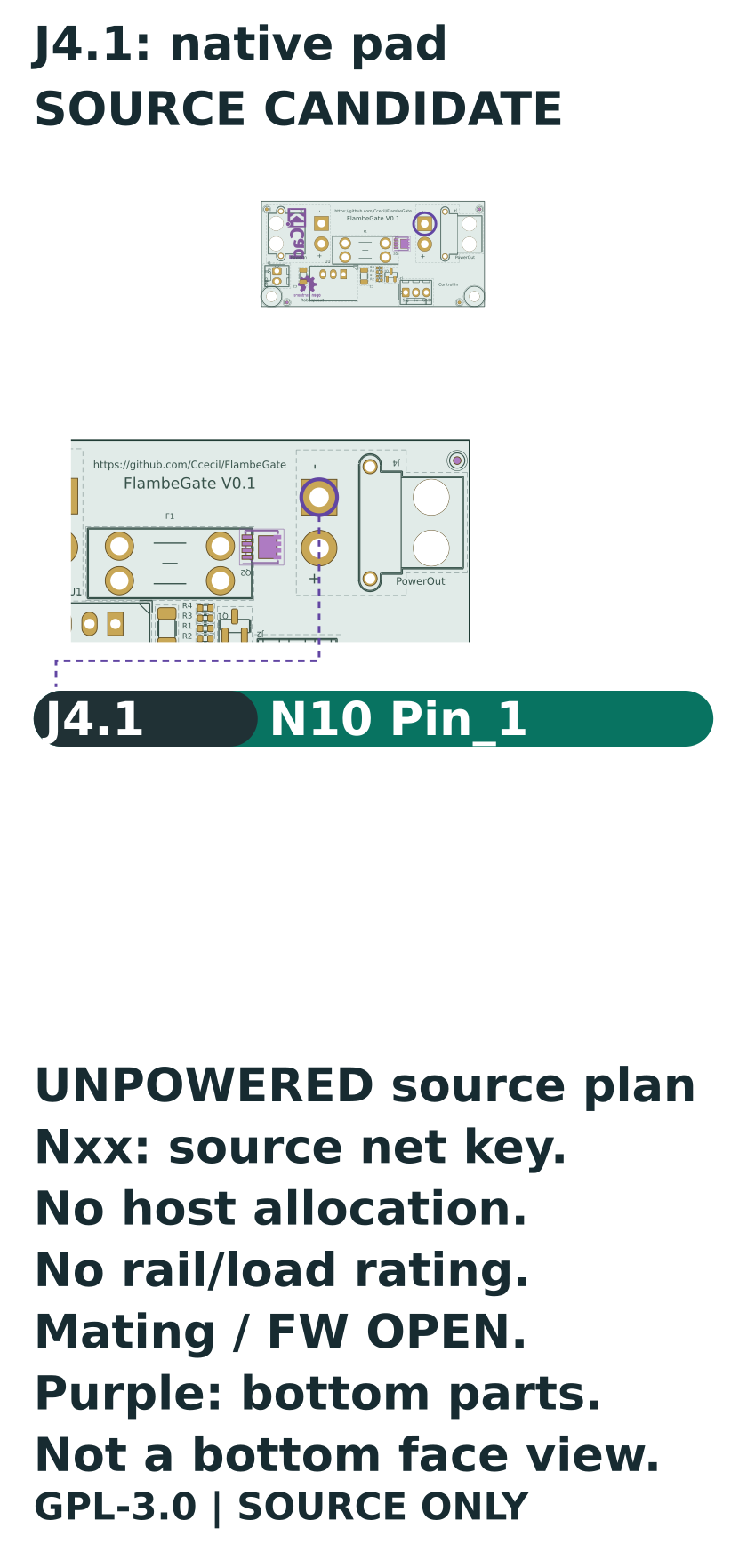
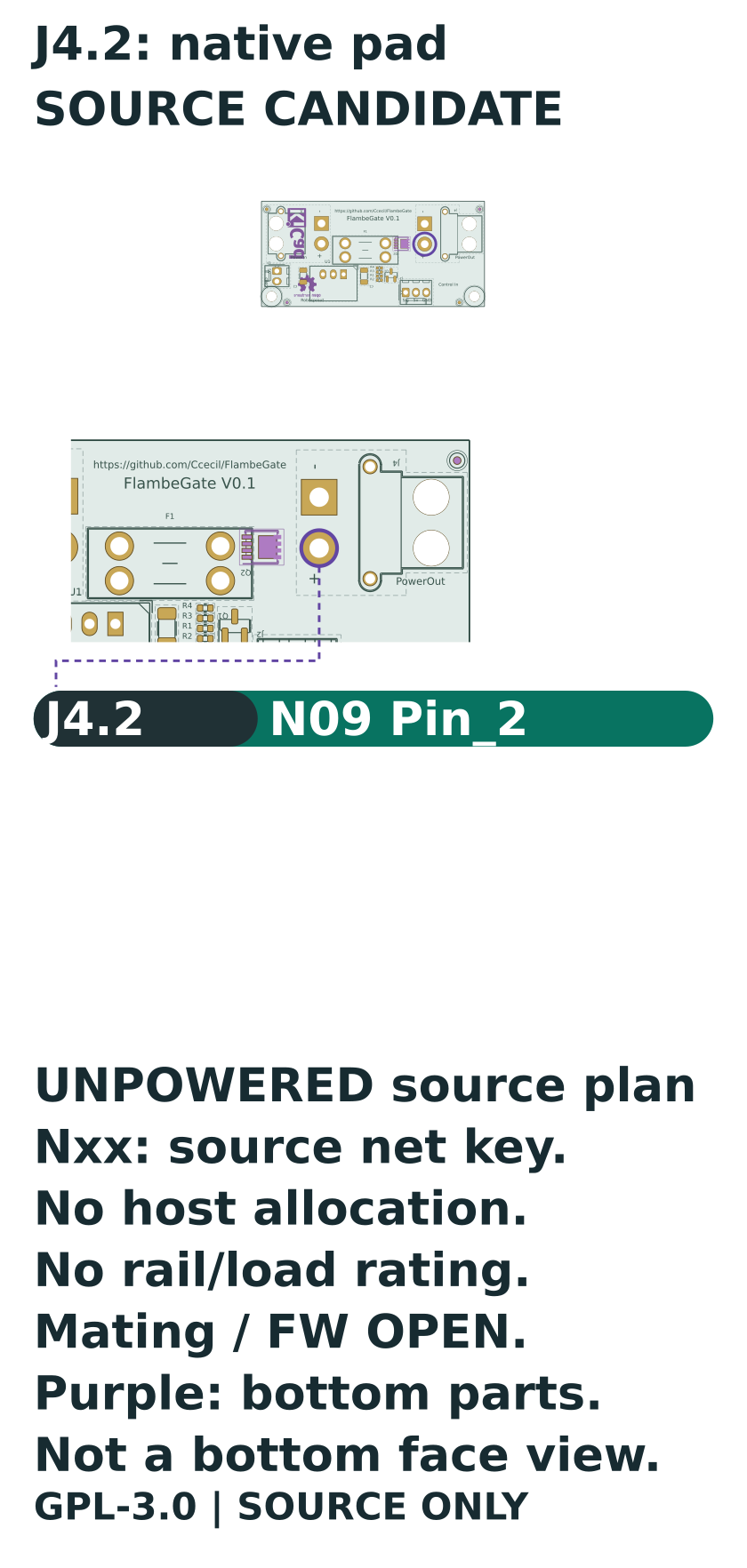
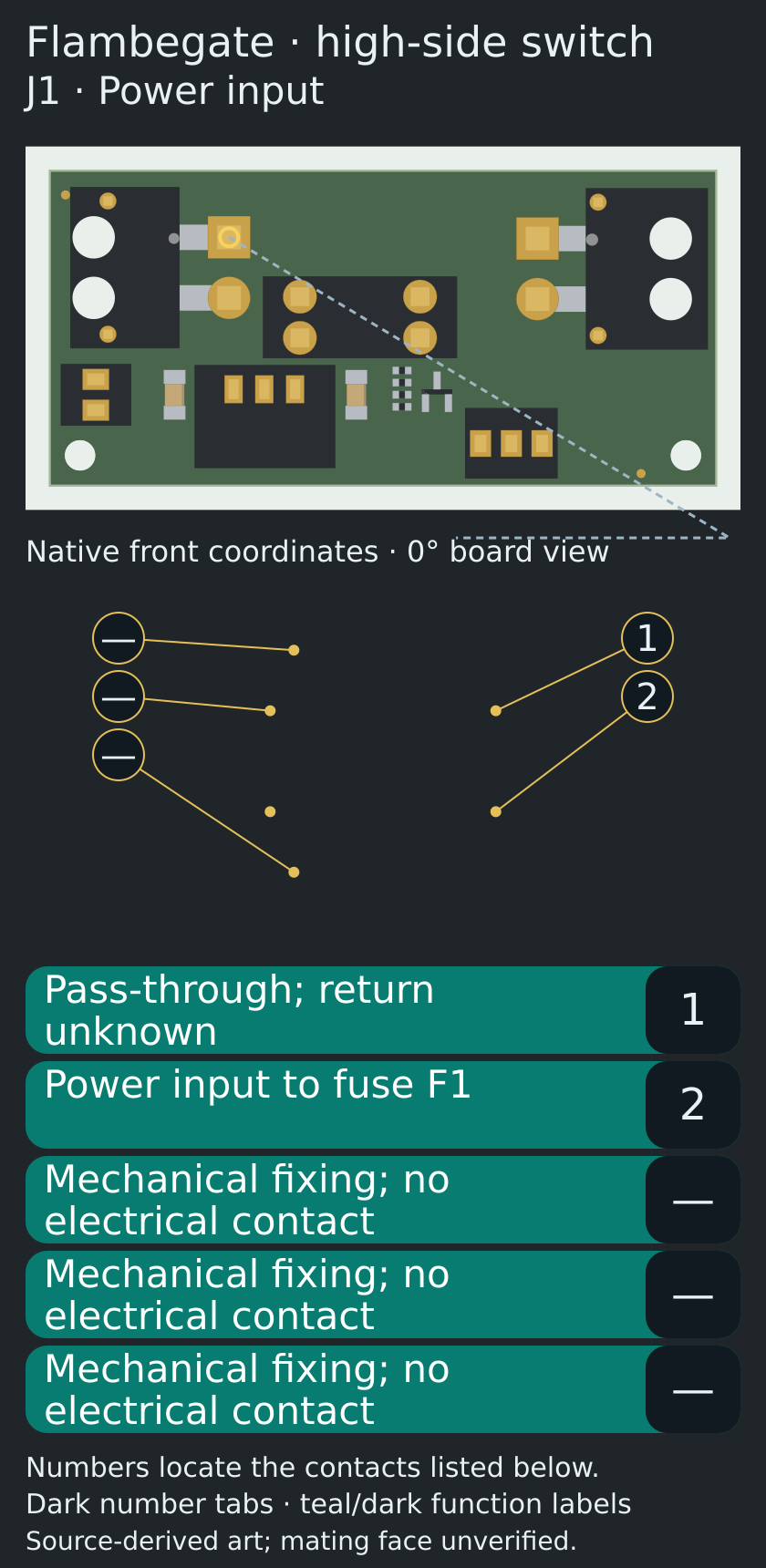
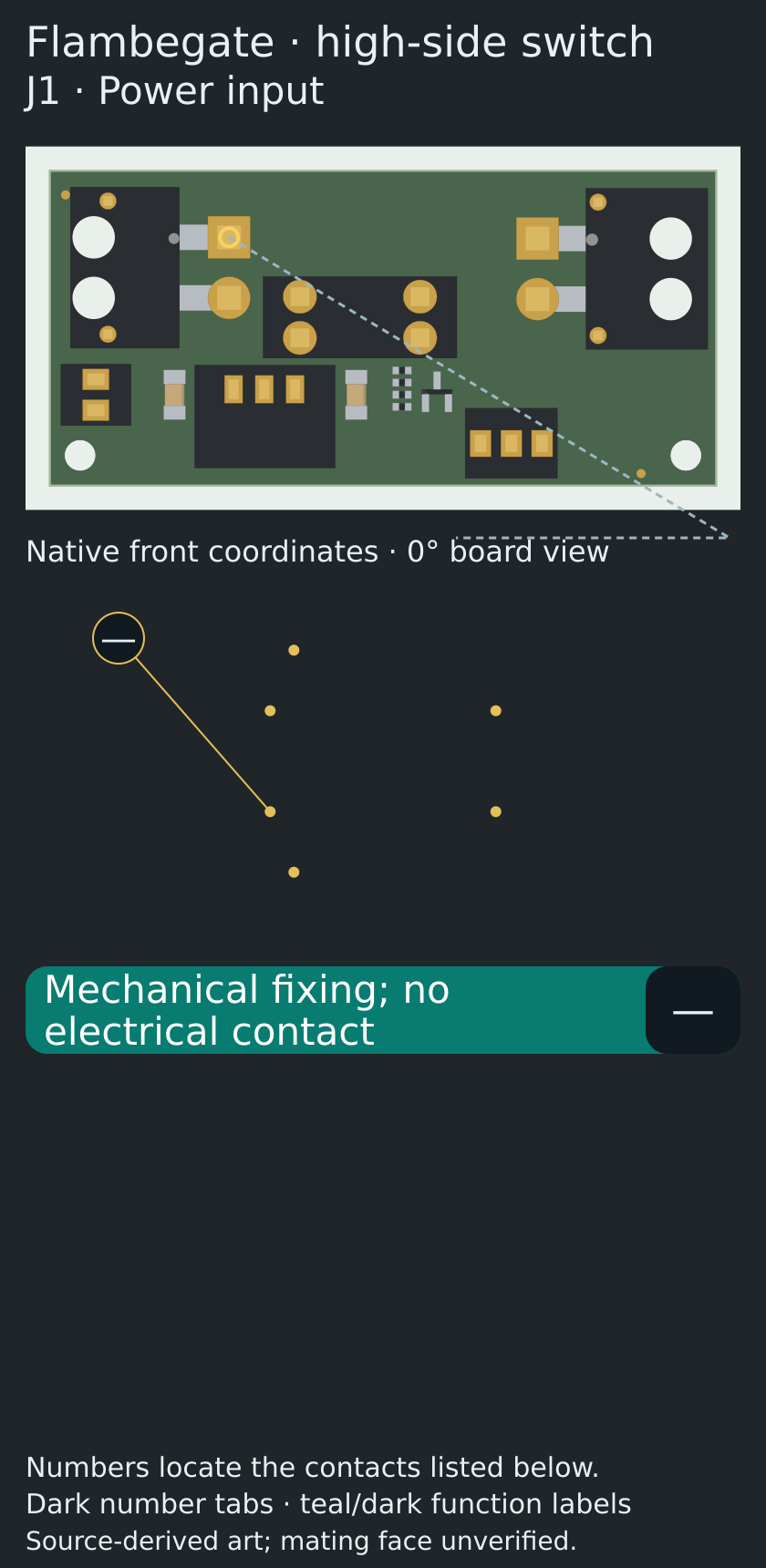
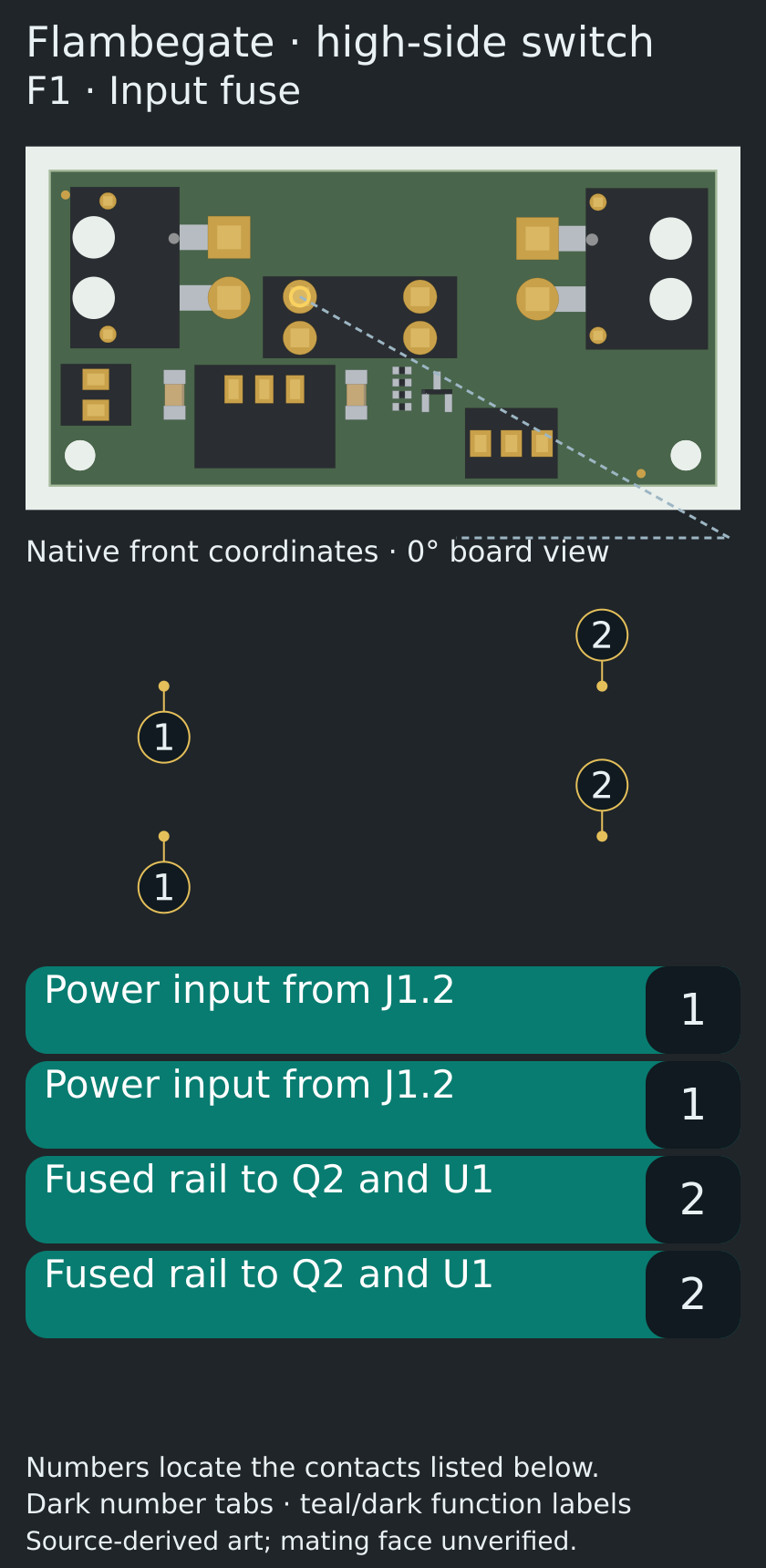
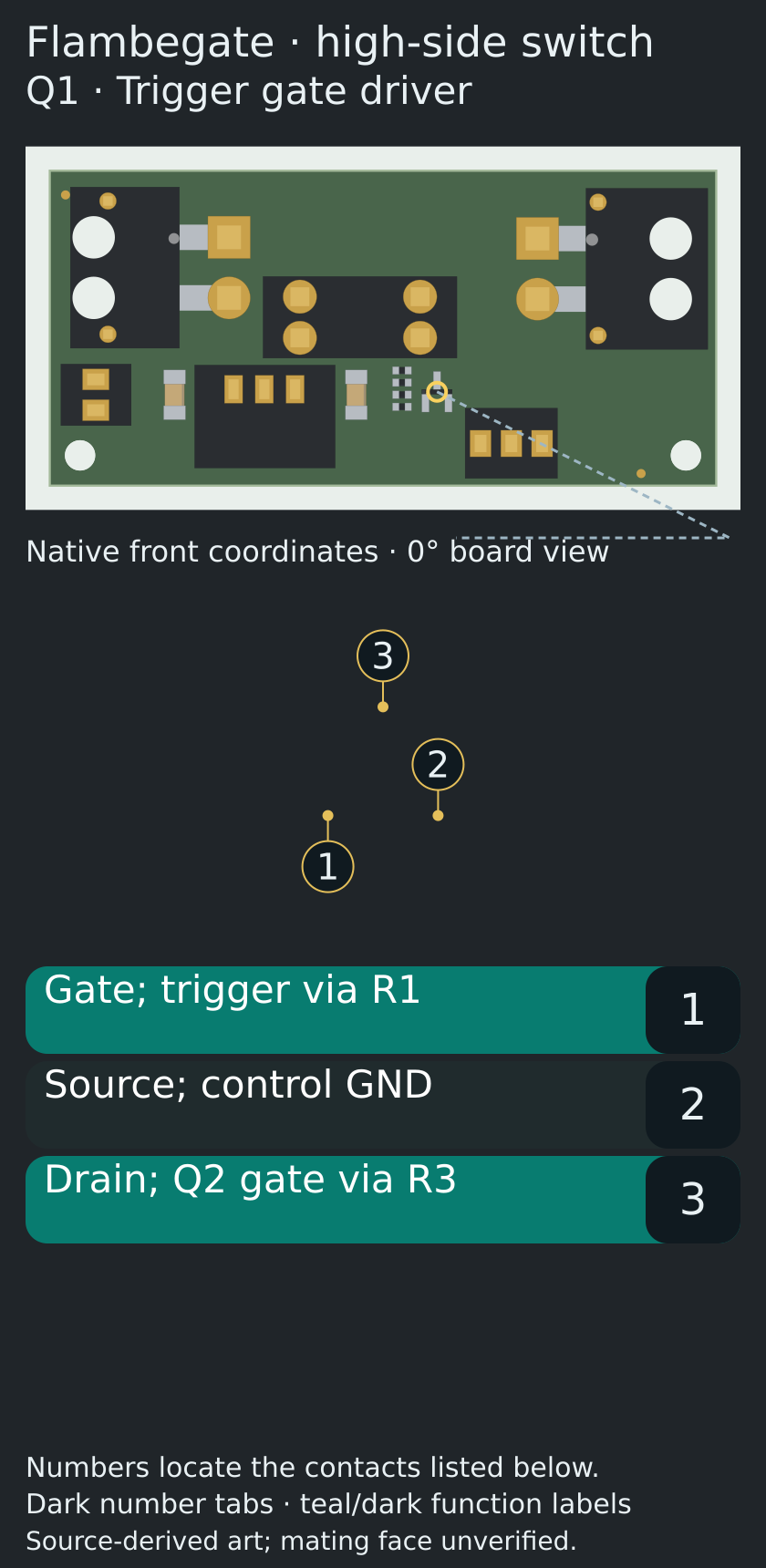
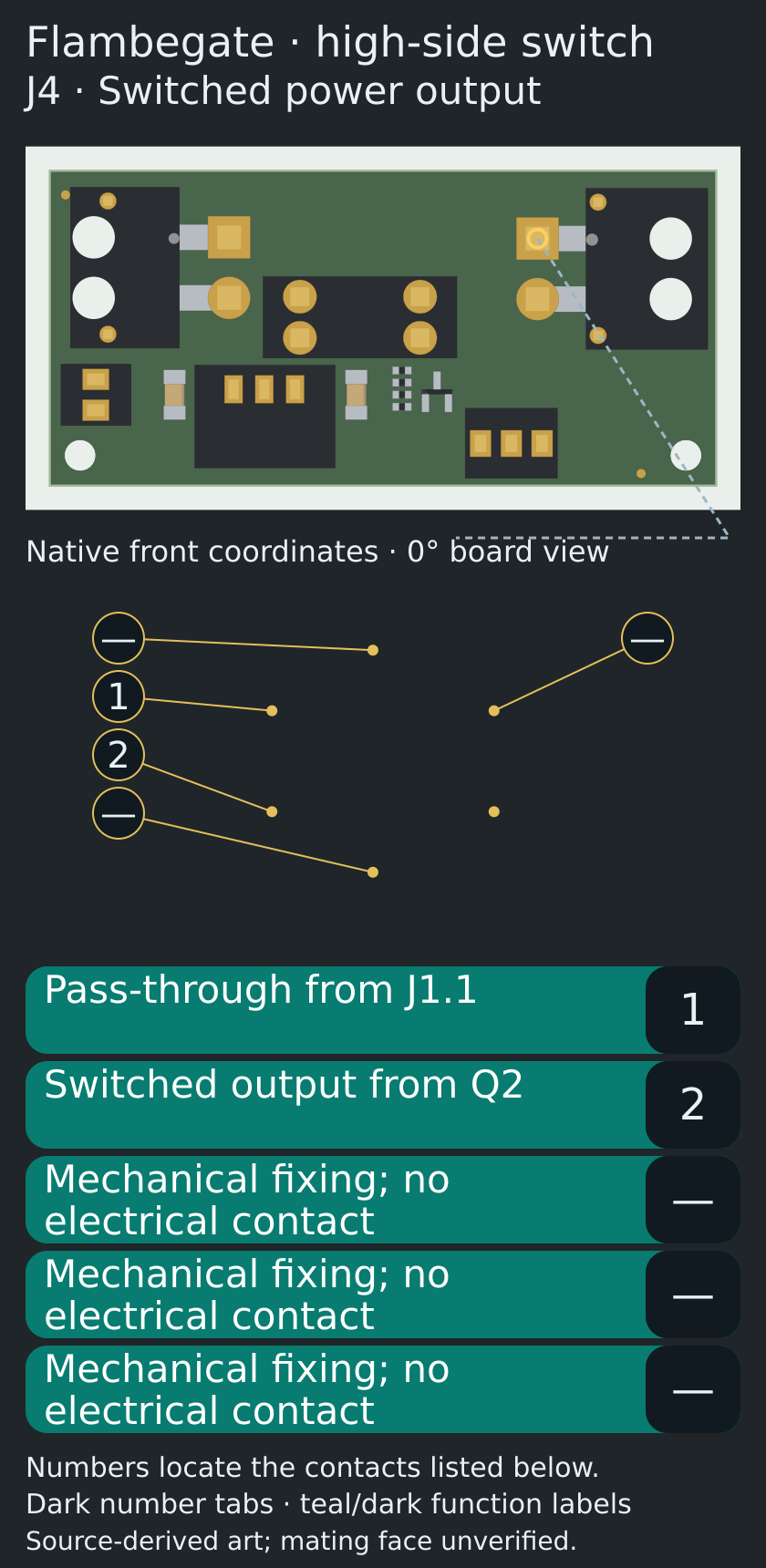
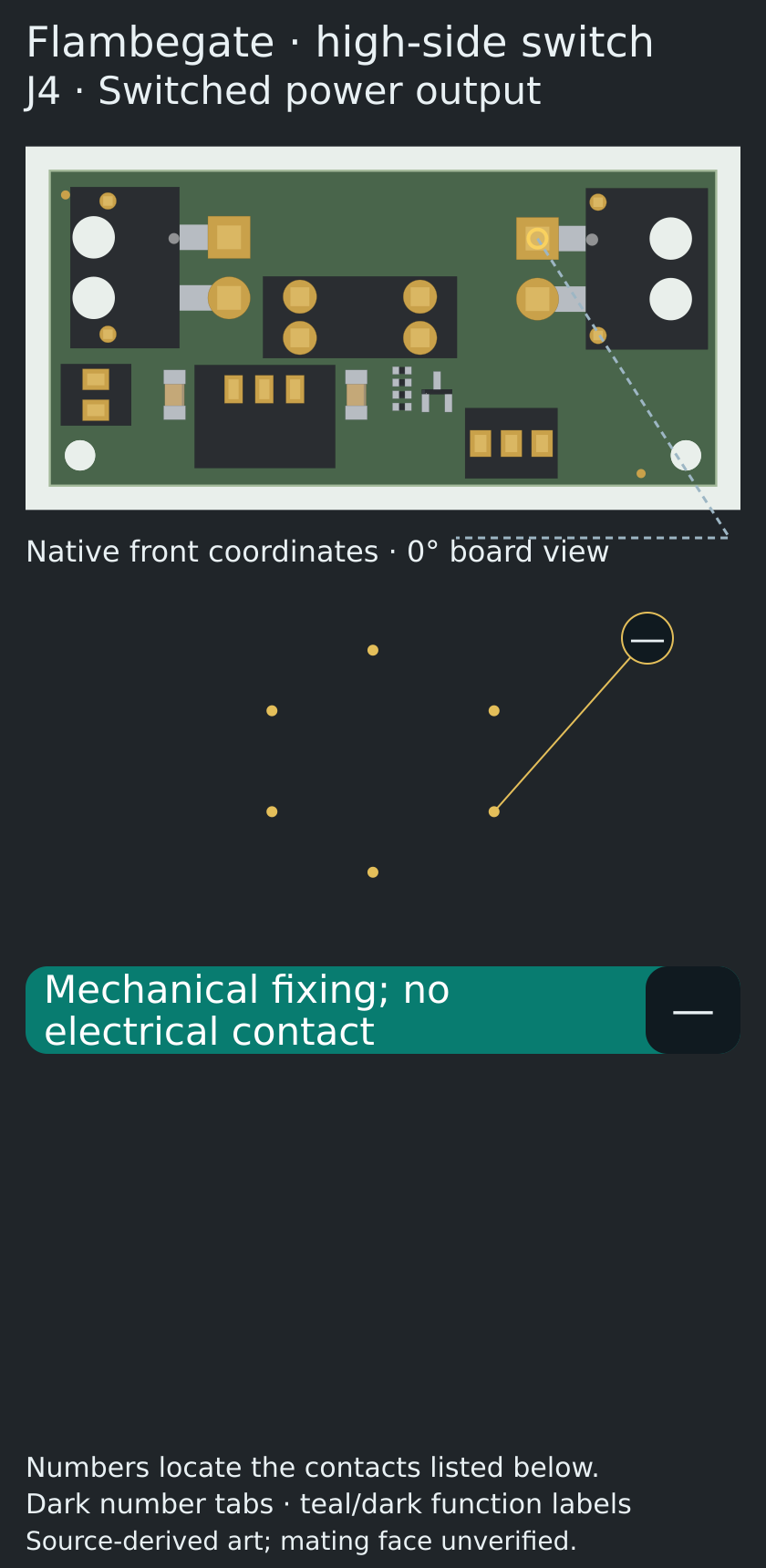
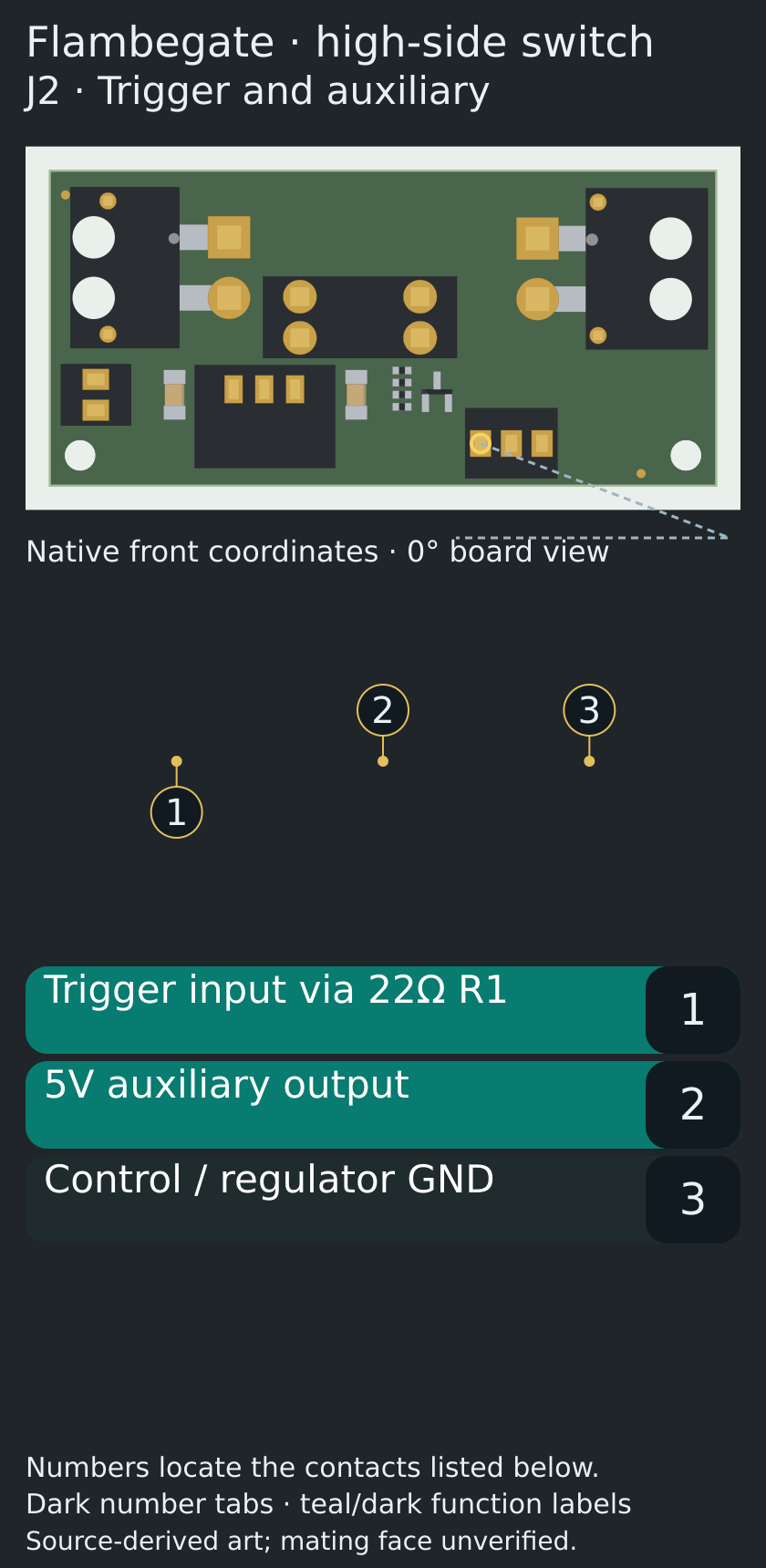
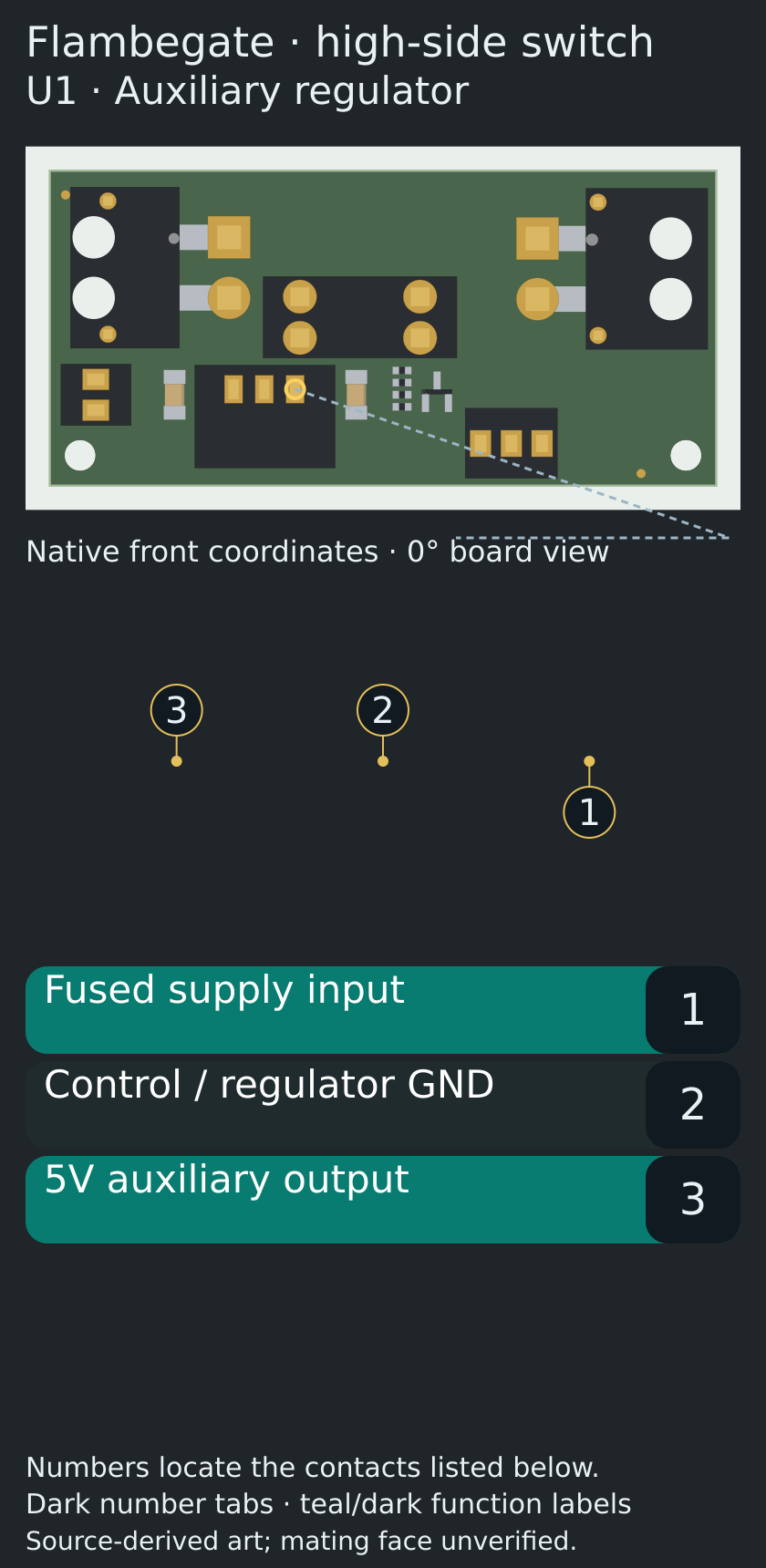
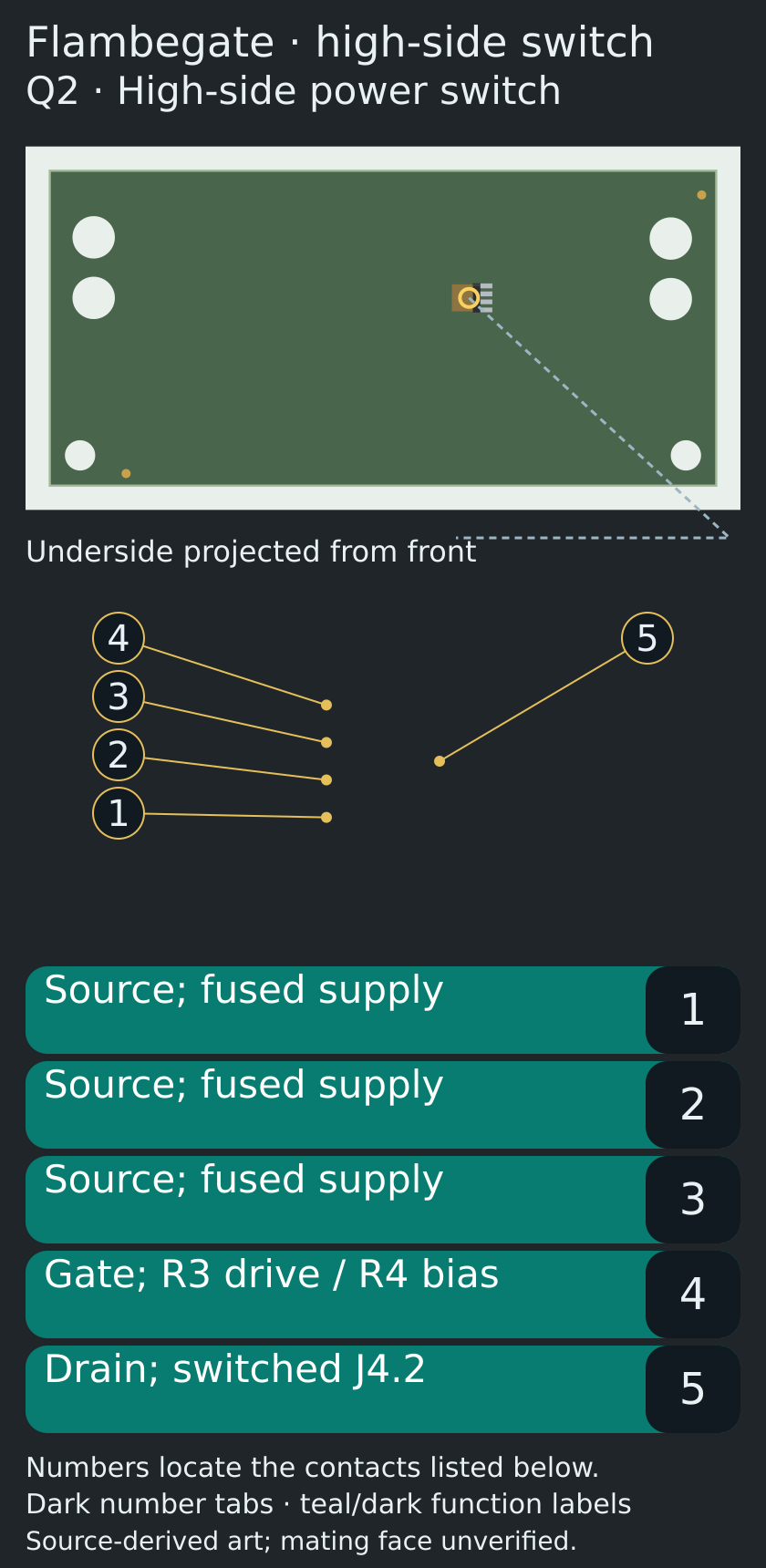
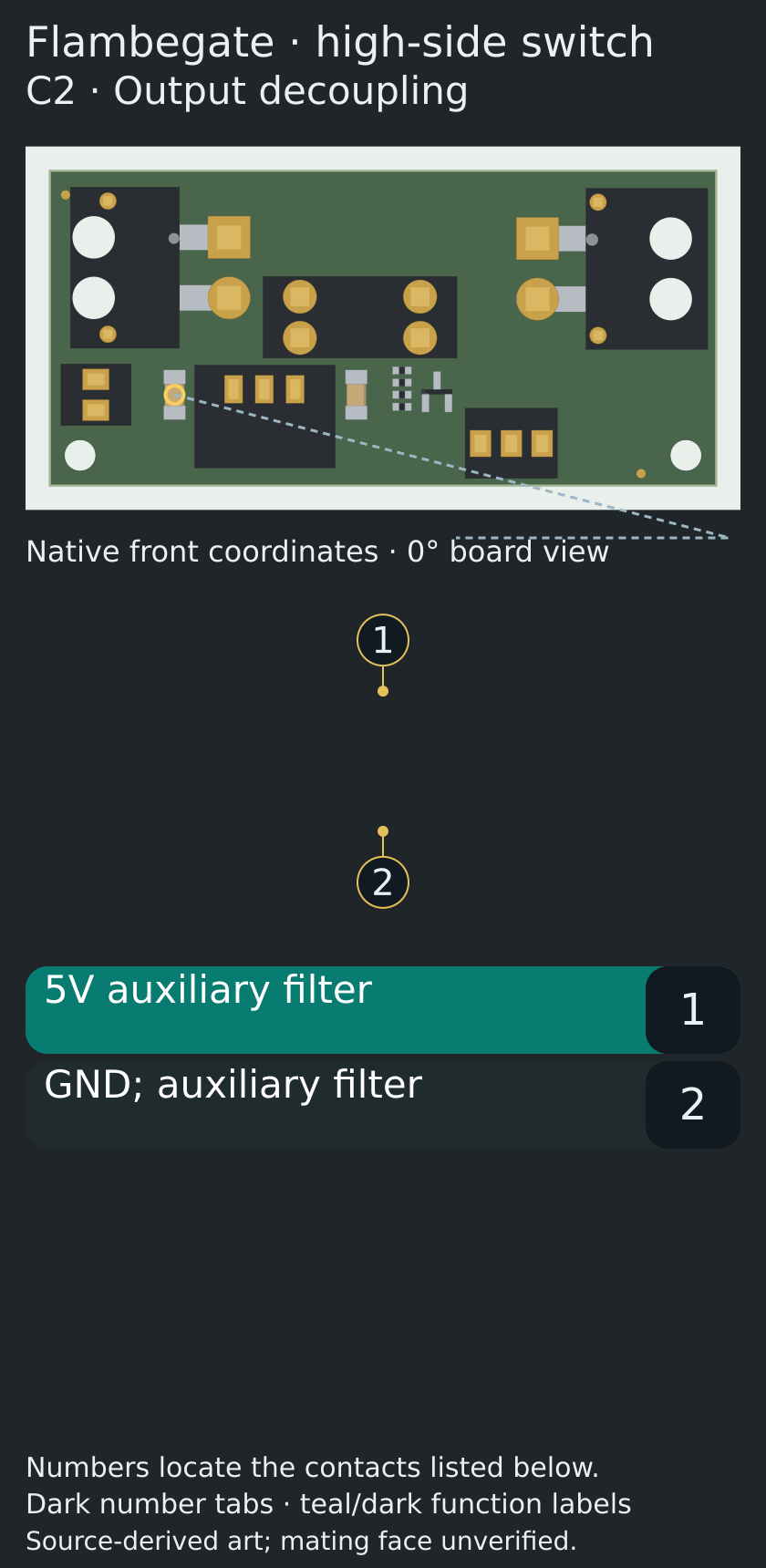
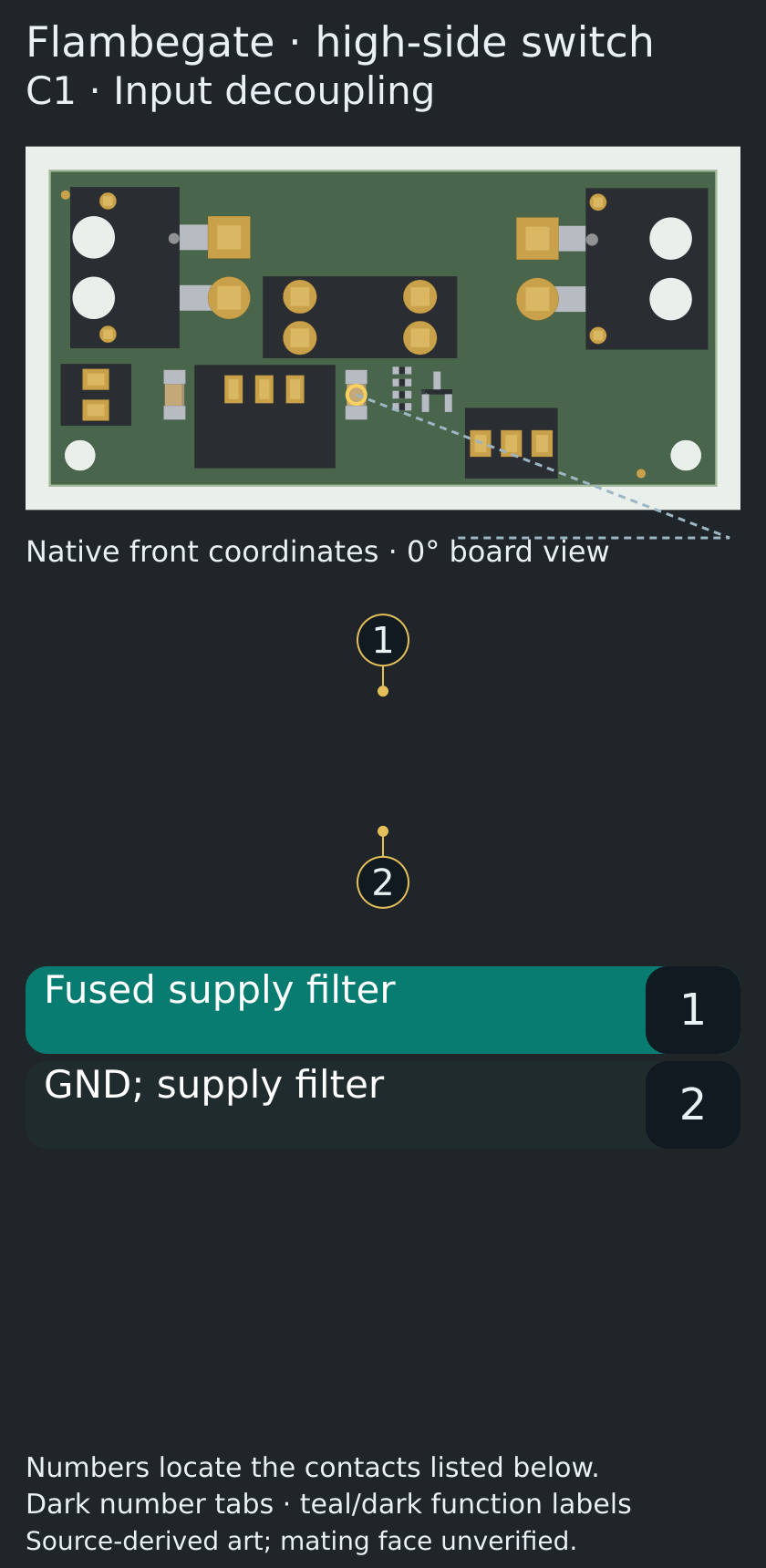
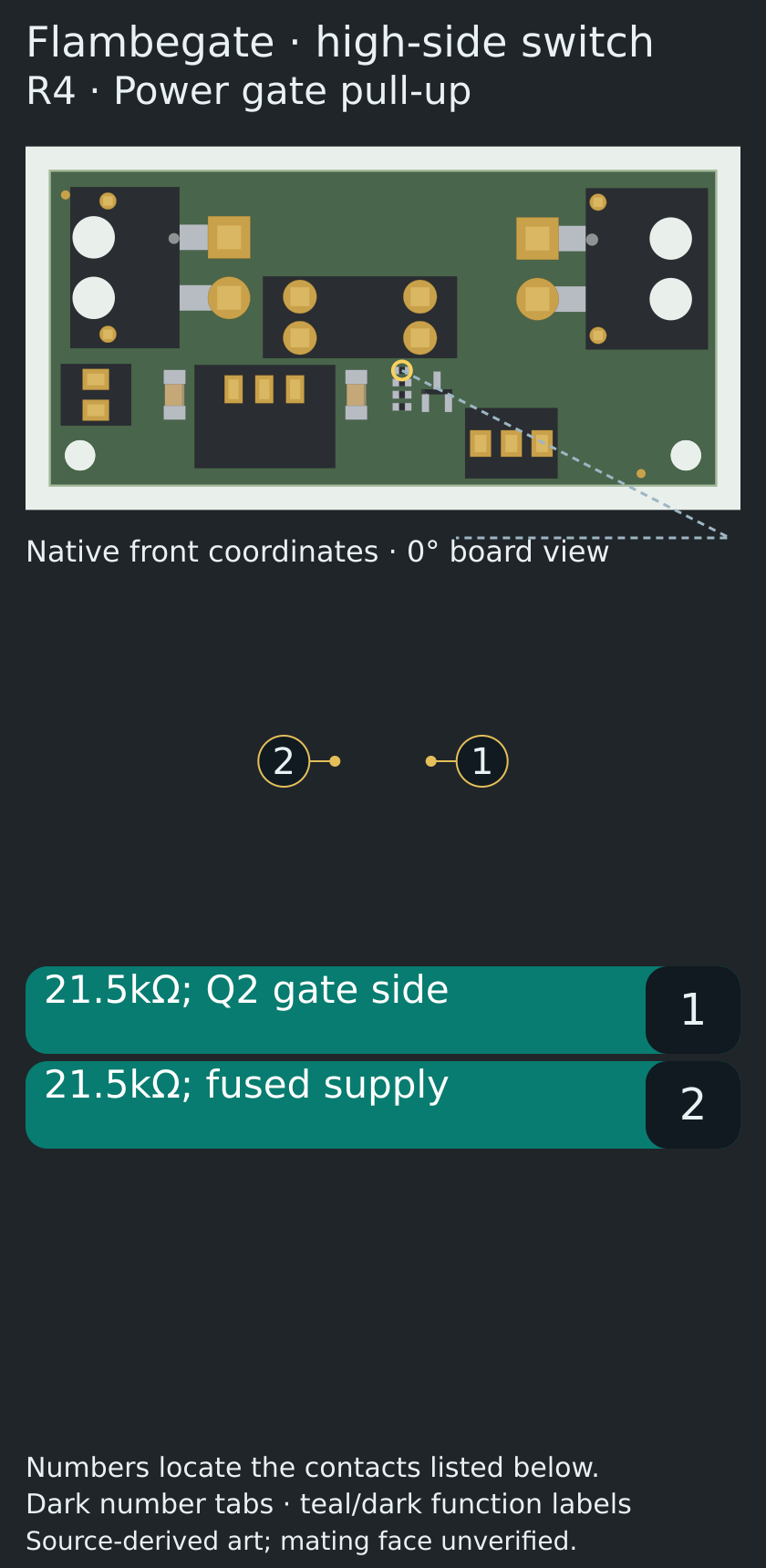
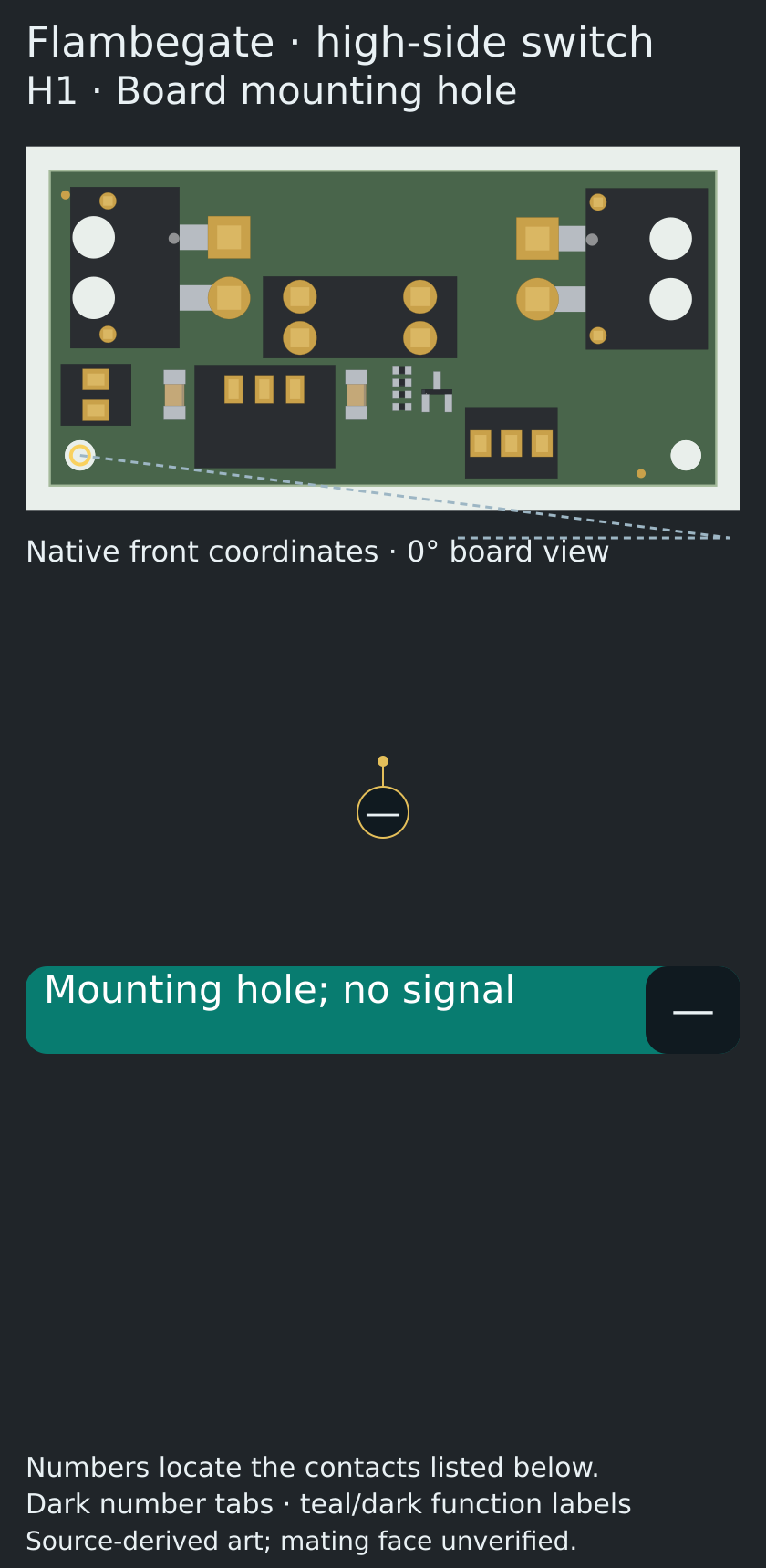
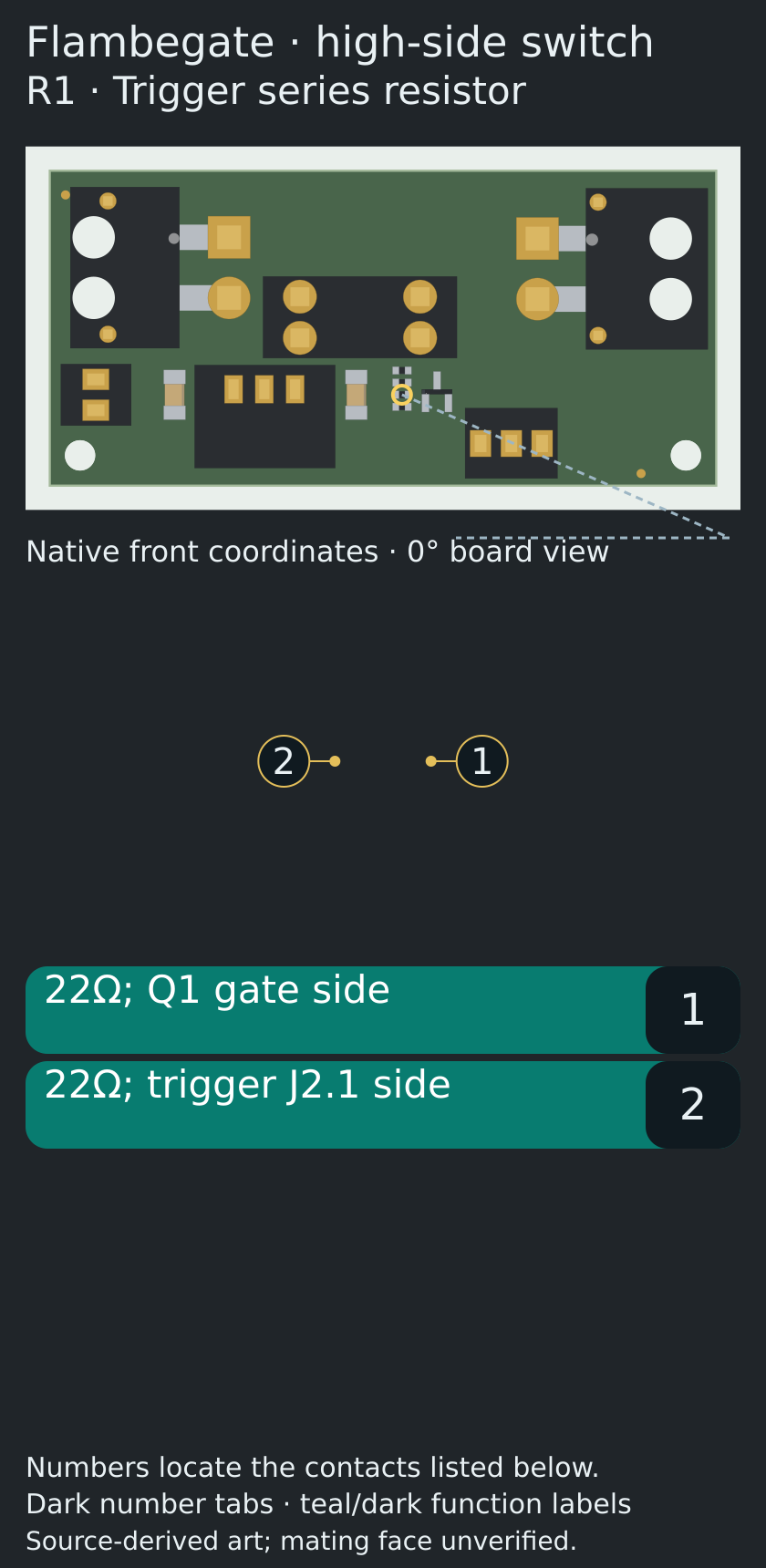
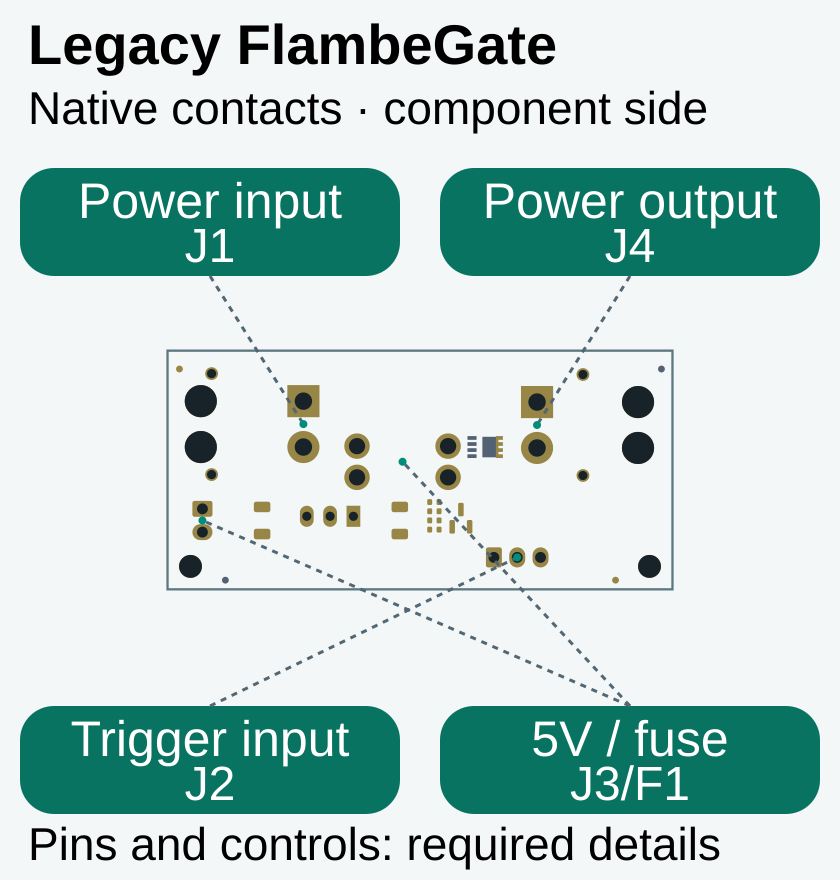
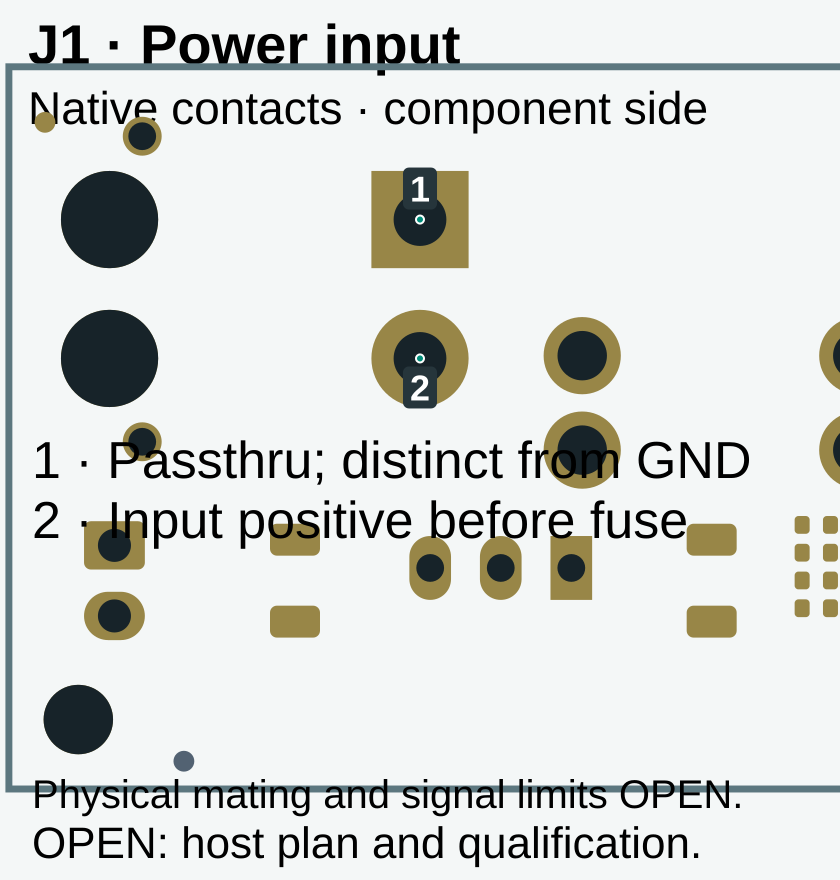
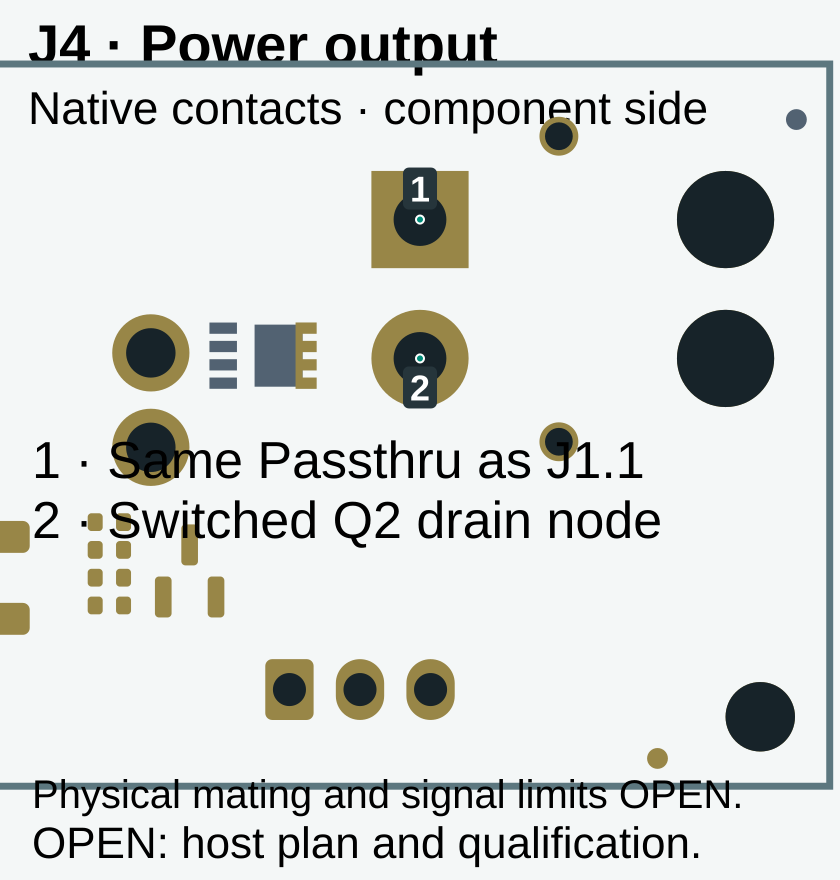
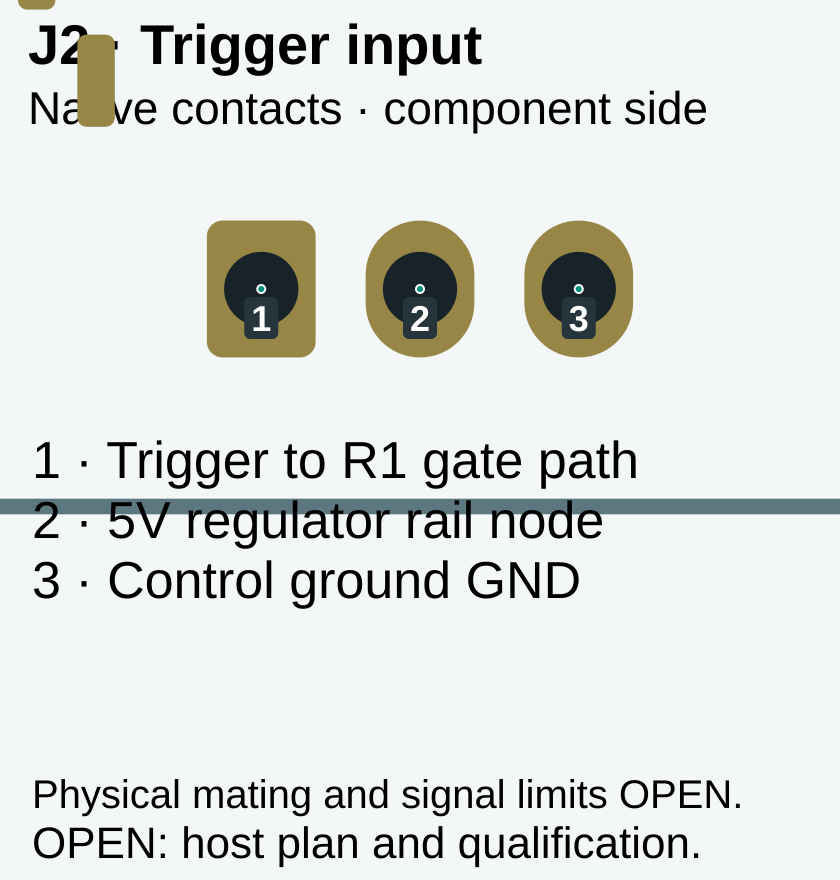
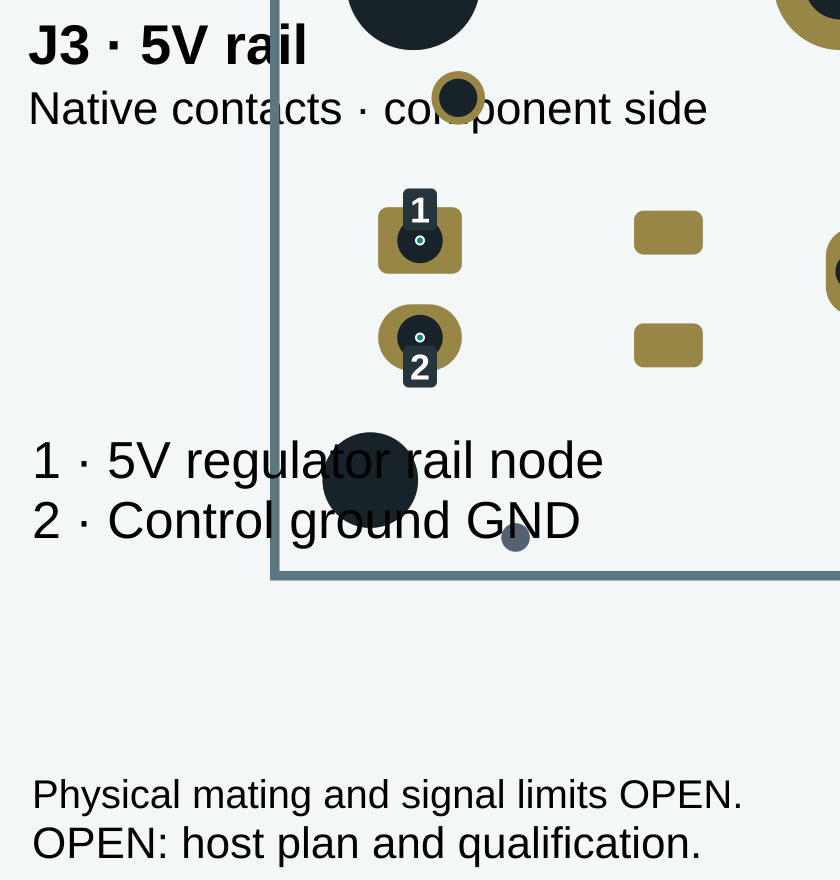
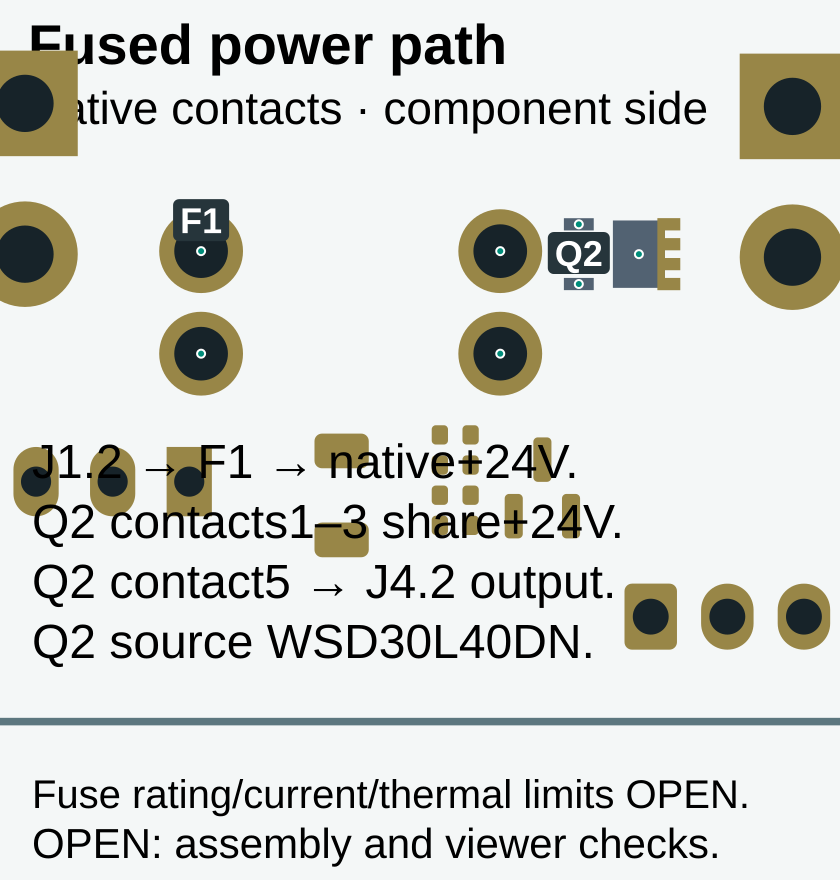
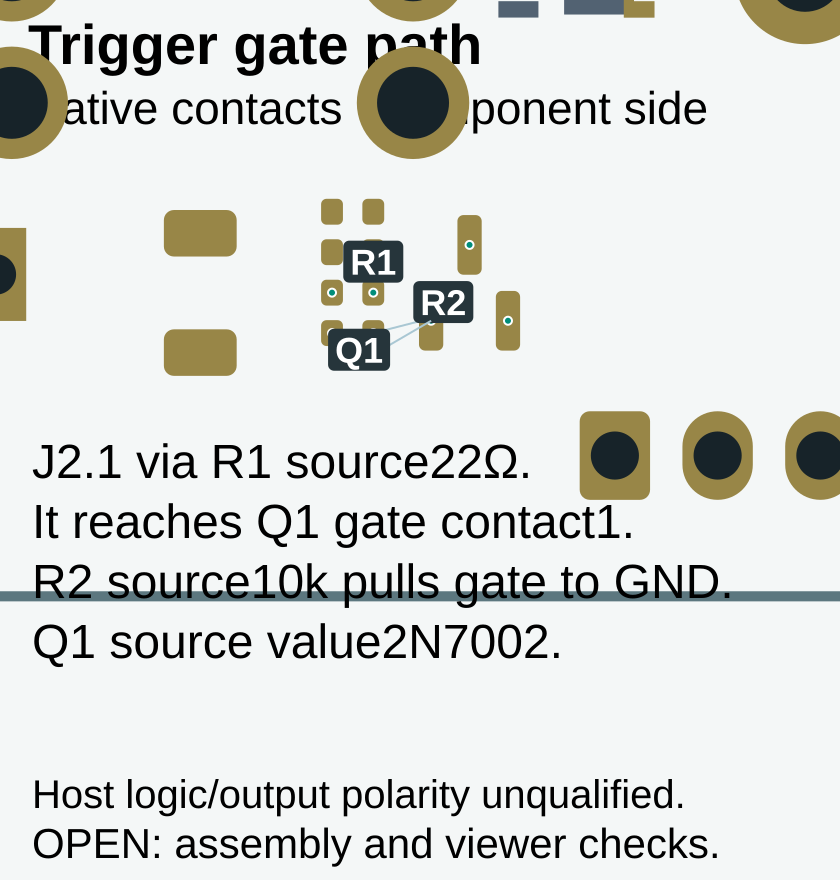
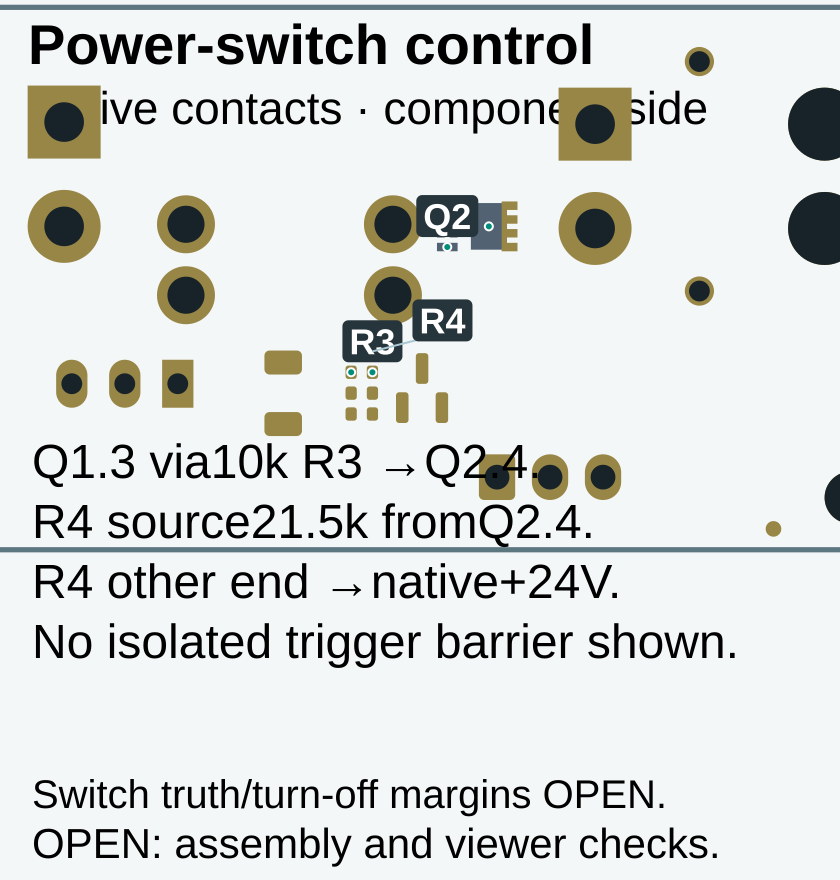
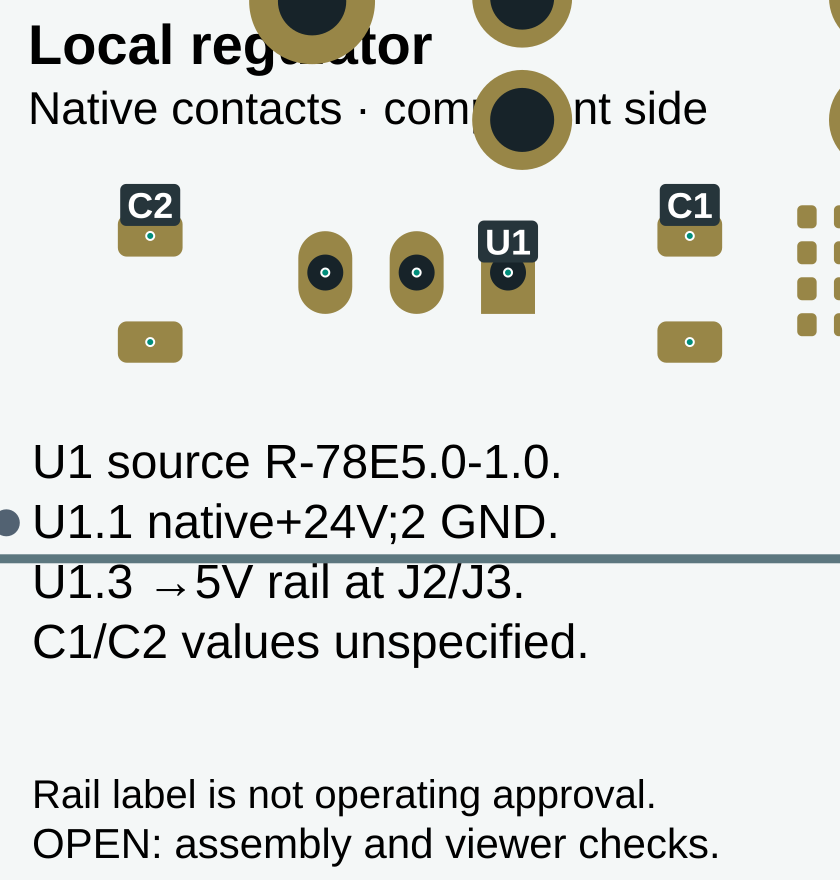
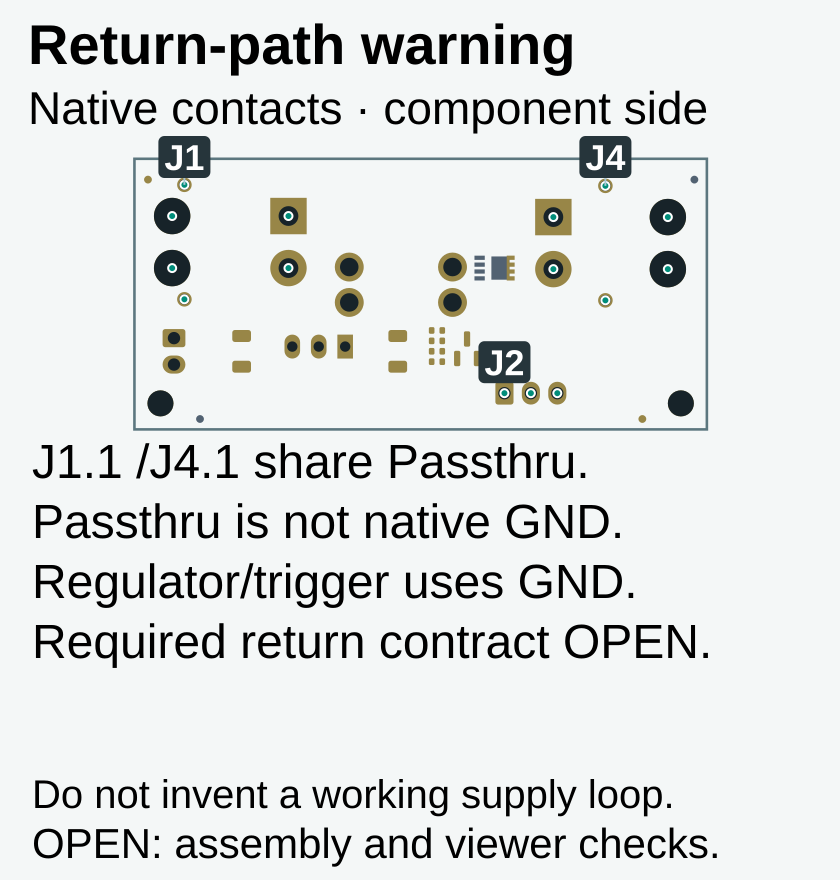
The original README calls this an attempt at an additional hardware failsafe, claims about 8 A at 28 V DC, and specifies an inline fuseholder and optional 5 V Recom regulator. Those are source-author claims, not measured ratings. The PCB silk identifies FlambeGate V0.1; U1 is R-78E5.0-1.0, Q2 WSD30L40DN and Q1 2N7002. J1.2 enters F1 before +24V reaches Q2; J4.2 is the switched output. J1.1 and J4.1 share Passthru, which is not named GND. Never silently join Passthru to logic ground: the intended machine topology may retain an existing switched heater return. J2 is signal/5 V/ground on contacts 1/2/3, unlike Flambehub’s input connector order. J3 is 5 V/ground on contacts 1/2.
Annotated connector and component reference
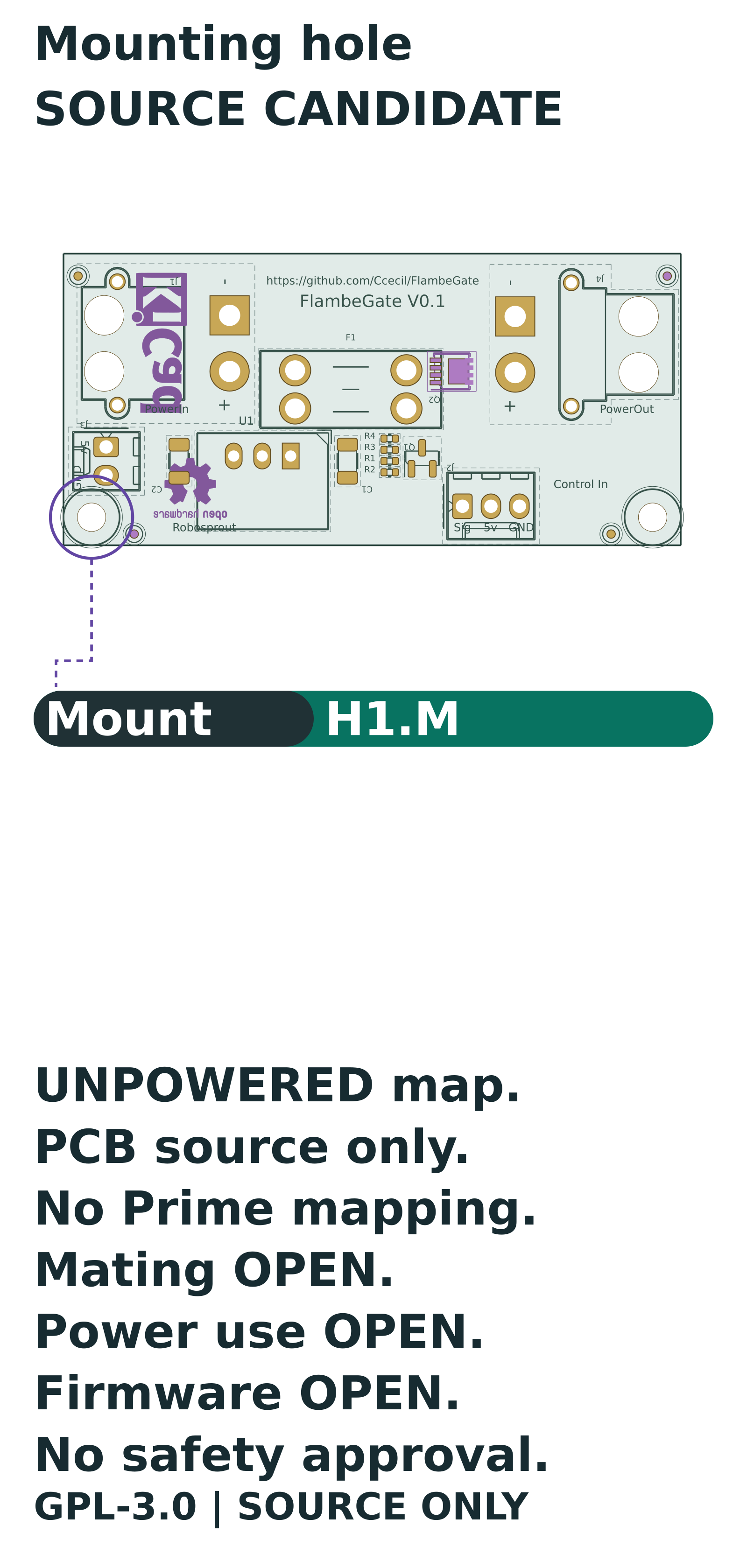
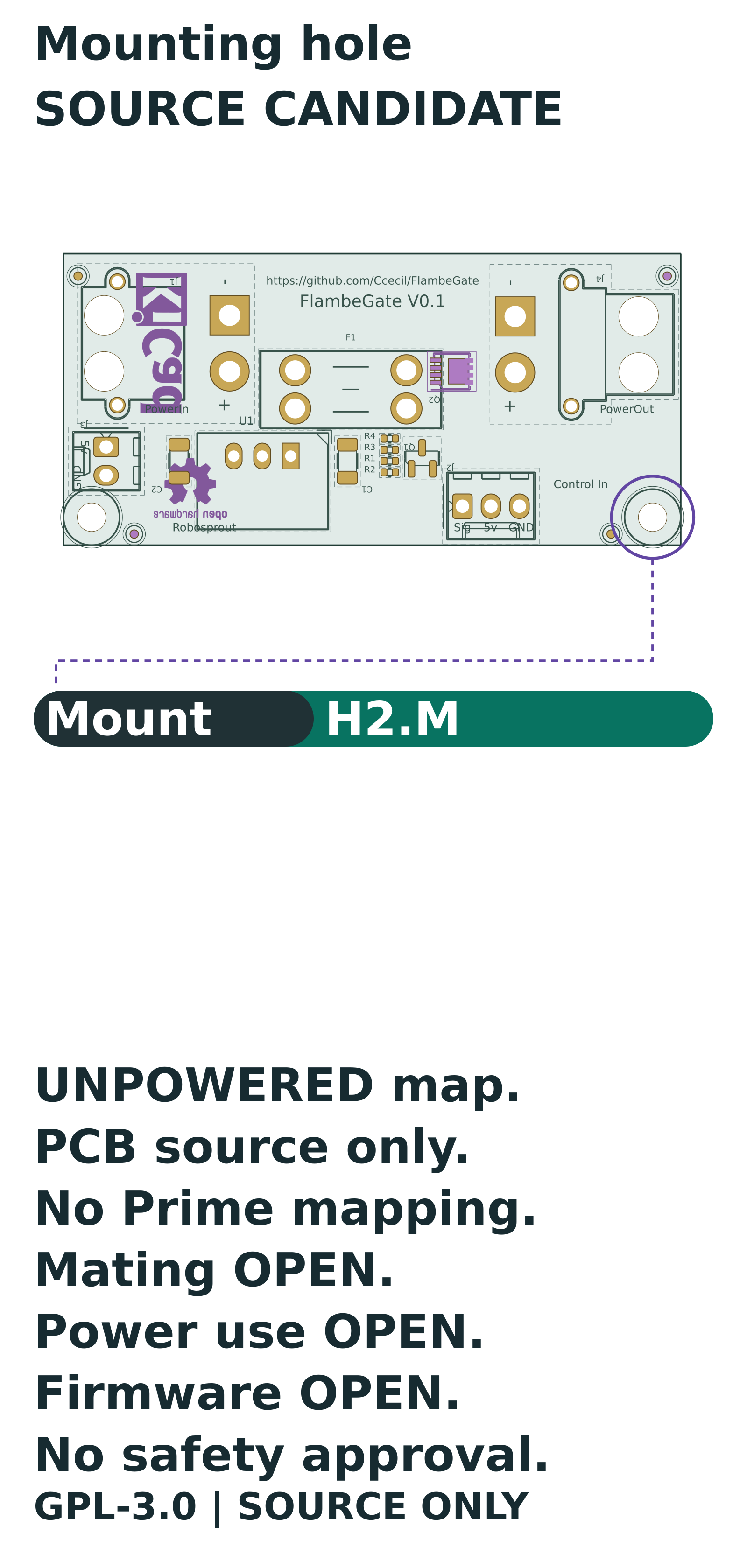
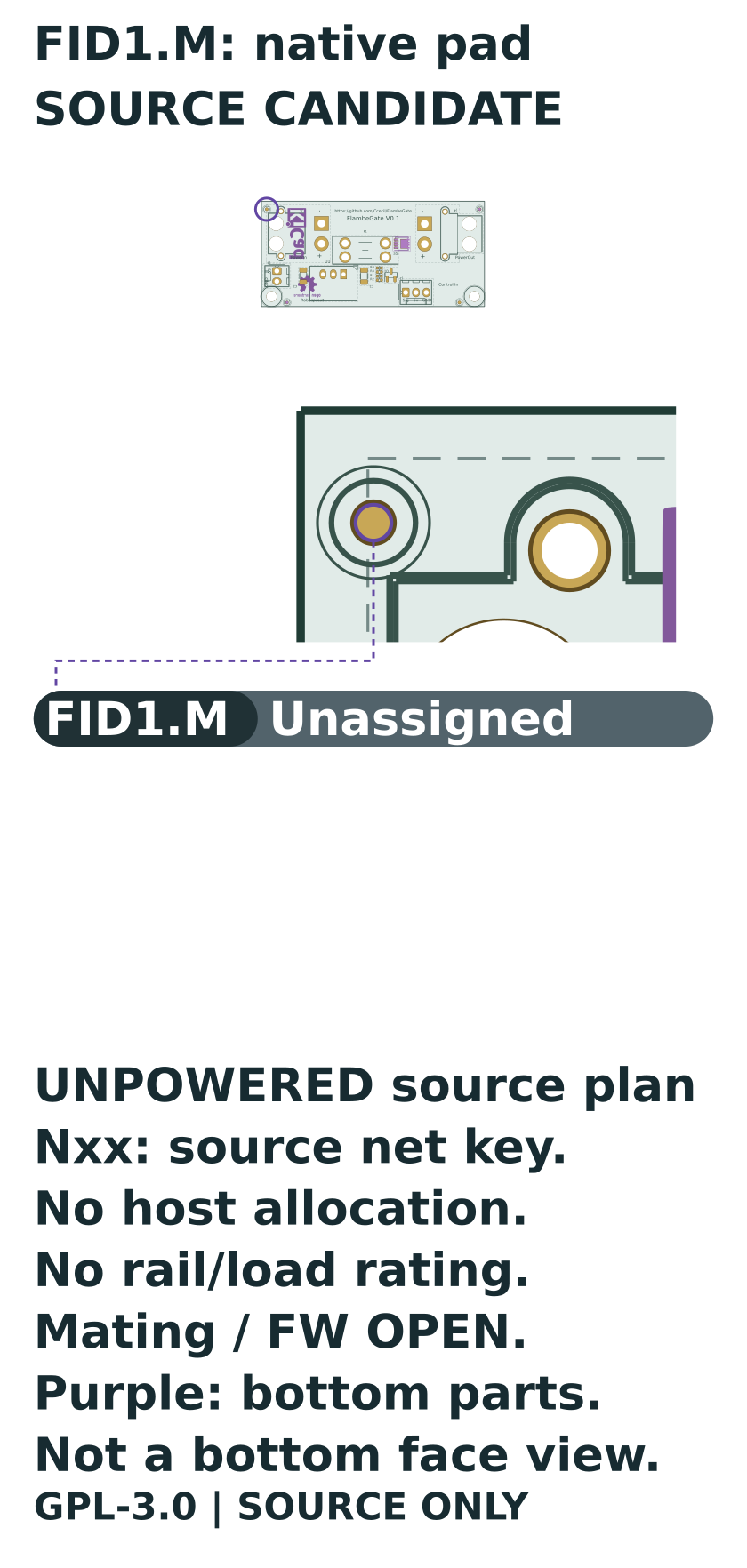
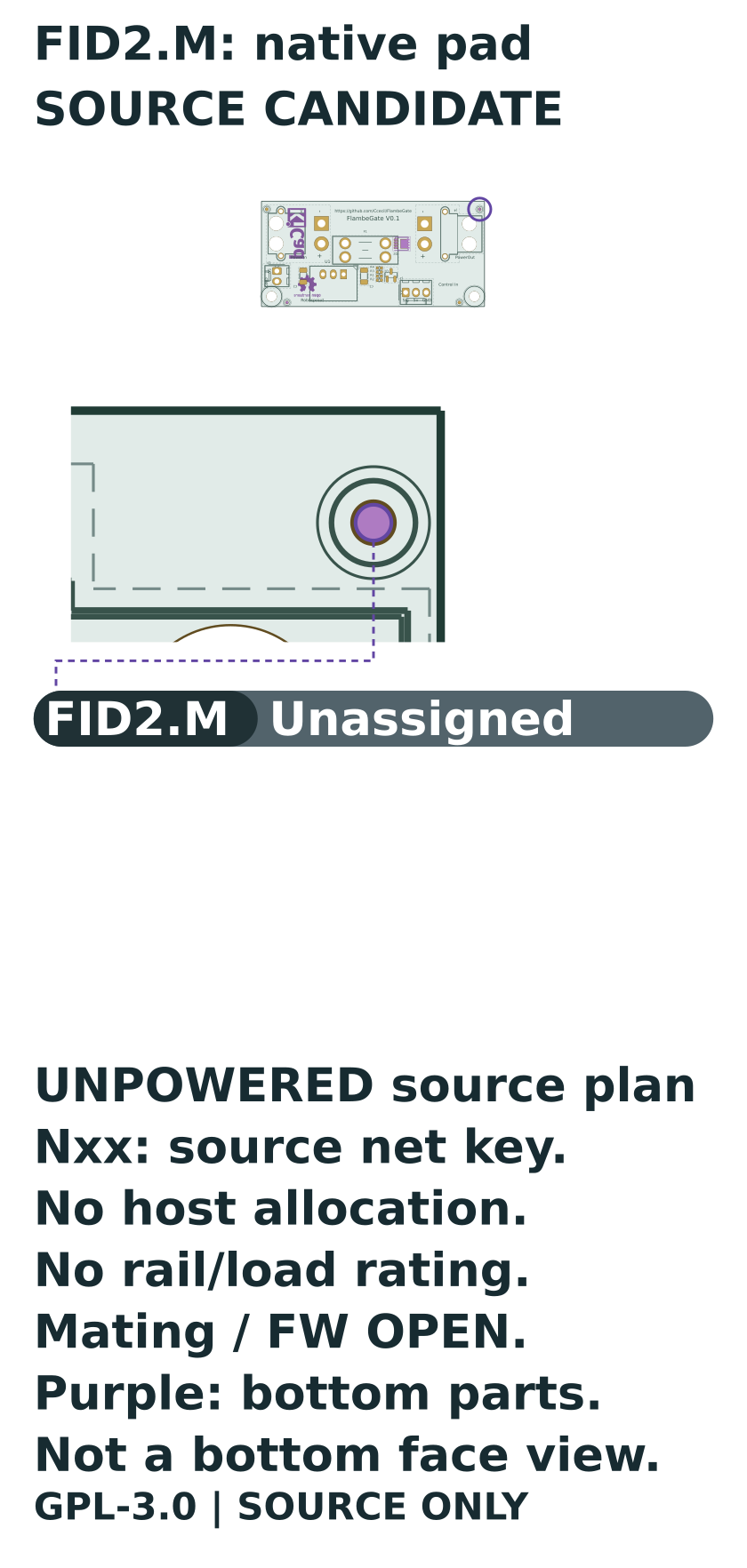
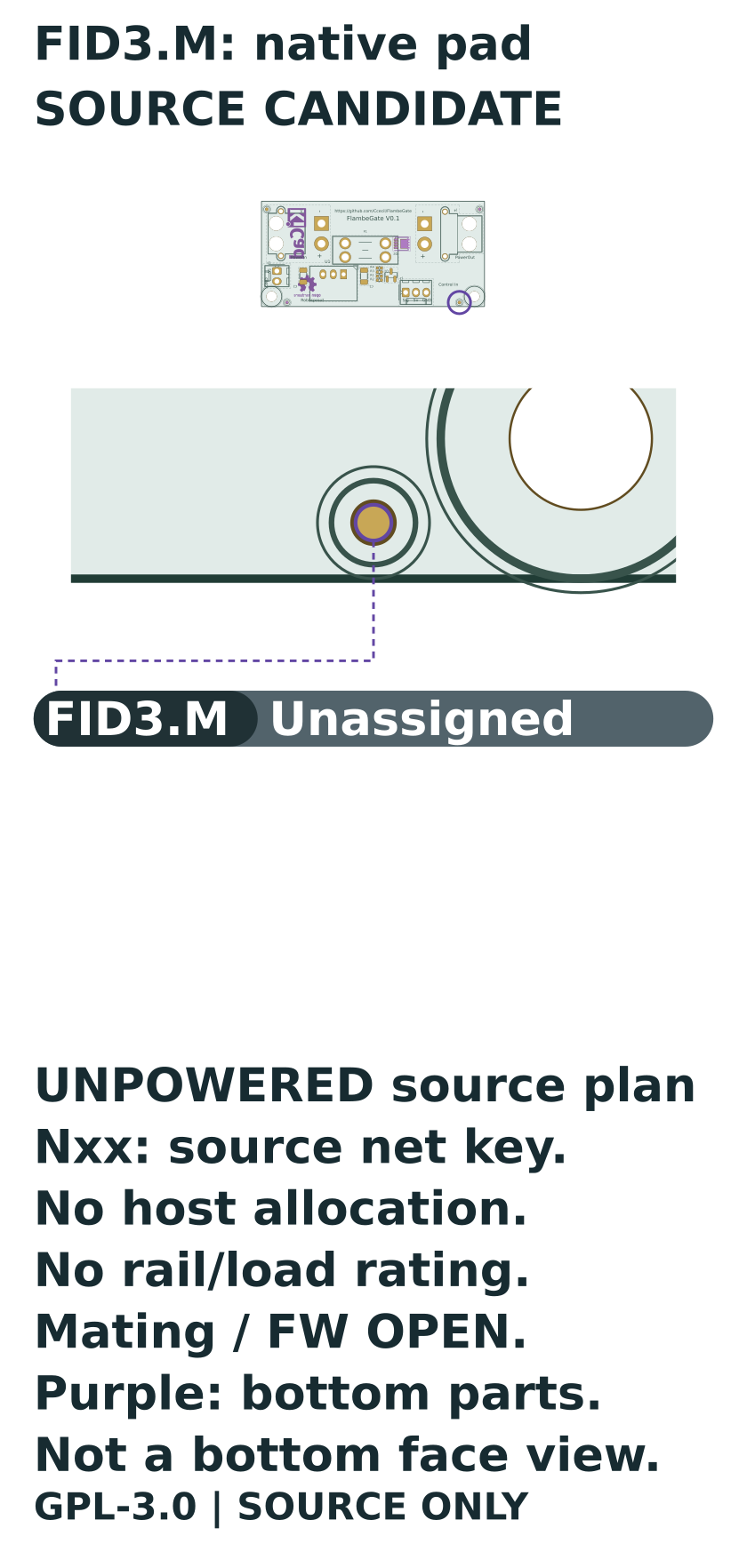
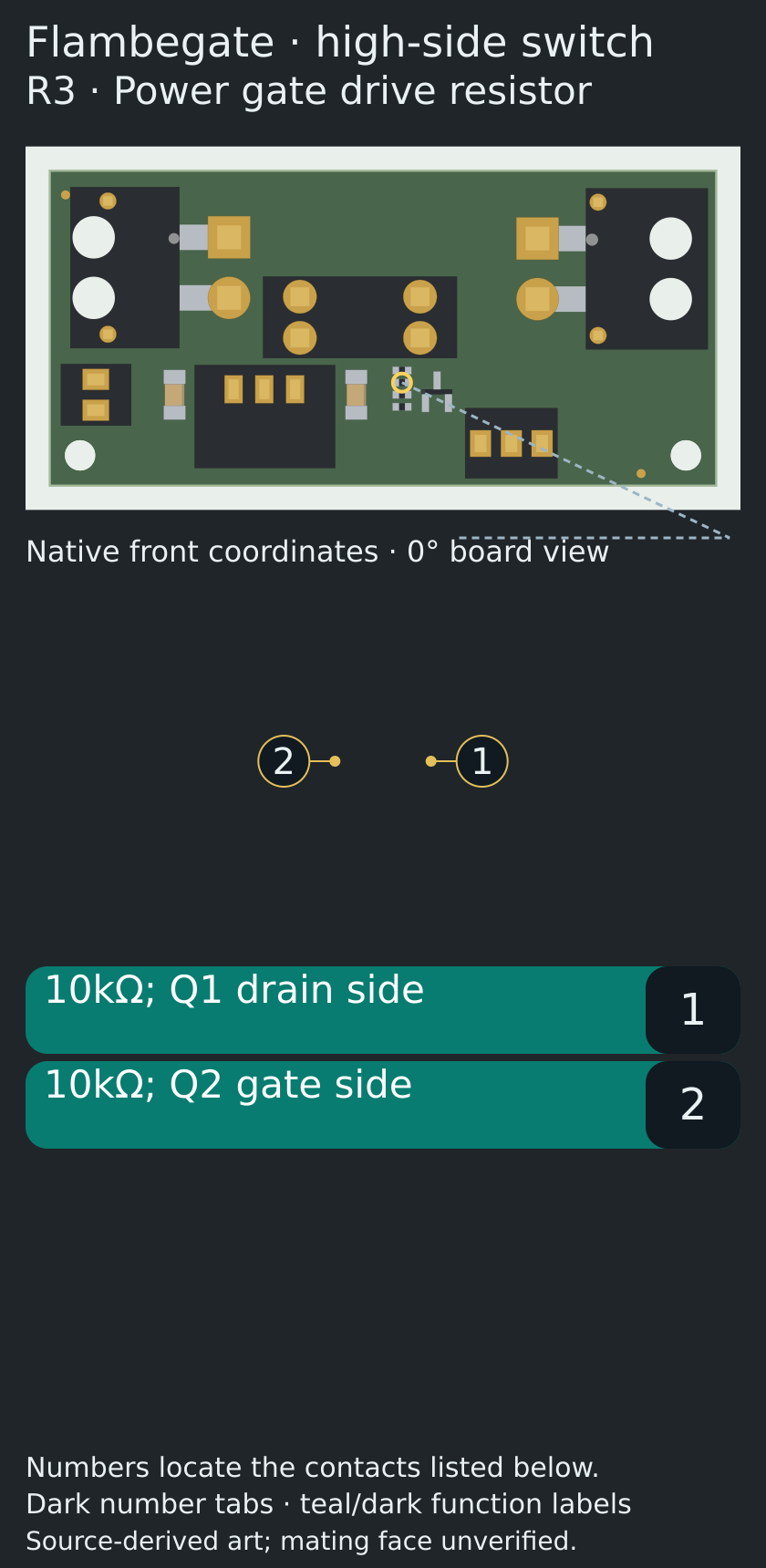
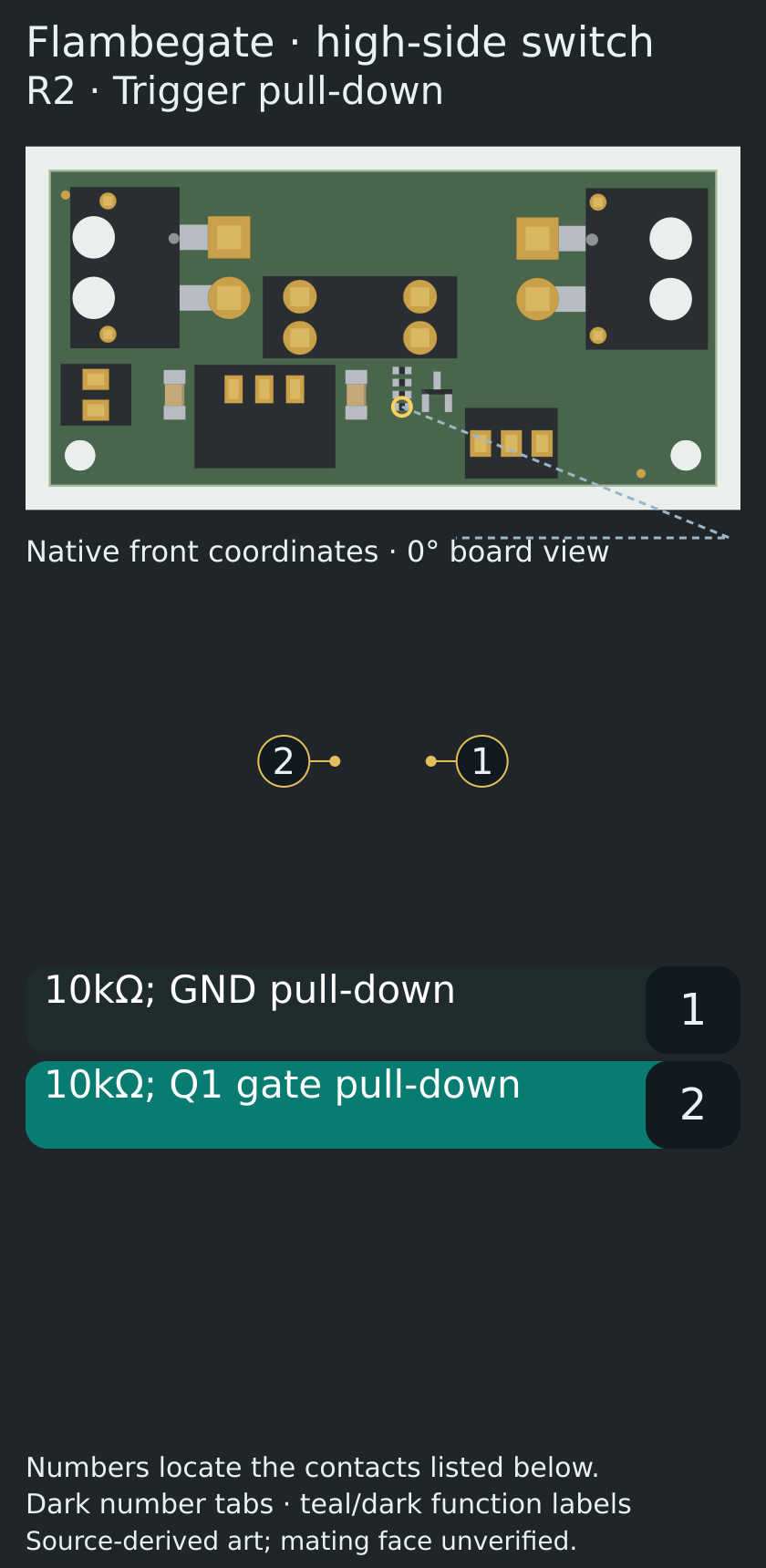
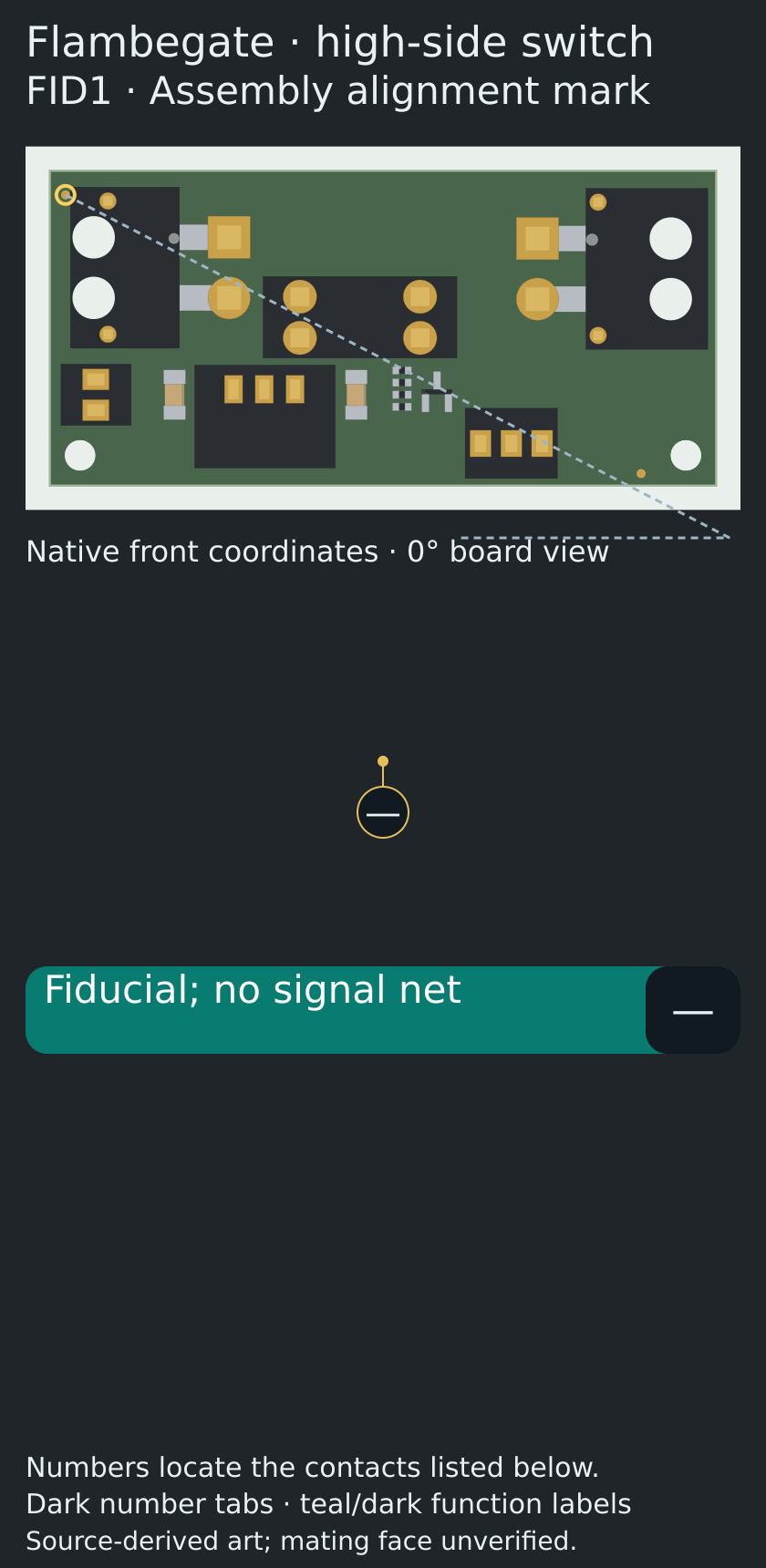
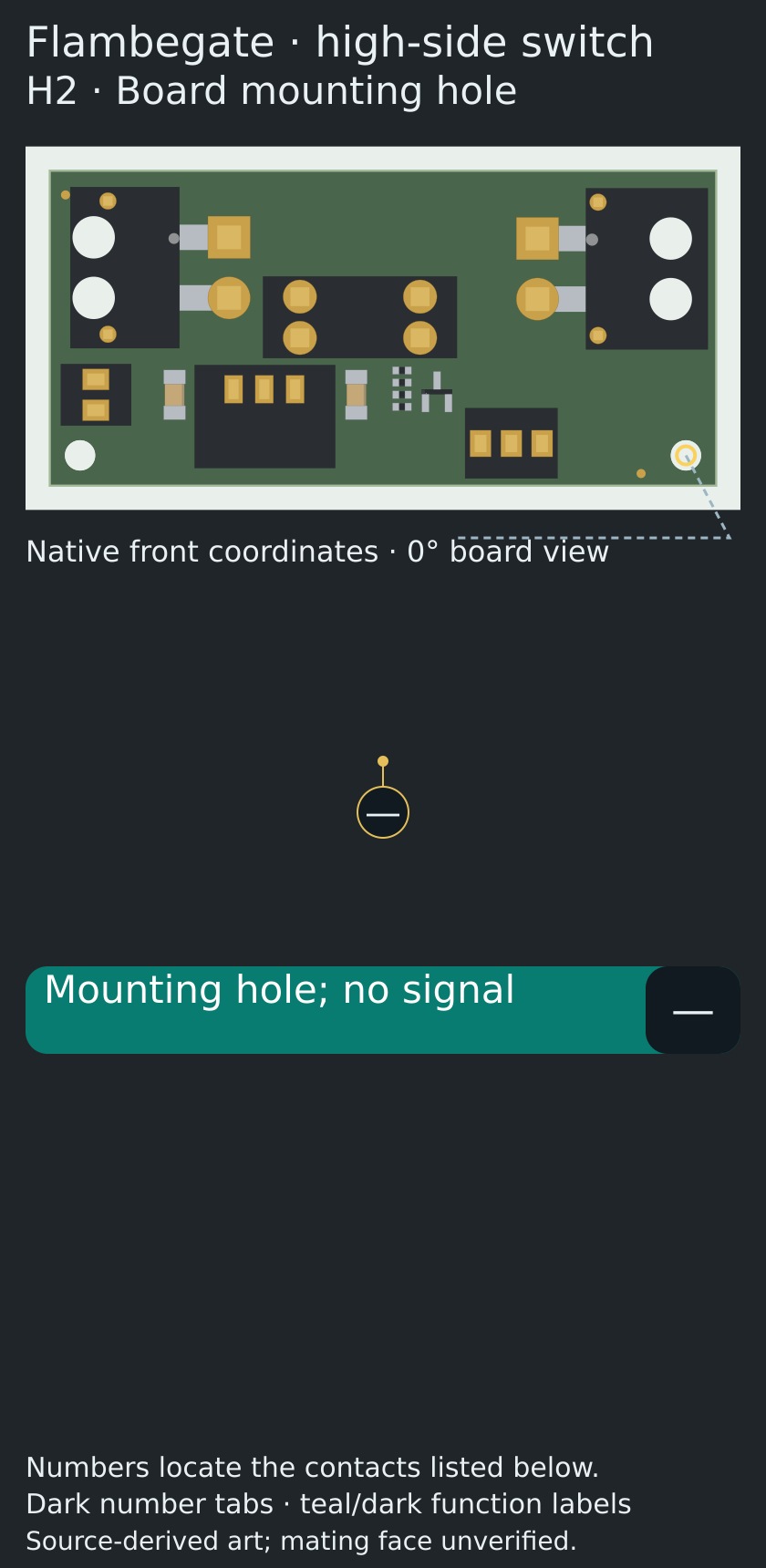
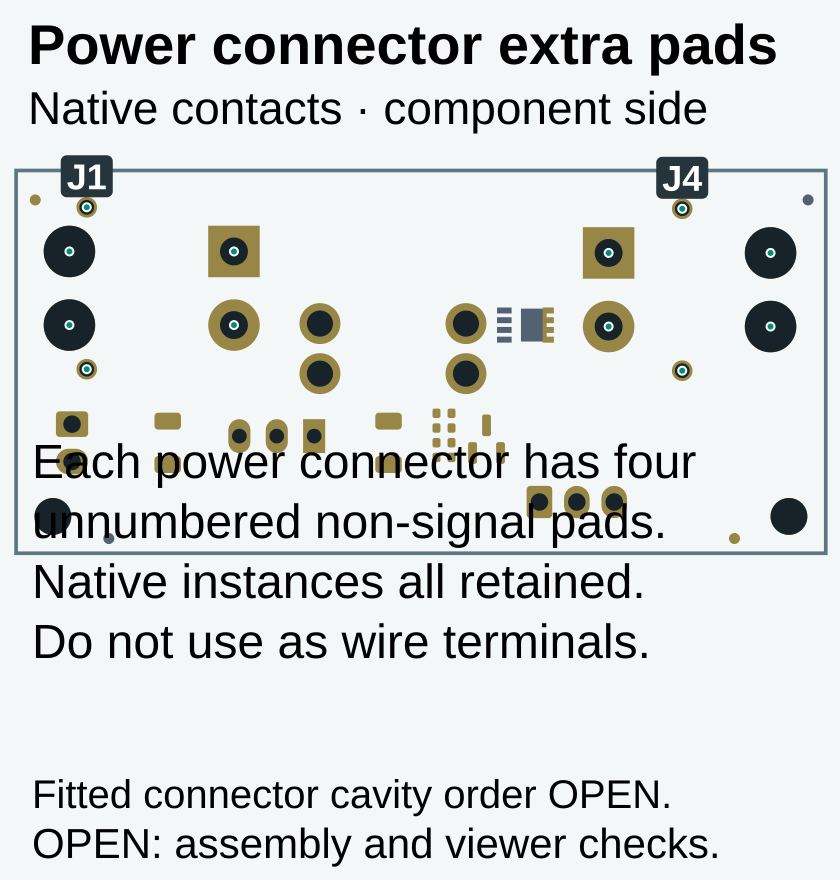
These newly source-derived drawings retain the selected native outline, footprints, pads and graphics with function callouts. They are not a recovered canonical abstract or a verified mating view. The Passthru net is distinct from ground. Fuse, load/current, thermal, supply and mating qualifications remain open; the source topology is not a qualified protection device. Host allocation, firmware and powered operation remain unqualified.
Board reference
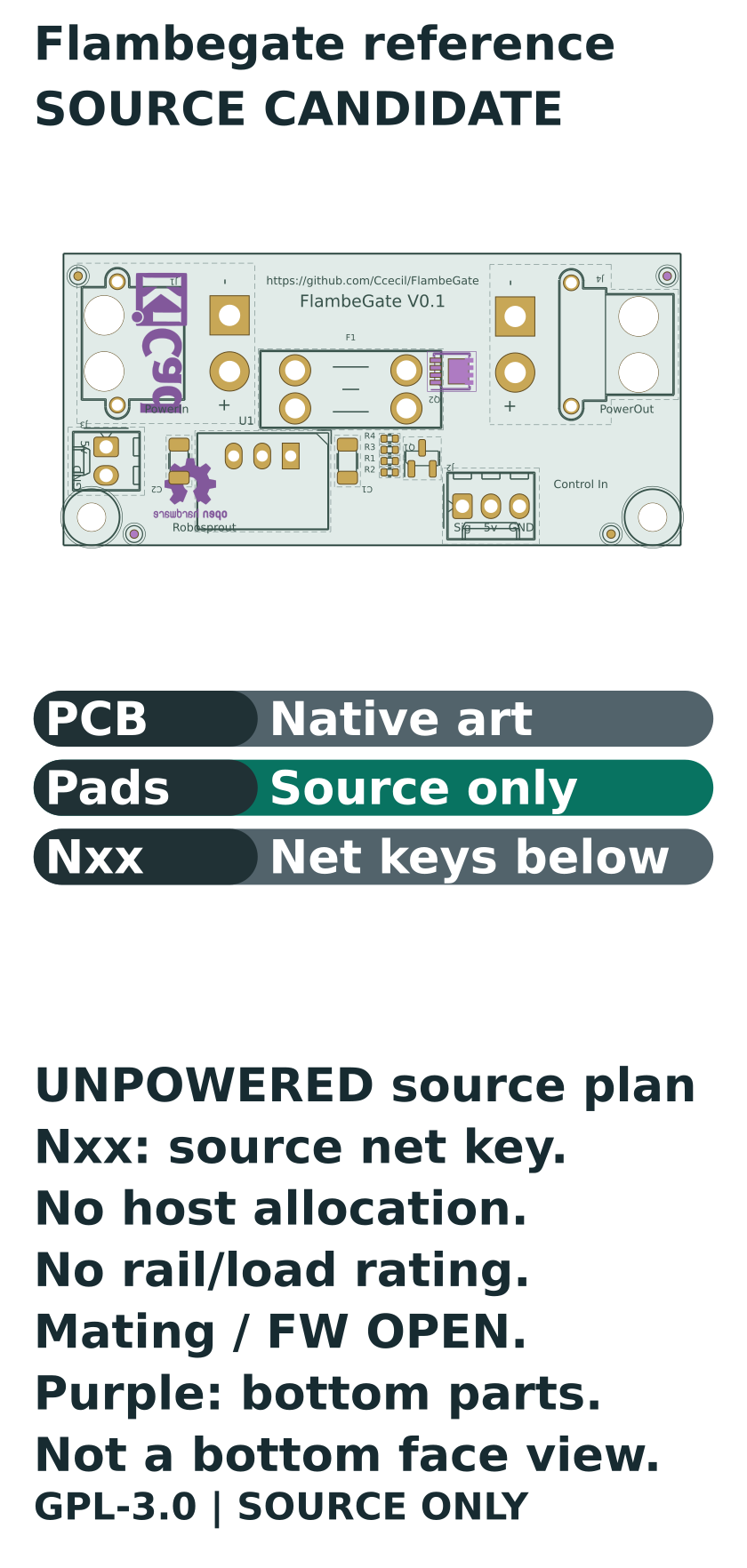
These function-labelled views retain the selected native source geometry. They are newly source-derived references, not a verified mating view.
Read labels at full size
Scroll across and down within this view. You can also open the PNG separately and use your browser’s zoom controls.
Fit shows the whole drawing. Zoom to read labels; scroll within the drawing. Escape closes the viewer.
Read labels at full size
Scroll across and down within this view. You can also open the PNG separately and use your browser’s zoom controls.
Fit shows the whole drawing. Zoom to read labels; scroll within the drawing. Escape closes the viewer.
Connector and component functions
Read labels at full size
Scroll across and down within this view. You can also open the PNG separately and use your browser’s zoom controls.
Fit shows the whole drawing. Zoom to read labels; scroll within the drawing. Escape closes the viewer.
Read labels at full size
Scroll across and down within this view. You can also open the PNG separately and use your browser’s zoom controls.
Fit shows the whole drawing. Zoom to read labels; scroll within the drawing. Escape closes the viewer.
Read labels at full size
Scroll across and down within this view. You can also open the PNG separately and use your browser’s zoom controls.
Fit shows the whole drawing. Zoom to read labels; scroll within the drawing. Escape closes the viewer.
Read labels at full size
Scroll across and down within this view. You can also open the PNG separately and use your browser’s zoom controls.
Fit shows the whole drawing. Zoom to read labels; scroll within the drawing. Escape closes the viewer.
Read labels at full size
Scroll across and down within this view. You can also open the PNG separately and use your browser’s zoom controls.
Fit shows the whole drawing. Zoom to read labels; scroll within the drawing. Escape closes the viewer.
Read labels at full size
Scroll across and down within this view. You can also open the PNG separately and use your browser’s zoom controls.
Fit shows the whole drawing. Zoom to read labels; scroll within the drawing. Escape closes the viewer.
Read labels at full size
Scroll across and down within this view. You can also open the PNG separately and use your browser’s zoom controls.
Fit shows the whole drawing. Zoom to read labels; scroll within the drawing. Escape closes the viewer.
Read labels at full size
Scroll across and down within this view. You can also open the PNG separately and use your browser’s zoom controls.
Fit shows the whole drawing. Zoom to read labels; scroll within the drawing. Escape closes the viewer.
Read labels at full size
Scroll across and down within this view. You can also open the PNG separately and use your browser’s zoom controls.
Fit shows the whole drawing. Zoom to read labels; scroll within the drawing. Escape closes the viewer.
Read labels at full size
Scroll across and down within this view. You can also open the PNG separately and use your browser’s zoom controls.
Fit shows the whole drawing. Zoom to read labels; scroll within the drawing. Escape closes the viewer.
Read labels at full size
Scroll across and down within this view. You can also open the PNG separately and use your browser’s zoom controls.
Fit shows the whole drawing. Zoom to read labels; scroll within the drawing. Escape closes the viewer.
Read labels at full size
Scroll across and down within this view. You can also open the PNG separately and use your browser’s zoom controls.
Fit shows the whole drawing. Zoom to read labels; scroll within the drawing. Escape closes the viewer.
Read labels at full size
Scroll across and down within this view. You can also open the PNG separately and use your browser’s zoom controls.
Fit shows the whole drawing. Zoom to read labels; scroll within the drawing. Escape closes the viewer.
Read labels at full size
Scroll across and down within this view. You can also open the PNG separately and use your browser’s zoom controls.
Fit shows the whole drawing. Zoom to read labels; scroll within the drawing. Escape closes the viewer.
Read labels at full size
Scroll across and down within this view. You can also open the PNG separately and use your browser’s zoom controls.
Fit shows the whole drawing. Zoom to read labels; scroll within the drawing. Escape closes the viewer.
Read labels at full size
Scroll across and down within this view. You can also open the PNG separately and use your browser’s zoom controls.
Fit shows the whole drawing. Zoom to read labels; scroll within the drawing. Escape closes the viewer.
Original contact audits and supplementary source views
Read labels at full size
Scroll across and down within this view. You can also open the PNG separately and use your browser’s zoom controls.
Fit shows the whole drawing. Zoom to read labels; scroll within the drawing. Escape closes the viewer.
Read labels at full size
Scroll across and down within this view. You can also open the PNG separately and use your browser’s zoom controls.
Fit shows the whole drawing. Zoom to read labels; scroll within the drawing. Escape closes the viewer.
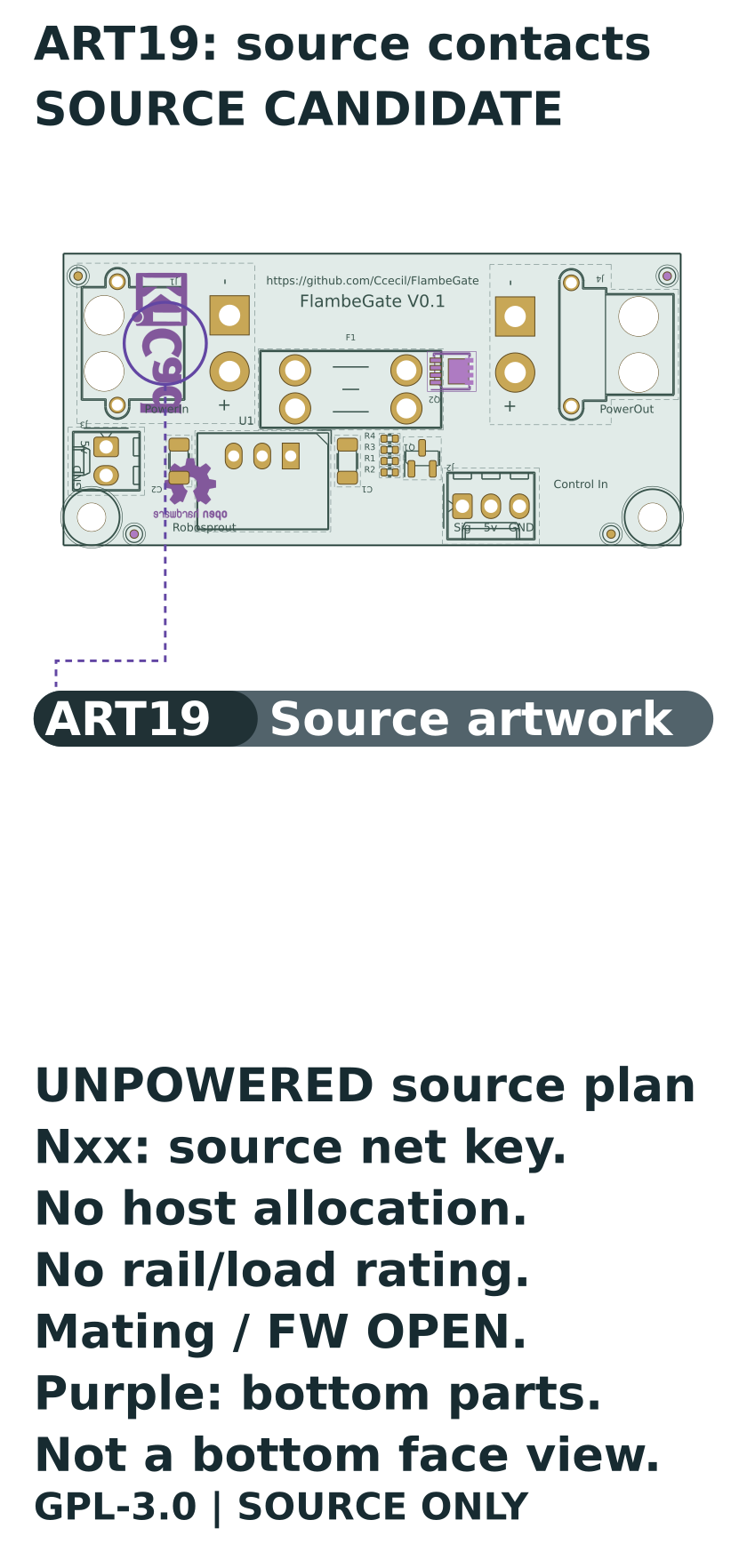
Read labels at full size
Scroll across and down within this view. You can also open the PNG separately and use your browser’s zoom controls.
Fit shows the whole drawing. Zoom to read labels; scroll within the drawing. Escape closes the viewer.
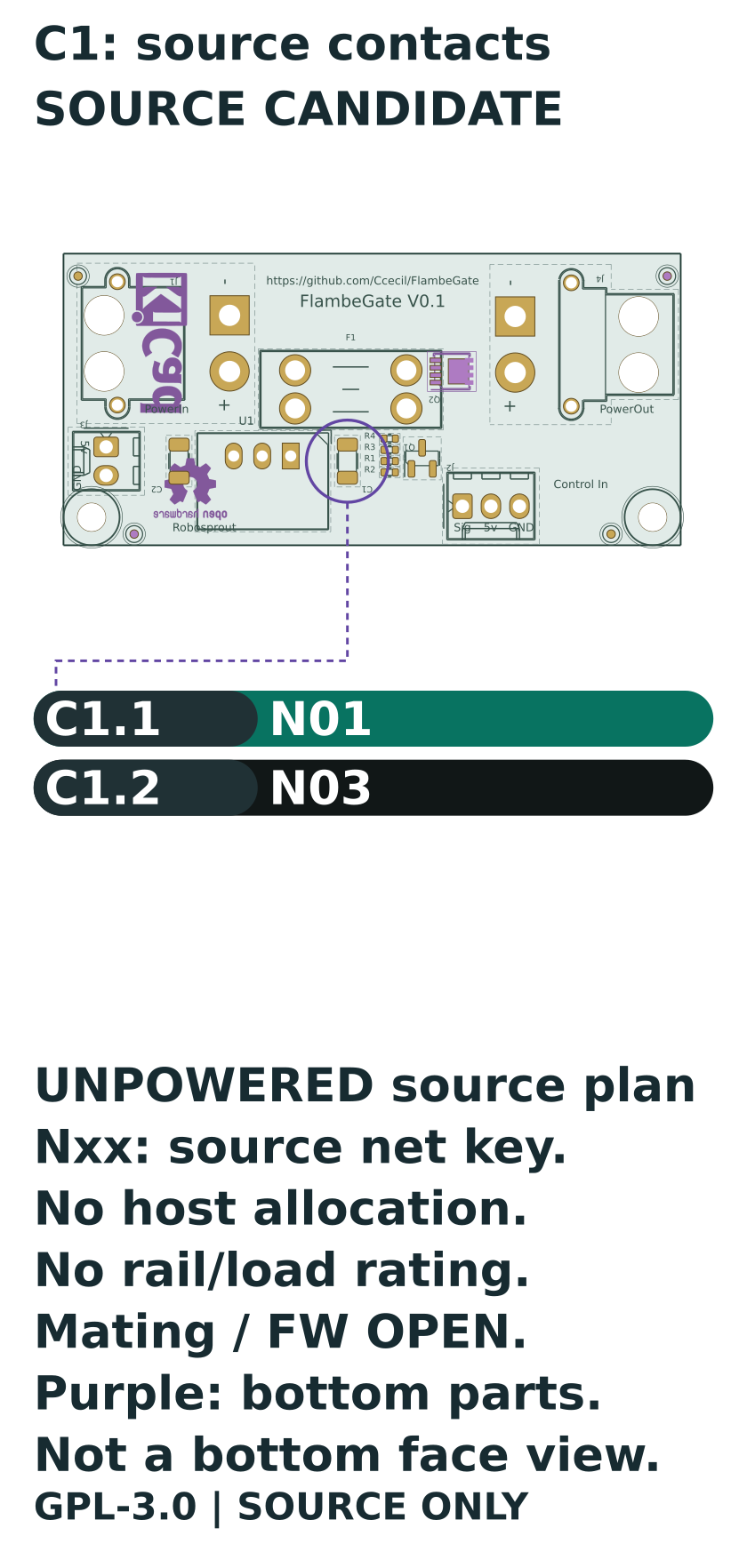
Read labels at full size
Scroll across and down within this view. You can also open the PNG separately and use your browser’s zoom controls.
Fit shows the whole drawing. Zoom to read labels; scroll within the drawing. Escape closes the viewer.
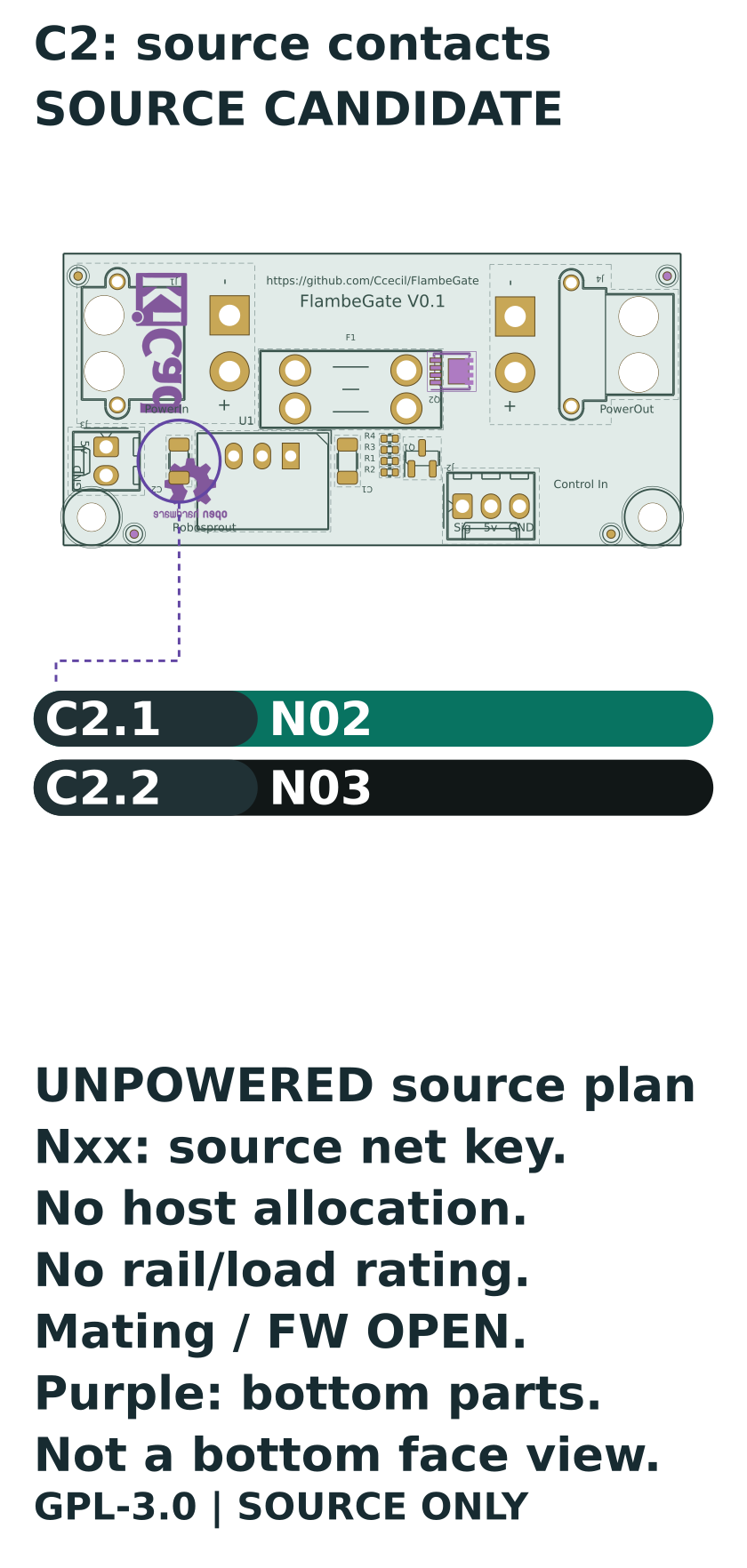
Read labels at full size
Scroll across and down within this view. You can also open the PNG separately and use your browser’s zoom controls.
Fit shows the whole drawing. Zoom to read labels; scroll within the drawing. Escape closes the viewer.
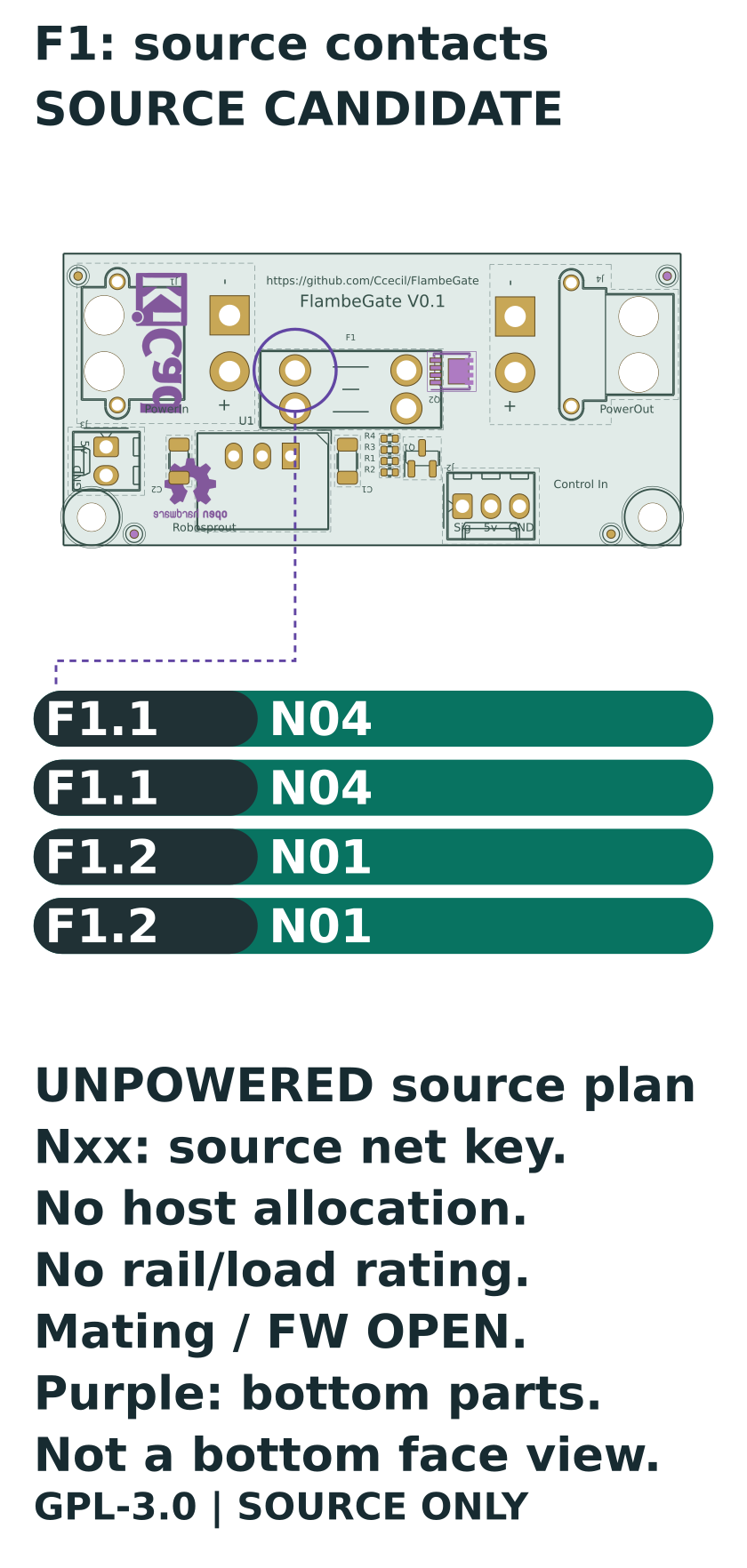
Read labels at full size
Scroll across and down within this view. You can also open the PNG separately and use your browser’s zoom controls.
Fit shows the whole drawing. Zoom to read labels; scroll within the drawing. Escape closes the viewer.
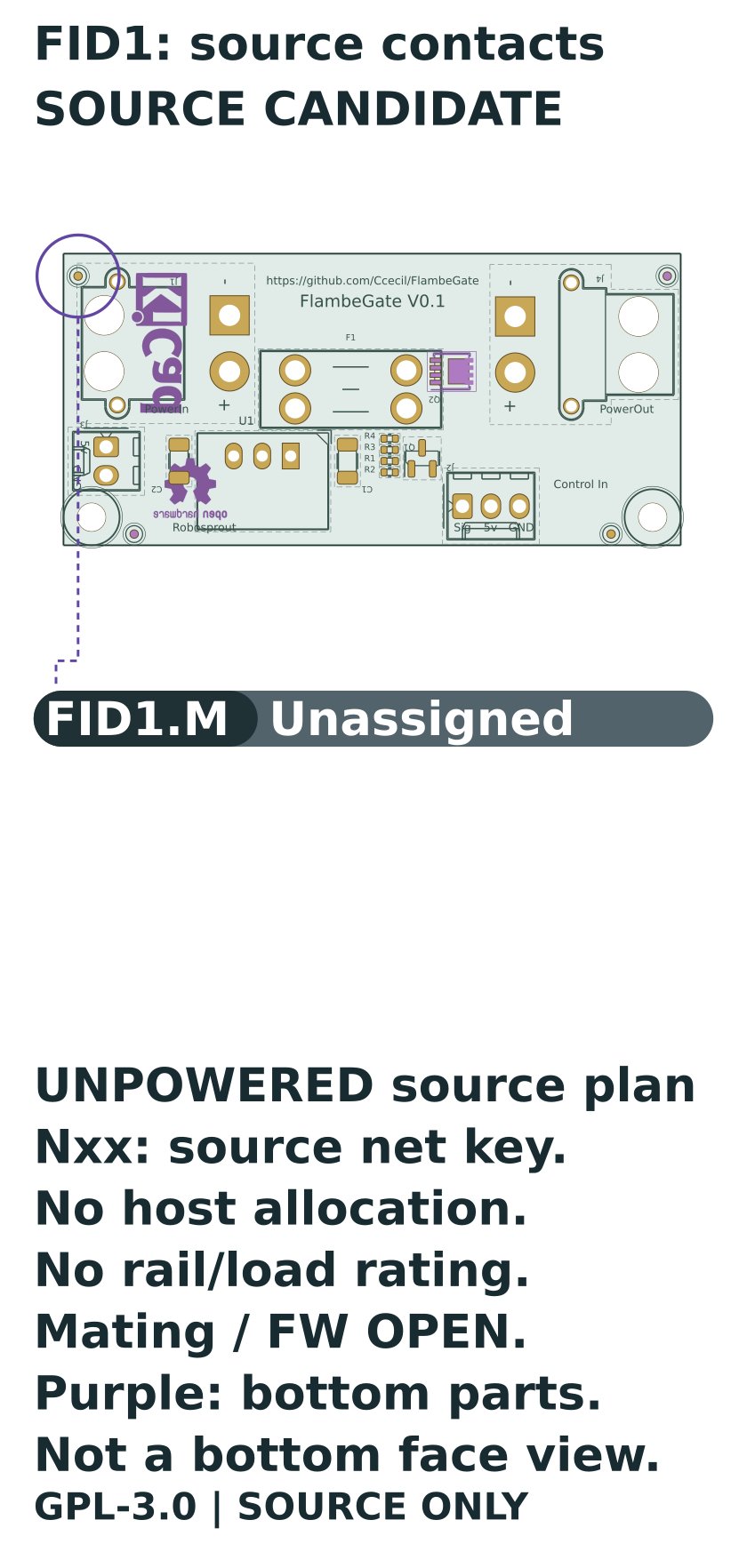
Read labels at full size
Scroll across and down within this view. You can also open the PNG separately and use your browser’s zoom controls.
Fit shows the whole drawing. Zoom to read labels; scroll within the drawing. Escape closes the viewer.
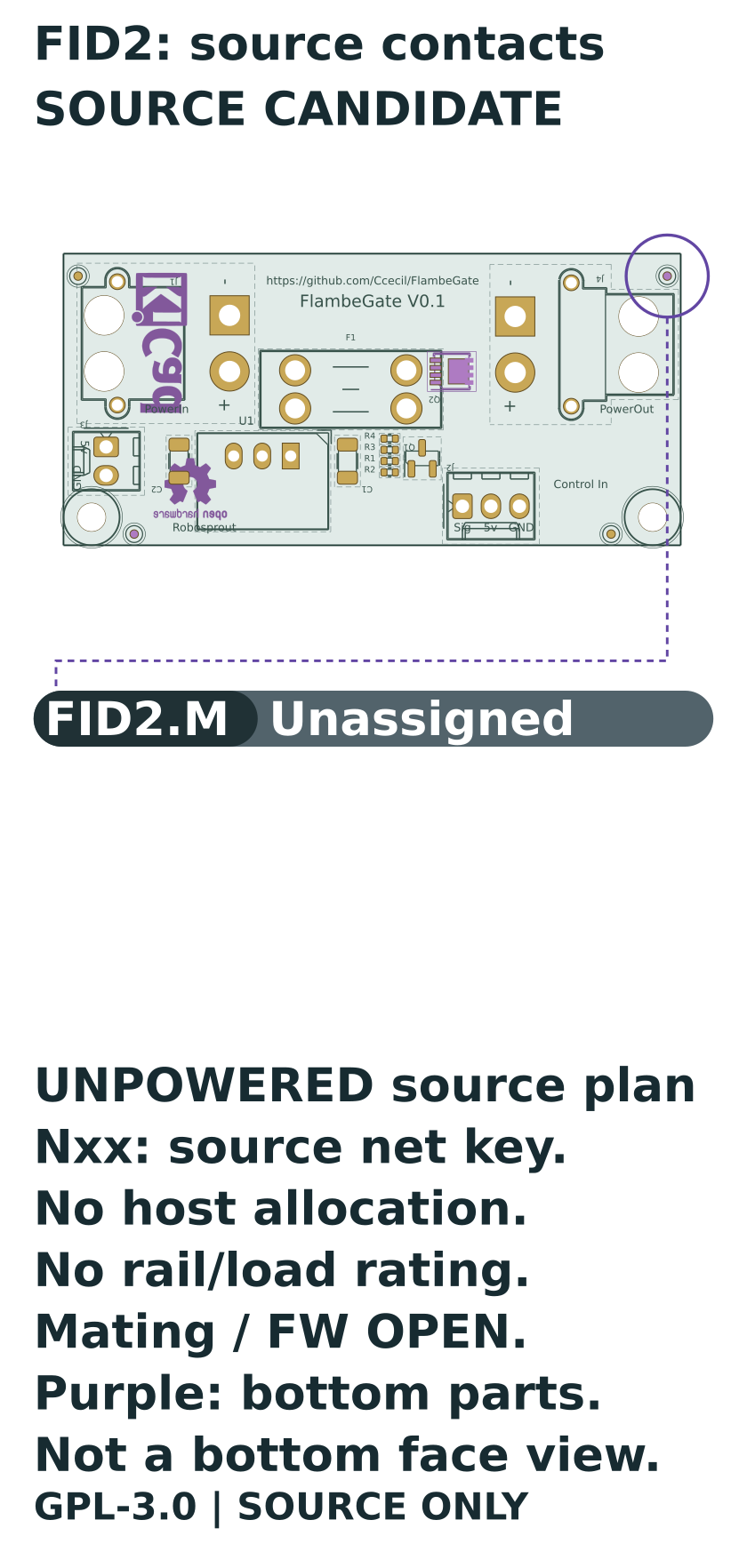
Read labels at full size
Scroll across and down within this view. You can also open the PNG separately and use your browser’s zoom controls.
Fit shows the whole drawing. Zoom to read labels; scroll within the drawing. Escape closes the viewer.
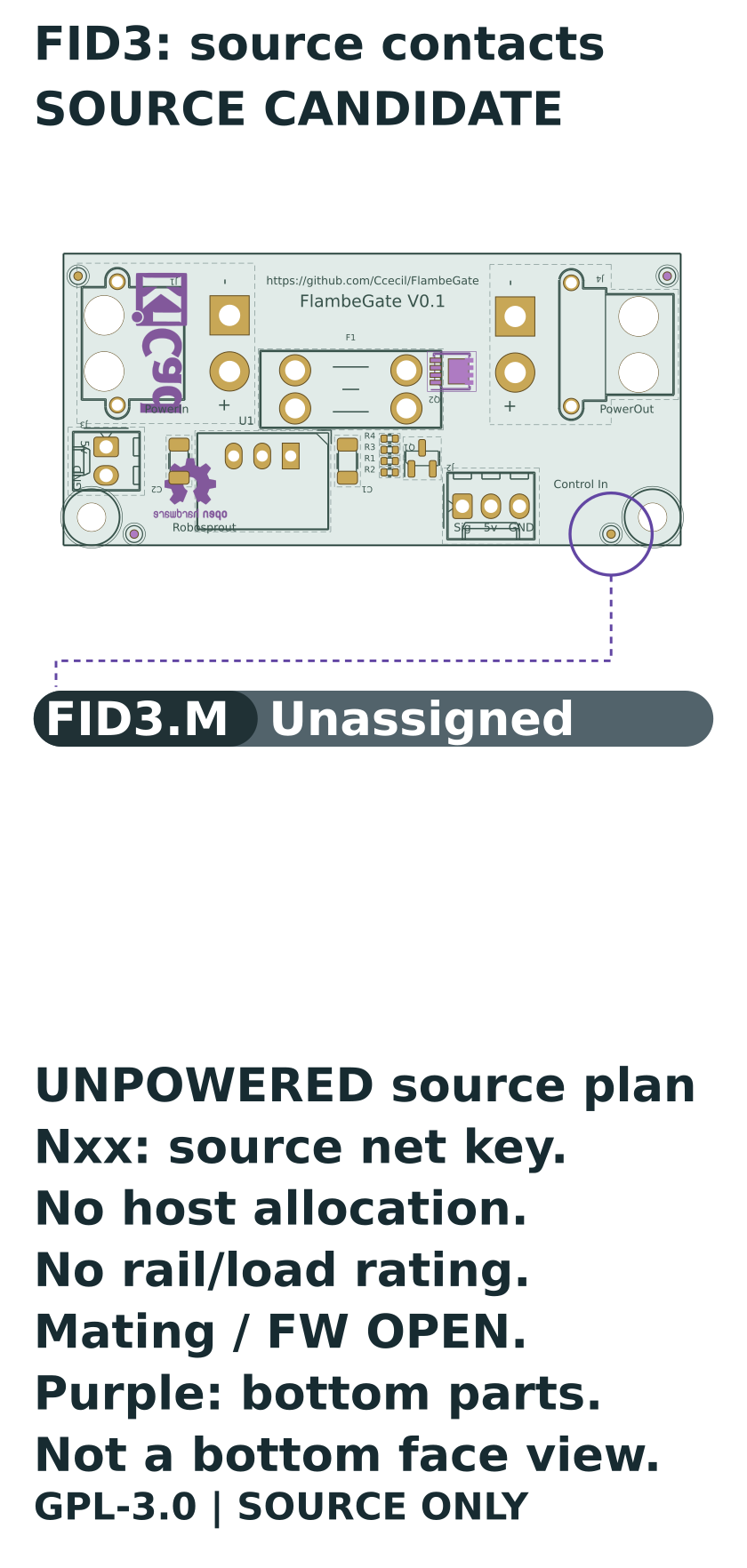
Read labels at full size
Scroll across and down within this view. You can also open the PNG separately and use your browser’s zoom controls.
Fit shows the whole drawing. Zoom to read labels; scroll within the drawing. Escape closes the viewer.
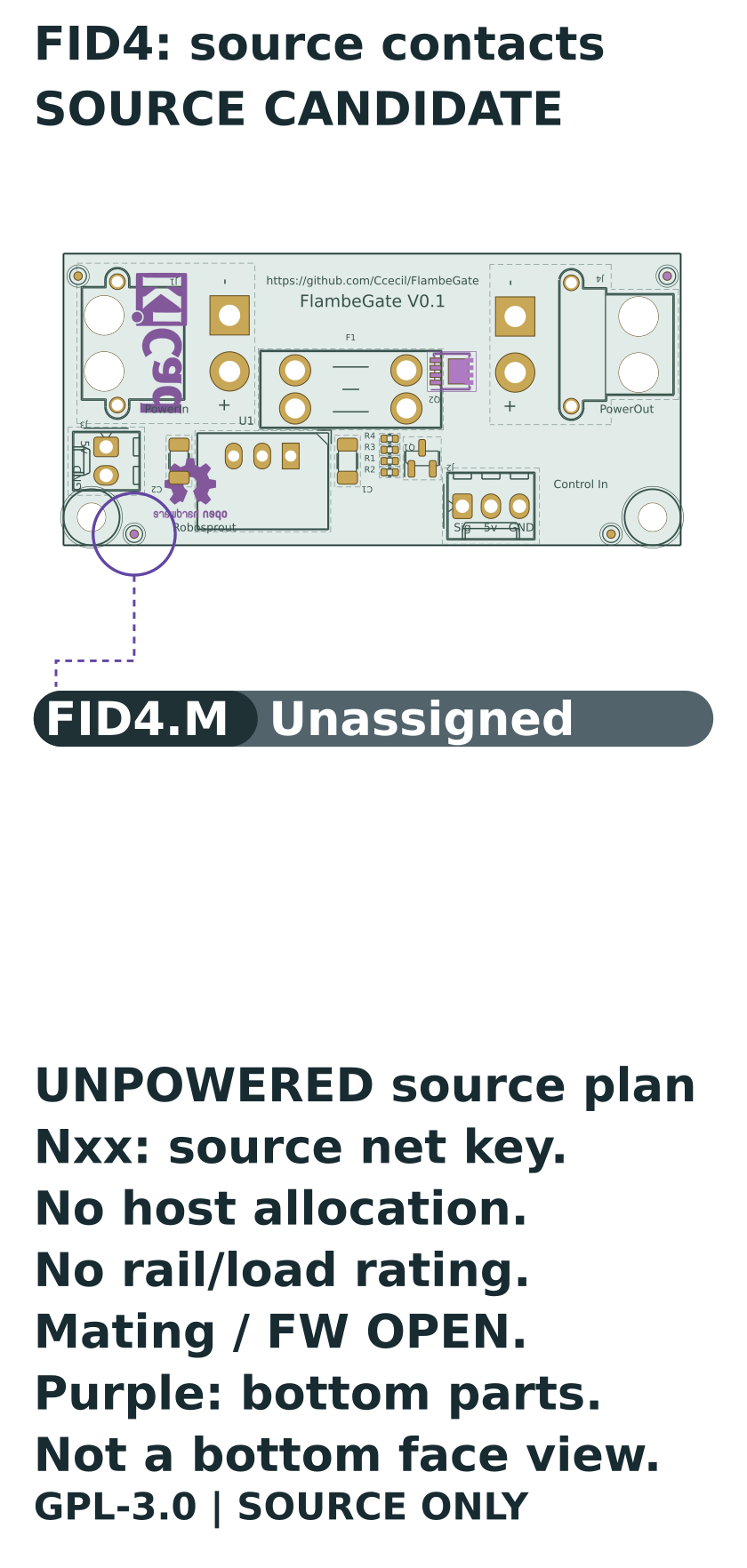
Read labels at full size
Scroll across and down within this view. You can also open the PNG separately and use your browser’s zoom controls.
Fit shows the whole drawing. Zoom to read labels; scroll within the drawing. Escape closes the viewer.
Read labels at full size
Scroll across and down within this view. You can also open the PNG separately and use your browser’s zoom controls.
Fit shows the whole drawing. Zoom to read labels; scroll within the drawing. Escape closes the viewer.
Read labels at full size
Scroll across and down within this view. You can also open the PNG separately and use your browser’s zoom controls.
Fit shows the whole drawing. Zoom to read labels; scroll within the drawing. Escape closes the viewer.
Read labels at full size
Scroll across and down within this view. You can also open the PNG separately and use your browser’s zoom controls.
Fit shows the whole drawing. Zoom to read labels; scroll within the drawing. Escape closes the viewer.
Read labels at full size
Scroll across and down within this view. You can also open the PNG separately and use your browser’s zoom controls.
Fit shows the whole drawing. Zoom to read labels; scroll within the drawing. Escape closes the viewer.
Read labels at full size
Scroll across and down within this view. You can also open the PNG separately and use your browser’s zoom controls.
Fit shows the whole drawing. Zoom to read labels; scroll within the drawing. Escape closes the viewer.
Read labels at full size
Scroll across and down within this view. You can also open the PNG separately and use your browser’s zoom controls.
Fit shows the whole drawing. Zoom to read labels; scroll within the drawing. Escape closes the viewer.
Read labels at full size
Scroll across and down within this view. You can also open the PNG separately and use your browser’s zoom controls.
Fit shows the whole drawing. Zoom to read labels; scroll within the drawing. Escape closes the viewer.
Read labels at full size
Scroll across and down within this view. You can also open the PNG separately and use your browser’s zoom controls.
Fit shows the whole drawing. Zoom to read labels; scroll within the drawing. Escape closes the viewer.
Read labels at full size
Scroll across and down within this view. You can also open the PNG separately and use your browser’s zoom controls.
Fit shows the whole drawing. Zoom to read labels; scroll within the drawing. Escape closes the viewer.
Read labels at full size
Scroll across and down within this view. You can also open the PNG separately and use your browser’s zoom controls.
Fit shows the whole drawing. Zoom to read labels; scroll within the drawing. Escape closes the viewer.
Read labels at full size
Scroll across and down within this view. You can also open the PNG separately and use your browser’s zoom controls.
Fit shows the whole drawing. Zoom to read labels; scroll within the drawing. Escape closes the viewer.
Read labels at full size
Scroll across and down within this view. You can also open the PNG separately and use your browser’s zoom controls.
Fit shows the whole drawing. Zoom to read labels; scroll within the drawing. Escape closes the viewer.
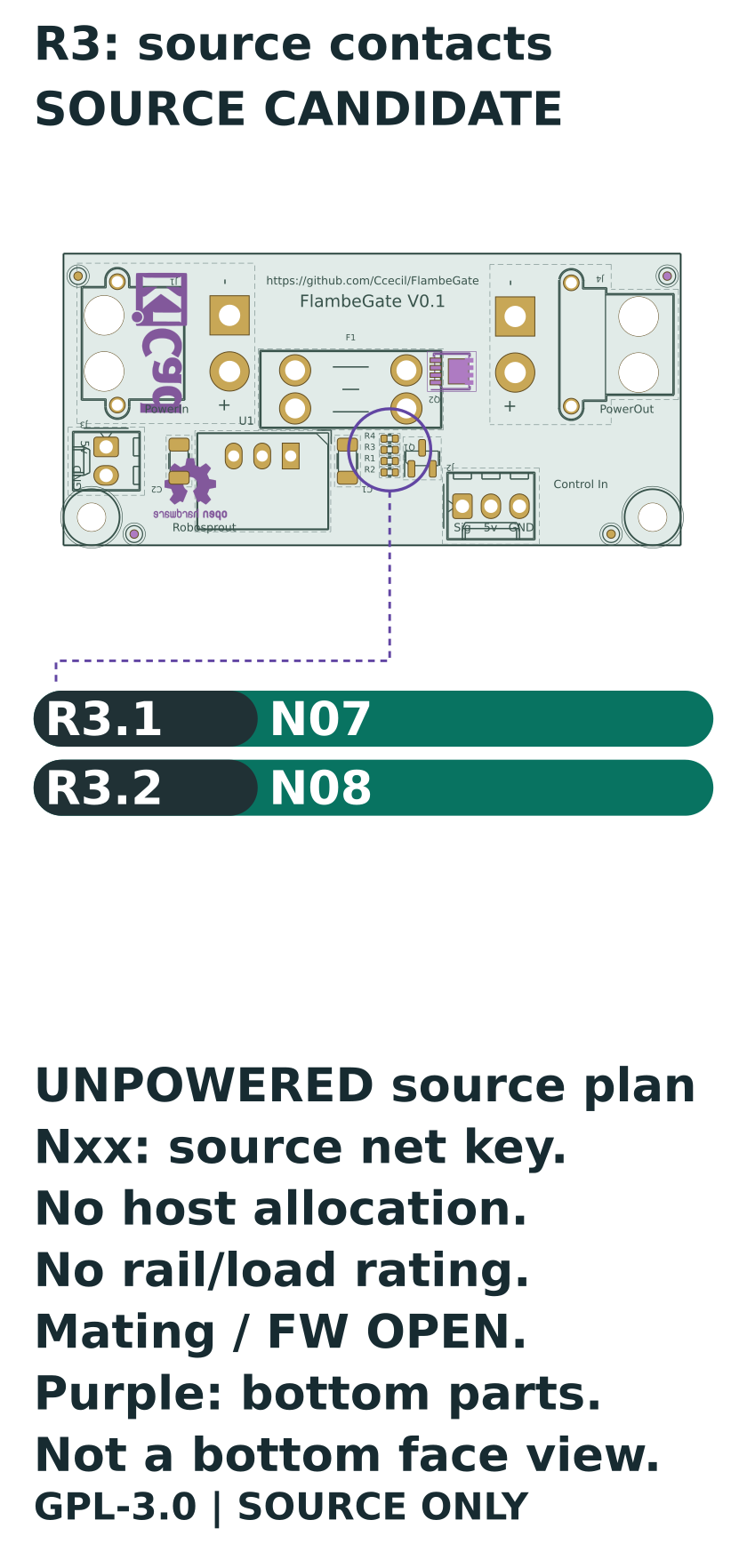
Read labels at full size
Scroll across and down within this view. You can also open the PNG separately and use your browser’s zoom controls.
Fit shows the whole drawing. Zoom to read labels; scroll within the drawing. Escape closes the viewer.
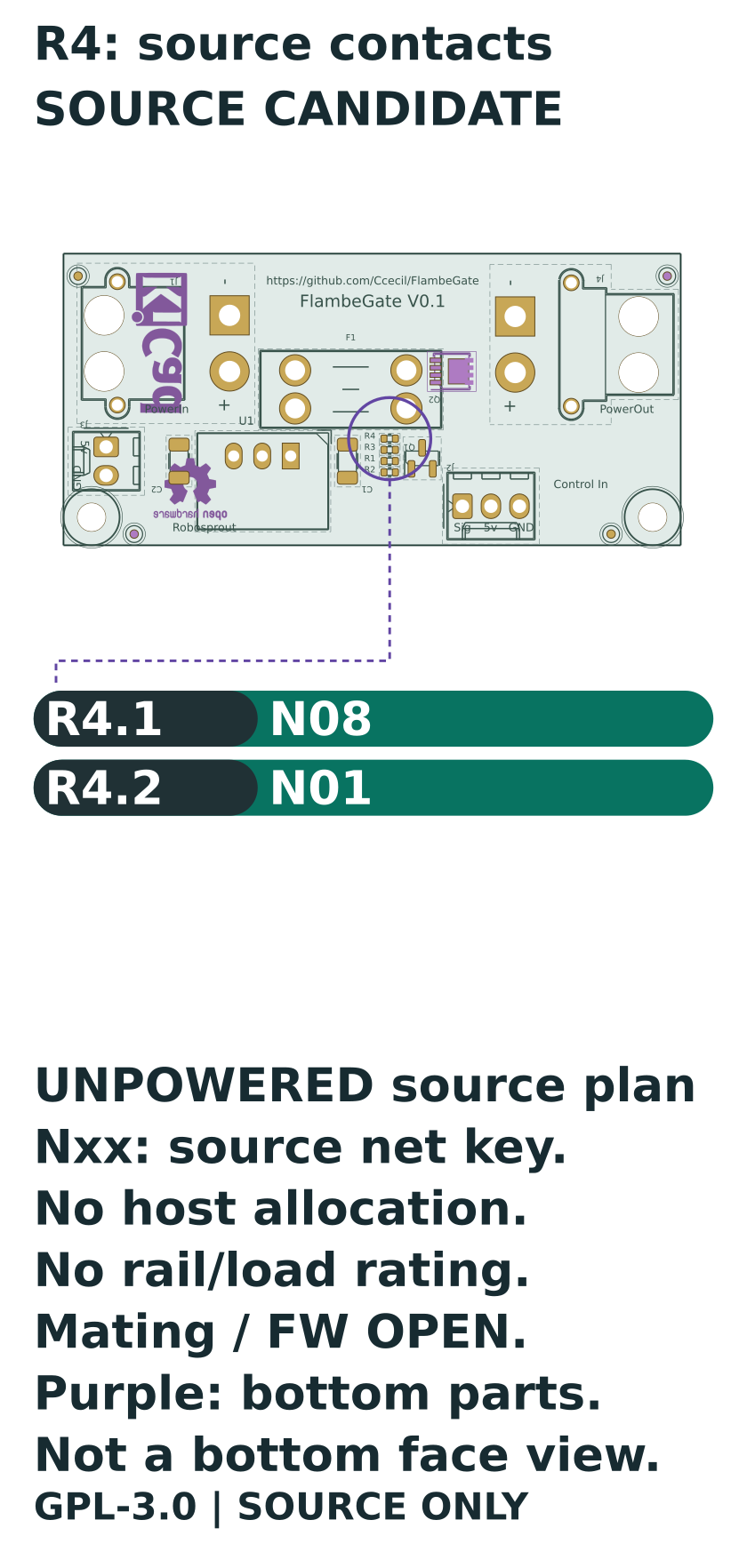
Read labels at full size
Scroll across and down within this view. You can also open the PNG separately and use your browser’s zoom controls.
Fit shows the whole drawing. Zoom to read labels; scroll within the drawing. Escape closes the viewer.
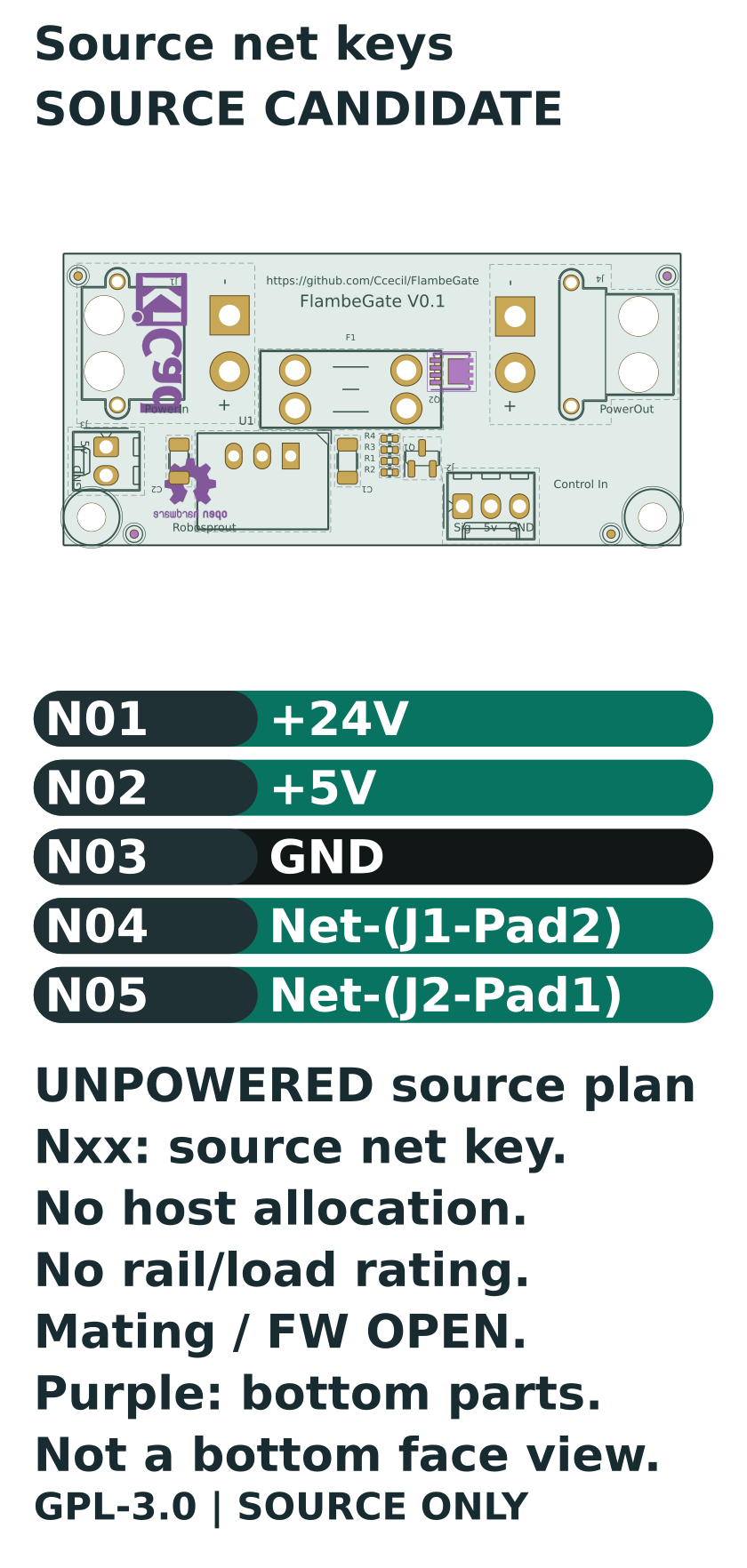
Read labels at full size
Scroll across and down within this view. You can also open the PNG separately and use your browser’s zoom controls.
Fit shows the whole drawing. Zoom to read labels; scroll within the drawing. Escape closes the viewer.
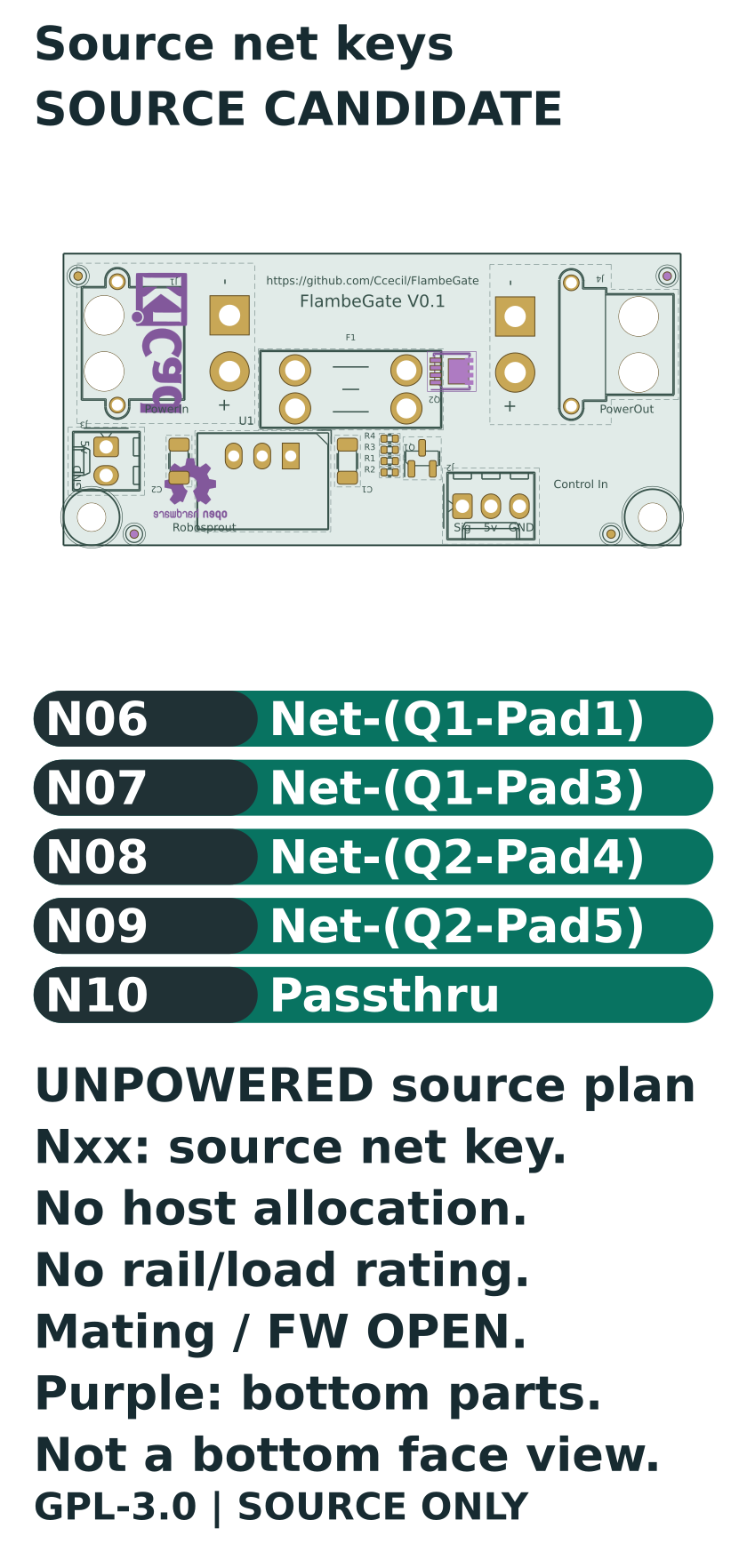
Read labels at full size
Scroll across and down within this view. You can also open the PNG separately and use your browser’s zoom controls.
Fit shows the whole drawing. Zoom to read labels; scroll within the drawing. Escape closes the viewer.
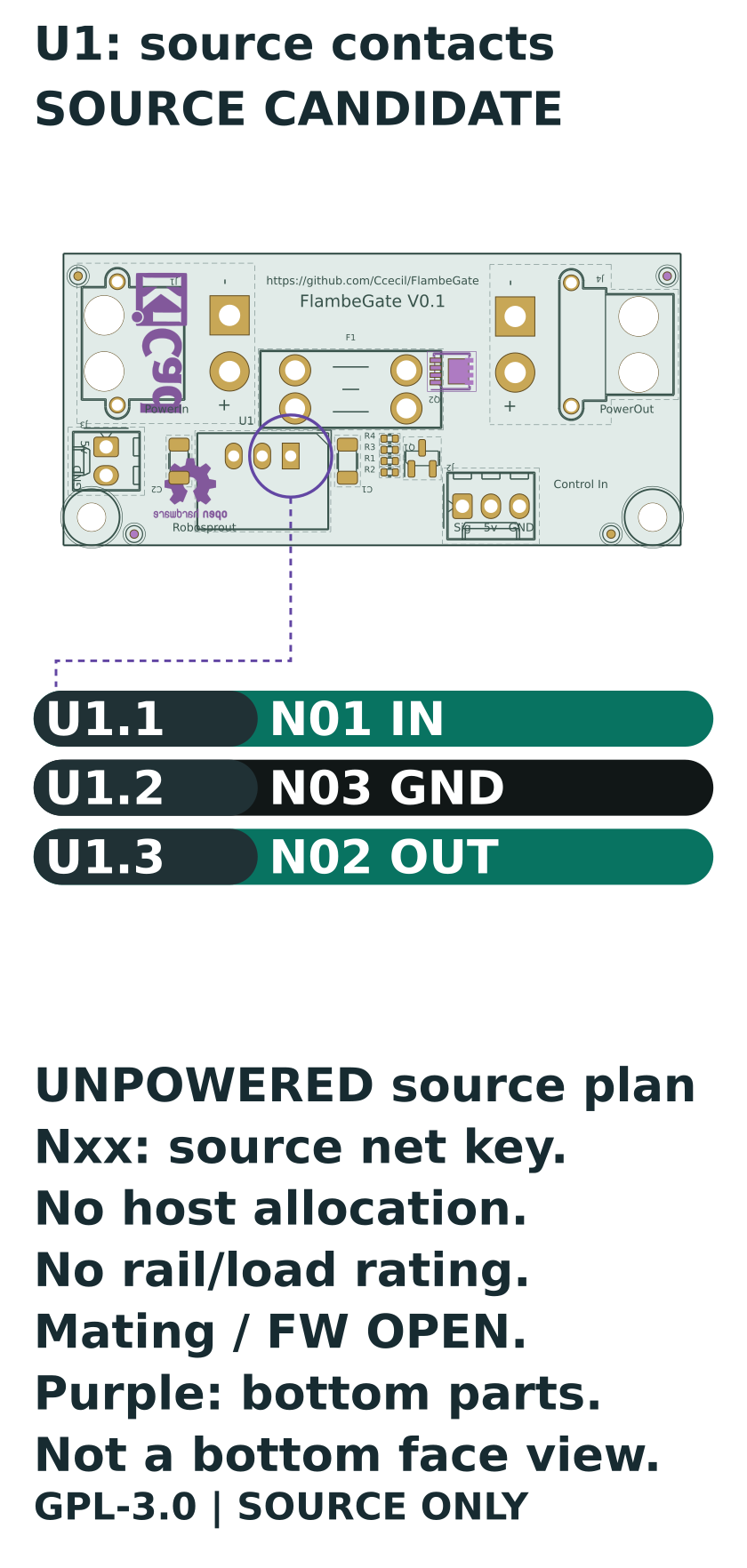
Read labels at full size
Scroll across and down within this view. You can also open the PNG separately and use your browser’s zoom controls.
Fit shows the whole drawing. Zoom to read labels; scroll within the drawing. Escape closes the viewer.
Individual native contact keys
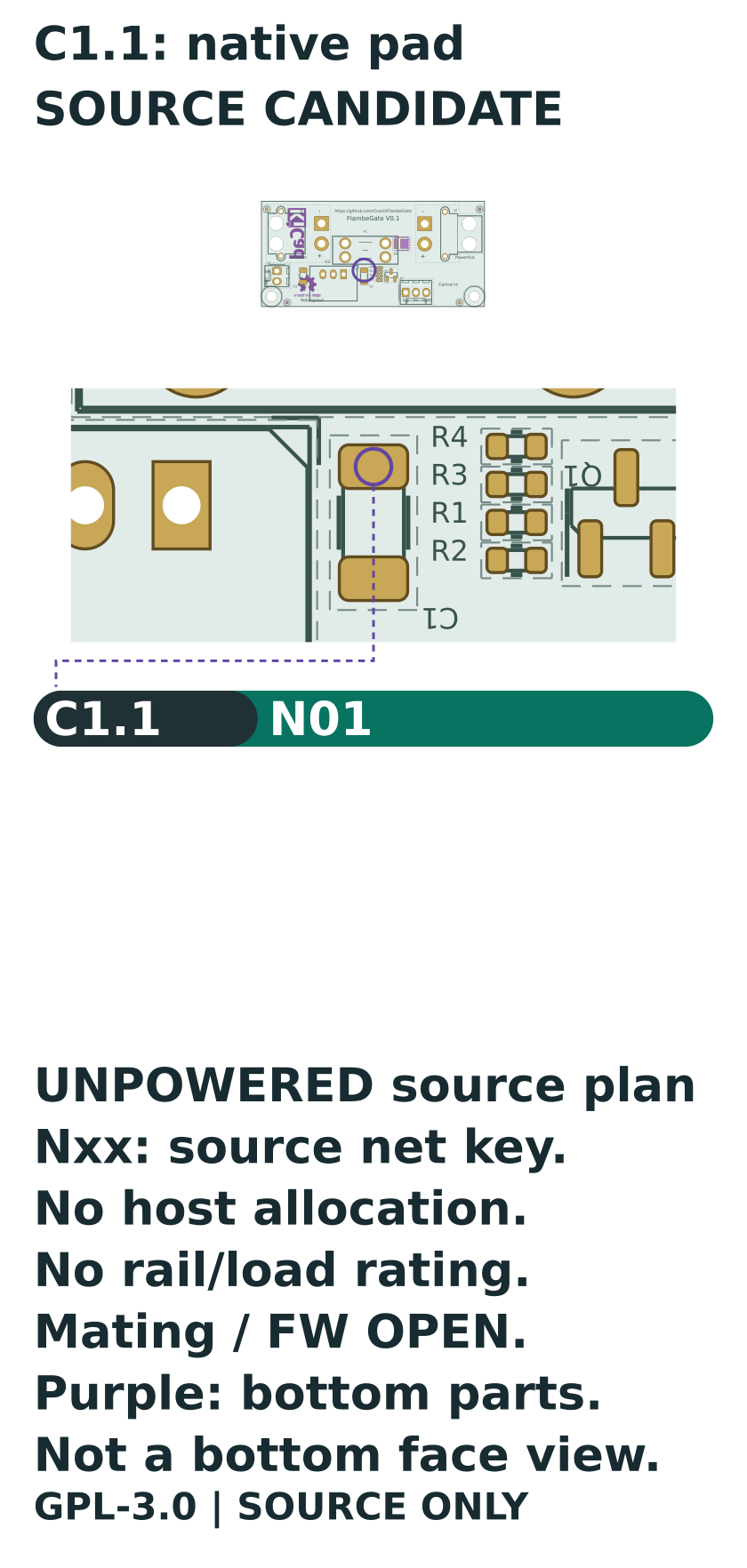
Read labels at full size
Scroll across and down within this view. You can also open the PNG separately and use your browser’s zoom controls.
Fit shows the whole drawing. Zoom to read labels; scroll within the drawing. Escape closes the viewer.
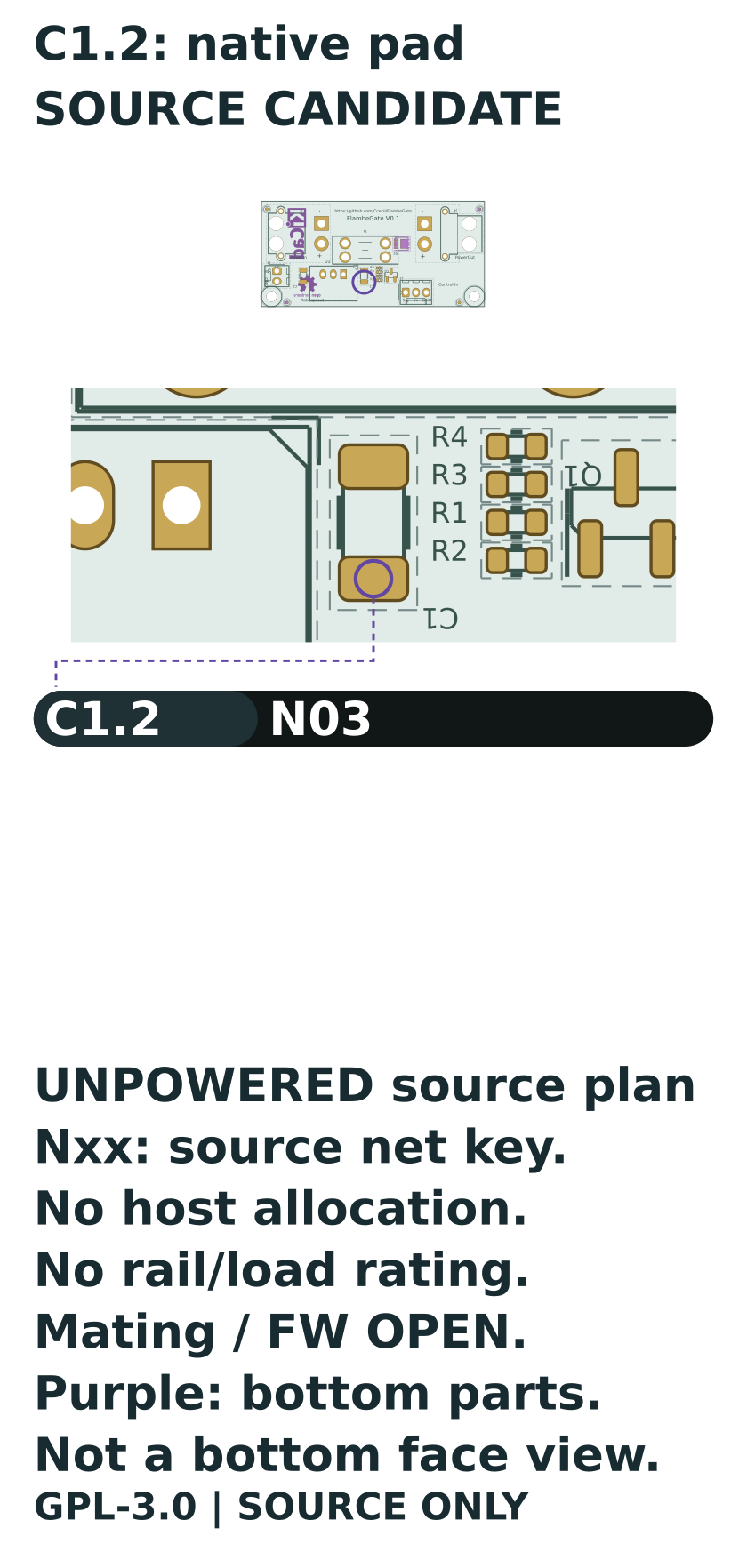
Read labels at full size
Scroll across and down within this view. You can also open the PNG separately and use your browser’s zoom controls.
Fit shows the whole drawing. Zoom to read labels; scroll within the drawing. Escape closes the viewer.
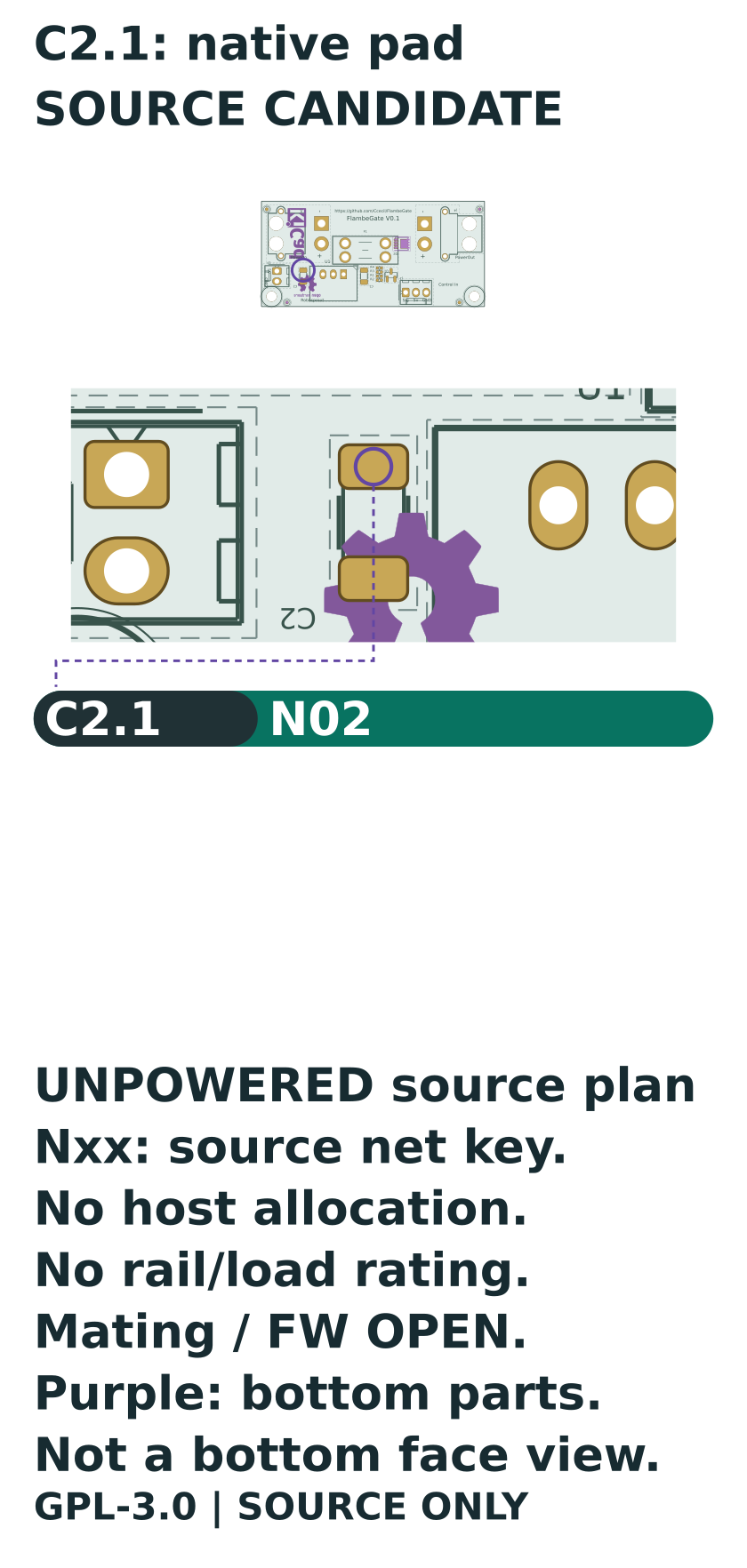
Read labels at full size
Scroll across and down within this view. You can also open the PNG separately and use your browser’s zoom controls.
Fit shows the whole drawing. Zoom to read labels; scroll within the drawing. Escape closes the viewer.
Read labels at full size
Scroll across and down within this view. You can also open the PNG separately and use your browser’s zoom controls.
Fit shows the whole drawing. Zoom to read labels; scroll within the drawing. Escape closes the viewer.
Read labels at full size
Scroll across and down within this view. You can also open the PNG separately and use your browser’s zoom controls.
Fit shows the whole drawing. Zoom to read labels; scroll within the drawing. Escape closes the viewer.
Read labels at full size
Scroll across and down within this view. You can also open the PNG separately and use your browser’s zoom controls.
Fit shows the whole drawing. Zoom to read labels; scroll within the drawing. Escape closes the viewer.
Read labels at full size
Scroll across and down within this view. You can also open the PNG separately and use your browser’s zoom controls.
Fit shows the whole drawing. Zoom to read labels; scroll within the drawing. Escape closes the viewer.
Read labels at full size
Scroll across and down within this view. You can also open the PNG separately and use your browser’s zoom controls.
Fit shows the whole drawing. Zoom to read labels; scroll within the drawing. Escape closes the viewer.
Read labels at full size
Scroll across and down within this view. You can also open the PNG separately and use your browser’s zoom controls.
Fit shows the whole drawing. Zoom to read labels; scroll within the drawing. Escape closes the viewer.
Read labels at full size
Scroll across and down within this view. You can also open the PNG separately and use your browser’s zoom controls.
Fit shows the whole drawing. Zoom to read labels; scroll within the drawing. Escape closes the viewer.
Read labels at full size
Scroll across and down within this view. You can also open the PNG separately and use your browser’s zoom controls.
Fit shows the whole drawing. Zoom to read labels; scroll within the drawing. Escape closes the viewer.
Read labels at full size
Scroll across and down within this view. You can also open the PNG separately and use your browser’s zoom controls.
Fit shows the whole drawing. Zoom to read labels; scroll within the drawing. Escape closes the viewer.
Read labels at full size
Scroll across and down within this view. You can also open the PNG separately and use your browser’s zoom controls.
Fit shows the whole drawing. Zoom to read labels; scroll within the drawing. Escape closes the viewer.
Read labels at full size
Scroll across and down within this view. You can also open the PNG separately and use your browser’s zoom controls.
Fit shows the whole drawing. Zoom to read labels; scroll within the drawing. Escape closes the viewer.
Read labels at full size
Scroll across and down within this view. You can also open the PNG separately and use your browser’s zoom controls.
Fit shows the whole drawing. Zoom to read labels; scroll within the drawing. Escape closes the viewer.
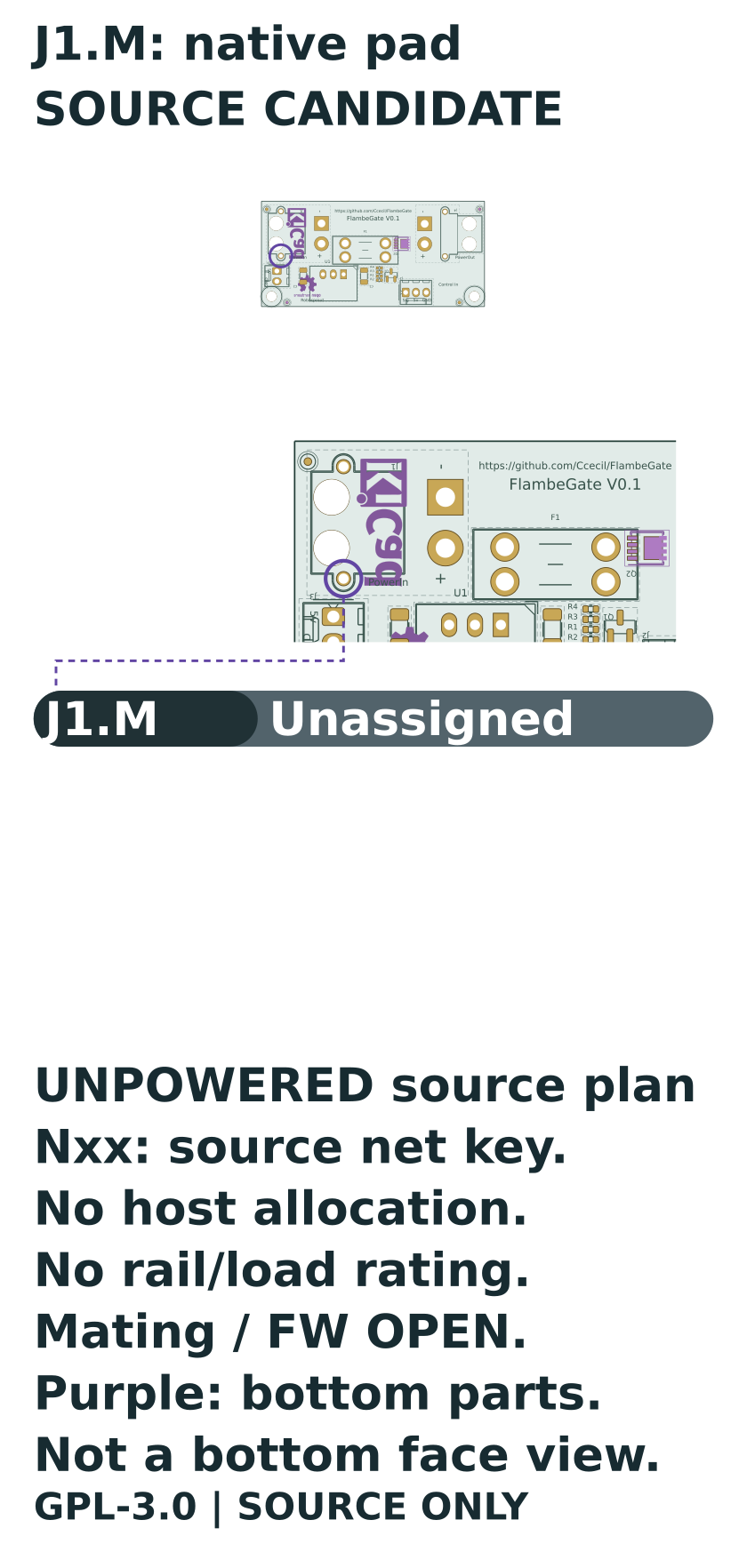
Read labels at full size
Scroll across and down within this view. You can also open the PNG separately and use your browser’s zoom controls.
Fit shows the whole drawing. Zoom to read labels; scroll within the drawing. Escape closes the viewer.
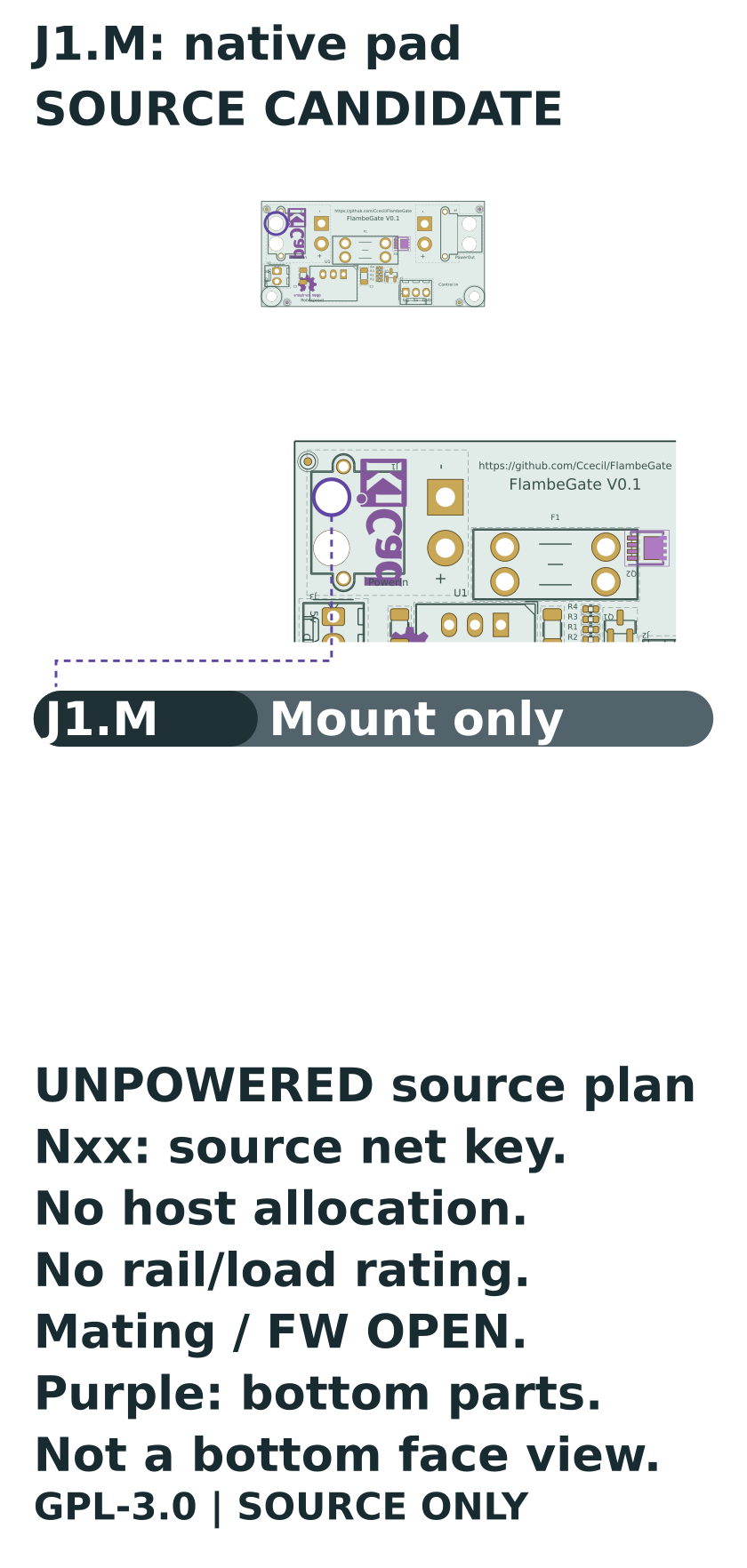
Read labels at full size
Scroll across and down within this view. You can also open the PNG separately and use your browser’s zoom controls.
Fit shows the whole drawing. Zoom to read labels; scroll within the drawing. Escape closes the viewer.
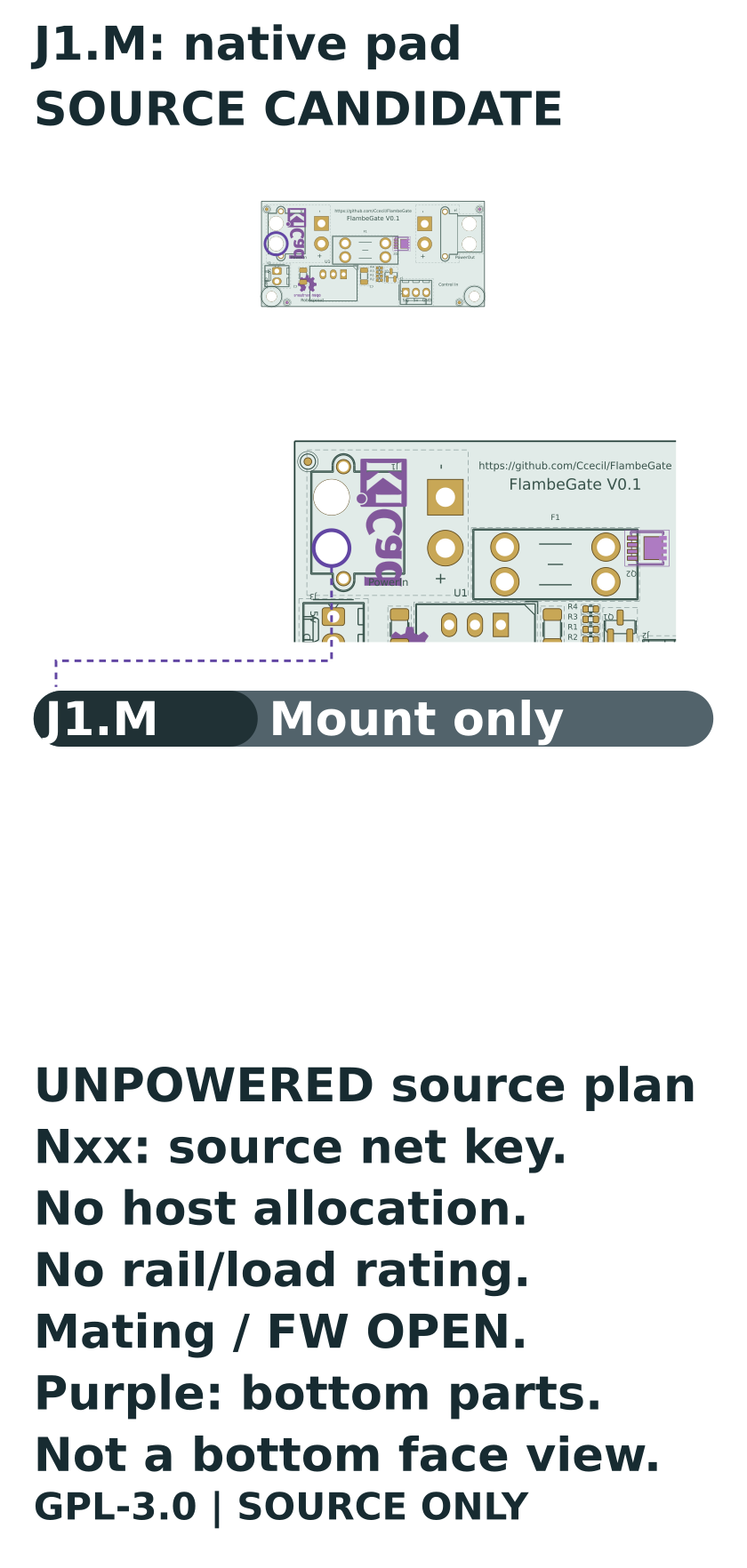
Read labels at full size
Scroll across and down within this view. You can also open the PNG separately and use your browser’s zoom controls.
Fit shows the whole drawing. Zoom to read labels; scroll within the drawing. Escape closes the viewer.
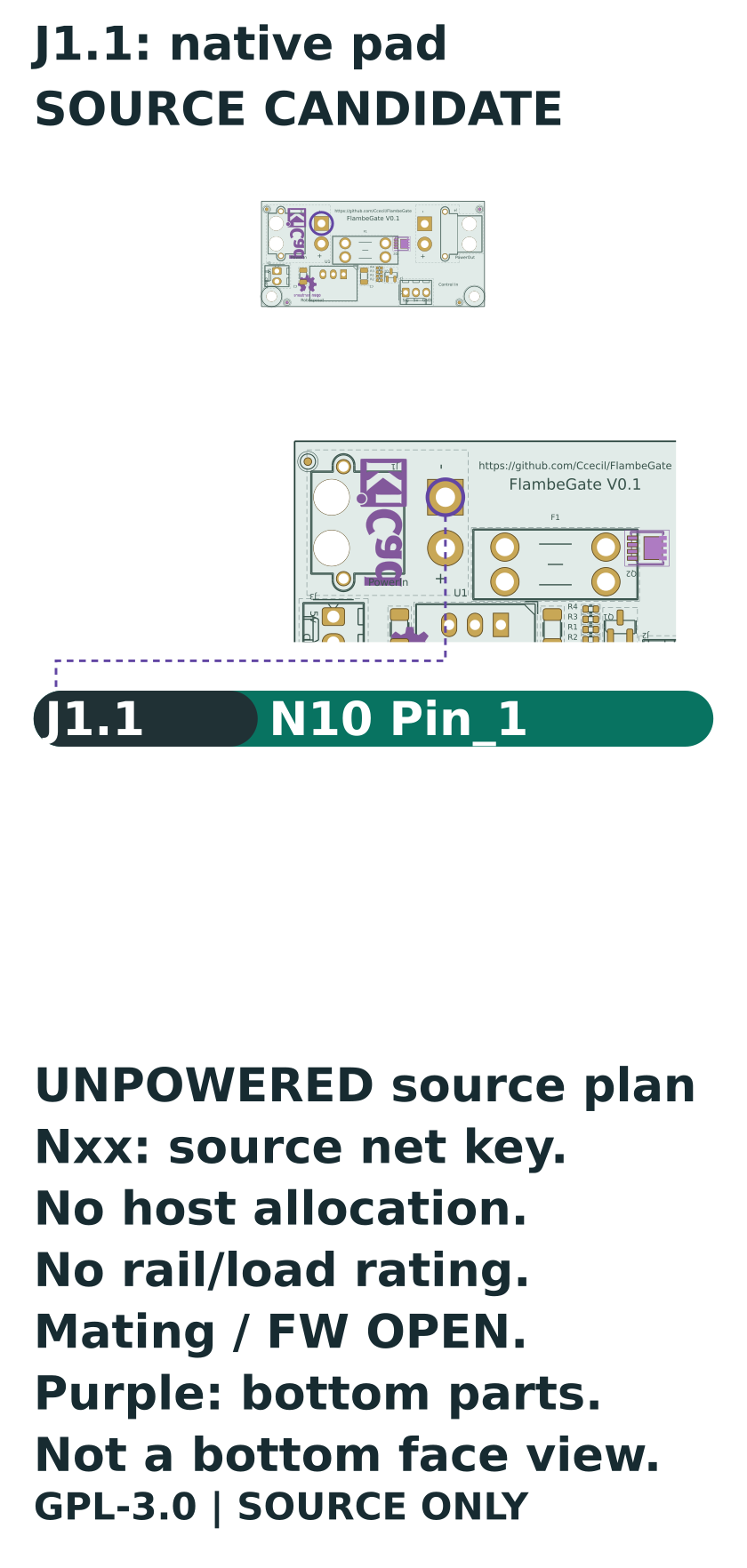
Read labels at full size
Scroll across and down within this view. You can also open the PNG separately and use your browser’s zoom controls.
Fit shows the whole drawing. Zoom to read labels; scroll within the drawing. Escape closes the viewer.
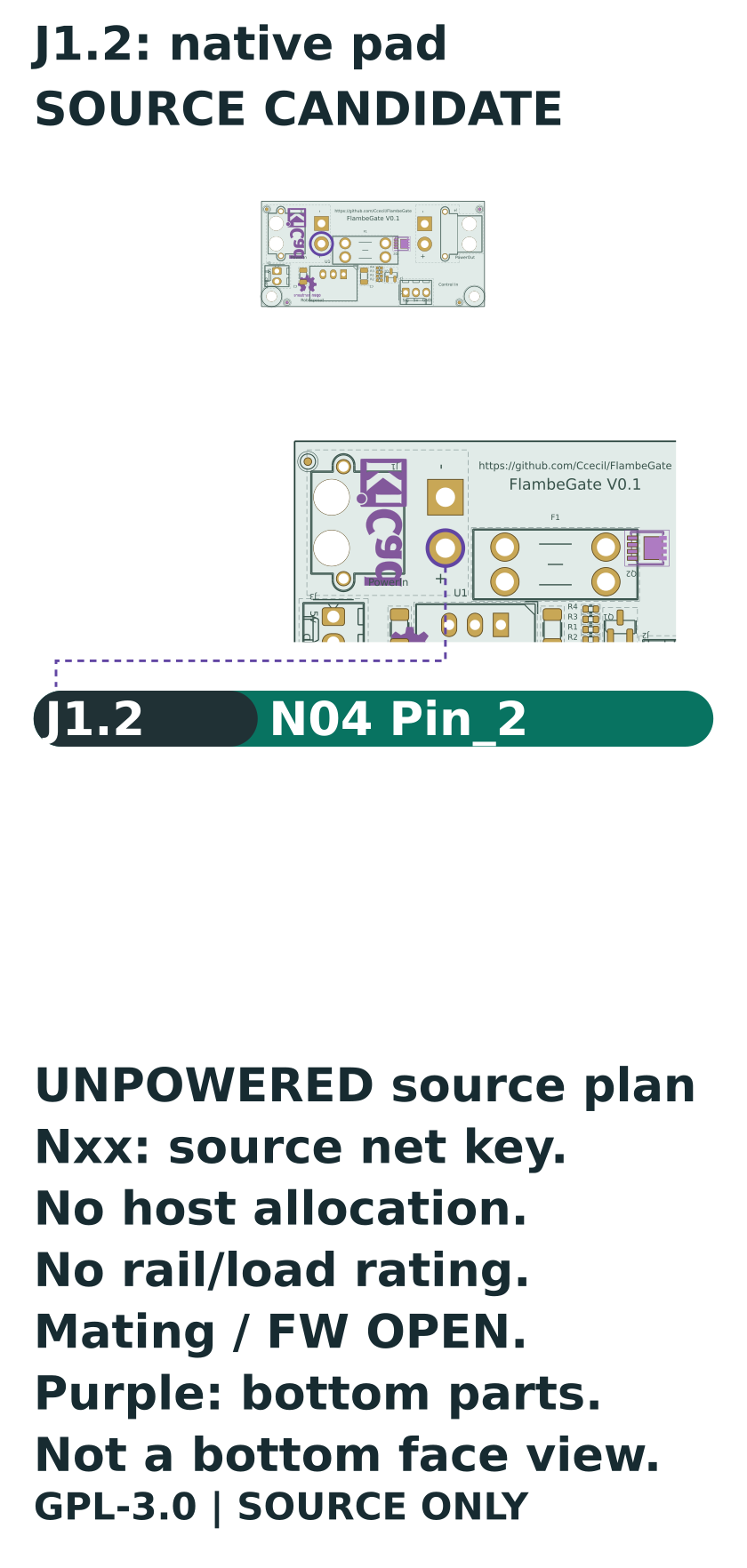
Read labels at full size
Scroll across and down within this view. You can also open the PNG separately and use your browser’s zoom controls.
Fit shows the whole drawing. Zoom to read labels; scroll within the drawing. Escape closes the viewer.
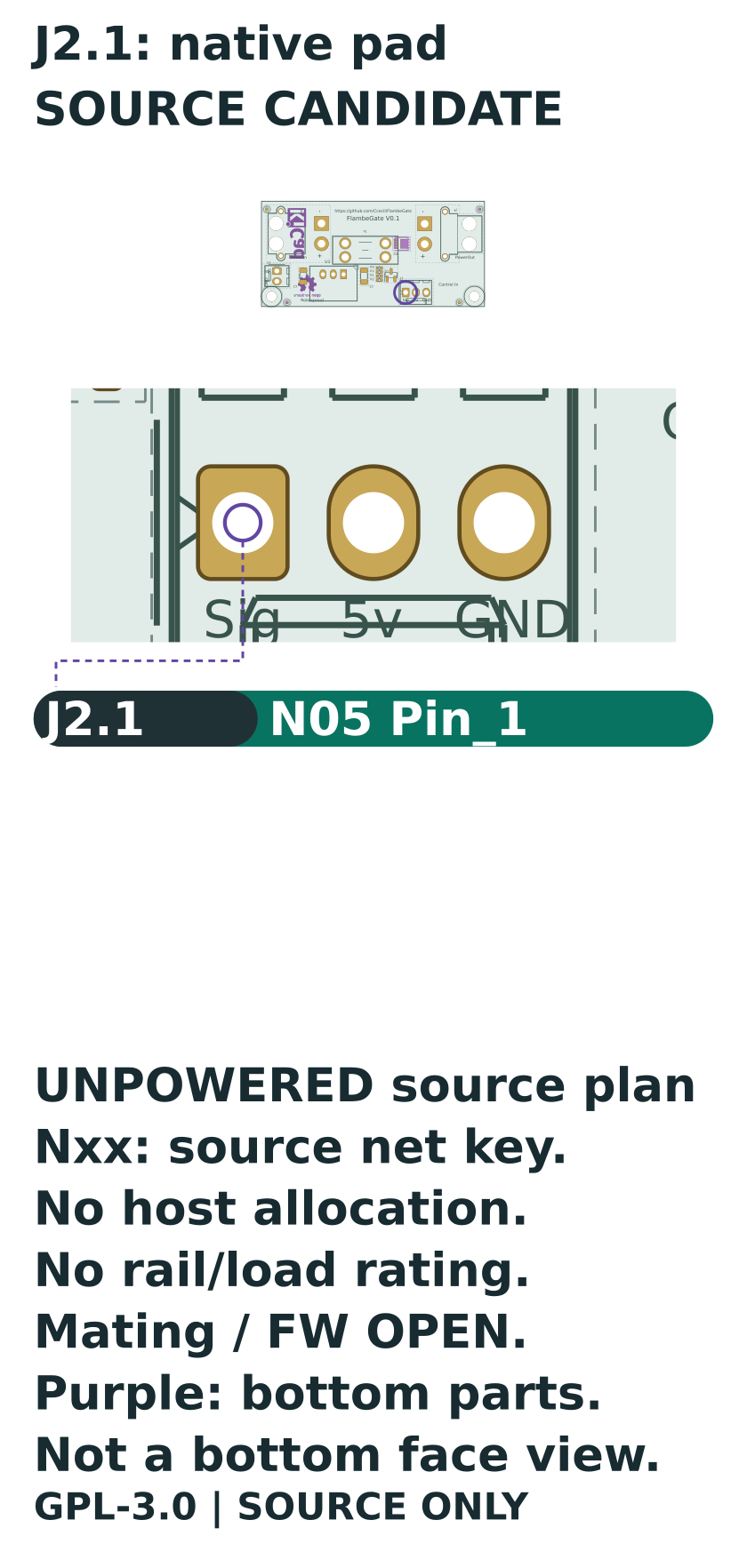
Read labels at full size
Scroll across and down within this view. You can also open the PNG separately and use your browser’s zoom controls.
Fit shows the whole drawing. Zoom to read labels; scroll within the drawing. Escape closes the viewer.
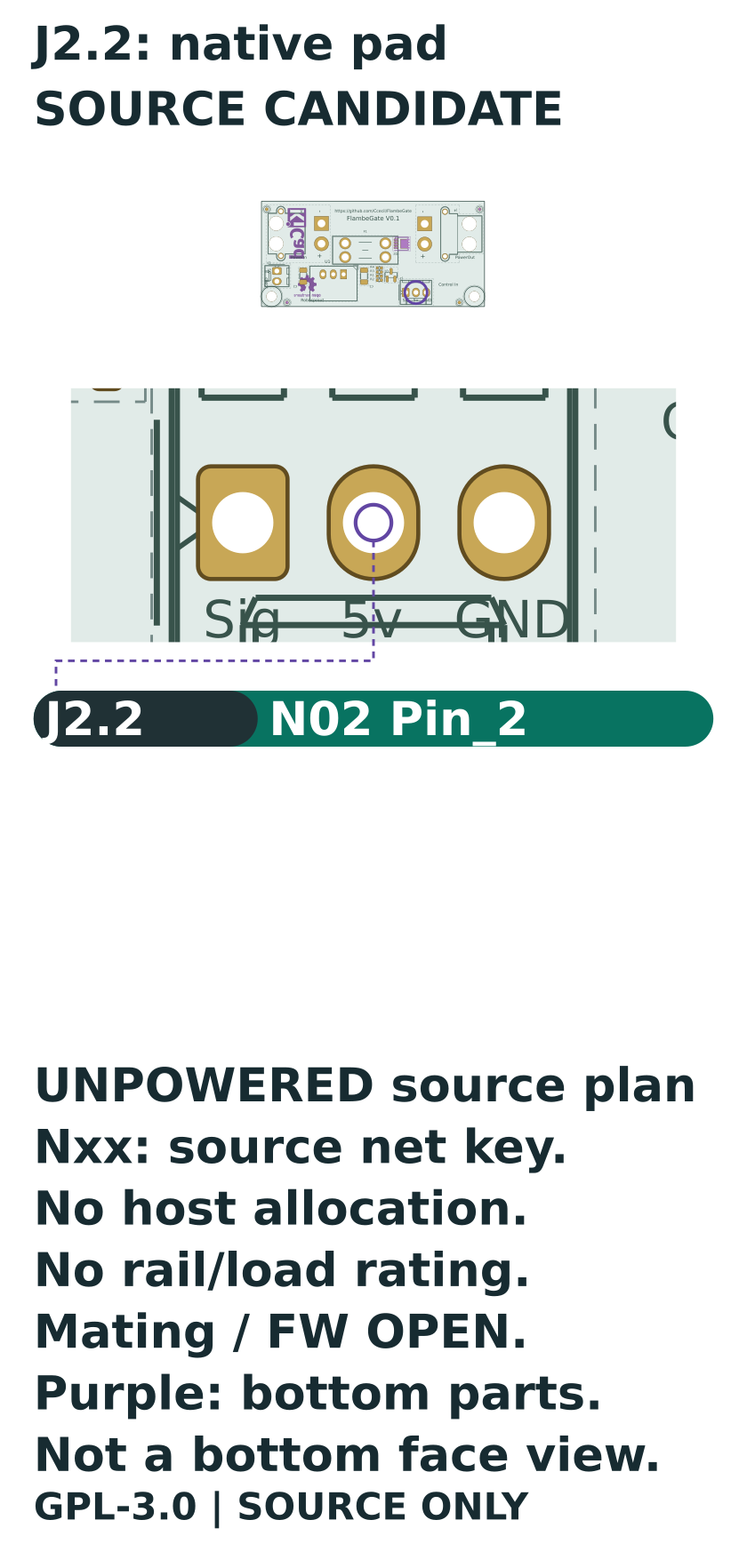
Read labels at full size
Scroll across and down within this view. You can also open the PNG separately and use your browser’s zoom controls.
Fit shows the whole drawing. Zoom to read labels; scroll within the drawing. Escape closes the viewer.
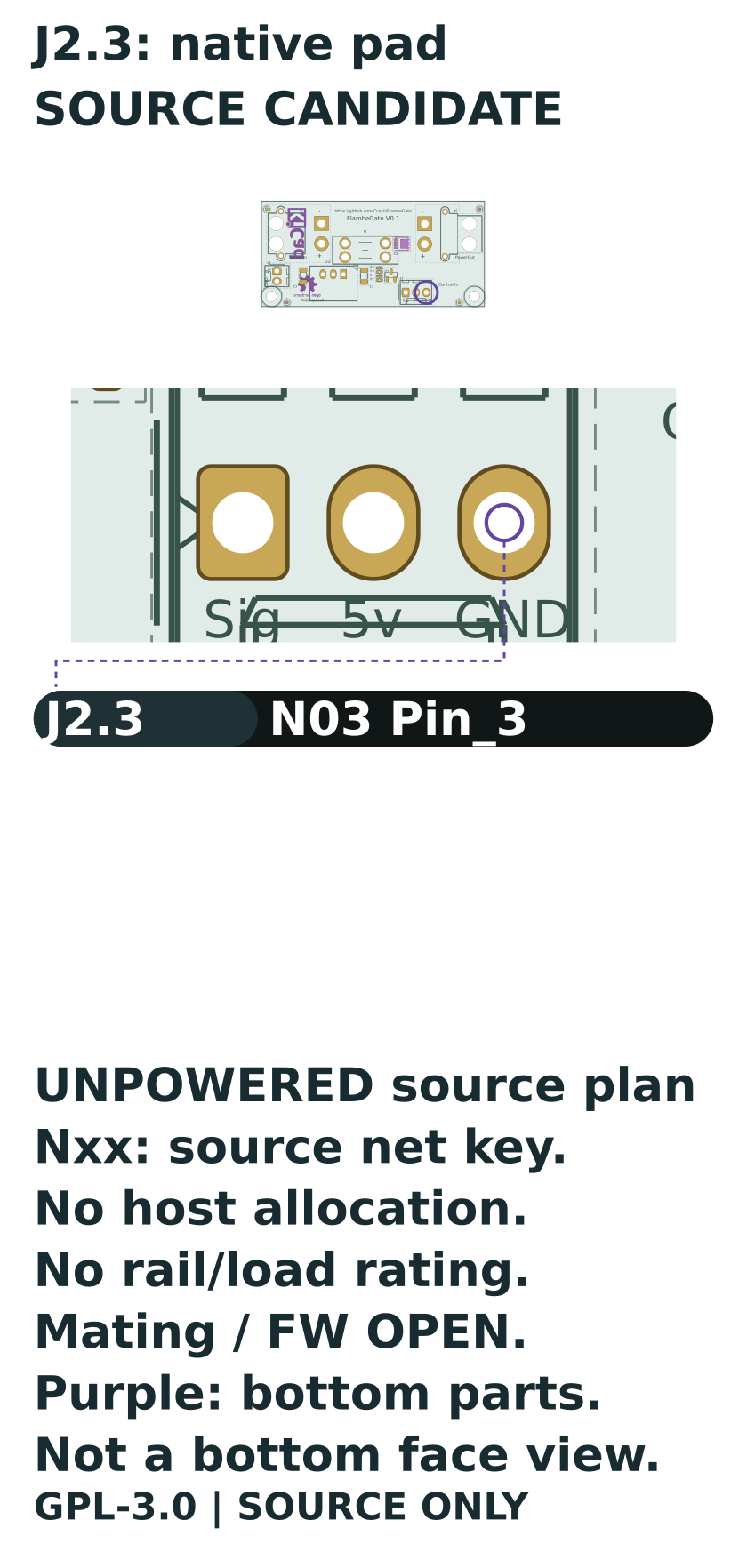
Read labels at full size
Scroll across and down within this view. You can also open the PNG separately and use your browser’s zoom controls.
Fit shows the whole drawing. Zoom to read labels; scroll within the drawing. Escape closes the viewer.
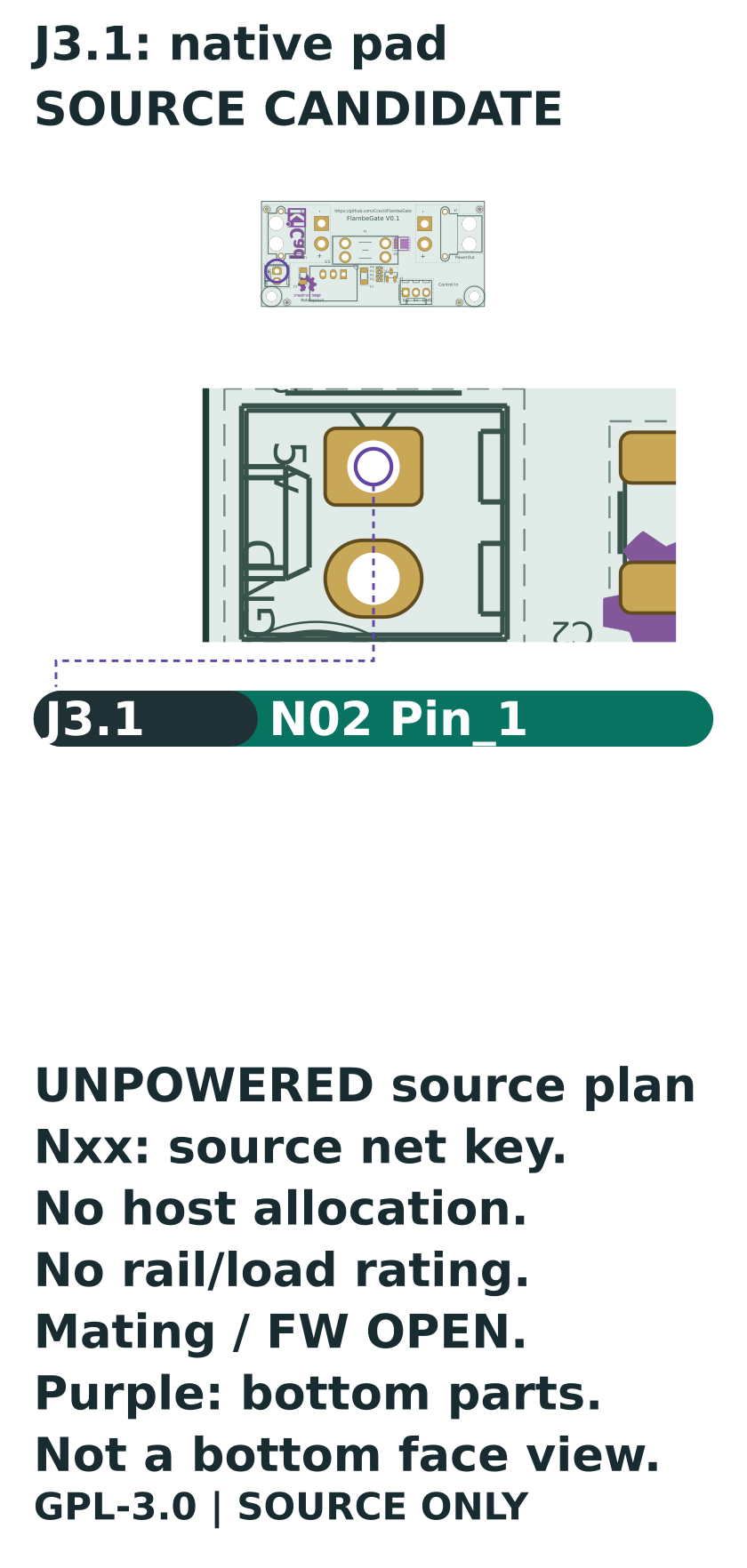
Read labels at full size
Scroll across and down within this view. You can also open the PNG separately and use your browser’s zoom controls.
Fit shows the whole drawing. Zoom to read labels; scroll within the drawing. Escape closes the viewer.
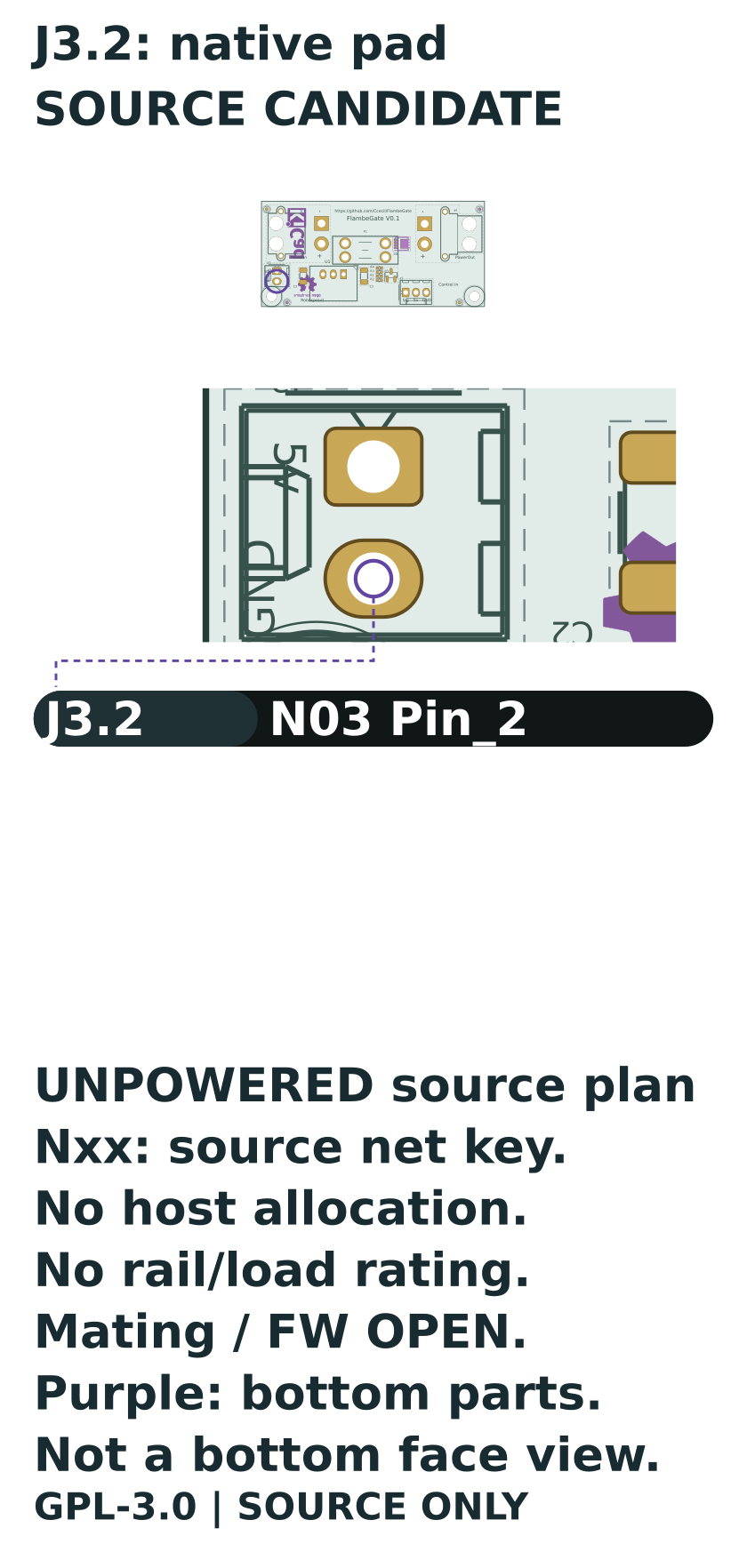
Read labels at full size
Scroll across and down within this view. You can also open the PNG separately and use your browser’s zoom controls.
Fit shows the whole drawing. Zoom to read labels; scroll within the drawing. Escape closes the viewer.
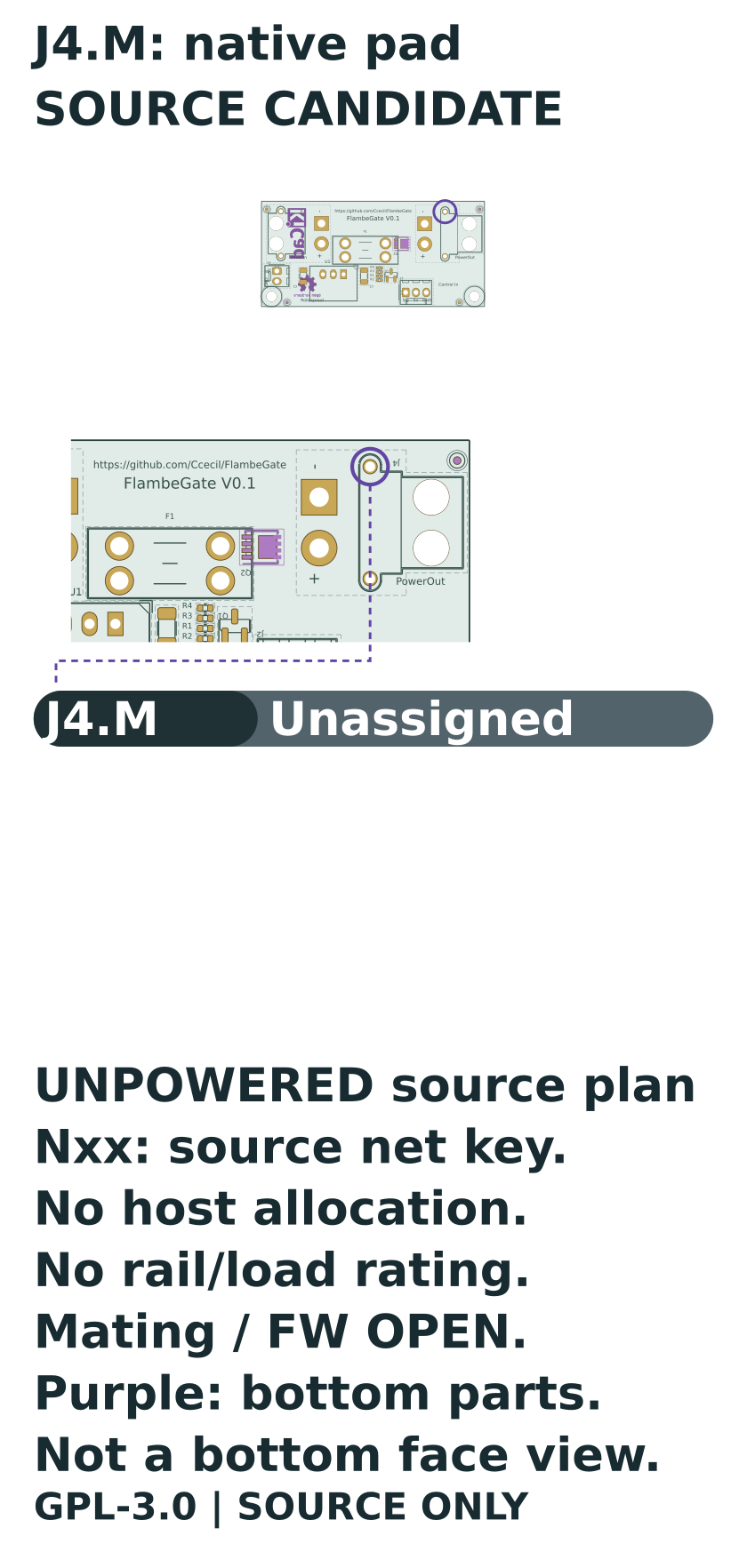
Read labels at full size
Scroll across and down within this view. You can also open the PNG separately and use your browser’s zoom controls.
Fit shows the whole drawing. Zoom to read labels; scroll within the drawing. Escape closes the viewer.
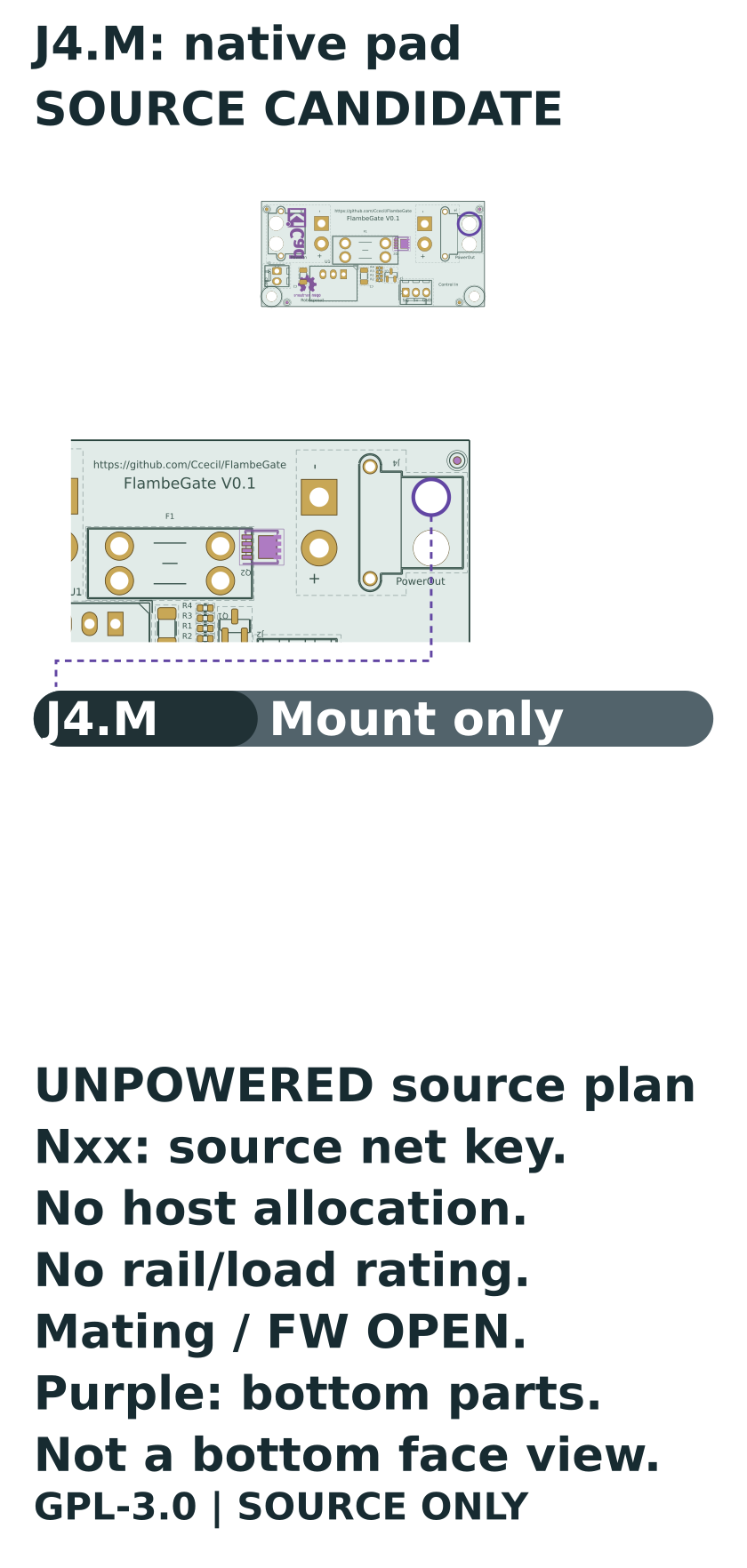
Read labels at full size
Scroll across and down within this view. You can also open the PNG separately and use your browser’s zoom controls.
Fit shows the whole drawing. Zoom to read labels; scroll within the drawing. Escape closes the viewer.
Read labels at full size
Scroll across and down within this view. You can also open the PNG separately and use your browser’s zoom controls.
Fit shows the whole drawing. Zoom to read labels; scroll within the drawing. Escape closes the viewer.
Read labels at full size
Scroll across and down within this view. You can also open the PNG separately and use your browser’s zoom controls.
Fit shows the whole drawing. Zoom to read labels; scroll within the drawing. Escape closes the viewer.
Read labels at full size
Scroll across and down within this view. You can also open the PNG separately and use your browser’s zoom controls.
Fit shows the whole drawing. Zoom to read labels; scroll within the drawing. Escape closes the viewer.
Read labels at full size
Scroll across and down within this view. You can also open the PNG separately and use your browser’s zoom controls.
Fit shows the whole drawing. Zoom to read labels; scroll within the drawing. Escape closes the viewer.
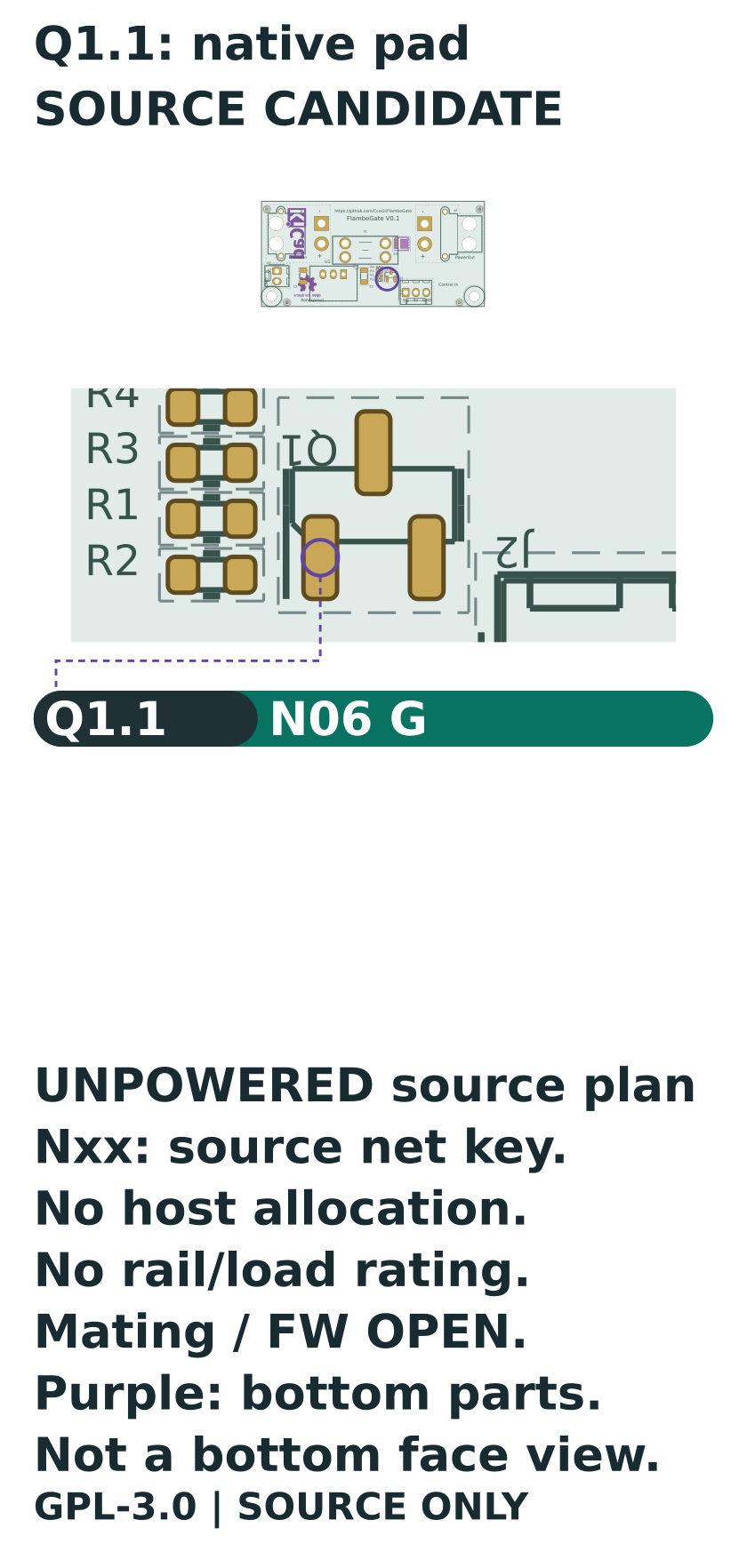
Read labels at full size
Scroll across and down within this view. You can also open the PNG separately and use your browser’s zoom controls.
Fit shows the whole drawing. Zoom to read labels; scroll within the drawing. Escape closes the viewer.
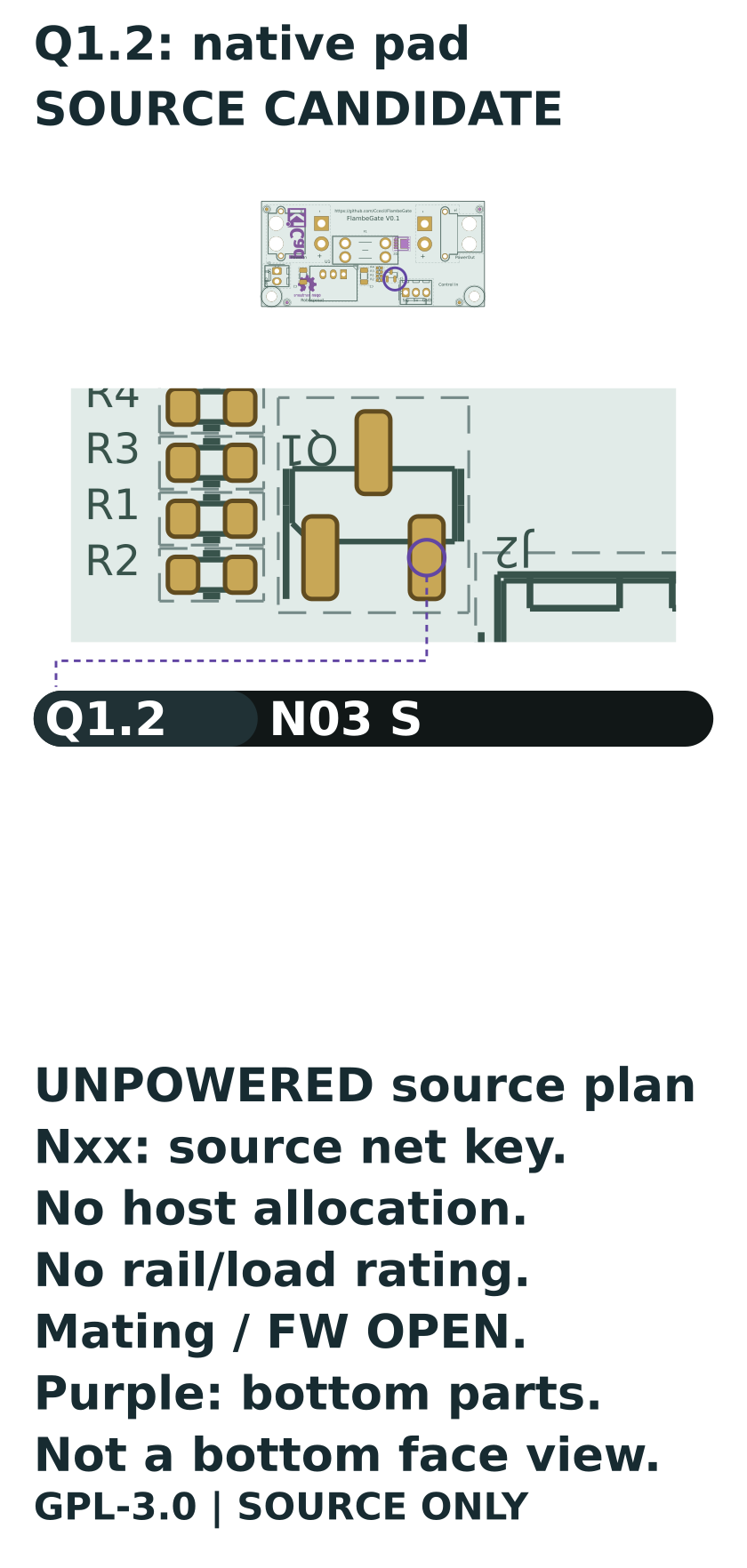
Read labels at full size
Scroll across and down within this view. You can also open the PNG separately and use your browser’s zoom controls.
Fit shows the whole drawing. Zoom to read labels; scroll within the drawing. Escape closes the viewer.
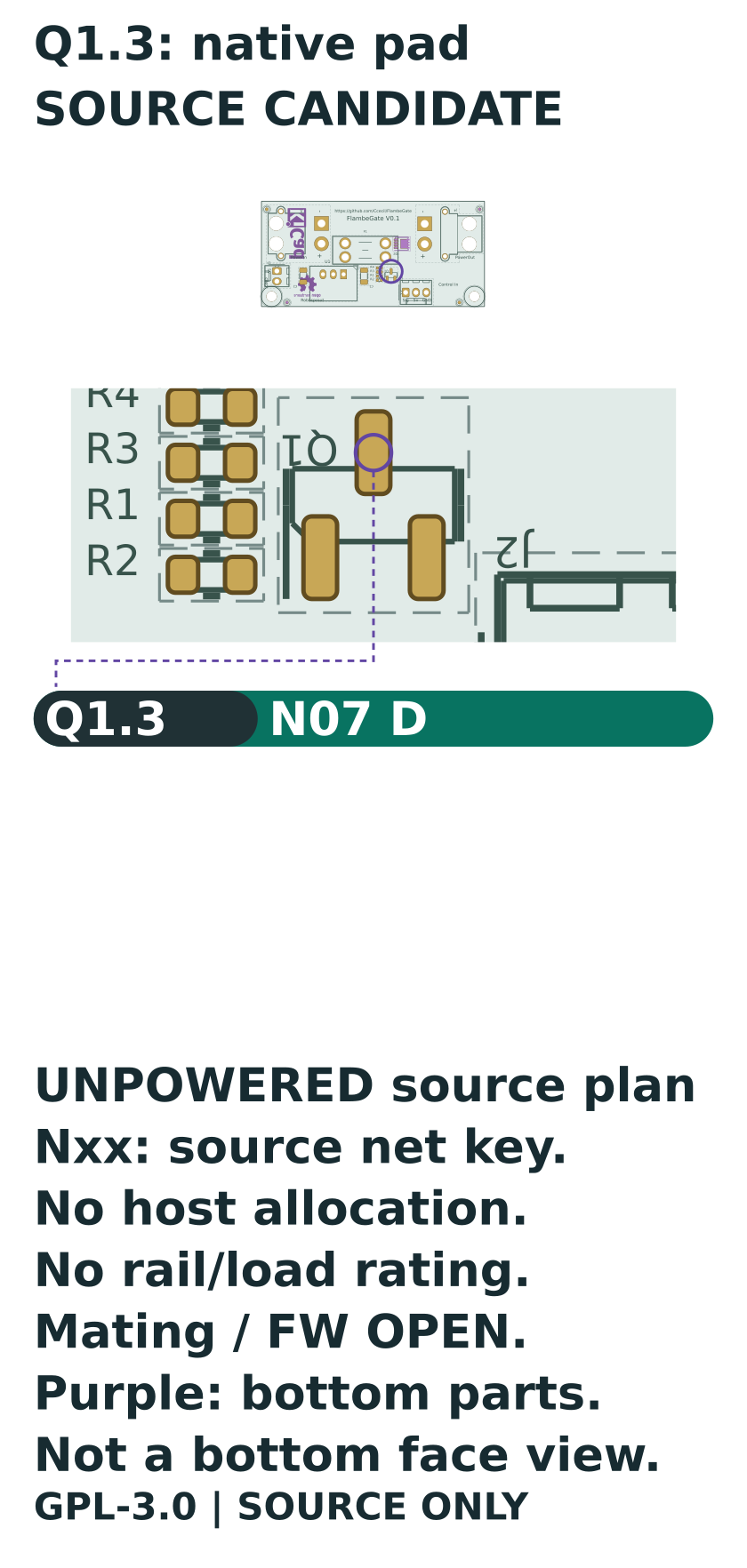
Read labels at full size
Scroll across and down within this view. You can also open the PNG separately and use your browser’s zoom controls.
Fit shows the whole drawing. Zoom to read labels; scroll within the drawing. Escape closes the viewer.
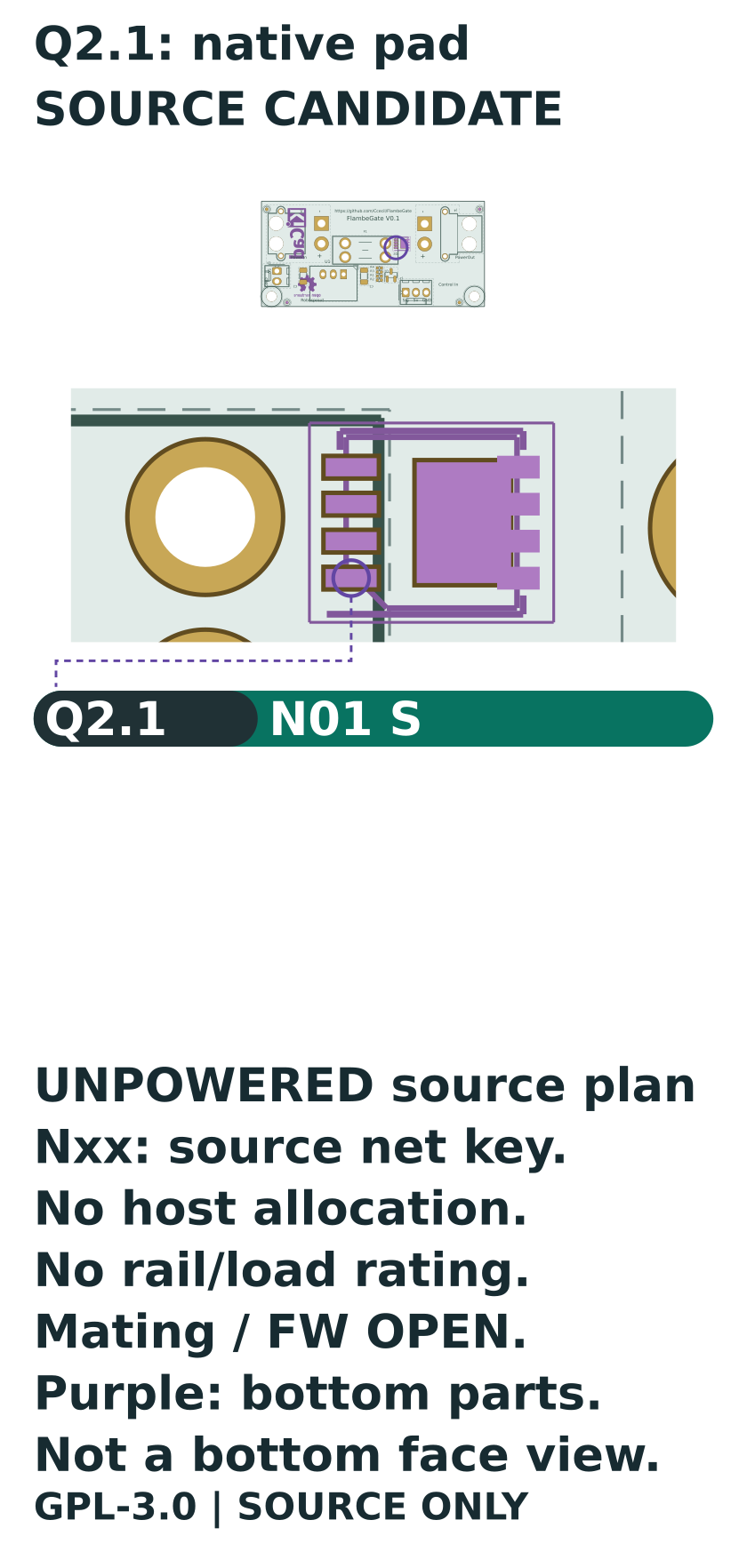
Read labels at full size
Scroll across and down within this view. You can also open the PNG separately and use your browser’s zoom controls.
Fit shows the whole drawing. Zoom to read labels; scroll within the drawing. Escape closes the viewer.
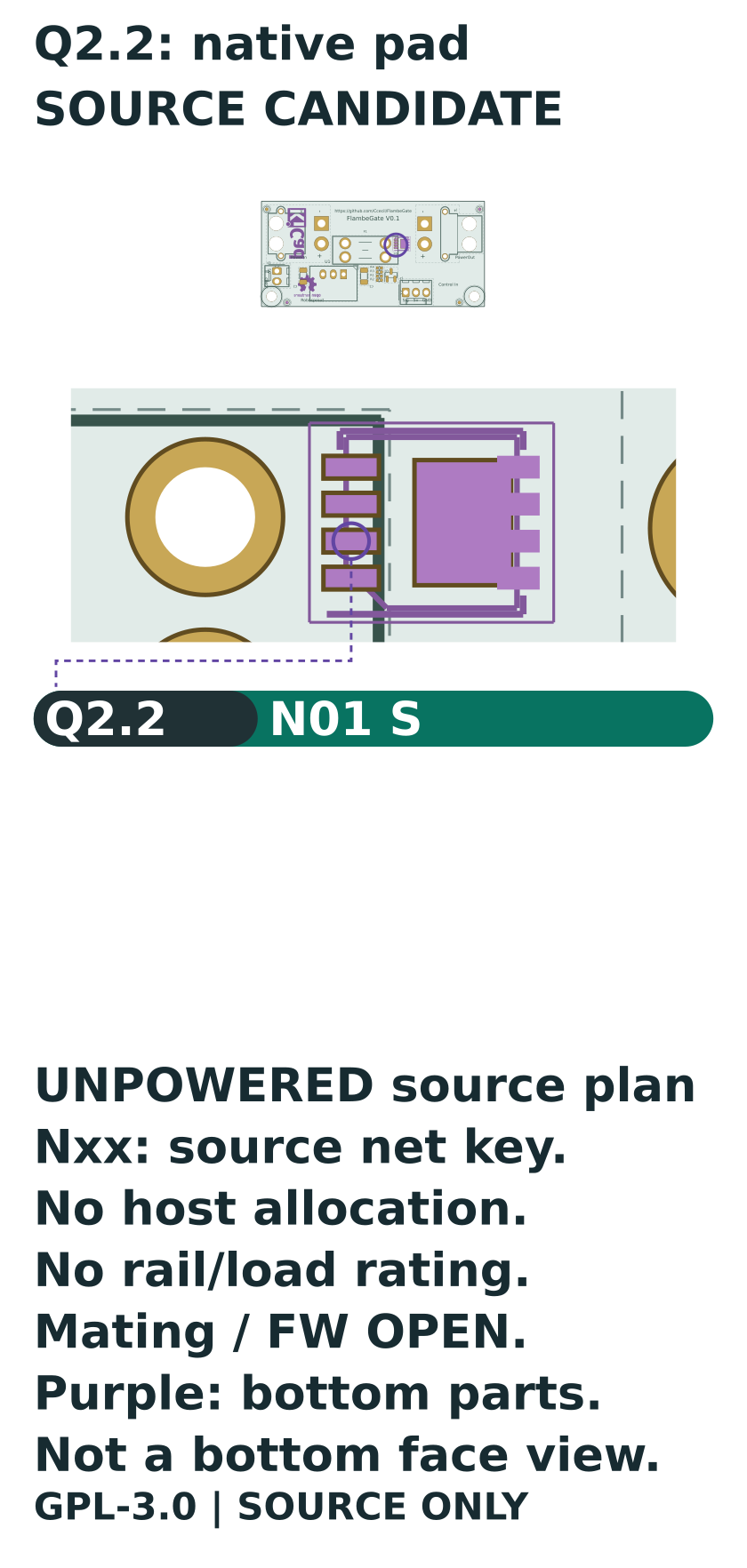
Read labels at full size
Scroll across and down within this view. You can also open the PNG separately and use your browser’s zoom controls.
Fit shows the whole drawing. Zoom to read labels; scroll within the drawing. Escape closes the viewer.
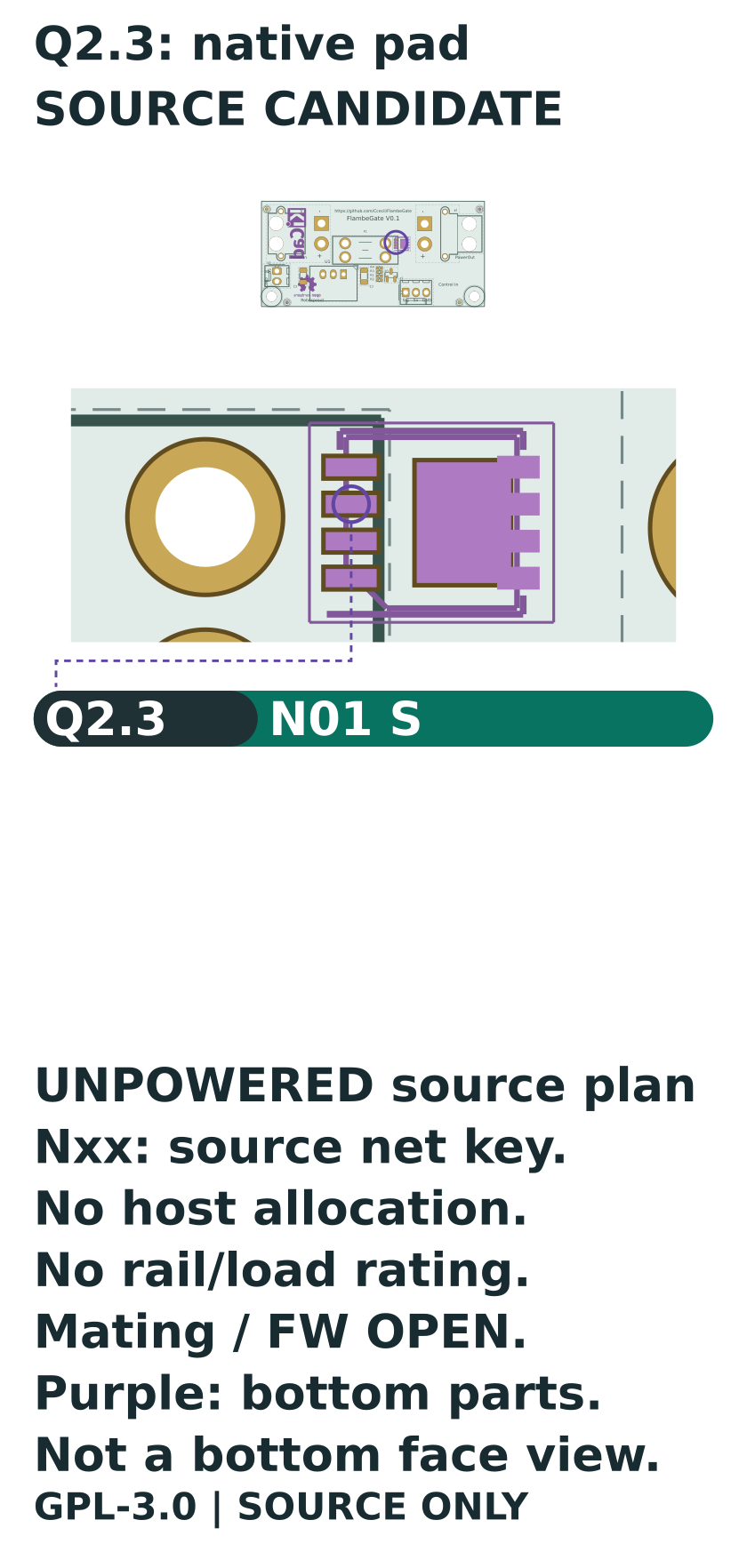
Read labels at full size
Scroll across and down within this view. You can also open the PNG separately and use your browser’s zoom controls.
Fit shows the whole drawing. Zoom to read labels; scroll within the drawing. Escape closes the viewer.
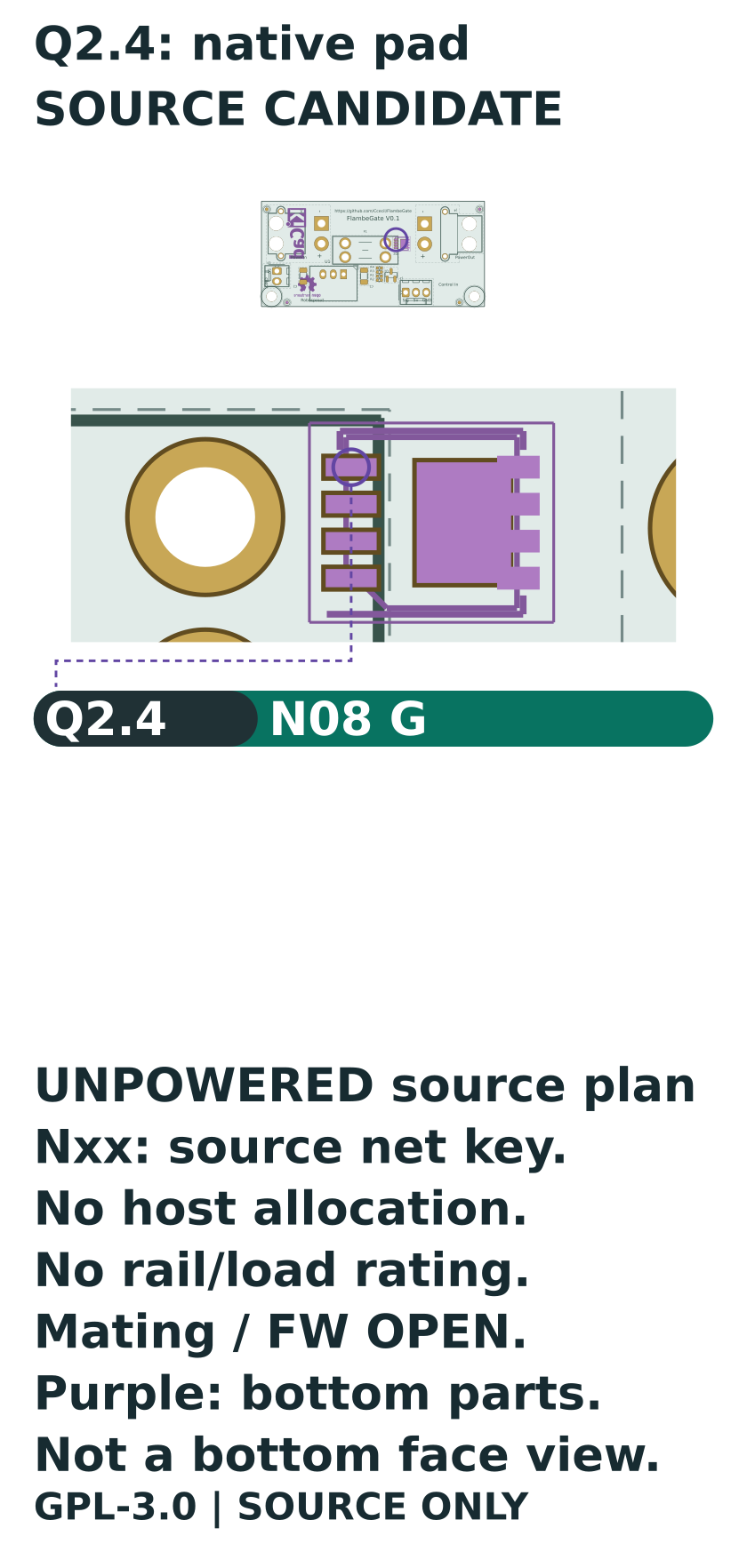
Read labels at full size
Scroll across and down within this view. You can also open the PNG separately and use your browser’s zoom controls.
Fit shows the whole drawing. Zoom to read labels; scroll within the drawing. Escape closes the viewer.
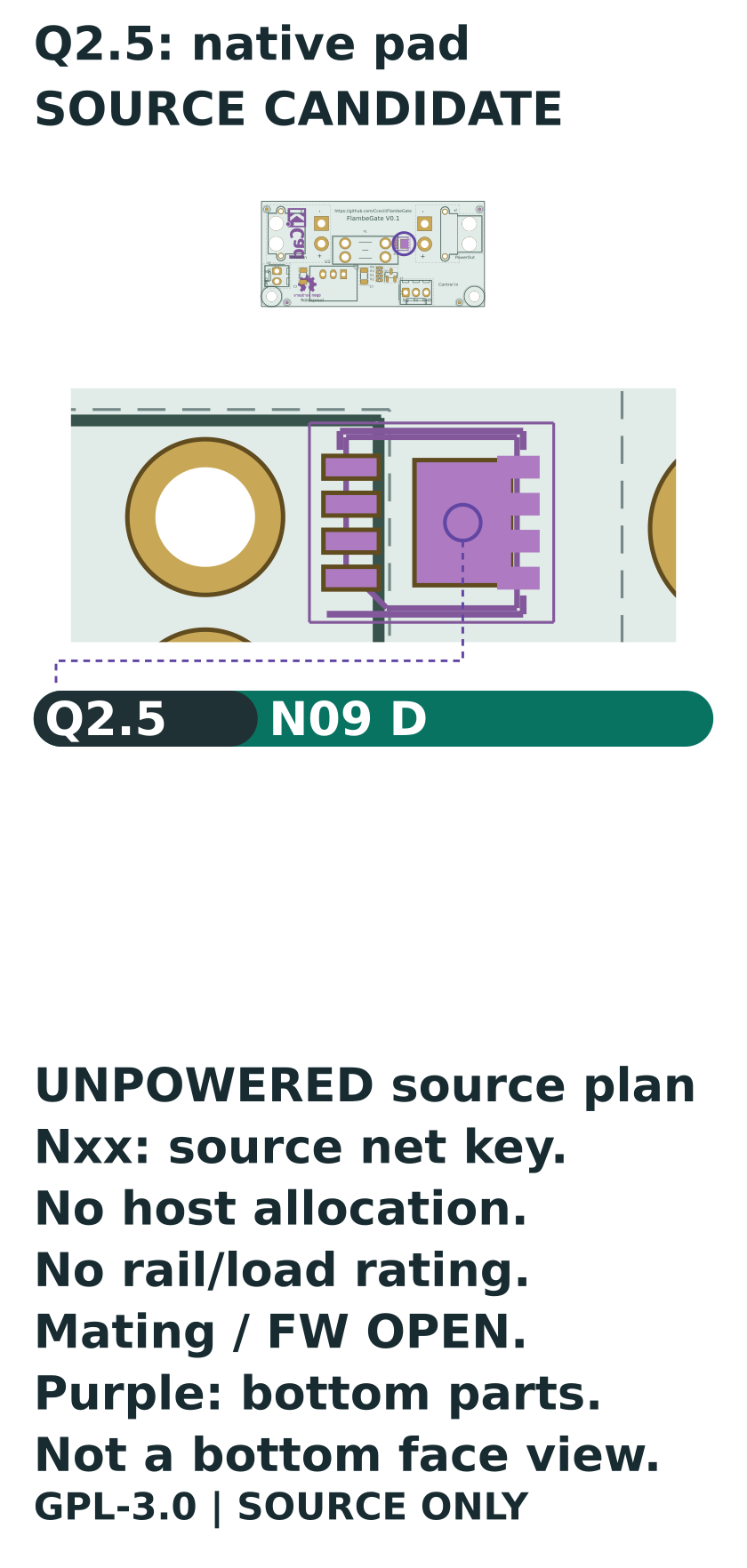
Read labels at full size
Scroll across and down within this view. You can also open the PNG separately and use your browser’s zoom controls.
Fit shows the whole drawing. Zoom to read labels; scroll within the drawing. Escape closes the viewer.
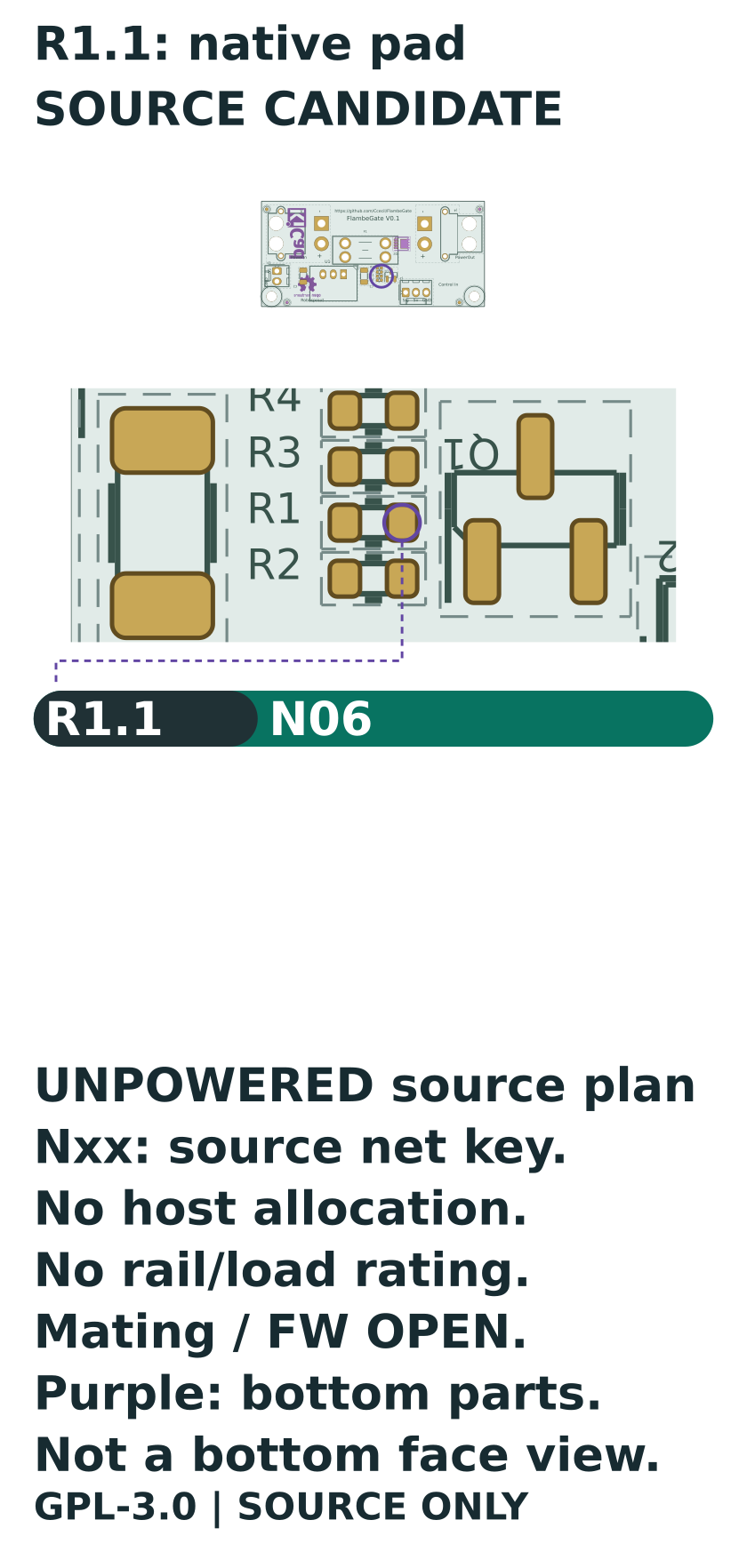
Read labels at full size
Scroll across and down within this view. You can also open the PNG separately and use your browser’s zoom controls.
Fit shows the whole drawing. Zoom to read labels; scroll within the drawing. Escape closes the viewer.
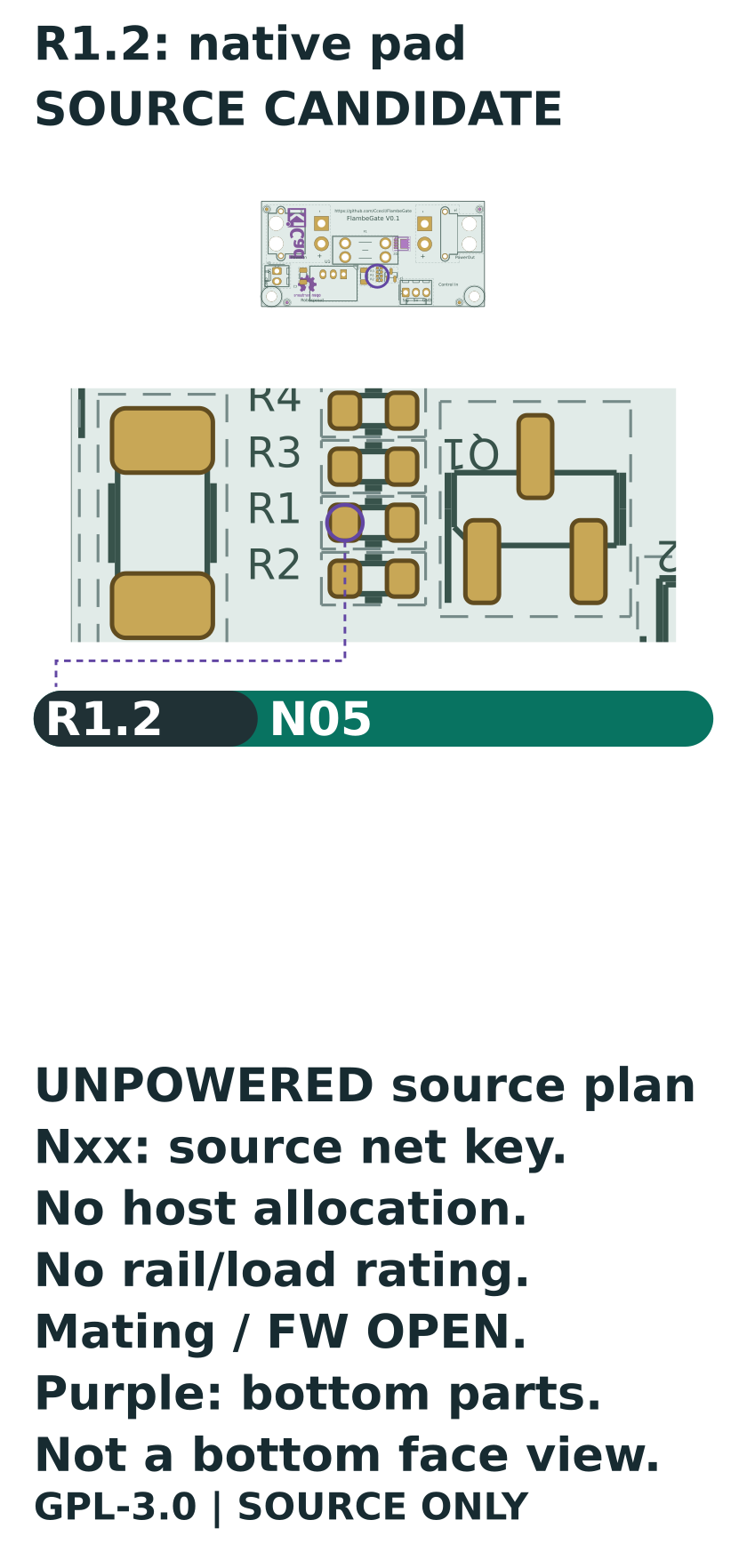
Read labels at full size
Scroll across and down within this view. You can also open the PNG separately and use your browser’s zoom controls.
Fit shows the whole drawing. Zoom to read labels; scroll within the drawing. Escape closes the viewer.
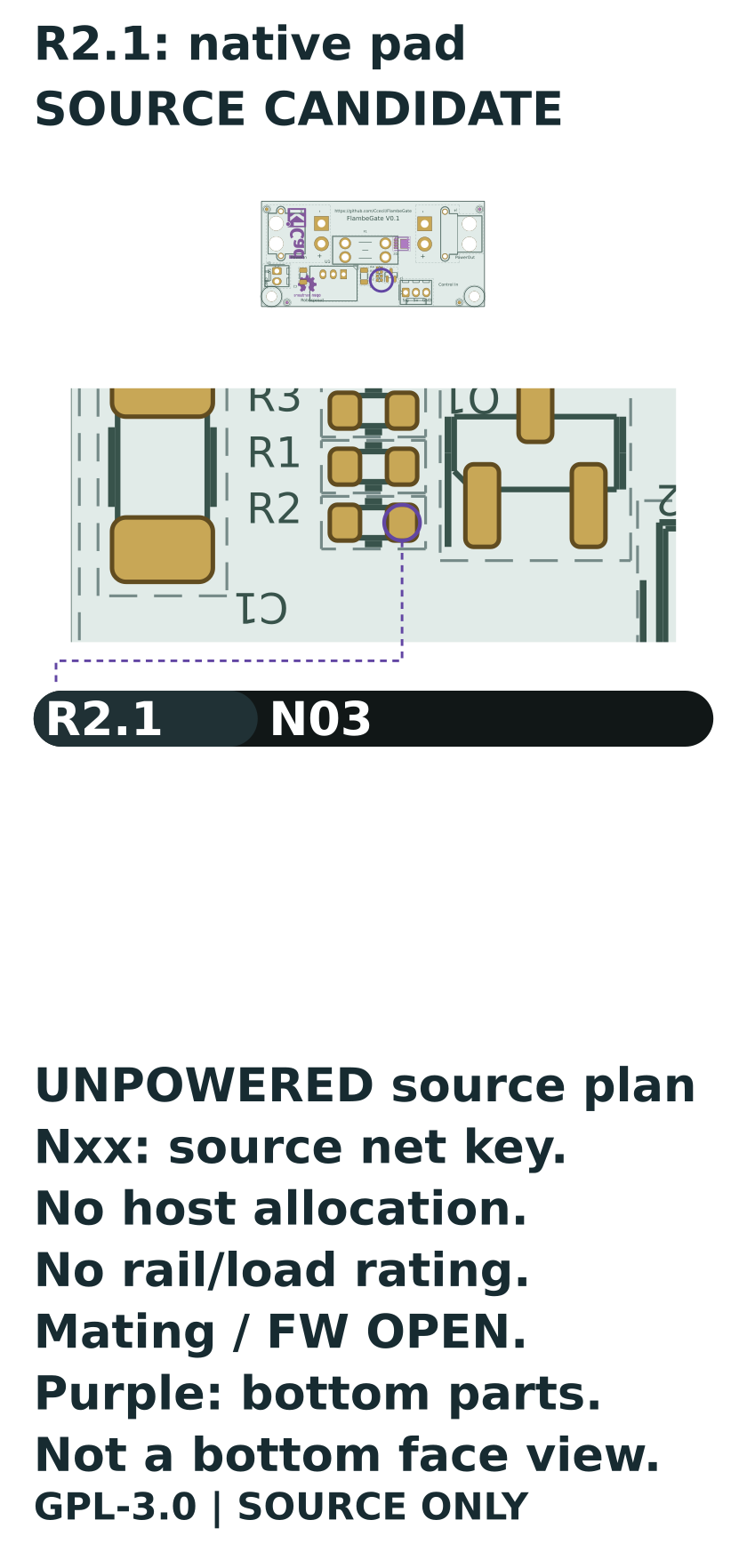
Read labels at full size
Scroll across and down within this view. You can also open the PNG separately and use your browser’s zoom controls.
Fit shows the whole drawing. Zoom to read labels; scroll within the drawing. Escape closes the viewer.
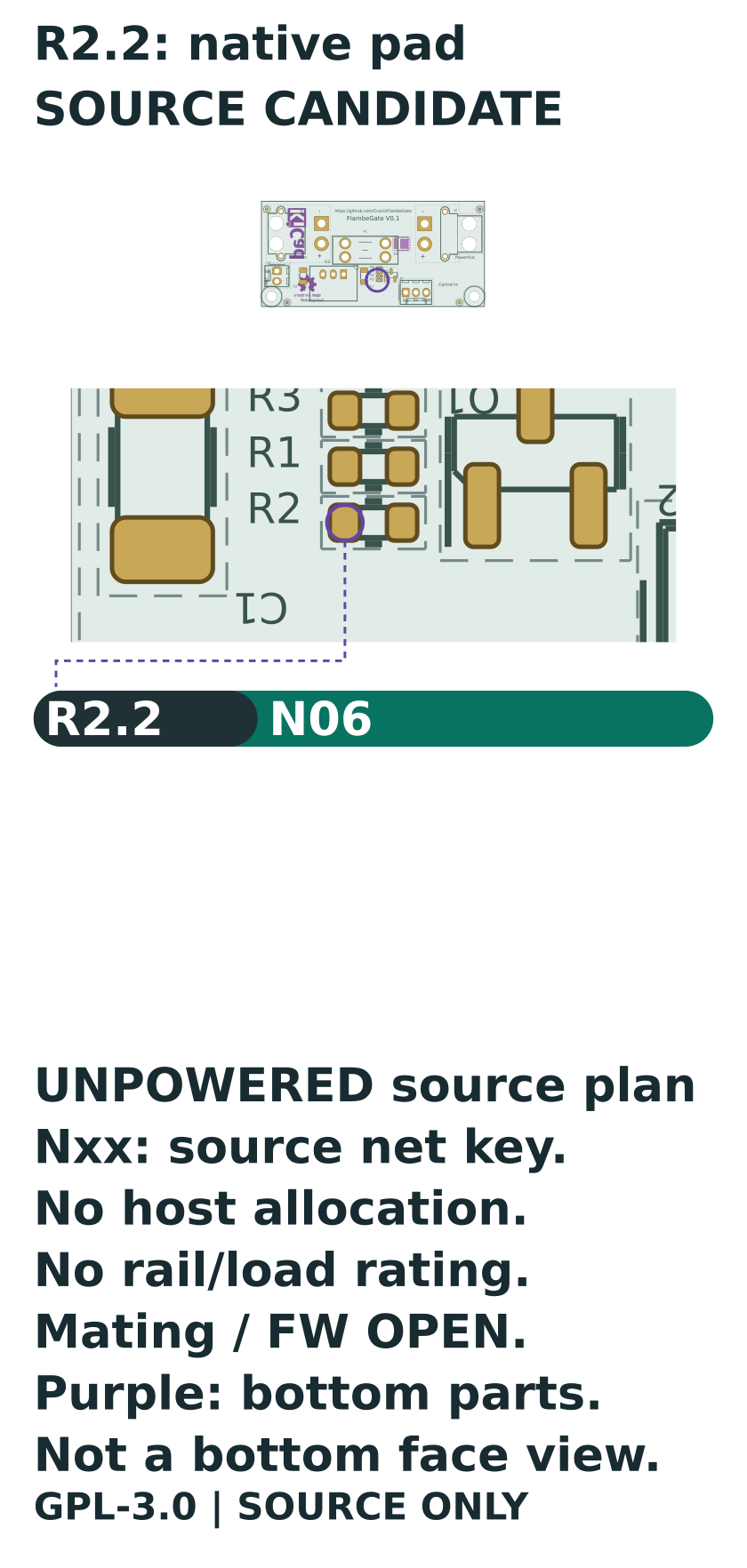
Read labels at full size
Scroll across and down within this view. You can also open the PNG separately and use your browser’s zoom controls.
Fit shows the whole drawing. Zoom to read labels; scroll within the drawing. Escape closes the viewer.
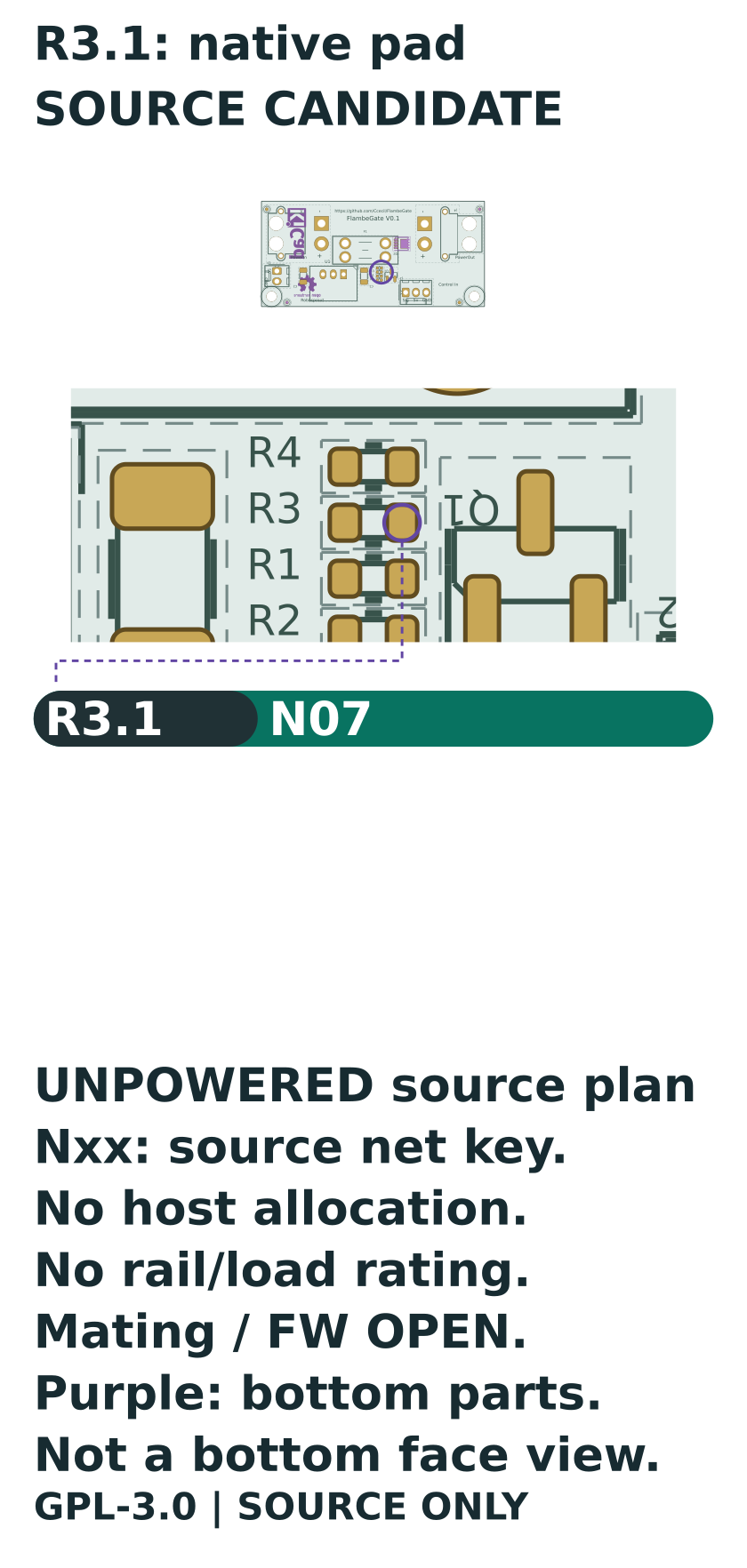
Read labels at full size
Scroll across and down within this view. You can also open the PNG separately and use your browser’s zoom controls.
Fit shows the whole drawing. Zoom to read labels; scroll within the drawing. Escape closes the viewer.
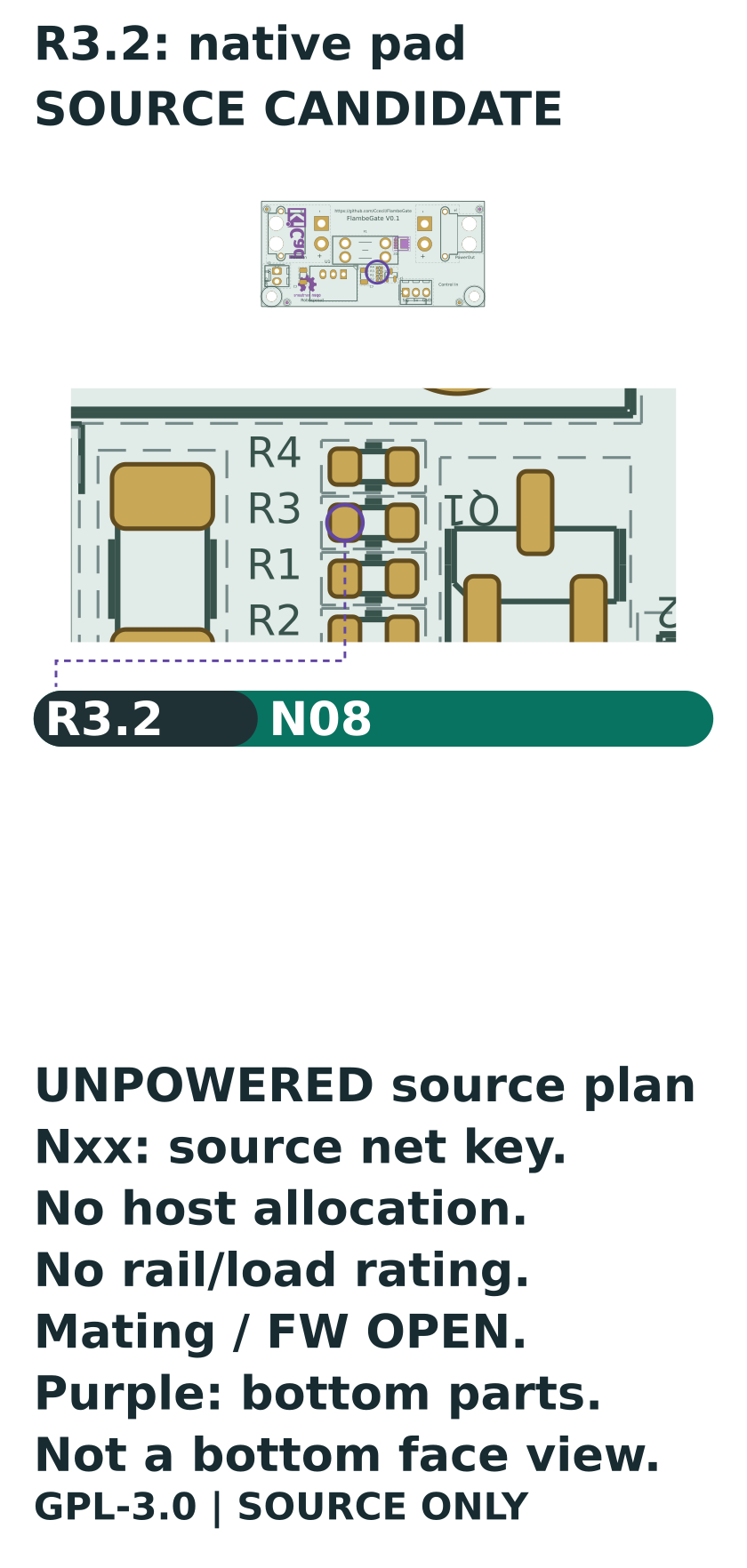
Read labels at full size
Scroll across and down within this view. You can also open the PNG separately and use your browser’s zoom controls.
Fit shows the whole drawing. Zoom to read labels; scroll within the drawing. Escape closes the viewer.
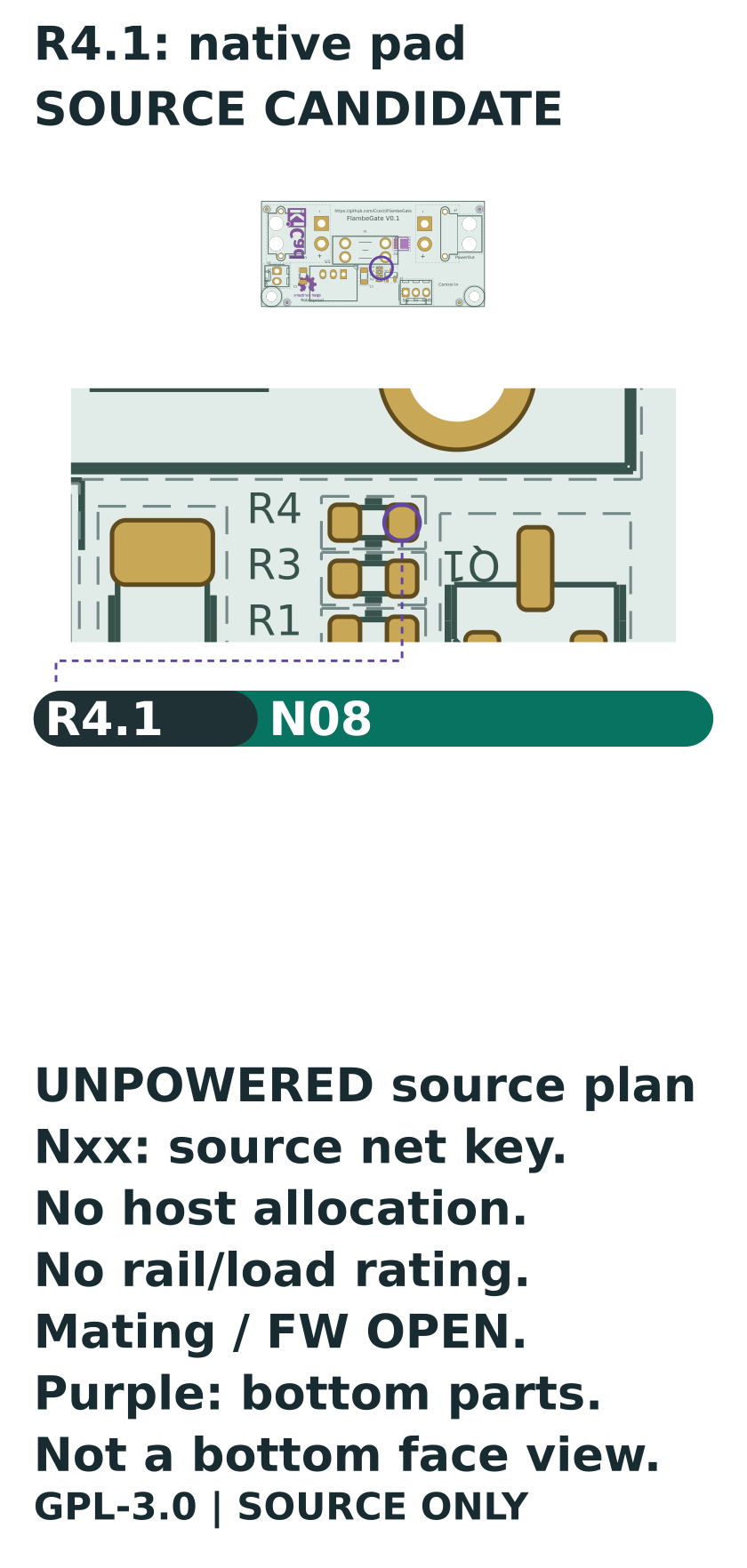
Read labels at full size
Scroll across and down within this view. You can also open the PNG separately and use your browser’s zoom controls.
Fit shows the whole drawing. Zoom to read labels; scroll within the drawing. Escape closes the viewer.
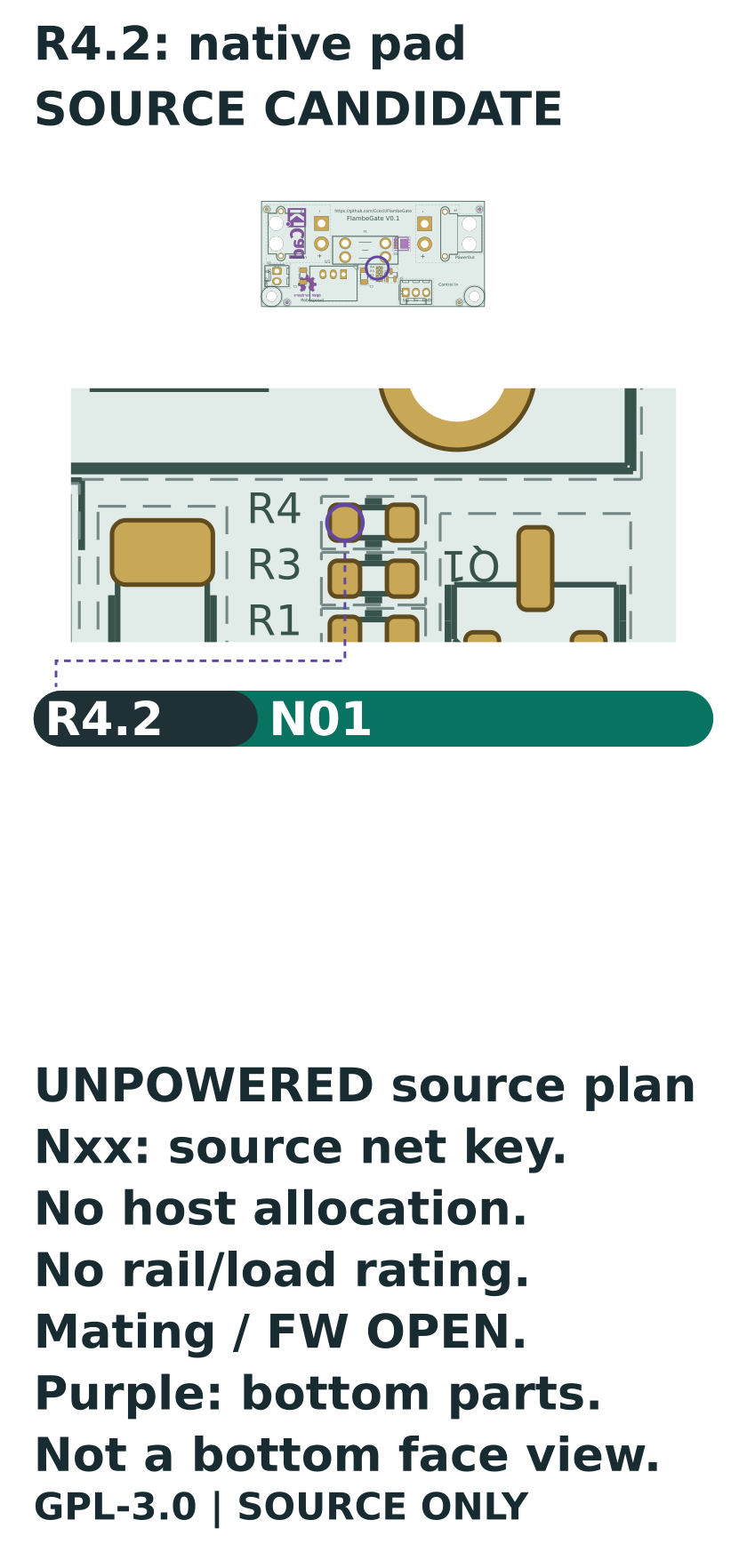
Read labels at full size
Scroll across and down within this view. You can also open the PNG separately and use your browser’s zoom controls.
Fit shows the whole drawing. Zoom to read labels; scroll within the drawing. Escape closes the viewer.
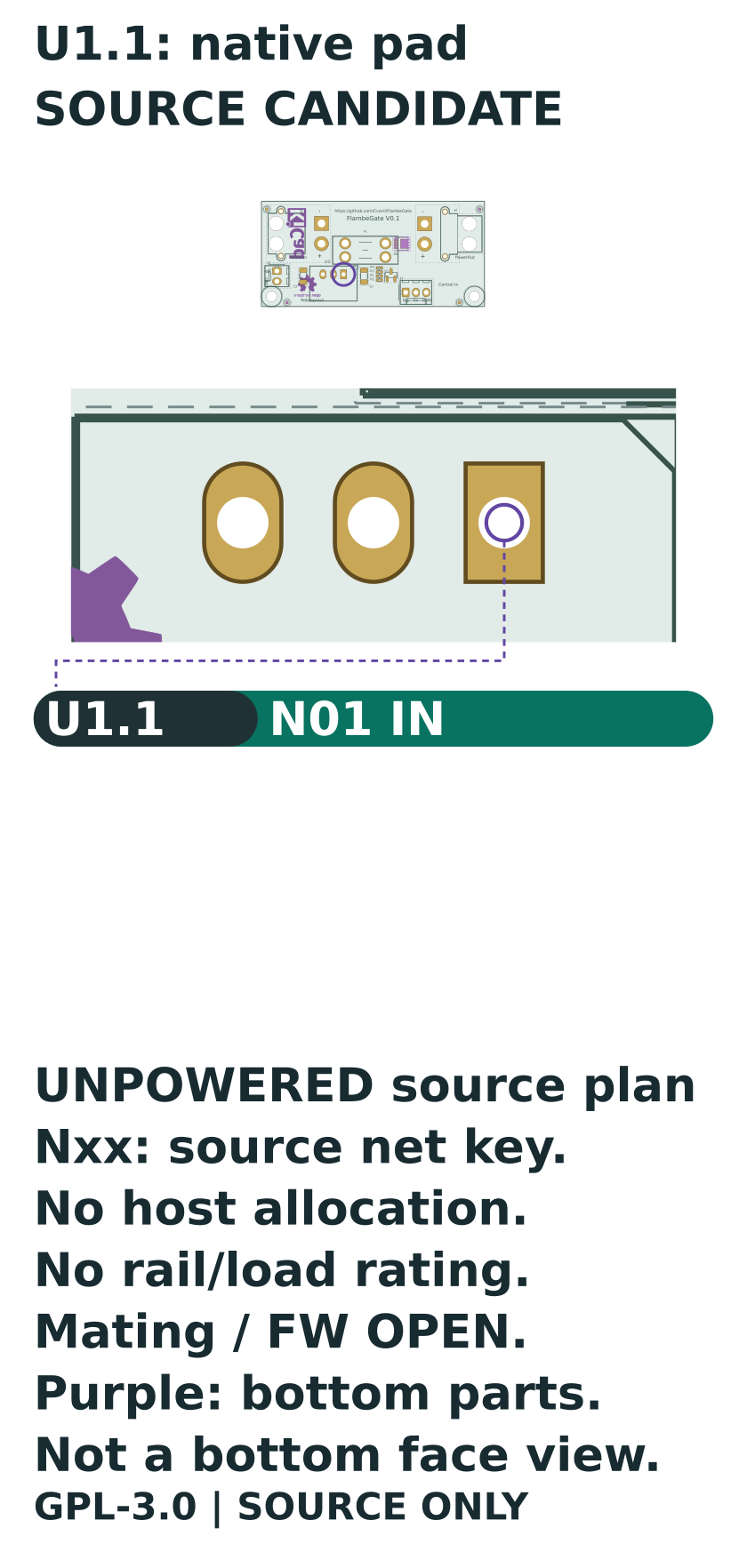
Read labels at full size
Scroll across and down within this view. You can also open the PNG separately and use your browser’s zoom controls.
Fit shows the whole drawing. Zoom to read labels; scroll within the drawing. Escape closes the viewer.
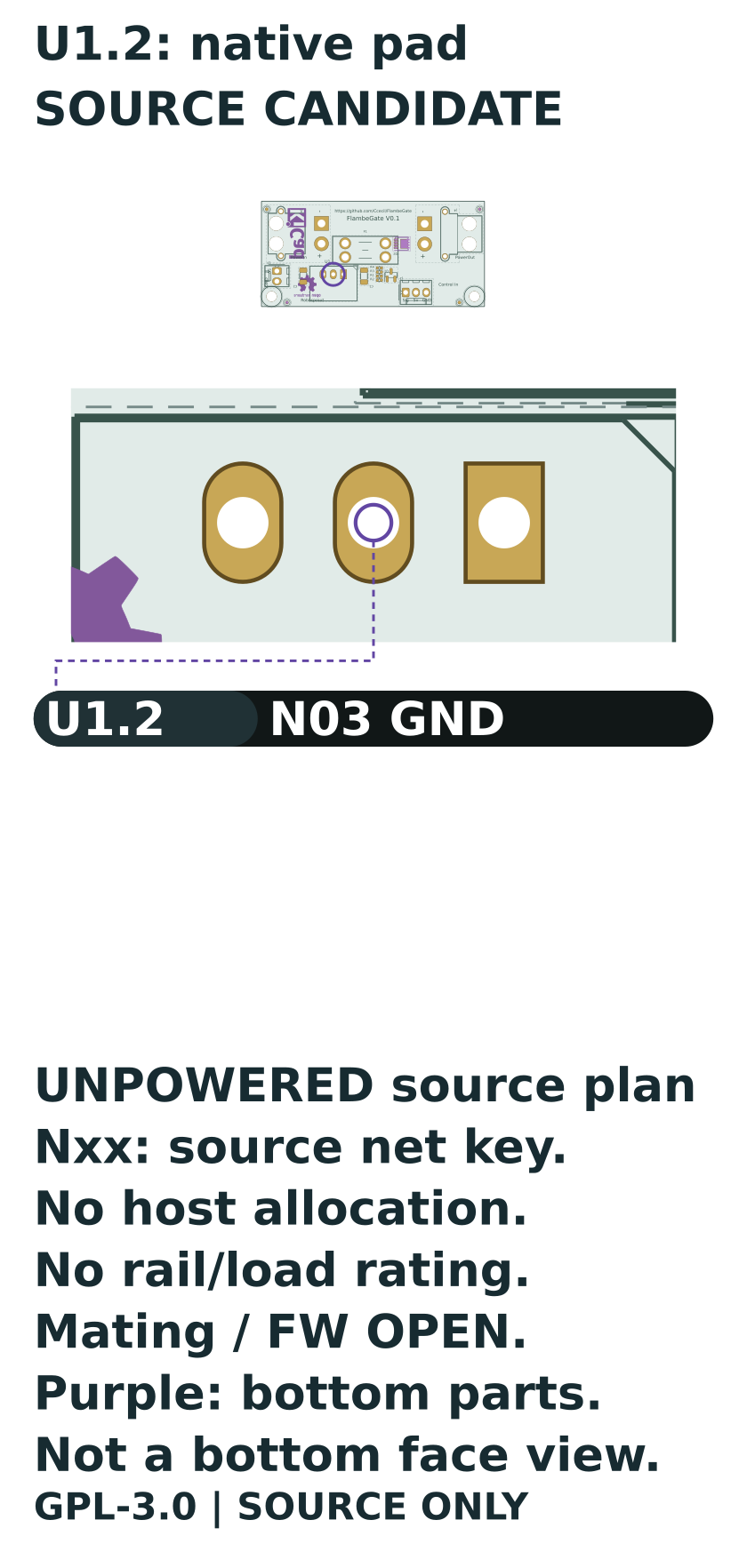
Read labels at full size
Scroll across and down within this view. You can also open the PNG separately and use your browser’s zoom controls.
Fit shows the whole drawing. Zoom to read labels; scroll within the drawing. Escape closes the viewer.
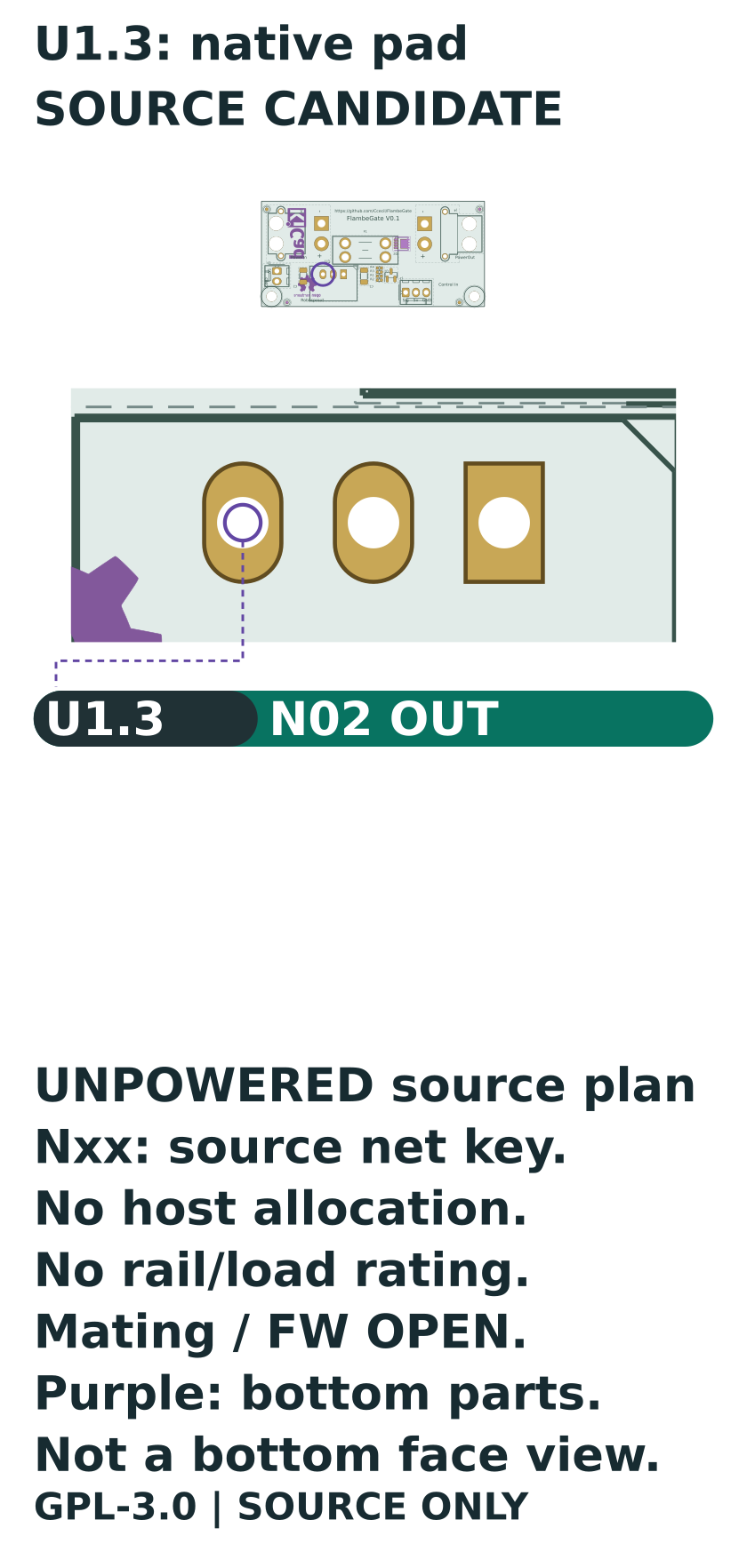
Read labels at full size
Scroll across and down within this view. You can also open the PNG separately and use your browser’s zoom controls.
Fit shows the whole drawing. Zoom to read labels; scroll within the drawing. Escape closes the viewer.
Retained earlier functional references
Board functions and contact positions
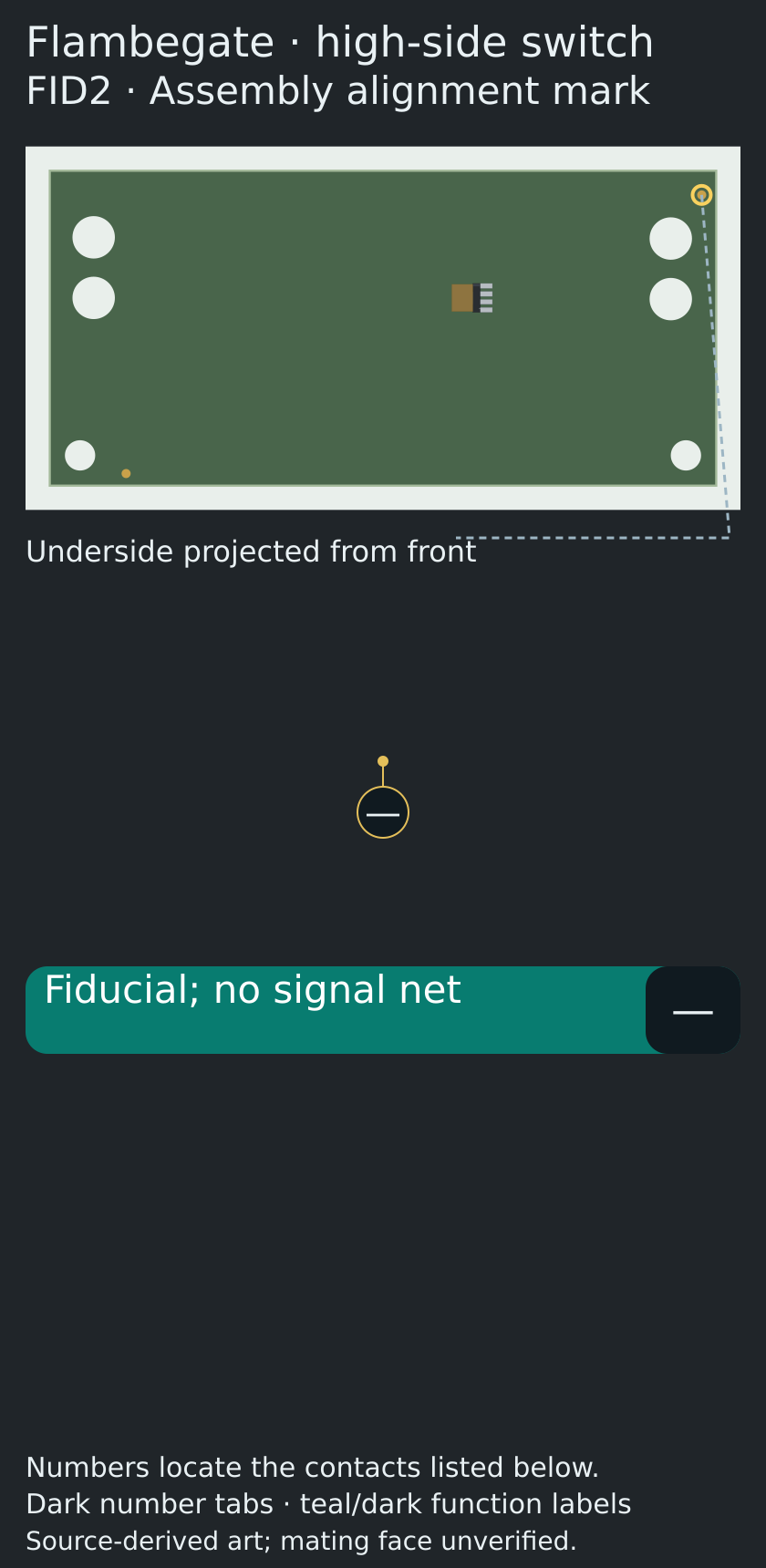
Start with the power and trigger connectors, fuse and switching components. The auxiliary control ground and power passthrough are separately labelled; do not infer a connection from their similar appearance. Native contact markers do not establish physical cable mating or the unverified underside switch body.
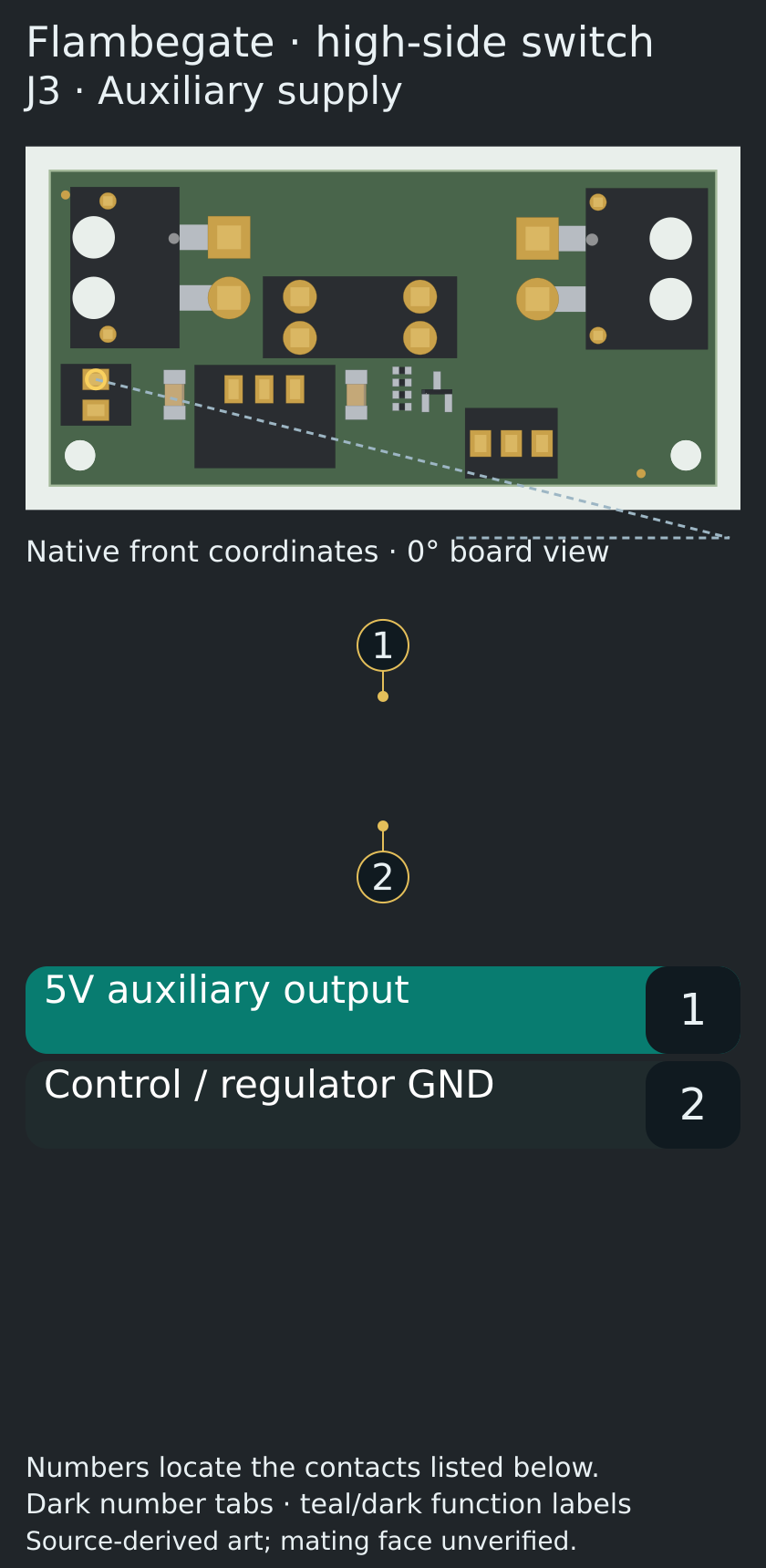
Read labels at full size
Scroll across and down within this view. You can also open the PNG separately and use your browser’s zoom controls.
Fit shows the whole drawing. Zoom to read labels; scroll within the drawing. Escape closes the viewer.
Read labels at full size
Scroll across and down within this view. You can also open the PNG separately and use your browser’s zoom controls.
Fit shows the whole drawing. Zoom to read labels; scroll within the drawing. Escape closes the viewer.
Read labels at full size
Scroll across and down within this view. You can also open the PNG separately and use your browser’s zoom controls.
Fit shows the whole drawing. Zoom to read labels; scroll within the drawing. Escape closes the viewer.
Read labels at full size
Scroll across and down within this view. You can also open the PNG separately and use your browser’s zoom controls.
Fit shows the whole drawing. Zoom to read labels; scroll within the drawing. Escape closes the viewer.
Read labels at full size
Scroll across and down within this view. You can also open the PNG separately and use your browser’s zoom controls.
Fit shows the whole drawing. Zoom to read labels; scroll within the drawing. Escape closes the viewer.
Read labels at full size
Scroll across and down within this view. You can also open the PNG separately and use your browser’s zoom controls.
Fit shows the whole drawing. Zoom to read labels; scroll within the drawing. Escape closes the viewer.
Read labels at full size
Scroll across and down within this view. You can also open the PNG separately and use your browser’s zoom controls.
Fit shows the whole drawing. Zoom to read labels; scroll within the drawing. Escape closes the viewer.
Read labels at full size
Scroll across and down within this view. You can also open the PNG separately and use your browser’s zoom controls.
Fit shows the whole drawing. Zoom to read labels; scroll within the drawing. Escape closes the viewer.
Read labels at full size
Scroll across and down within this view. You can also open the PNG separately and use your browser’s zoom controls.
Fit shows the whole drawing. Zoom to read labels; scroll within the drawing. Escape closes the viewer.
Read labels at full size
Scroll across and down within this view. You can also open the PNG separately and use your browser’s zoom controls.
Fit shows the whole drawing. Zoom to read labels; scroll within the drawing. Escape closes the viewer.
Circuit components, mounting and fiducial details
Read labels at full size
Scroll across and down within this view. You can also open the PNG separately and use your browser’s zoom controls.
Fit shows the whole drawing. Zoom to read labels; scroll within the drawing. Escape closes the viewer.
Read labels at full size
Scroll across and down within this view. You can also open the PNG separately and use your browser’s zoom controls.
Fit shows the whole drawing. Zoom to read labels; scroll within the drawing. Escape closes the viewer.
Read labels at full size
Scroll across and down within this view. You can also open the PNG separately and use your browser’s zoom controls.
Fit shows the whole drawing. Zoom to read labels; scroll within the drawing. Escape closes the viewer.
Read labels at full size
Scroll across and down within this view. You can also open the PNG separately and use your browser’s zoom controls.
Fit shows the whole drawing. Zoom to read labels; scroll within the drawing. Escape closes the viewer.
Read labels at full size
Scroll across and down within this view. You can also open the PNG separately and use your browser’s zoom controls.
Fit shows the whole drawing. Zoom to read labels; scroll within the drawing. Escape closes the viewer.
Read labels at full size
Scroll across and down within this view. You can also open the PNG separately and use your browser’s zoom controls.
Fit shows the whole drawing. Zoom to read labels; scroll within the drawing. Escape closes the viewer.
Read labels at full size
Scroll across and down within this view. You can also open the PNG separately and use your browser’s zoom controls.
Fit shows the whole drawing. Zoom to read labels; scroll within the drawing. Escape closes the viewer.
Read labels at full size
Scroll across and down within this view. You can also open the PNG separately and use your browser’s zoom controls.
Fit shows the whole drawing. Zoom to read labels; scroll within the drawing. Escape closes the viewer.
Read labels at full size
Scroll across and down within this view. You can also open the PNG separately and use your browser’s zoom controls.
Fit shows the whole drawing. Zoom to read labels; scroll within the drawing. Escape closes the viewer.
Read labels at full size
Scroll across and down within this view. You can also open the PNG separately and use your browser’s zoom controls.
Fit shows the whole drawing. Zoom to read labels; scroll within the drawing. Escape closes the viewer.
Read labels at full size
Scroll across and down within this view. You can also open the PNG separately and use your browser’s zoom controls.
Fit shows the whole drawing. Zoom to read labels; scroll within the drawing. Escape closes the viewer.
Read labels at full size
Scroll across and down within this view. You can also open the PNG separately and use your browser’s zoom controls.
Fit shows the whole drawing. Zoom to read labels; scroll within the drawing. Escape closes the viewer.
Original pad locators and source comparison
Source-contact reference — canonical abstract pending
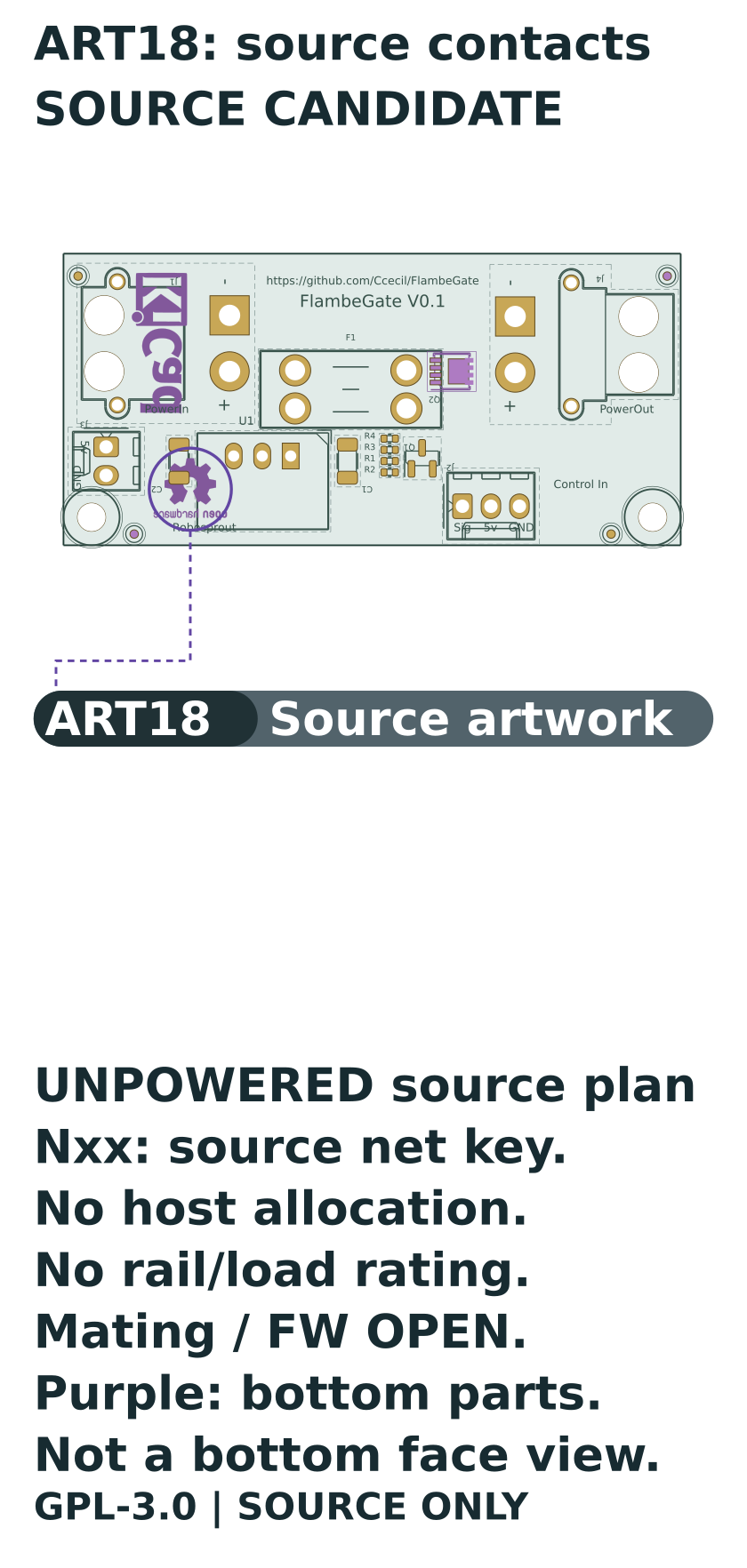
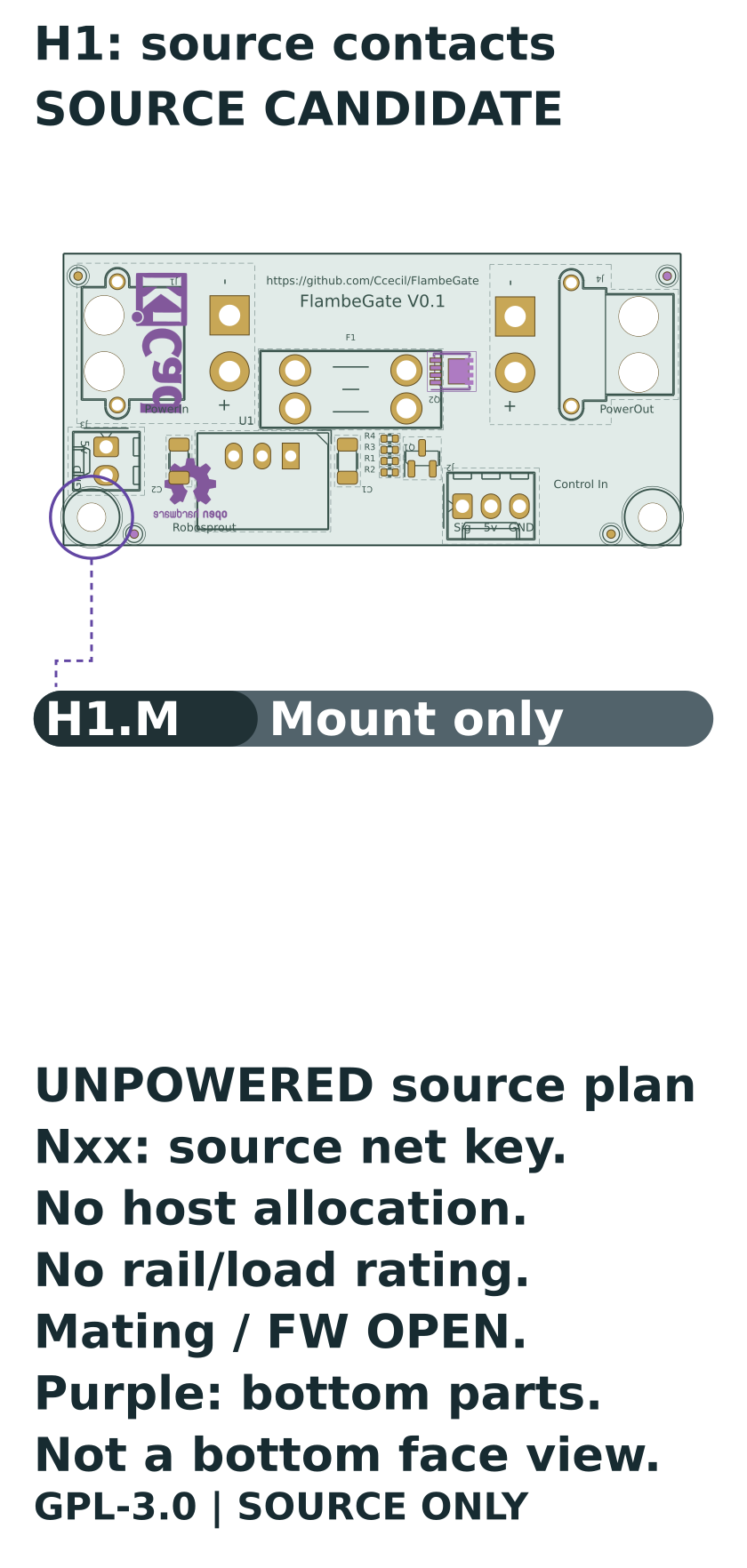
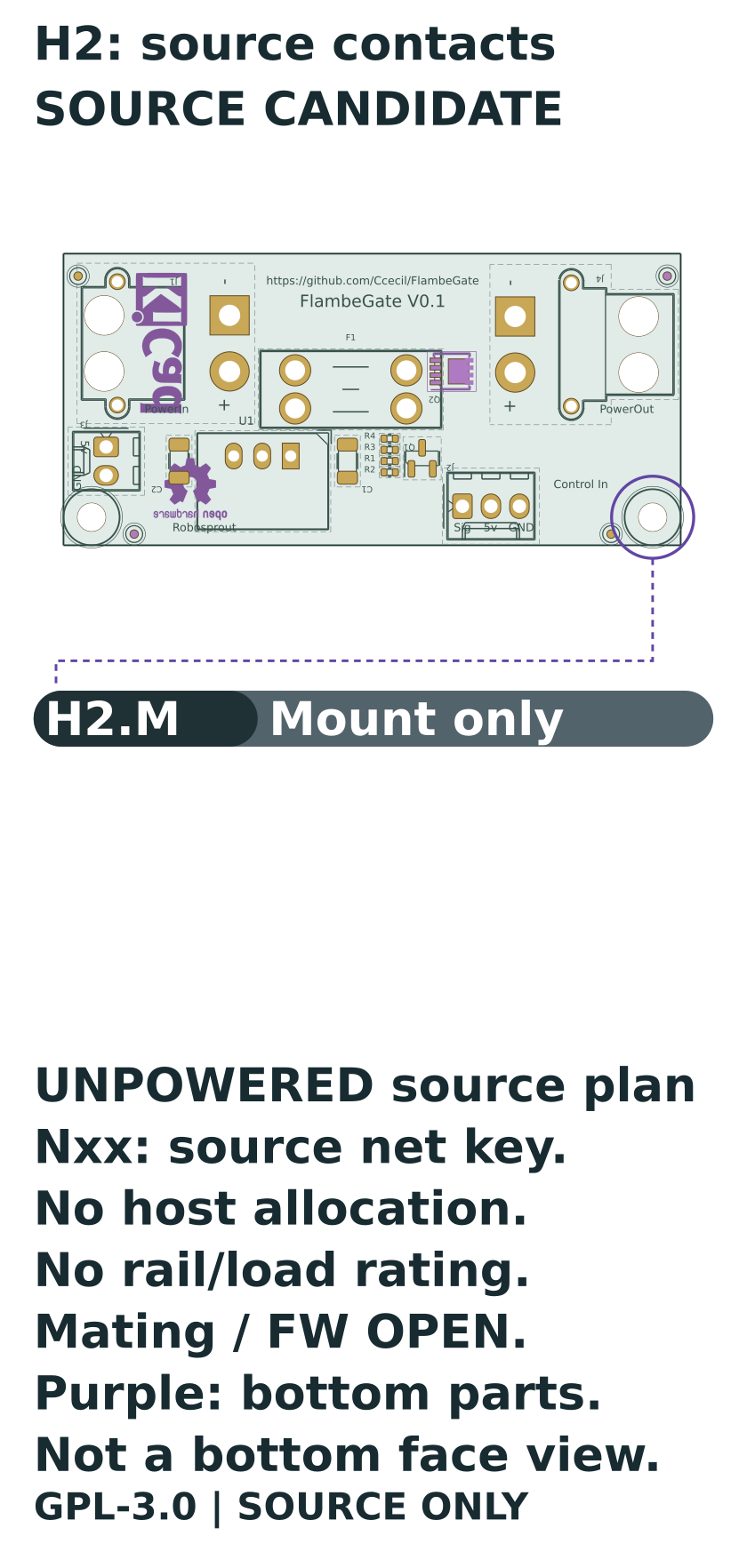
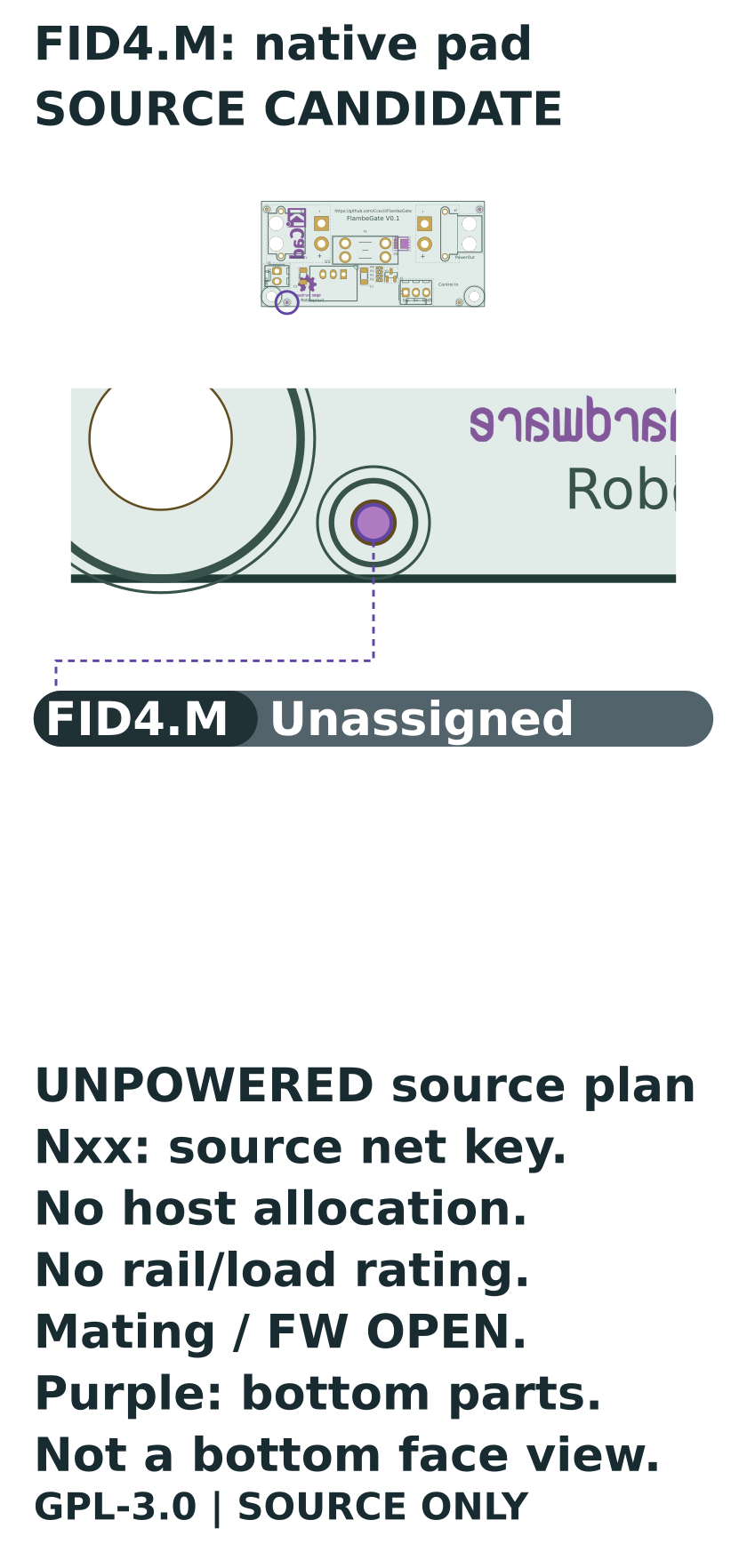
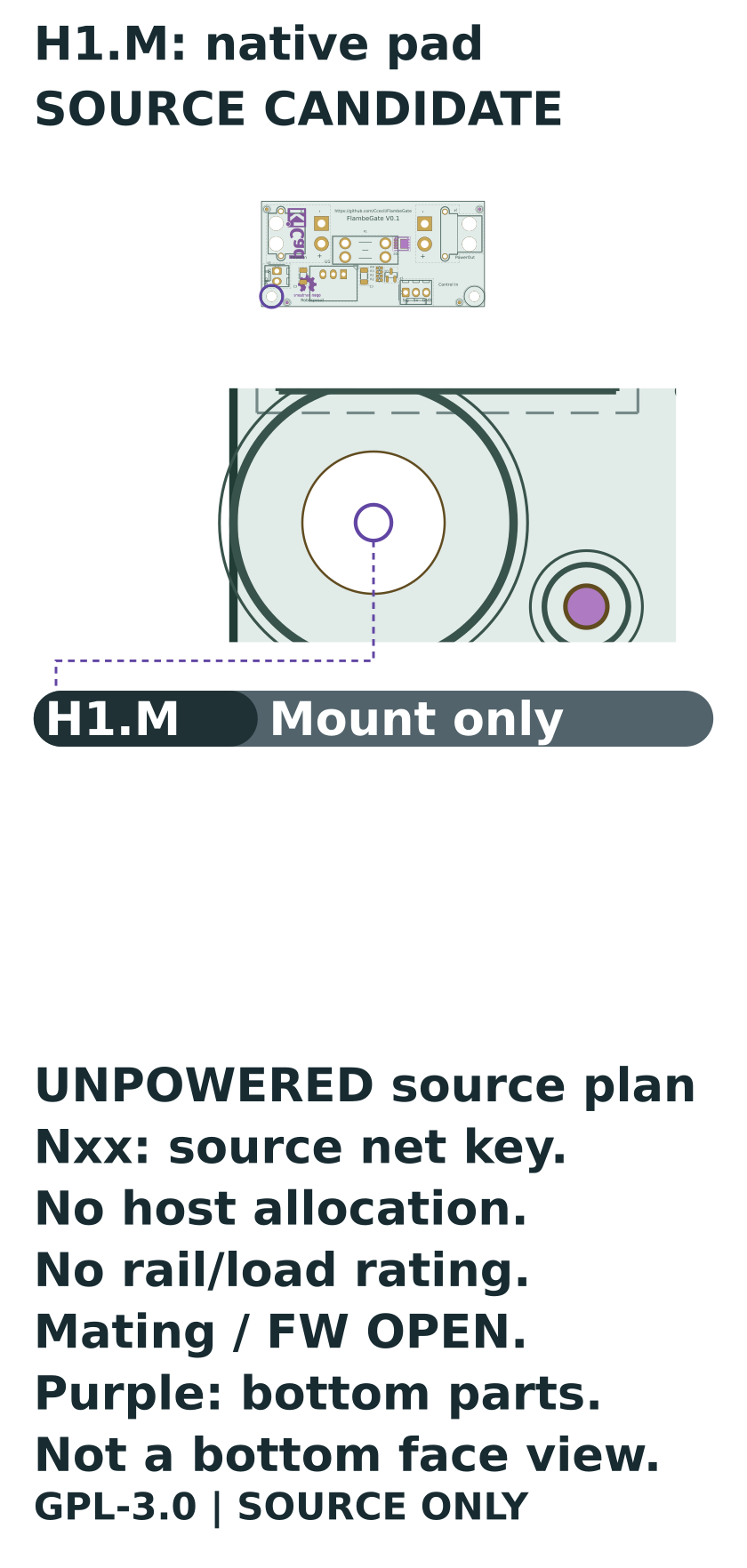
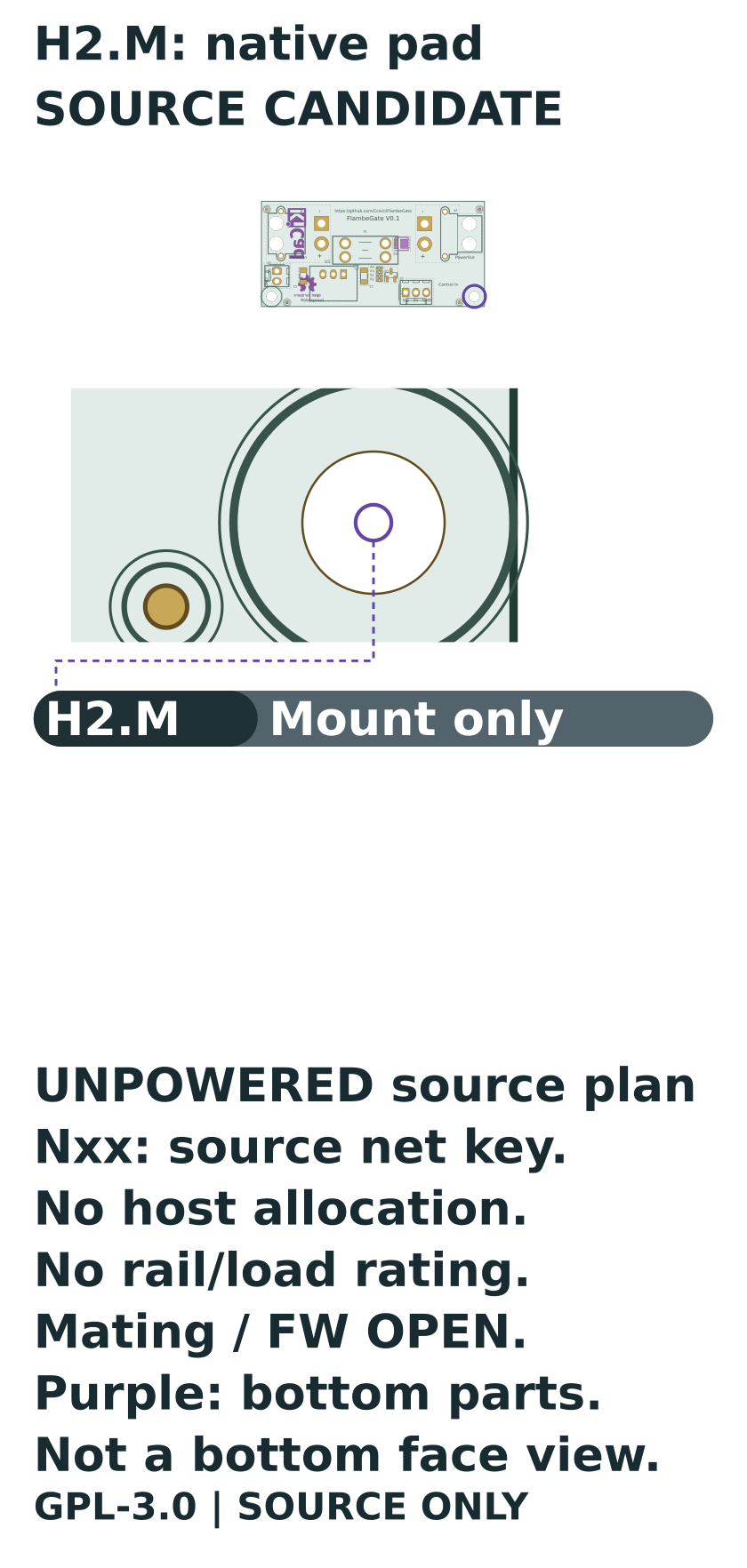
These newly drawn locators preserve the selected native pad positions and board outline. They do not contain populated component artwork and do not satisfy the required canonical abstract diagram. All focused sheets and the boundary notice belong together.
Read labels at full size
Scroll across and down within this view. You can also open the PNG separately and use your browser’s zoom controls.
Fit shows the whole drawing. Zoom to read labels; scroll within the drawing. Escape closes the viewer.
Read labels at full size
Scroll across and down within this view. You can also open the PNG separately and use your browser’s zoom controls.
Fit shows the whole drawing. Zoom to read labels; scroll within the drawing. Escape closes the viewer.
Read labels at full size
Scroll across and down within this view. You can also open the PNG separately and use your browser’s zoom controls.
Fit shows the whole drawing. Zoom to read labels; scroll within the drawing. Escape closes the viewer.
Read labels at full size
Scroll across and down within this view. You can also open the PNG separately and use your browser’s zoom controls.
Fit shows the whole drawing. Zoom to read labels; scroll within the drawing. Escape closes the viewer.
Read labels at full size
Scroll across and down within this view. You can also open the PNG separately and use your browser’s zoom controls.
Fit shows the whole drawing. Zoom to read labels; scroll within the drawing. Escape closes the viewer.
Read labels at full size
Scroll across and down within this view. You can also open the PNG separately and use your browser’s zoom controls.
Fit shows the whole drawing. Zoom to read labels; scroll within the drawing. Escape closes the viewer.
Read labels at full size
Scroll across and down within this view. You can also open the PNG separately and use your browser’s zoom controls.
Fit shows the whole drawing. Zoom to read labels; scroll within the drawing. Escape closes the viewer.
Read labels at full size
Scroll across and down within this view. You can also open the PNG separately and use your browser’s zoom controls.
Fit shows the whole drawing. Zoom to read labels; scroll within the drawing. Escape closes the viewer.
Read labels at full size
Scroll across and down within this view. You can also open the PNG separately and use your browser’s zoom controls.
Fit shows the whole drawing. Zoom to read labels; scroll within the drawing. Escape closes the viewer.
Read labels at full size
Scroll across and down within this view. You can also open the PNG separately and use your browser’s zoom controls.
Fit shows the whole drawing. Zoom to read labels; scroll within the drawing. Escape closes the viewer.
Read labels at full size
Scroll across and down within this view. You can also open the PNG separately and use your browser’s zoom controls.
Fit shows the whole drawing. Zoom to read labels; scroll within the drawing. Escape closes the viewer.
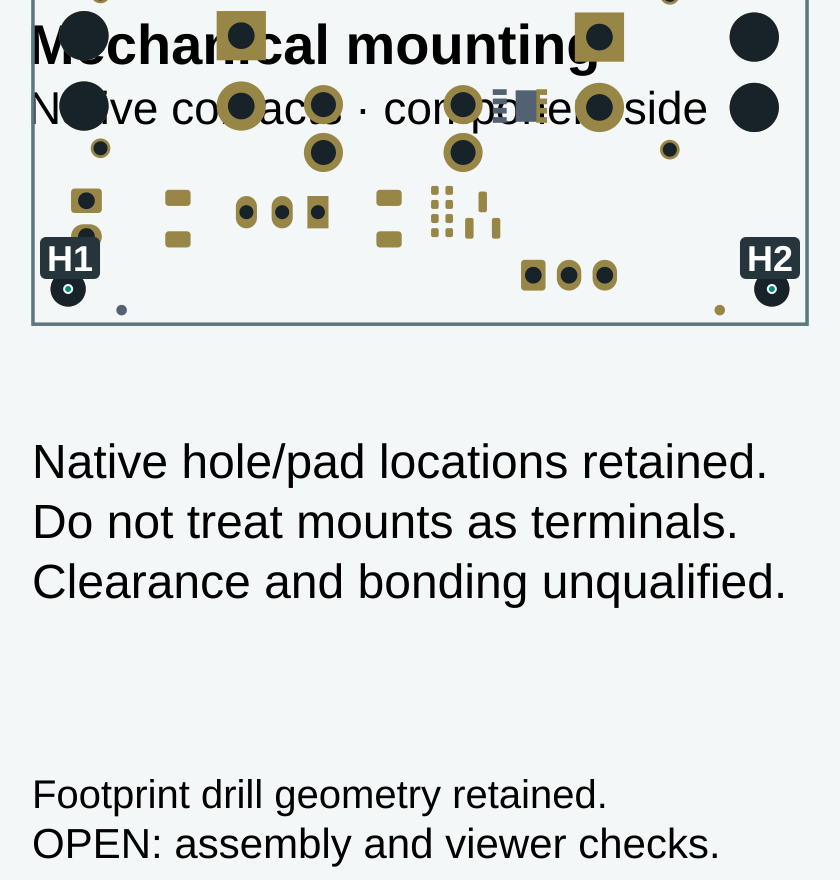
Read labels at full size
Scroll across and down within this view. You can also open the PNG separately and use your browser’s zoom controls.
Fit shows the whole drawing. Zoom to read labels; scroll within the drawing. Escape closes the viewer.
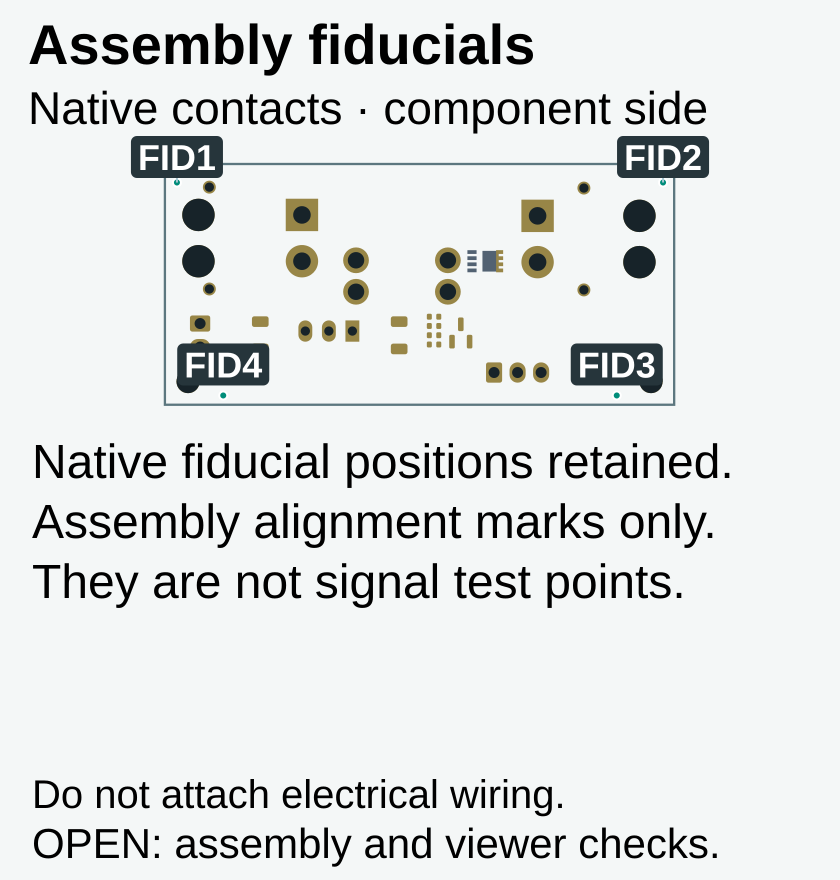
Read labels at full size
Scroll across and down within this view. You can also open the PNG separately and use your browser’s zoom controls.
Fit shows the whole drawing. Zoom to read labels; scroll within the drawing. Escape closes the viewer.
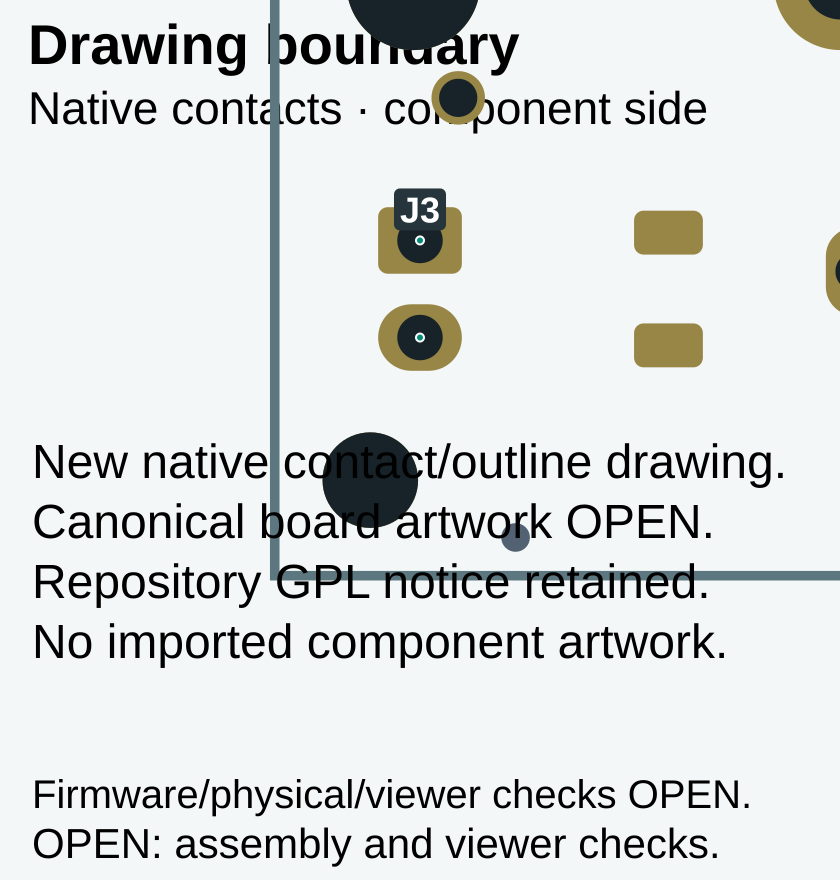
Read labels at full size
Scroll across and down within this view. You can also open the PNG separately and use your browser’s zoom controls.
Fit shows the whole drawing. Zoom to read labels; scroll within the drawing. Escape closes the viewer.
Download matching unmodified native source, upstream licence and drawing notice. Source revision: 636f6ce4abb2750abbd326615f91eb67bd025ac0. Retain the included source licence and notices with derivatives.
No matching abstract was located in smoothie-diagrams. A faithful revision-specific abstract and annotated diagram are required; a modern replacement or bare PCB render does not satisfy this diagram.
The following table comes directly from the selected PCB footprint pad nets. It is an inventory of named pads, not proof of copper continuity. Source line numbers refer to the exact linked PCB bytes.
Selected-source contact inventory
| PCB reference | Value / control | Source line | Contact → net |
|---|---|---|---|
| J3 | Conn_01x02_Male | 102 | 1 → +5V; 2 → GND |
| J1 | PowerIn | 163 | 1 → Passthru; 2 → Net-(J1-Pad2) |
| F1 | Fuse_Small | 235 | 1 → Net-(J1-Pad2); 2 → +24V |
| Q1 | 2N7002 | 286 | 1 → Net-(Q1-Pad1); 2 → GND; 3 → Net-(Q1-Pad3) |
| J4 | PowerOut | 333 | 1 → Passthru; 2 → Net-(Q2-Pad5) |
| R4 | 21.5k | 576 | 1 → Net-(Q2-Pad4); 2 → +24V |
| J2 | TriggerIn | 618 | 1 → Net-(J2-Pad1); 2 → +5V; 3 → GND |
| U1 | R-78E5.0-1.0 | 737 | 1 → +24V; 2 → GND; 3 → +5V |
| Q2 | WSD30L40DN | 3024 | 1 → +24V; 2 → +24V; 3 → +24V; 4 → Net-(Q2-Pad4); 5 → Net-(Q2-Pad5) |
Practical use with Smoothieboard V2 Prime
The intended practical example is an independent overtemperature comparator shutting off a heater’s high-side supply while Smoothie continues its ordinary temperature control. Before building that circuit, prove whether the trigger is an enable or trip, the output’s state for a broken trigger cable and loss of 5 V, the passthrough conductor’s role, fuse selection and the installed heater current. The source supports a useful architecture, not an accepted wiring prescription. A Prime GPIO must not be wired to J2 until trigger voltage/current and polarity are established.
Complete practical wiring diagram — pending
No complete accepted cable or power-path diagram is available. The unresolved contact roles, voltage limits and fault states must be settled before depicting a usable Prime circuit. No arbitrary Prime GPIO assignment is supplied to conceal those gaps.
Firmware and setup
Standalone trigger versus optional Prime halt workflow
FlambeGate source J2 TriggerIn has1signal/2+5 V/3ground; power J1/J4 is a separate switching path.
Standalone comparator/trigger operation has no Smoothieware configuration or board protocol driver. That is a complete software disposition for standalone use; it does not accept hardware operation. Optional Prime integration is a separate application whose signal direction, polarity, threshold, loss-state and reset behavior must be defined before assigning a GPIO.
The pinned ButtonBox KILL behavior broadcasts software halt; Switch with ignore_on_halt=false applies its handled-halt state. Neither guarantees power disconnection or independent shutdown. Do not prescribe M112, a guessed enable GPIO or a command labelled safe as a fire-protection recipe. The useful integration specification must name: which qualified board terminal is observed/driven; active/lost-state truth table; whether acknowledgement/reset is needed; the physical independent shutdown path; and the exact powered equipment. The selected three-pin MCU header names alone do not establish these policies.
Required matching Prime shutdown application is unverified, rather than proved absent. Email wolf.arthur@gamil.com for required missing integration. No firmware setting calibrates or qualifies the standalone protection hardware.
These instructions identify source behavior at SmoothieV2 commit 2a21c0108b1d095ecd8b2b9358e94055f053c003; they do not identify the installed build or prove target execution. Reserve every listed pin and command in the complete configuration. Merge entries into existing sections rather than duplicating sections. These software instructions do not verify powered hardware or provide a complete wiring diagram.
Questions that remain before use
Power connector polarity and existing heater return; trigger threshold/polarity and fault states; FET thermal performance, fuse choice and regulator population; exact Prime integration. Both required instructional diagrams, schematic-to-layout reconciliation, electrical testing and normal/narrow-width page review remain pending.
Original files and attribution
Single-channel MOSFET pages describe ordinary low-side load switching. This separate high-side fused shutoff topology is not a duplicate.
- HighSideFet.kicad_pcb — original source at the selected commit.
- HighSideFet.kicad_sch — original source at the selected commit.
- README.md — original source at the selected commit.
The repository metadata identifies GPL-3.0; preserve and inspect the matching license and source notices before redistribution.
Production status and current availability are not established by retained author links.