M5 G-code
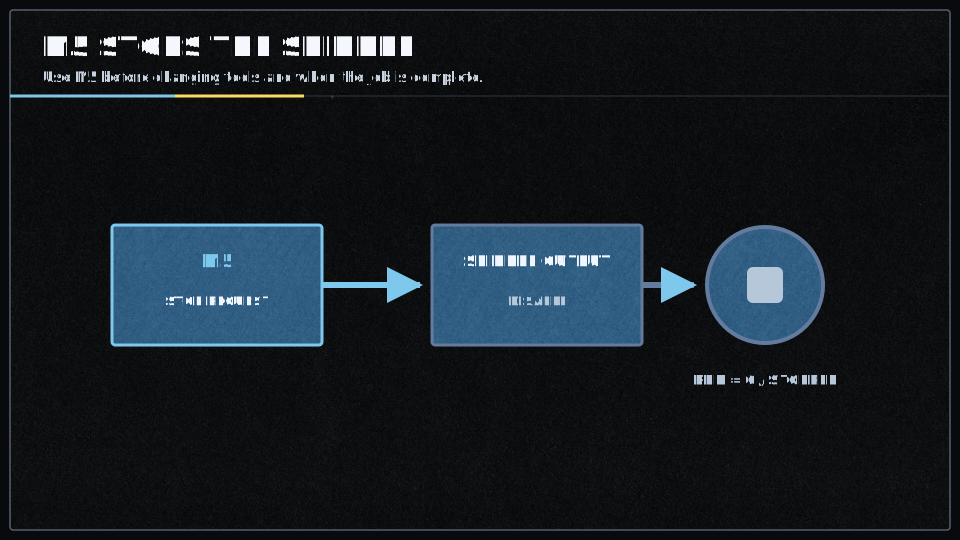
What is a Spindle?
A spindle is a controlled motor that turns a tool (such as an endmill) at a given speed to allow it to remove material from the workpiece.
This is commonly used in CNC milling operations.
Related Commands
In V1, there are additional spindle-related commands:
M4 - Start spindle in reverse directionM957 - Report current spindle speed and PWM valueM958 - Report or set PID control parameters
Format
The command is used as such:
M5
Which means: stop the spindle’s rotation.
Parameters
The
It simply stops the spindle regardless of its current speed.
Behavior
Smoothieware V1:
- Implemented in
SpindleControlmodule - Waits for motion queue to empty before executing to ensure safe synchronization
- Stores speed as 0 in modal state tracking
- Only turns off spindle if it’s currently running (prevents redundant operations)
- Speed value from the last
M3 command is retained in memory for reuse on next spindle-on command
Smoothieware V2:
- Handled via Switch module (not SpindleControl module)
- Drains motion queue before execution
- Sets switch state to off using the configured off-state PWM or digital value
- Uses simplified configuration compared to V1
Configuration
The spindle functionality of Smoothie V1 is configured via the Spindle module.
V1 Required Setup
Before using
- Enabled the spindle module in your configuration
- Configured the appropriate pin for spindle control (PWM-capable pin)
- Tested that
M3 works correctly (M5 uses the same configuration)
The spindle module supports three control types:
- PWM: Direct PWM control with optional PID closed-loop feedback
- Analog: 0-10V analog signal for VFDs (Variable Frequency Drives)
- Modbus: RS485 communication for advanced VFD control
V1 PWM Spindle Example
spindle.enable                    true
spindle.type                      pwm
spindle.pwm_pin                   2.4
spindle.pwm_period                1000
spindle.max_pwm                   1.0
spindle.default_rpm               5000
See Spindle module documentation for detailed configuration of all control types.
The spindle functionality of Smoothie V2 is configured via the Switch module.
V2 Basic Setup
Before using
- Enabled spindle control in your configuration
- Configured the appropriate output pin (STM32 format: PXn, e.g.,
PA5 ) - Set the spindle speed parameters
Note: V2 configuration uses STM32H7xx pin notation (e.g.,
Additional Information
Speed Memory
The last set speed value (from S parameter, it will use this retained speed value.
Queue Synchronization
The
Emergency Stop Behavior
M5 is automatically issued whenM112 (emergency stop) is triggered- When the program ends (
M2 /M30 in GRBL mode),M5 is automatically issued to safely stop the spindle
Typical G-code Pattern
G21             ; Metric units
G90             ; Absolute positioning
G28             ; Home all axes
M3 S12000       ; Start spindle at 12000 RPM

; ... milling operations ...

M5              ; Stop spindle when done
G28             ; Home all axes
M2              ; End program
Further reading
These resources are used as references for Gcode: