G10 G-code
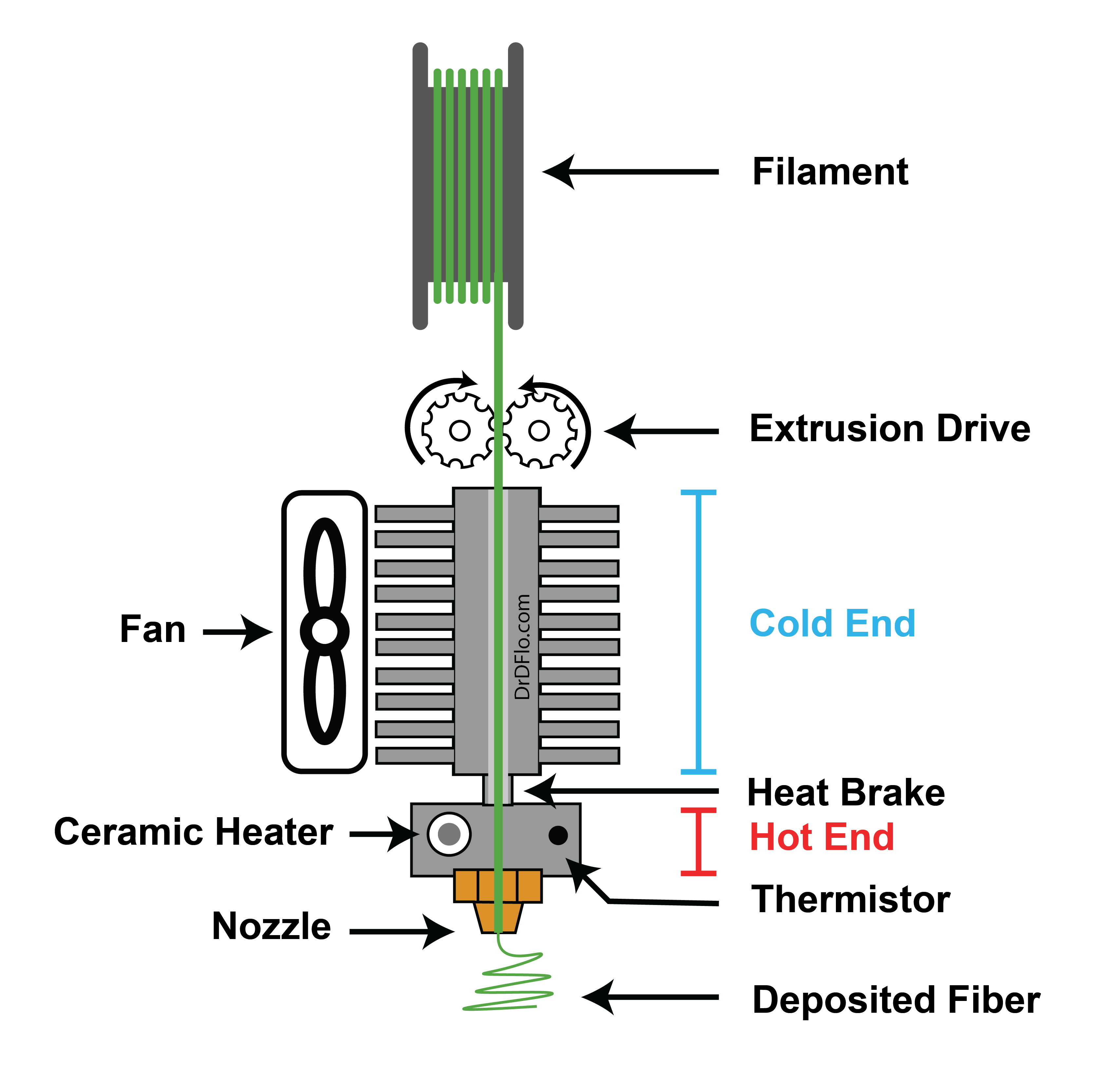
Description
Configuration
You need to configure the retraction behavior in your extruder module’s configuration. The retraction parameters control how far and how fast the filament retracts:
V1 Retraction Settings:
: Distance to retract (mm) : Speed during retraction (mm/sec) : Extra length to push during recovery (mm) : Speed during recovery (mm/sec) : Height to lift Z during retraction (mm) : Speed for Z lift (mm/min - note: different units!)
V2 Retraction Settings:
The retraction parameters in V2 are identical to V1:
: Distance to retract (mm) : Speed during retraction (mm/sec) : Extra length to push during recovery (mm) : Speed during recovery (mm/sec) : Height to lift Z during retraction (mm) : Speed for Z lift (mm/min - note: different units!)
By default, most slicing programs will use
When to Use G10
Use firmware retraction ({::nomarkdown}
- Your slicer supports it (RepRap, Prusaslicer, Cura, etc.) - You want consistent retraction behavior across prints - You need to tune retraction without re-slicing - You want cleaner, more organized G-code
Conflict with CNC Standard
This conflict is because the Reprap project chose its Gcode without any consideration for the Gcode standard that had existed for decades, and this despite the fact that the real
Smoothie supports both formats: if you use
See also: G-code standard on Wikipedia
Format
The command is used as such:
G10
Parameters
No parameters.
Further reading
These resources are used as references for Gcode: